SaaS Onboarding Help — B2B Writing Sample

Adam Pope

Self-created B2B SaaS writing demonstration
Practice brief: Write for a small software team's support lead improving onboarding and help content for a shared request-management product. This is demonstration work, not a paid client project. The product, screens, user questions, and instructions below are illustrative; they are not documentation for a real application. No support-ticket reduction, activation improvement, or other result is claimed.
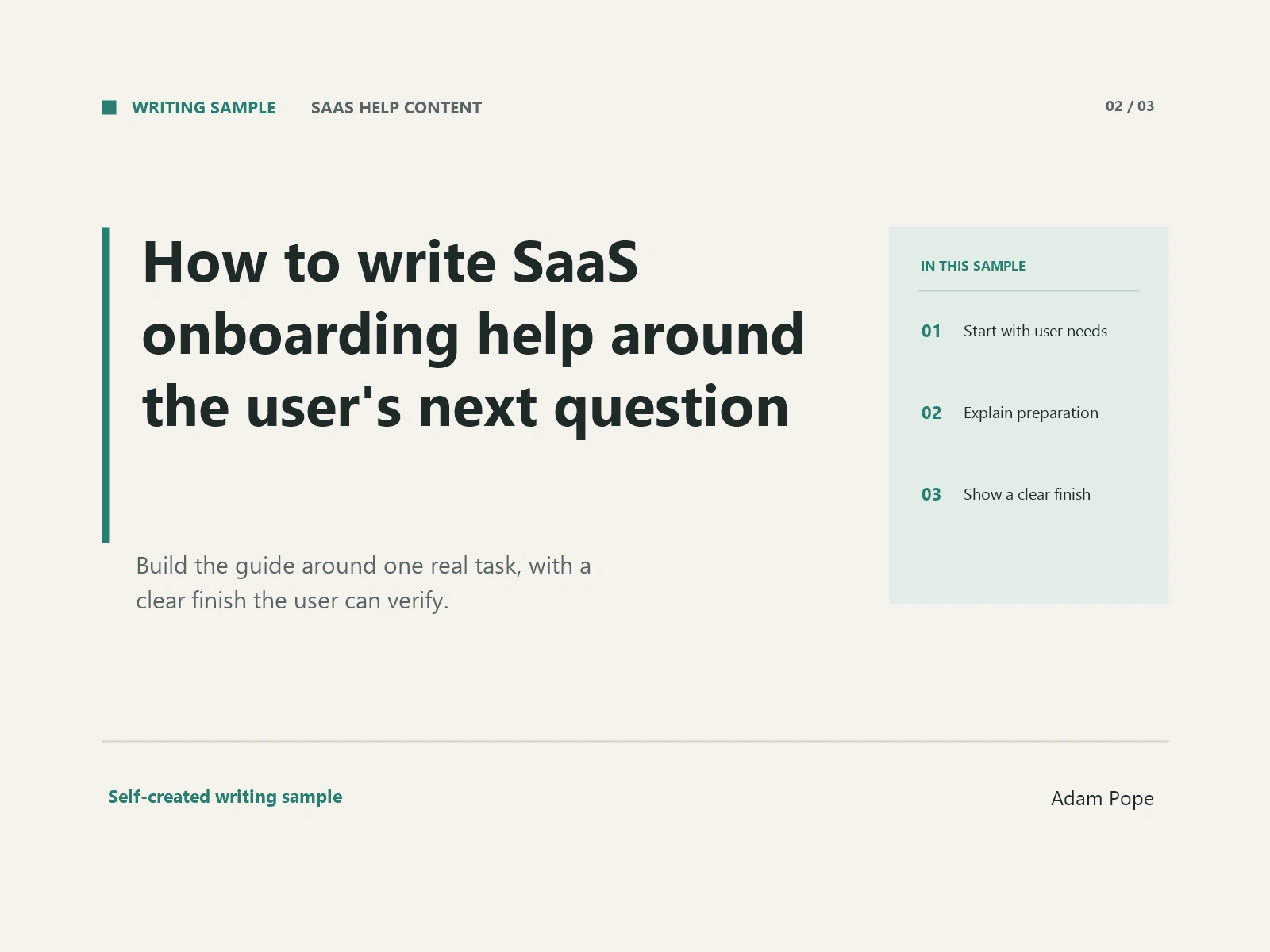
How to write SaaS onboarding help around the user's next question
An onboarding guide can explain every feature and still leave a new user unsure what to do. Imagine an employee invited to a shared request-management tool. They want to send a design request to another team. The guide introduces workspaces, templates, boards, and automations, but never answers the question in front of them: where do I submit the request?
For a support lead, that is a useful place to begin an editing project. Choose one first task and follow the questions a user would ask while completing it. Build the help around those decisions, then test whether the instructions match the product.
Choose a task with an observable finish
“Understand the platform” is too broad to guide a help article. “Submit a design request to the correct team” has a clearer finish: the request exists, its destination is visible, and the user knows whether they still need to act.
Gather evidence before choosing the first task. Review common support questions, search terms, and notes from onboarding conversations. Ask a colleague who works with new users where they see repeated uncertainty. Then observe someone attempting the task, if you have access to a suitable test account and participant.
The GOV.UK Service Manual's guidance on learning user needs recommends reviewing existing evidence and interviewing or observing users. It also says suggestions that do not come from users should be treated as assumptions to test.
Use that distinction in your content plan. A support pattern is evidence; your preferred explanation is still a draft. Record which question the article should answer and what would show that the task was completed.
Explain what the user needs before the first step
In the illustrative request tool, a user might need access to the right workspace, a short project brief, and an approved attachment. A guide that starts with “Open the request form” leaves those conditions unstated.
Add a brief preparation section. Name the required access and materials using the terms visible in the product. If an administrator must grant access, explain whom to contact and what to request. Do not ask the reader to repeat instructions that their account cannot perform.
Keep optional preparation separate. A reference image may be useful, while the receiving team may require a written deadline. Have the product owner confirm those requirements before the guide is published.
This is also where you define the boundary. If the guide covers submitting a request, link to a separate article for creating a workspace. The reader should be able to see which task this page completes.
Put actions in the order they happen
Once preparation is clear, write the procedure using the actual screen labels. Each step should tell the reader where to act and what to do. Avoid adding an explanation of every nearby feature.
The Microsoft Style Guide recommends numbered lists for procedures with multiple steps, separate instructions, and a brief location cue when the starting point could be confusing. It also advises including the action that completes the procedure.
Here is an illustrative structure for the request tool. These invented labels would need replacement and verification in a real product:
In the relevant workspace, select New request.
Choose the receiving team and enter a title that describes the work.
Add the approved brief and required attachment.
Review the destination and deadline, then select Submit request.
The last step matters. If users must submit after saving, the guide should explain that distinction using the product's actual behavior. A saved draft and a sent request should not be described as interchangeable.
Tell the user how to recognize completion
After the procedure, describe the visible result. In the hypothetical tool, the user might see a request number, the receiving team, and a “Submitted” status. State those details only after checking what the application actually displays.
Then answer the next practical question: does the reader need to do anything else? Explain how to find the request again and where its current status appears. If the receiving team has an agreed response schedule, confirm it with the responsible owner before including it. Do not turn an internal target into a promise accidentally.
A screenshot can support this explanation, but keep the necessary instructions in text. Use a test record and remove sensitive information. Give the image a clear purpose, such as showing the location of the request status, instead of adding a complete screen with unexplained controls.
Add help for the point where the task can stop
A short troubleshooting section should address the obstacles observed during the task. In this example, a user might not see the receiving team or might be unable to attach a file.
For each obstacle, explain what the reader can check and when to contact support. Verify the explanation with the product owner. If only an administrator can fix the issue, say so. Do not offer a generic “try again” instruction when repetition cannot change the user's access.
Keep the support request specific. Ask for information the team actually needs, such as the workspace name and the step where the problem occurred. Avoid requesting sensitive source documents through an unsuitable channel.
Test the guide without filling in the gaps yourself
Give the draft to someone unfamiliar with the task and ask them to use a test account. Let the guide do the explaining. Note where they pause, choose a different control, or ask a question the article has not answered.
Revise the relevant step, then check it again against the product. Assign an owner to review the article when labels, permissions, or workflow behavior change. A clear guide needs a maintenance plan as well as a first edit.
For the first revision, stay with one task: preparation, ordered actions, visible completion, and a route past common obstacles. Once that path is sound, choose the next question from actual user evidence and build the next page.
Source note: Primary guidance verified October 3, 2026. GOV.UK supports the described evidence-gathering methods and distinction between research and assumptions. Microsoft supports the stated procedure-writing advice. The software workflow and instructional example are explicitly hypothetical. Applying the guidance to SaaS onboarding is editorial advice, not an outcome guarantee.
Potential internal link placements for a real assignment: A client-approved workspace-access article in the preparation section; a request-status article after the completion explanation; an approved support contact route in troubleshooting. The client would supply the actual URLs. None is invented here.
Like this project
Posted Oct 3, 2026
Self-created 927-word B2B SaaS article on user-focused onboarding help. Hypothetical workflow with primary sources; no client project or measured results.
Likes
0
Views
0