Client Intake Tool Evaluation — SaaS Writing Sample

Adam Pope

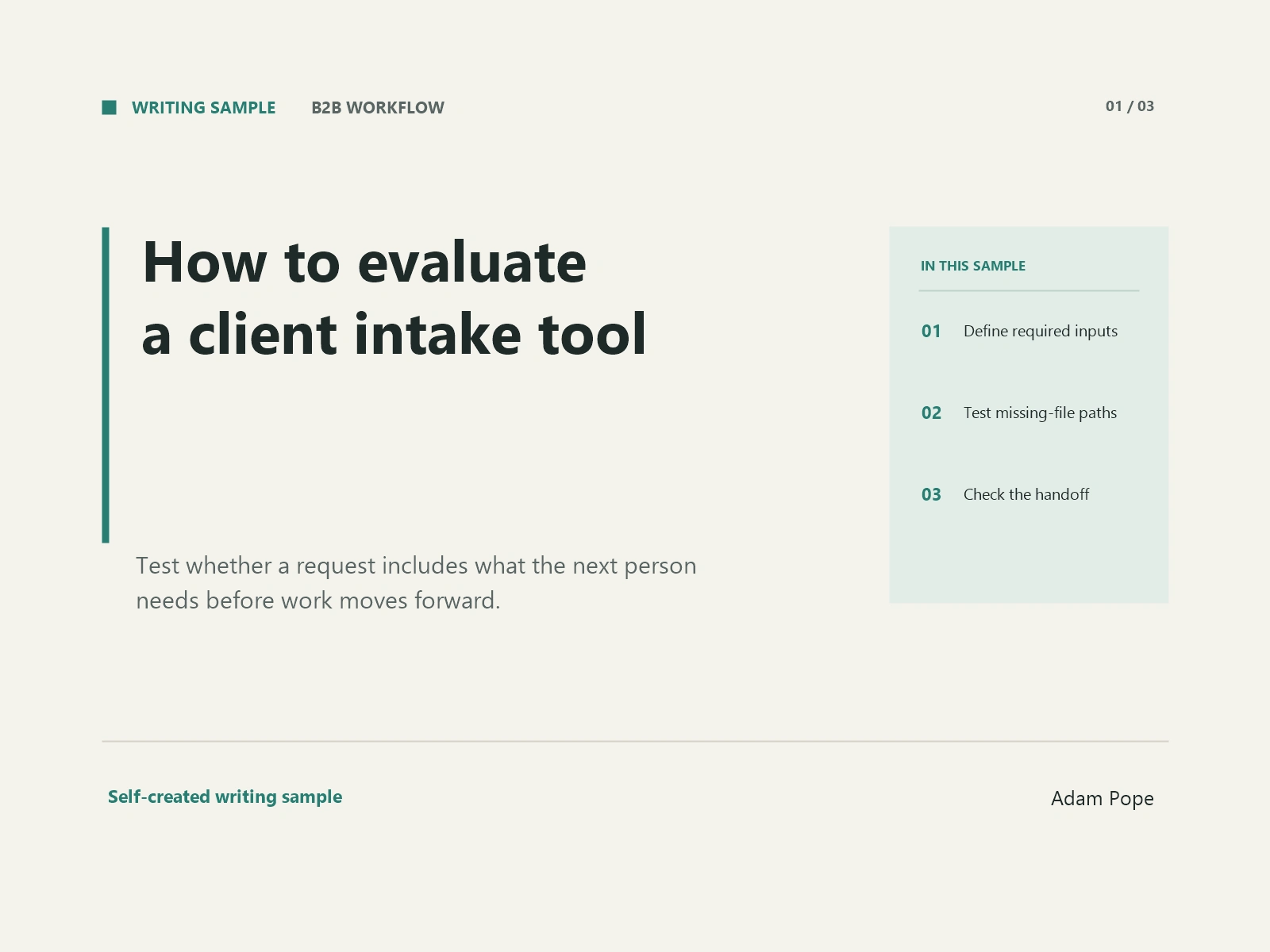
Self-created B2B SaaS writing demonstration
Practice brief: Write for a small service agency evaluating client intake and workflow software because staff keep requesting missing source documents. This is demonstration work, not a paid client project. The agency, document requirements, and workflow below are illustrative. No named software has been tested, and no savings or business results are claimed.
How to evaluate a client intake tool when missing documents delay the handoff
A new client submits the intake form. The account manager sees a completed task and assigns the project. Then the writer opens the brief and finds that the product specifications are missing. The project returns to the account manager, who emails the client and waits for another file.
In this illustrative agency workflow, the form collected answers, but the handoff still lacked what the next person needed. When evaluating intake software, use that gap as the starting point. Look at how the tool handles an incomplete request, who can resolve it, and what makes a project ready to begin.
Define what the next person actually needs
Start with one type of work, such as a five-product copywriting batch. List the materials a writer needs before drafting: approved specifications, audience notes, a voice example, and any claims to avoid. Name the person who confirms that the information is usable.
Separate required inputs from helpful extras. A photograph might support the brief, while approved dimensions could be essential. Requiring every possible attachment makes the form harder to complete without explaining which information matters most.
Use this list as the acceptance criteria for your software trial. Can someone see which required items are present? Can a reviewer explain why a supplied file is unsuitable? Can the client replace that file without starting a new request?
These questions give the demonstration a purpose. A dashboard full of completed fields matters less if the assigned writer still has to reconstruct the brief.
Test instructions before testing reminders
A reminder can tell a client to finish the form. It cannot explain a requirement the client never understood.
Review each input from the client's point of view. Replace “upload supporting assets” with a specific request, such as “Upload the approved specification sheet for each product.” State the acceptable format, whether the item is required, and who to contact if the document is unavailable.
The W3C's form instructions guidance recommends explaining required and optional inputs, data formats, and other relevant information. It also distinguishes persistent labels from placeholder text that disappears during entry. Use that guidance when reviewing the trial form's wording.
Ask a colleague unfamiliar with the process to complete the form using an illustrative brief. Note where they hesitate or upload the wrong thing. Adjust the instructions before adding another reminder. The purpose is to find whether the request is understandable with the information already on the page.
Give incomplete work a meaningful status
Try an intake with one required file missing. Watch what happens after submission.
Can the reviewer mark the request “Waiting for approved specifications” and assign the follow-up to one person? Does the writer see that status before beginning? Can the client understand the request without reading an internal conversation?
For your trial, define a small set of states that your team can explain: received, awaiting information, ready for work, and in progress. Decide who may move the request between them. A submitted form should not automatically mean the project is ready unless someone has checked the required inputs.
Ask the vendor to demonstrate this sequence in the plan you are considering. Status settings, guest access, and automation limits may differ by plan; verify the actual terms before treating them as included.
Make corrections part of the handoff
Now supply the missing file, then replace it with a revised version. The second test is important: a document can exist and still be the wrong document.
Check whether the reviewer can identify the version approved for use. Ask how the next person finds it, whether old attachments remain visible, and how a change after assignment is communicated. If the tool needs a manual naming convention, write that convention into your trial process.
The GOV.UK Design System's check answers pattern lets users review and change information before submitting it. It is guidance for government services, but the underlying review step is a useful idea to evaluate in a business intake workflow.
Consider where that review belongs in your process. The client may check their submission, while the account manager separately checks whether the material is ready for the writer. Those are different decisions.
Check what each person can see and change
Use the trial to examine three views: the client submitting information, the account manager reviewing it, and the writer receiving the assignment.
The client needs clear requests and a way to correct them. The reviewer needs the complete submission and a place to record what remains unresolved. The writer needs the approved brief and current source files.
Ask the vendor to show those roles with test accounts rather than describing permissions in general. Check whether a client can see unrelated projects, whether a writer can change an approval status, and how access is removed when an assignment ends. These are evaluation questions, not a claim that any particular tool provides those controls.
Also check the practical boundary: if the team stops using the service, can it export the information and attachments it needs? Confirm the format and limits in the vendor's documentation.
Compare tools using the same incomplete request
Run the same illustrative intake through each candidate. Keep the source documents, missing item, correction, and roles consistent. Record what happened and which steps required a workaround.
Your comparison might have four columns: requirement, observed behavior, plan limitation, and unresolved question. Include a row for the missing-file request, the corrected file, the readiness decision, and the writer's handoff. Record “not demonstrated” when a feature has only been promised.
Choose against the process your team must run. If a tool makes the handoff clear, you should be able to point to the approved inputs, the person responsible, and the next action. That is a more useful purchasing conversation than comparing dashboards without a shared test.
Source note: Primary guidance verified October 3, 2026. W3C supports the statements about instructions and labels. GOV.UK supports the description of its review-and-correction pattern. Applying these ideas to an agency intake trial is editorial advice, not a product certification or a measured outcome.
Potential internal link placements for a real assignment: A client-approved intake checklist in the first section; a workflow-status guide in the third section; a permissions or export help page in the fifth section. The client would supply the actual URLs. None is invented here.
Like this project
Posted Oct 3, 2026
Self-created 920-word B2B SaaS article on evaluating intake workflows. Illustrative brief with primary sources; no client project or product testing.
Likes
0
Views
0
Timeline
Oct 2, 2026 - Oct 2, 2026