GCP IAM Role Setup with Least Privilege

Ali Said


GitHub
🔐 GCP IAM Role Setup
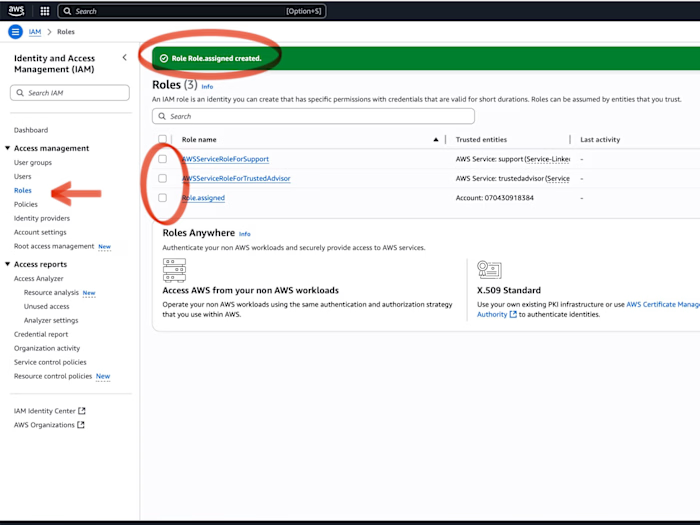
📝 Project Summary: Created and assigned a custom IAM role on Google Cloud Platform with least privilege principle, documented step-by-step with screenshots.
🚀 Steps
1. Login to GCP Console
Navigate to IAM & Admin → Roles.
2.Add the principals:
3. Set Role Launch Stage
4. Add Permissions
5. Save Role
Confirm role is visible in your list.
6. (Optional) Add IAM Conditions
Scope access by resource, time, or request attributes.
7.
(Optional) Add a second step verification:
✅ Result
Successfully created and assigned a custom IAM role in GCP,following the principale of least privilege.
🎯 Use Case
This setup can be used to:
Limit access for developers or service accounts.
Enforce security controls with IAM conditions.
Demonstrate compliance with least privilege policies.
🧰 Skills Demonstrated
Cloud Security → Applying IAM best practices.
Identity & Access Management (IAM) → Creating and managing custom roles.
GCP Console Navigation → Working with IAM & Admin services.
Security Principle → Implementing least privilege access.
Documentation → Clear step-by-step project write-up with screenshots.
Like this project
Posted Oct 1, 2025
Created and assigned a custom IAM role on GCP with least privilege principle.
Likes
0
Views
12
Timeline
Sep 1, 2025 - Sep 10, 2025