Built with Rive
Walk-through UI Animation for Website

Drey Adigun


Simple UI Animation for a Product Feature Demo
Overview
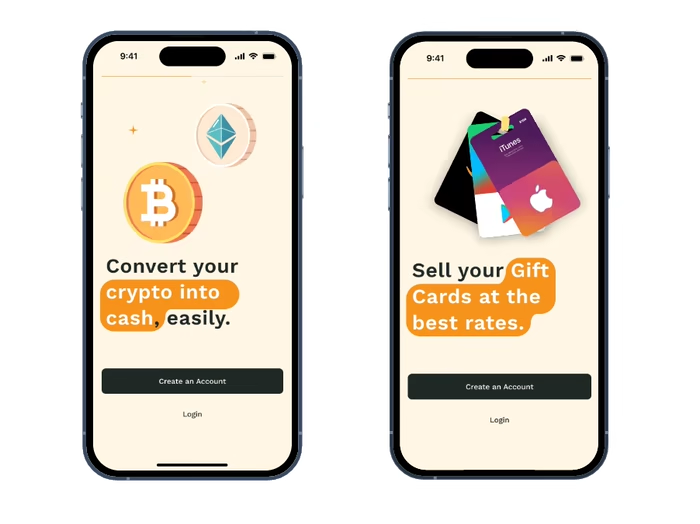
A startup reached out needing a simple UI animation to demonstrate a product interaction. The scope included animating a few UI components alongside a progress bar/progression, with a tight turnaround and clear references shared via DM.
The goal was to create something clean, understandable, and smooth — not flashy — that clearly communicates how the UI works.
The Challenge
Very short timeline (4 days delivery).
Animation needed to feel polished but lightweight.
The animation had to clearly communicate state changes and progression without overcomplicating things.
The Goal
Interpret the client’s references and UI screens.
Animate UI components and progress states.
Deliver a web-ready animation in .riv & mp4 formats suitable for product demos and marketing.
Process
Understanding the flow — I jumped on a call with the client to map out the interaction sequence, what appears first, how states change, and how the progress bar communicates advancement.

Client's Figma Design & Interaction Comments
Motion-first thinking
Instead of animating everything at once, I focused on:
Clear entry and exit animations
Subtle emphasis on typing and output
Smooth progress bar transitions to guide attention
Animating Components

Fast iteration
Given the timeline, I prioritized clarity over experimentation, making sure each motion served a purpose.
Outcome
Delivered in 2 days
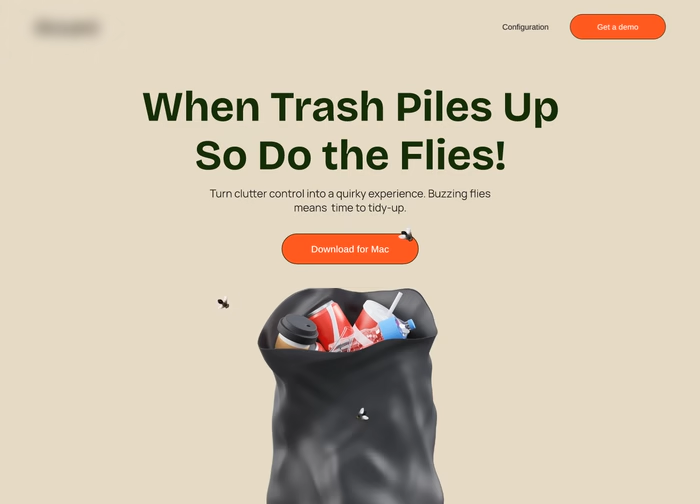
Final animation Clearly demonstrates the UI interaction flow
Works well as a product feature demo or website animation
Animation in Website Section
Tools
Rive
Figma (UI Reference)
Like this project
Posted Dec 18, 2025
Created a simple UI animation to demonstrate product interaction.
Likes
3
Views
14