Built with Jitter
Sintra AI Vizzy Notetaker Explainer Video

Samuel Lasisi
Verified


Product explainer video for Sintra AI - vizzy
I was approached by the team from Sintra to help them with a simple but significant problem - Help new/regular users understand how to use the Vizzy AI notetaker and show its capabilities in a seamless, no-fuss way with motion.
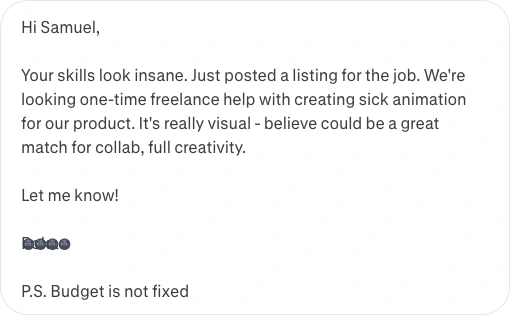
He didnt lie - Insane skills - UX,Motion,Brand 😎
Contents
My process starts the same way - let's say I have mastered it
Understanding the problem: it was simple - Sintra AI uses some image + text slides to explain the capabilities of Vizzy notetaker, but peopel dont really read that much... and motion? It has the ability to be engaging and pass a complex message across clearly by simply 'showing it' - so we needed to show how it works in < 10secs
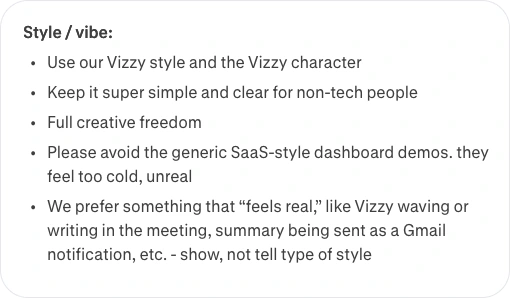
Simple, for non tech peopel, feeling real? - Got it!
Prep my board in Figma: This one is just already a part of me - if its not in the storyboard, it doesn't make it into motion... i started to pull resources into figma, designed some, screenshotted some 🌚 and downloaded some.. after all of these - the storyboard was ready!
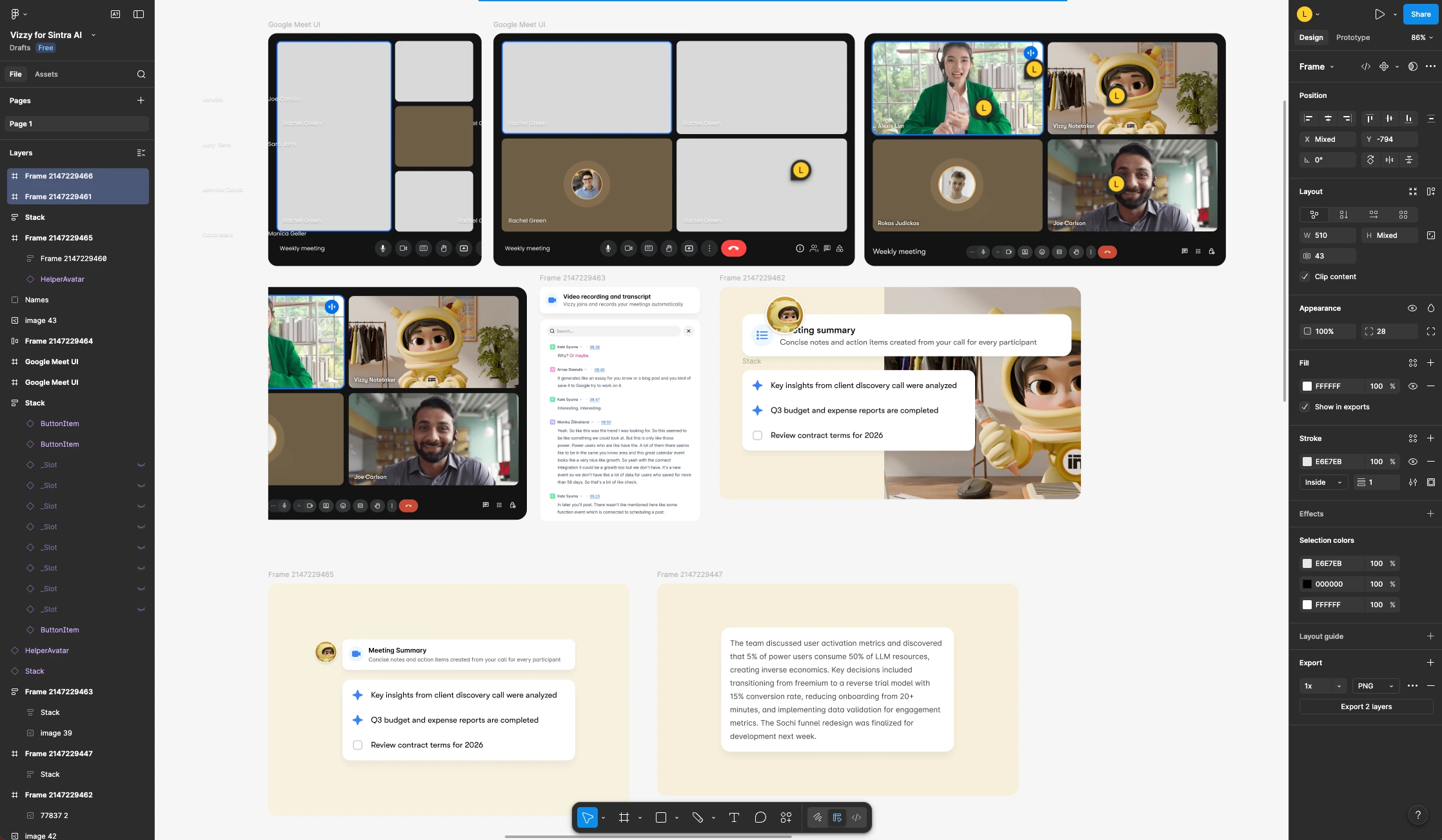
Static Vizzy? Animate in Runway!
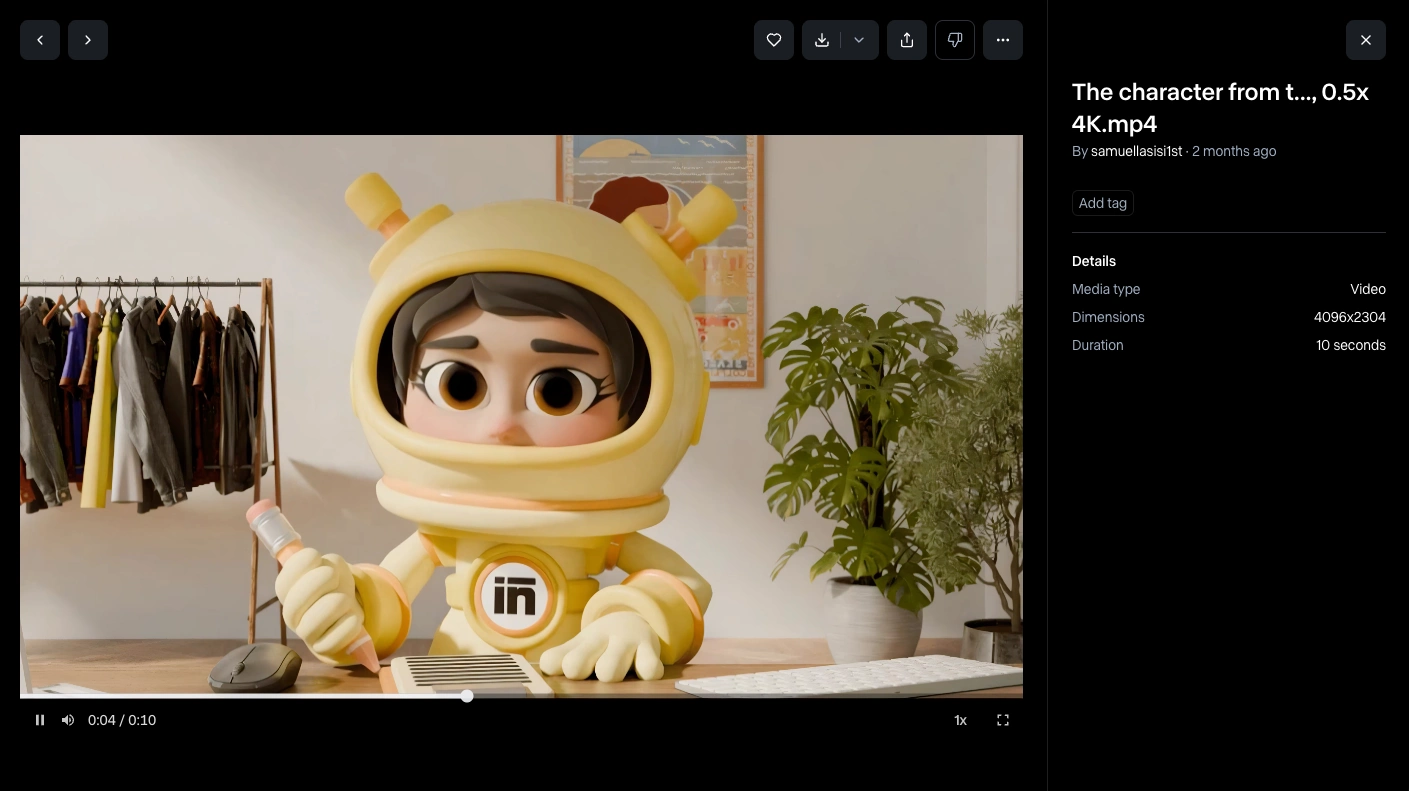
The result is at the top of this page
Final Result
Like this project
Posted Feb 5, 2026
Explainer video for Vizzy AI notetaker by Sintra. Goal was to help regular users understand how to use the notetaker & show its capabilities in a seamless way
Likes
2
Views
50
Timeline
Dec 7, 2025 - Dec 14, 2025
Clients
sintra.ai