Built with Framer
Phantom VPN UX/UI Design Project

Devowise Studios


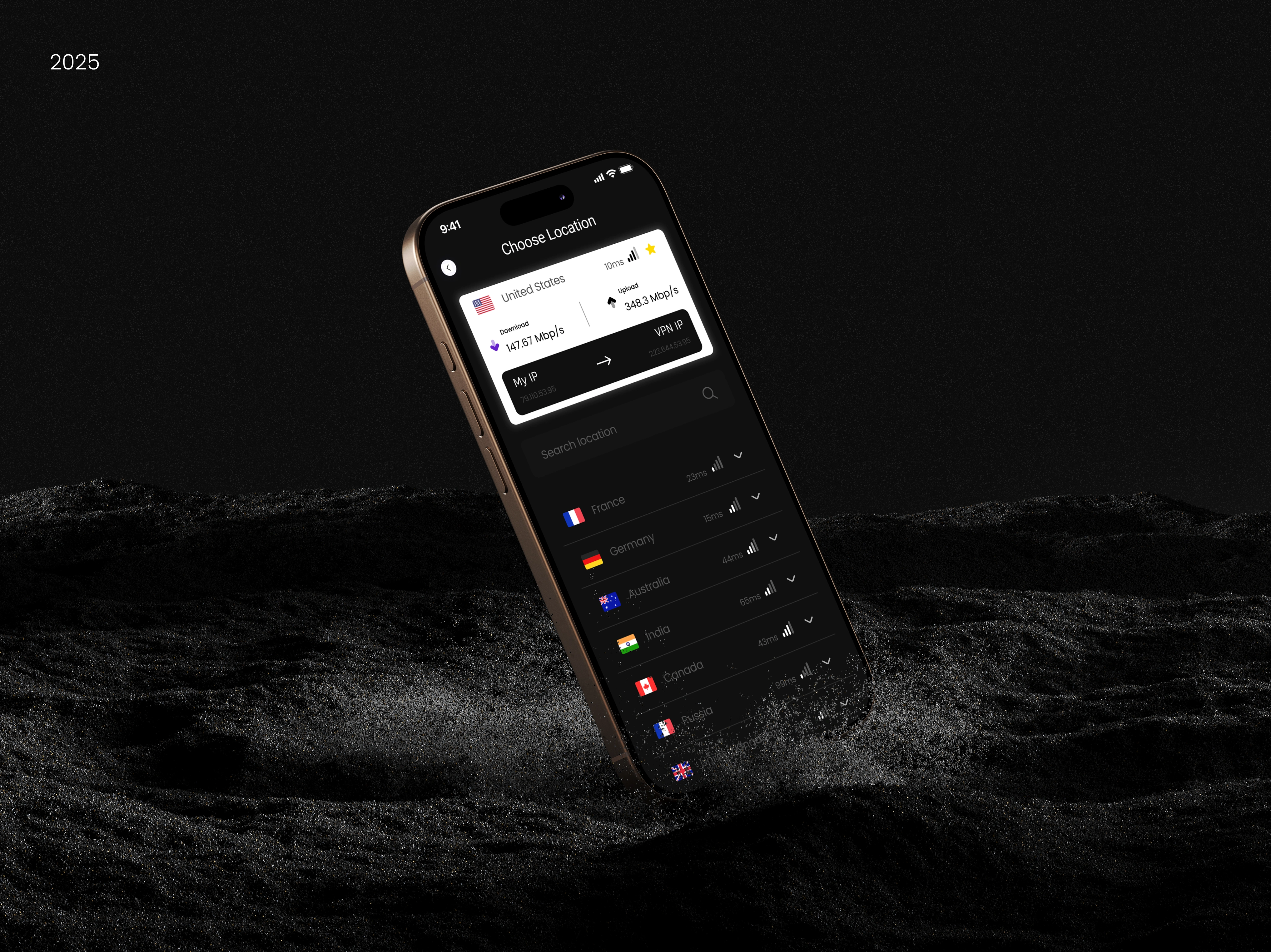
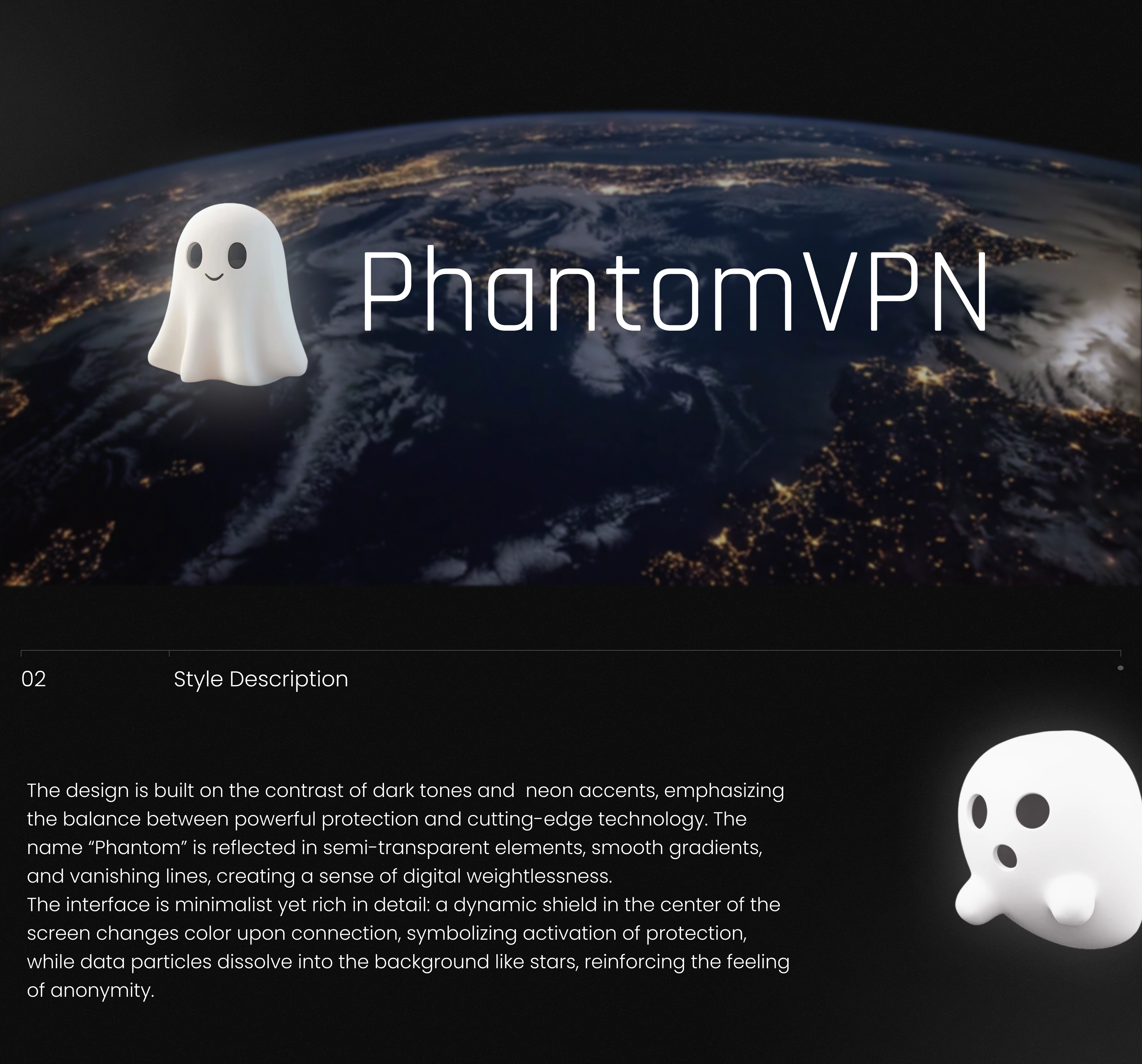
Phantom VPN — Designing a Secure and User-Centered VPN Experience
Overview
At Devowise Studios, we designed Phantom VPN, a modern VPN application focused on delivering a secure, intuitive, and visually refined user experience. The goal was to simplify online privacy by creating an interface that makes connecting to secure networks effortless while maintaining a clean and trustworthy design language.
By combining thoughtful UX strategy with modern interface design, we developed a mobile experience that balances usability, accessibility, and security—making advanced privacy features approachable for everyday users.
The Challenge
VPN applications often expose users to technical settings and complex interfaces that can create confusion, especially for those unfamiliar with online security.
We set out to design an application that would:
Simplify secure connections through an intuitive user interface.
Build trust with a clean and professional visual identity.
Reduce friction throughout the onboarding and connection process.
Create responsive and scalable interface components.
Deliver a seamless mobile experience focused on speed and usability.
Project Objectives
To achieve these goals, we focused on:
Designing a modern and trustworthy VPN experience.
Simplifying navigation and user flows.
Creating intuitive onboarding and connection screens.
Building reusable UI components for scalability.
Improving accessibility through clear visual hierarchy.
Supporting future feature expansion with a flexible design system.
Our Role
Our team led the project from research through high-fidelity design, including:
UX Research
User Journey Planning
Information Architecture
Wireframing
UI Design
Design System Creation
Interactive Prototyping
Responsive Mobile Design
Developer Handoff
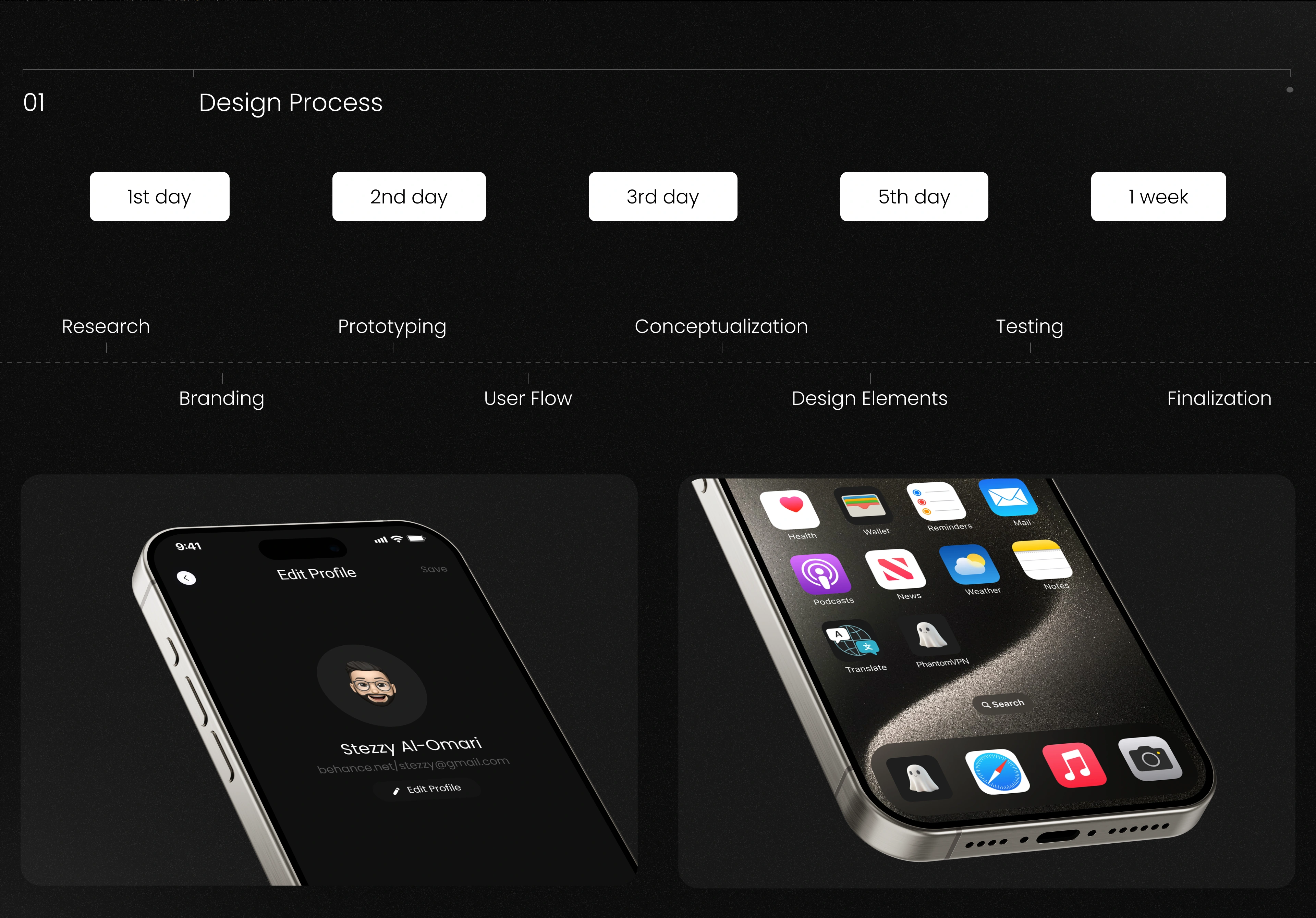
Our Process
1. Discovery & UX Strategy
We began by researching leading VPN applications and identifying common usability challenges users encounter when managing privacy and security tools.
The experience was designed to reduce complexity while guiding users naturally through connecting, managing locations, and monitoring their VPN status.
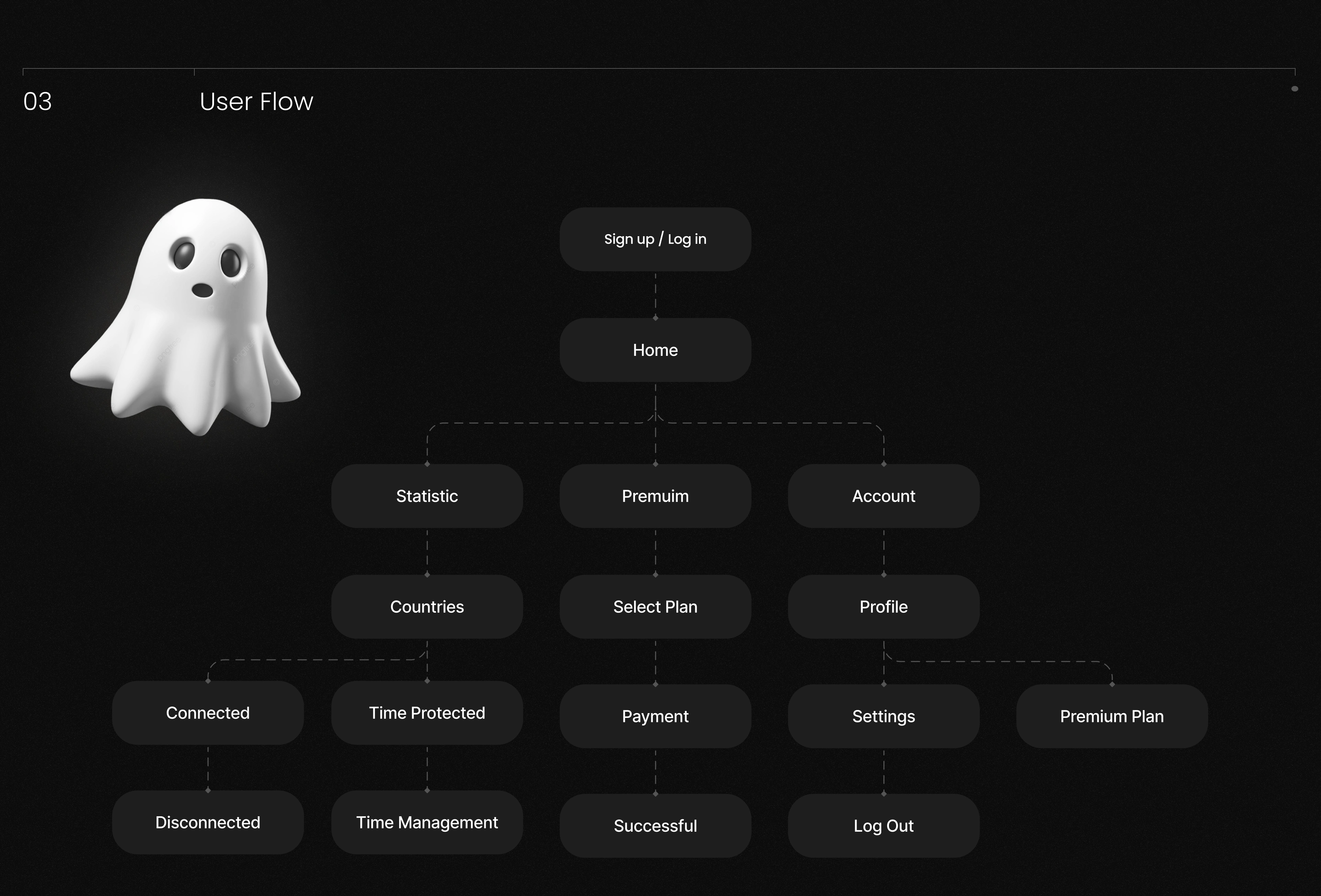
The user journey followed a simple progression:
Open → Connect → Stay Protected → Manage
2. Information Architecture
A clear navigation structure was established to organize connection controls, server selection, account management, and application settings without overwhelming users.
This streamlined hierarchy ensures that both new and experienced users can accomplish their tasks quickly and confidently.
3. UI Design
The visual design emphasizes simplicity, clarity, and trust while maintaining a premium mobile experience.
Key design decisions included:
Clean layouts with generous spacing.
Strong typography hierarchy for improved readability.
Minimal interface elements that reduce cognitive load.
Consistent iconography and reusable UI components.
Strategic use of color to communicate connection status and security.
Interactive prototypes for validating user flows and interactions.
Every design decision focused on making digital privacy feel accessible while reinforcing confidence in the platform.
4. Prototyping & User Experience
Interactive prototypes were developed to simulate real user interactions and validate navigation flows before development.
This iterative process helped refine transitions, optimize usability, and ensure a seamless experience across the entire application.
Key Features
The final application includes:
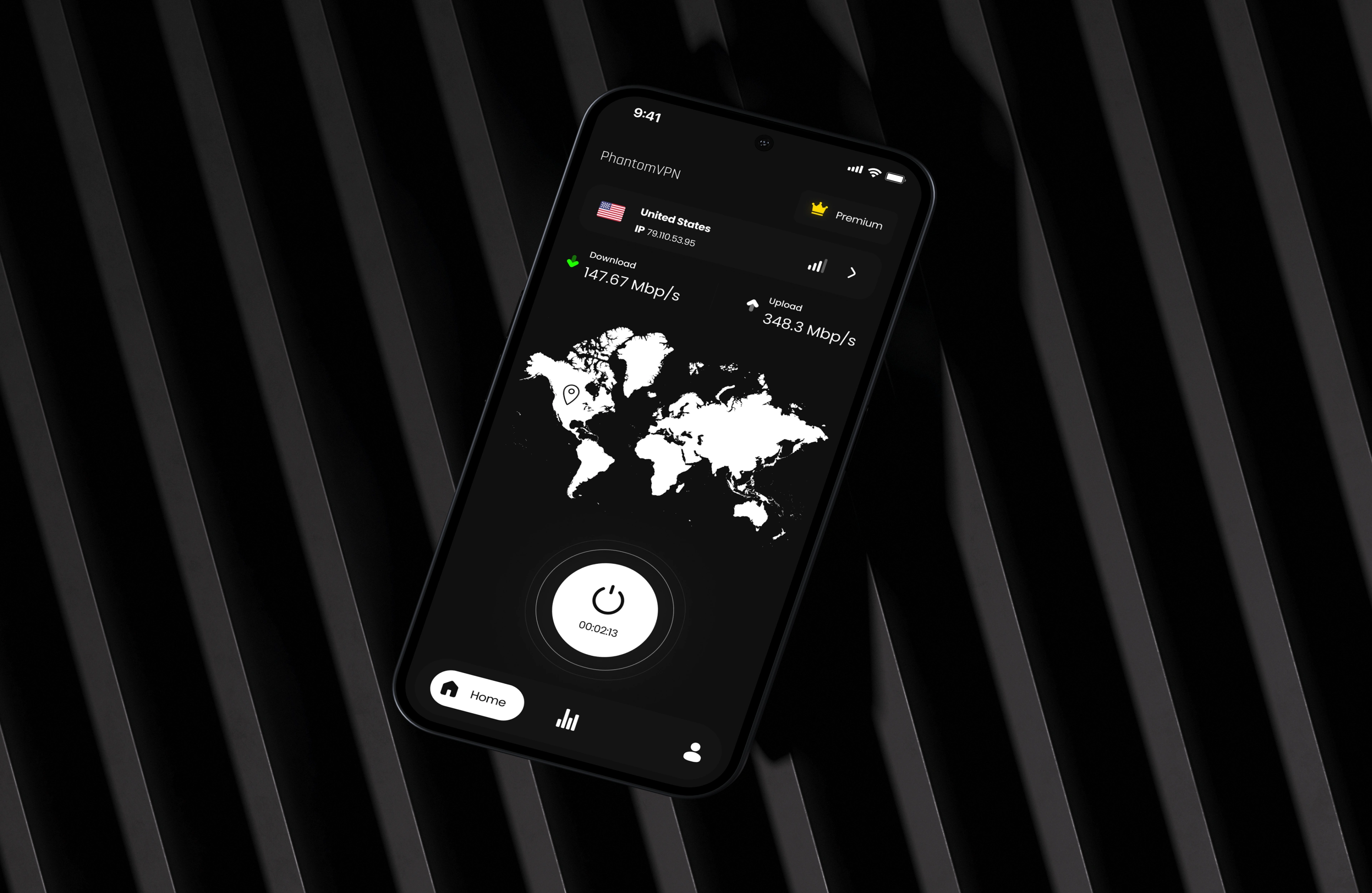
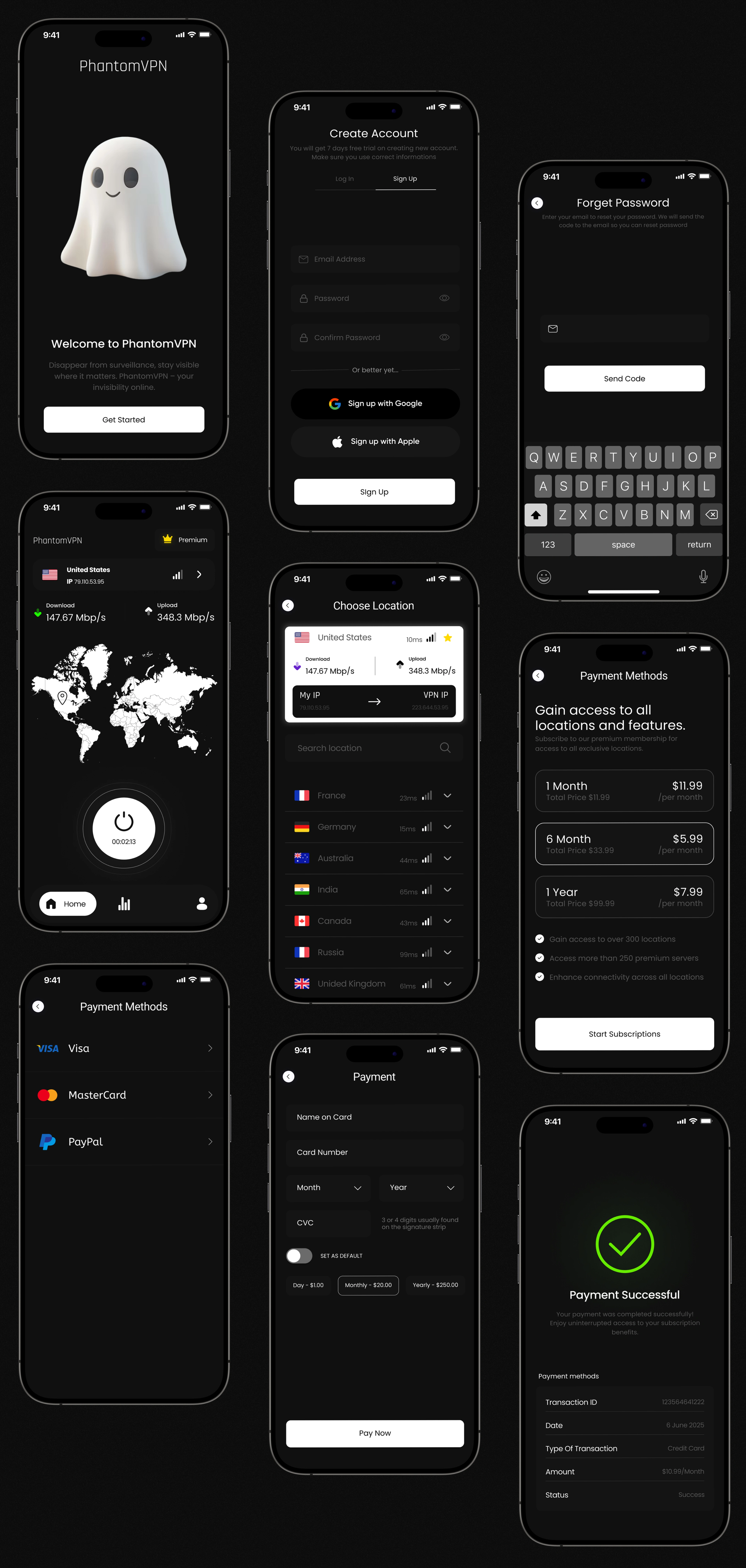
Modern VPN dashboard.
Simplified connection workflow.
Intuitive server selection interface.
Secure account management screens.
Responsive mobile layouts.
Component-based design system.
Interactive prototypes.
Clear navigation and user flows.
Scalable interface ready for future features.
Technology Stack
Design
Figma
Visual Design
Adobe Photoshop
Prototyping & Motion
Adobe After Effects
Outcome
The final design delivers a clean, intuitive, and trustworthy VPN experience that simplifies online privacy while providing users with a seamless mobile interface.
Key outcomes include:
A modern visual identity that reinforces trust and security.
Improved usability through simplified navigation and streamlined workflows.
Responsive mobile interface optimized for accessibility.
Consistent design system for future scalability.
Interactive prototypes that support efficient development and product validation.
Key Takeaways
Phantom VPN demonstrates how thoughtful UX strategy and modern interface design can make digital security more approachable for everyday users. By combining intuitive navigation, scalable design systems, and user-centered interactions, we created a VPN experience that balances simplicity, trust, and functionality while establishing a strong foundation for future product growth.
Like this project
Posted Apr 16, 2025
Phantom is a sleek VPN app with a secure, user-friendly design, offering fast connection, privacy features, and a smooth UX crafted with Figma and modern UI