
VectorIO
Overview
What is your app? Give a brief description in a couple of sentences.
VectorIo is a website that will (as of right now) help tech people in IT departments like IT Help Desk, technical, Relocation Technicians, IT support, and IT infrastructure. This website is made for quick and easy use with more common problems and information. Also if you have some not-so-common problems we do have forms that people can comment on and put their ideas together.
Problem Space
Why is your app needed? Give any background information about any pain points or other reasons.
Sometimes when tech looking for a solution to a problem, we have to do a lot of Google searching and click on another website. We are going to try to stop and also give information about the item and model and version of that product, to be more easily used.
Features And User Profile
As a user, I want to find articles, posts, or general information about computer hardware, accessories, wiring, software, OS, and other information. If I were to look at forms or articles or information I as a user should have the option to choose out of my search.
Implementation
Tech Stack
List technologies that will be used in your app, including any libraries to save time or provide more functionality. Be sure to research any potential limitations.
React MySQL Express Client libraries:
react
react-router
Axios
Three.js
(Maybe More) Server libraries:
Knex
Express.js
Node.js
(Maybe More)
APIs
List any external sources of data that will be used in your app. I'm going to make my API.
No external APIs, I'm making my own
Sitemap
List the pages of your app with brief descriptions. You can show this visually, or write it out.
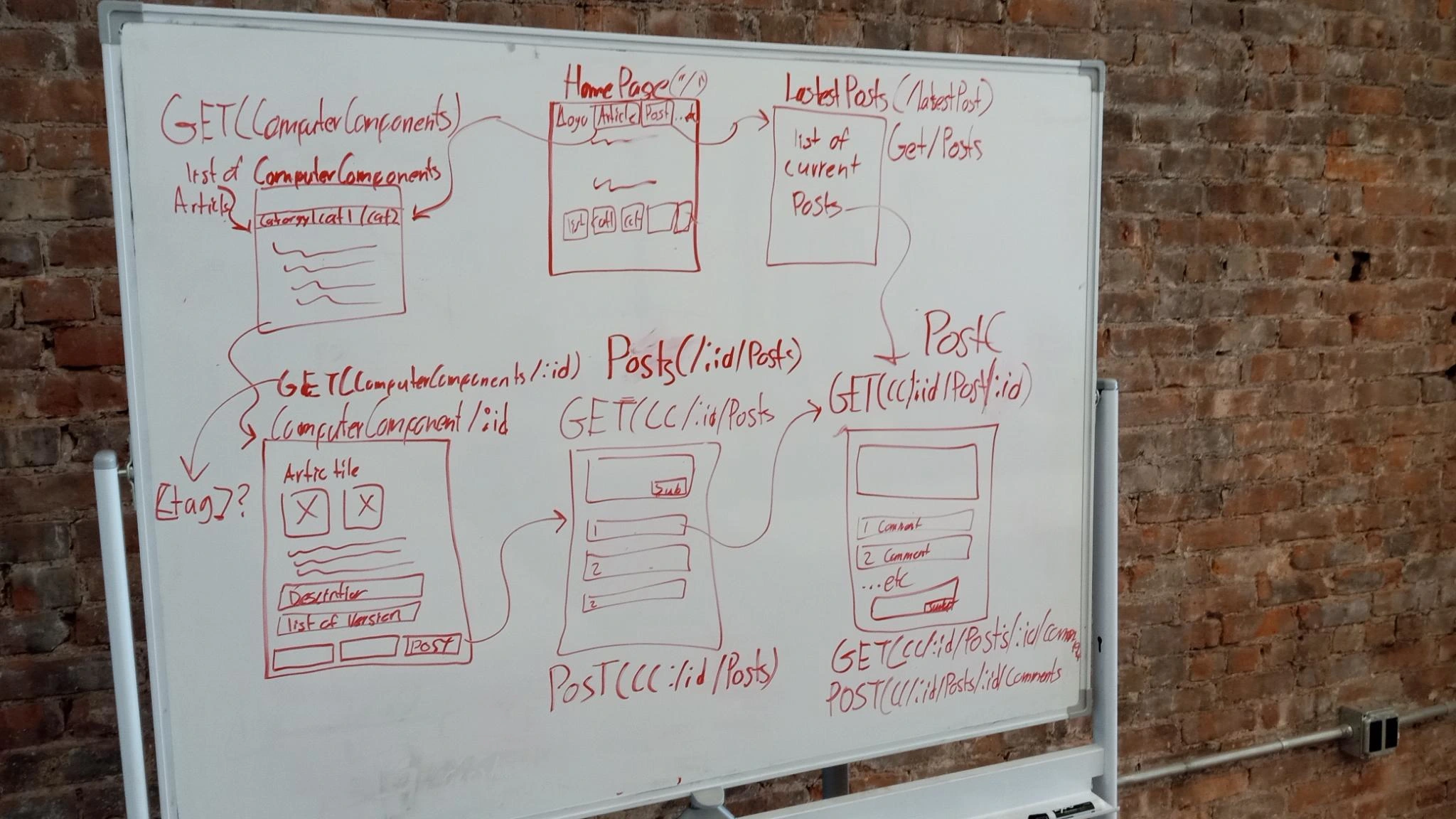
HomePage ("/") ComputerComponents ("/ComputerComponents") ComputerComponent("/ComputerComponent/:id") Posts("/ComputerComponent/:id/Posts") Post("/ComputerComponent/:id/Post/:id") latestPost(/Posts) About Page(/About)
Mockups
Provide visuals of your app's screens. You can use pictures of hand-drawn sketches, or wireframing tools like Figma.
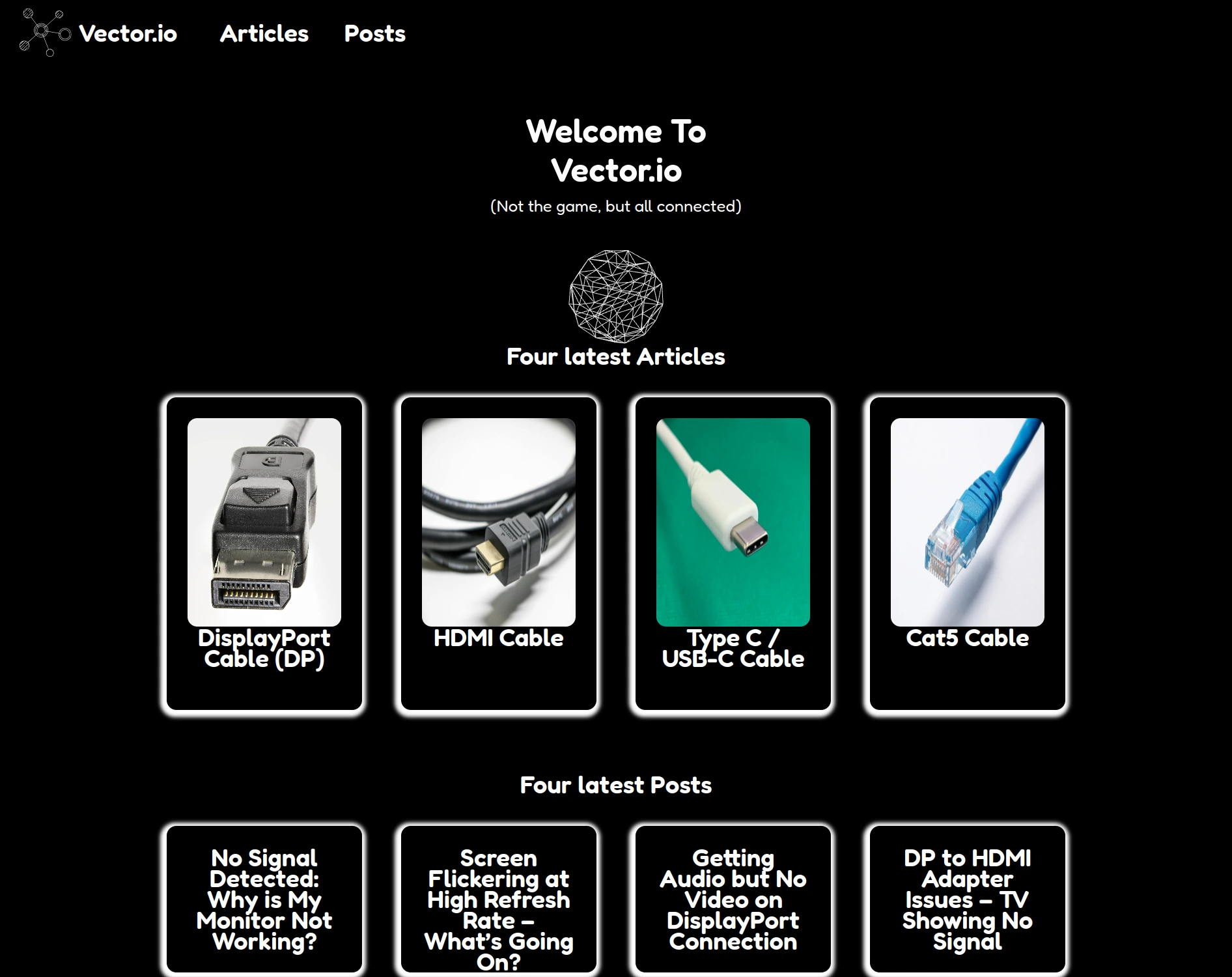
Home Page Current Look
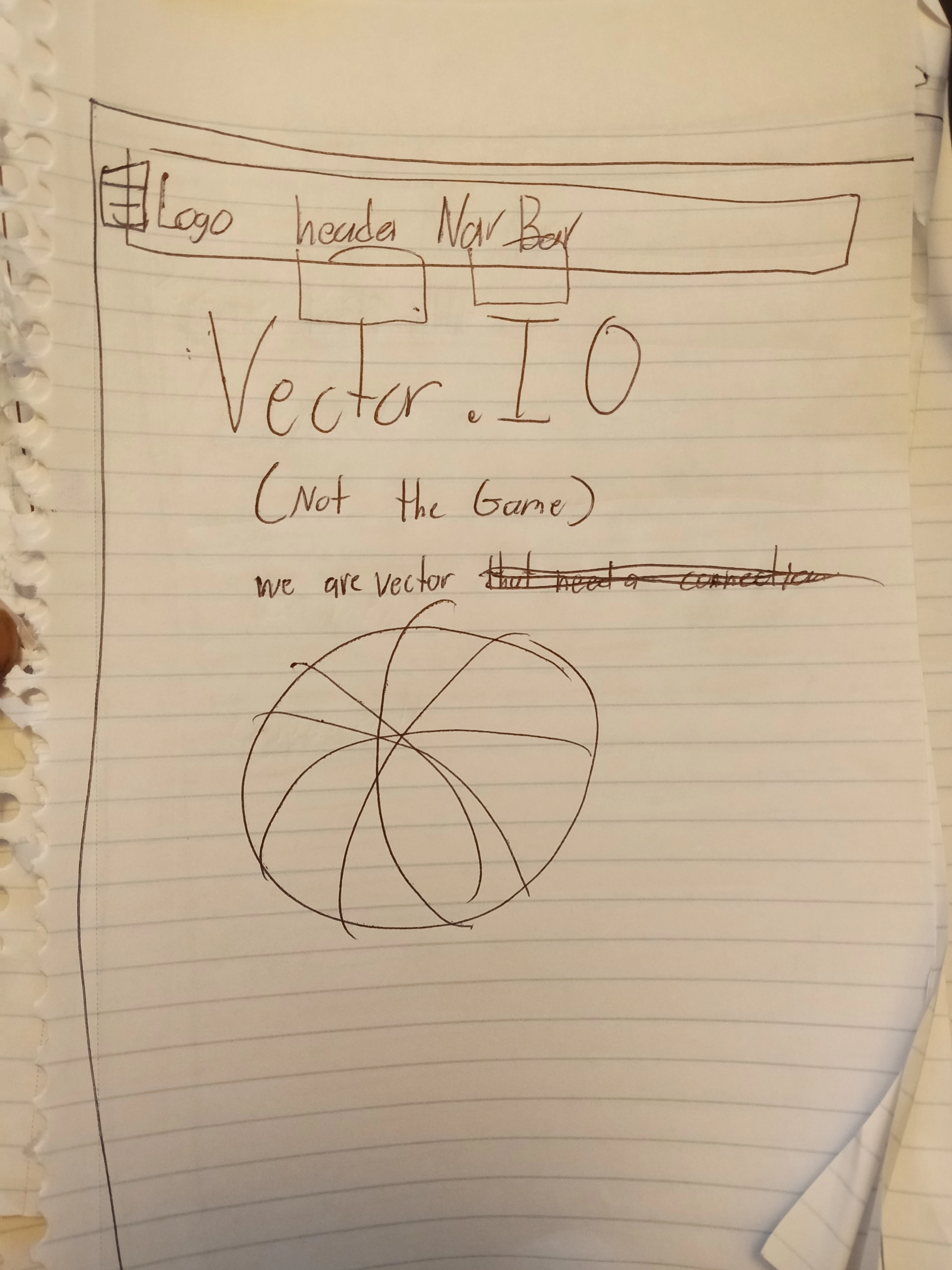
Home Page Drawing
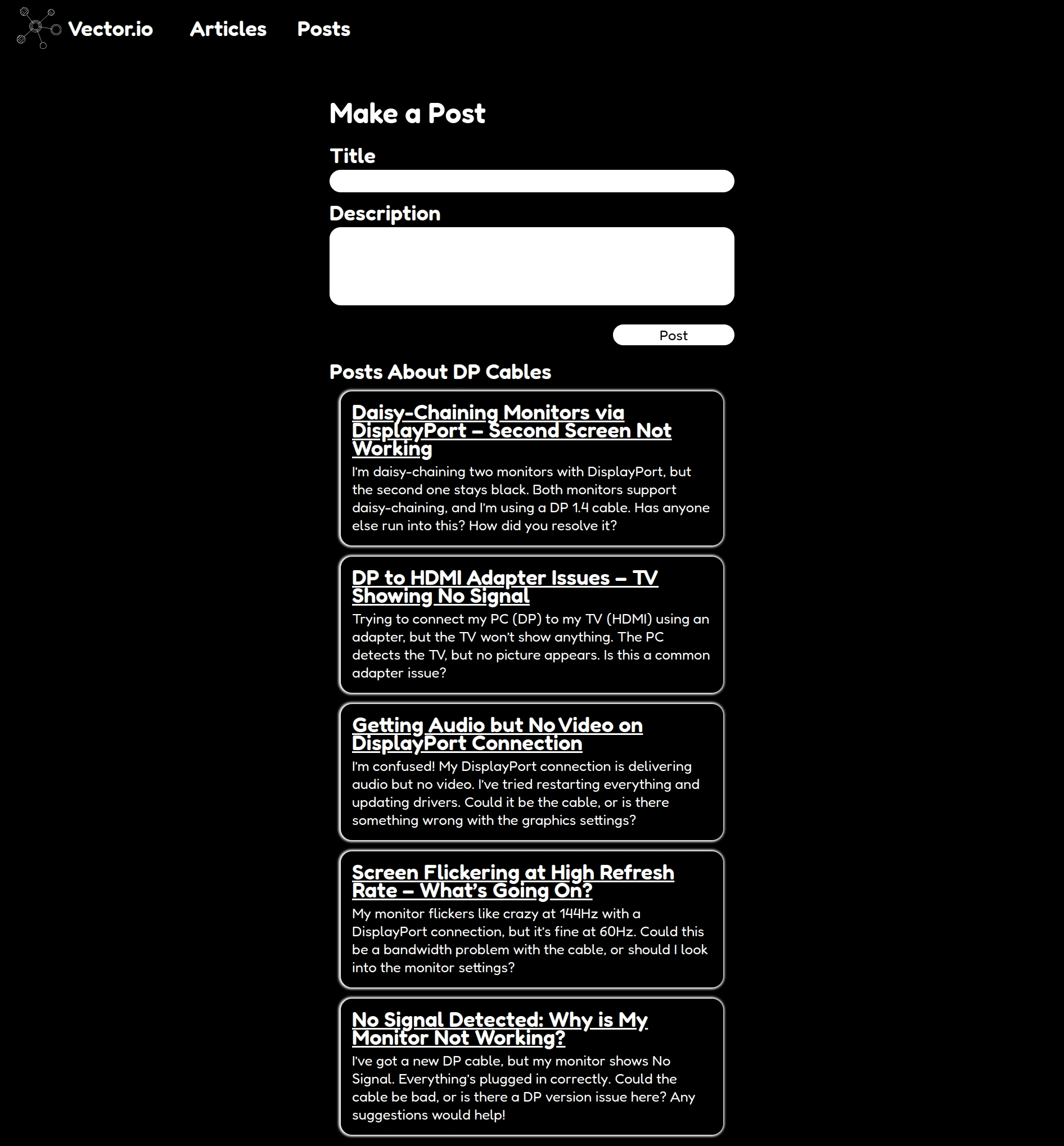
Post Page Current Look
Post Page Drawing
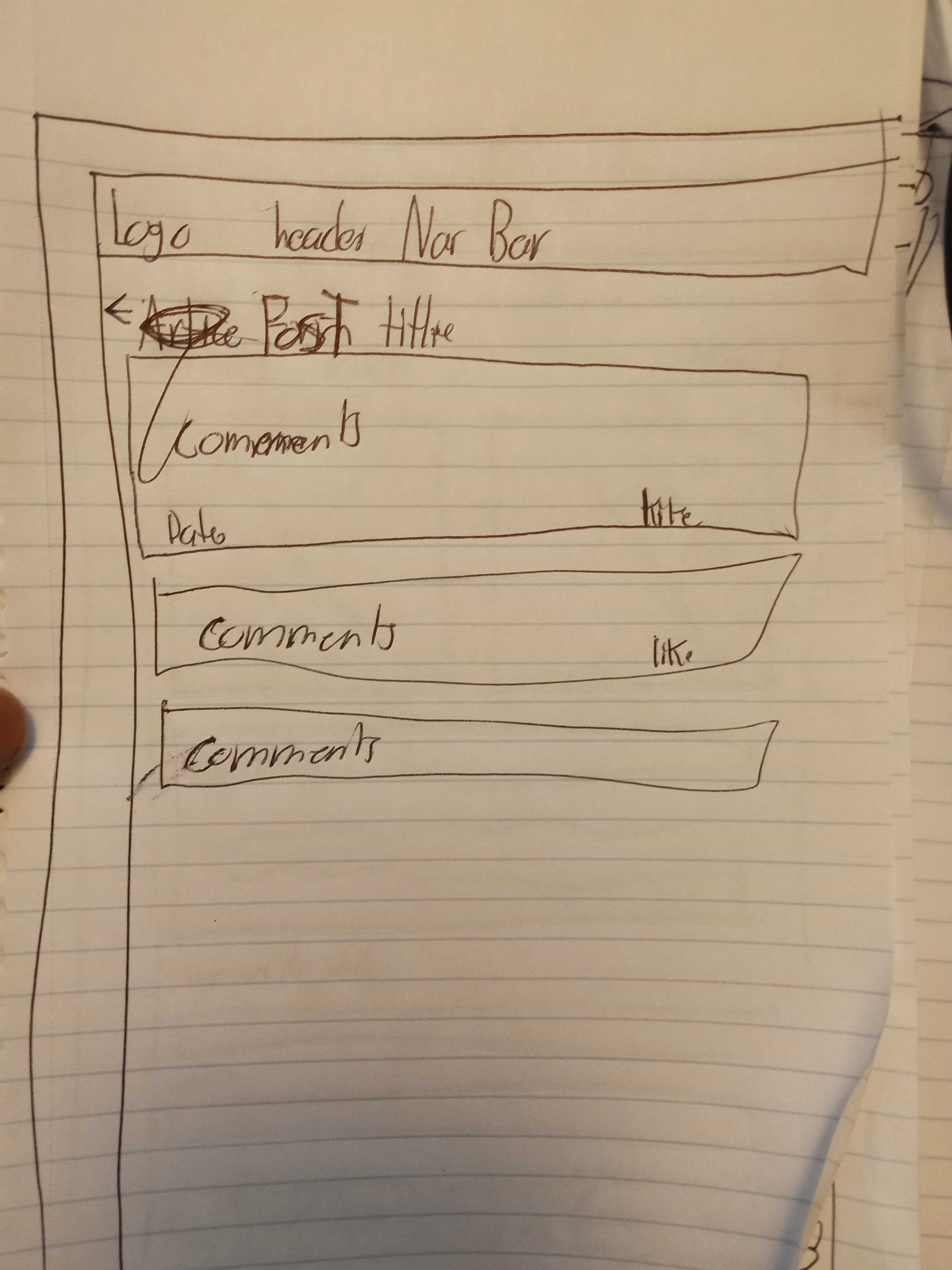
ComputerComponentPage Current Look
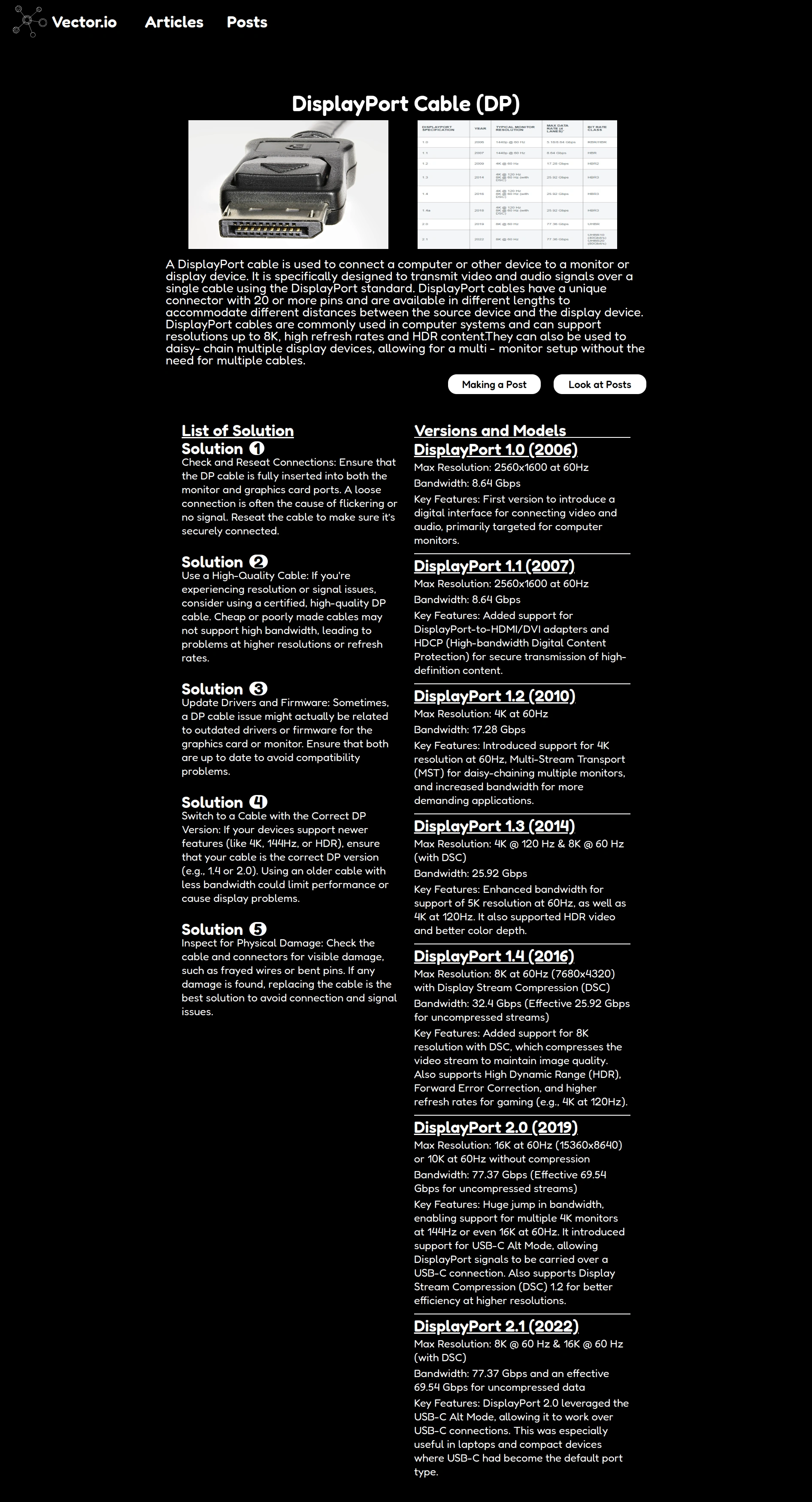
ComputerComponentPage Drawing
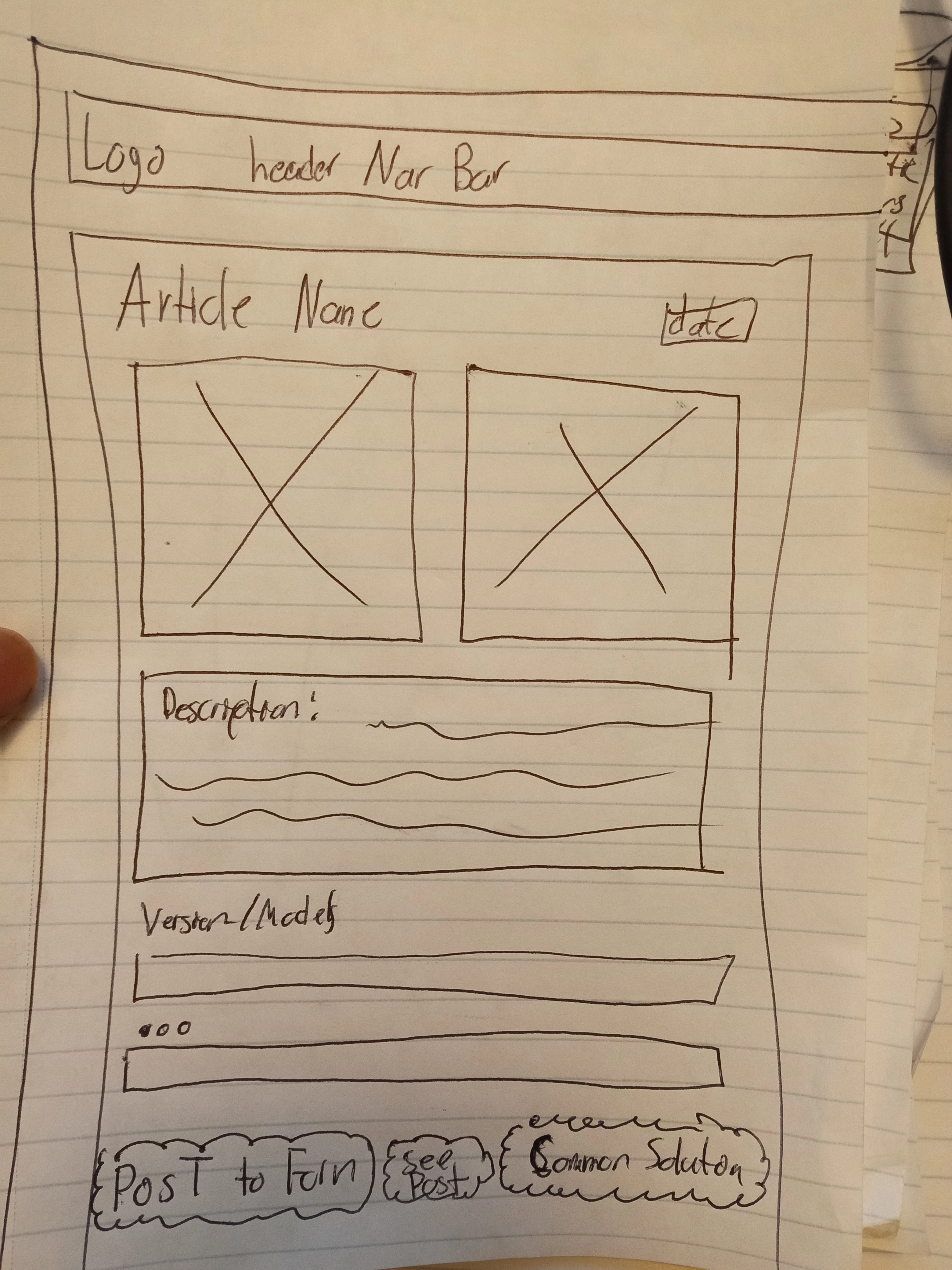
About Page Drawing
Soon!
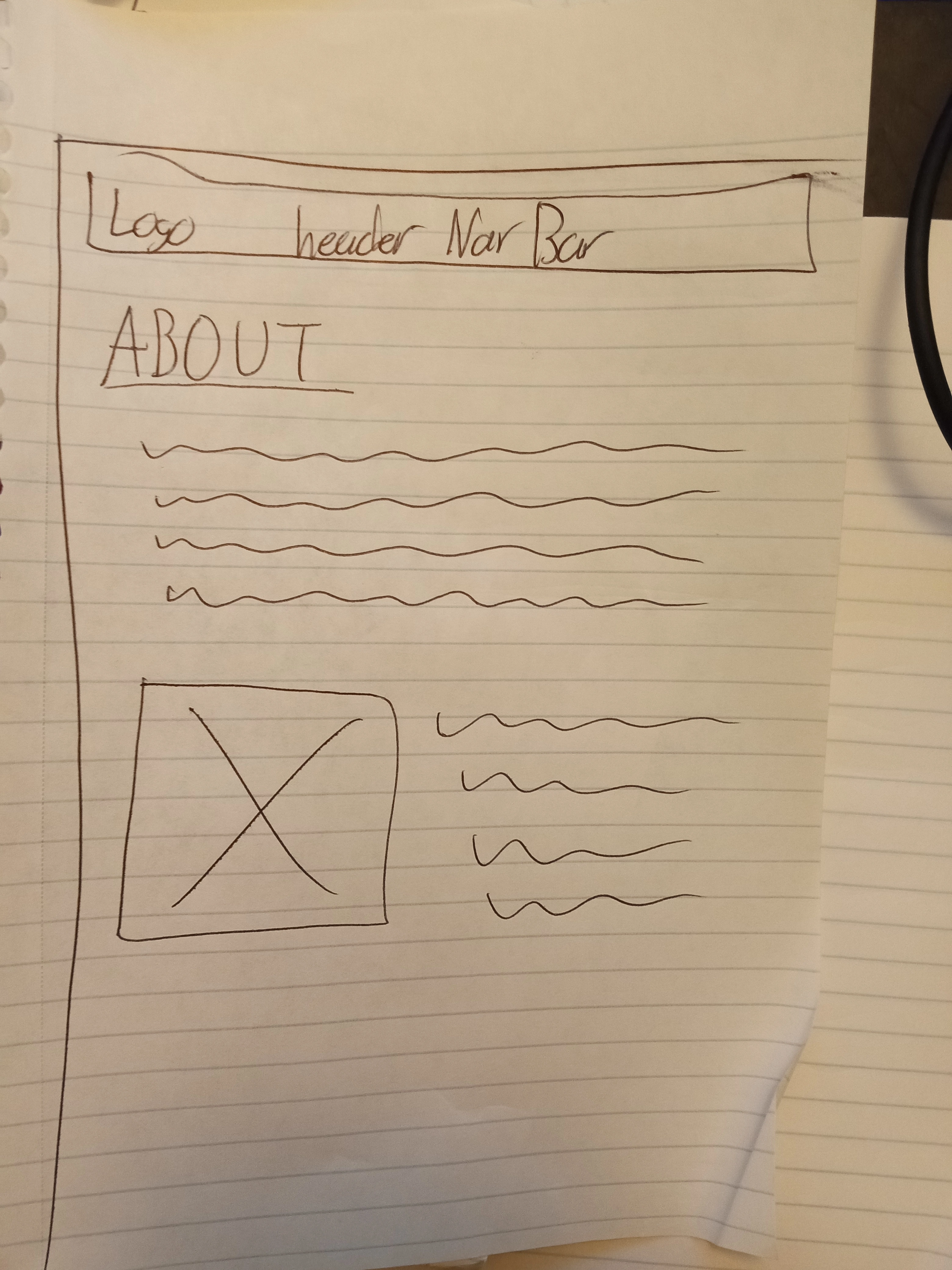
Other Ideas Drawings
Soon!
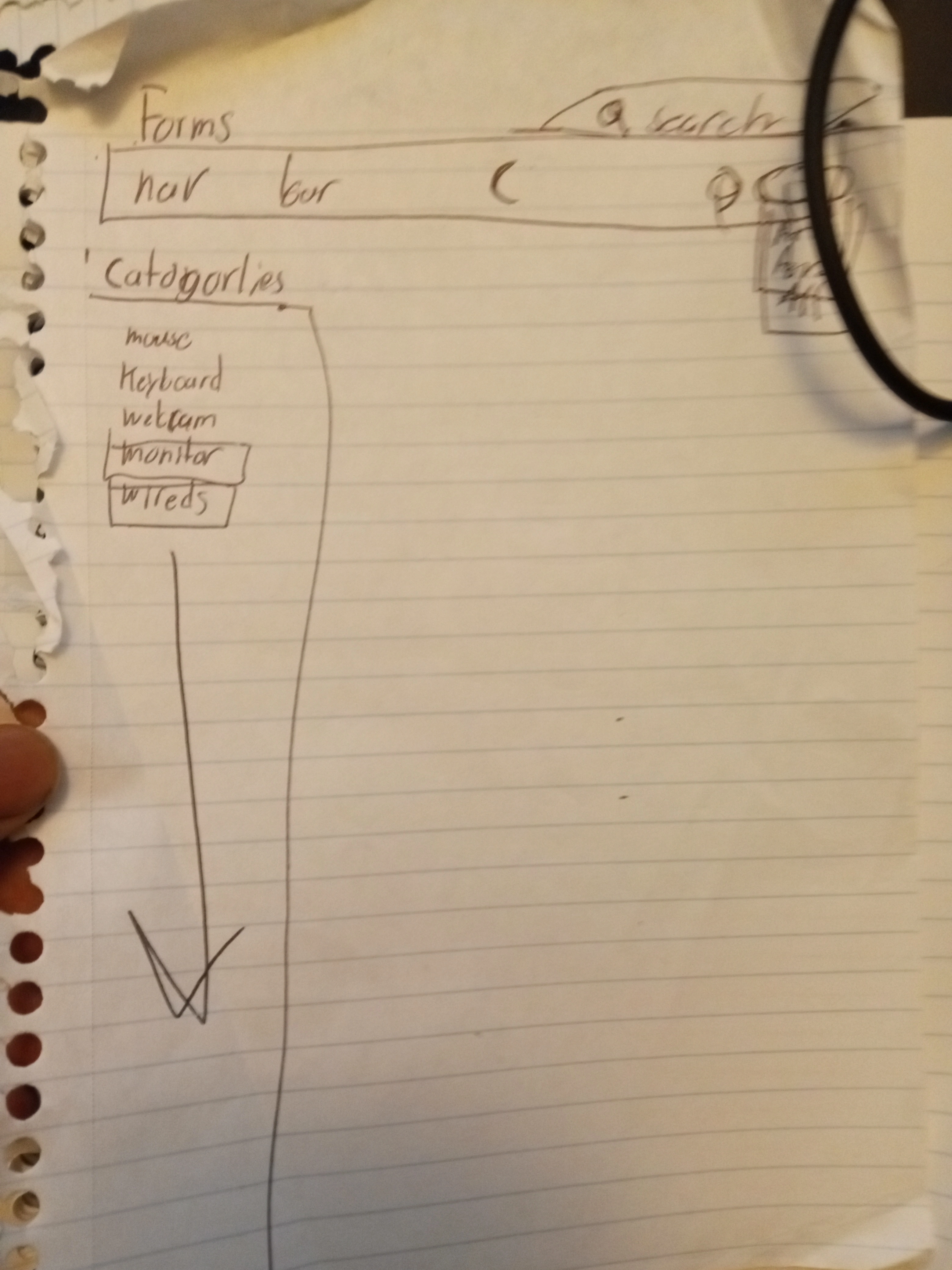
Data
Describe your data and the relationships between the data points. You can show this visually using diagrams, or write it out.
Endpoints
List endpoints that your server will implement, including HTTP methods, parameters, and example responses.
Get /ComputerComponents
Get the List of ComputerComponents
No Parameters
Response:
Get /ComputerComponent/:id -Get will get the ComputerComponent by id Parameters:
id: ComputerComponent id as a number
Response:
Get /ComputerComponent/:id/VersionOrModels
Get will get the VersionORModel by looking at the VersionORModel ComputerComponent id which should be a list
Parameters:
id: ComputerComponent id as a number and as well of the VersionORModel Response:
Get /ComputerComponent/:id/solutions
Get will get the solutions by looking at the solutions ComputerComponent ID which should be a list
Parameters:
id: ComputerComponent id as a number and as well of the id of the solution Response:
Get /Posts
Get will get the list of Post
Parameters:
id: Post id and ComputerComponent id as a number Response:
Post /Posts
Post will post a post
Parameters:
id: Post id, Comment id, and ComputerComponent id as a number
Response:
Get /Post/:id/Comments
Get will get the Comments for that specific post
Parameters:
id: Post id, computerComponent id as a number
Response:
Post /Post/:id/Comments
Post will Post a comment on that Post
Parameters:
id: Post id, Comment id as a number
Response:
Put /Post/:id/Comments
put will change likes in a comment
Parameters:
id: Post id, Comment id as a number
Response:
Roadmap
Scope your project as a sprint. Break down the tasks that will need to be completed and map out timeframes for implementation working back from the capstone due date.
Make and format the DB with data
Get data for a website and format that will be useful for the user and format it
Create server
express project with routing
Create migrations
Create seeds with sample ComputerComponent, Posts, Comment, Solution, and VersionOrModel
Create client
react project with routes and pages
Features
Home Page
List/Nav/Page for the Category
User can have a Nav bar to see what category or make a Page for it
ComputerComponent Page when clicking the category and seeing the items and clicking on the items will give details about that item.
There will also be a list of solutions on that page
Also different versions or models with general info
Post Page will give a list of Post
Post will be linked to the article and also link to the Comments section
Comment will have a liking system
Bugfixes
DEMO DAY
Future Implementations
Your project will be marked based on what you committed to in the above document. Here, you can list any additional features you may complete after the MVP of your application is built, or if you have extra time before the Capstone due date.
Login and Register User System
More Data for Not only Computer Cable but Hardware, and Coding Computer Hardware
Dislike Button
0 likes · 15 views · Feb 3, 2025
Contribute to jameskolwolf1/Vector.io development by creating an account on GitHub.


