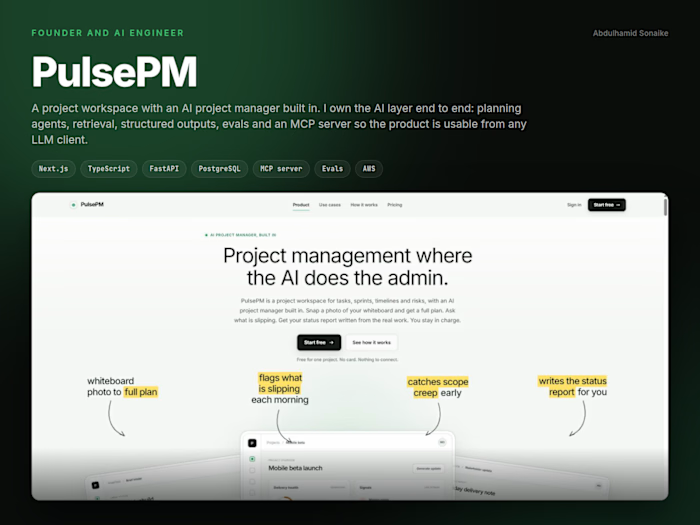
CSSPify: a site's colours and type in one click

Abdulhamid Sonaike


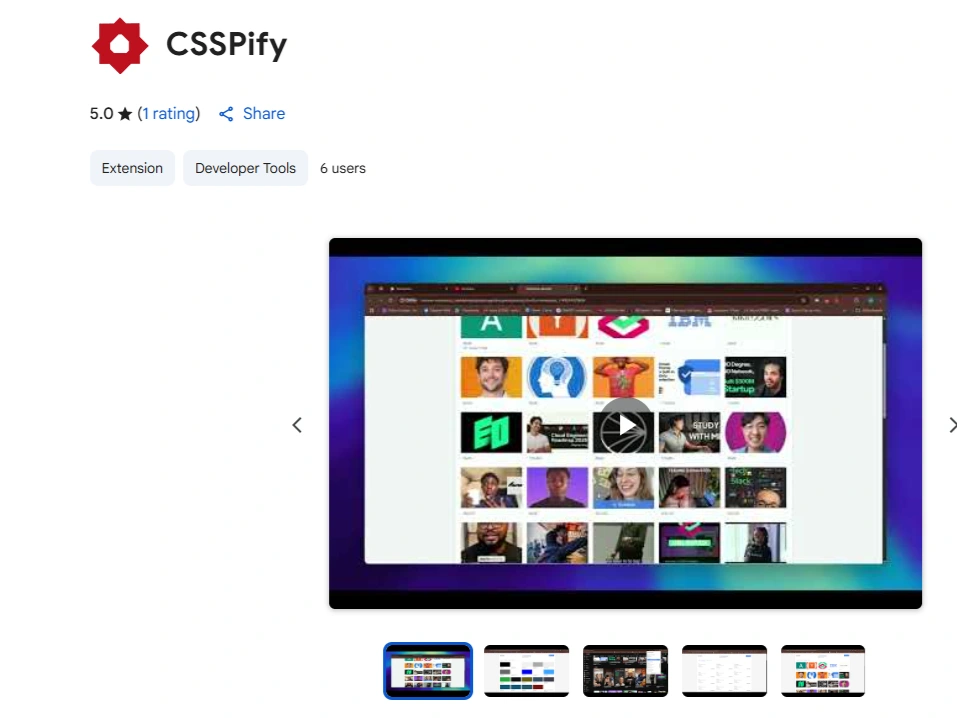
CSSPify is a Chrome extension that turns a live website into a usable set of design tokens. One click gives you the colours, the type styles and the assets the page is actually using.
The problem
Lifting a design decision out of a website is still mostly manual. You open developer tools, click an element, read a computed value, write it down, and repeat until you have a palette and a type scale. What makes that slow is not difficulty, it is repetition, and repetition is what a tool should be absorbing.
What it does
It reads the page as rendered and hands back what someone actually needs to carry away: the colours in use, the typography, and the design assets on the page. The output is meant to go straight into work rather than be admired. It sits in the Chrome Web Store under Developer Tools.
The hard part is that pages do not want to be read
A stylesheet is not the truth. What the page renders is the truth, and modern sites put distance between the two. Styles arrive from frameworks at runtime, components hide their styling inside shadow DOM, and a single page application can repaint everything after a scan has run. Getting the same quality of result from a plain marketing page, a component library and a single page app is most of the real work, and it is the difference between a tool someone uses twice and one they keep.
Without freezing the tab
It also has to be fast on a large page. An extension that locks up the tab while it scans is worse than no extension at all, because the user's first impression is that the site broke. Staying light enough that the page keeps responding is a hard constraint, and it is part of why the feature is one click rather than a configuration screen.
Privacy is the feature, not the footnote
The extension processes page content locally for its core function. No data is sold to third parties, none is transferred for unrelated purposes, and none is used to determine creditworthiness. That matters more here than for most tools, because you are asking permission to read whatever page the user happens to be on, including pages they would never want leaving their machine. Clear developer identity and EU trader compliance are part of the same argument. If the permission prompt cannot be answered honestly in one sentence, the extension does not get installed.
What it demonstrates
Shipping to a public marketplace rather than to a repository: a browser extension with the permissions conversation that comes with it, a scope deliberately cut down to a single click, and the difference between something that works on your own test page and something that works on the web as it actually is.
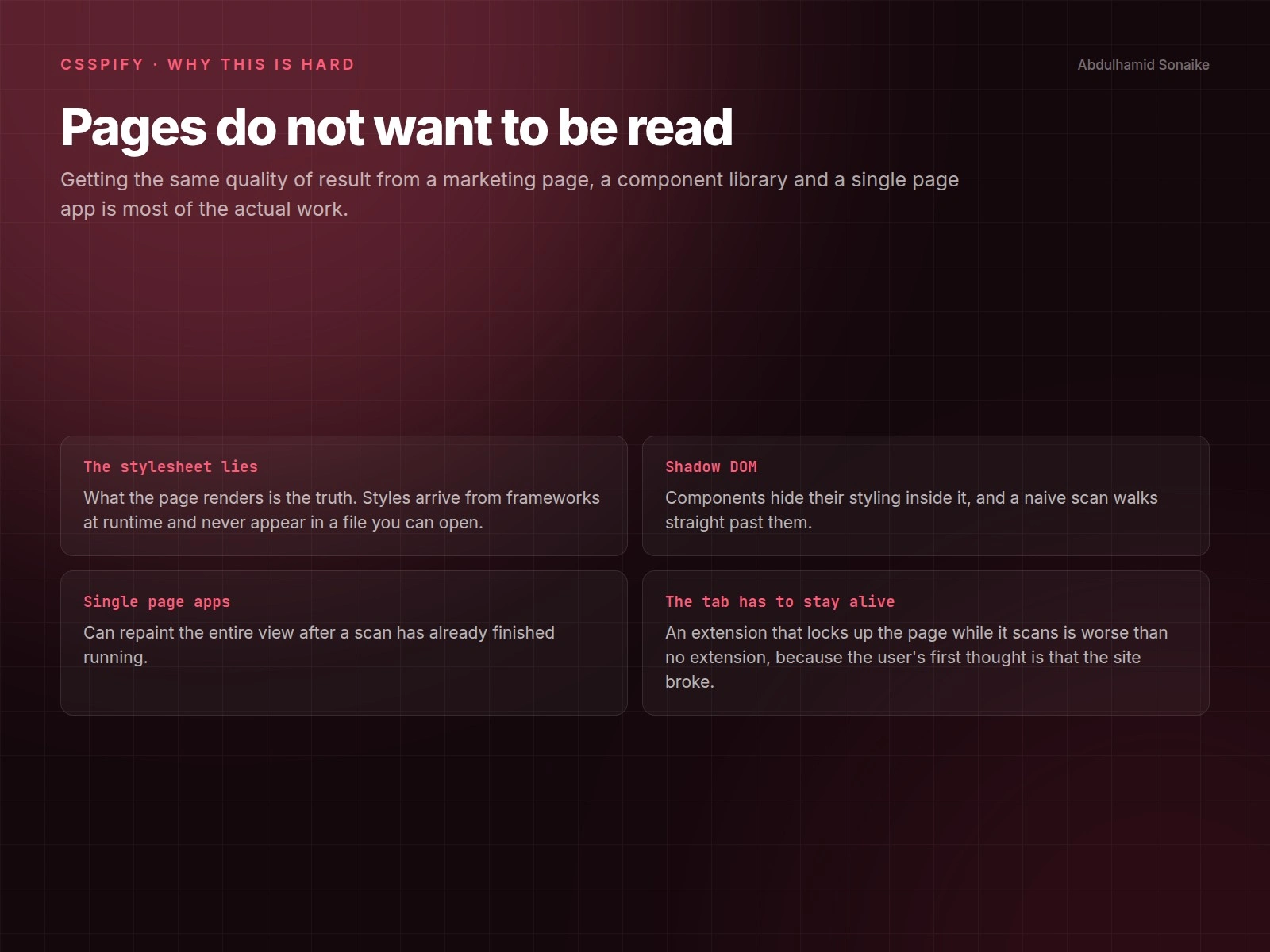
Four reasons a one click promise is harder than it sounds.
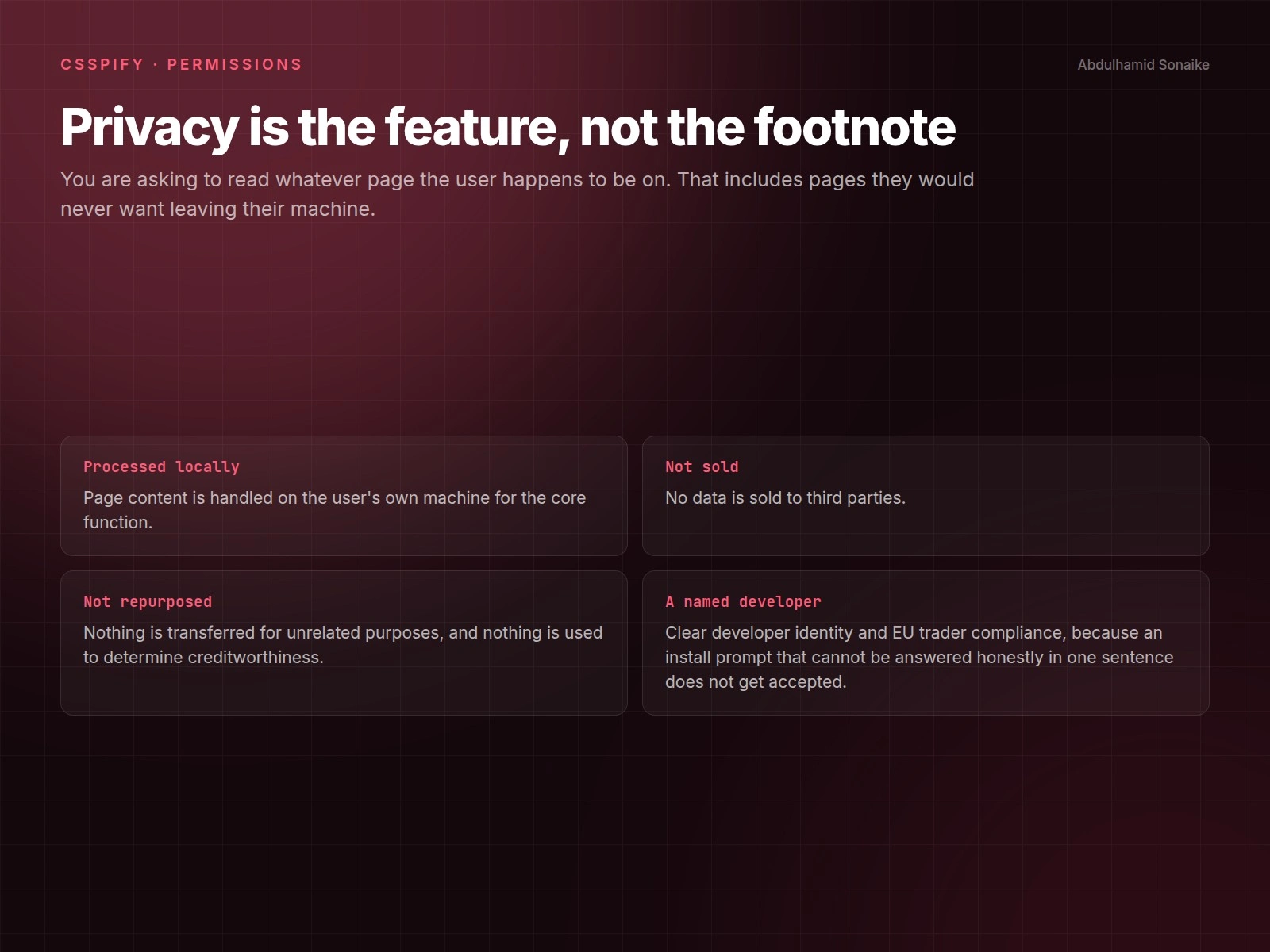
The permission story, which is the part that decides whether anyone installs it.
Like this project
Posted Sep 5, 2025
CSSPify is a Chrome extension that one click extracts colors, typography, and assets from any website for fast visual audits and effortless design handoff.
Likes
1
Views
24
Timeline
May 8, 2025 - May 15, 2025