Editly Photo Editor Development using Tempo Labs

Abdul Ahmad

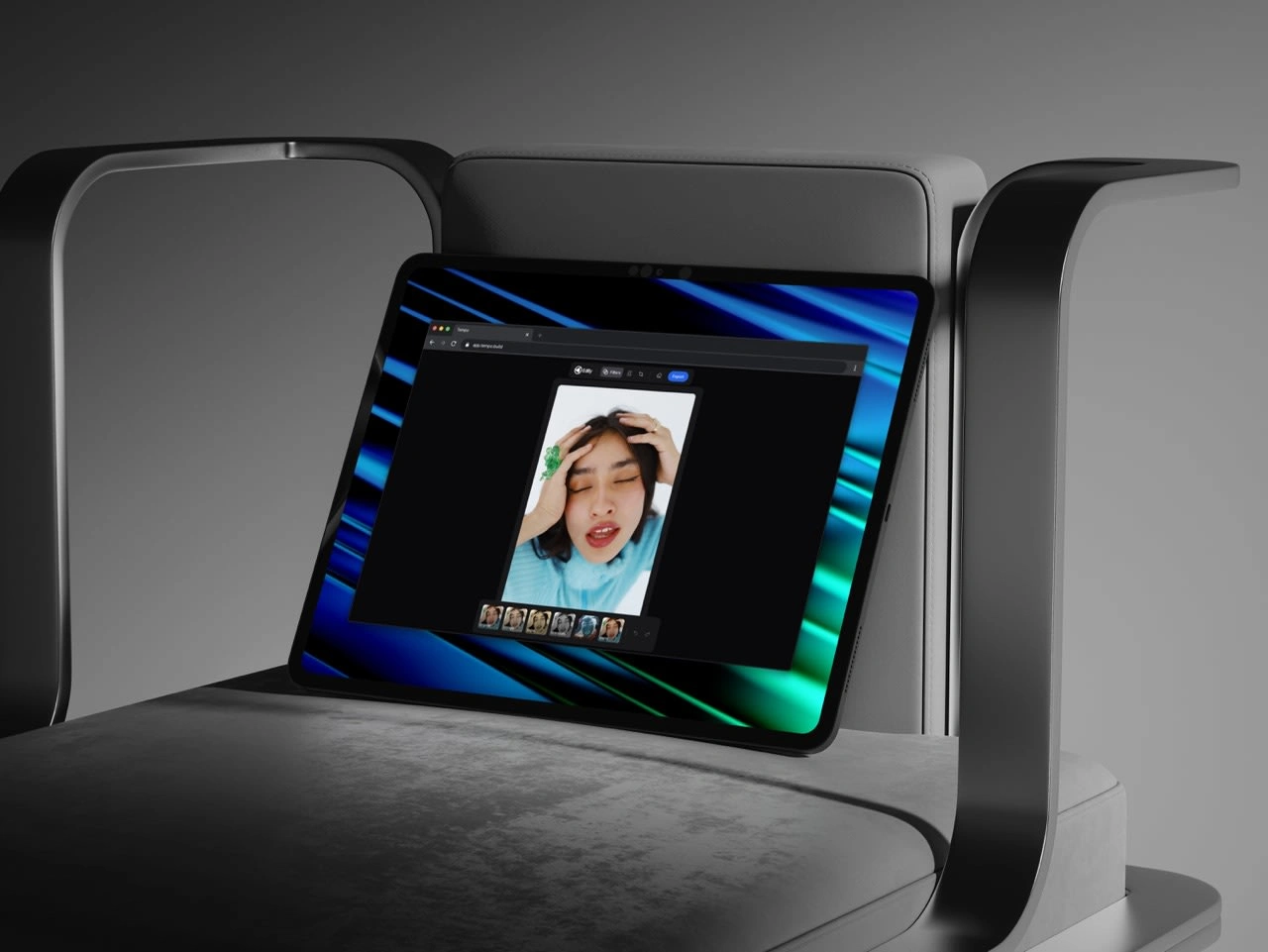
Editly Photo Editor built using Tempo.
Easy Image Loading: You can instantly get started by simply dragging and dropping any image from your computer directly onto the canvas.
Live Filtering: Apply a wide range of popular filters (like Sepia, Grayscale, or Vintage) with live previews instantly visible on your image. When you click a filter, the main image and its adjustments update immediately.
Intuitive Adjustments: Fine-tune your photo's look using dedicated sliders for Brightness, Contrast, Saturation, and more. You can make subtle changes or dramatically alter your image, all in real-time.
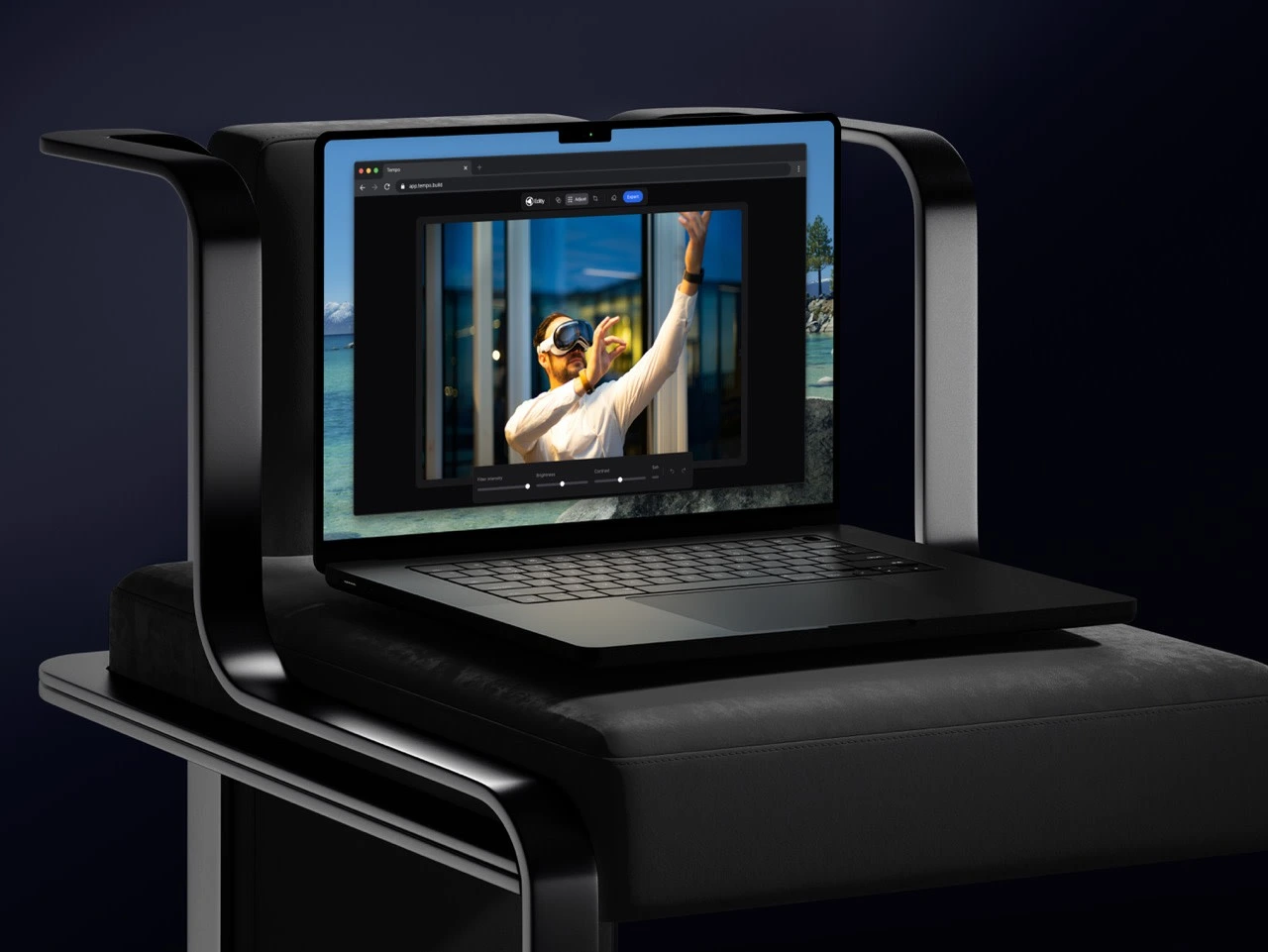
Full Cropping Suite: Precisely control your image composition with tools to rotate (90° turns), flip (mirror the image), and define specific aspect ratios (like 1:1 square or 16:9 widescreen).
Like this project
Posted Nov 9, 2025
Developed Editly Photo Editor using Tempo with live filtering and intuitive adjustments.
Likes
2
Views
41