School Timetable Display System

Anastasia Satnichenka


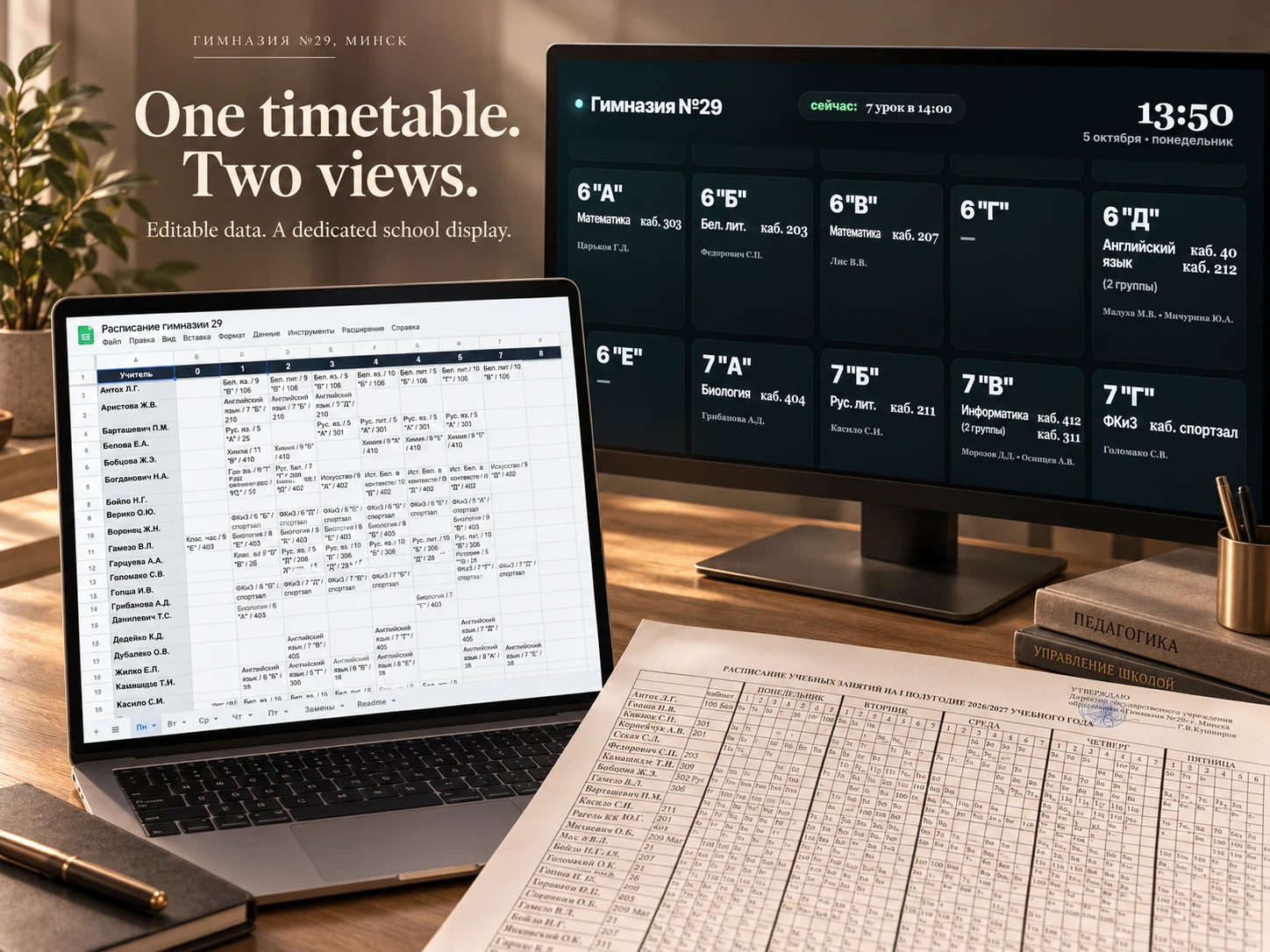
School Schedule - From Paper to School Screens
A custom timetable system for Gymnasium No. 29 in Minsk, built for everyday use on school televisions.
My role: interface design, timetable data structure, custom web development, integration, and deployment.
The starting point
The school timetable existed as a dense paper grid organised by teacher, weekday, and lesson number.
I turned that information into a digital workflow: an editable spreadsheet for maintaining the schedule and a dedicated web display that shows the relevant lesson for each class.
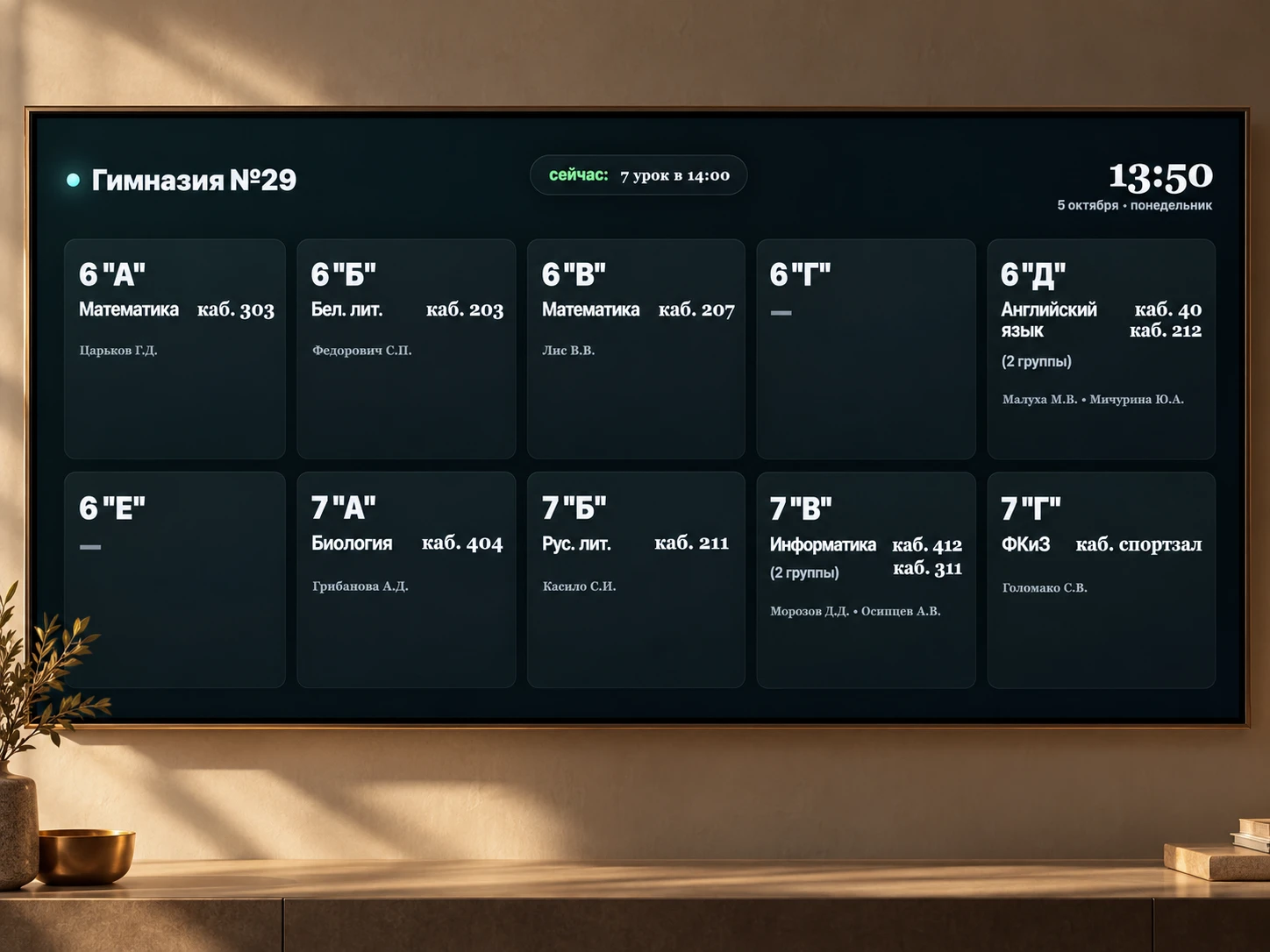
One timetable. Two views.
Google Sheets provides the editing interface. The website loads timetable data through Google Apps Script and reorganises teacher-based entries into class cards.
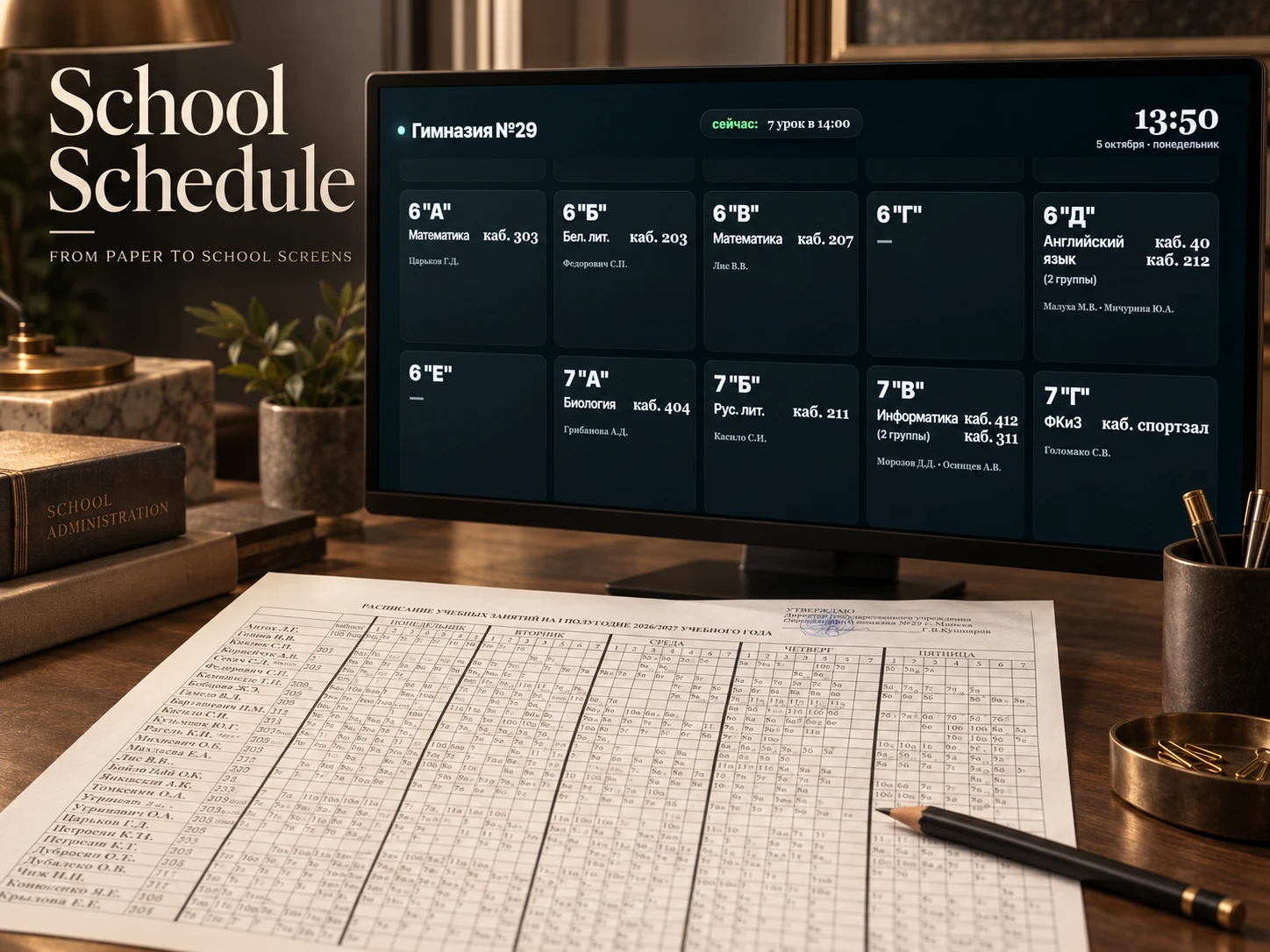
Each card brings together the subject, teacher, and classroom. Split classes can show both groups, including their separate teachers and rooms.
This keeps data entry separate from the public display while connecting them through the same timetable.
Built around the school day
The board uses the school’s local time and bell schedule to determine which lesson to show. During breaks, it displays the upcoming lesson.
The logic also handles substitutions, class hours, and information sessions. Replacements take priority over the regular lesson when present.
A date-and-time preview parameter makes it possible to inspect different moments in the school day without waiting for them to arrive.
Designed for television
Large class labels, prominent room numbers, and a consistent card layout establish a clear reading order.
The timetable scrolls continuously, allowing all classes to appear without manual interaction. The clock and lesson indicator stay visible while the cards move beneath them.
In use
The website is hosted on my server and displayed on televisions in the school.
The result is a working system that connects an editable timetable with a time-aware display built for a shared physical space.
Built with: HTML, CSS, JavaScript, Google Sheets, and Google Apps Script.
Like this project
Posted Oct 4, 2026
A timetable system that turns editable Google Sheets data into a time-aware display for school televisions.