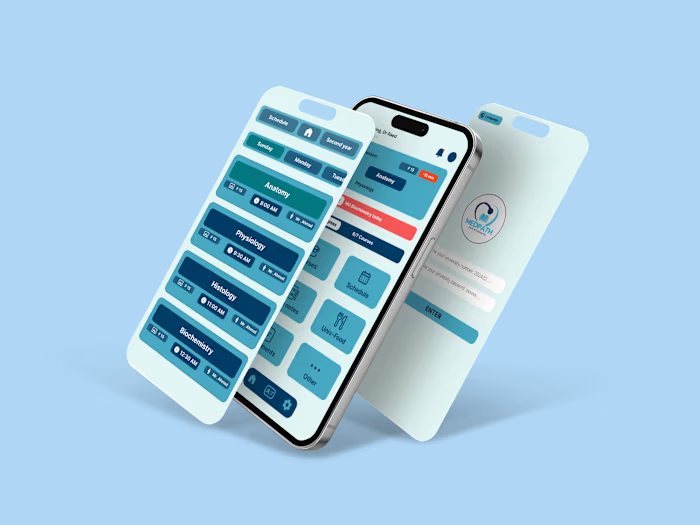
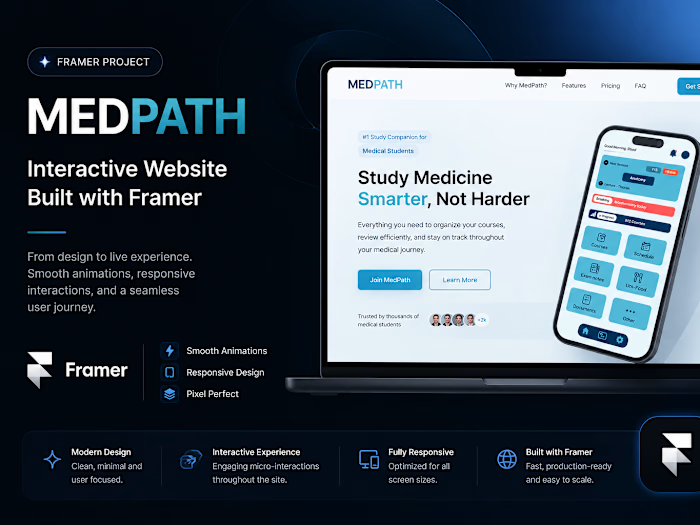
MedPath Student Portal Web UI/UX Design

Raed Makhloufi


MedPath — Student Medical Portal Website | UI/UX Case Study
Project Overview
MedPath is a web-based medical student portal designed to help students organize their courses, schedules, academic progress, and study resources in one place.
This project focused on translating the MedPath experience into a clear and engaging web interface while maintaining consistency with the mobile application.
My role included UI/UX design, responsive web design, visual hierarchy, and prototyping in Figma.
Design Direction
The website follows the visual language established for the MedPath mobile experience, using a clean interface, rounded components, strong color contrast, and a simple navigation structure to keep the experience accessible and easy to scan.
The goal was to create a website that communicates the product's value quickly while making its main features and actions easy to discover.
Landing Page
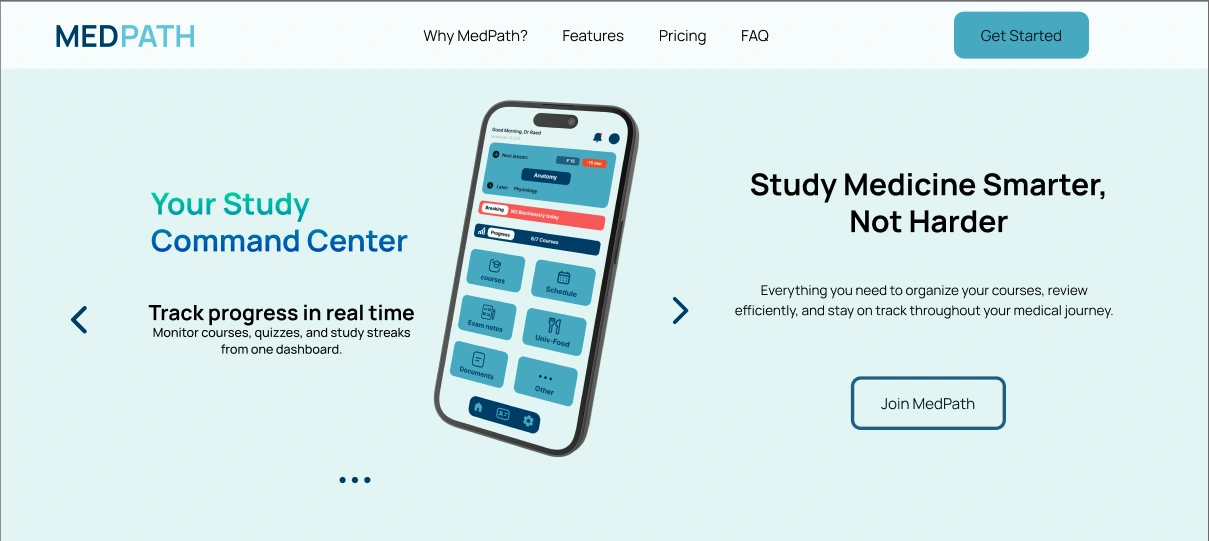
The landing page introduces MedPath through a clear hero section that communicates the main value proposition and provides a direct path to getting started.
The design focuses on presenting the product as a centralized space for managing courses, reviewing academic information, and staying organized throughout the medical journey.
Live Website
Explore the live MedPath website to experience the interactions, animations, navigation, and responsive behavior.
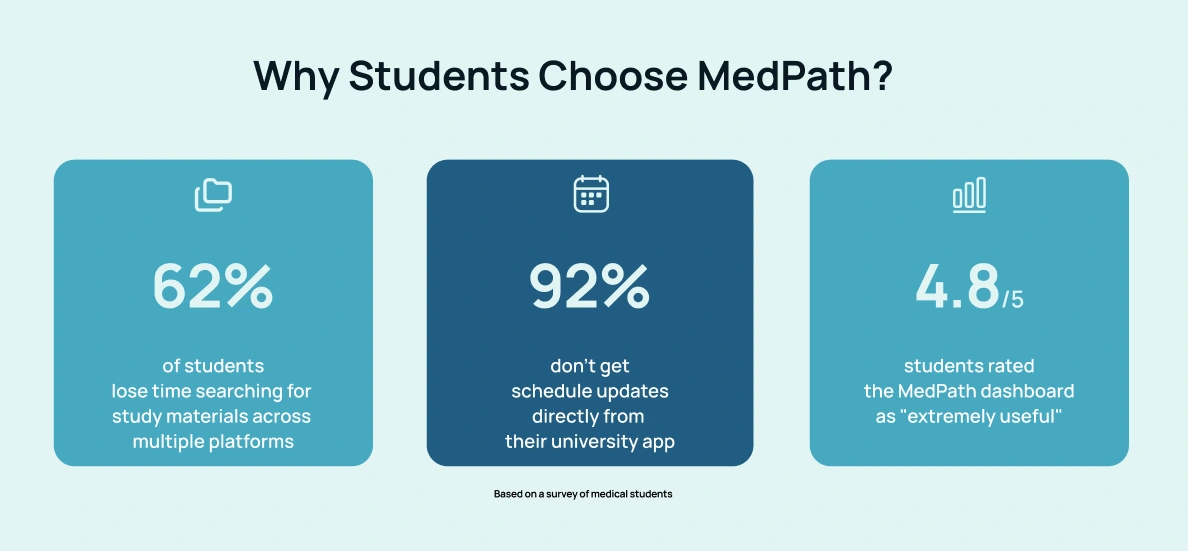
Why Students Choose MedPath?
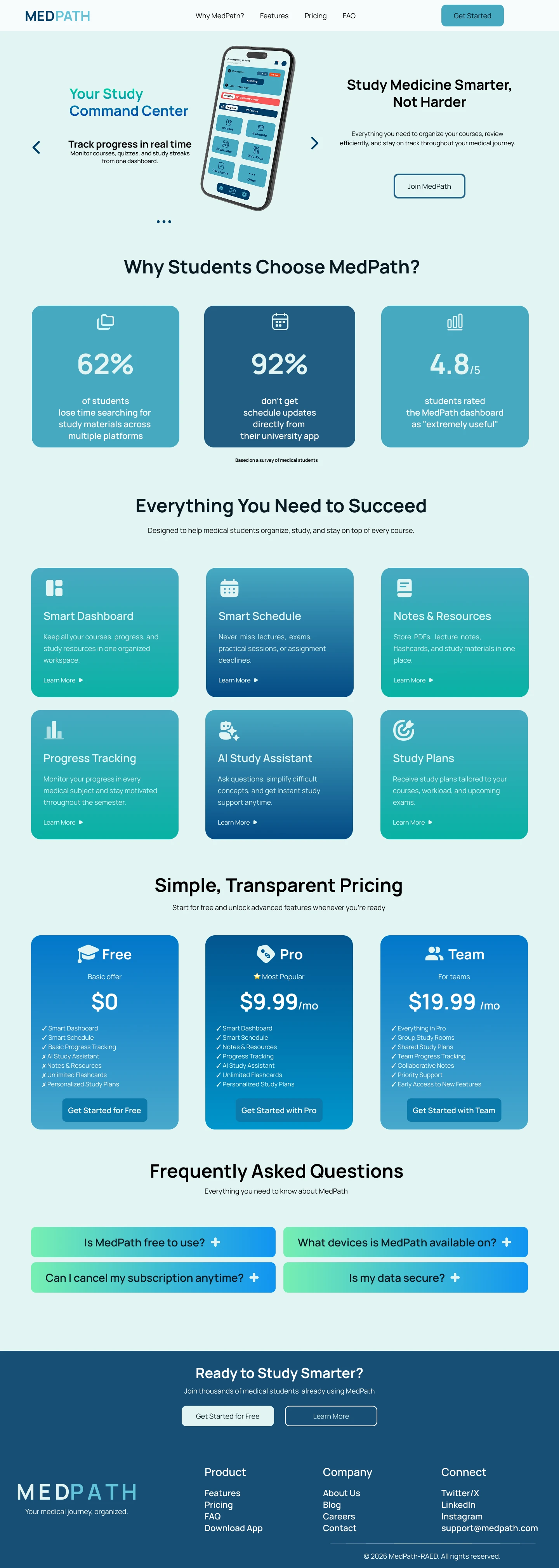
To support the product's value proposition, the website highlights key findings from student research, showing the challenges students face and the perceived usefulness of the MedPath experience.
Everything You Need to Succeed
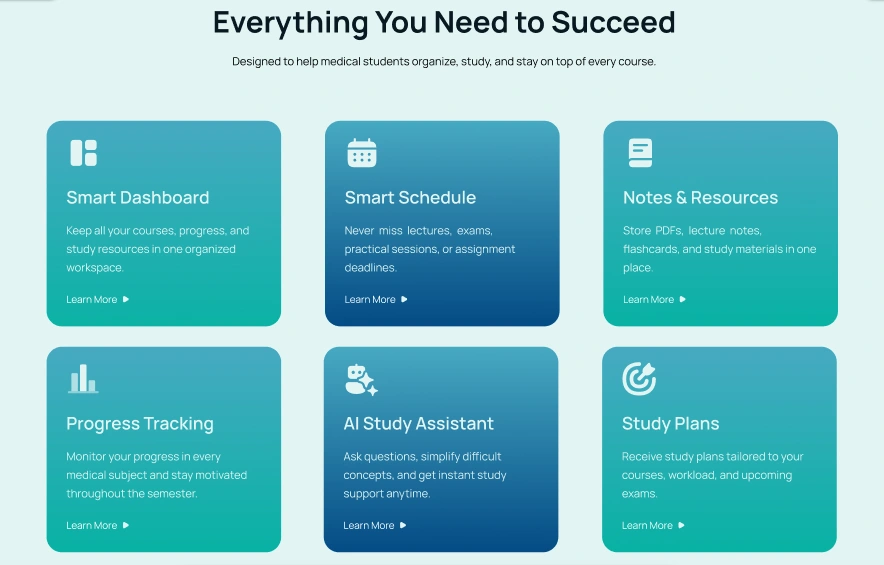
The features section presents the main capabilities of MedPath through a structured card-based layout.
Smart Dashboard
Keep courses, progress, and study resources organized in one workspace.
Smart Schedule
Stay informed about lectures, exams, practical sessions, and assignment deadlines.
Notes & Resources
Keep PDFs, lecture notes, flashcards, and study materials in one place.
Progress Tracking
Monitor academic progress and stay motivated throughout the semester.
AI Study Assistant
Get instant study support and simplify difficult concepts.
Study Plans
Receive study plans tailored to courses, workload, and upcoming exams.
Simple, Transparent Pricing
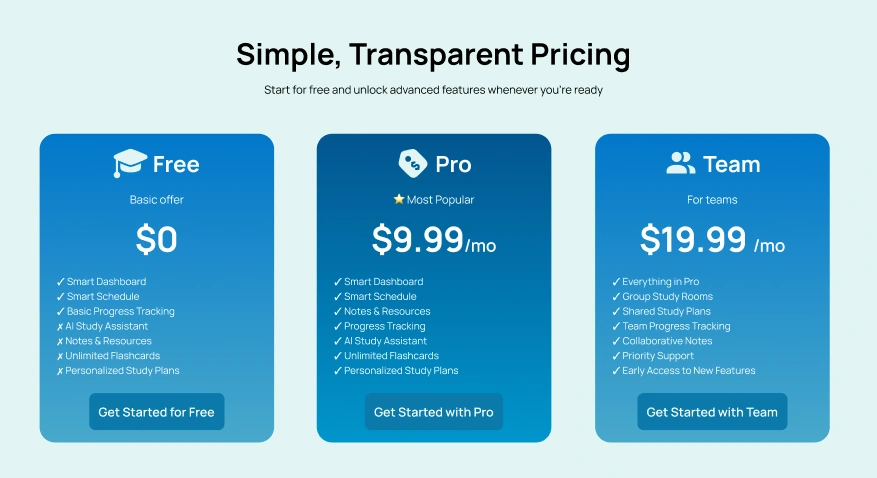
The pricing section was designed to make the available plans easy to compare while clearly highlighting the most popular option.
The three-tier structure provides a simple entry point for students while presenting additional features for users who need more advanced functionality.
Frequently Asked Questions
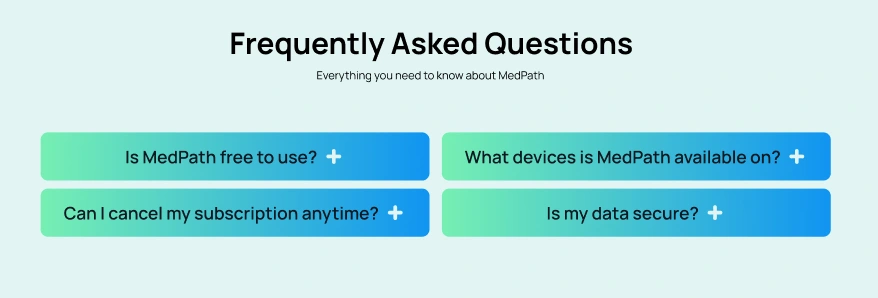
The FAQ section keeps common questions accessible without overwhelming the page.
A simple expandable-style layout allows users to find answers to common questions about the platform, availability, subscriptions, and data security.
Final Call to Action
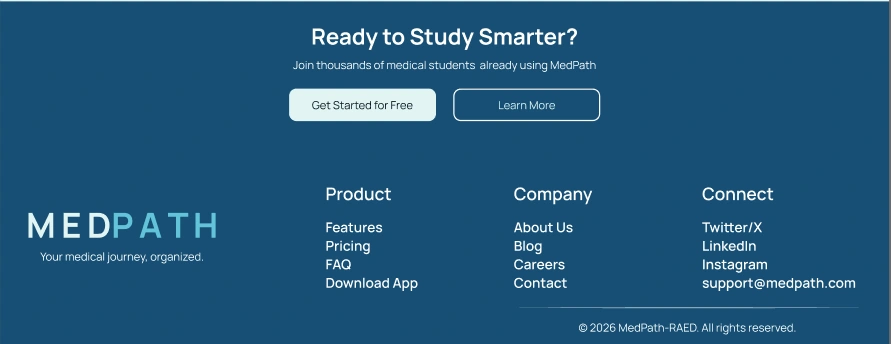
The final section closes the experience with a clear call to action, encouraging students to start using MedPath while keeping the overall page focused and consistent.
Design Outcome
The final website extends the MedPath product experience to the web while maintaining a consistent visual identity across platforms.
The design combines clear hierarchy, accessible navigation, structured content, and a focused visual system to create a professional experience tailored to medical students
Tools & Skills
Figma · framer · UI Design · UX Design · Responsive Web Design · Visual Design · Prototyping
Like this project
Posted Aug 24, 2026
UI/UX design for MedPath's student medical portal website.