Pagepurr: a free app that reads any document aloud

Memouna D


What it is
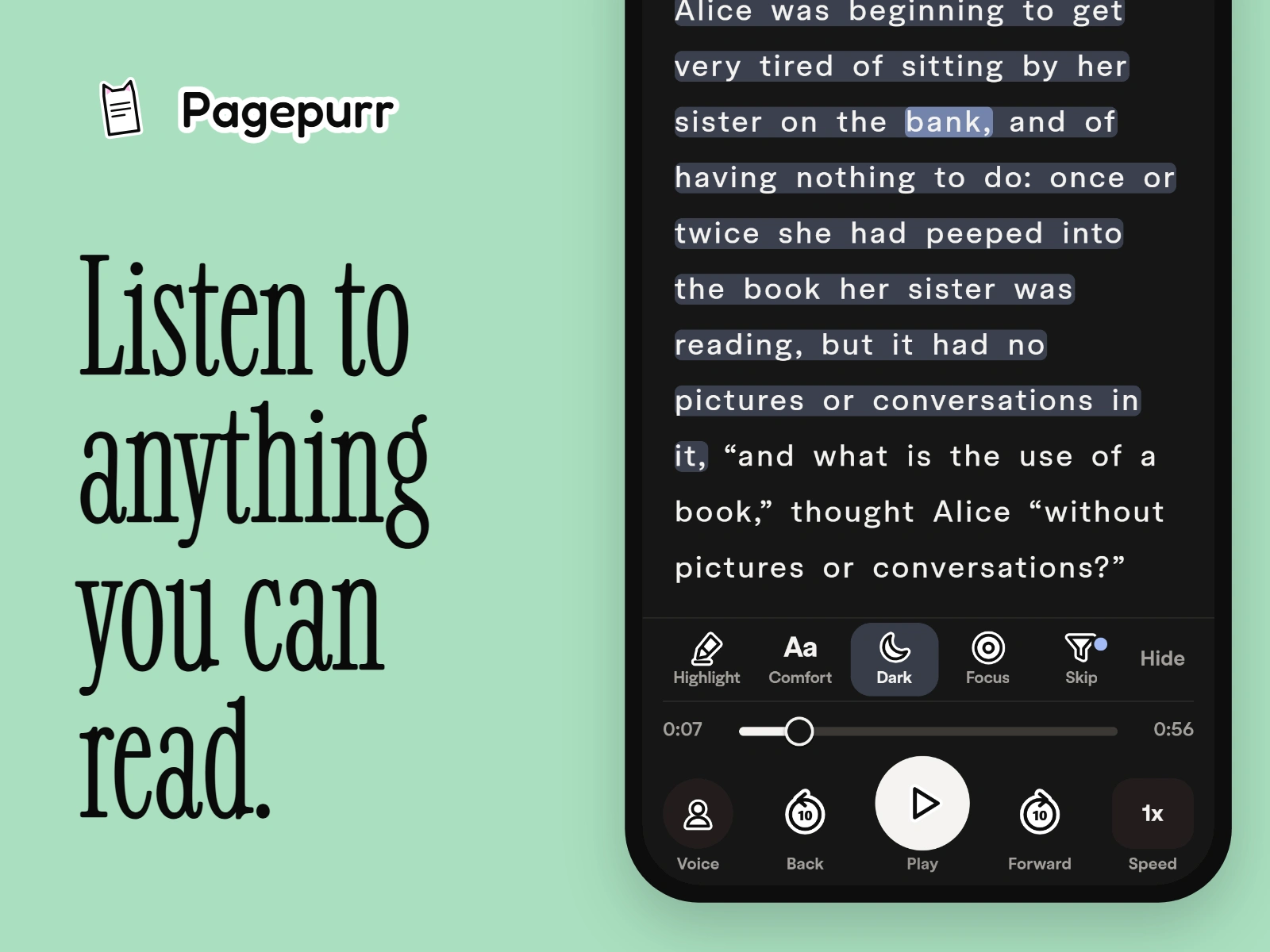
Pagepurr is a free app that reads documents aloud. You open a PDF, a book, a Word file, a web article or a photo of a page, press play, and each word is highlighted as it is spoken.
The problem
Read-aloud apps are either expensive or robotic, and most are not made for people who find reading hard. The goal was a reader that is free to use, sounds human, and is comfortable for readers with dyslexia, ADHD or autism.
Role
Product design, UX and UI design, logo and icon set, development and launch.
Follow every word
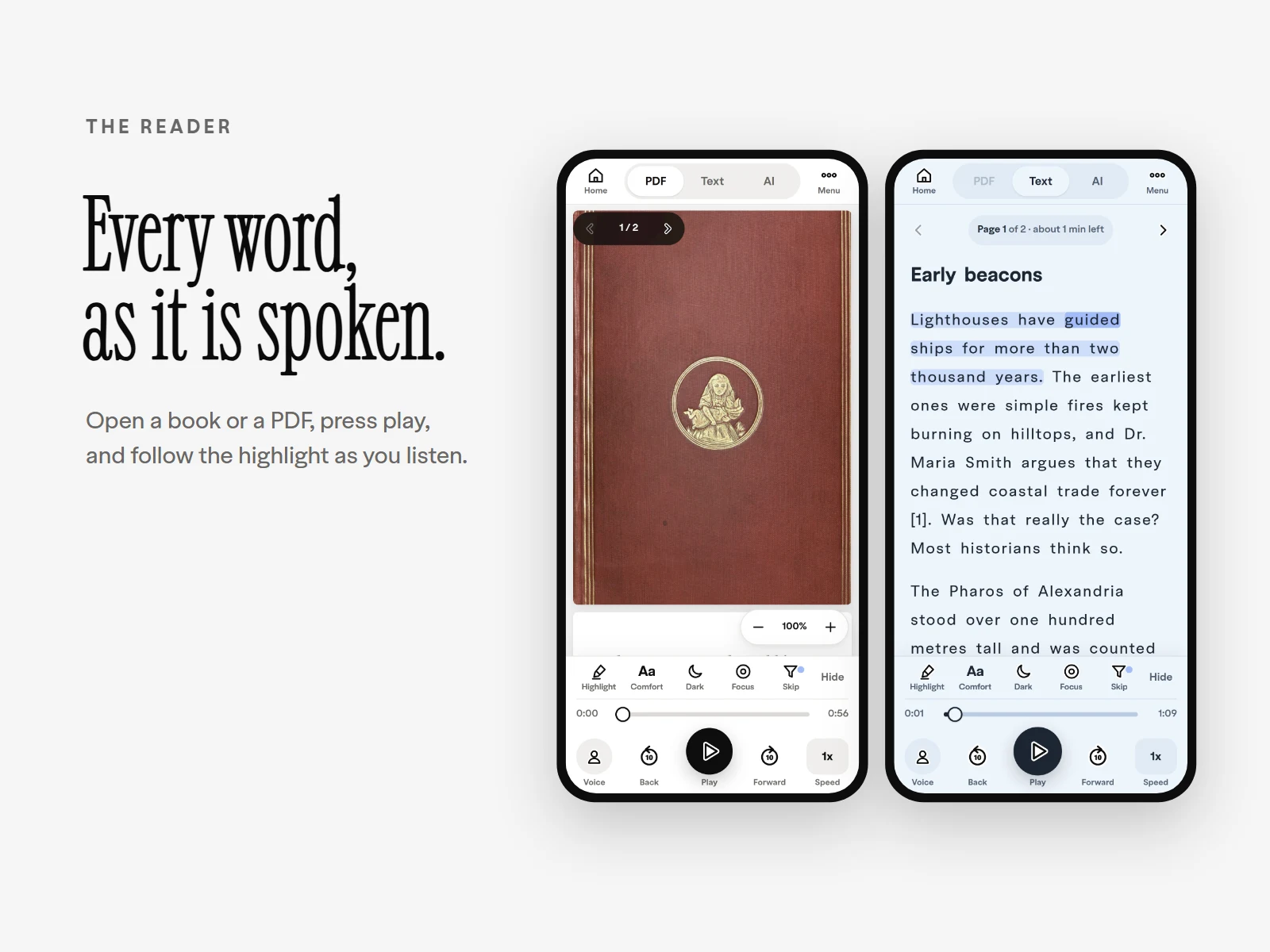
The sentence being read is tinted and the current word is marked in blue, so your eyes always know where the voice is. Tap any sentence to start from there. The controls stay within reach of your thumb.
Reading comfort
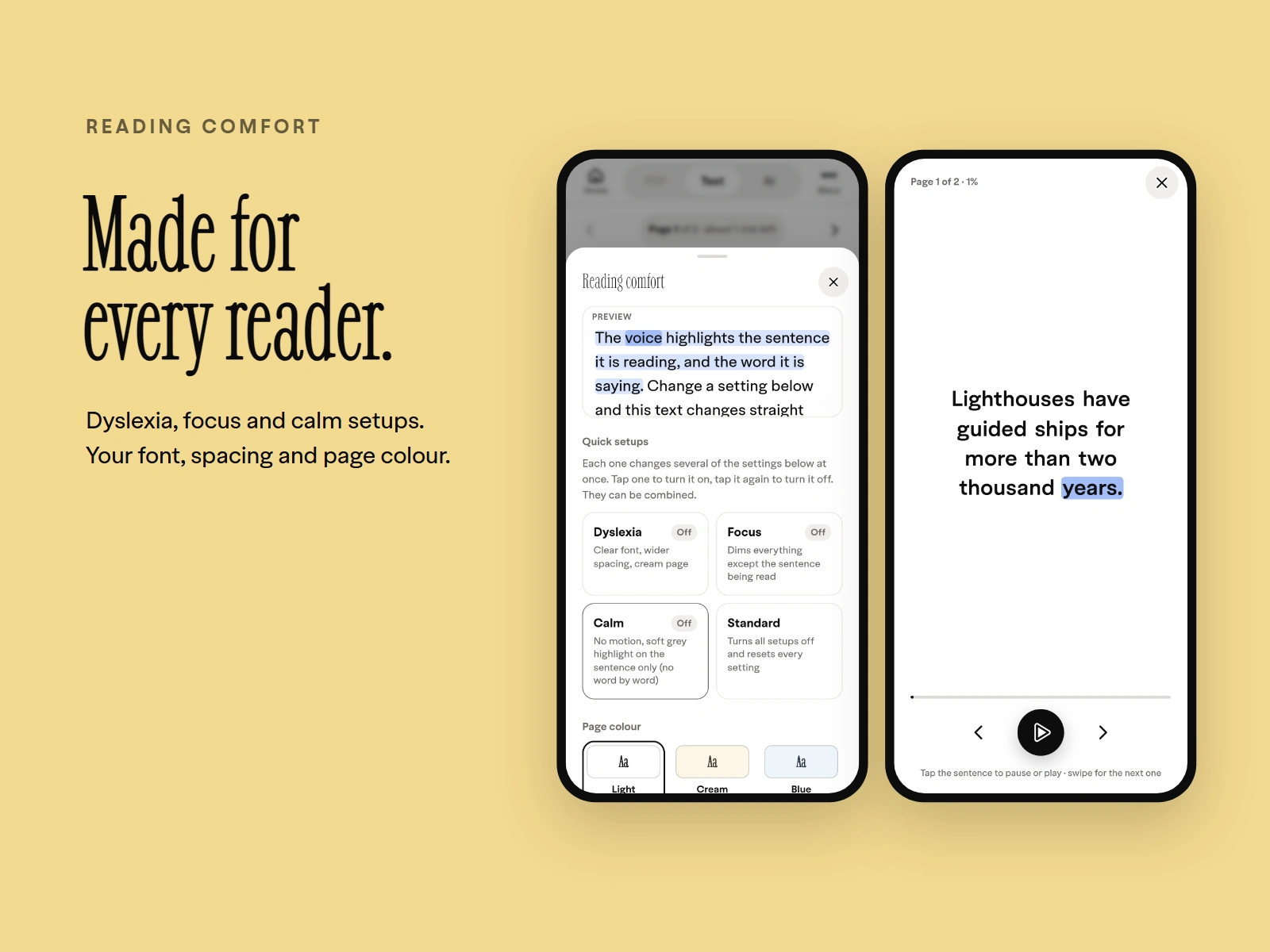
One sheet holds everything that makes reading easier: ready-made setups for dyslexia, focus and calm, plus font, spacing and page colour. A live preview shows each change before you close the sheet. Focus view goes further and shows one sentence at a time.
Voices that run on your device
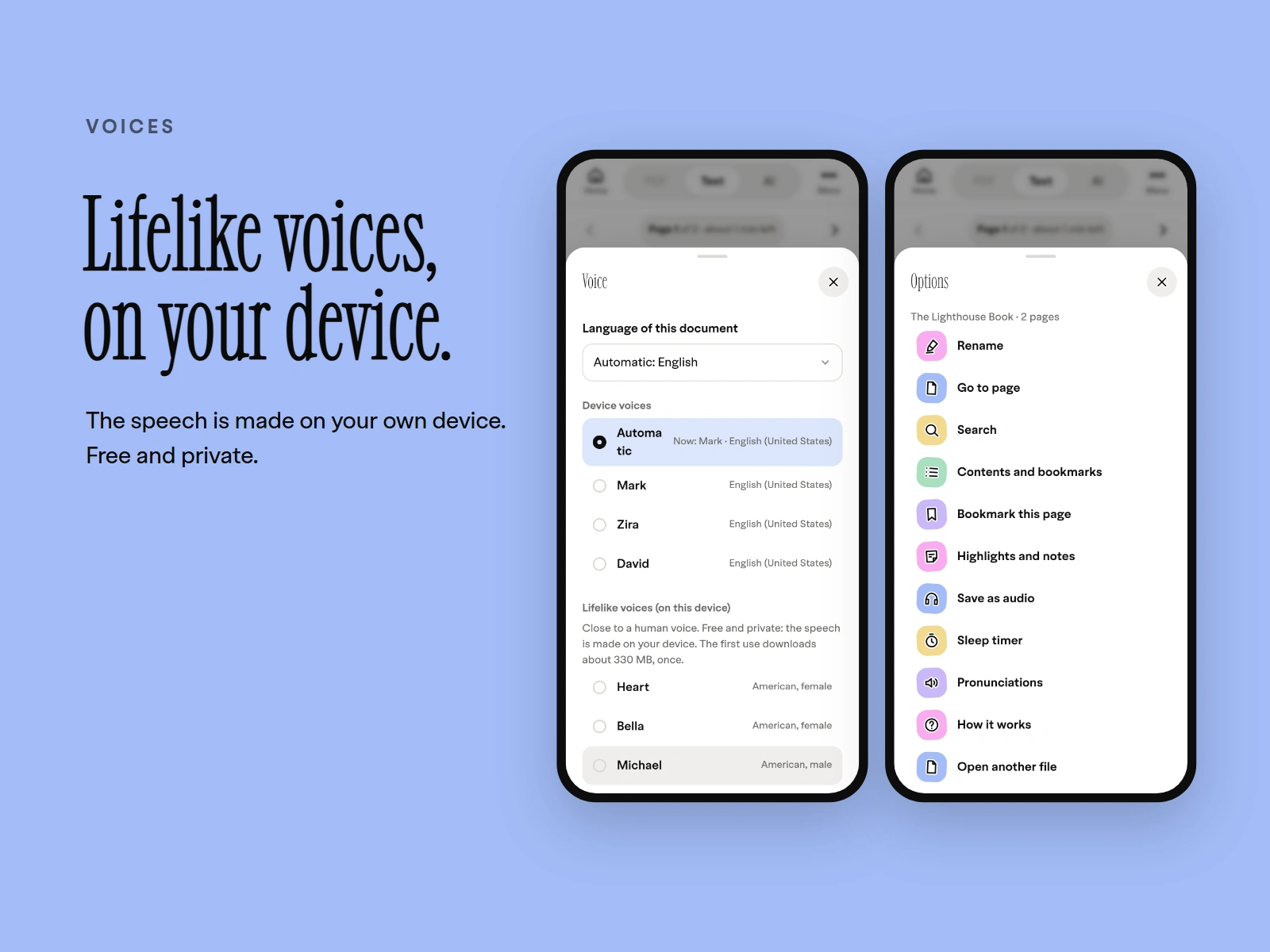
The lifelike voices are generated on your own phone or computer, not on a server. That keeps the app free to run and keeps what you read private. The menu adds search, bookmarks, notes, a sleep timer and saving a document as audio.
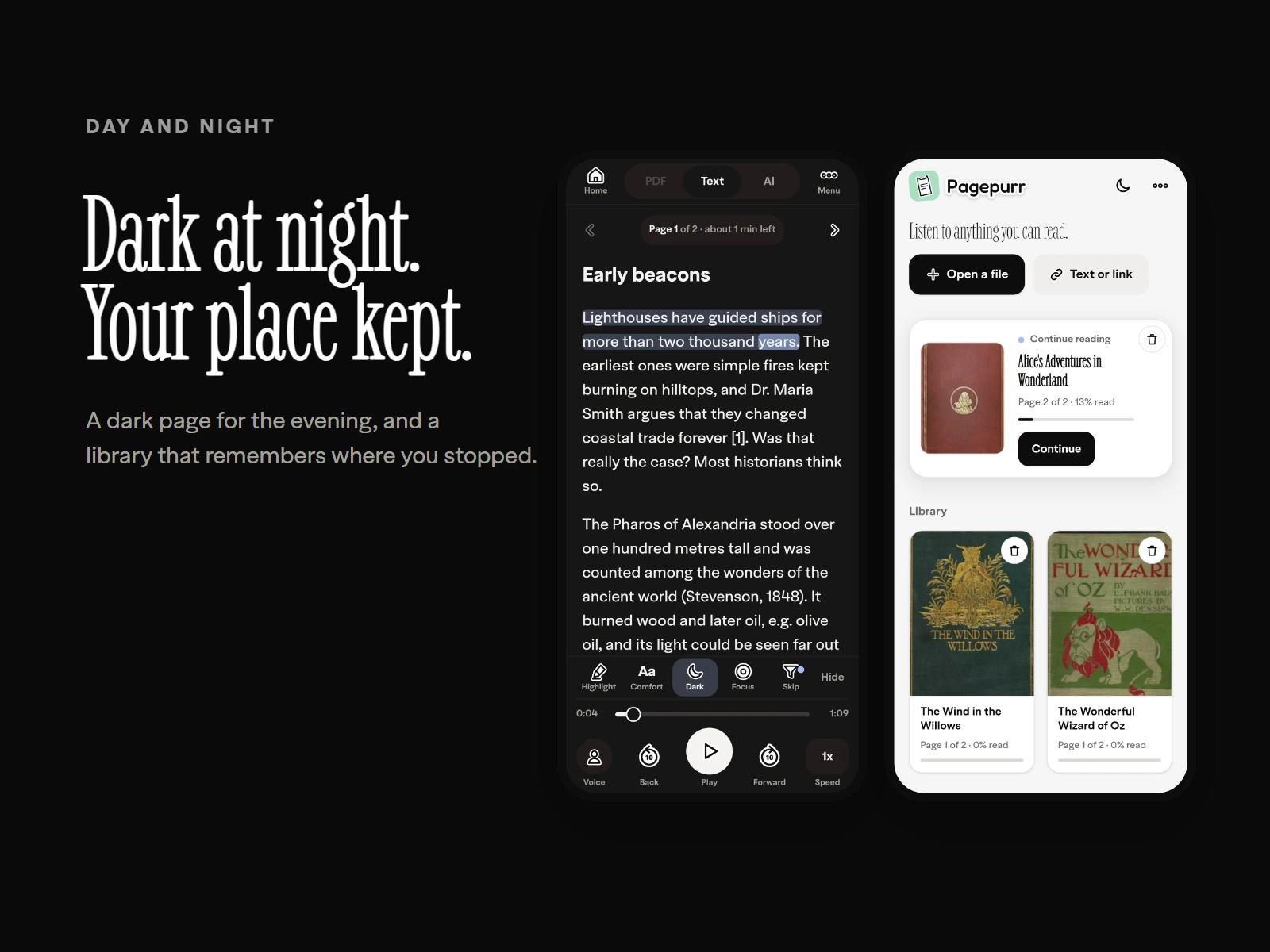
Day, night and your place
A dark page for the evening, and a library that remembers where you stopped in every file. Files stay on your device, so you can reopen them offline.
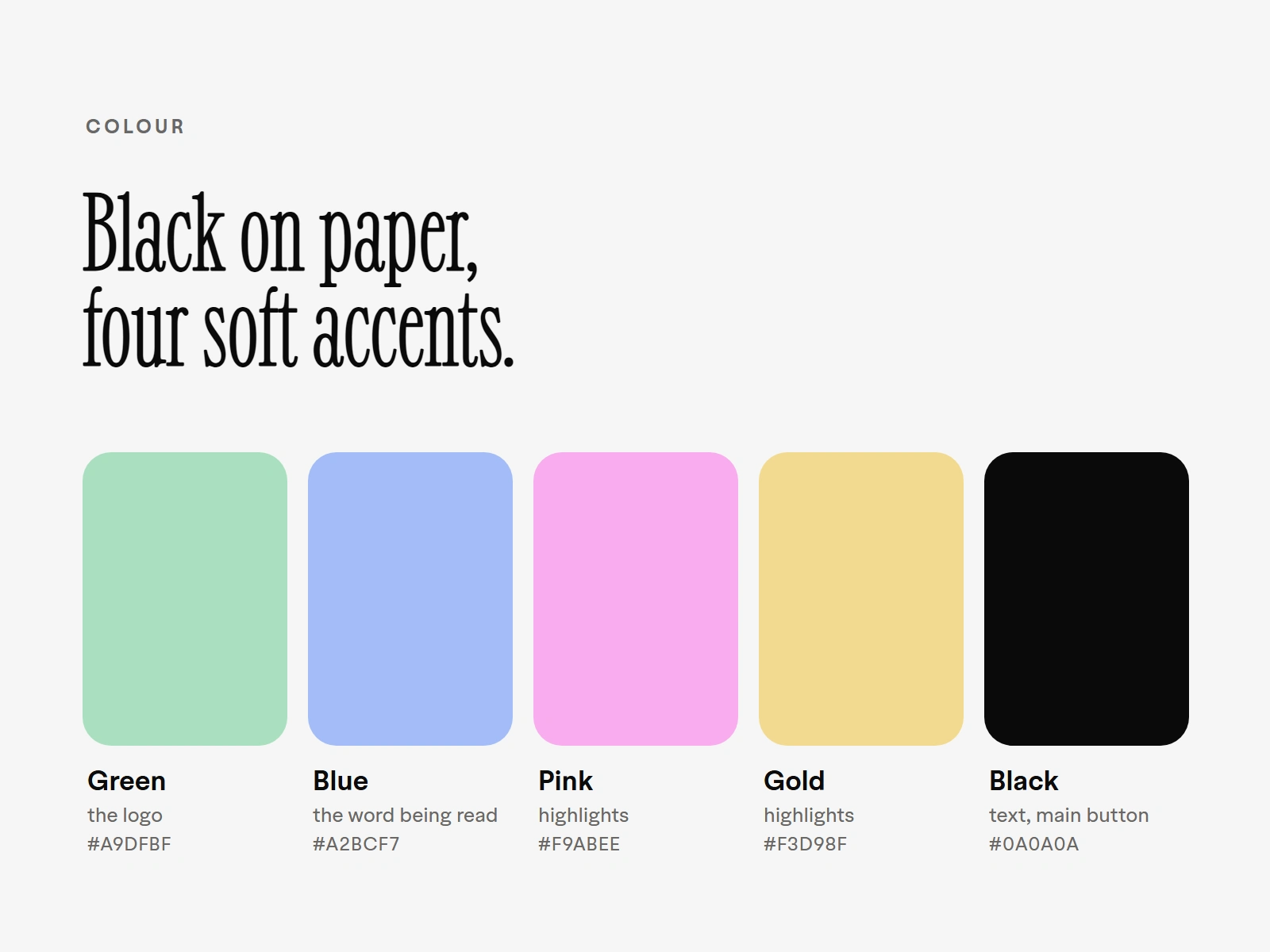
Colour
Black text on a paper-white page, so the document is always the loudest thing. Four soft colours do the rest: green for the logo, blue for the word being read, pink and gold for highlights.
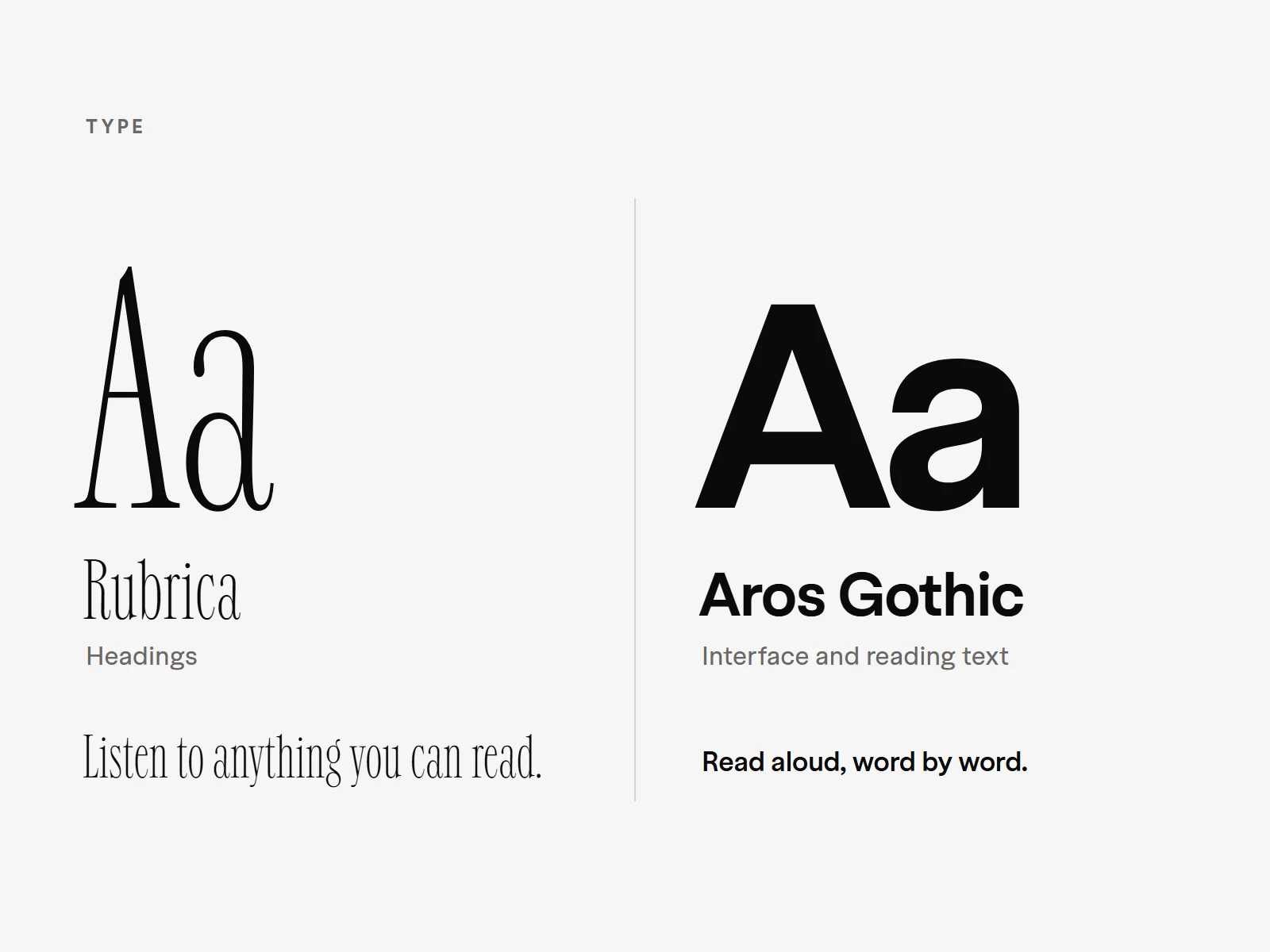
Type
Rubrica, a tall and elegant serif, for headings. Aros Gothic for the interface and the reading text, because it stays clear at small sizes. Readers can also switch the page to Atkinson Hyperlegible, Lexend or OpenDyslexic in Reading comfort.
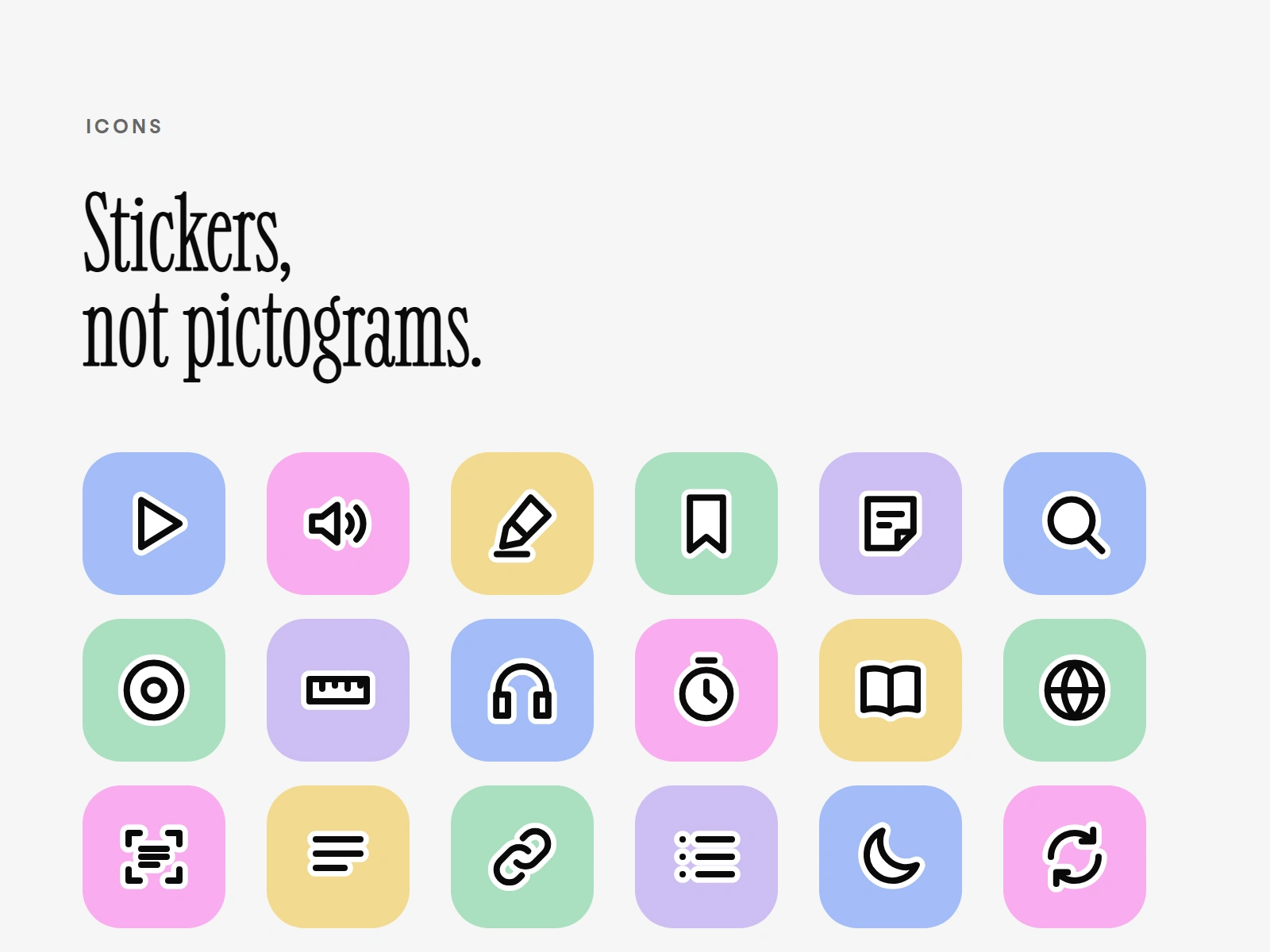
Icons
Every icon is drawn as a sticker: a white shape with a thick black outline and a white edge, sitting on a soft coloured tile. They look friendly without looking childish.
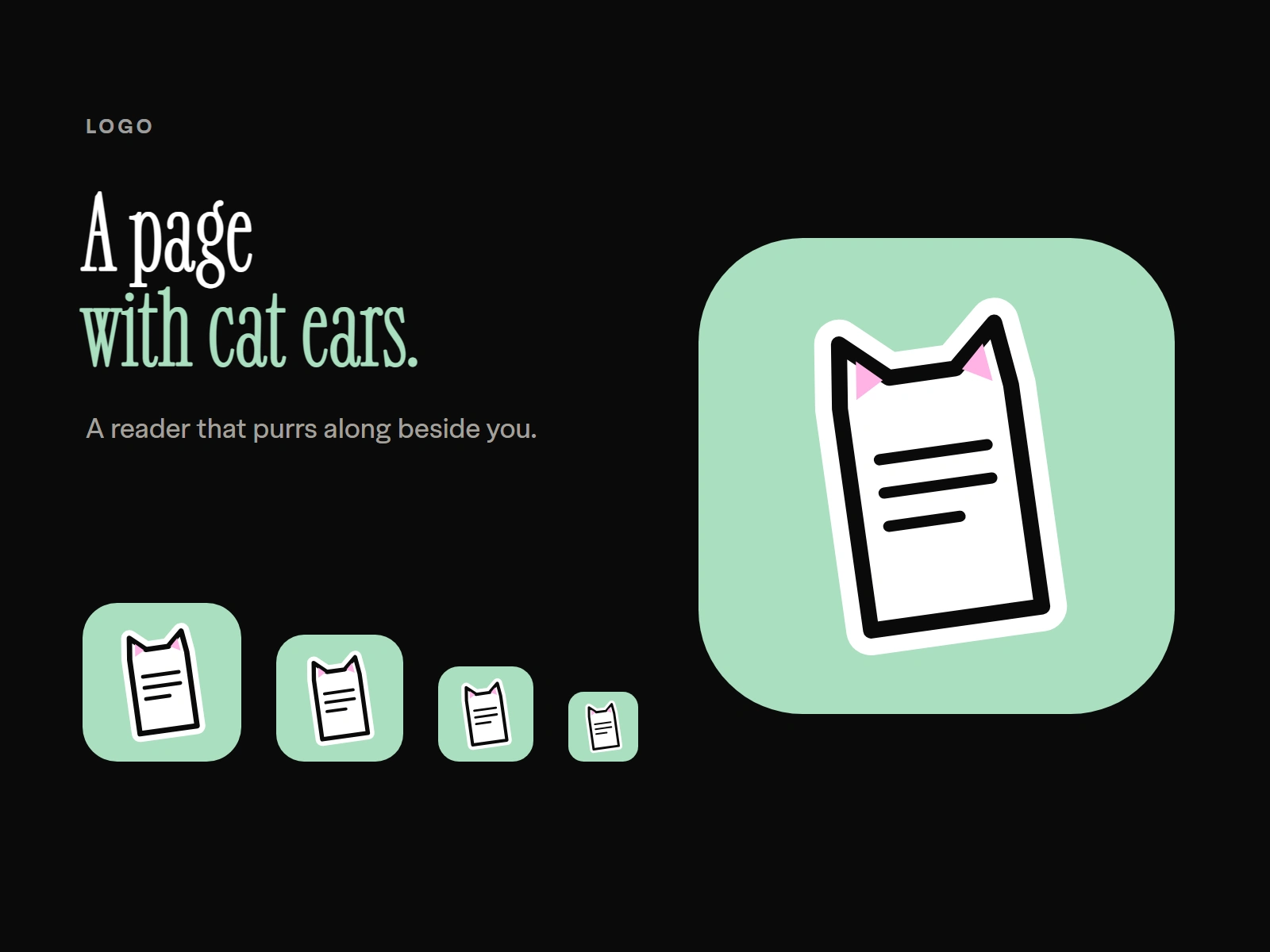
Logo
A page of text with two cat ears, on soft green. No face, only the ears, so it stays simple at every size.
Built with
Plain HTML, CSS and JavaScript, with no framework and no server. It installs like an app from the browser and works in seven languages. Live at pagepurr.com, free for everyone.
Like this project
Posted Oct 12, 2026
A free read-aloud app I designed and built. It highlights each word as it is spoken, with voices that run on your device and dyslexia-friendly settings.