
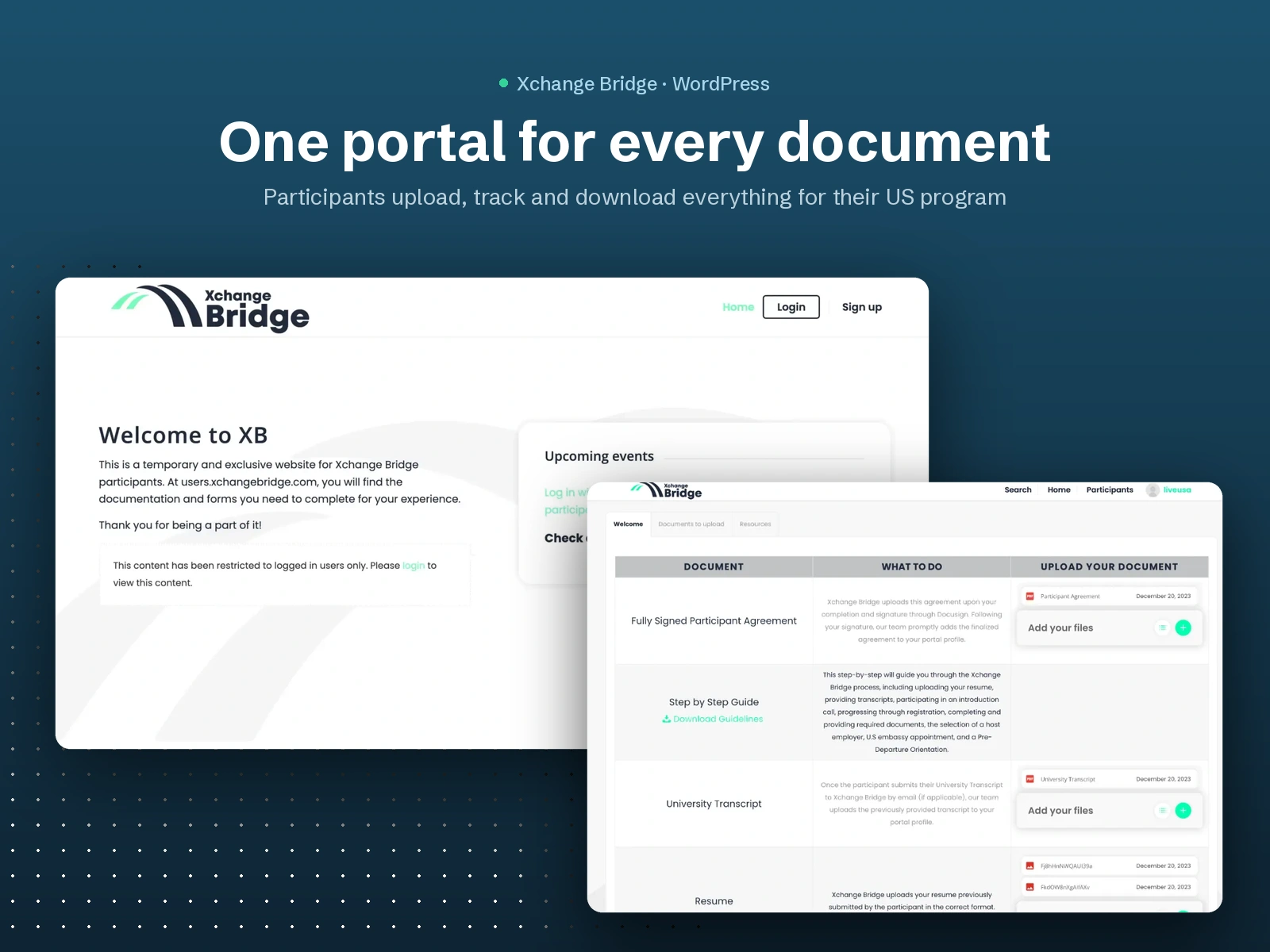
Xchange Bridge participants go through a long list of paperwork before traveling to the US: agreements, transcripts, resumes, guides and more. Before the portal, all of that moved back and forth by email.
I built a private participant portal where each user logs in, sees exactly which documents they need, uploads them and downloads what the team sends back, all in one place.
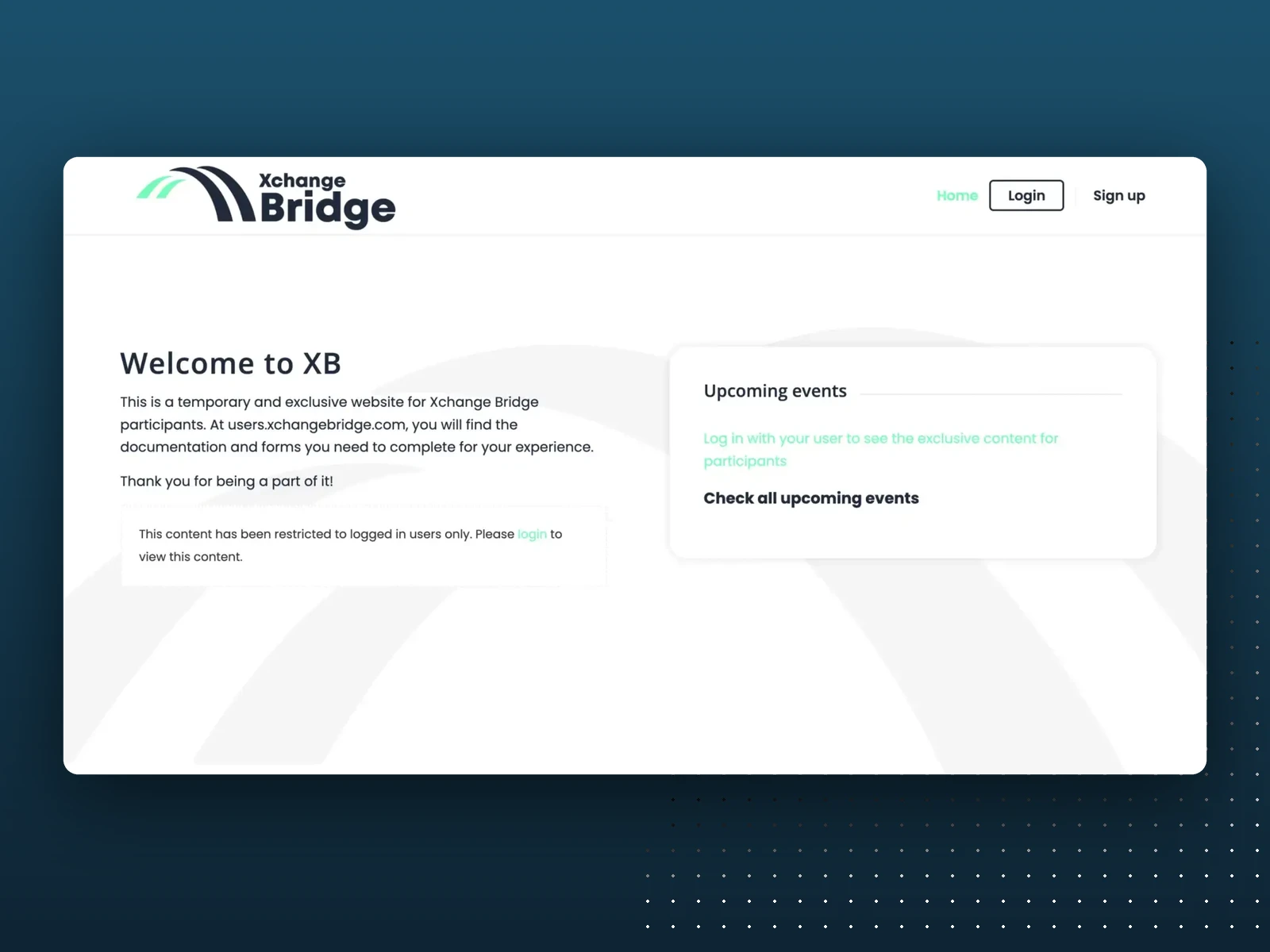
Portal home
How it works
Private access. Each participant has their own profile and login, and content is restricted to logged-in users.
Document checklist. A clear table shows every document, what to do with it and where to upload it, from the signed participant agreement to the university transcript and resume.
Two-way file exchange. Participants upload their files and the team drops finished documents back into each profile. Everything is stored in Google Drive and organized per participant.
Guides and events. Step-by-step guides and upcoming events are available right inside the portal.
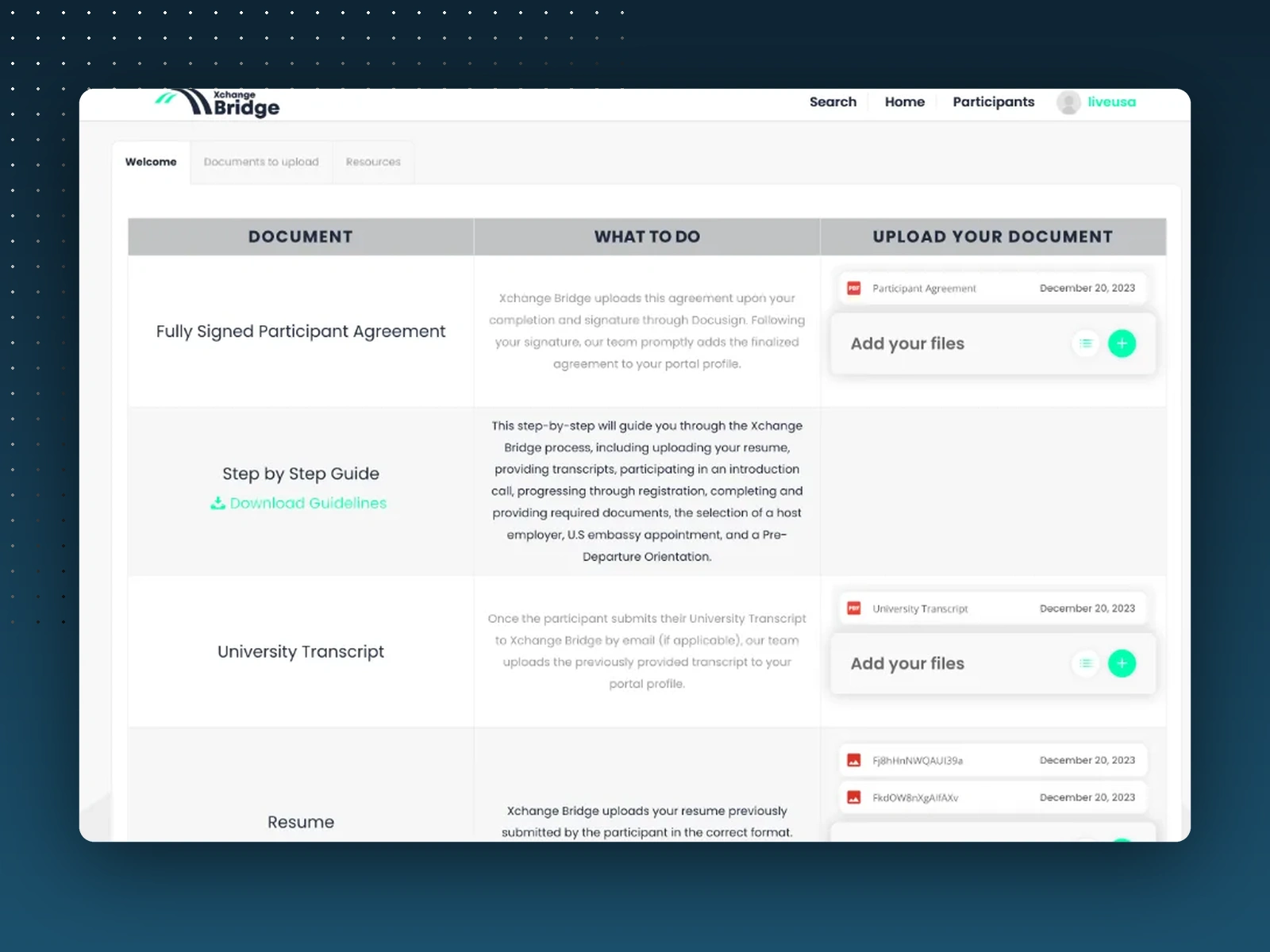
Document checklist
My role
I built and maintain the platform: setup, server configuration, security, performance and ongoing improvements. It runs on WordPress with the Enfold theme, Use-your-Drive for the Google Drive file exchange and Ultimate Member for user profiles.
The platform is now being upgraded together with a third-party software company, where I lead the project as PM.
0 likes · 37 views · Aug 6, 2024
A private portal where Xchange Bridge participants upload, track and download every document for their US program, with files stored in Google Drive and a profile for each user.

