ClickUp Training — Session 7:

Margaret Eneware

ClickUp Training — Session 7: Automations
Overview
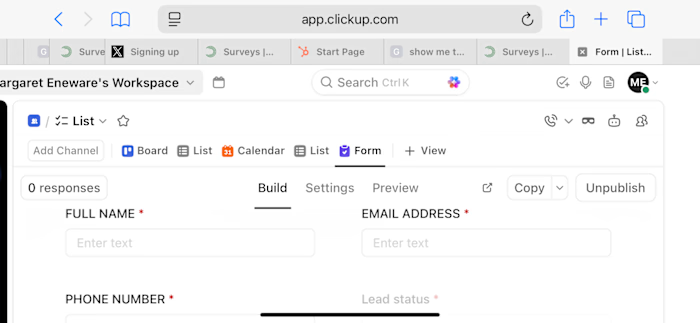
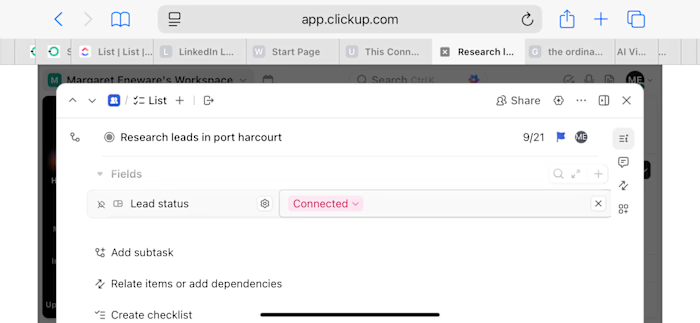
In this session, I built my first Automation in ClickUp, connecting my custom Lead Status field to task Status updates so my CRM pipeline can run itself.
What I Practiced
✅ Located and opened the Automations panel in ClickUp
✅ Built a custom automation: “When Lead status is set to Closed, then Update status to Complete”
✅ Named and saved the automation, confirming it appeared as Active
✅ Tested the automation by closing a lead and confirming the task status updated automatically
Skills Practiced: CRM Fundamentals, Workflow Automation, Rule Building, Quality Testing
Like this project
Posted Sep 16, 2026
ClickUp Training — Session 7: Automations Overview In this session, I built my first Automation in ClickUp, connecting my custom Lead Status field to task ...
Likes
0
Views
0