Lead Capture Automation: Form to CRM to Follow-Up (Demo)

Muhammad Bilal Akram


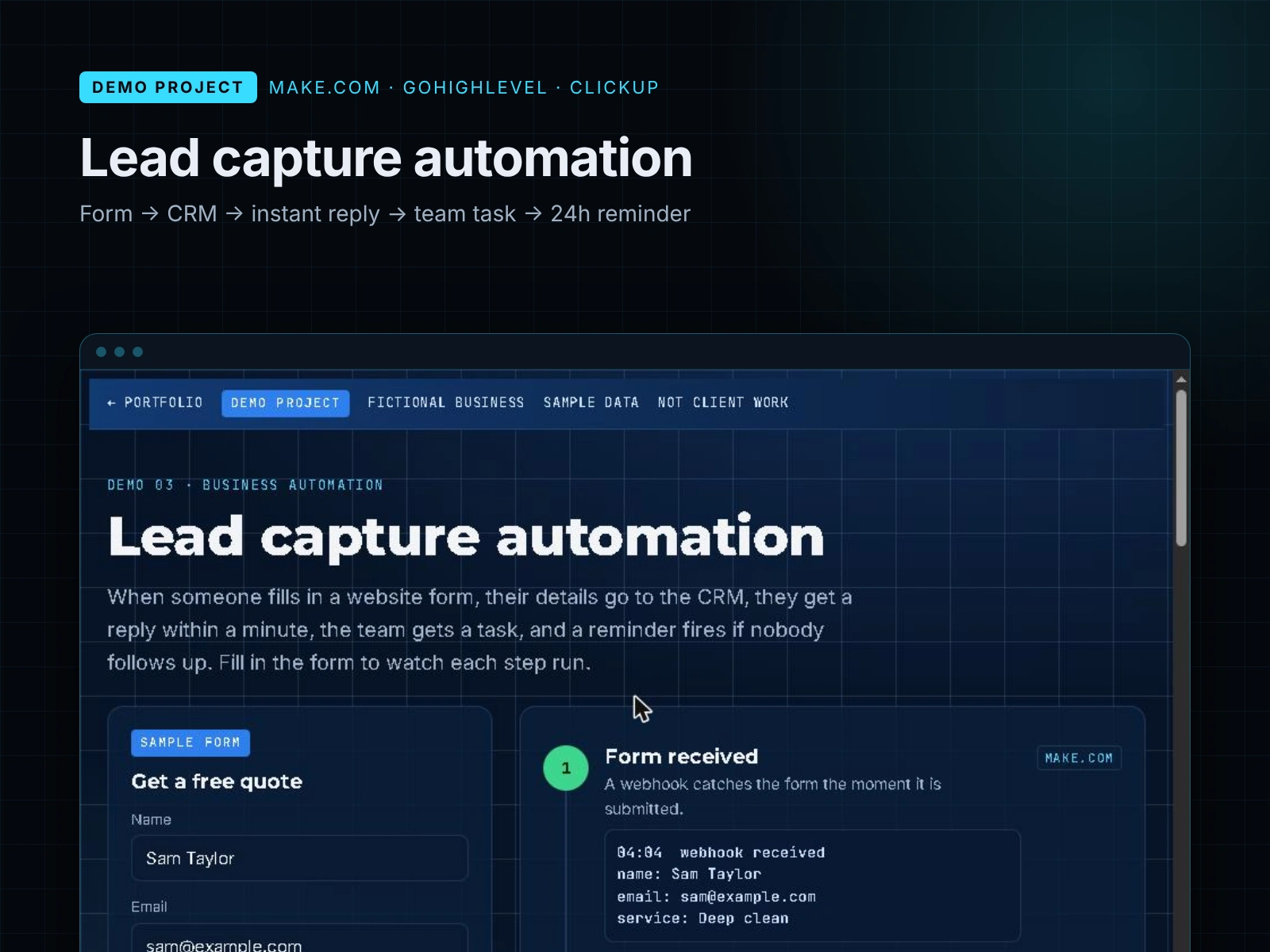
Demo project - fictional business and sample data, not client work. An interactive demo showing how I would connect a website form, a CRM and a task tool so no lead is forgotten.
The problem
A fictional cleaning company (Lakeside Home Cleaning) gets quote requests through its website. Replies sometimes take a day, and some requests are missed completely.
What I built
An interactive walkthrough of a 5-step lead workflow. 1. Form received - a webhook catches the form the moment it is submitted (Make.com).
Contact created in the CRM: tagged with the service and placed in the New lead pipeline stage (GoHighLevel).
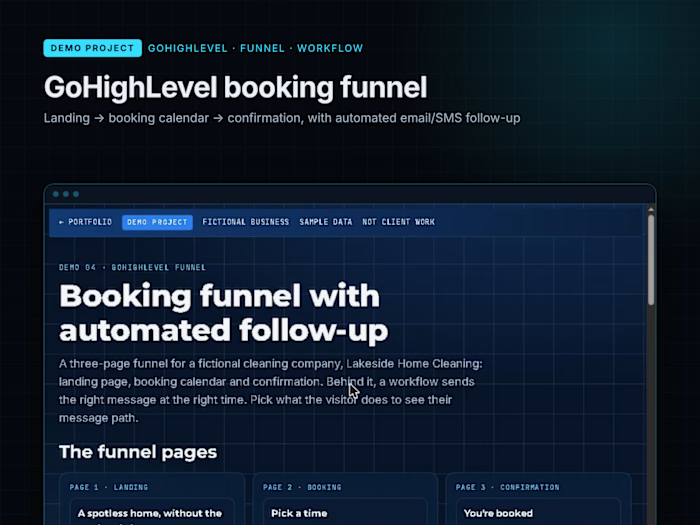
Instant reply: a friendly email and text confirm the request and say what happens next (GoHighLevel).
Task for the team: a follow-up task with all the details, due today (ClickUp).
Reminder after 24 hours: if the lead is still in New lead a day later, the owner gets a nudge (Make.com).
A person still makes the call; the automation makes sure nobody is forgotten.
How a real version is built
A Make.com scenario with a webhook trigger, the GoHighLevel CRM for contacts and messages, and ClickUp (or Monday.com) for team tasks.
What I'd adapt for a real business
Reply wording in the owner's voice, spam filtering on the form, and routing leads to different team members by service or area.
Note: the demo page simulates the steps in the browser; it does not connect to live Make.com, GoHighLevel or ClickUp accounts.
Try the interactive demo: https://bilalakram.pages.dev/demos/lead-automation
Like this project
Posted Oct 29, 2026
Make.com workflow: website form to GoHighLevel CRM, instant email + SMS reply, ClickUp task and a 24-hour follow-up reminder. Demo project.