
The problem. My résumé, cover letters and portfolio assets used a dated purple-to-blue palette, hard-coded on hundreds of layers. Light and dark versions were kept in sync by hand.
The approach. Two tiers of tokens. 24 primitive colors in ink and gold ramps feed 13 semantic tokens, each with a Light and a Dark value. Layers use only the semantic tokens, and older paint styles are bound to variables, so legacy layers follow too.
The result. Re-theming is one edit, and every page gets a dark version from a single mode switch.
Role: Designer and owner. Tools: Figma variables, modes, components and styles.
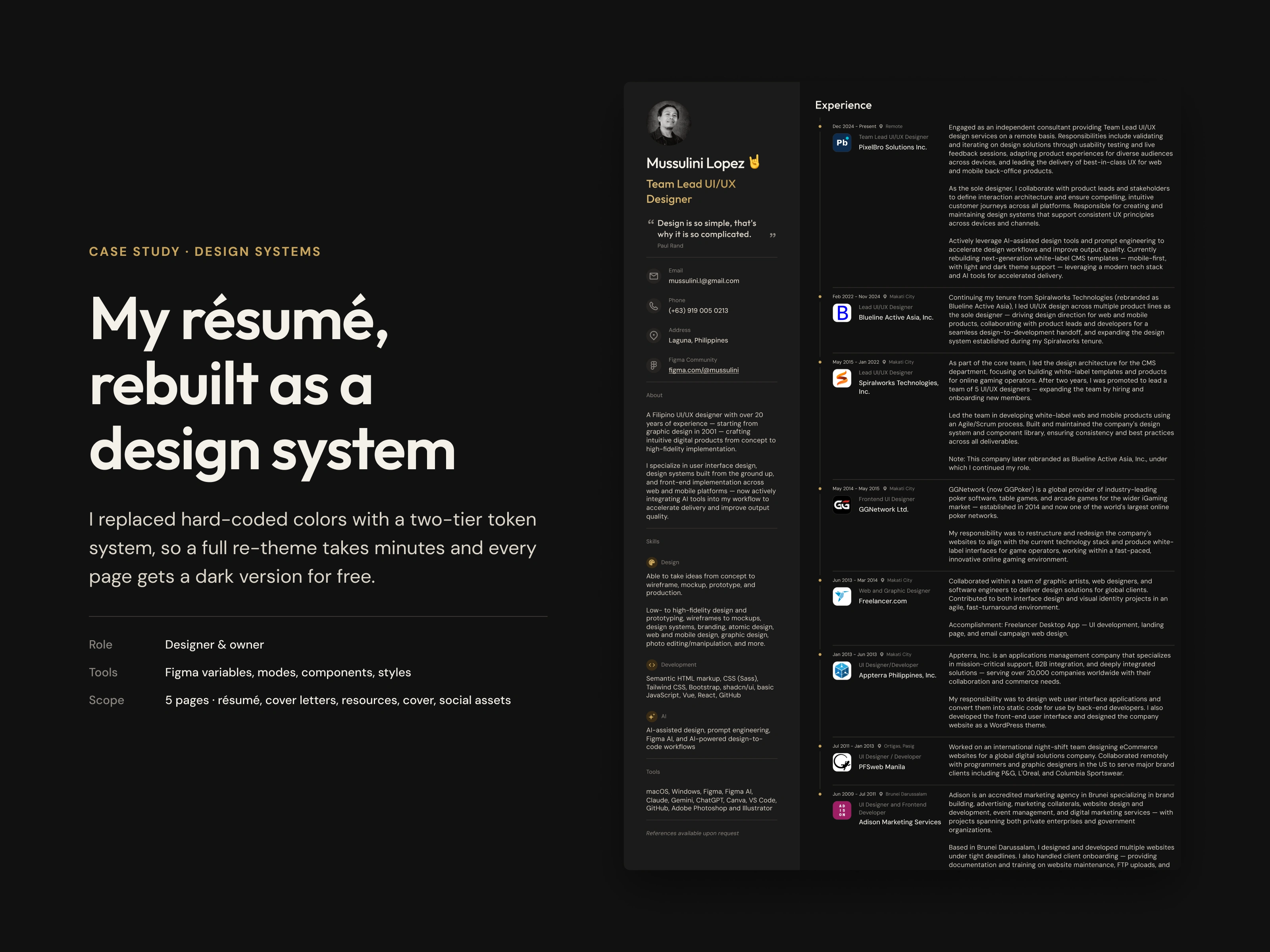
Case study cover: my résumé rebuilt as a design system, beside a dark-mode résumé preview
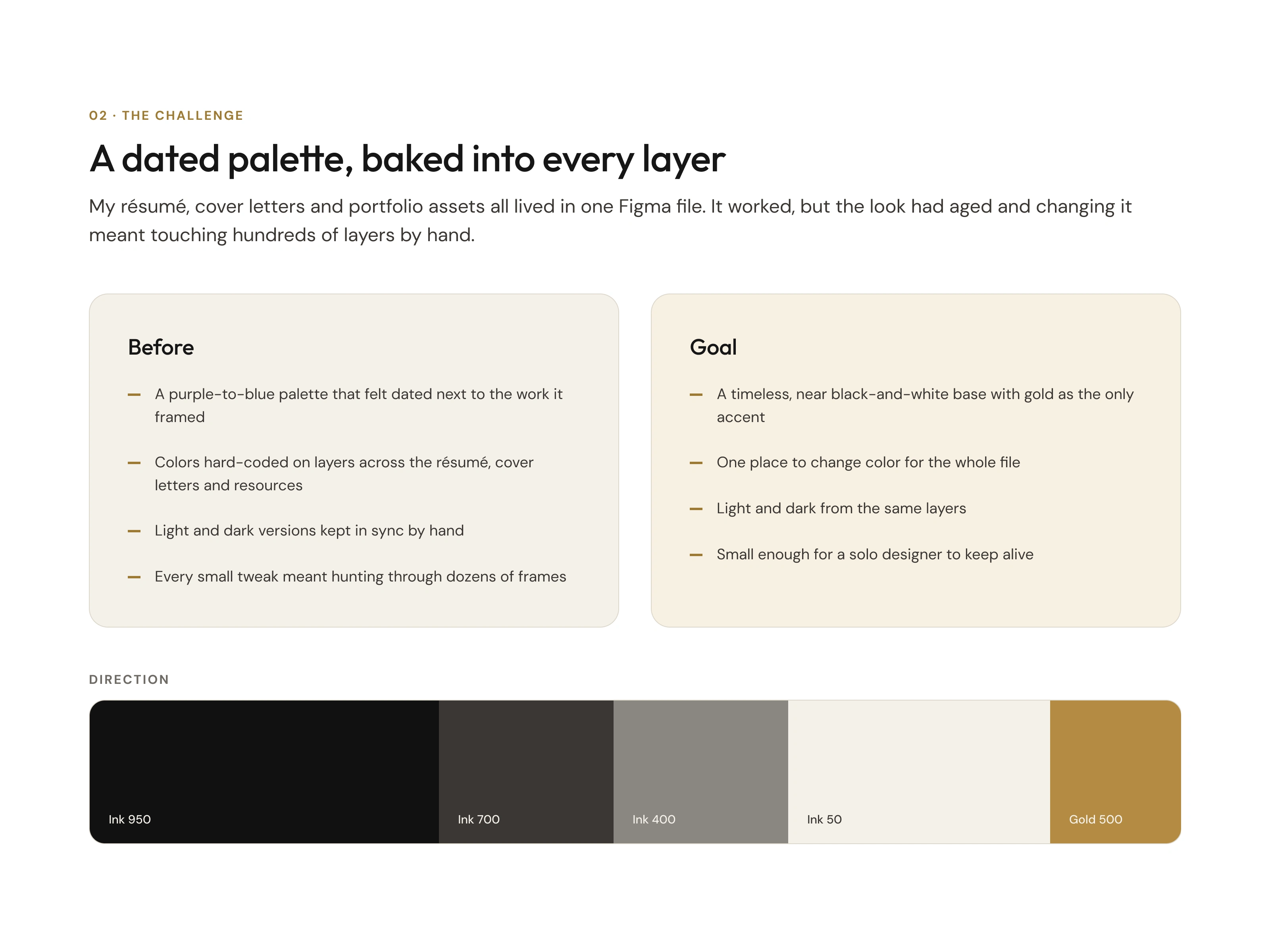
The challenge: a dated palette baked into every layer, versus the goal of ink with a gold accent
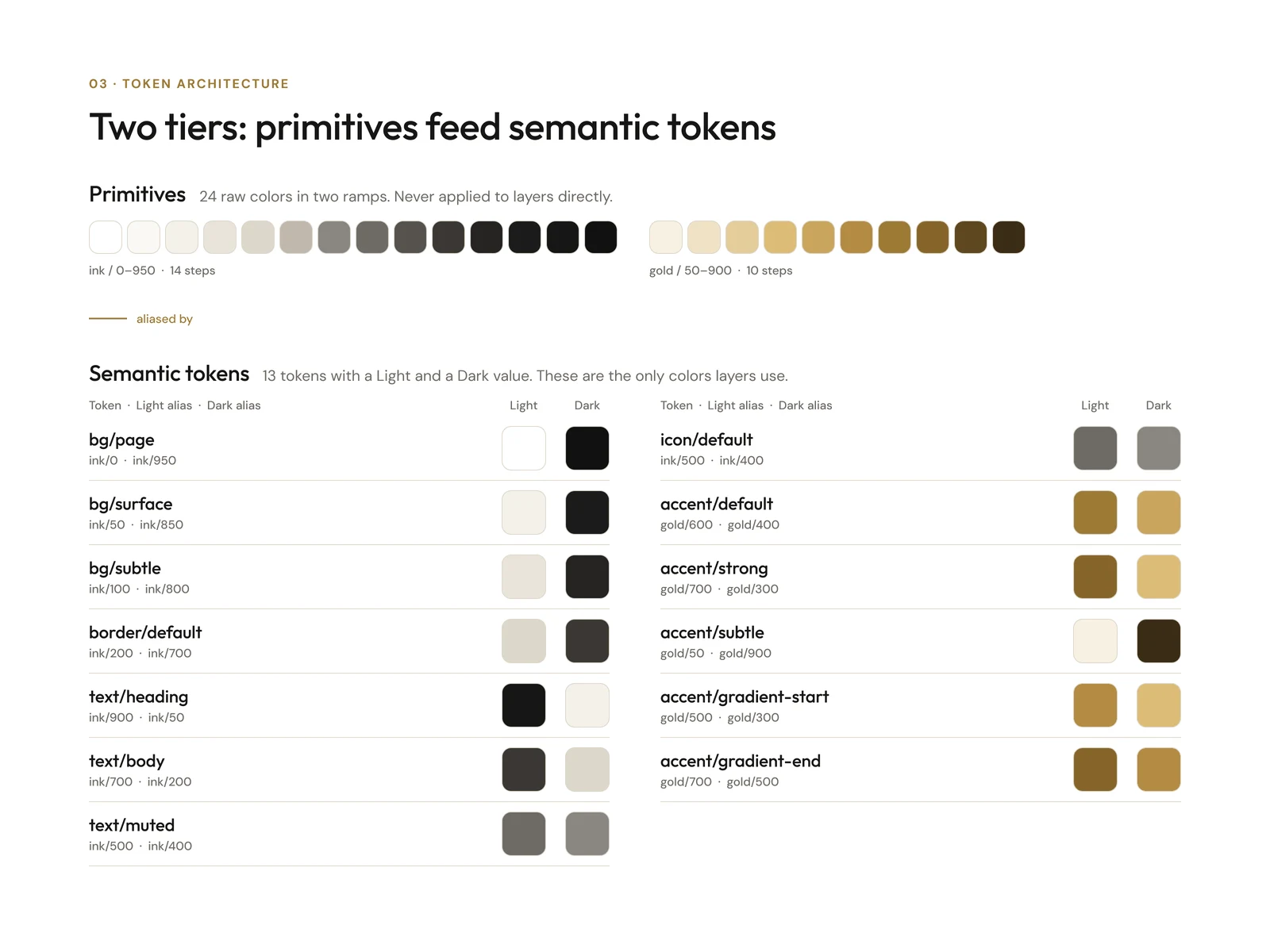
Token architecture: 24 ink and gold primitives feed 13 semantic tokens with Light and Dark values
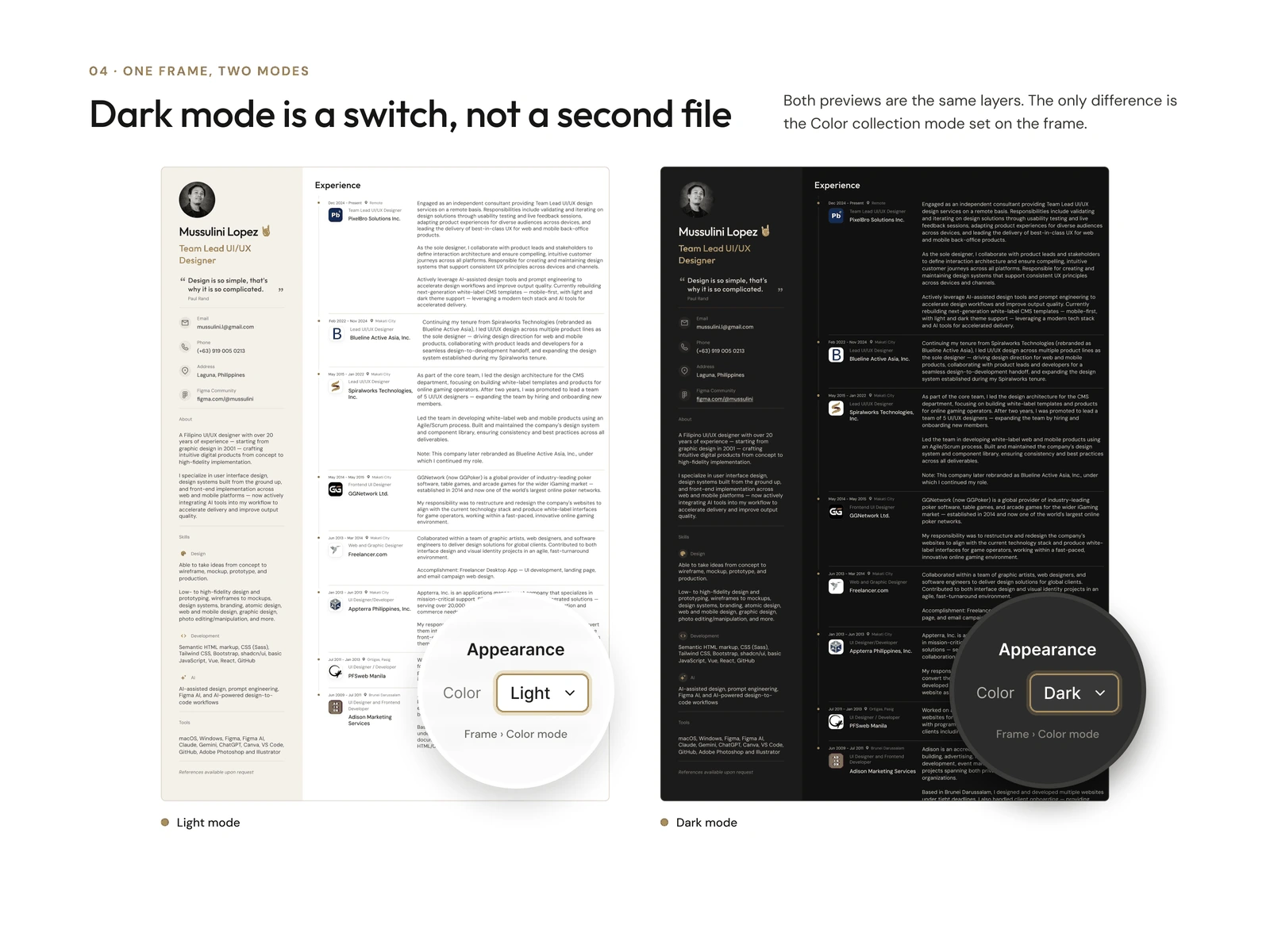
The same résumé in Light and Dark, with loupes showing Figma’s Color mode set to Light and Dark
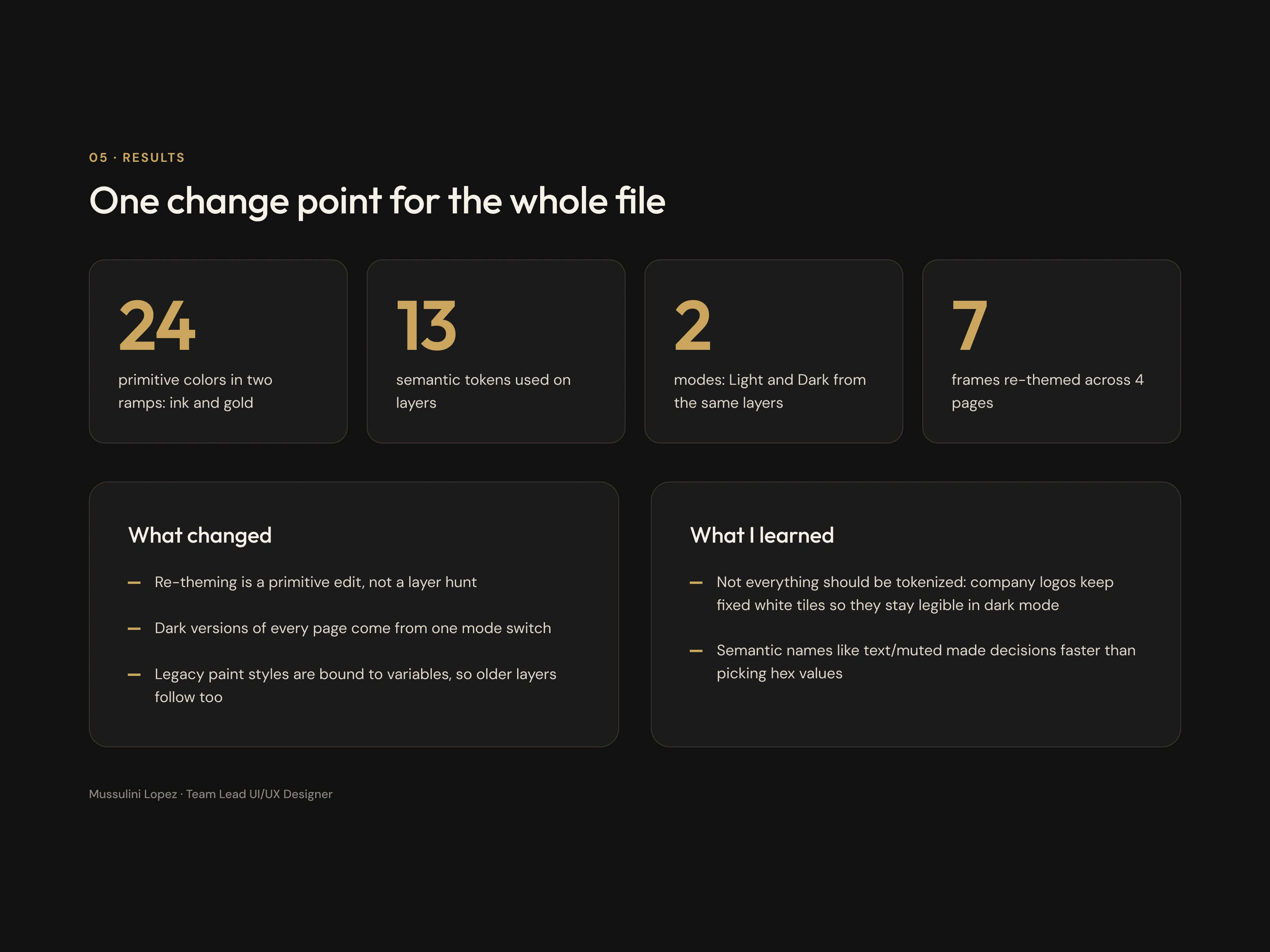
Results: key numbers, what changed and what I learned from the résumé design system
0 likes · 0 views · Oct 30, 2026
I rebuilt my résumé as a Figma design system: 24 primitives feed 13 semantic tokens, so re-theming is one edit and every page gets a dark mode.
