Crane Innovative UX Dashboard Pro by Gülçin GümüşCrane Innovative UX Dashboard Pro by Gülçin Gümüş

Crane Innovative UX Dashboard Pro

Gülçin Gümüş
Gülçin Gümüş

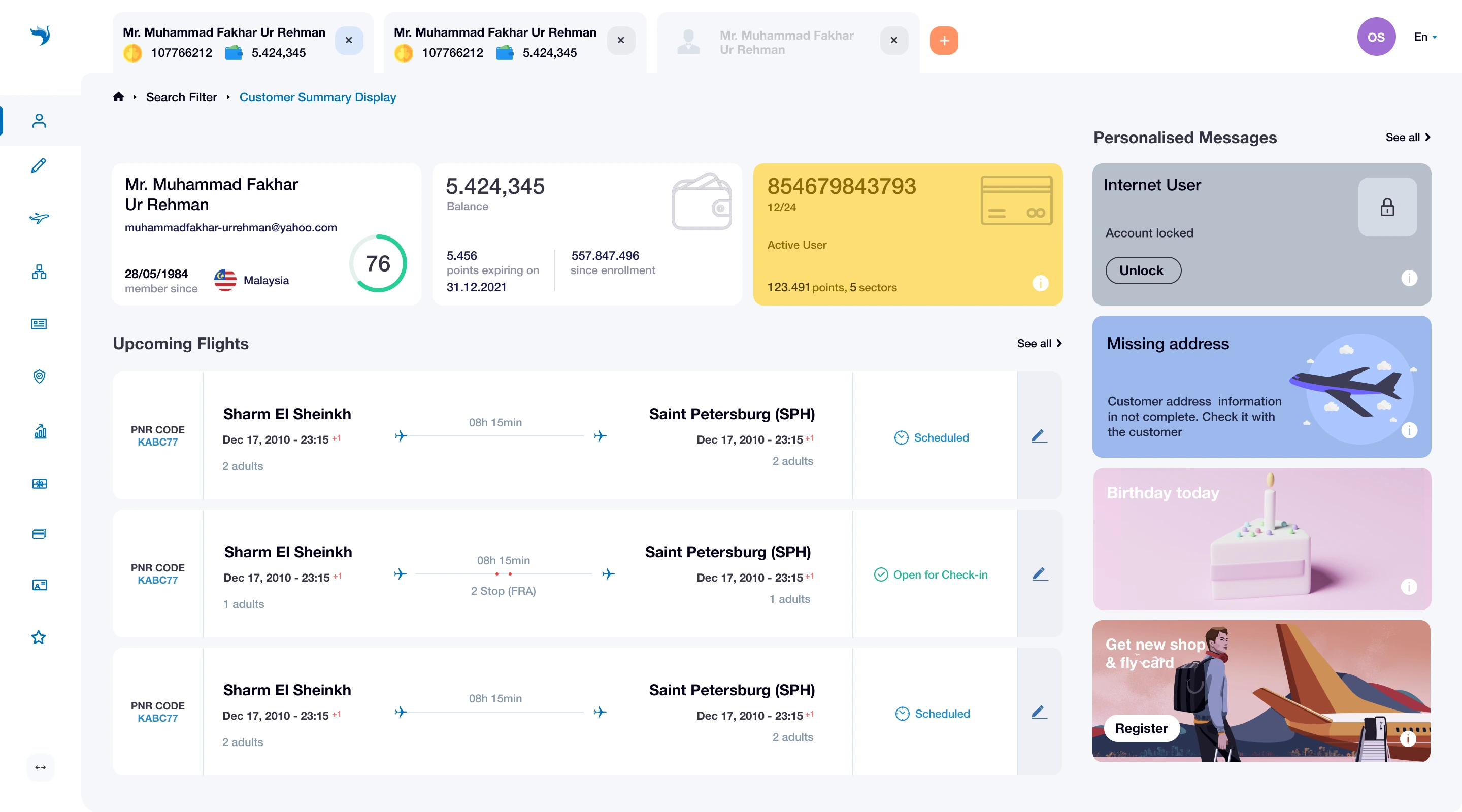
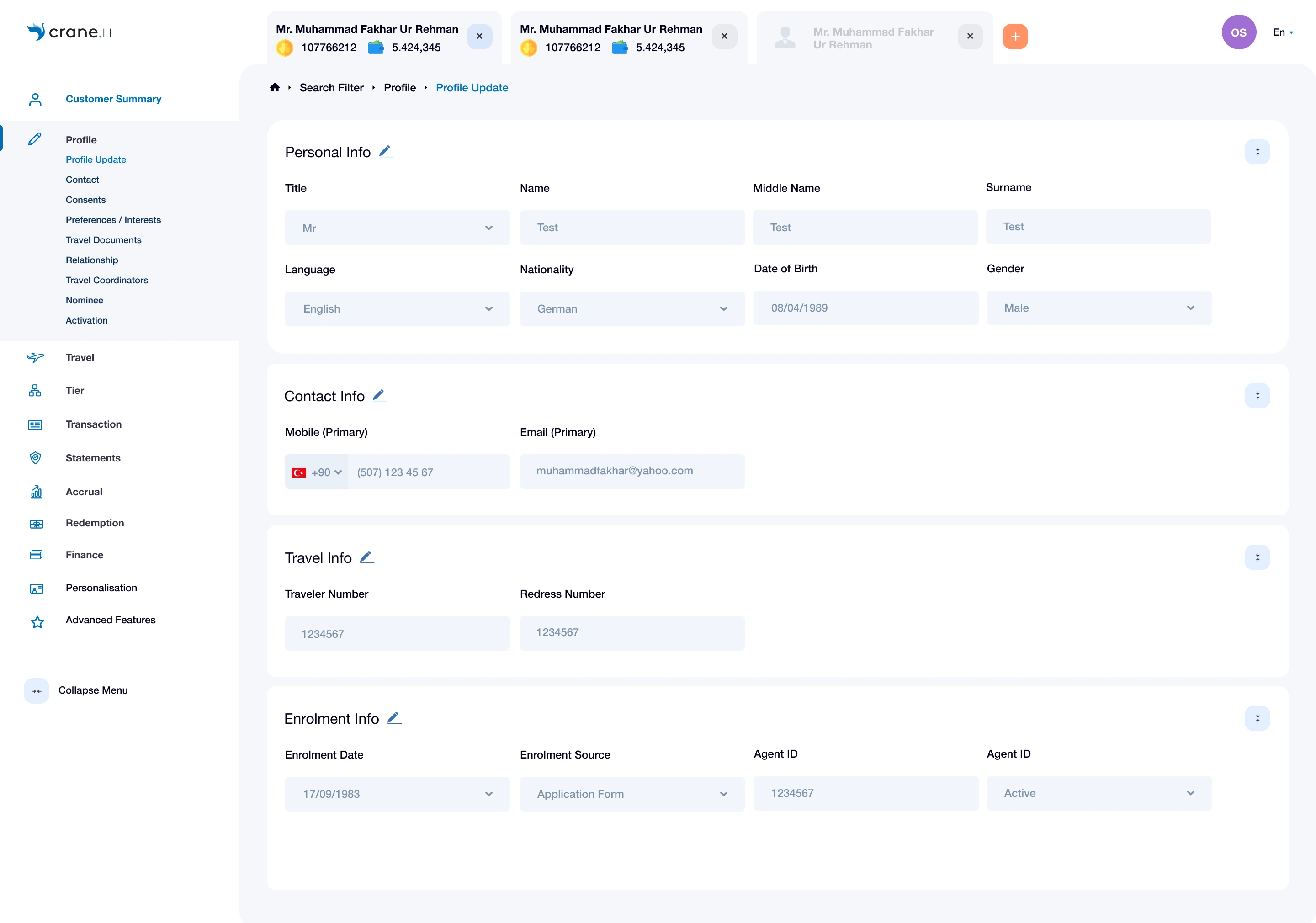
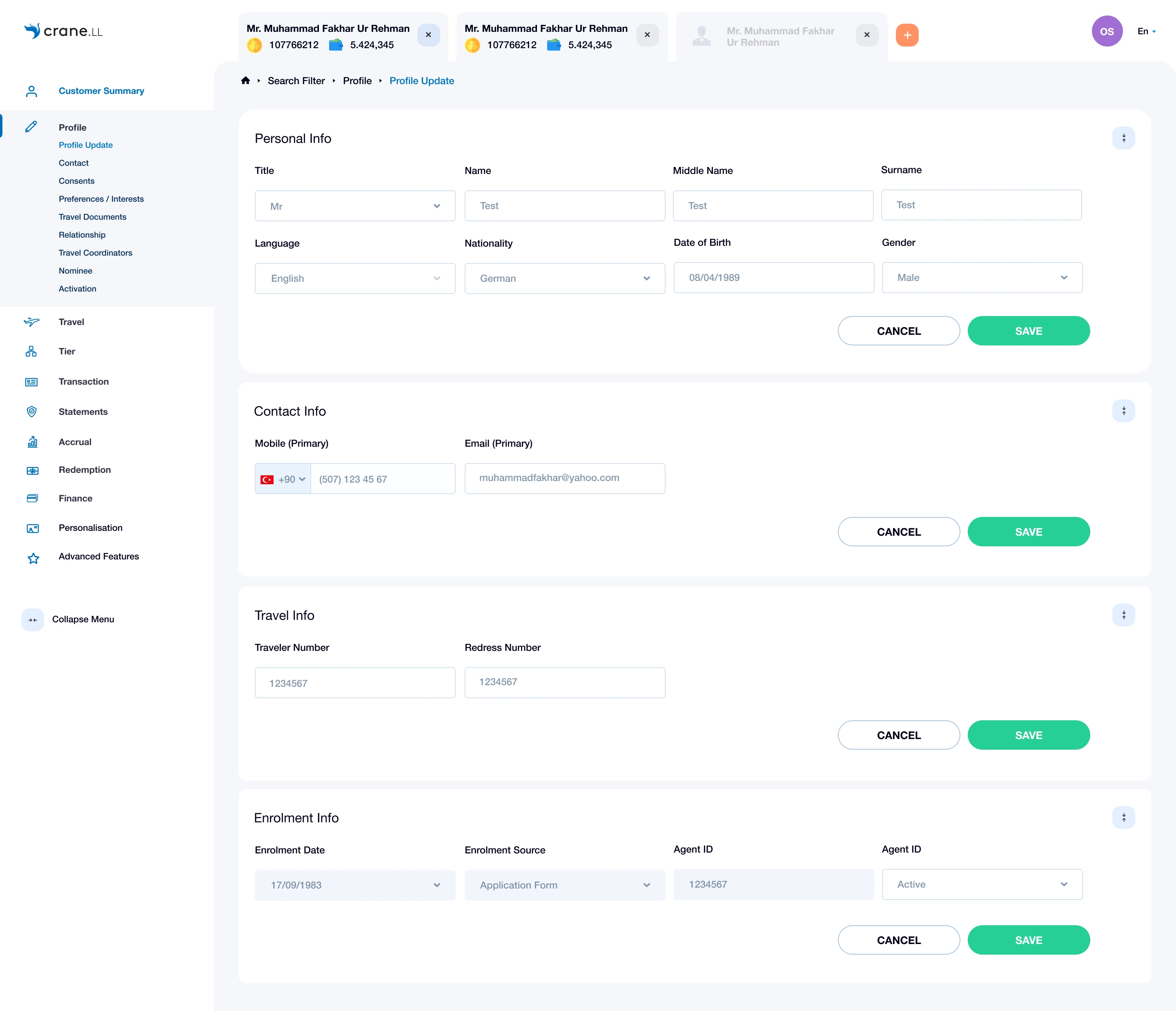
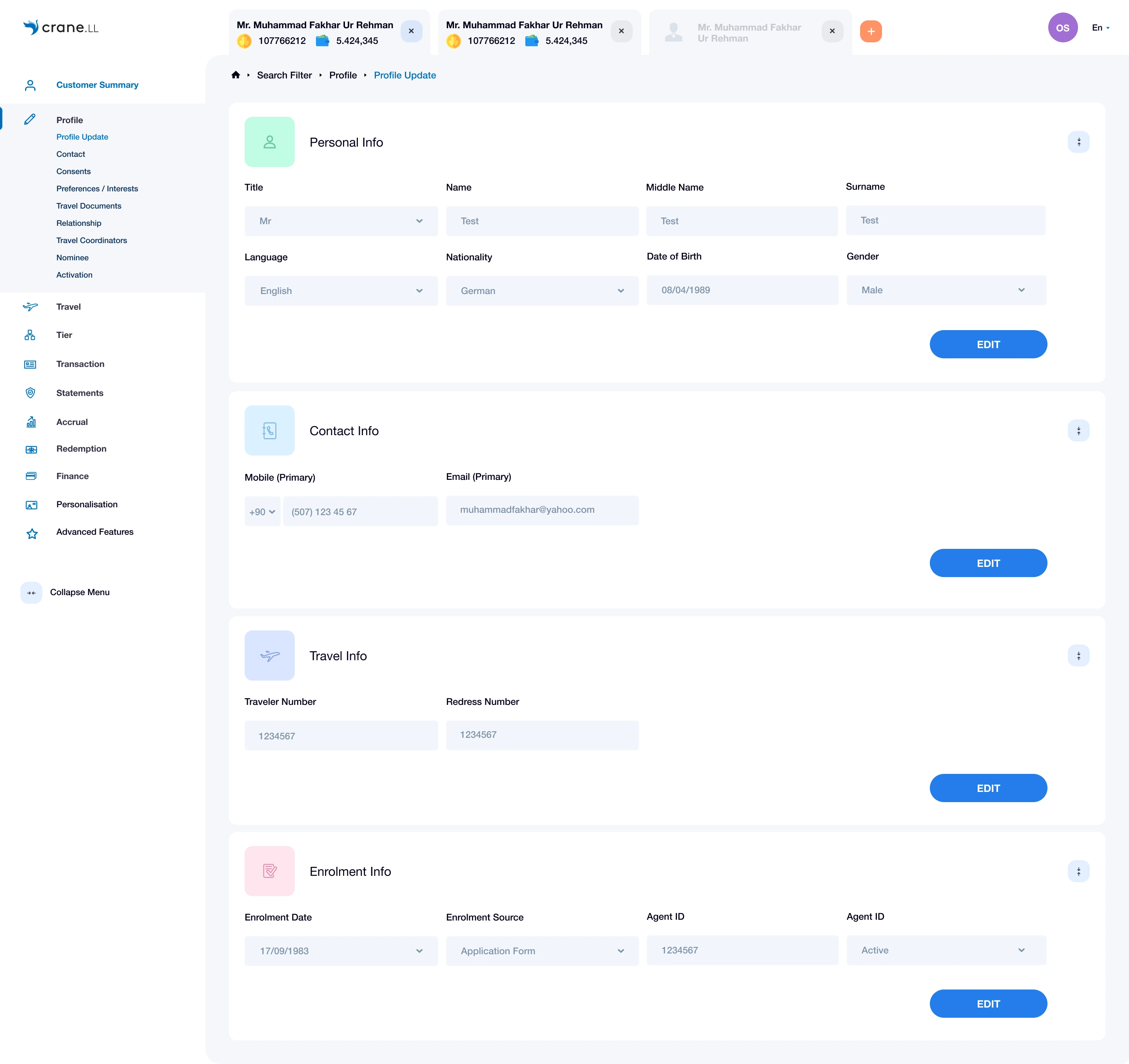
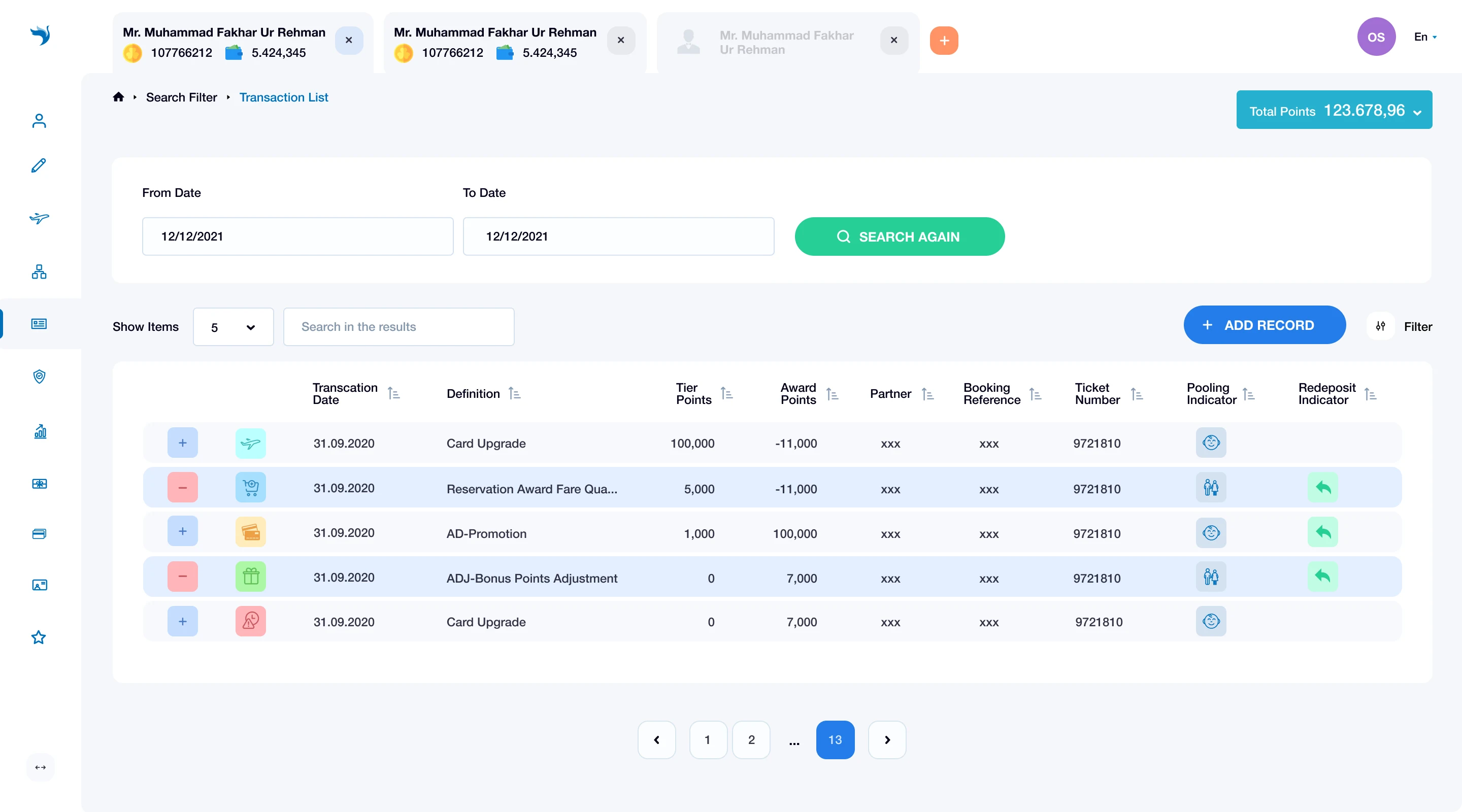
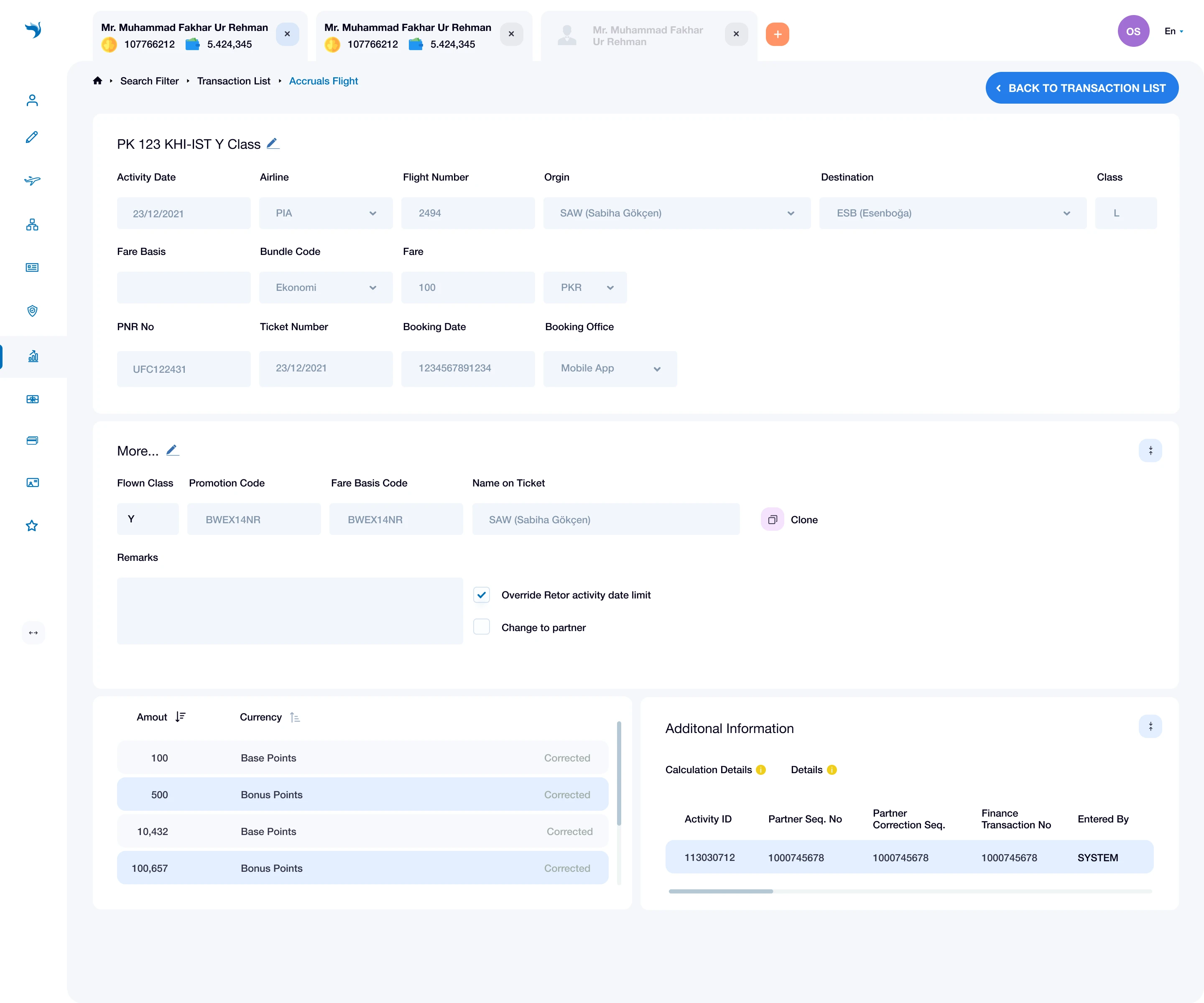
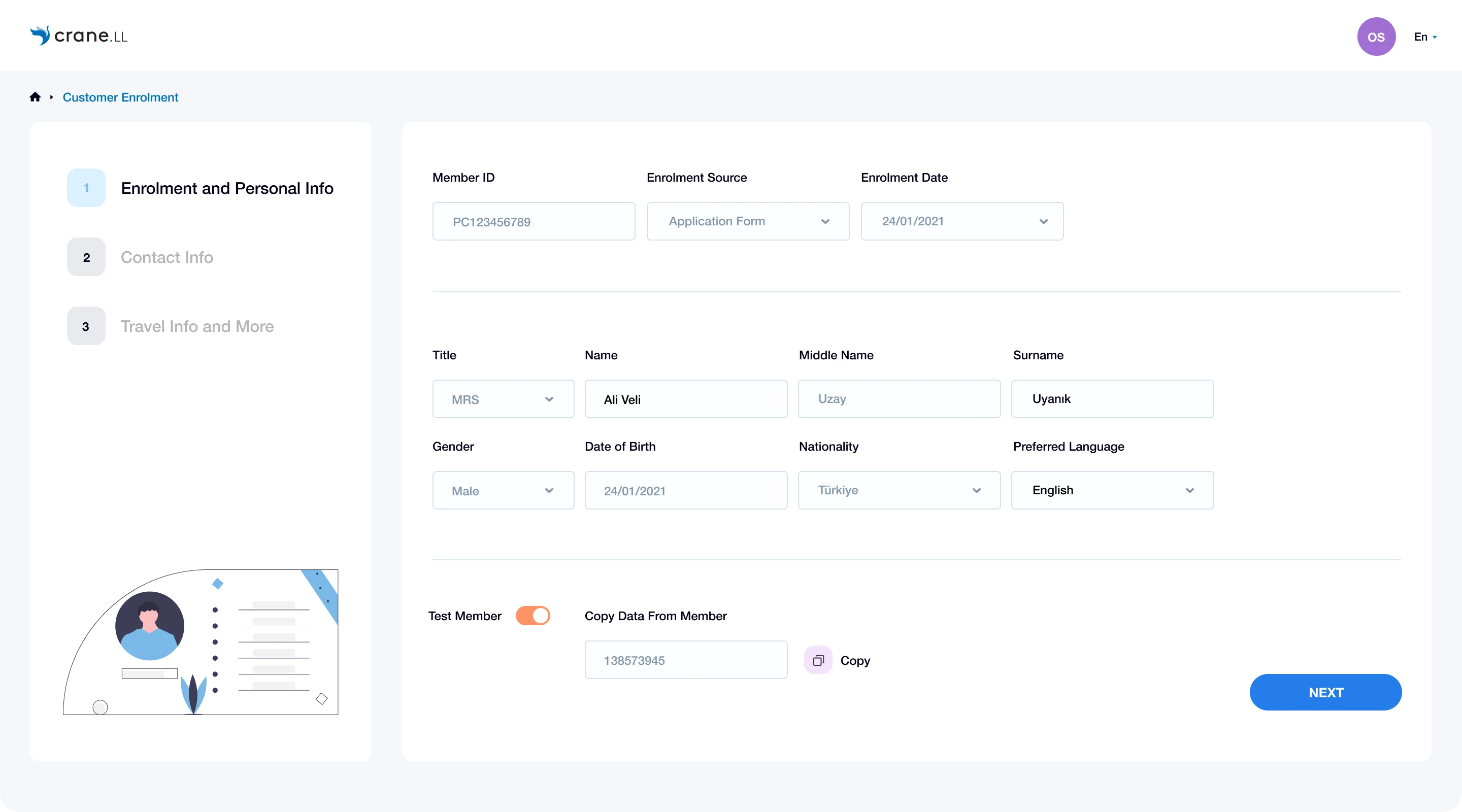
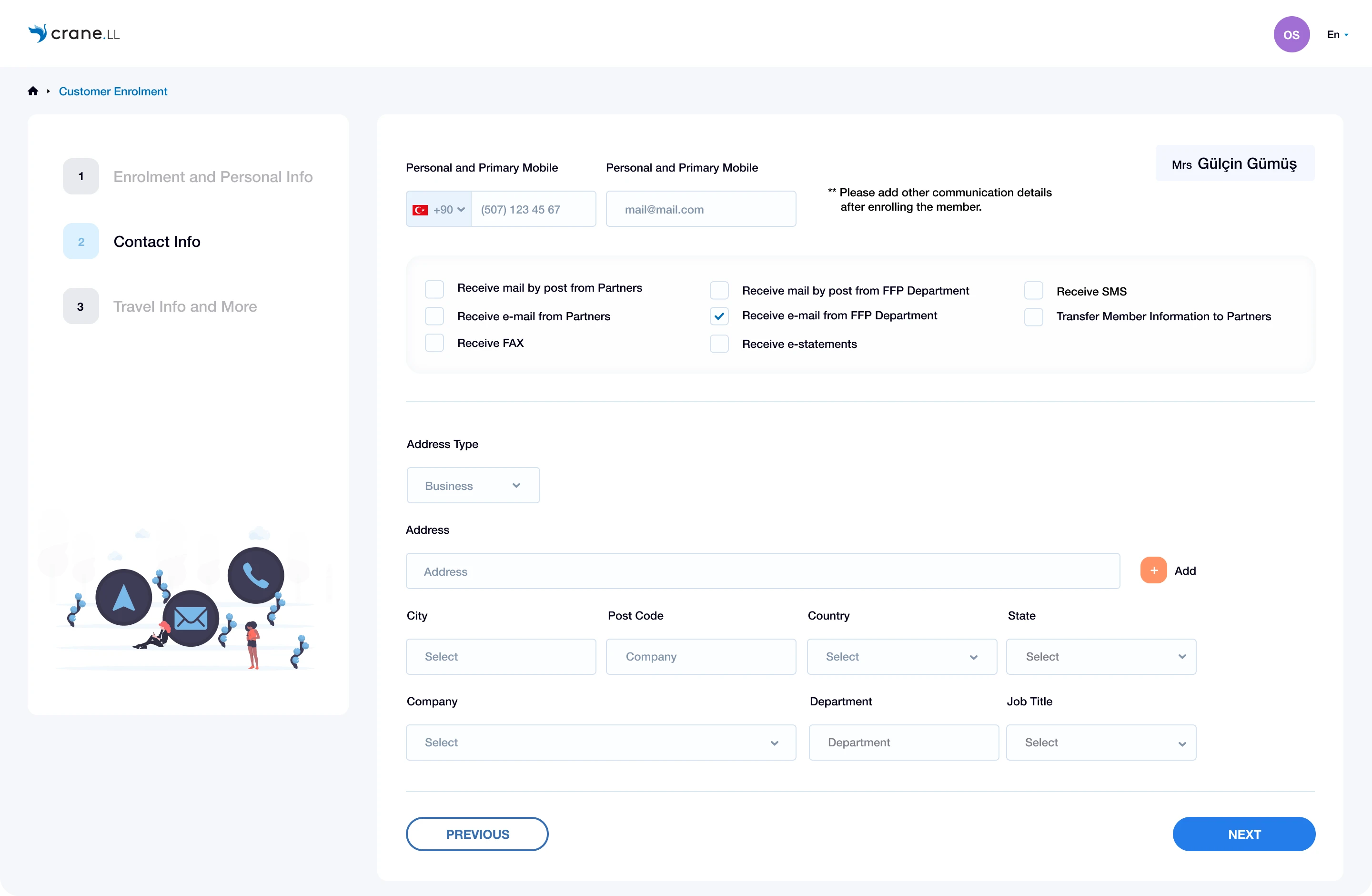
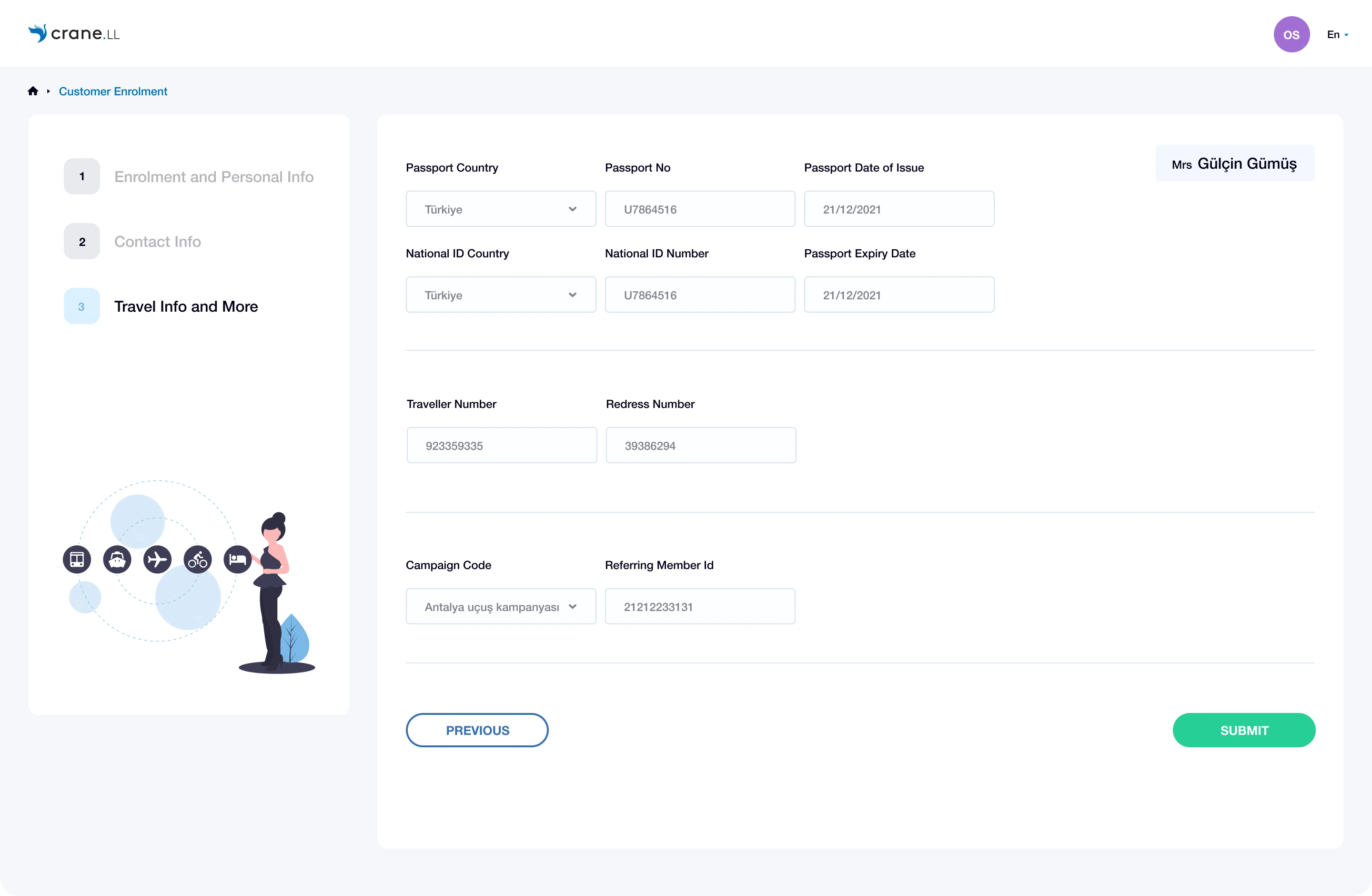
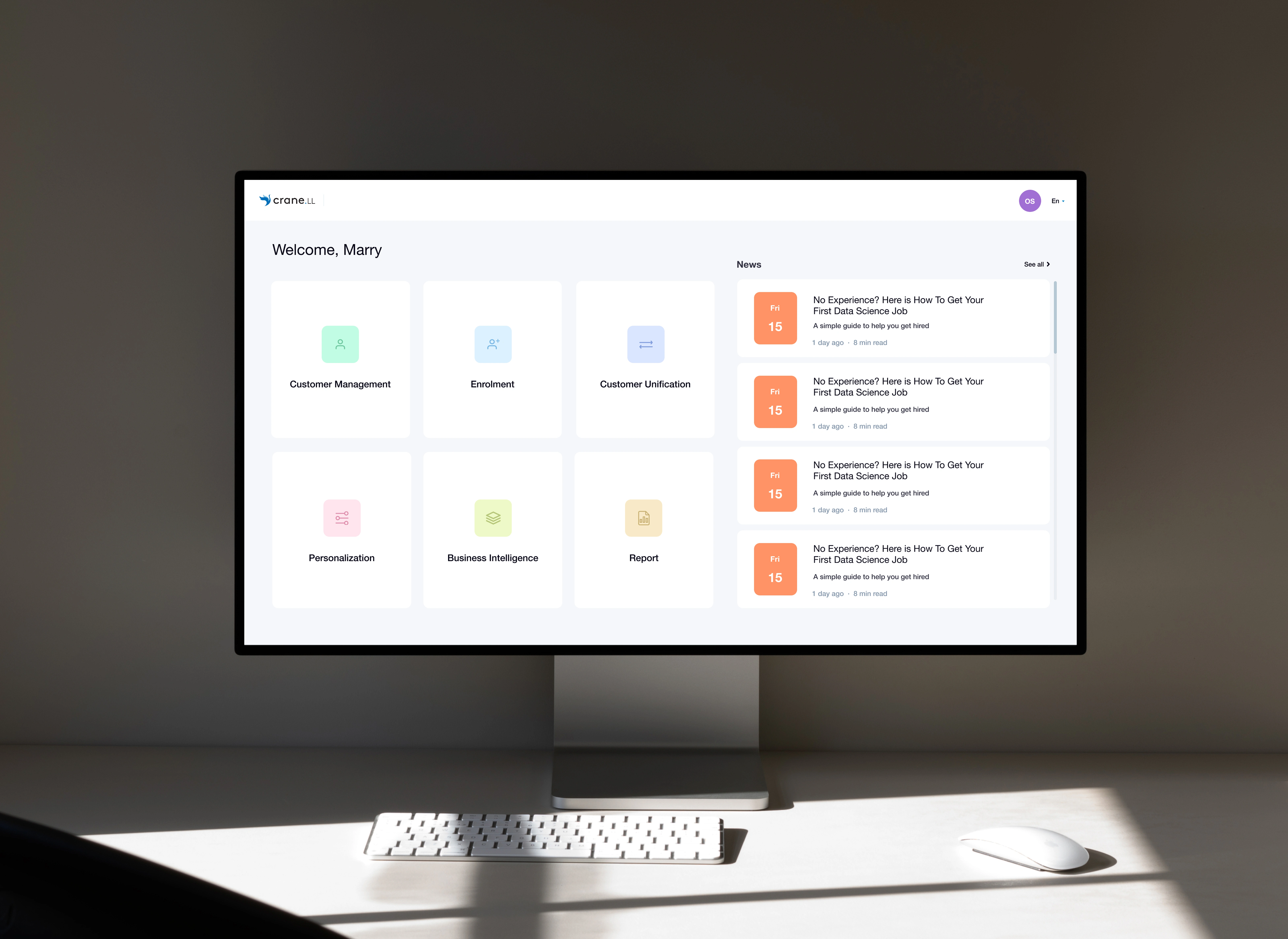
​​​​​​​Designing a Space-Efficient Internal Dashboard for High-Density Data This project focuses on designing an internal dashboard used by teams who work with dense, real-time data throughout the day. Unlike marketing or customer-facing products, internal tools prioritize speed, clarity, and information density over visual storytelling. A core constraint of the project was limited screen real estate. The dashboard needed to surface a large amount of critical information without overwhelming the user or sacrificing readability. To achieve this, the design followed a set of strict layout rules: White space was used intentionally, not decoratively Spacing decisions were driven by hierarchy and scan patterns
Components were designed to sit closer together while remaining visually distinct Redundant visual elements were removed to reduce noise Instead of maximizing empty space, the goal was to optimize cognitive space — allowing users to quickly parse data, compare values, and take action with minimal friction. Typography scale, grid structure, and component spacing were carefully calibrated to support long usage sessions, where efficiency matters more than aesthetic breathing room. The result is a dashboard that feels compact but not crowded, structured but flexible — designed to support internal teams in making faster, more confident decisions.
Thanks for watching. If you'd like to get in touch, feel free to reach out. I'm still actively responding to emails and would be happy to connect! gumus.gulcinn@gmail.com
Like this project

Posted Apr 2, 2026

This project focuses on the UI/UX design of an internal enterprise management platform. The interface was designed to improve clarity, efficiency, and usability across complex data-driven workflows such as customer management, transactions, enrollment, and reporting. The design emphasizes clear information hierarchy, consistent layout patterns, and intuitive interactions to support fast decision-making and reduce cognitive load. Modular components and scalable structures were used to ensure flexibility and long-term maintainability across different system modules. The result is a clean, functional, and user-centered interface that simplifies complex operations while maintaining a professional enterprise-grade experience.