SecureCode: AI-Powered Secure Coding Assistant

Devowise Studios


Overview
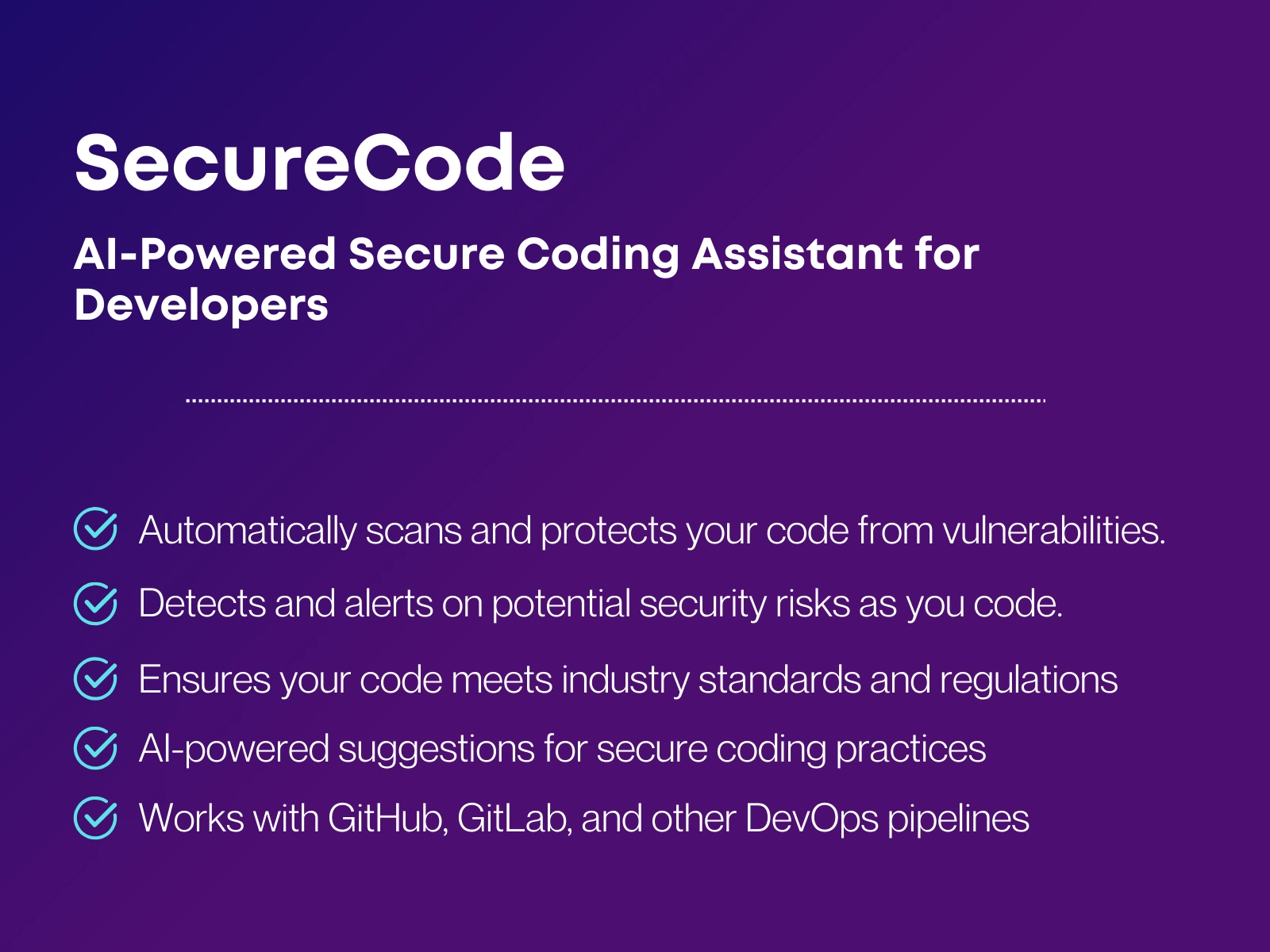
SecureCode is an AI-powered secure coding assistant built for a software product company that wanted to help its engineering teams identify and fix security vulnerabilities early in the development lifecycle.
The goal was to create a developer-first security tool that integrates seamlessly into daily coding workflows while providing clear, actionable security guidance without slowing developers down.
Tech Stack
Frontend: React + Vite
Styling: Tailwind CSS (custom AMOLED dark theme)
Code Editor: Monaco Editor with syntax highlighting
AI Engine: TempoLabs AI for vulnerability detection, explanations, and fix suggestions
State Management: React Context / Zustand
Deployment: TempoLabs Canvas
Process
Collaborated with the client to understand common security gaps faced by developers
Designed a clean, AMOLED-dark interface focused on readability and developer usability
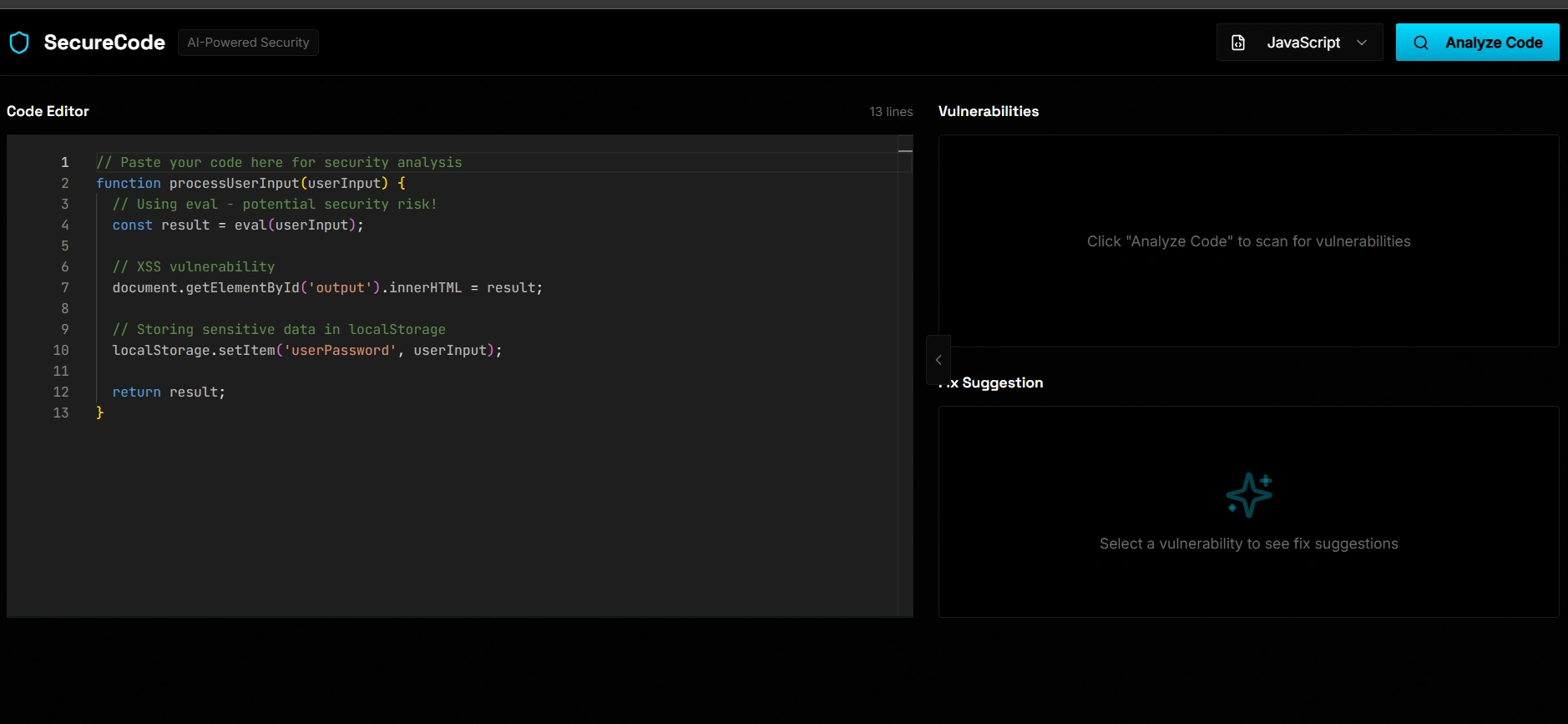
Implemented a real-time code editor to allow engineers to test code instantly
Integrated AI-powered static analysis to detect common vulnerabilities
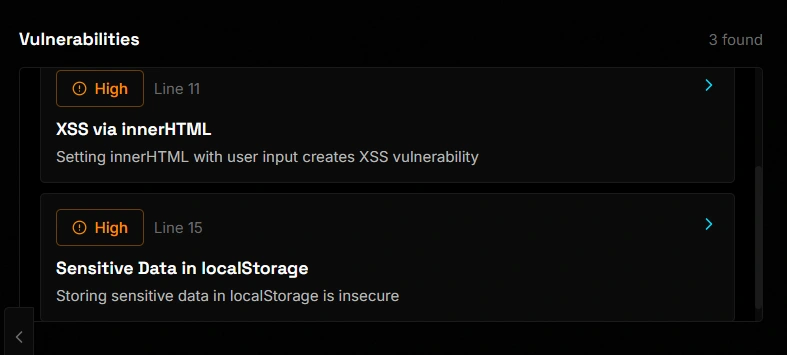
Built dynamic panels for vulnerabilities, severity levels, and secure fix suggestions
Tested the tool using real-world insecure code examples to ensure accuracy and clarity
How SecureCode Helps
Helps developers catch security issues before code reaches production
Reduces reliance on manual security reviews
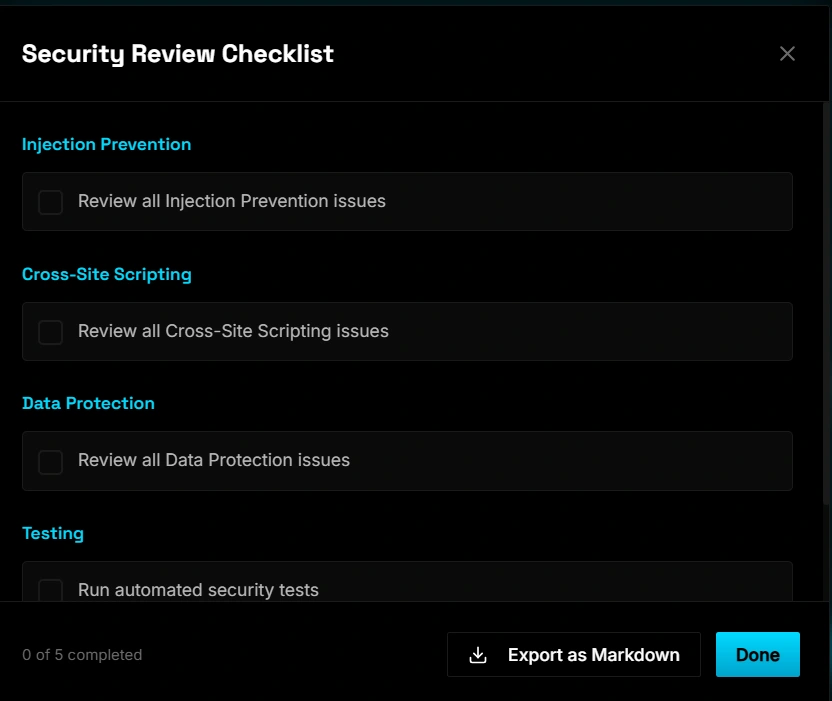
Improves overall code quality and security awareness
Provides clear explanations so developers understand why code is insecure
Accelerates secure development without adding complexity
Features
Paste or write code and run instant security analysis
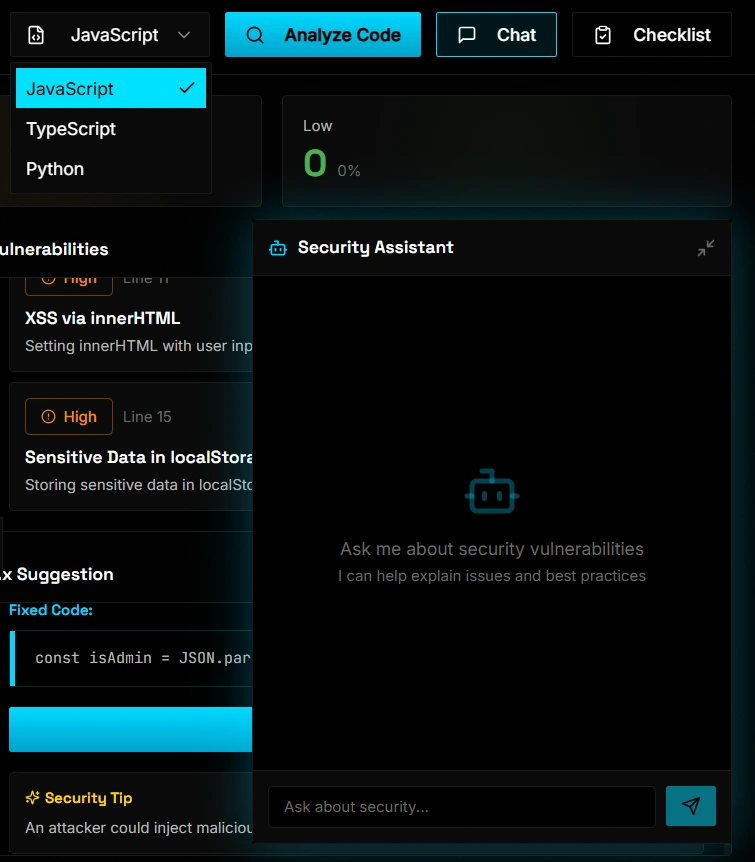
Detection of common vulnerabilities such as XSS, unsafe eval usage, insecure storage, and injection risks
Line-level vulnerability highlighting with severity indicators
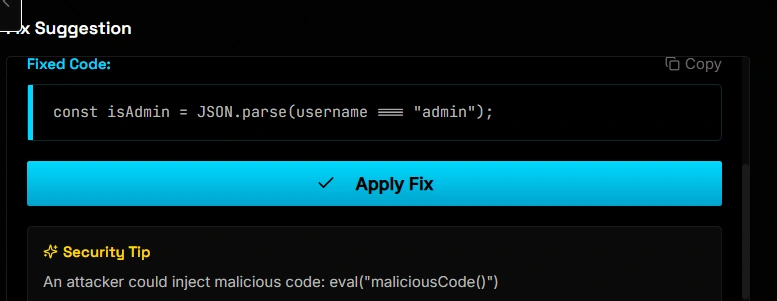
AI-generated secure fix suggestions with before/after comparison
Clear explanations of security risks and best practices
Built-in AI assistant for secure coding questions
Developer-focused AMOLED dark UI designed for long coding sessions
Like this project
Posted Jan 20, 2026
Developed SecureCode, an AI-powered tool for detecting security flaws early in the development process.
Likes
1
Views
11