Jev Voice: control your Mac by voice (my own product)

Chris Wozniczek


What it is
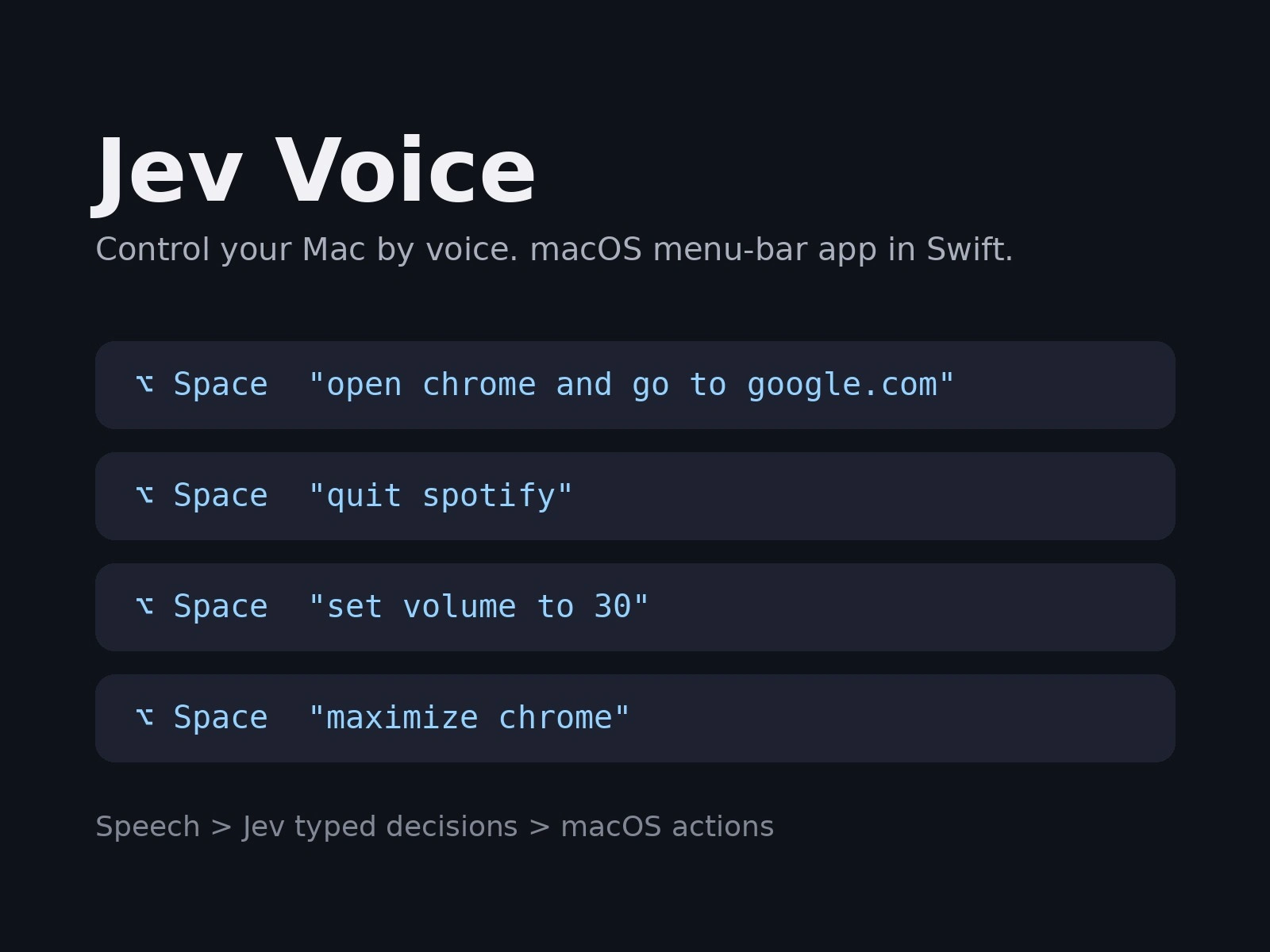
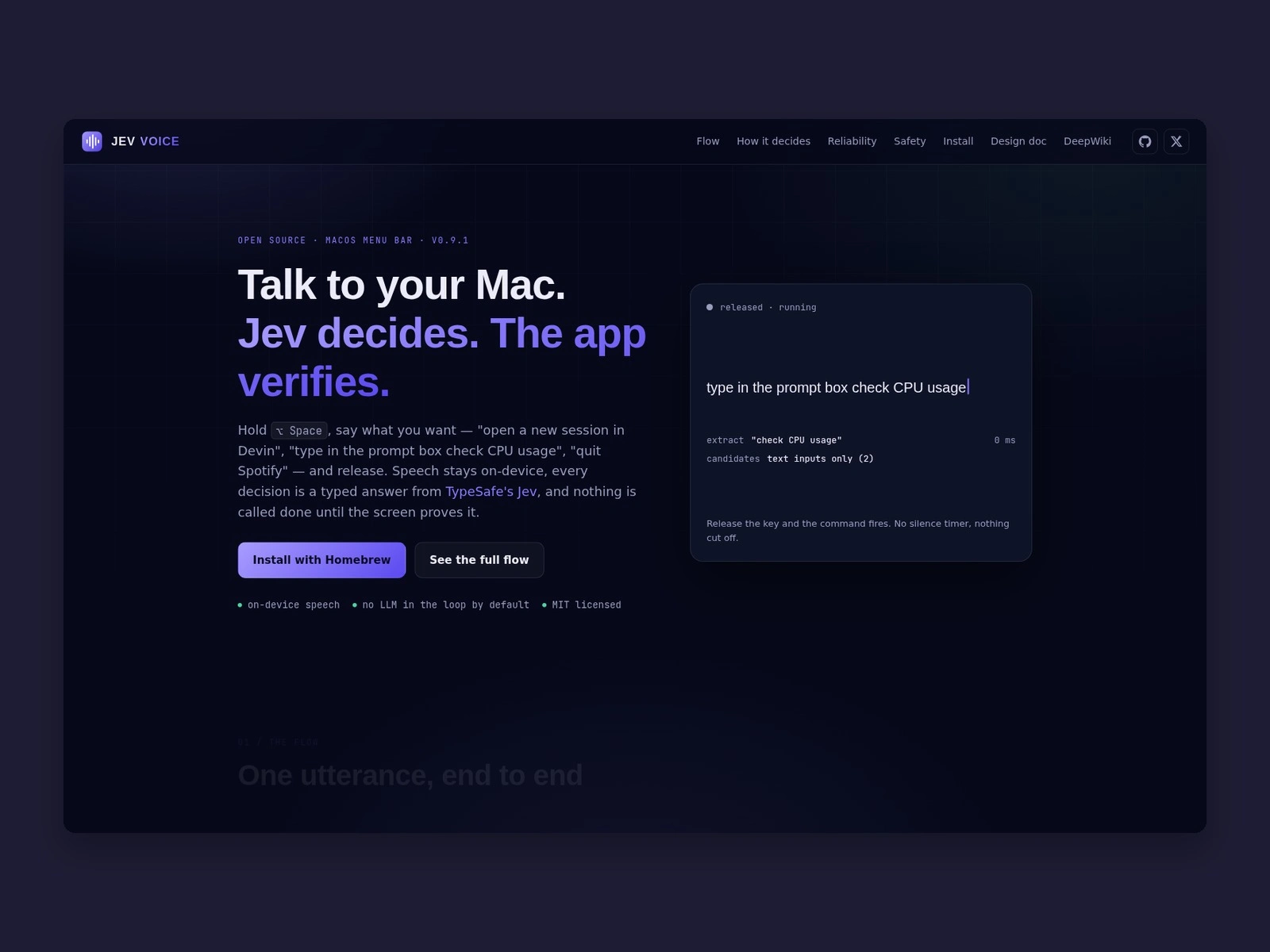
Jev Voice is my own product: a macOS menu-bar app that turns spoken commands into actions on your Mac. Hold ⌥Space, say "open chrome and go to google.com" or "set volume to 30", let go, and it runs. It is not client work.
The problem
Voice control on a Mac is either rigid (fixed phrases) or a chatbot that writes text instead of doing things. I wanted something that understands loose speech but still acts in a predictable, checkable way.
How it works
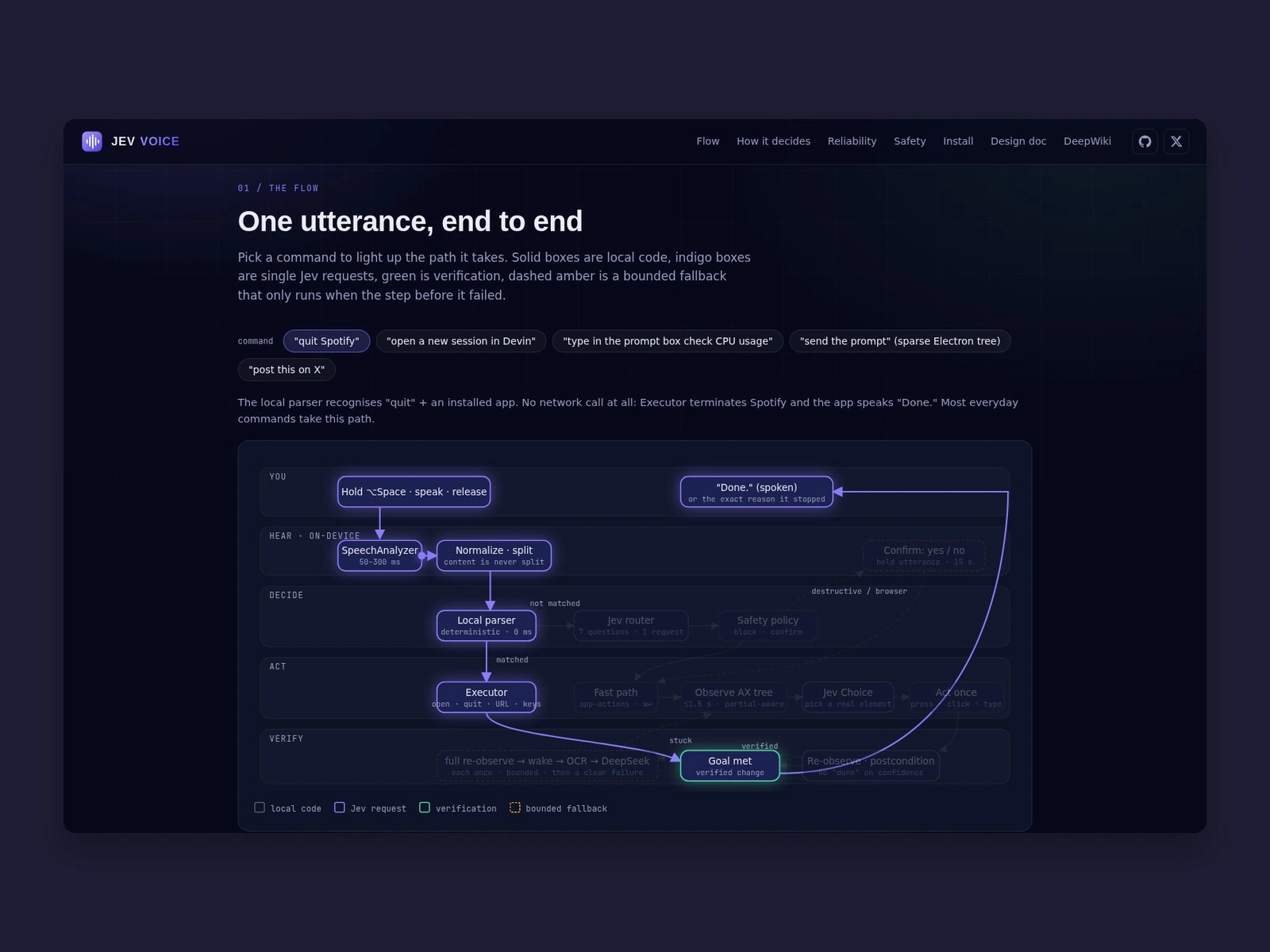
Speech is transcribed on the device: Apple SpeechAnalyzer on macOS 26, with Whisper and the classic Apple recognizer as options.
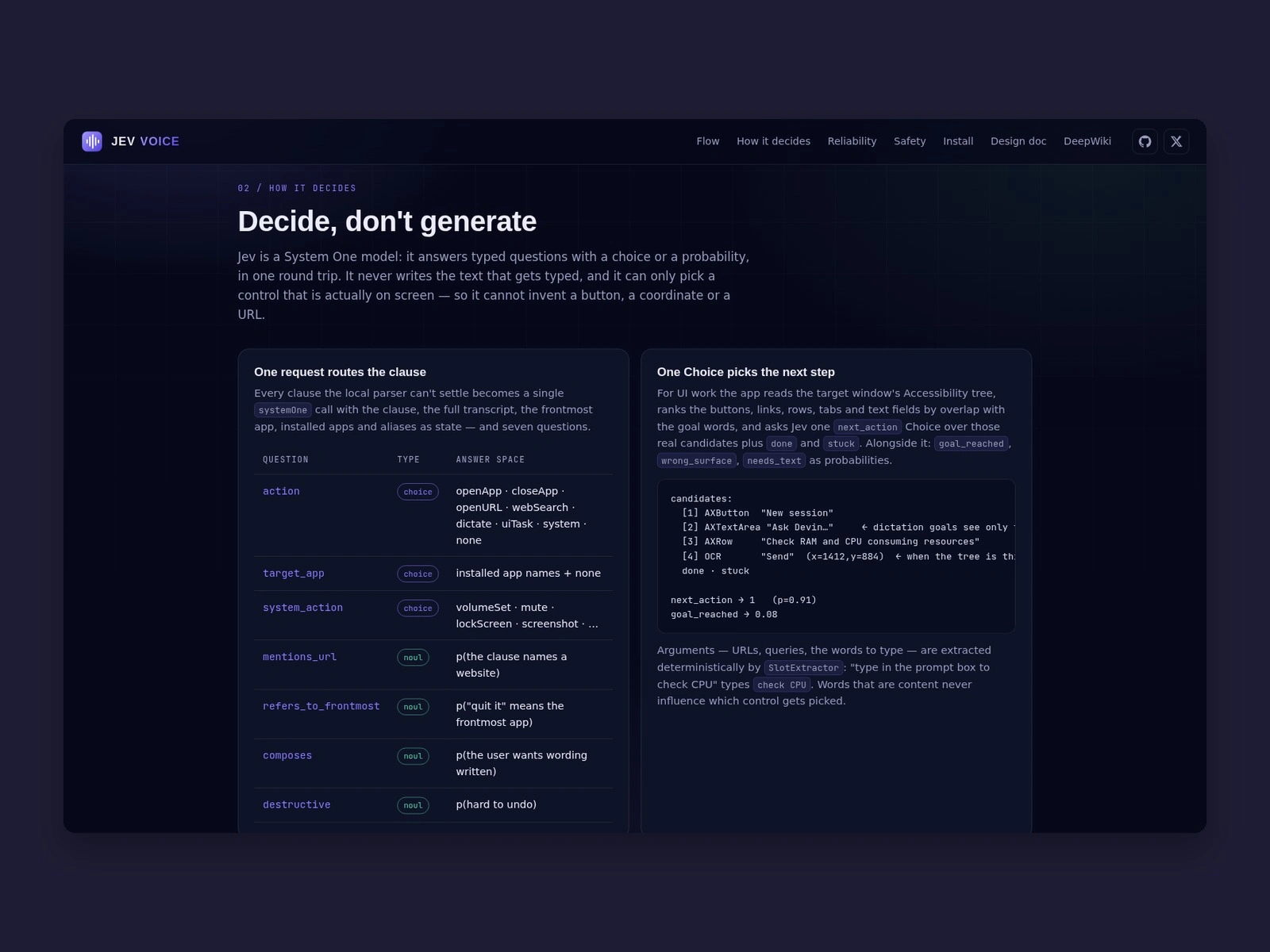
A local parser handles simple commands. Anything ambiguous goes to Jev, a TypeSafe AI model that returns typed decisions with probabilities instead of free text.
For work inside apps it reads the Accessibility tree, picks an element, acts, then re-checks the result. Chrome DevTools and local OCR are fallbacks for apps with thin Accessibility trees.
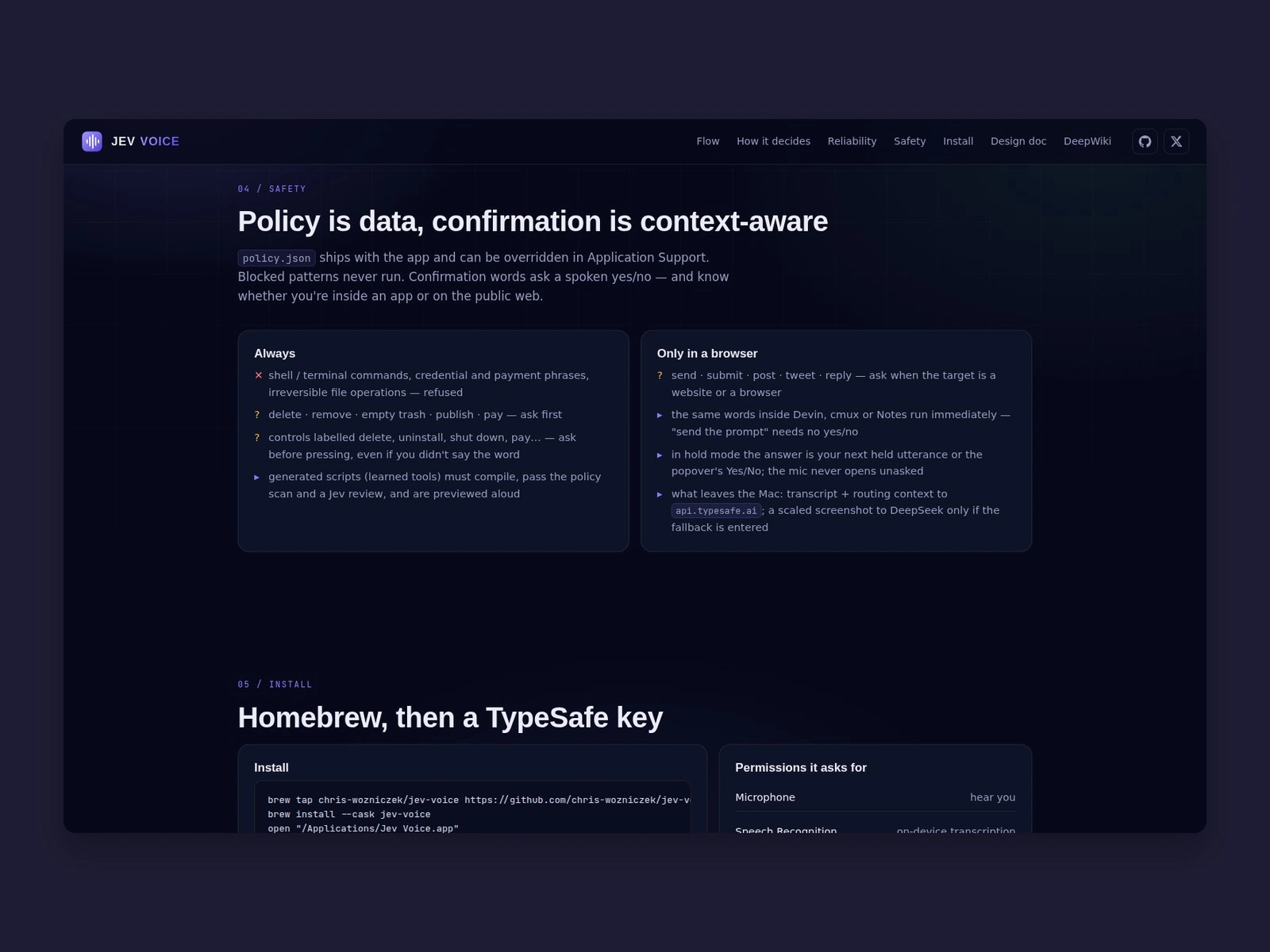
It can write small AppleScript or JXA tools for system tasks. Each one must compile, pass a policy scanner and a review before it runs.
Anything that sounds hard to undo, like posting or sending, asks for confirmation first.
What it shows about my work
A native Swift app with a layered decision flow, on-device speech, and clear limits on what an AI model is allowed to do. That last part matters for most AI projects: knowing where the model decides and where plain code stays in charge.
Stack
Swift, SwiftUI, macOS Accessibility APIs, Apple Speech and SpeechAnalyzer, Whisper, Chrome DevTools Protocol, Swift Package Manager.
Docs and download: chris-wozniczek.github.io/jev-voice-control
Like this project
Posted Oct 2, 2026
My own product. A Swift menu-bar app for macOS: hold a key, speak a command, and Jev's typed decisions run it, like opening apps or setting volume.
Likes
0
Views
1