Solving a Design Challenge as AI-first UX/UI Designer

Abhishek Kushwaha


Solving a Design Challenge as AI-first UX/UI Designer
TL;DR
I solved a design challenge for Puffy (luxury sleep brand) who had already used AI to solve the challenge and asked candidates to design above the baseline.
In three days, I delivered my solution by orchestrating AI through brand guardrails, pressure-testing assumptions, and keeping human craft as the final layer.
Who is Puffy?
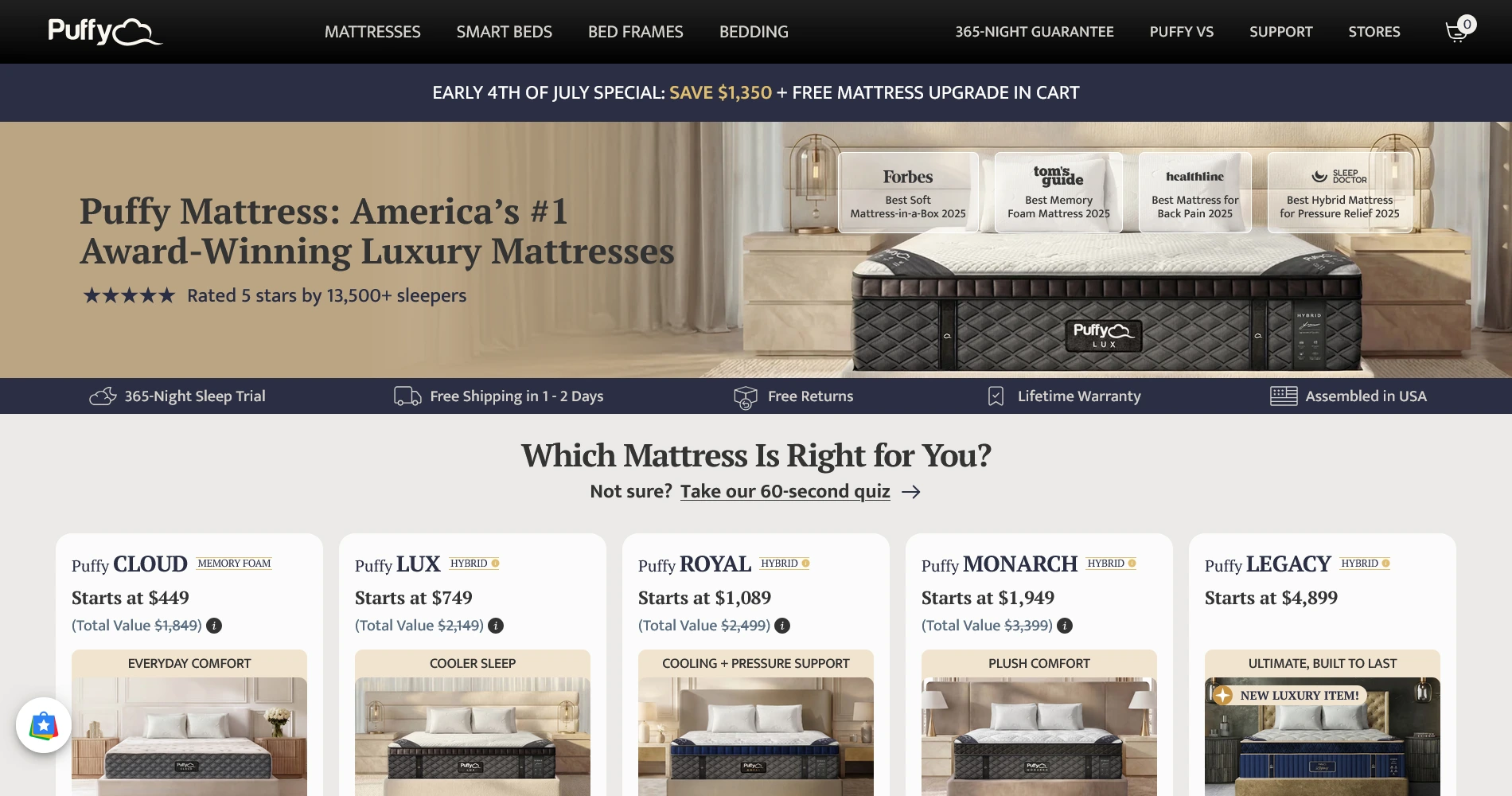
Puffy is a direct-to-consumer luxury sleep brand. They sell on a "no salesman, no markups" model.
They position themselves as “America’s #1 Luxury Mattress”, promising calm and cloud-like sleep.
The Quirky Design Challenge
Two tasks in 3 days
Puffy's Sleep Bundle UX flow and Hero Image Generation
AI had already solved it
Puffy ran the brief through Claude and published that answer as the baseline.
Beat AI, or you’re out!
Matching the baseline meant automatic no-decision. You advanced only by adding judgment above it.
My Approach
I layed the groundwork,AI builds on it
I rebuilt Puffy's design system from their live site and wrote a full art-direction document up front, so the AI worked inside my rules instead of its own defaults.
AI proposes, I decide
I never took its baseline at face value. When it insisted the product couldn't be generated without wrecking the logo, I tested that and proved it wrong.
AI does the volume, I do the finish
It churned out drafts and rooms fast. The finishing was mine: polishing components in Figma, repairing the logo and texture pixel by pixel in Photopea.
Task 1:
Sleep Bundle UX Flow
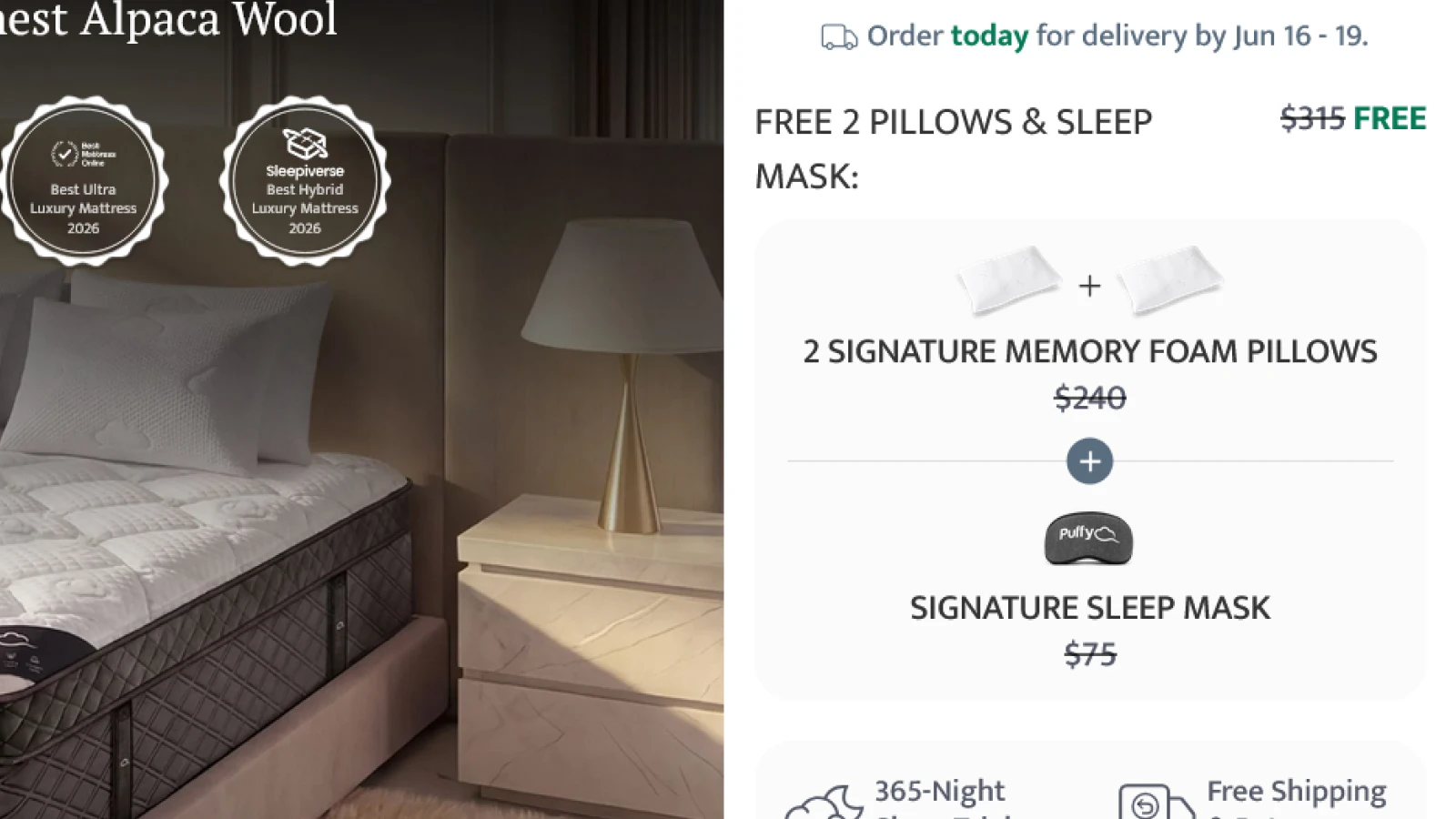
Puffy gives a sleep essentials bundle for free to its customers.
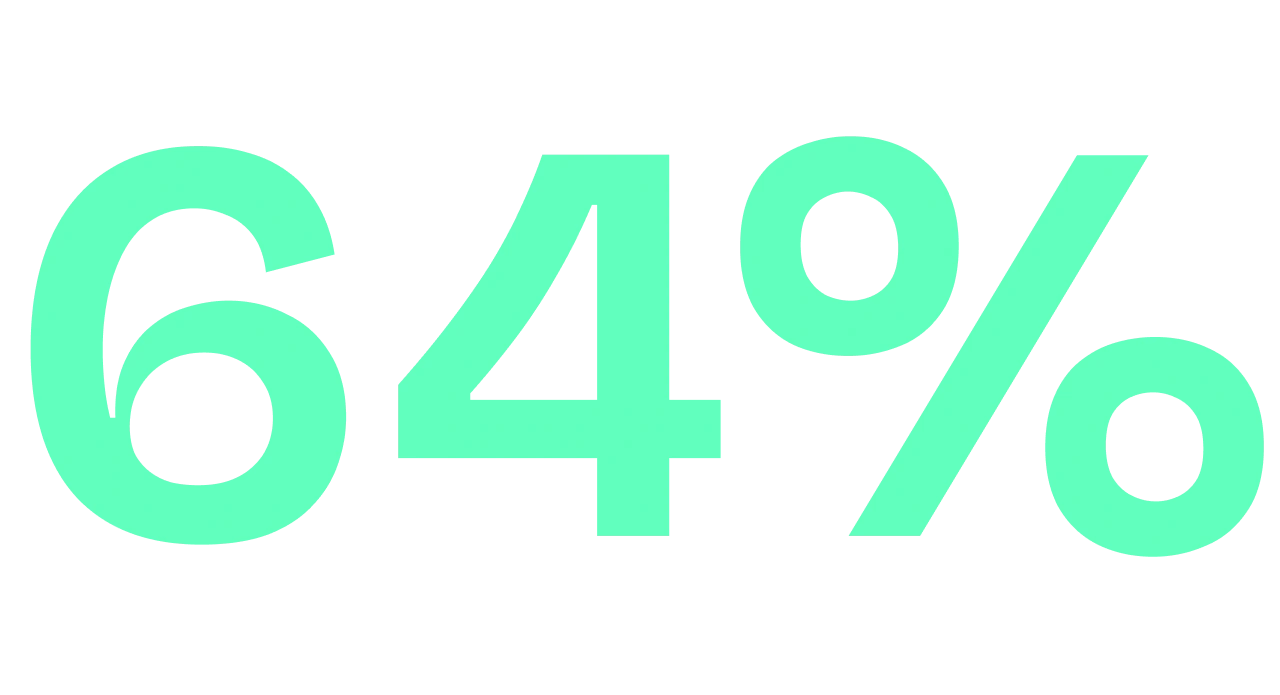
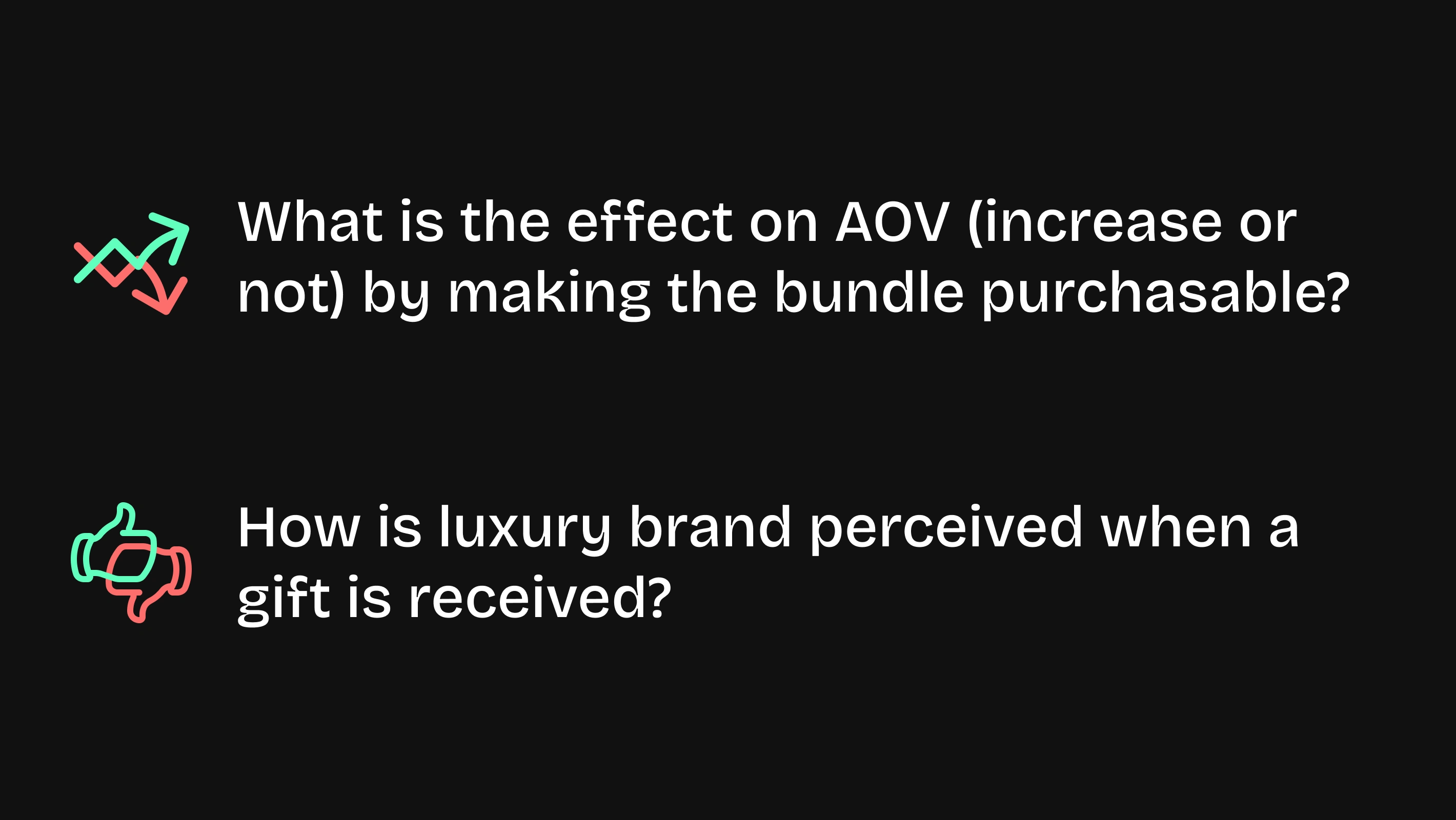
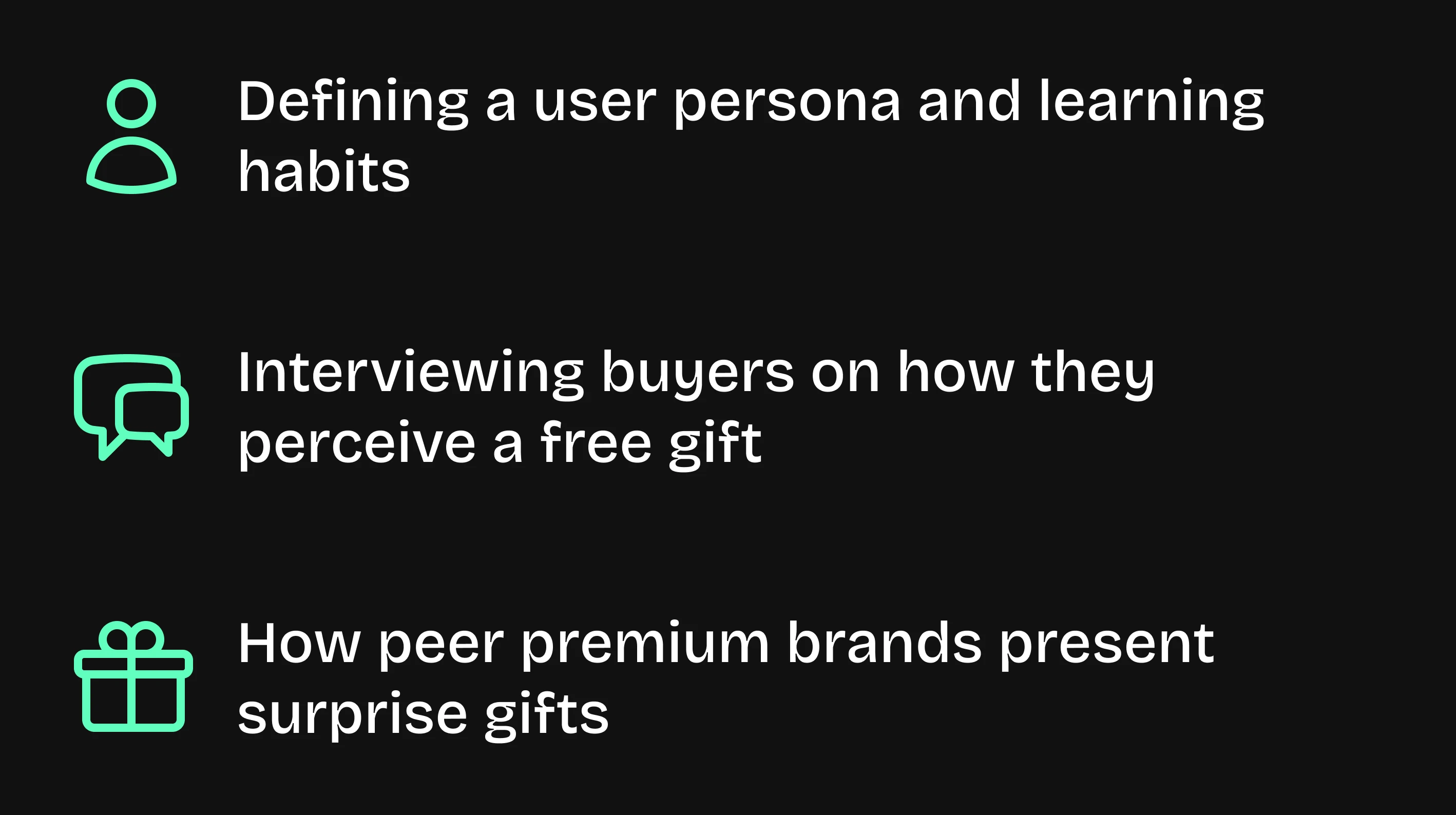
Customers didn’t realize the free bundle’s monetary value.
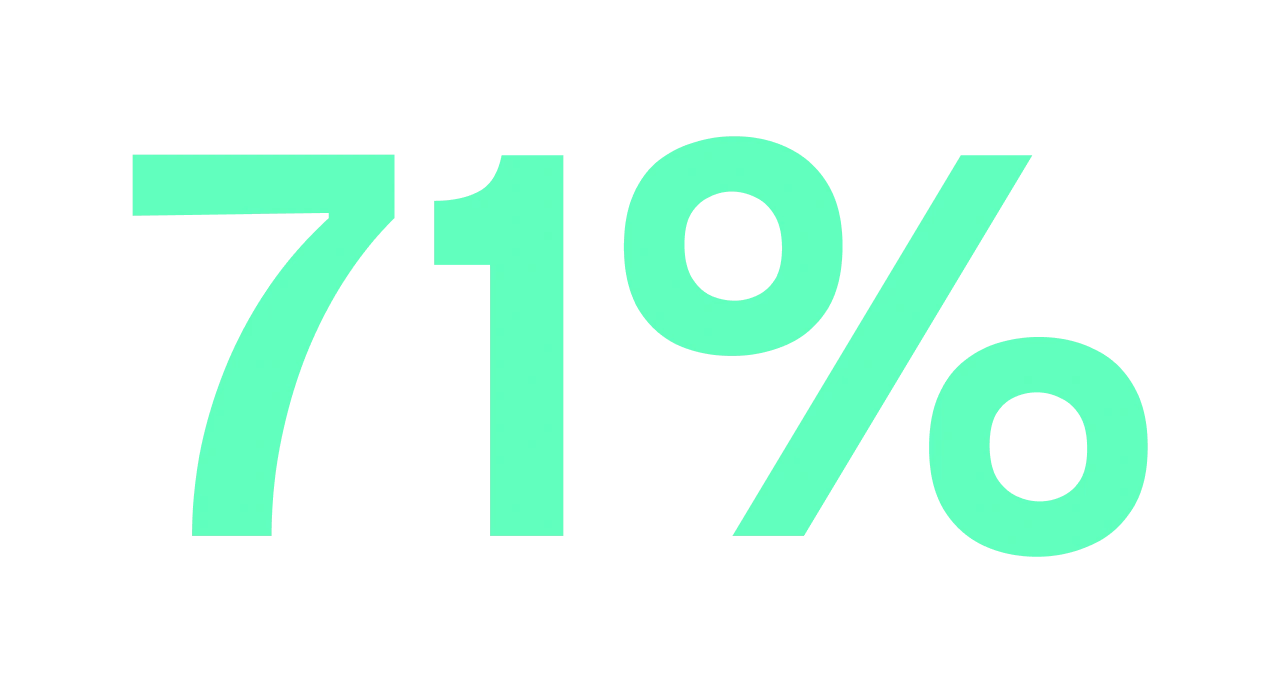
Customers said they would perceive higher brand value if they’d been “surprised” by the gift.
Puffy's Hypothesis
To improve the impact of the sleep essentials bundle, Puffy came up with the following hypothesis:
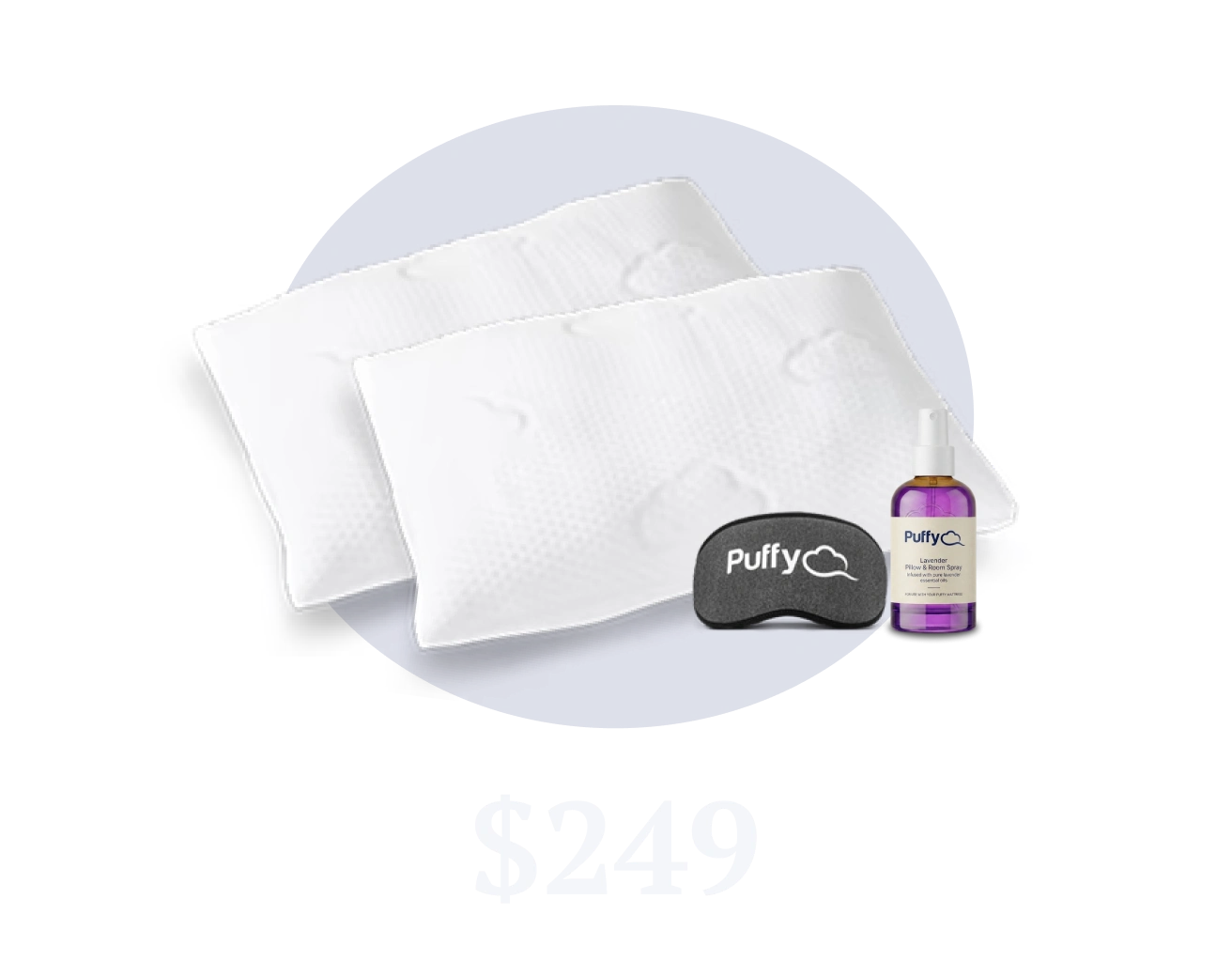
Transform the bundle as a $249 add-on.
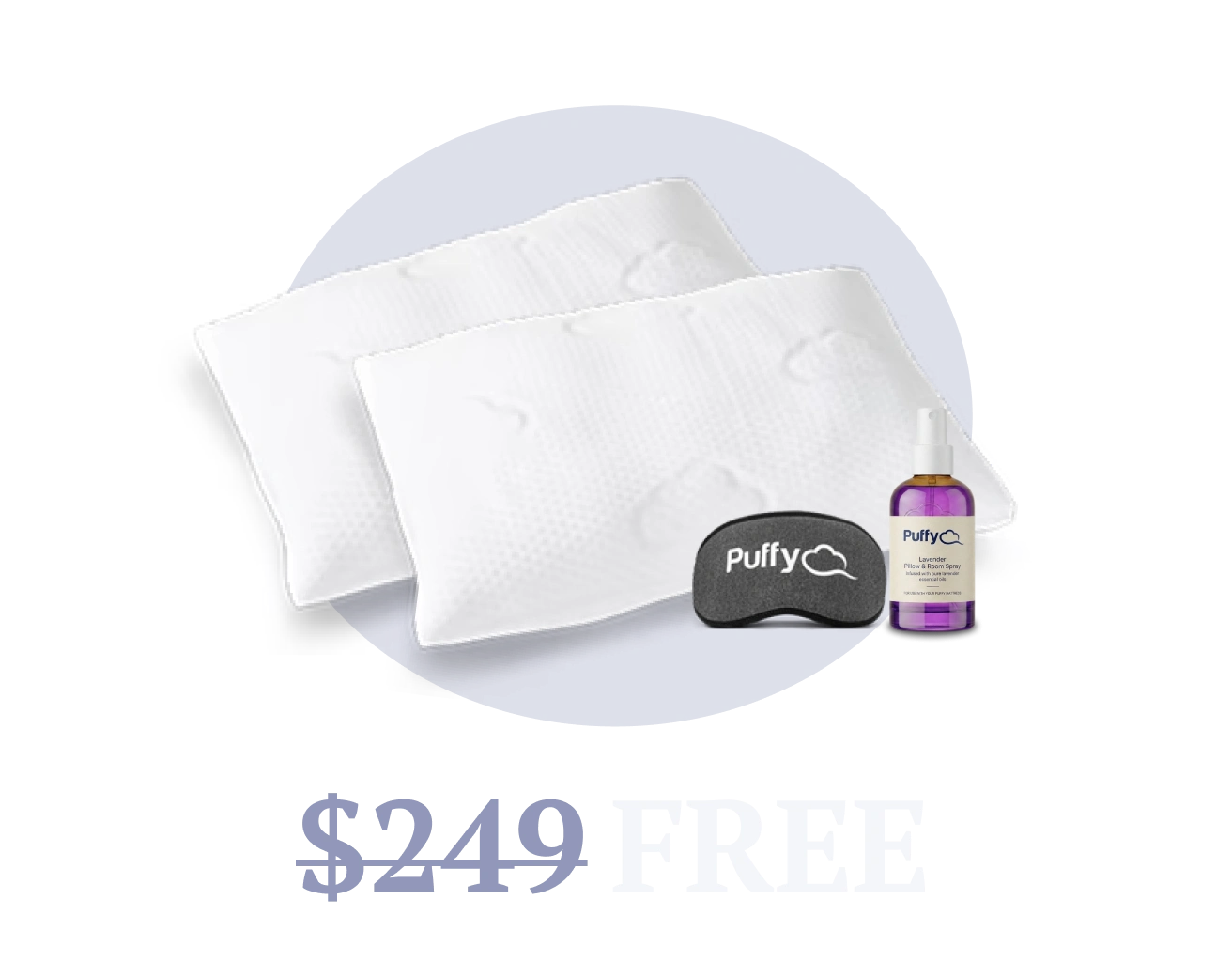
Reveal it as a free surprise if customer chooses to not add-to-cart.
This will increase perceived value and average order value.
Building Foundations
I didn't want to approximate Puffy, I wanted to work from their real system. So I pointed Claude at the live site, scraped it, and pulled the compiled style sheet.
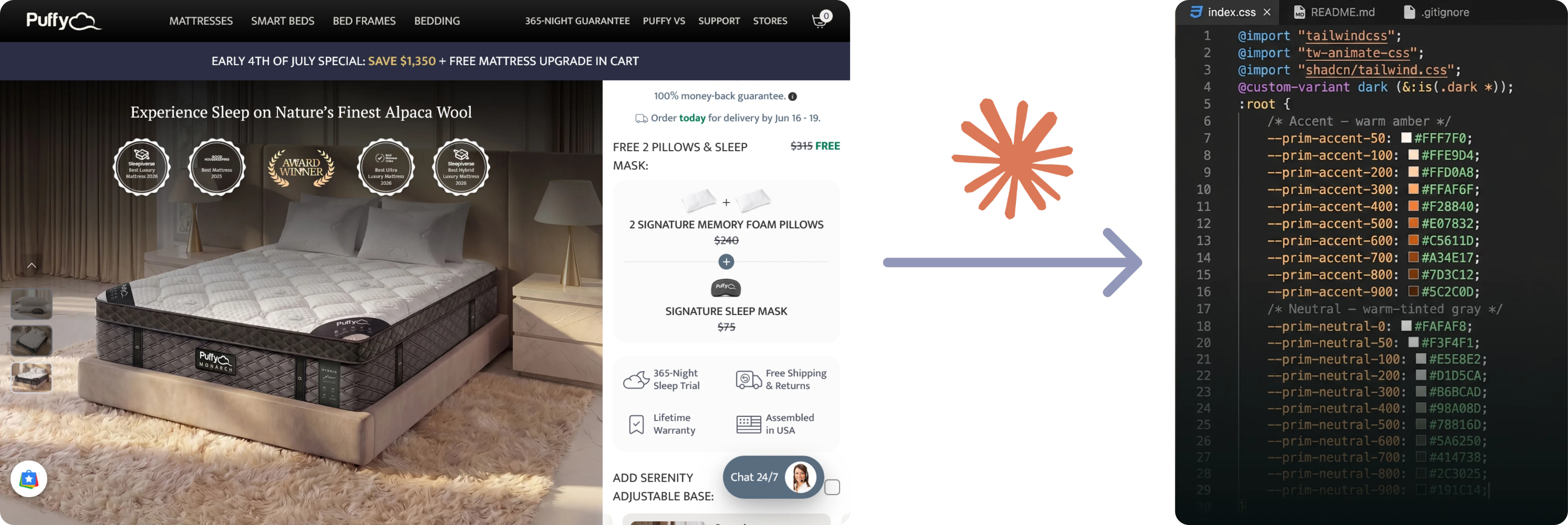
A stylesheet is just values in a file. To design with it, it has to become a system. So I handed the extracted CSS back to Claude and, through the Figma MCP connection, had it build the design system directly inside Figma: variables, tokens, and a style guide, all structured and named.
I didn't stop at Figma. I took the extracted style sheet and set up the same system in Claude Design.
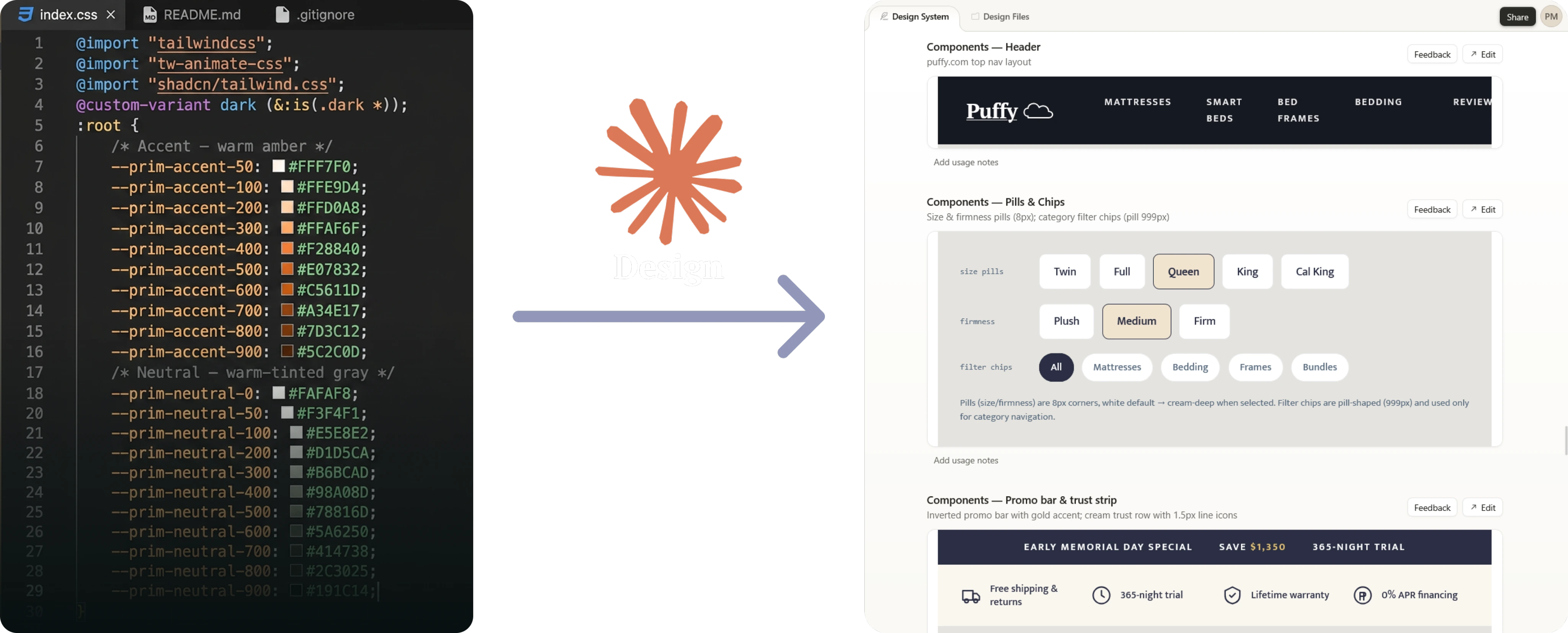
Why two AI Design tools?
Because having two tools helped me iterate in a broader way. I didn't want one AI tool to govern the quality of the final output hence the competition between them.
Competitive Analysis
Hästens - Swedish luxury beds since 1852, famous for the blue check and fully handmade, natural-material craft.
Vispring - British house that pioneered the pocket-sprung mattress in 1901, hand-nested springs, natural fillings.
Savoir - born from making the beds for The Savoy hotel, each one still made to order by a single named craftsperson.
Duxiana - Swedish design-led luxury since 1926, built around its signature continuous-coil DUX bed.
What I learned from the competition?
No urgency. Not one timer, scarcity line, or "limited time" across any of the four.
Value through craft, not price.
Calm, editorial visuals. Muted palettes, whitespace, unhurried imagery, the opposite of a promo banner.
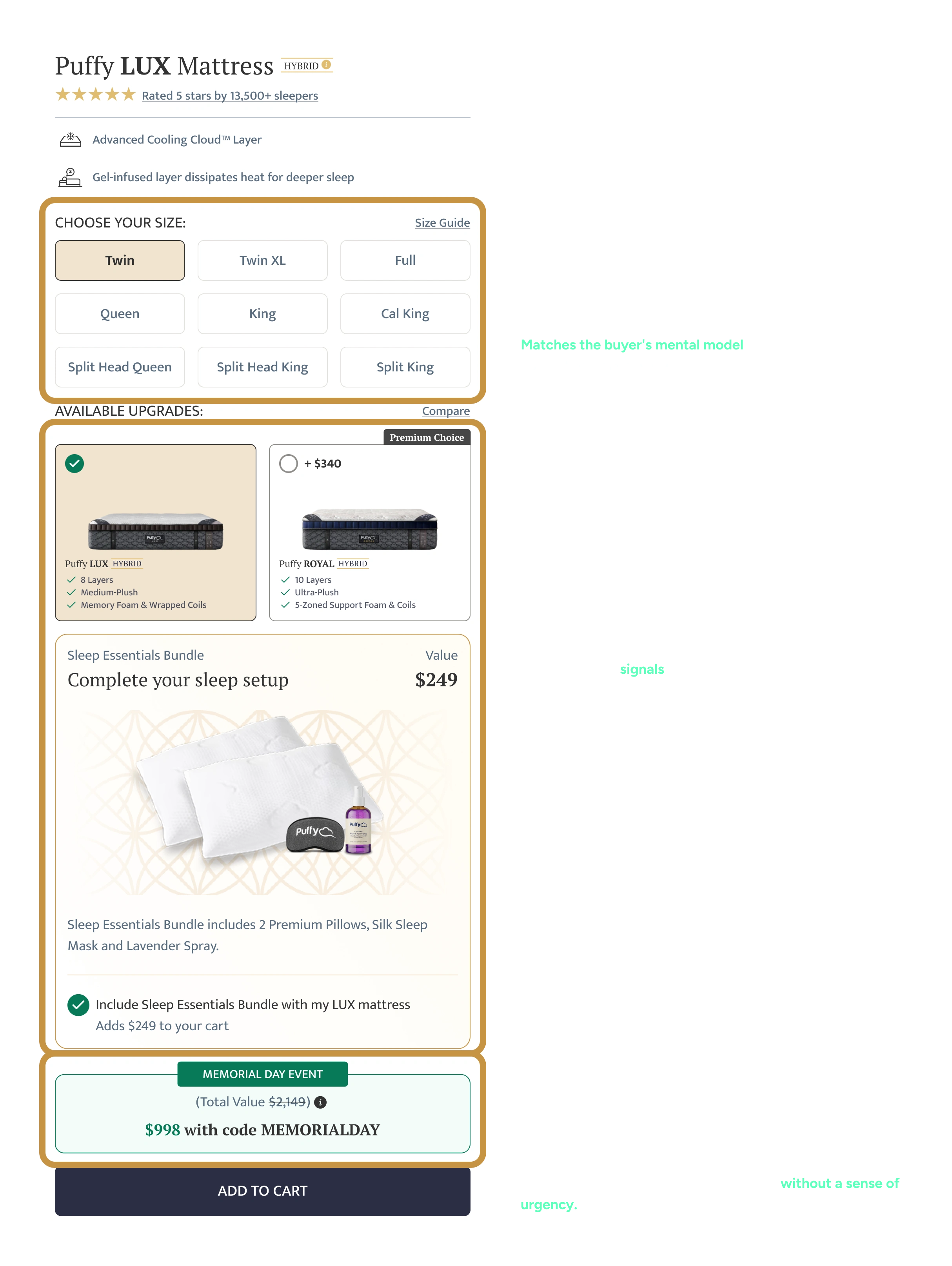
Screen A
Sleep Essentials Bundle Selector
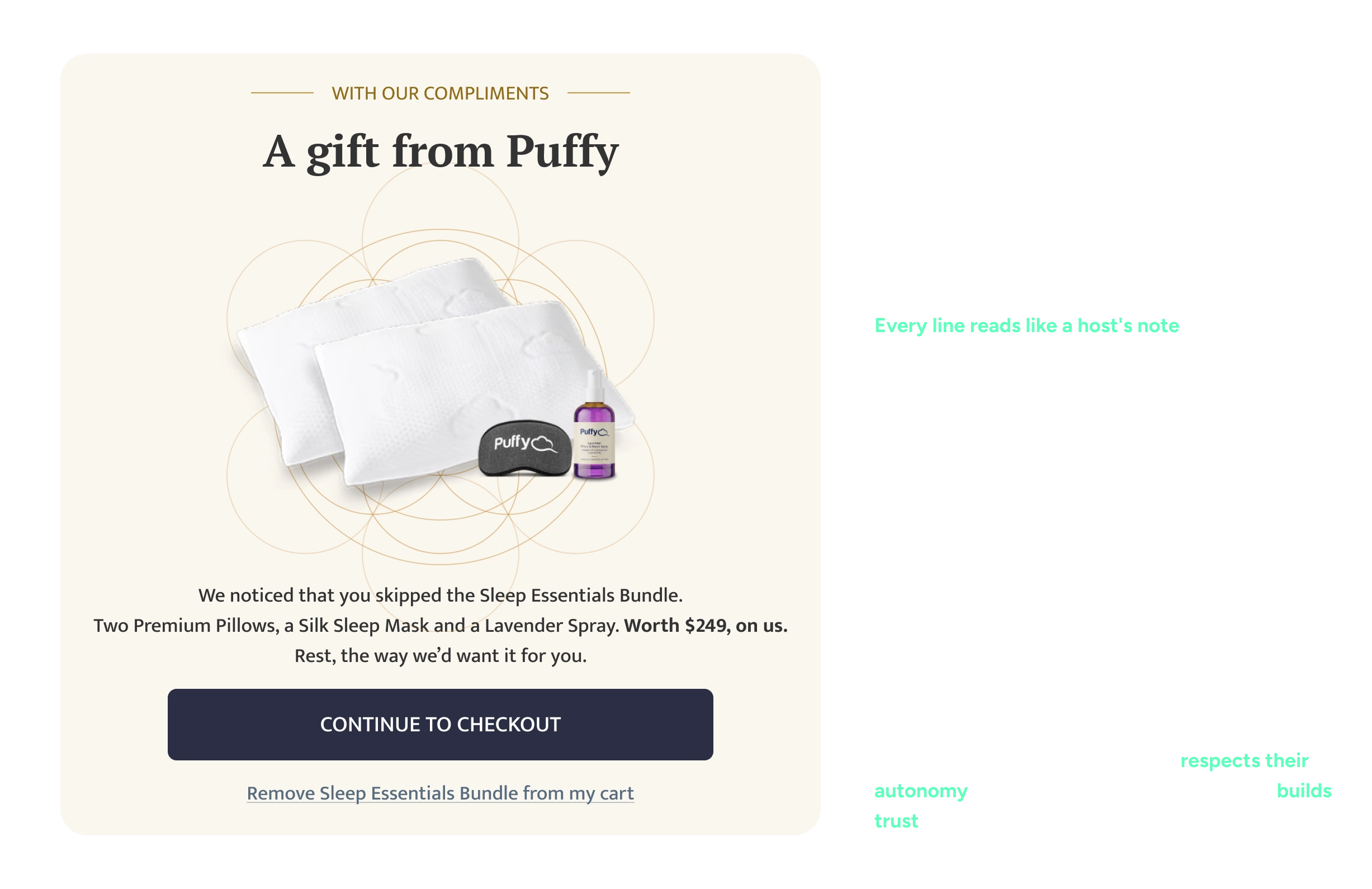
Screen B
Surprise Reveal Modal
Task 2:
Generating a product hero image
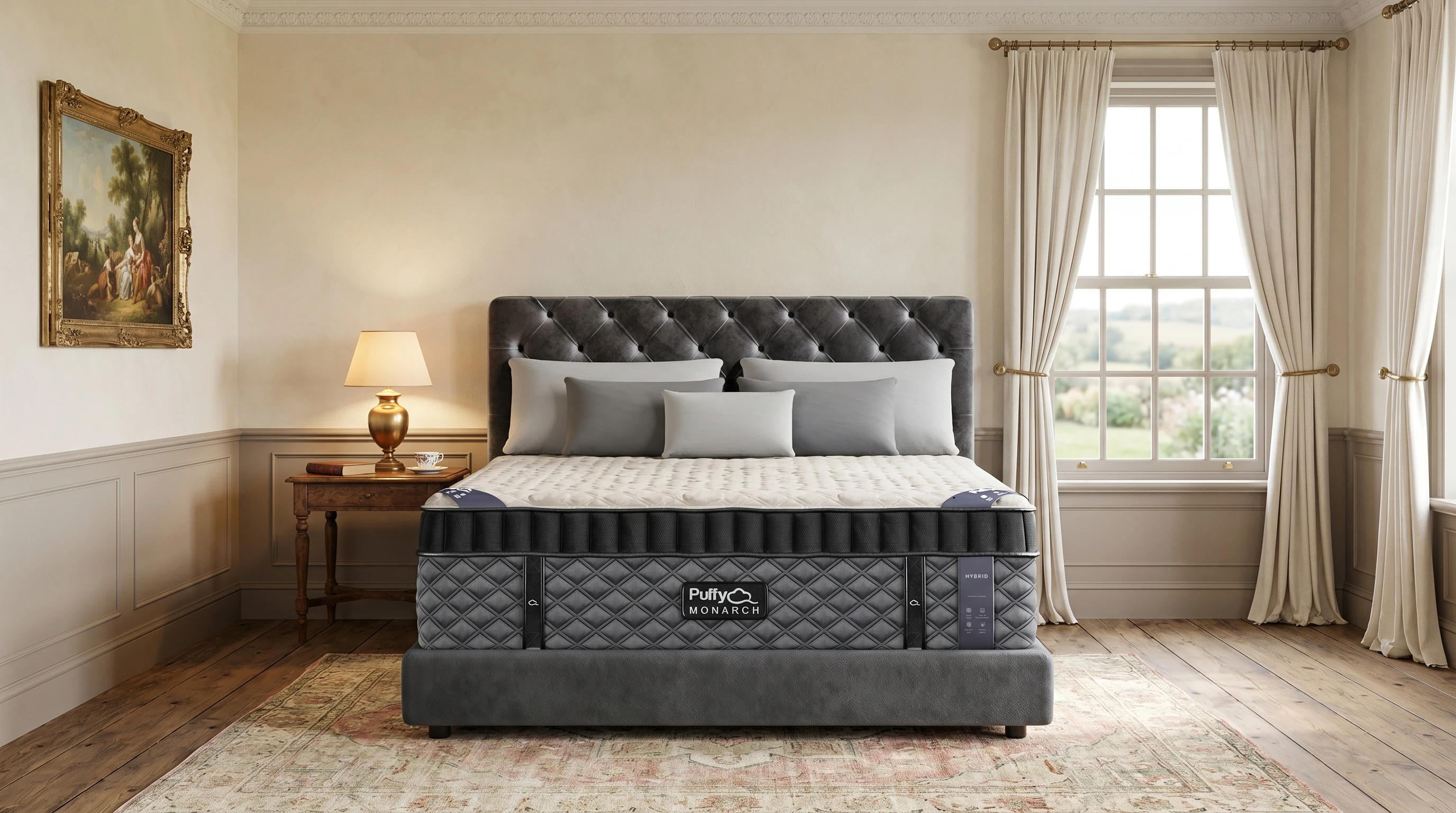
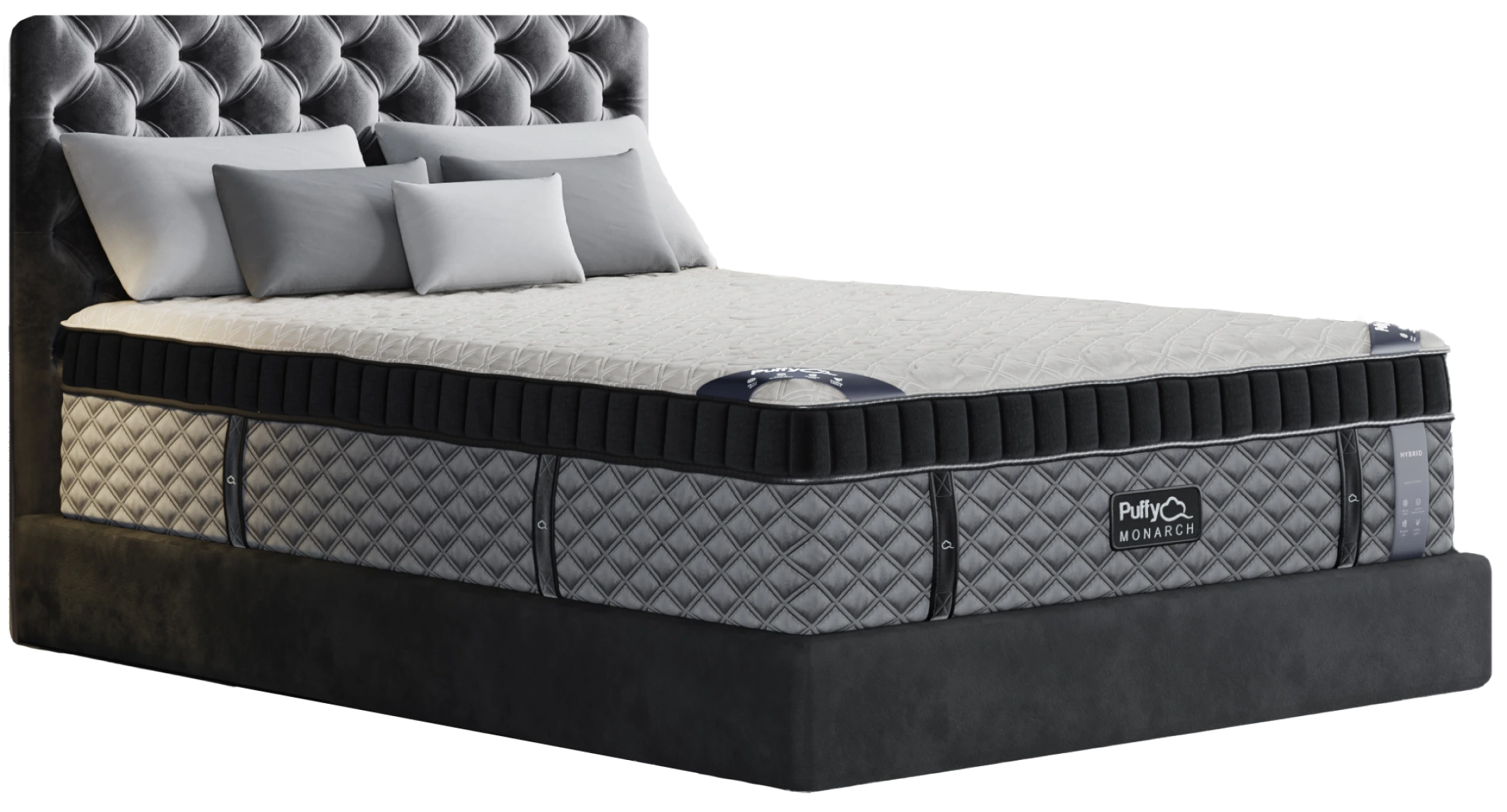
The Setup
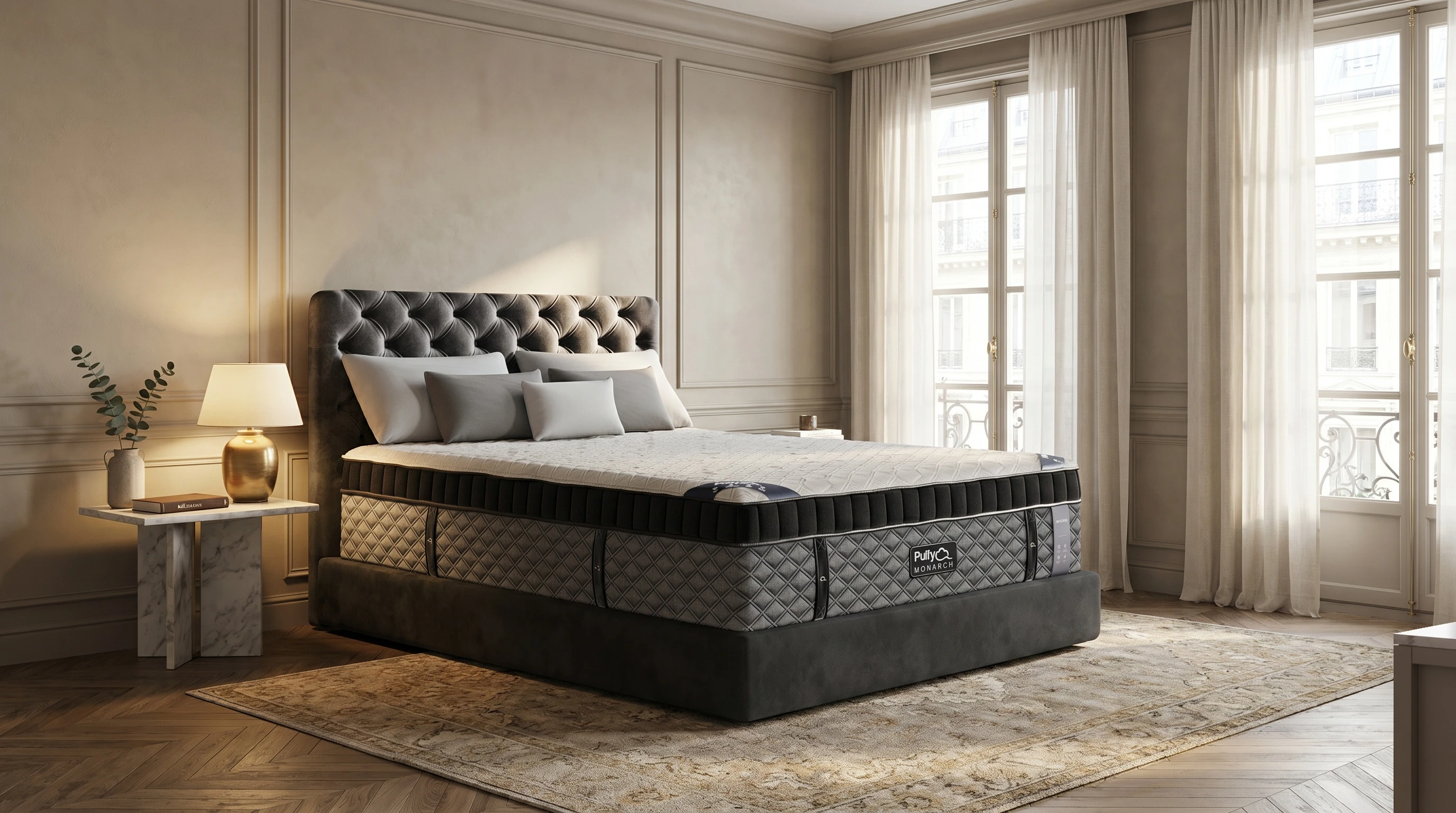
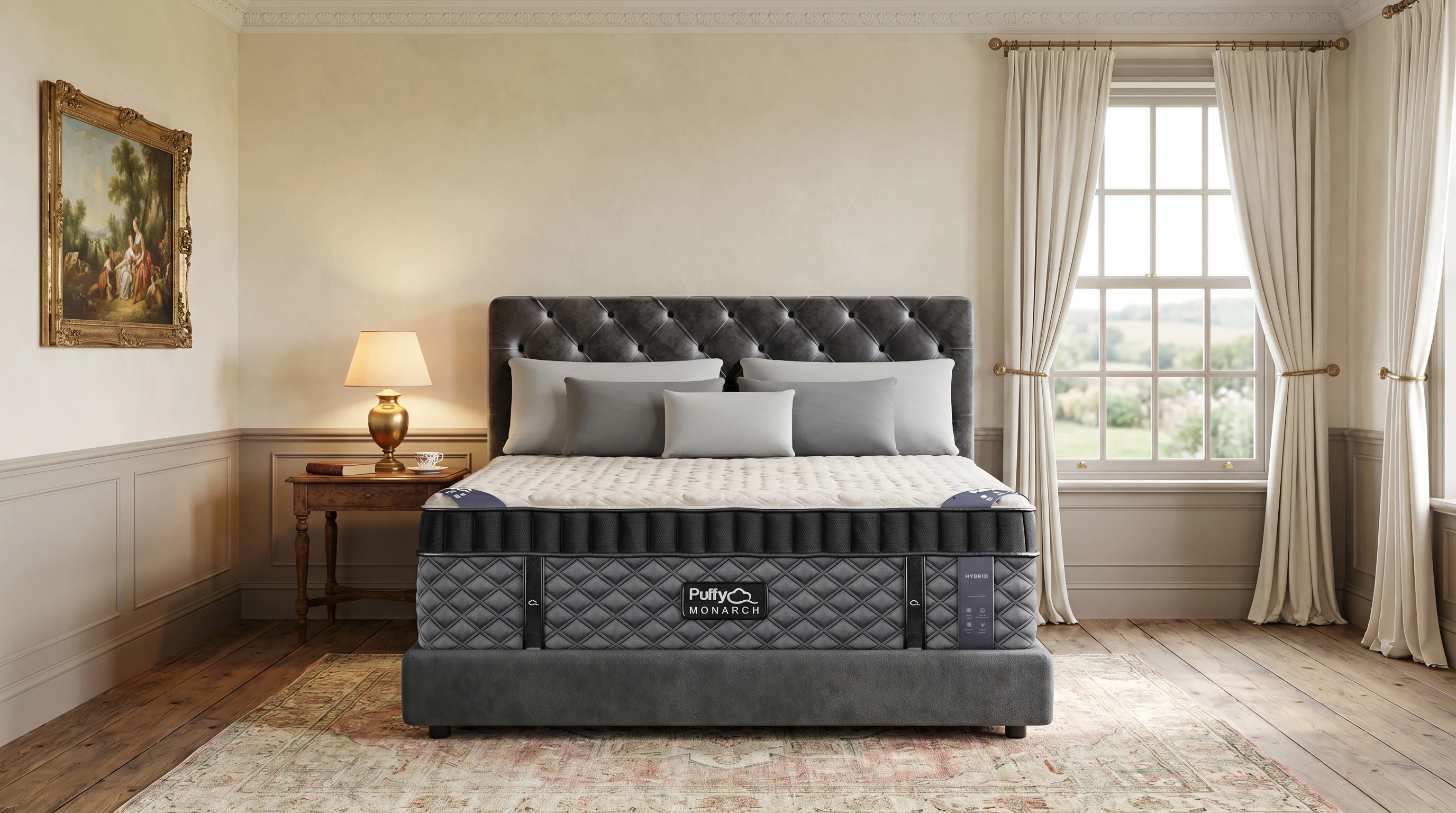
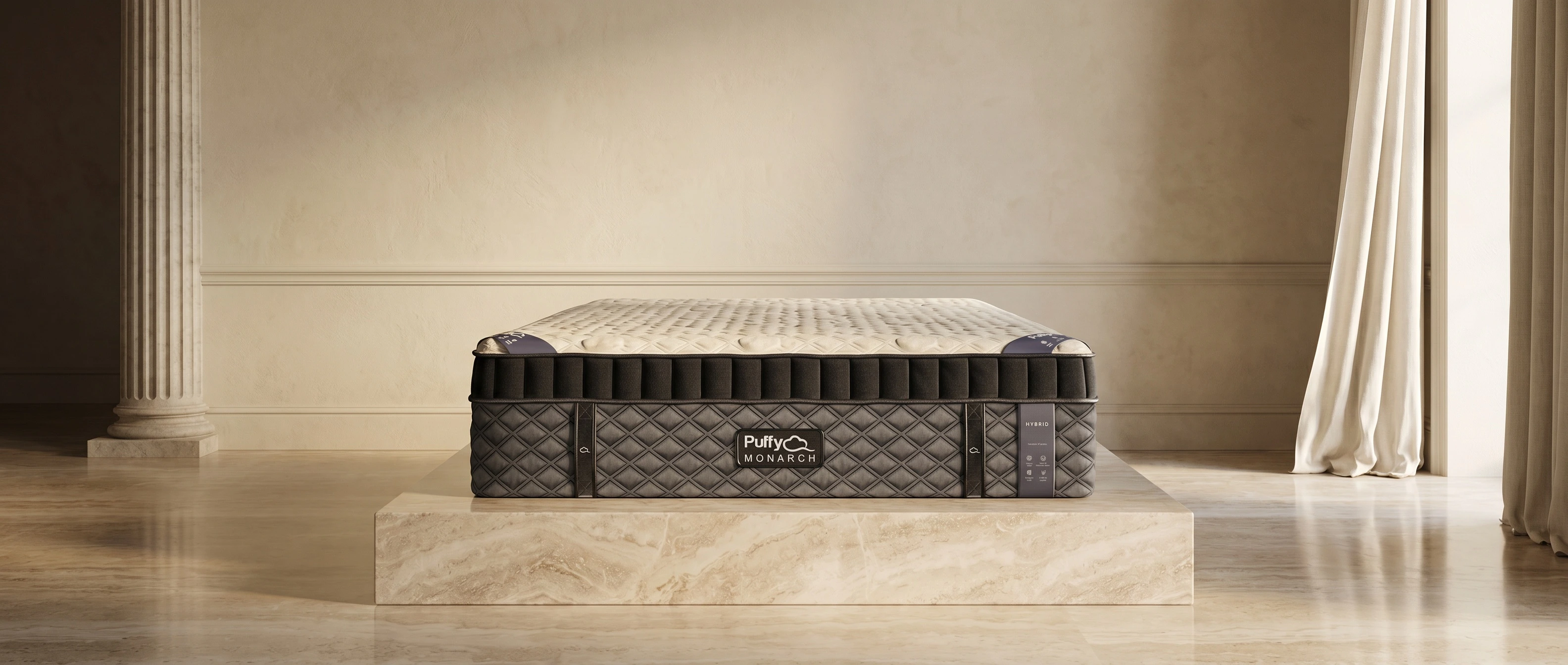
I had to generate a hero visual for Puffy’s highest-tier luxury mattress - Monarch.
The requirements:
Photorealistic ultra-luxury bedroom environment.
The hero visual should be minimum 2400px along longest edge.
Puffy logo should be visible and legible on the mattress. It should be sharp even at 50% zoom.
Building foundations
Before generating anything, I studied the two things that define the look: the product and the category.
I went over Puffy's cutouts up close (texture, light, proportions) and folded in what the best luxury sleep brands do with their imagery (restraint, editorial mood, no whiff of a sale).
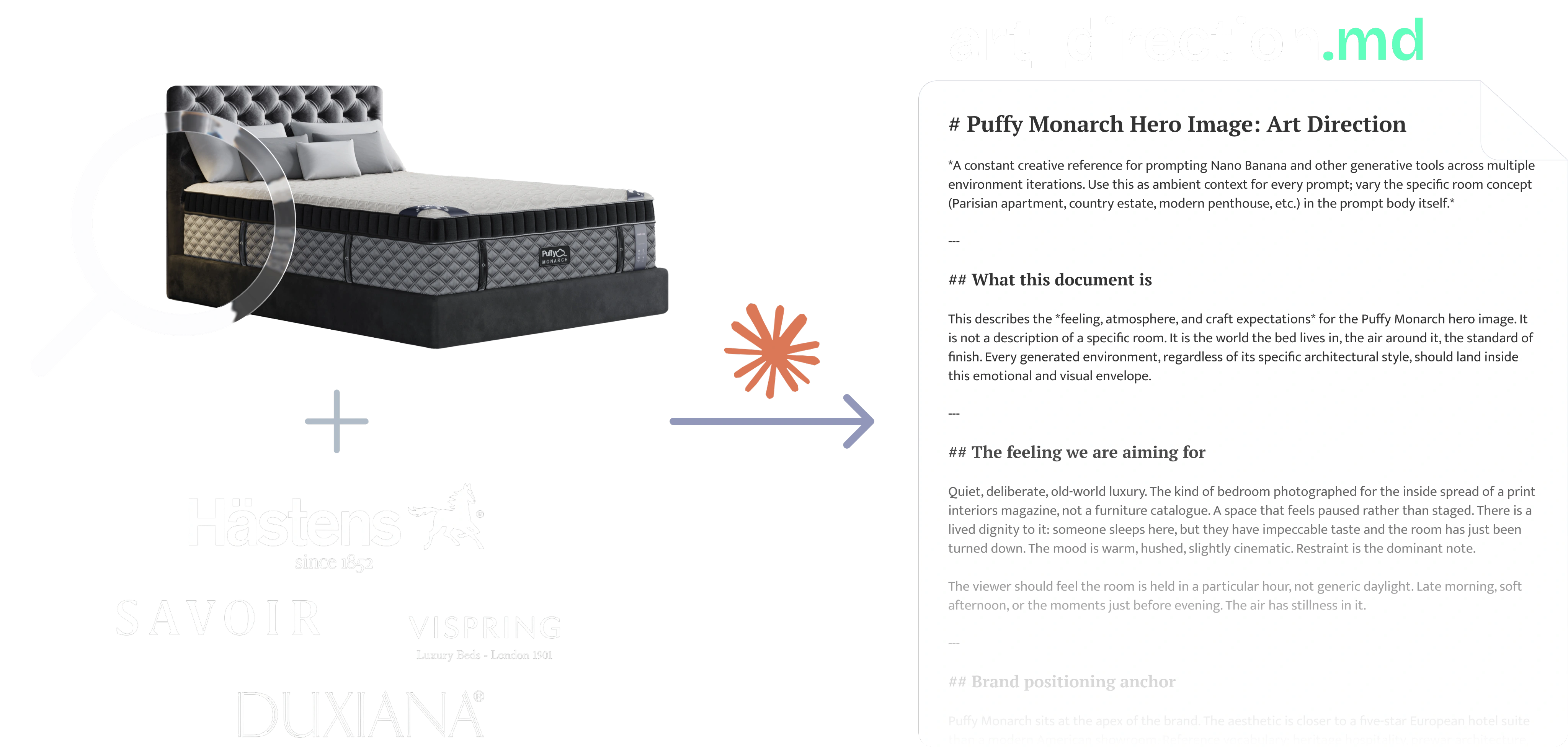
Claude turned both into art_direction.md, a brief covering feeling, lighting, palette, materials, and what to avoid. Every prompt inherited it instead of starting from zero.
Image Generation Pipeline
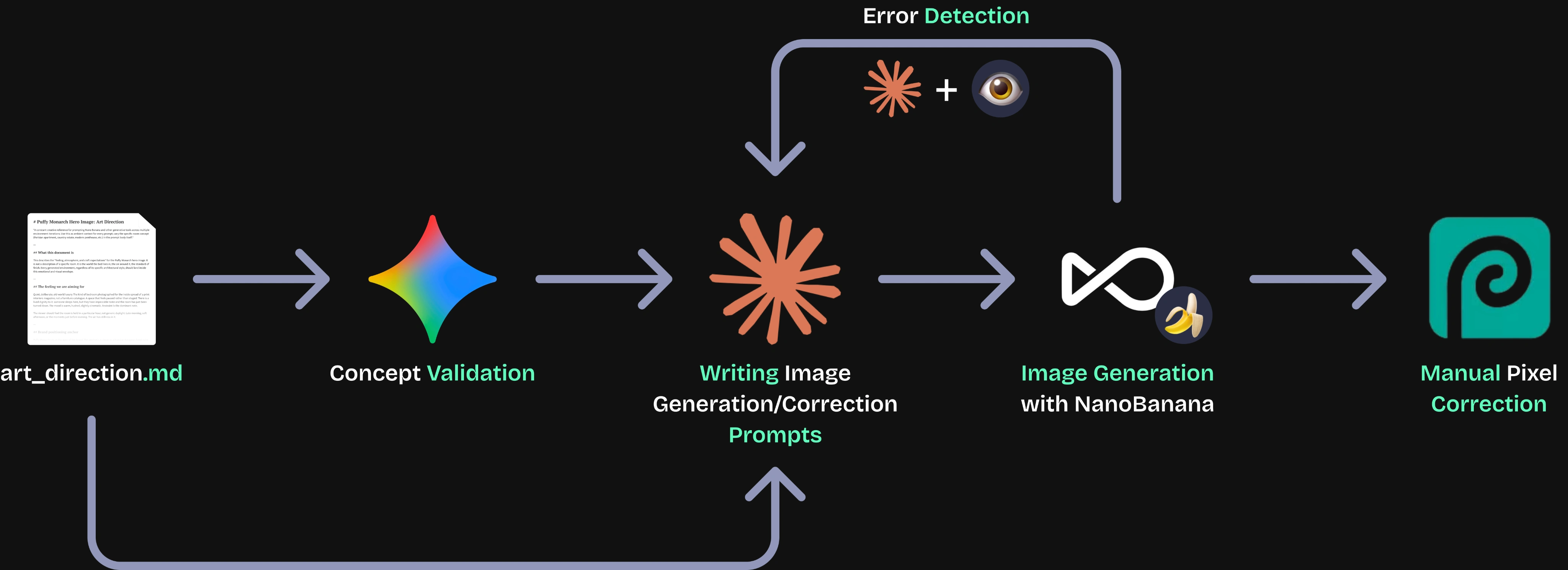
1. art_direction.md // Reference
The reference document made after careful observation of the cutouts supplied and Puffy's competition. It defines the look, and every prompt gets written against it.
2. Gemini // Concept Validation
Before building the full process, I generated one image in Gemini to check a basic assumption, that I could generate a room around the provided cutout and have it look like a single real photo rather than a paste-up. It confirmed the approach was worth pursuing.
3. Claude // Writing Prompts
Claude reads the art_direction.md brief and writes the prompt for generating the hero image for a particular cutout. This is also the agent that writes correction prompts later, if an image needs fixing.
4. OpenArt // Image Generation
You can write here as much as you want, this text will always look nice, whether you write longer paragraphs or just a few words. Click here and try it out.
5. Claude + the human eye // Error Detection
Claude and I compared the generated image for problems like a distorted logo, wrong proportions, or unrealistic details. If the error needs to be fixed with a prompt (like change in environment) then I run the loop with Claude again. Other errors (like pixel correction) were done by myself manually.
6. Photopea // Manual Correction
The few details the model can't get fully correct. This could include generated labels on the mattress. I fix those by hand in Photopea as the final step.
If I were to do it again, what I'd do differently?
Validate early by testing
Do more research
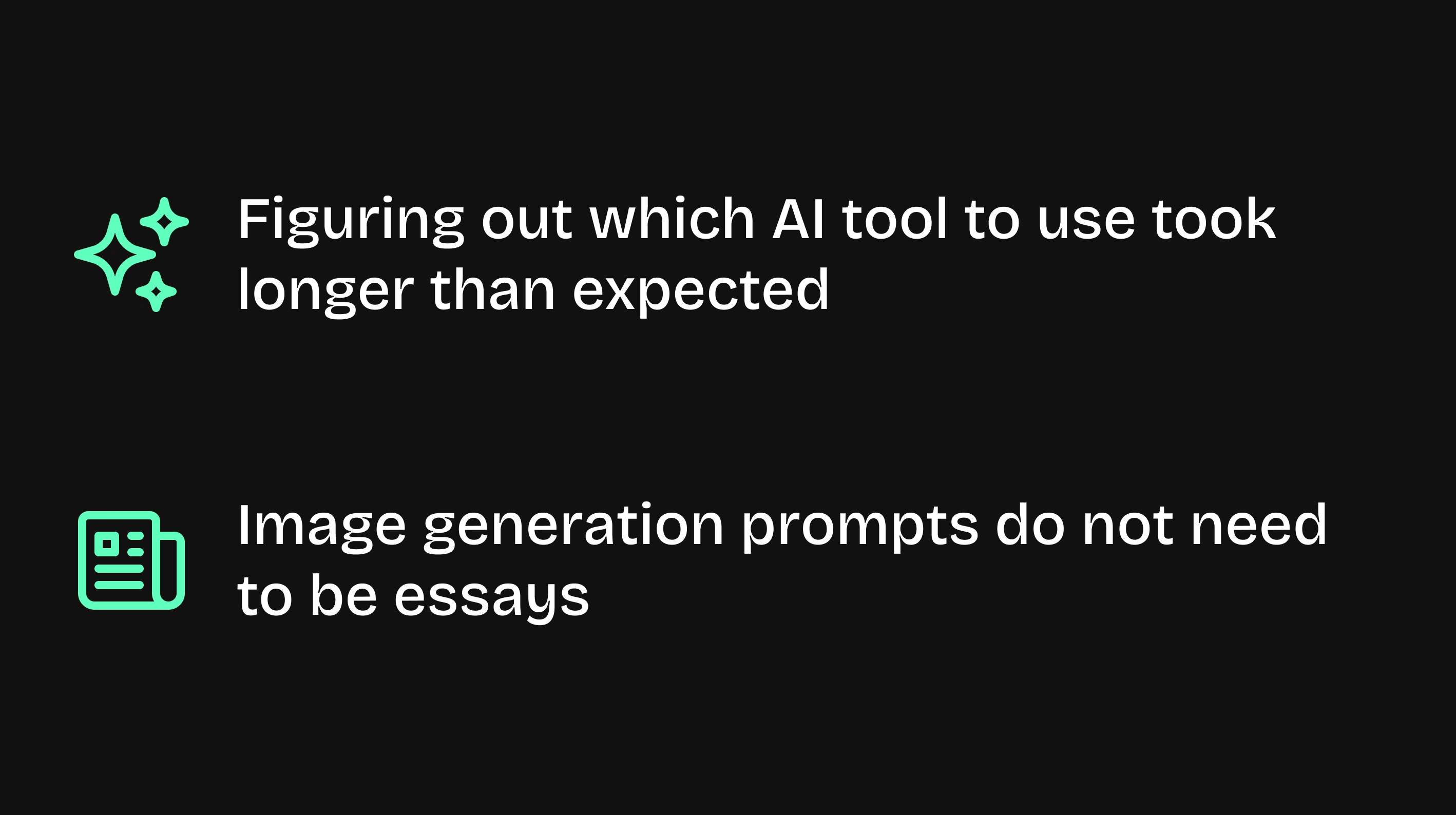
Keep it simple
Thank you for reading <3
Like this project
Posted Aug 22, 2026
Solved a 3-day design challenge by rebuilding the design system, orchestrating AI for drafts, and manually polishing UX and a hero image above the AI baseline.