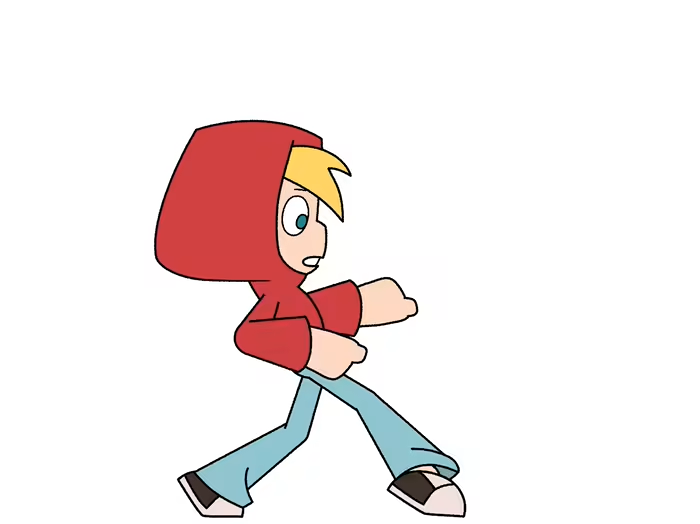
Pik App / Explainer Video

Omar Jabr


Pik App
Explainer Video
Overview
Working from a set of style frames provided by Tele Towns, I built the full animated explainer video and used the project to push into a technique I hadn't worked with before: faking convincing 3D motion inside what's primarily a 2D pipeline.
The Challenge
Two elements in the storefront needed to feel physically real, not just animated:
The revolving door had to rotate through a believable arc without the angle or perspective breaking.
The awning above the storefront had to open the way real fabric does, not a simple scale or fade.
The Process
3D block-out in Blender. I modeled and rendered the revolving door in Blender first, to lock in the angle and perspective, something that's nearly impossible to eyeball by hand directly in After Effects.
Matched motion in After Effects. I brought that render into AE and matched my animation path precisely to the 3D reference, so the final motion held its dimensionality even once it was styled flat.
Style Frames


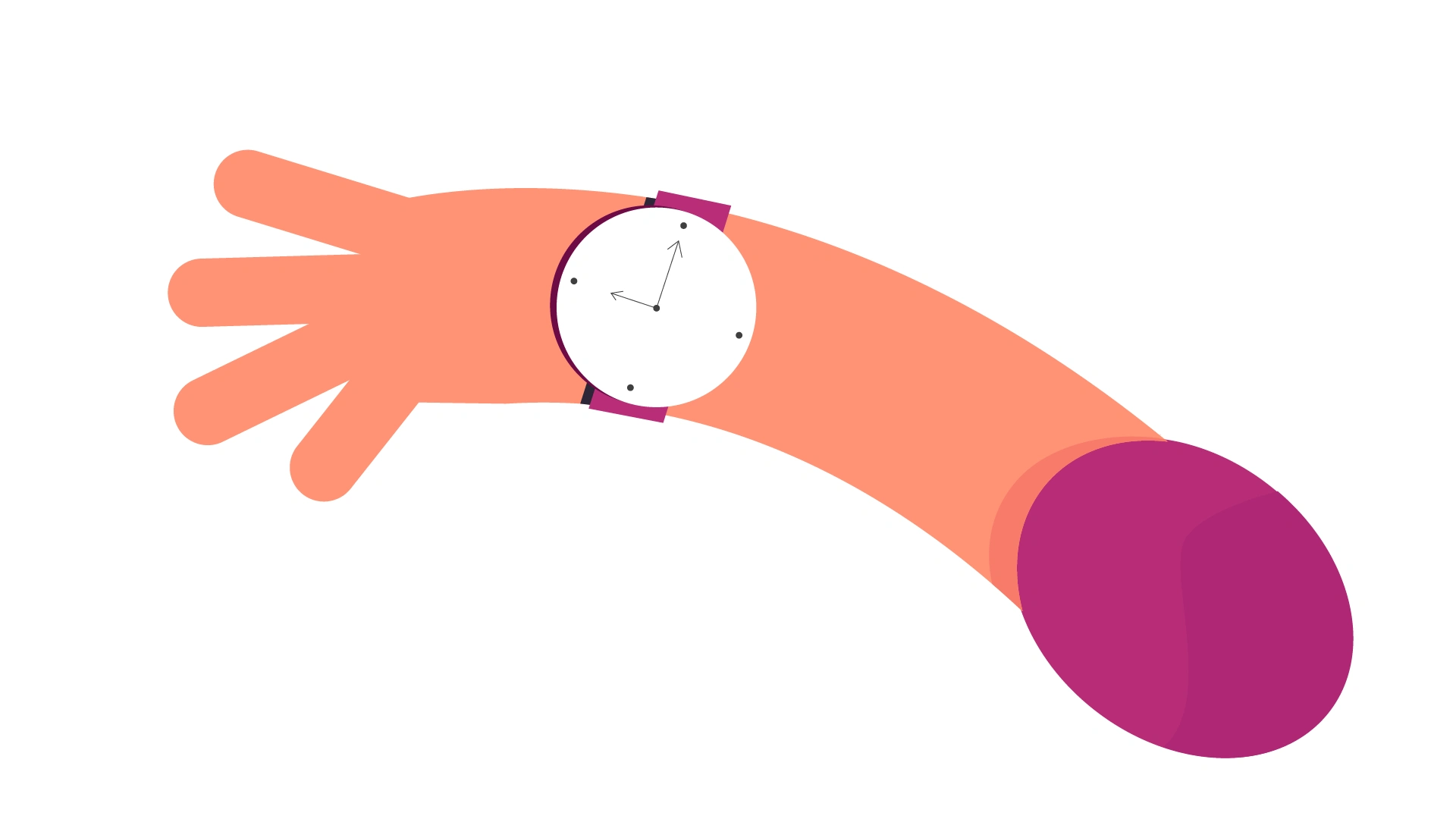
Behind the scenes
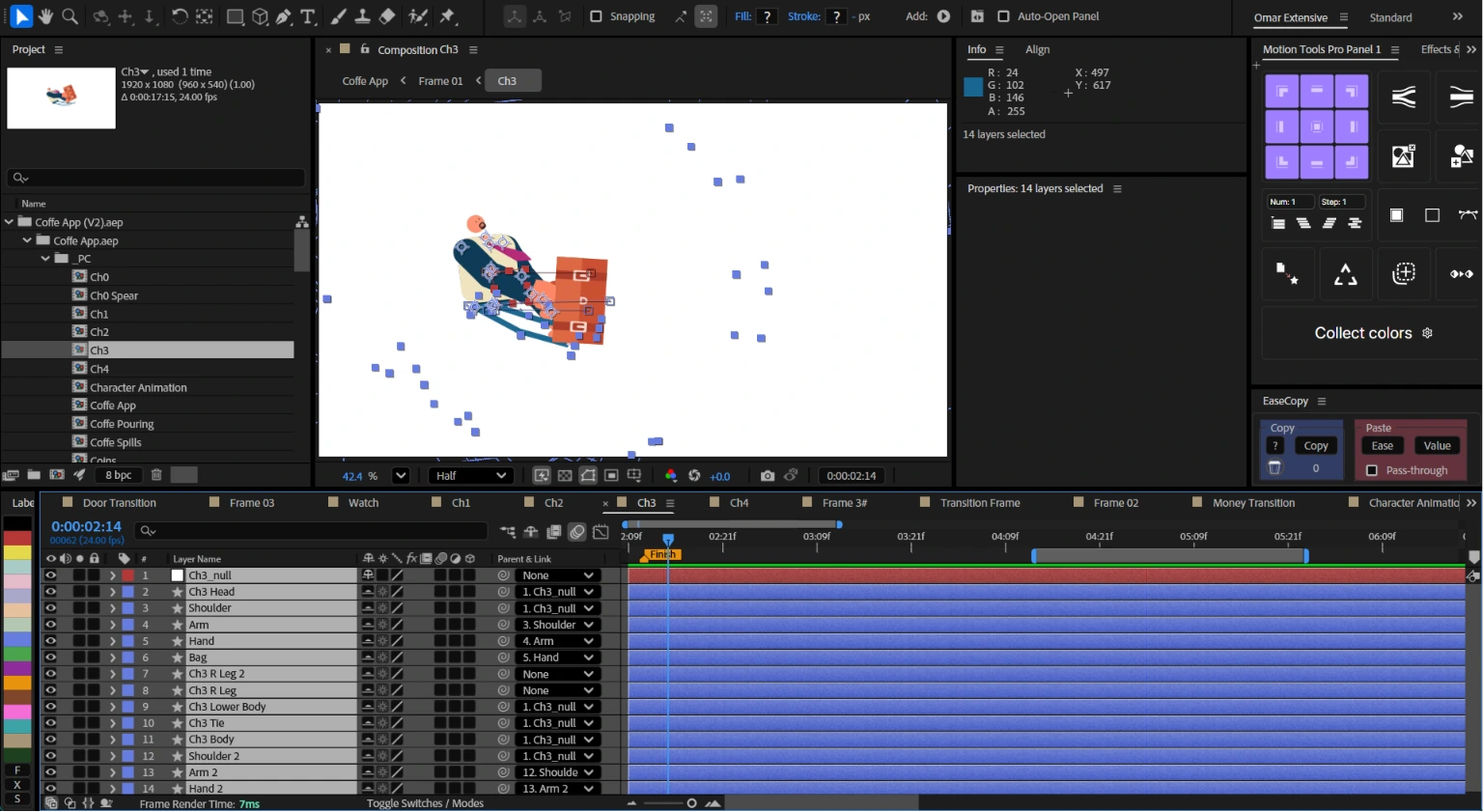
Inside After Effects
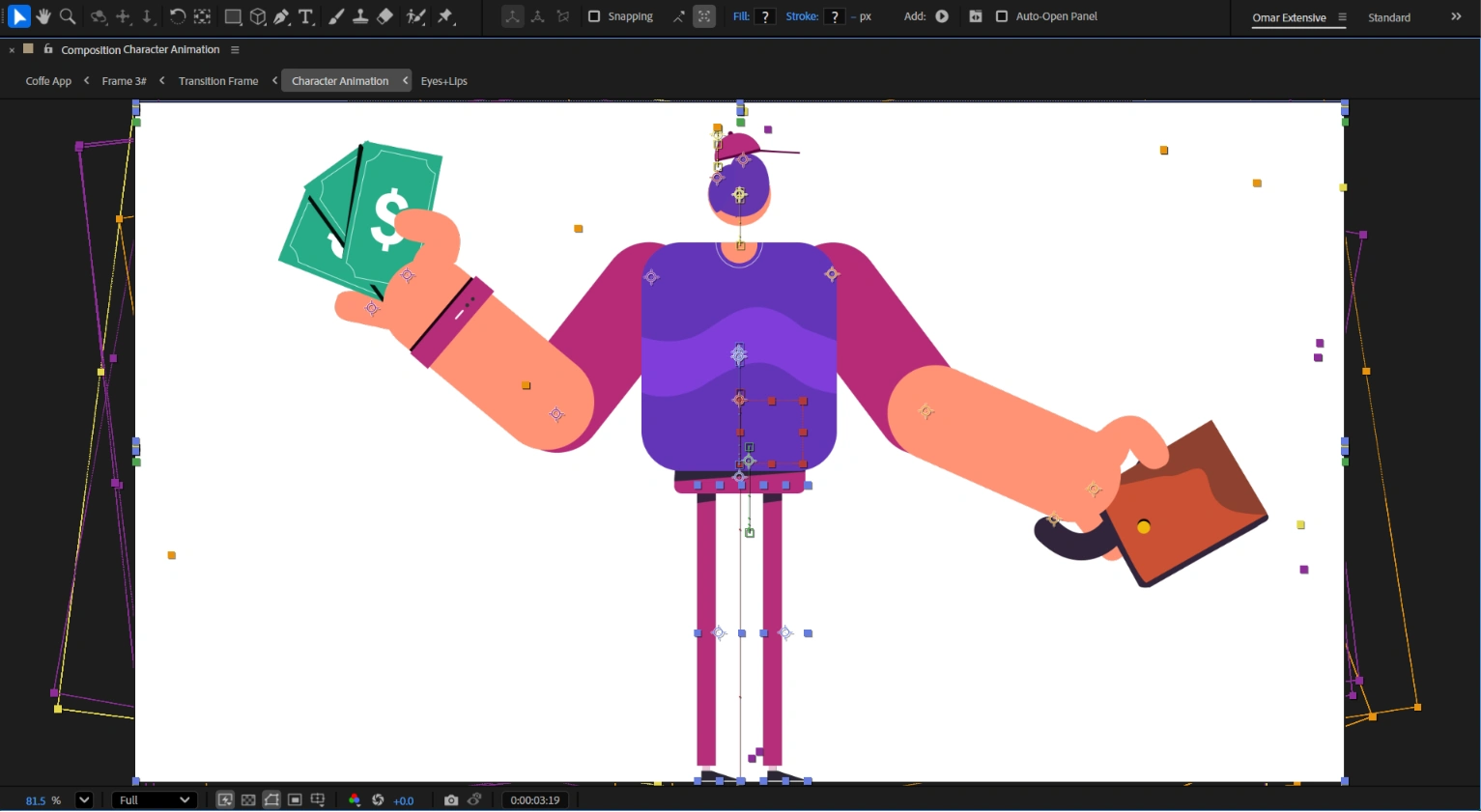
Character raising its head
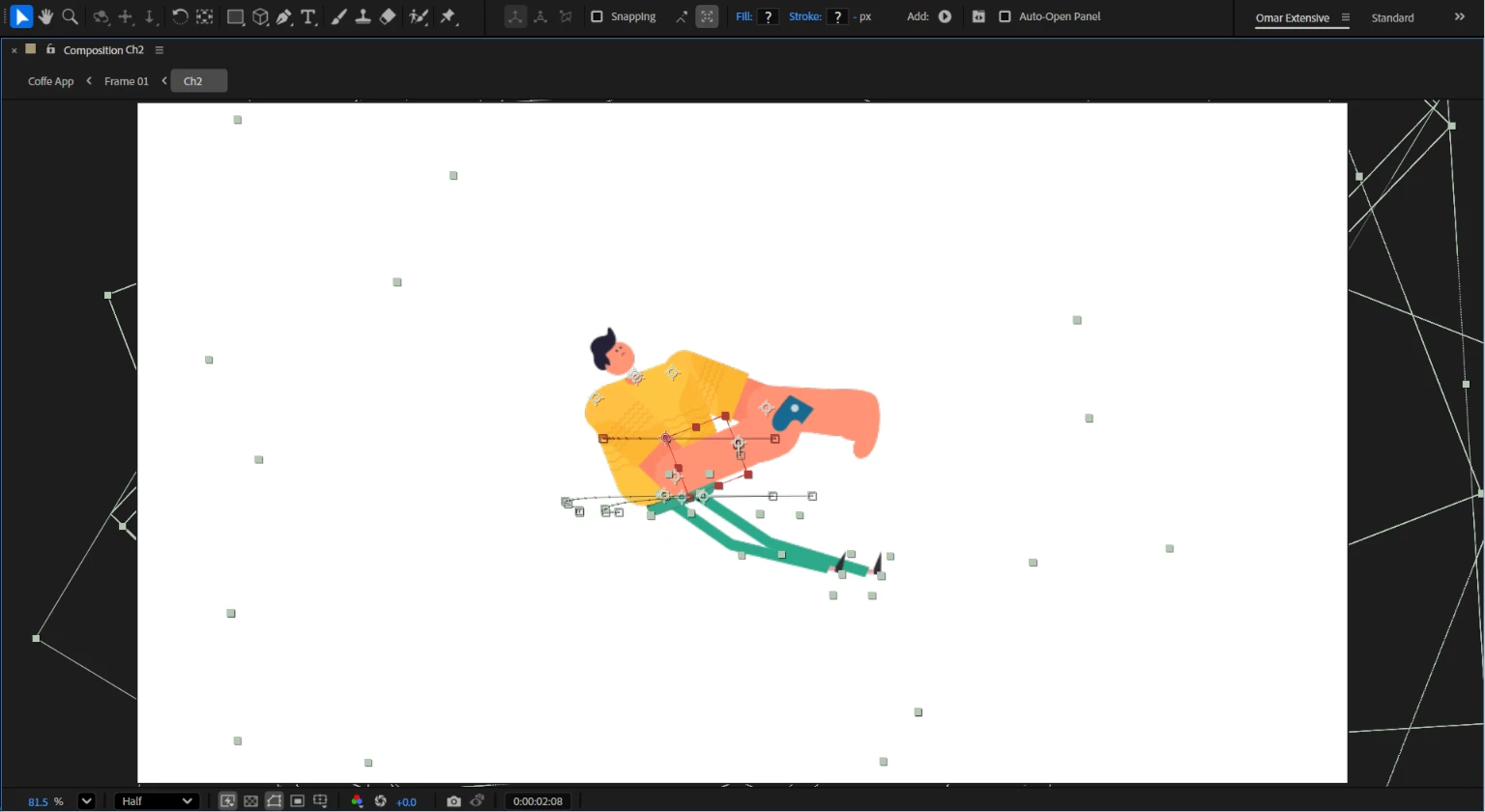
Character Intro
Credits
Animation: Omar Jabr
Tools: After Effects, Illustrator
Like this project
Posted Jul 11, 2026
Working from a set of style frames, I built the full animated explainer video and used a technique I hadn't worked with before: faking 3D inside a 2D pipeline.
Likes
3
Views
5
Timeline
Jul 12, 2024 - Aug 1, 2024