Cabintie — AI Kitchen Design & Cabinet Marketplace

Majid Abparvar


CABINTIE
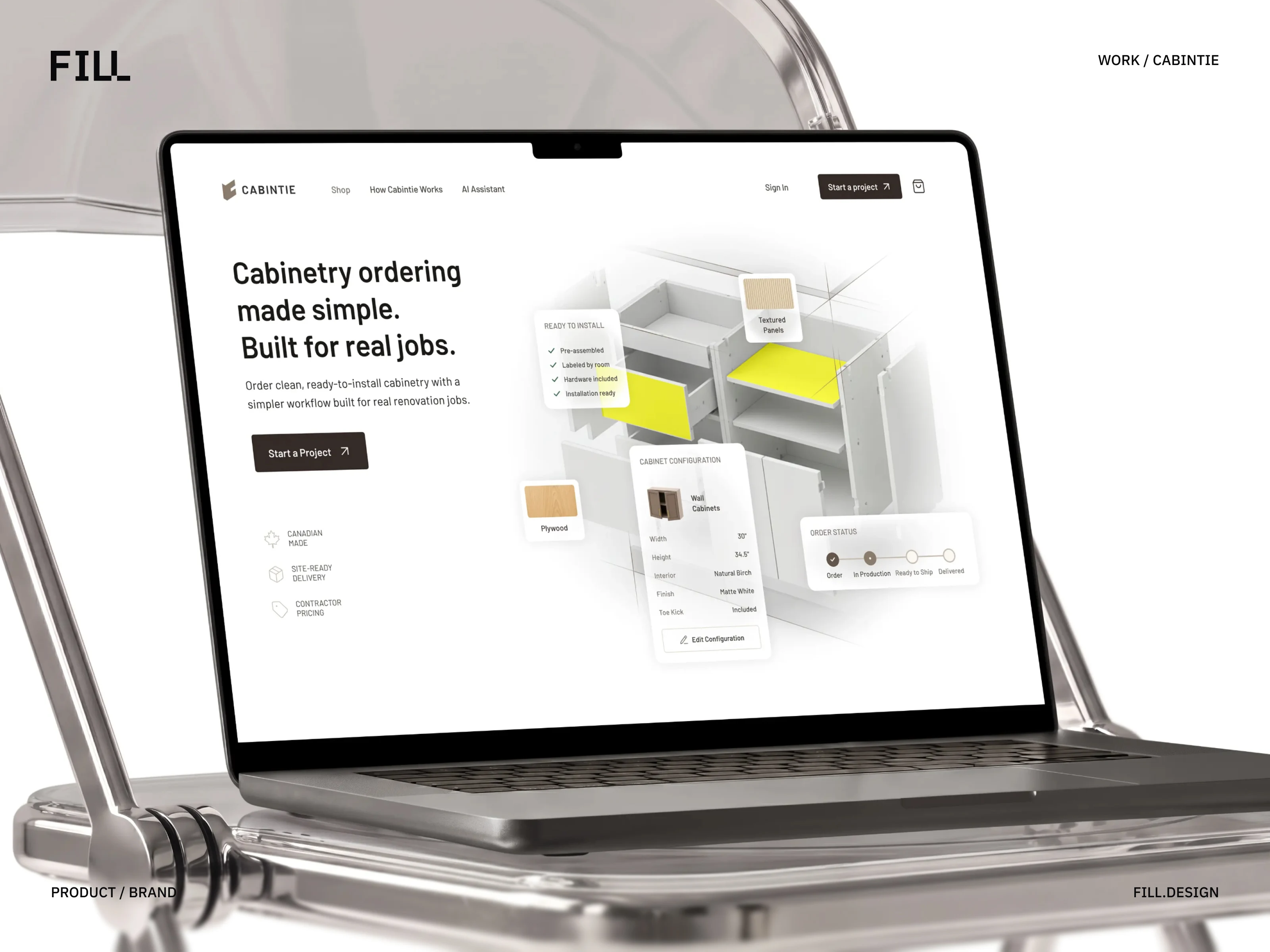
A cabinetry platform built around how contractors actually work.
Cabintie brings cabinetry planning, configuration, ordering, and project tracking into one connected digital experience.
We partnered with the team from the early visual identity stage through product strategy, UX, UI, and responsive product design—creating a system designed primarily for contractors working directly from project sites.
Services: Visual Identity · Product Strategy · UX/UI Design · Design System
Industry: Cabinetry / Construction
Location: Toronto, Canada 🇨🇦
Overview
From brand identity to a complete digital product.
Cabintie started as a visual identity project and gradually evolved into a much broader product engagement.
The ambition was to create a modern cabinetry service built around the needs of contractors—making it easier to plan projects, configure cabinets, understand pricing, place orders, and follow production without relying on fragmented conversations and manual processes.
Our role expanded from defining the visual identity into shaping the product experience itself.
The result is a connected platform that carries the same brand principles from the first impression through everyday product use.
The Challenge
Cabinet ordering involves far more than choosing a product.
A cabinetry project can involve dozens of interconnected decisions.
Cabinet types, room dimensions, materials, finishes, door styles, hinge directions, quantities, pricing, approvals, payments, production, and delivery all need to remain aligned.
For contractors, these decisions often happen while moving between project sites rather than sitting behind a desk.
The challenge was therefore not simply to build an online store.
We needed to create a product that could reduce complexity while still giving professionals enough flexibility and control to manage real cabinetry projects.
Brand to Product
Building the identity before building the product.
Cabintie began with the creation of its visual identity.
The brand needed to feel modern and digital-first while remaining practical and credible within the construction and cabinetry industry.
We developed a visual language that could work across both physical and digital touchpoints—from the company identity and project materials to the interface contractors would eventually use every day.
Visual Identity
The identity established the foundation for the wider product system through:
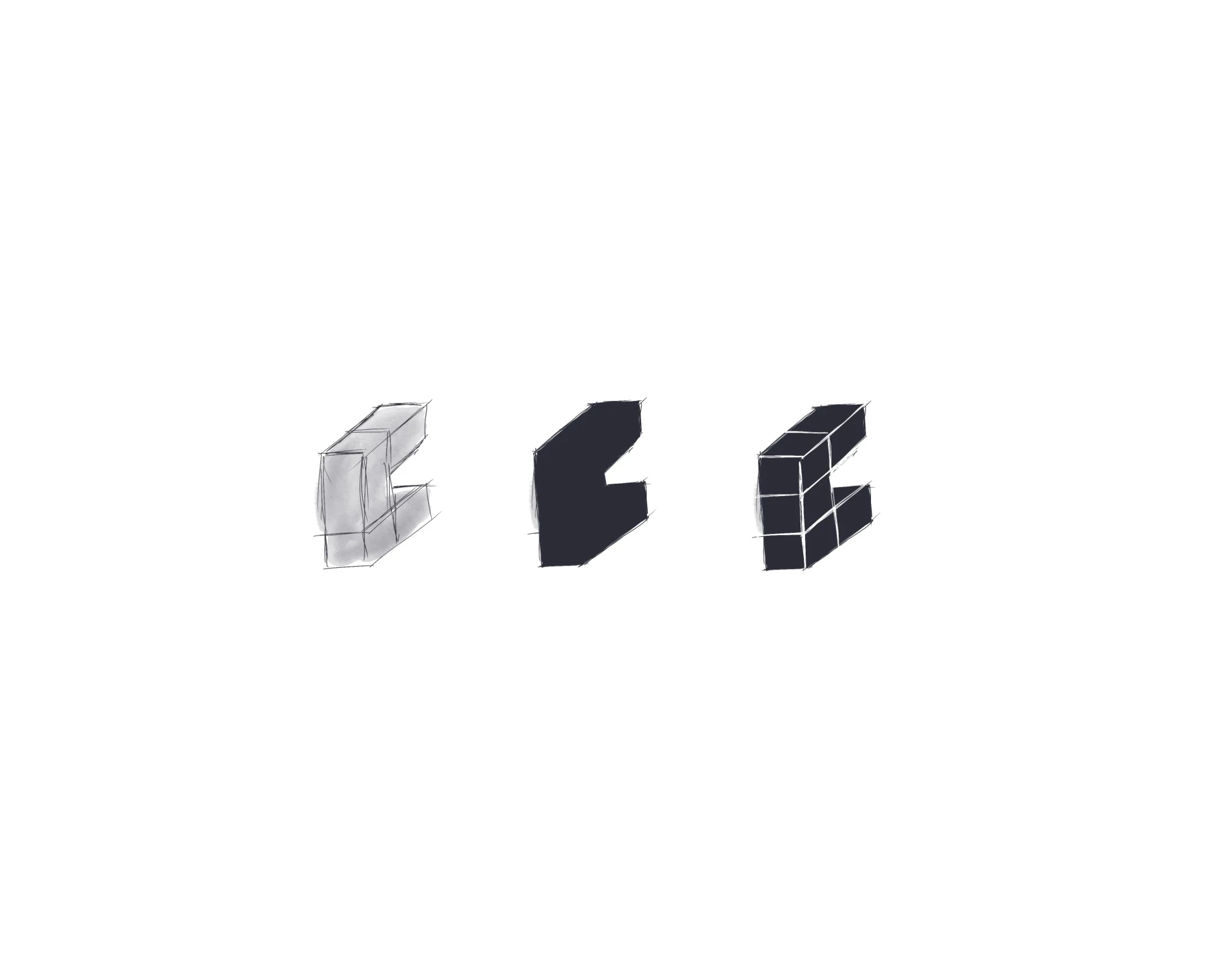
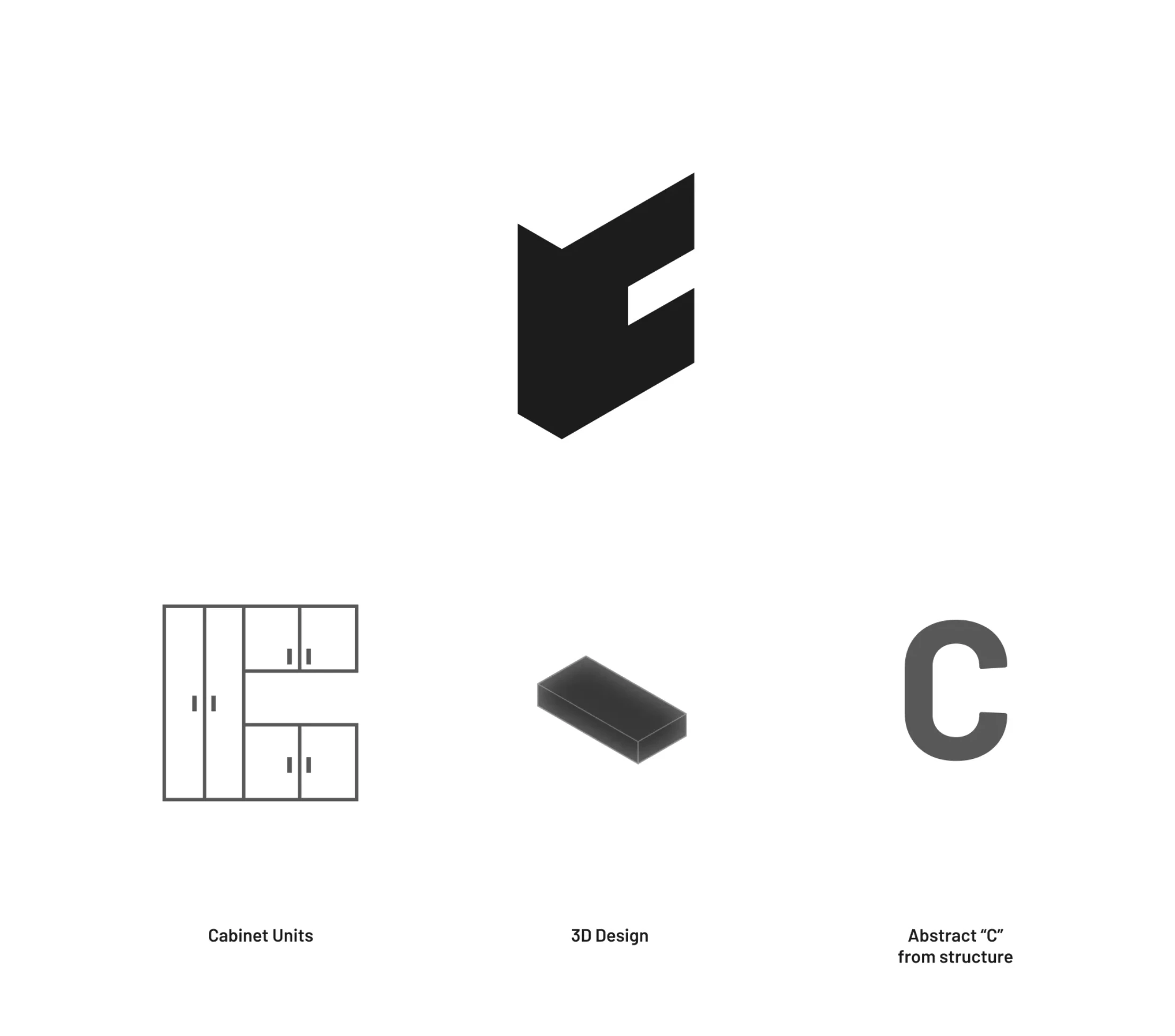
Logo and brand mark
Typography
Color system
Graphic language
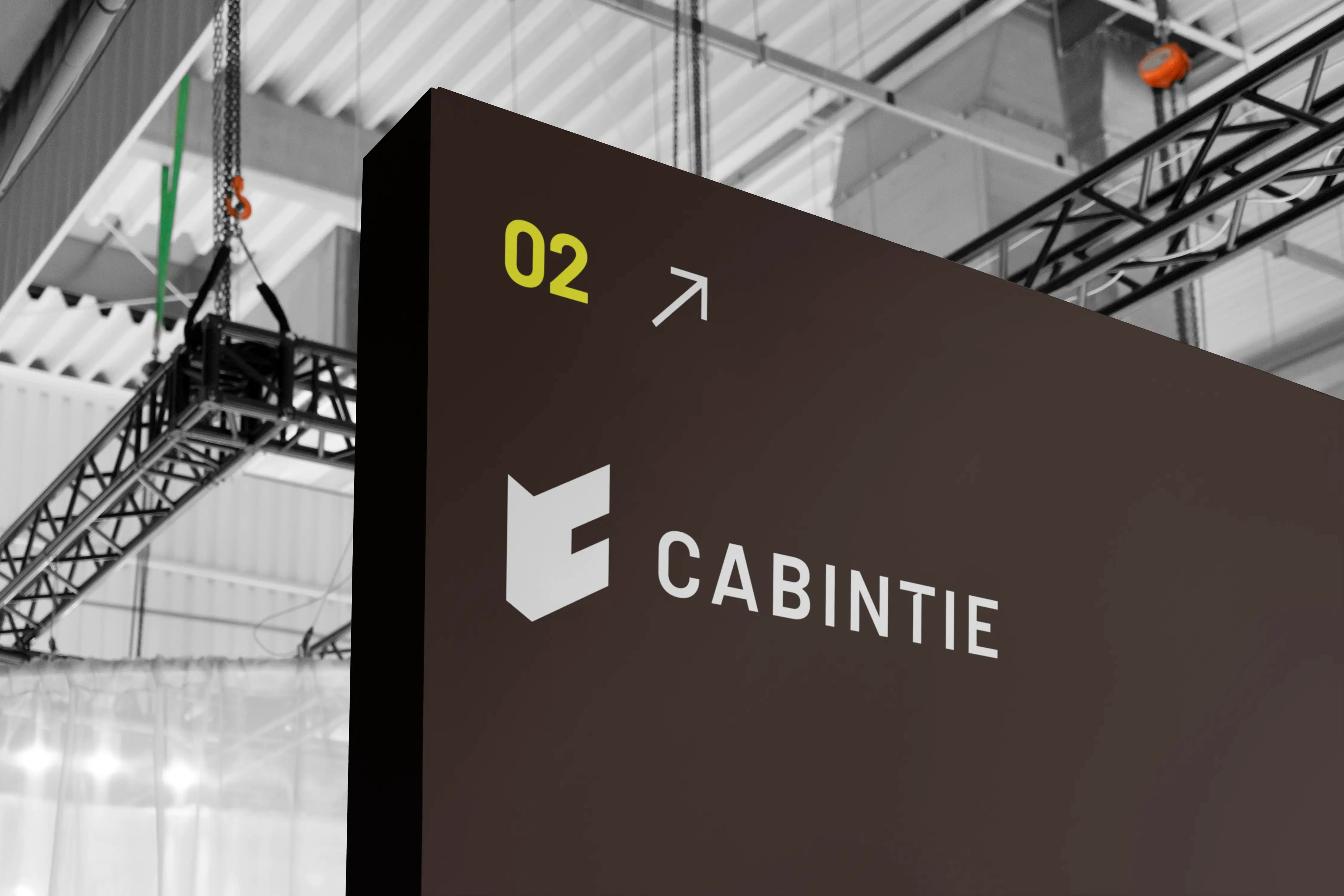
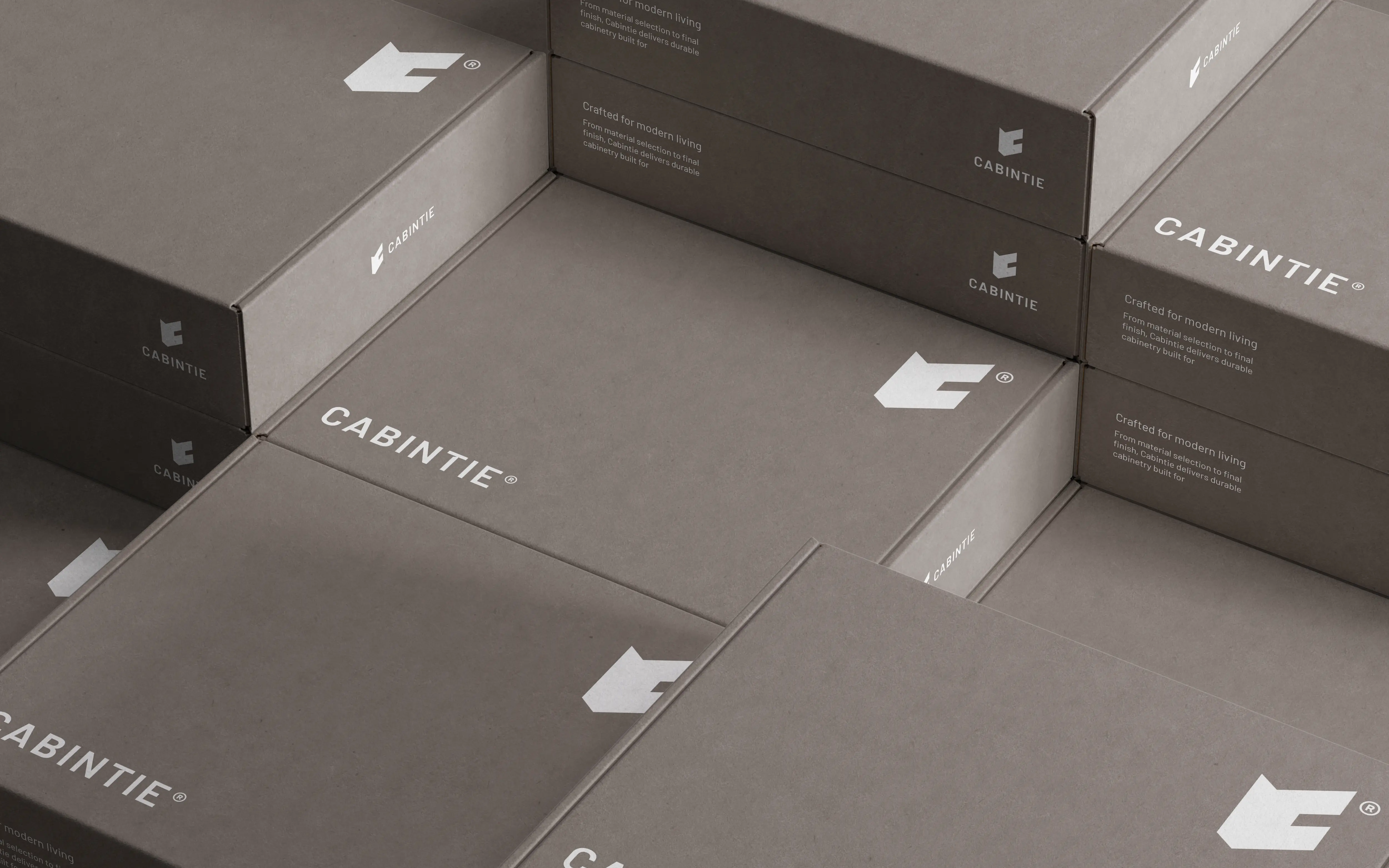
Brand applications
Digital design principles
Visual Language to Product System
The visual identity became the starting point for Cabintie’s digital product language.
Typography, color, spacing, hierarchy, interaction patterns, and reusable UI components were developed as an extension of the brand rather than as a separate visual system.
This created continuity between how Cabintie communicates as a company and how the product feels when contractors use it.
Understanding the Real Working Context
Contractors were not sitting behind laptops.
Cabintie’s primary users are contractors, builders, and installers working directly on active project sites.
Their cabinetry decisions often happen while checking measurements, reviewing a room, speaking with a client, coordinating installation, or moving between different jobs.
That meant a conventional desktop-first product would not reflect the real environment in which Cabintie would be used.
This insight shaped one of the most important product decisions:
Cabintie needed to be mobile-first.
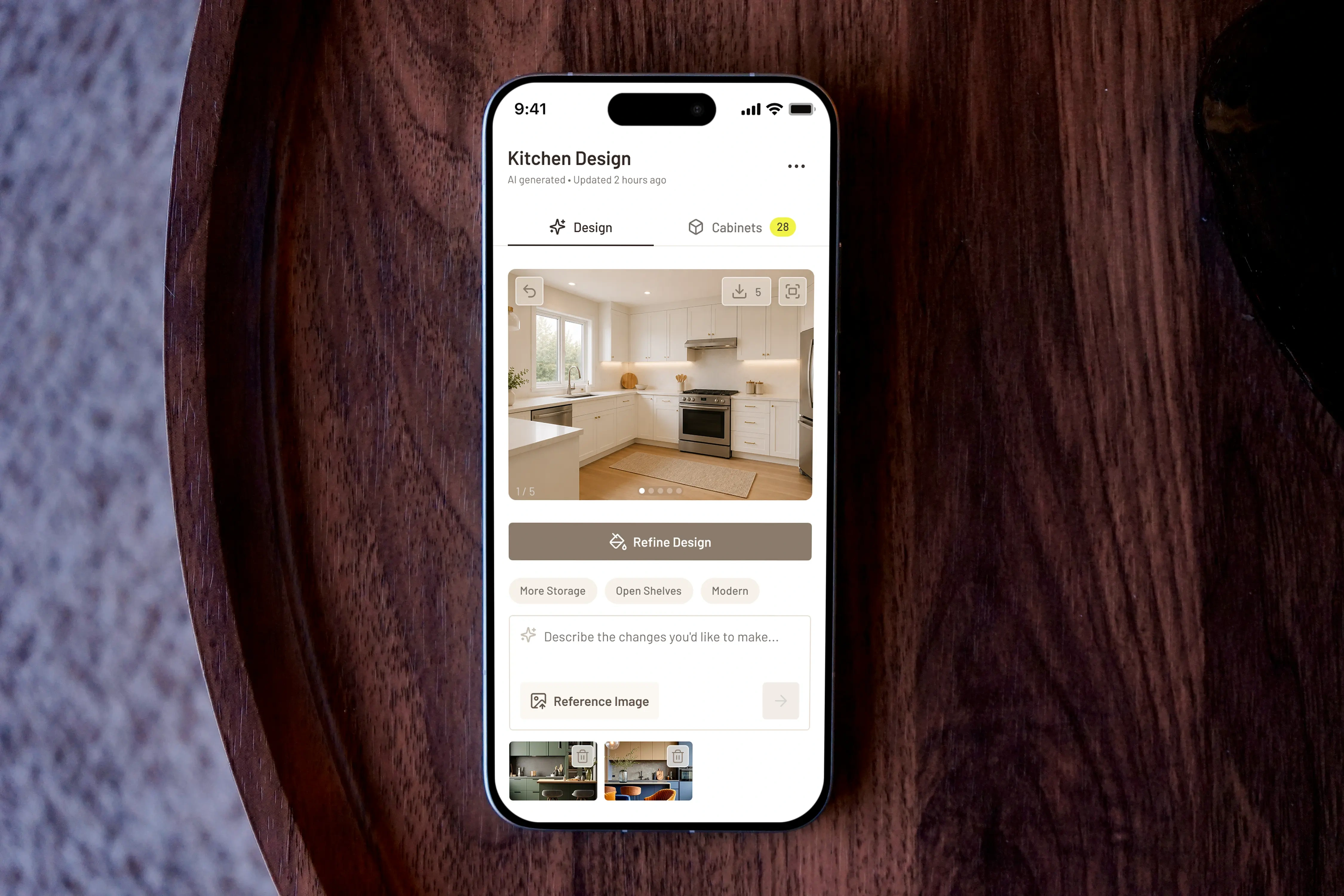
Designed for the Job Site First
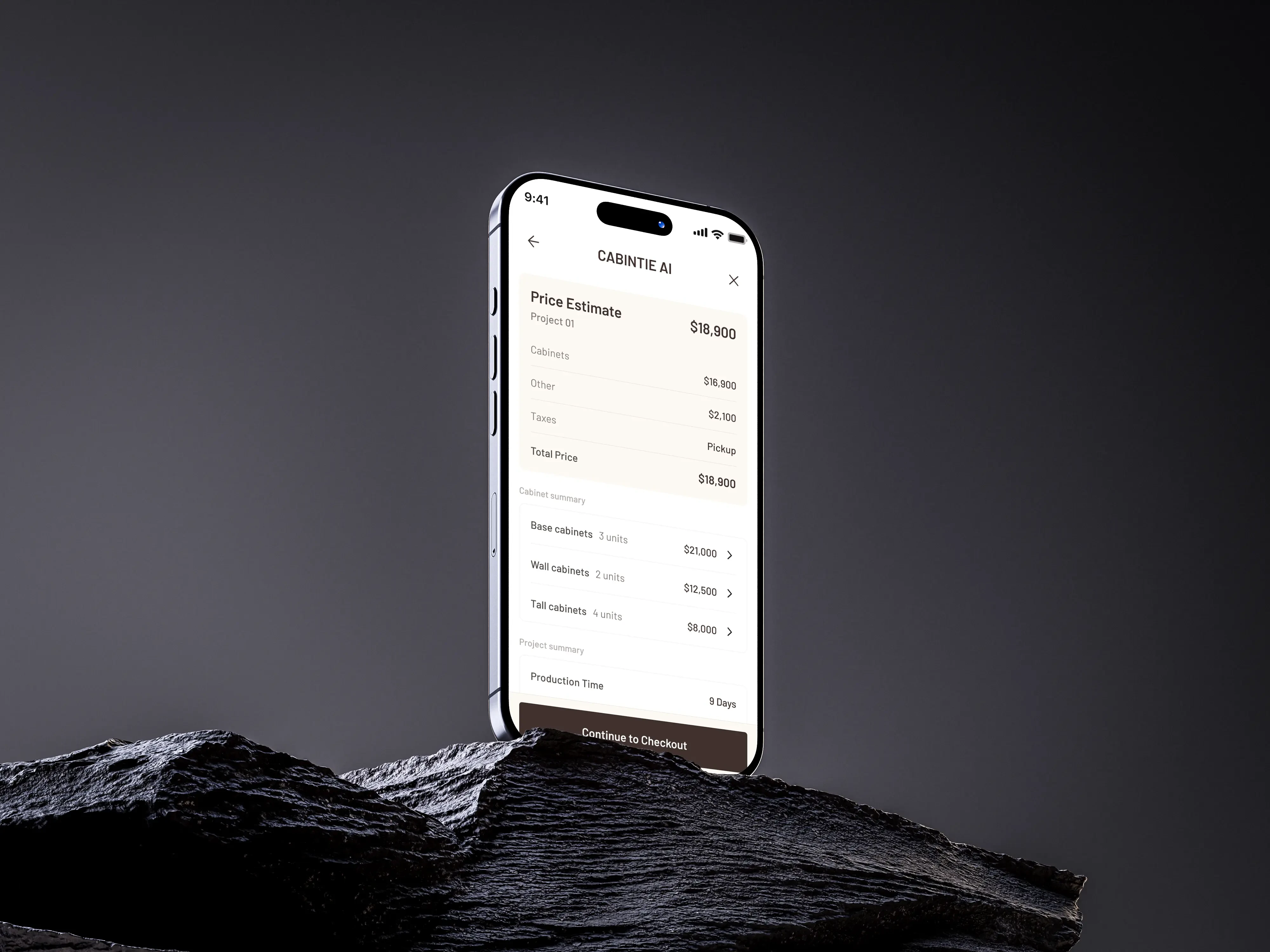
Mobile was the primary product experience.
The core Cabintie experience was designed around mobile use first.
Contractors needed to be able to start projects, browse cabinetry, configure products, review orders, and check project status directly from their phones.
The goal was not simply to shrink a desktop interface.
Navigation, hierarchy, interaction patterns, configuration controls, and project flows were designed around the constraints and behaviors of mobile use from the beginning.
Desktop was then designed as a complementary experience for situations where additional screen space is useful—such as reviewing larger projects, detailed product configuration, or managing multiple active orders.
The same product system connects both environments, while mobile remains the primary context of use.
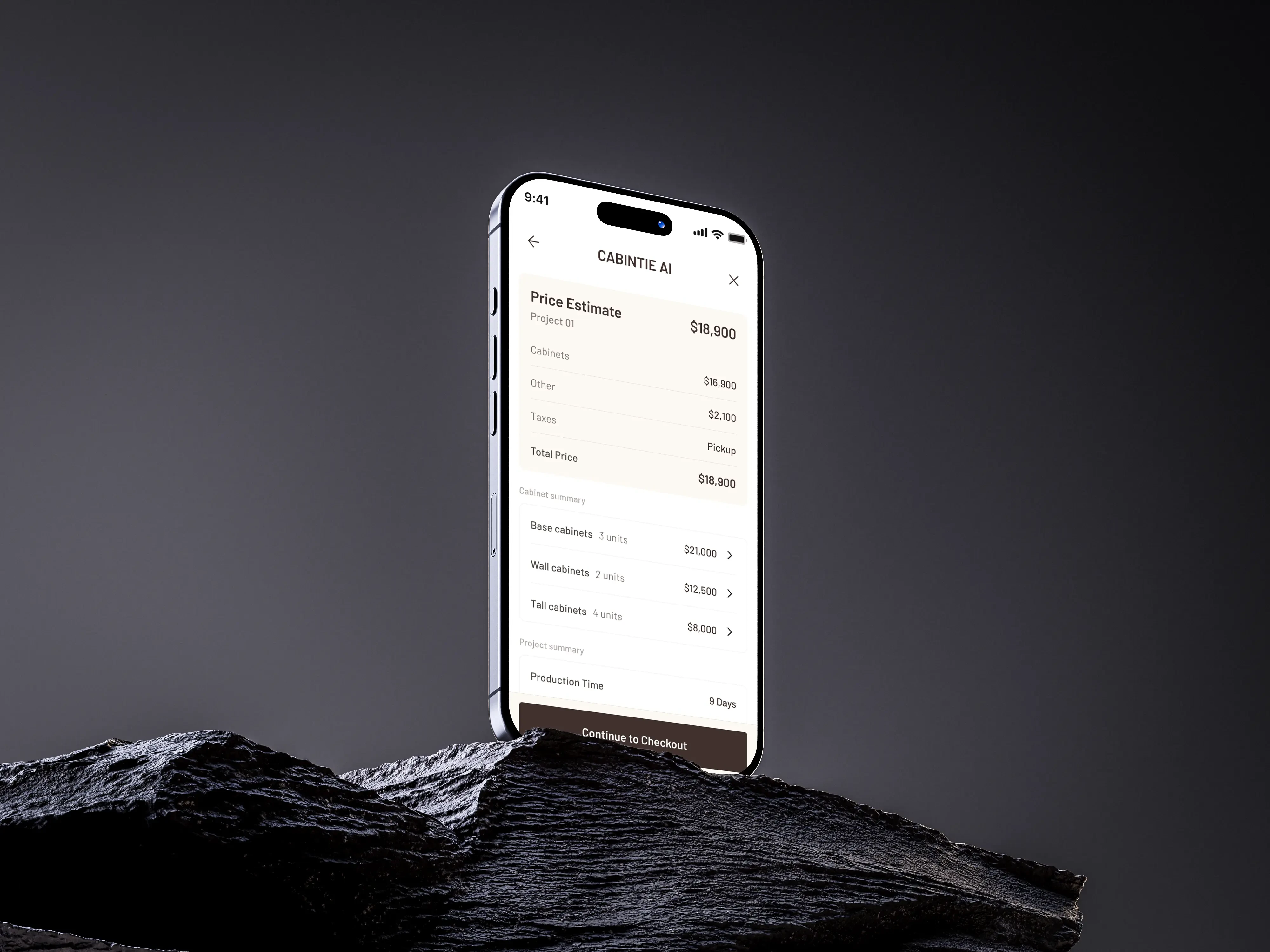
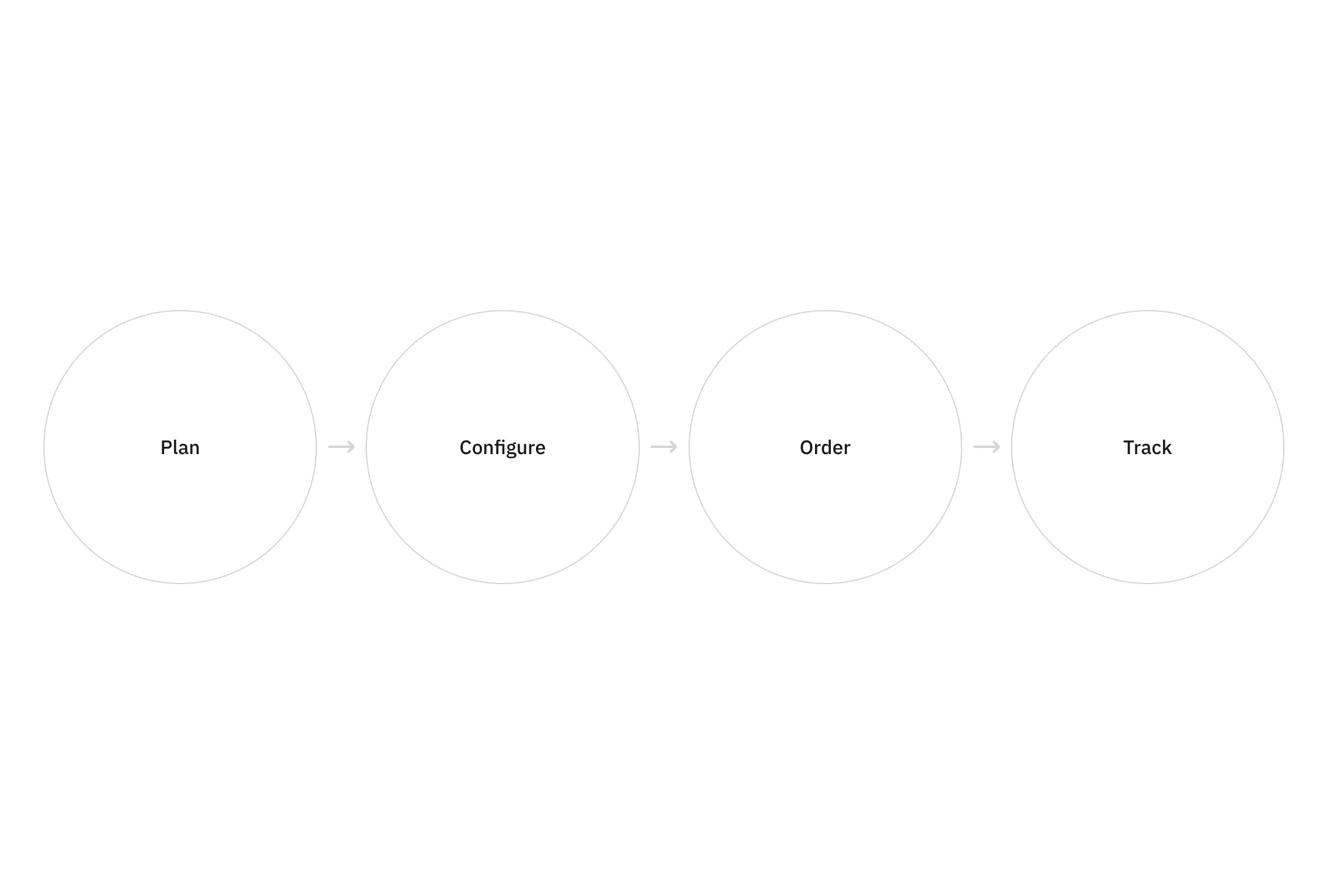
One Connected Workflow
From the first project decision to installation.
01 Plan
Start a new cabinetry project manually or explore an initial direction using AI-assisted design.
02 Configure
Choose cabinet types and define dimensions, materials, finishes, quantities, and installation details.
03 Order
Review selected products, pricing, billing information, and project details before placing the order.
04 Track
Follow payment, production, delivery, and project status from one central workspace.
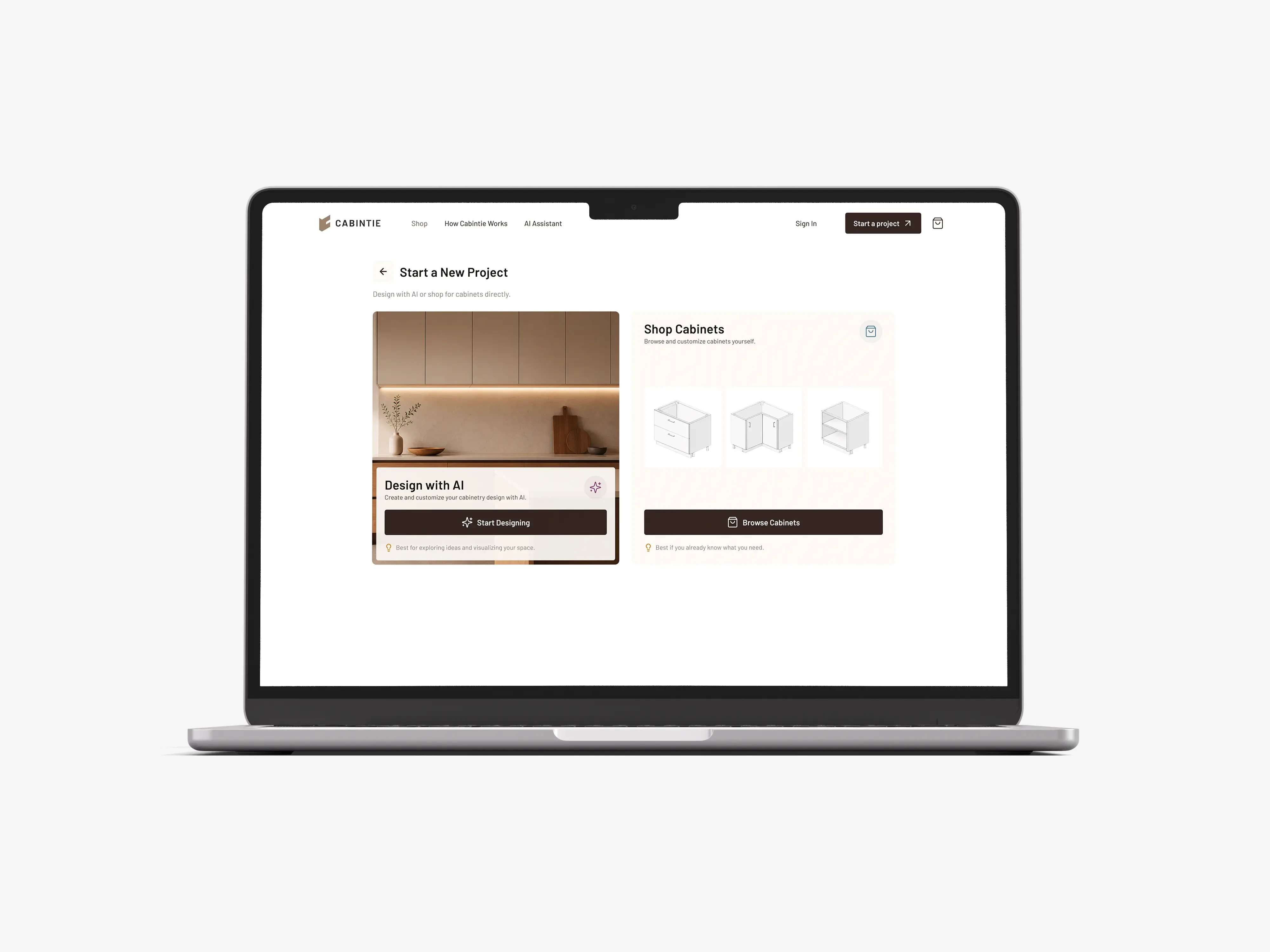
Two Ways to Start
Different contractors start with different levels of certainty.
Some users arrive knowing exactly which cabinets they need.
Others begin with a room, measurements, inspiration, or an unfinished idea.
Cabintie therefore provides two different entry points into the same product ecosystem.
Design with AI
Create and explore a cabinetry direction from information about the space.
Shop Cabinets
Browse cabinet categories and configure products directly.
Both paths eventually connect to the same project, configuration, ordering, and production workflow.
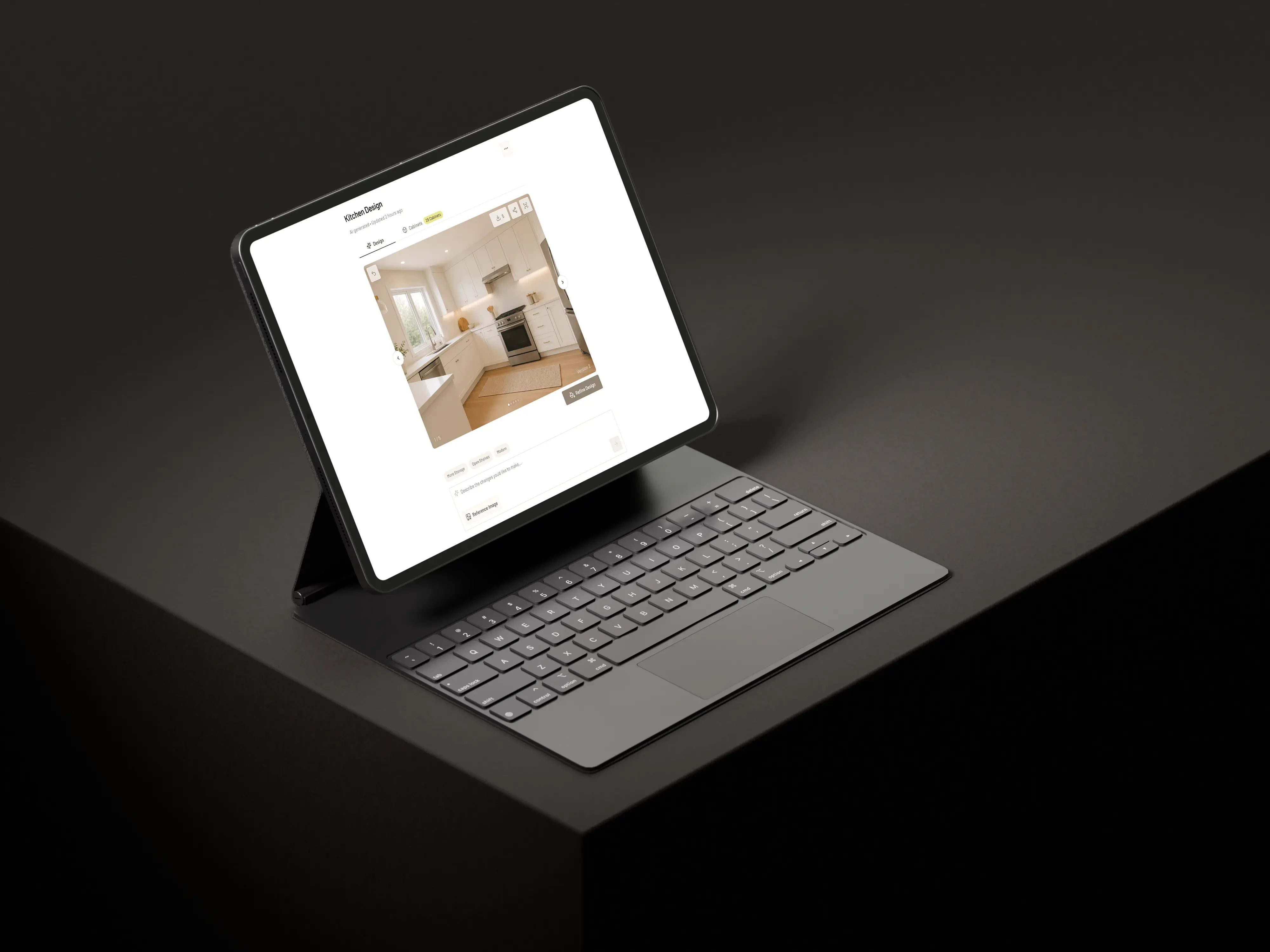
AI-Assisted Cabinet Design
Turning early project information into a starting point.
We explored how AI could reduce the distance between an unfinished space and a structured cabinetry project.
Users can provide information about their space, select the type of room, define a preferred style, upload reference imagery, and generate an initial cabinet direction.
The concept is designed to use inputs such as:
Room type
Space information
Measurements
Style preferences
Inspiration images
Project requirements
The generated direction can then become a starting point for further review and configuration.
AI is therefore treated as an entry point into the existing Cabintie workflow rather than as a separate feature.
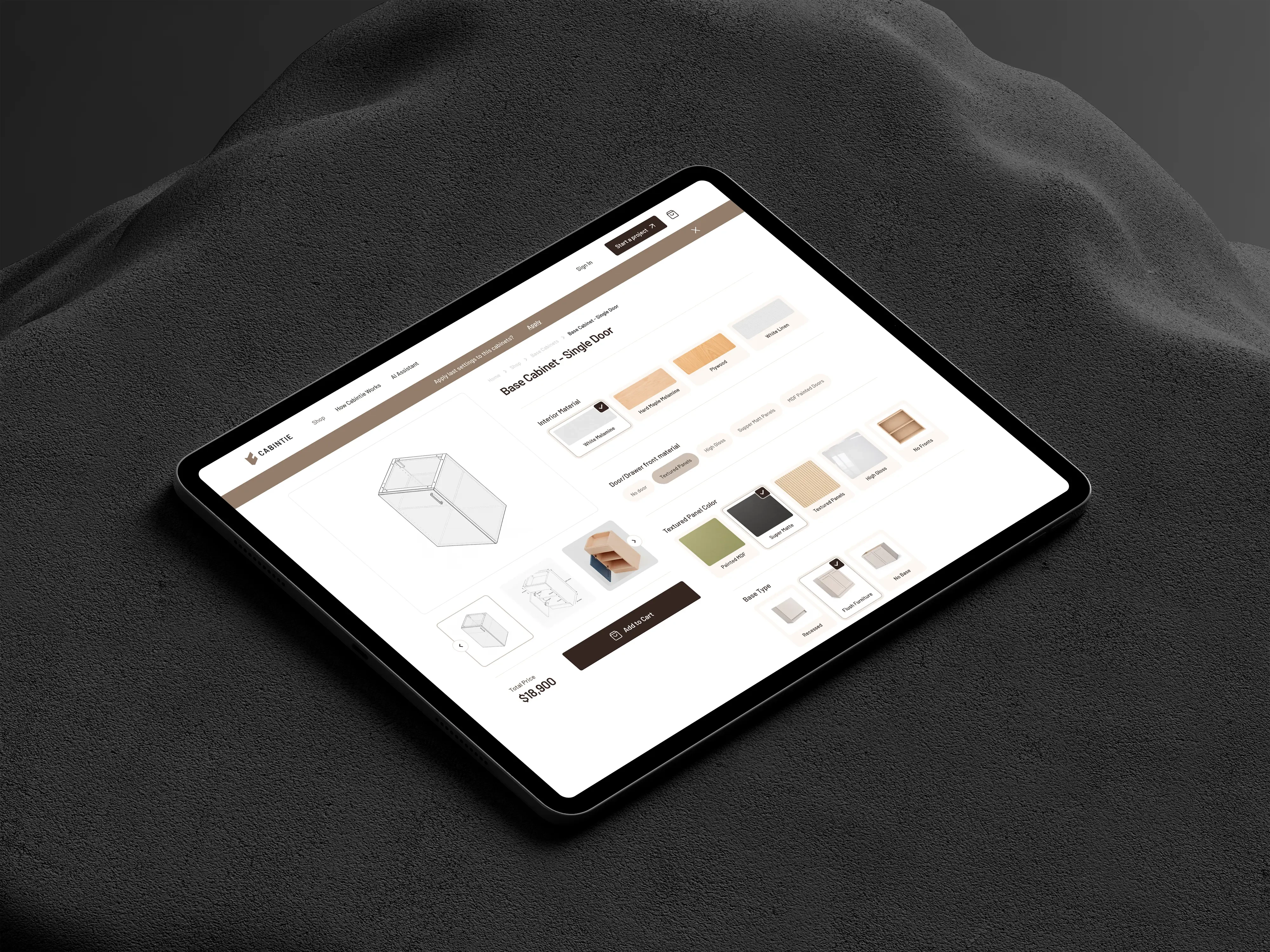
Making Configuration Understandable
Complex products need progressive decisions.
Cabinetry contains far more product variables than conventional e-commerce.
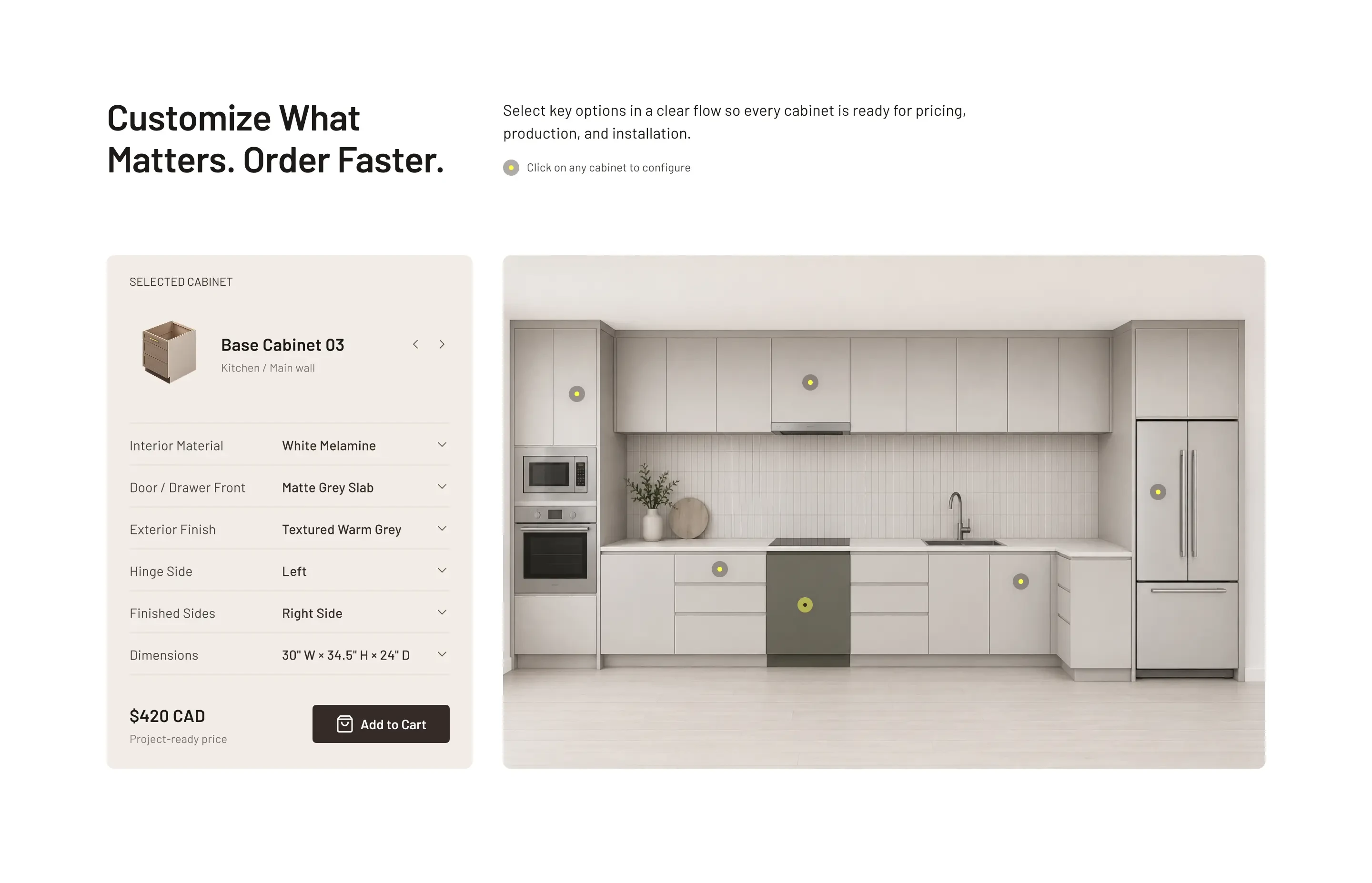
A single cabinet may require decisions about:
Interior material
Door and drawer material
Finish
Color
Dimensions
Base type
Hinge direction
Finished sides
Quantity
Showing every variable at once would make the interface difficult to understand—particularly on mobile.
We therefore organized configuration into a progressive experience where users can focus on one set of decisions at a time while maintaining context around the cabinet they are editing.
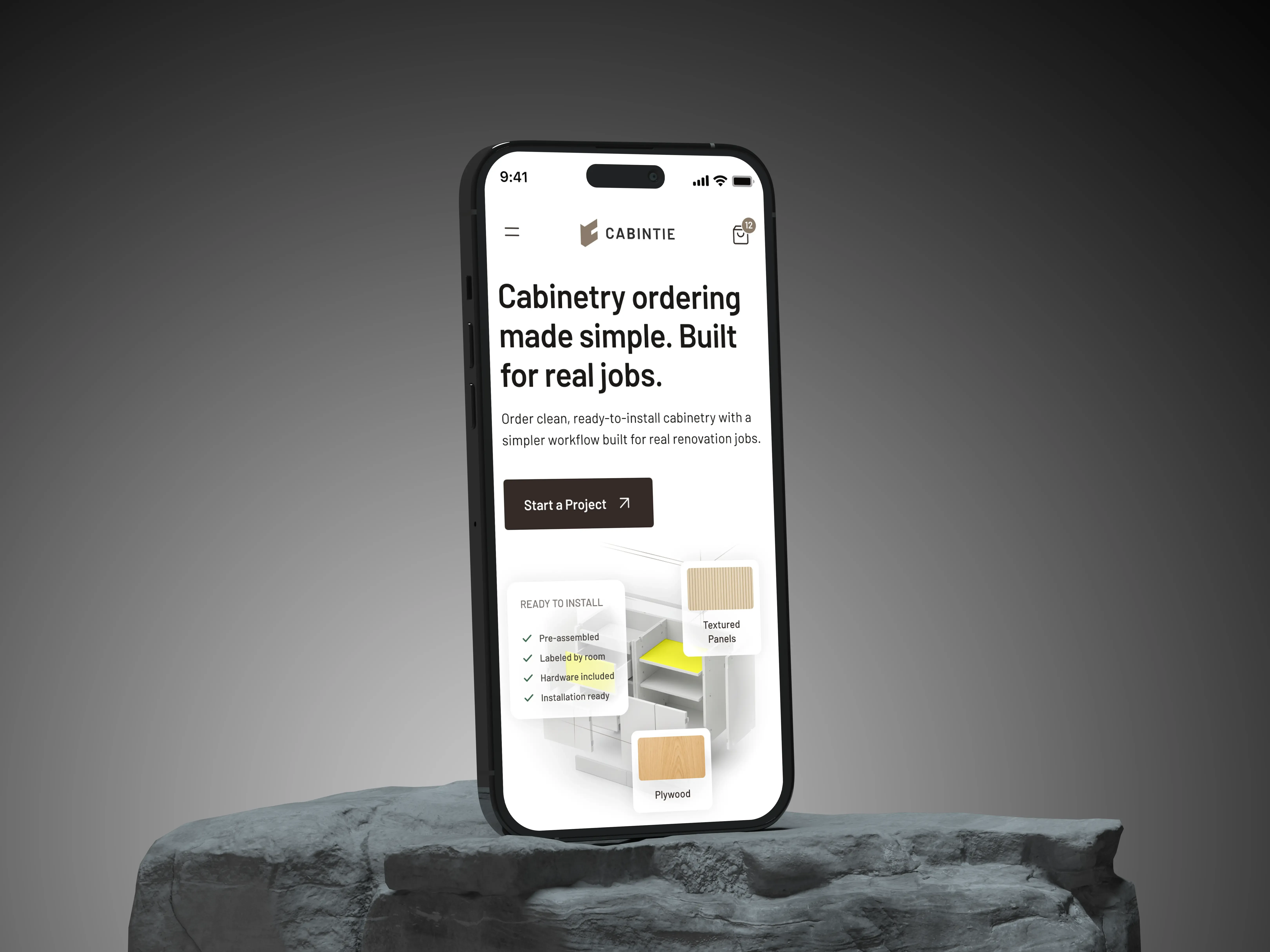
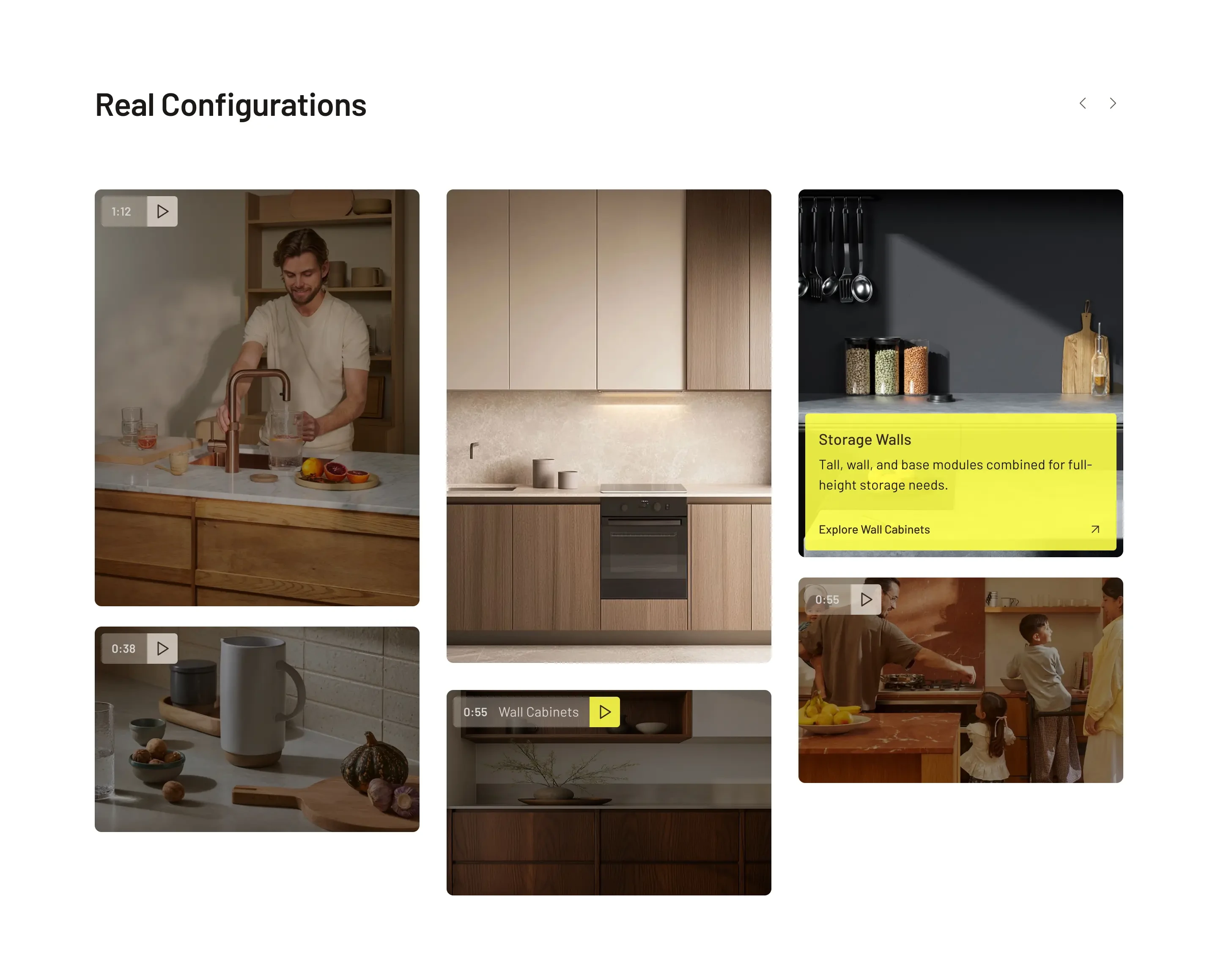
Building an Order Around a Real Project
Cabintie is project commerce, not traditional e-commerce.
Contractors rarely purchase one isolated cabinet.
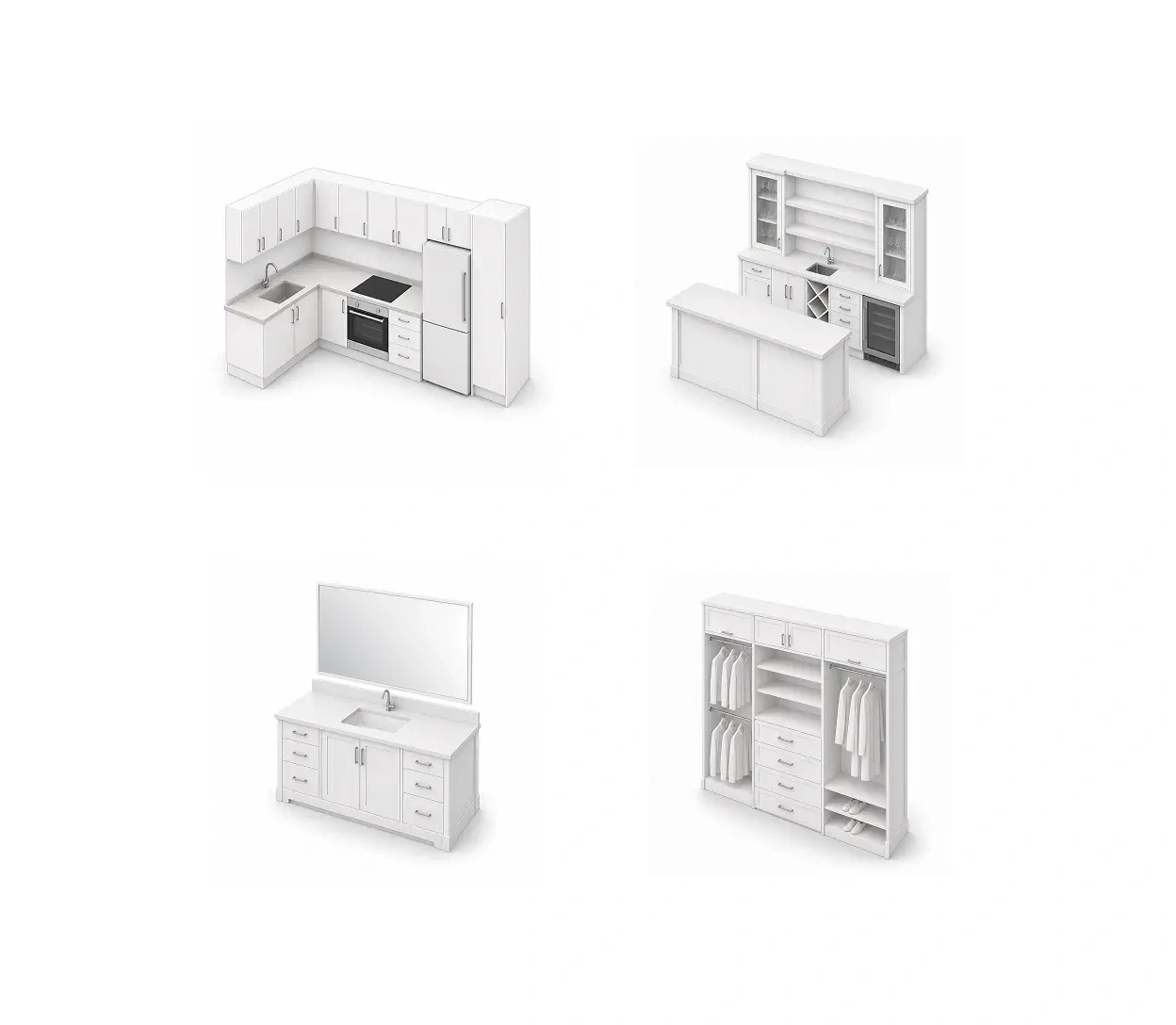
A real project may include multiple base cabinets, wall cabinets, tall cabinets, panels, and accessories—all belonging to one space or renovation.
The shopping experience was therefore designed around building a project rather than simply filling a conventional cart.
Users can browse categories, configure individual cabinets, add them to an existing project, and gradually build the complete order.
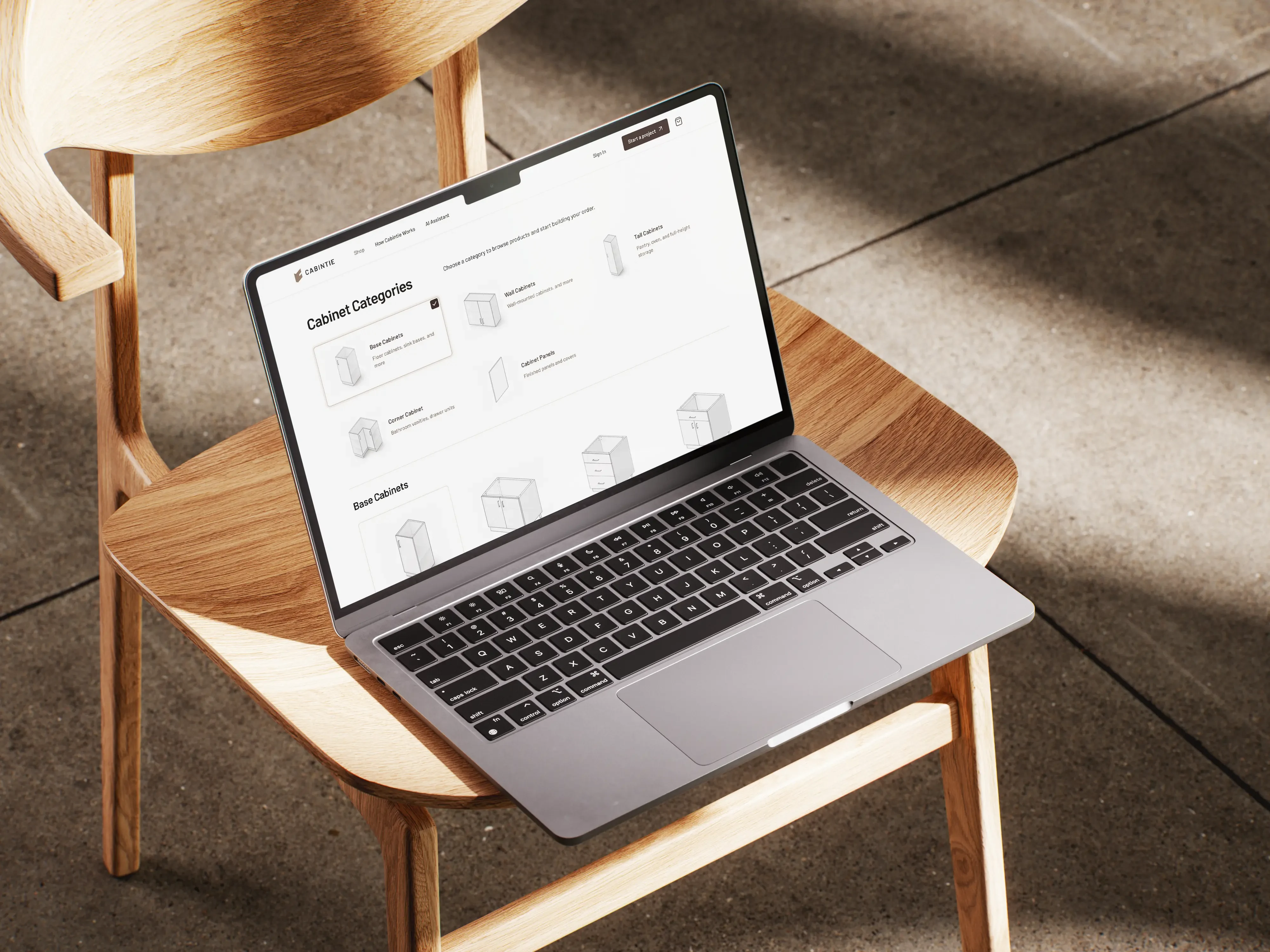
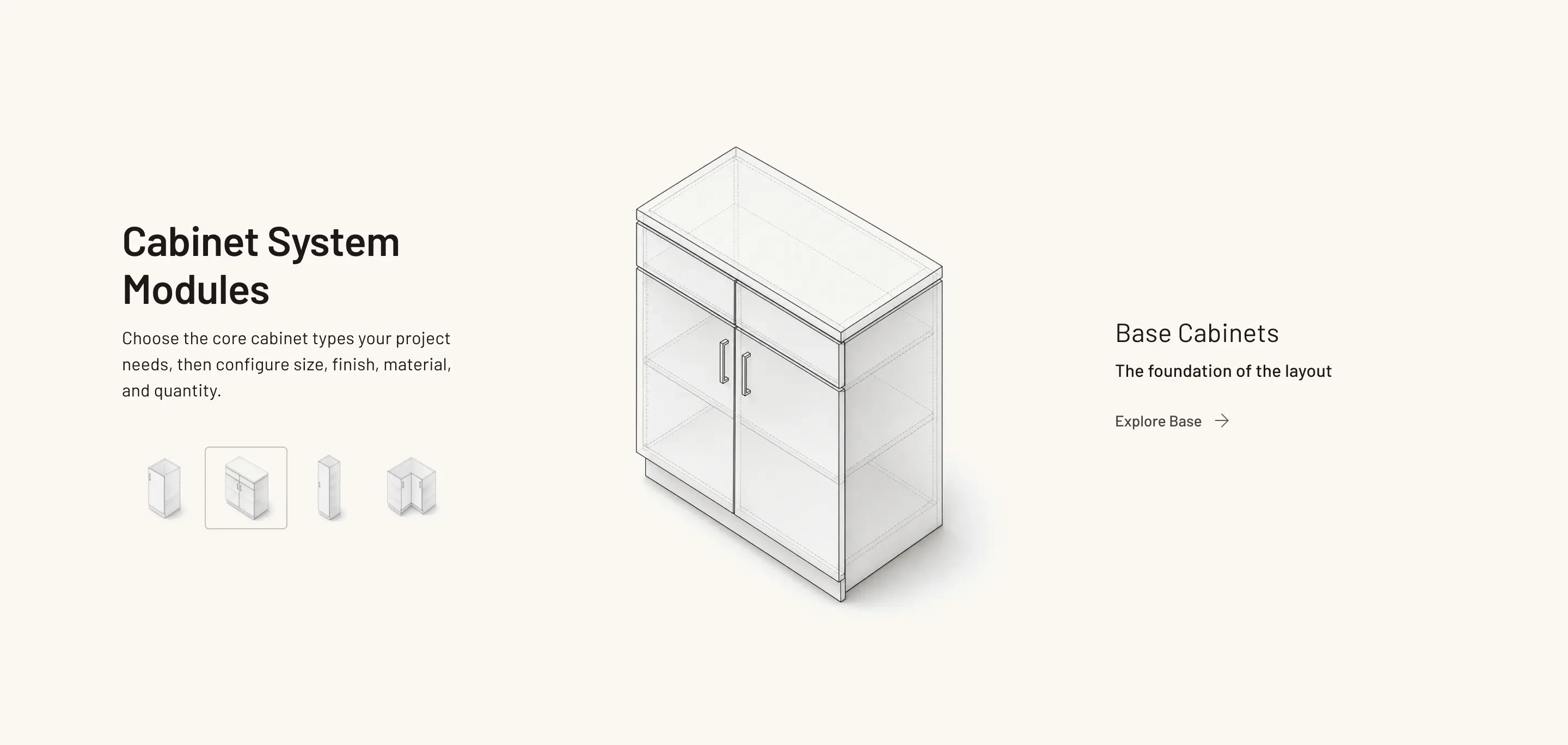
Cabinet Categories
The product architecture organizes cabinetry into clear functional categories.
Base Cabinets
Wall Cabinets
Tall Cabinets
Corner Cabinets
Panels
This hierarchy creates a familiar starting point for contractors who already understand cabinetry systems.
Project Dashboard
The work does not stop at checkout.
For contractors, placing an order is only one stage of the project.
They also need visibility into payment, production, delivery, and the status of multiple active jobs.
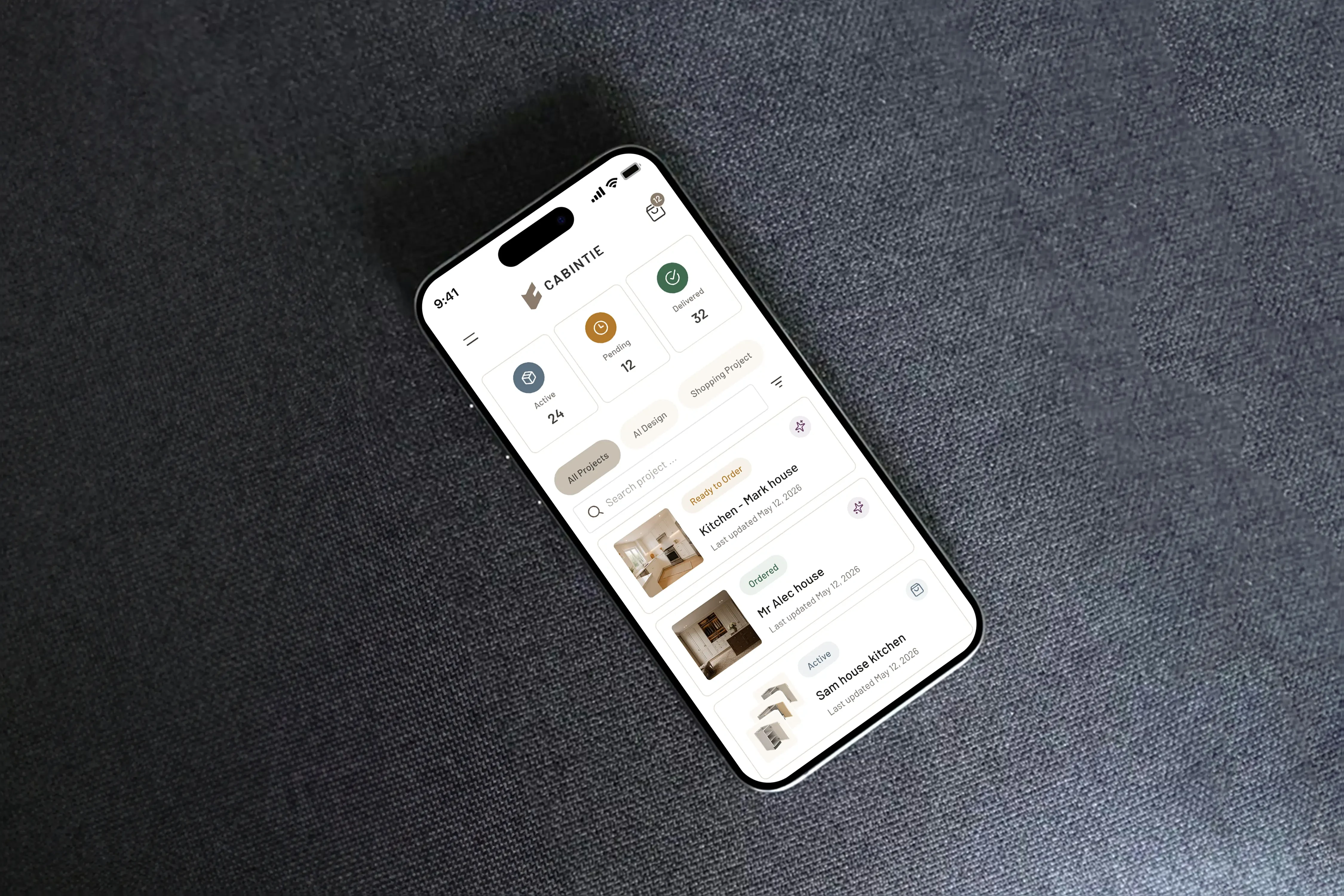
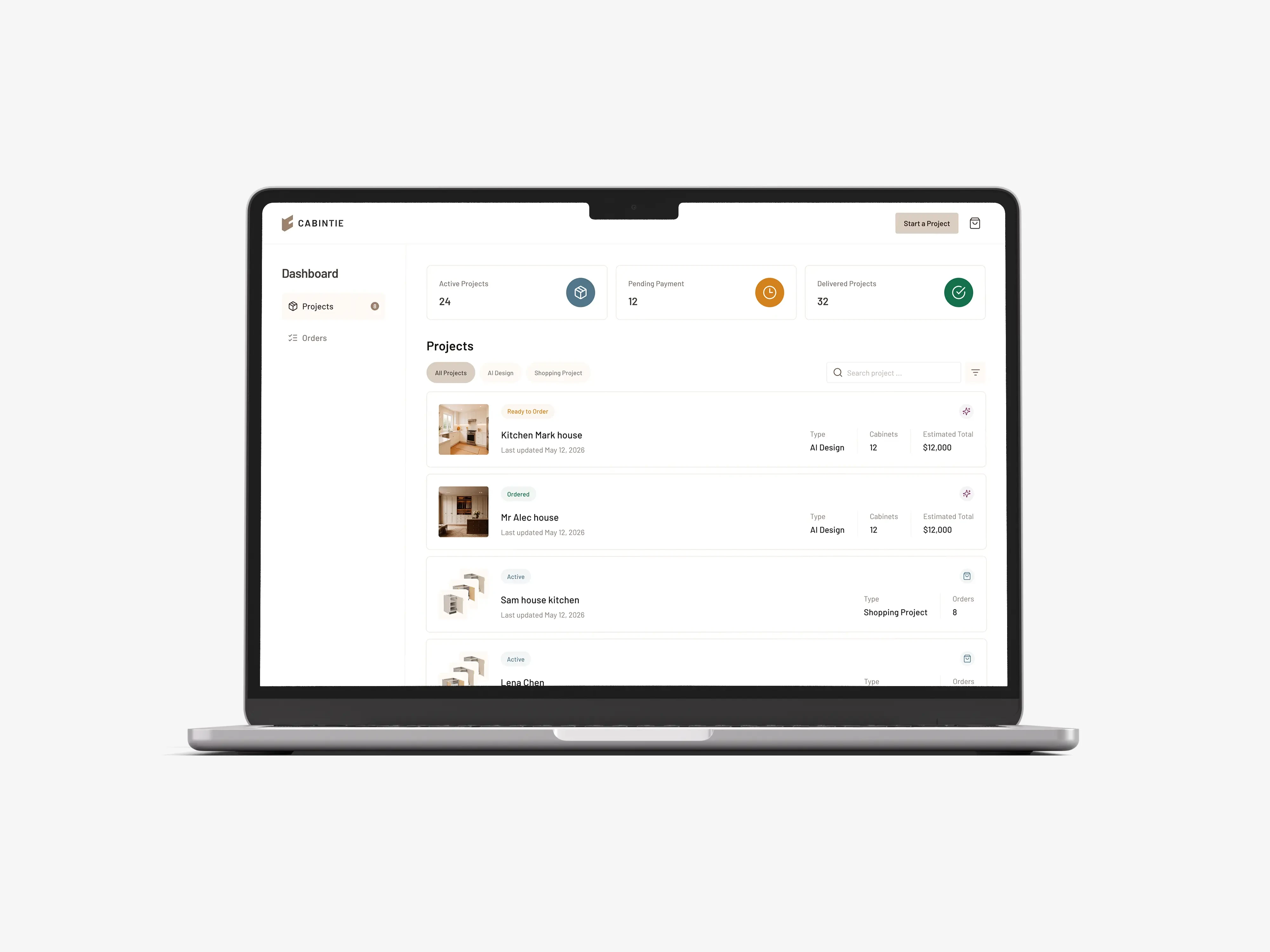
We designed the Cabintie dashboard as the central place for managing these ongoing projects.
Contractors can review:
Active projects
Ready to Order
Projects in production
Orders ready for delivery
Delivered projects
Order values
Release dates
Product summaries
This gives users a clearer operational view across all their cabinetry work.
Designing the System Behind the Screens
A reusable foundation for a growing platform.
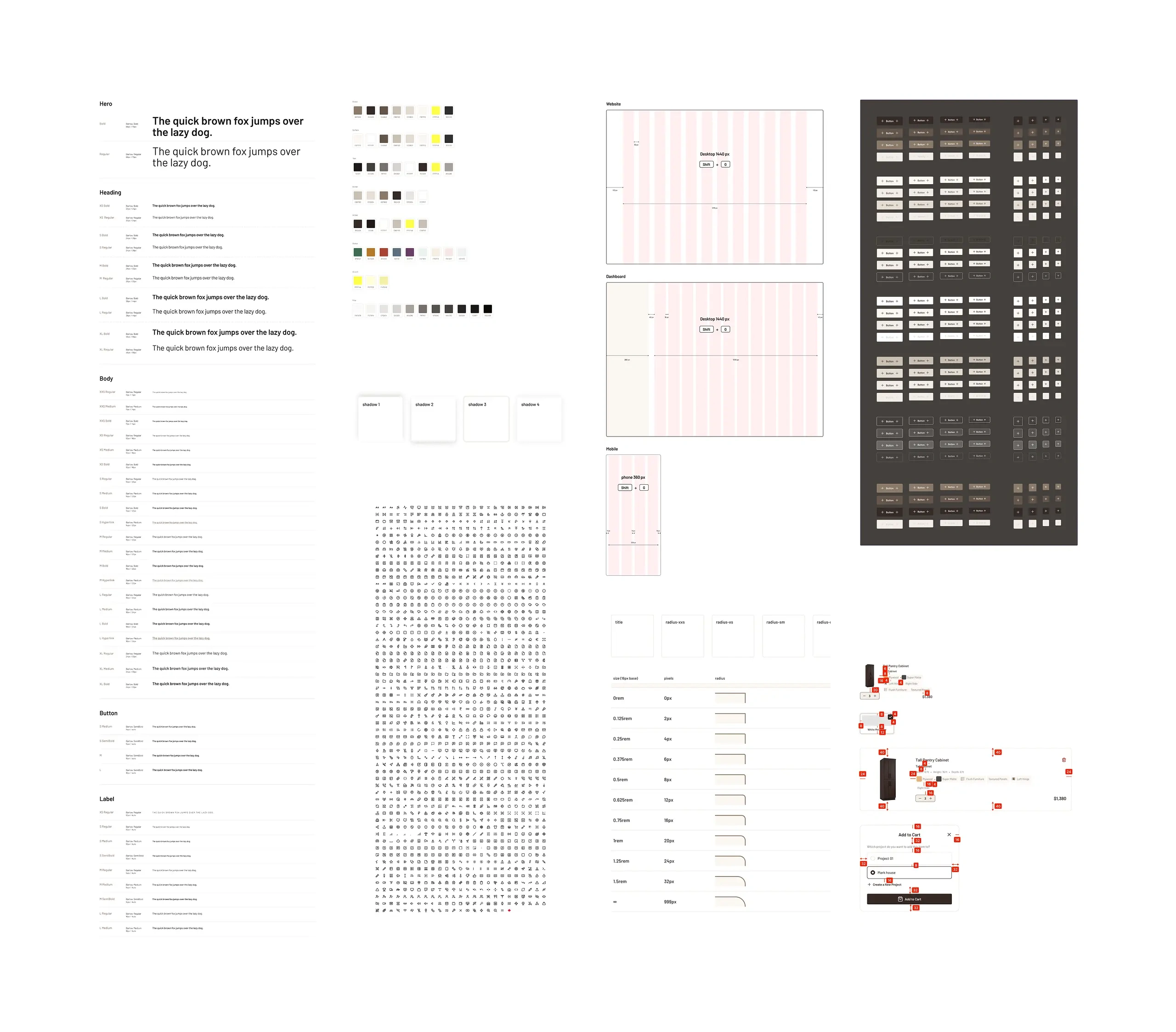
As the product expanded, consistency became increasingly important.
We developed reusable patterns for:
Navigation
Buttons
Inputs
Product cards
Configuration controls
Category cards
Project rows
Status indicators
Cart interactions
Pricing summaries
Modals
Bottom sheets
Mobile navigation
Empty states
Billing and payment components
These patterns allowed new flows to be designed without reinventing the interface each time.
Designed for Different Product States
A real product needs to work beyond its ideal scenario.
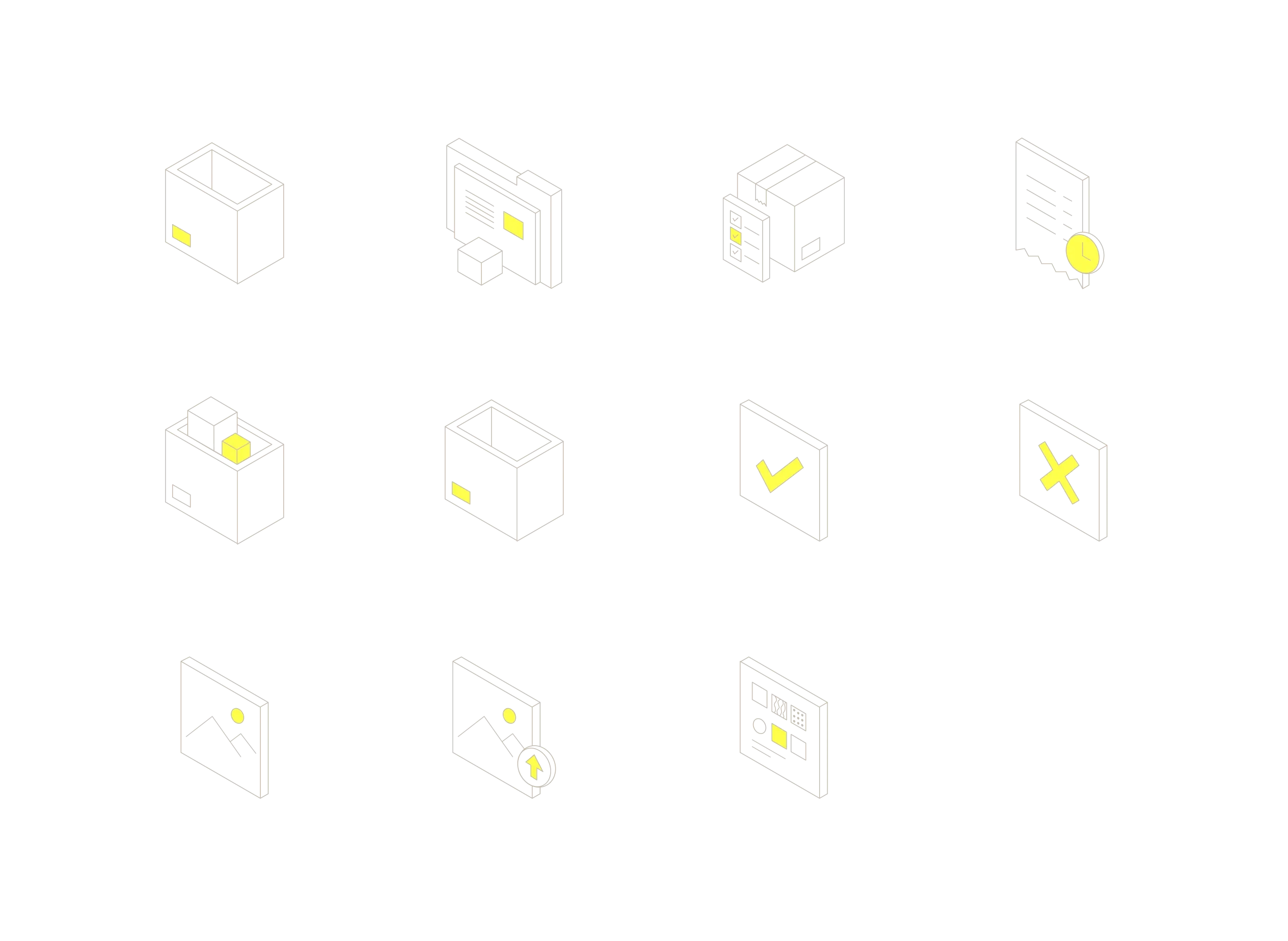
The system includes states for situations such as:
Empty projects
Empty payment history
Authentication
Verification
Adding products to projects
Adding products to cart
Pending payments
Completed deliveries
Editing billing information
Sorting and filtering
Mobile overlays
Desktop modals
Designing these states helped turn the concept into a more complete and implementation-ready product system.
The Outcome
Turning a fragmented process into one product experience.
Cabintie brings together several parts of the cabinetry process that would traditionally exist across separate conversations, documents, quotations, and operational tools.
The final product creates a clearer path from the first project decision through configuration, purchase, production, and delivery.
For contractors, that means a workflow designed around how they actually work.
For Cabintie, it creates a scalable digital foundation that can support online ordering, contractor project management, and future AI-assisted cabinetry services.
Like this project
Posted Oct 20, 2026
AI-powered platform for designing kitchens, refining concepts, selecting cabinets, and managing projects across mobile and desktop.