Free AI Art Generator

Safia Elammari

Loading finished
Skip to main content
Free AI Art Generator
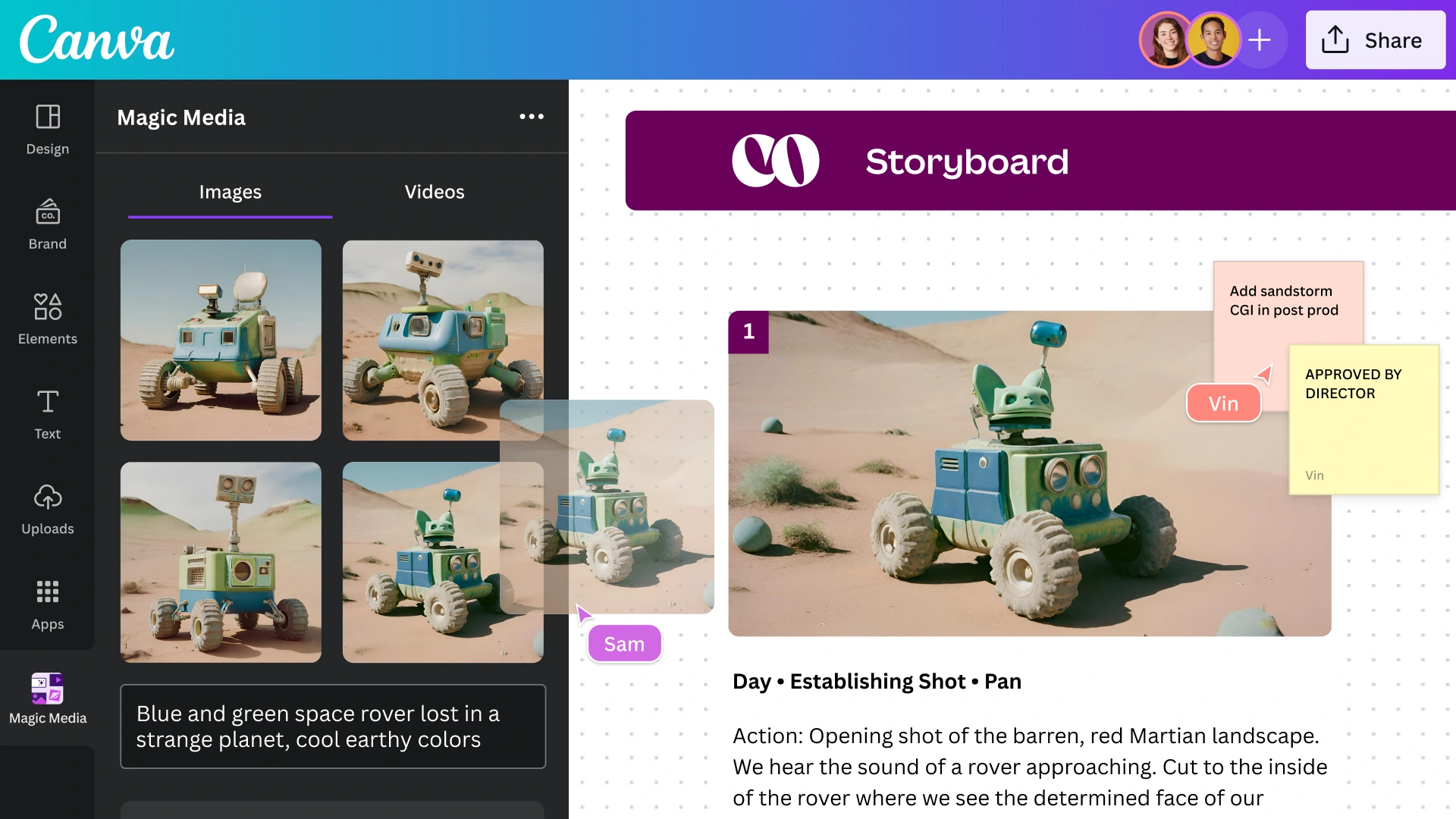
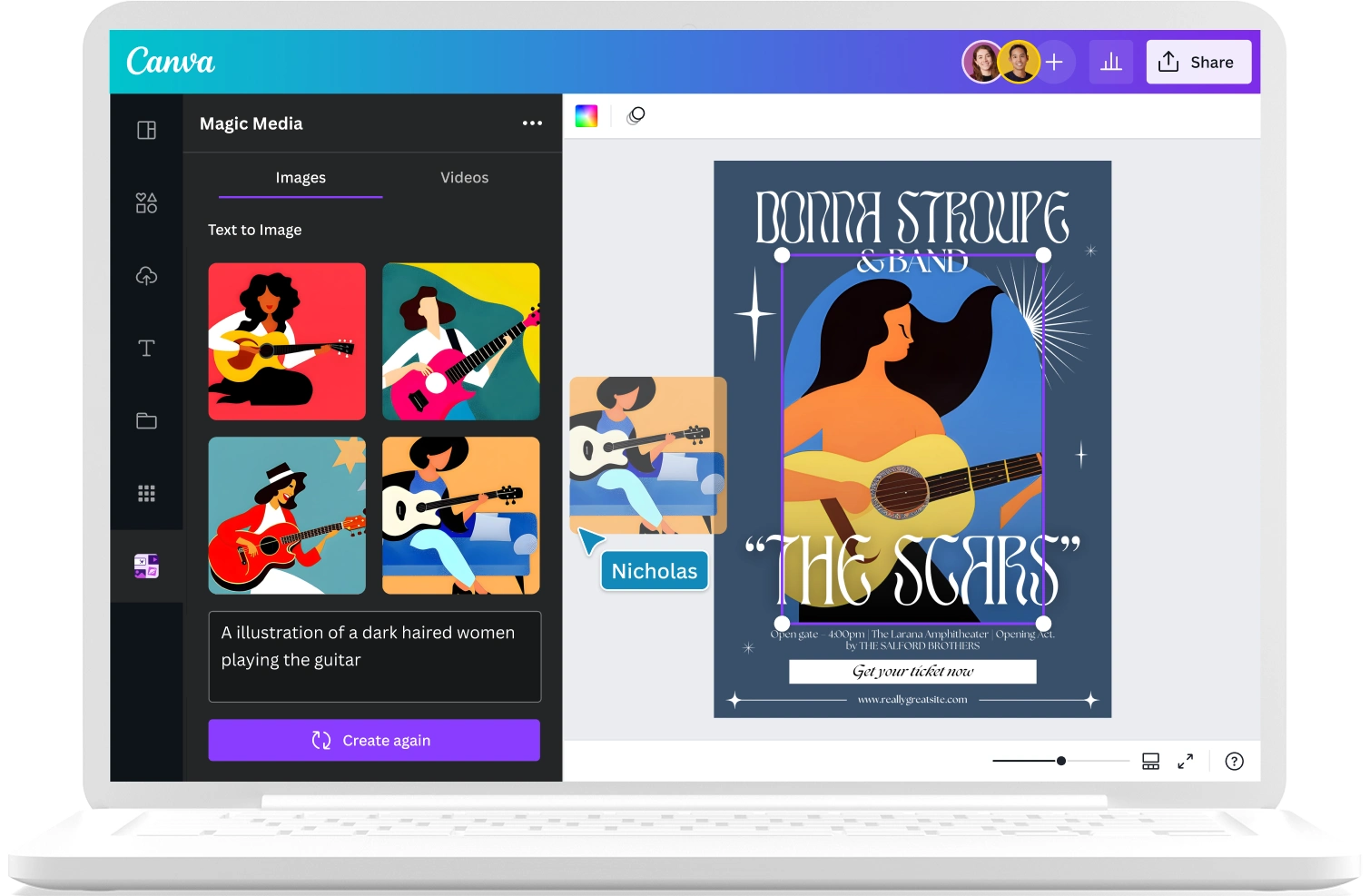
Turn pure text to art with Magic Media™ and our range of AI art generator tools. Simply enter a prompt, pick a style, and watch your words transform into beautiful art.
Create AI Art
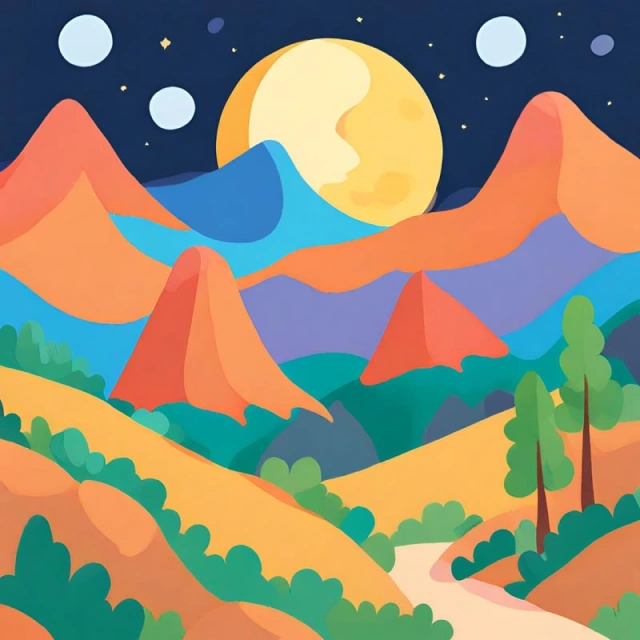
Digital
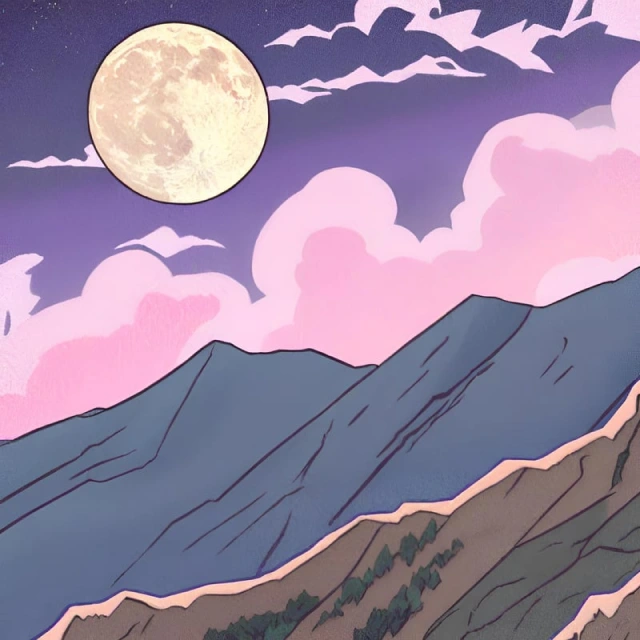
Anime
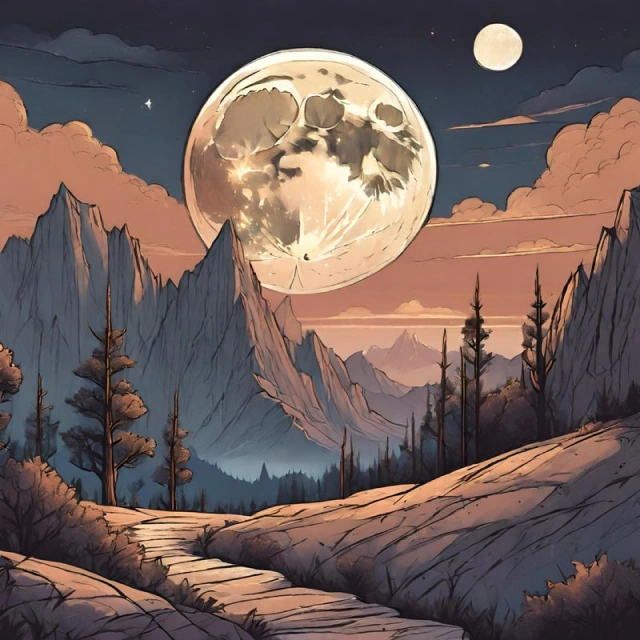
Concept
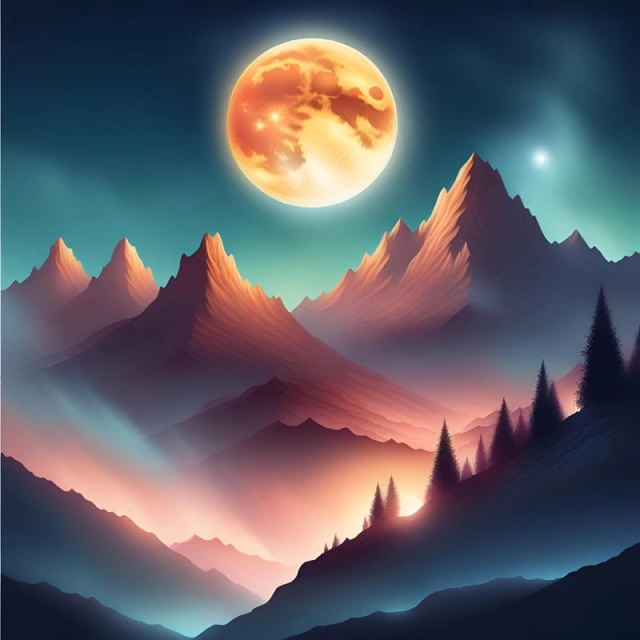
Dreamy
20+
More
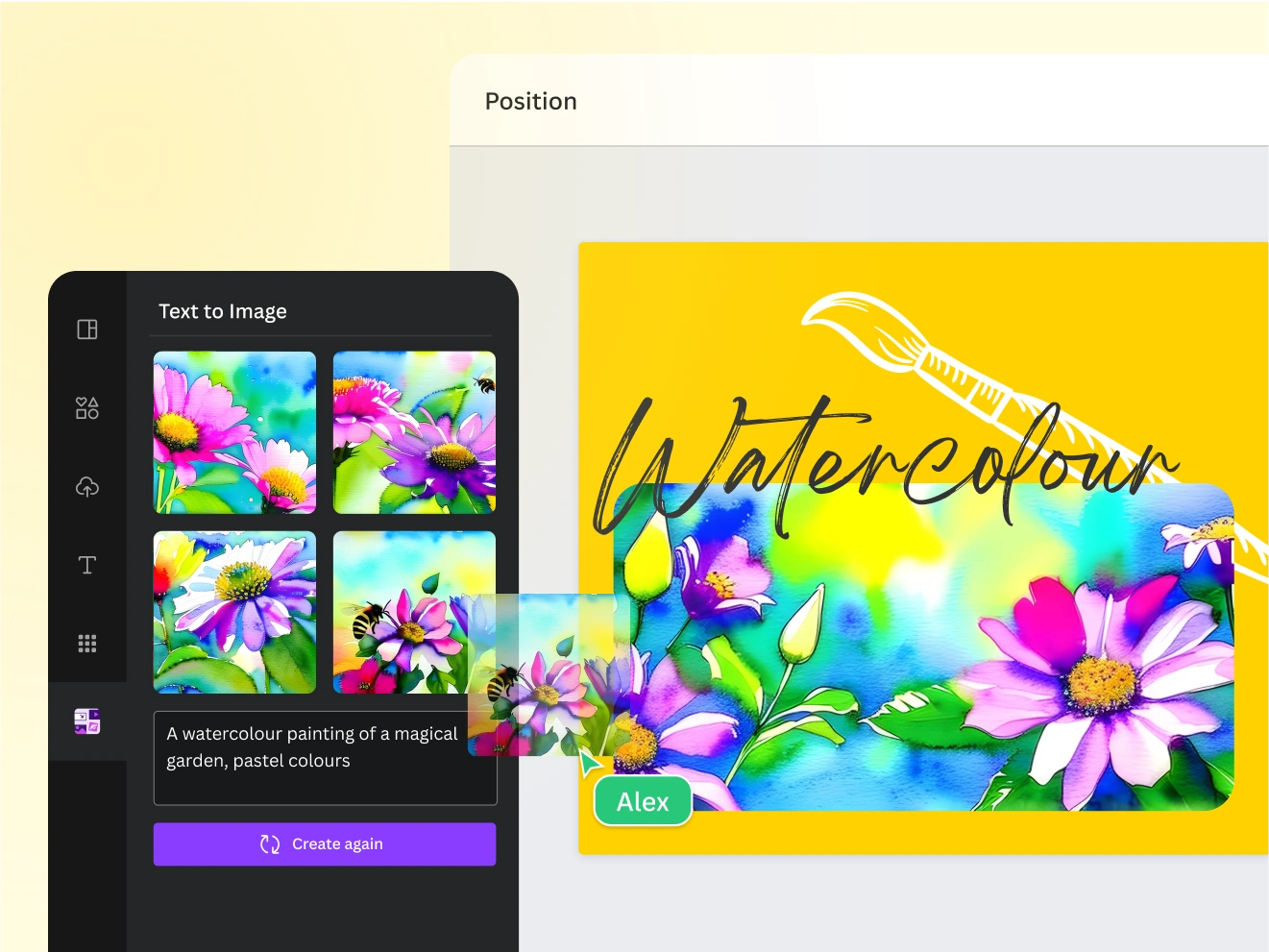
Introducing Canva’s AI Art Generator apps
Find the perfect image for your presentations, social media posts, and more with Canva’s AI art generator apps. Turn your flights of fancy into actual art. Cut down hours spent sketching, concepting, or searching for the right image. Encapsulate your idea into a simple text prompt and see the result — beautifully unique artwork you can use on your passion projects and professional designs. Simply select your favorite AI art generator, whether that be Magic Media’s Text to Image or Create an image, powered by Dream Lab.
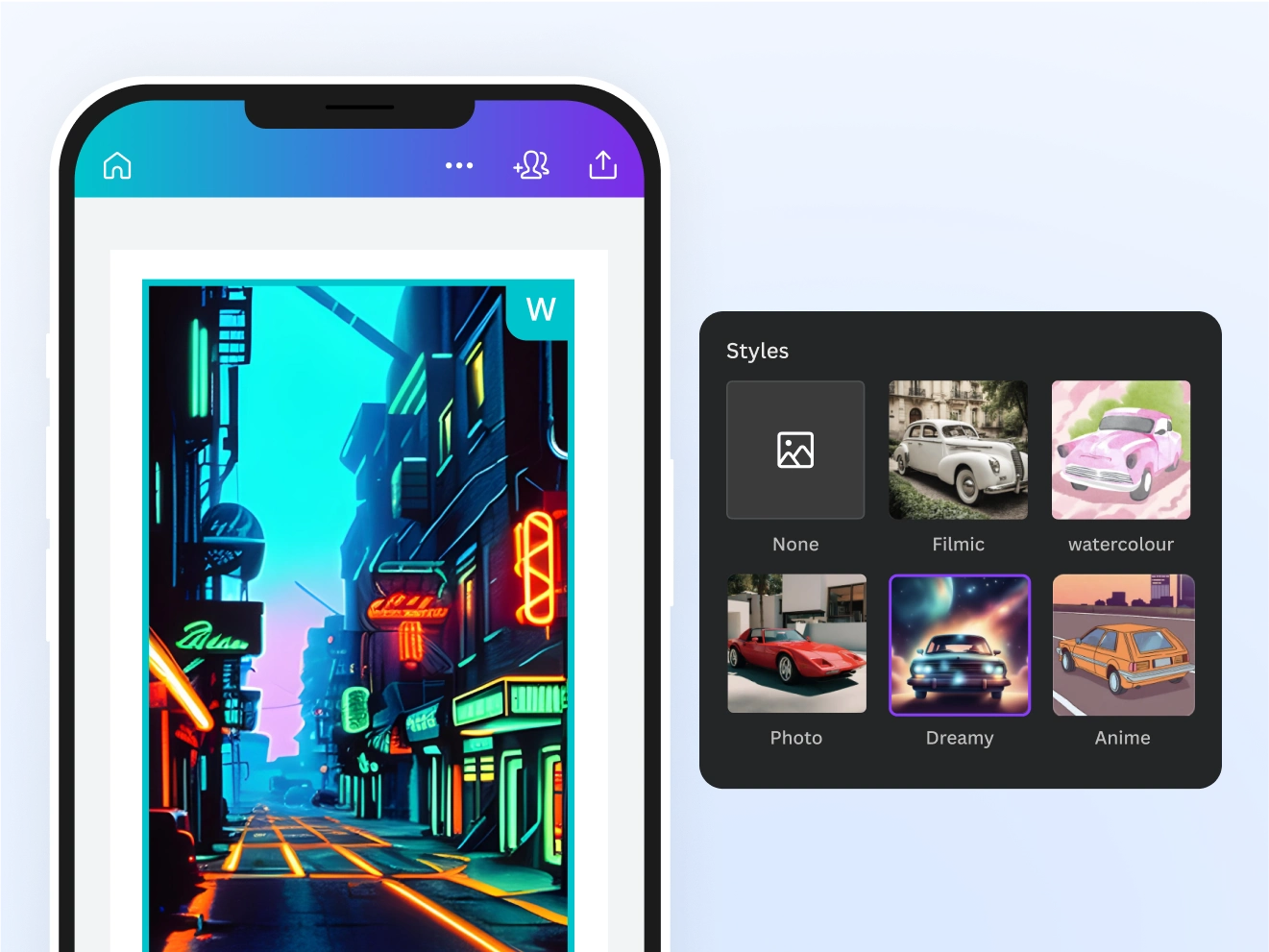
Play around with different art styles with Magic Media
Experiment and have fun creating. Use Magic Media’s AI art generator and discover different art styles to express your vision fully. Choose from various art style presets that you can easily apply to your AI art—from Watercolor, Filmic, Neon, Color Pencil, and Retrowave. Edit the image and adjust the image ratio to generate art in the size you need. With our AI text to art generator, you can effortlessly go from imagination to creation.
With a Canva Free subscription, you can use Magic Media’s Text to Art generator across all Canva designs for limited uses. With a Canva Pro, Teams, EDU, or NFP subscription, you can unlock even more art generations.
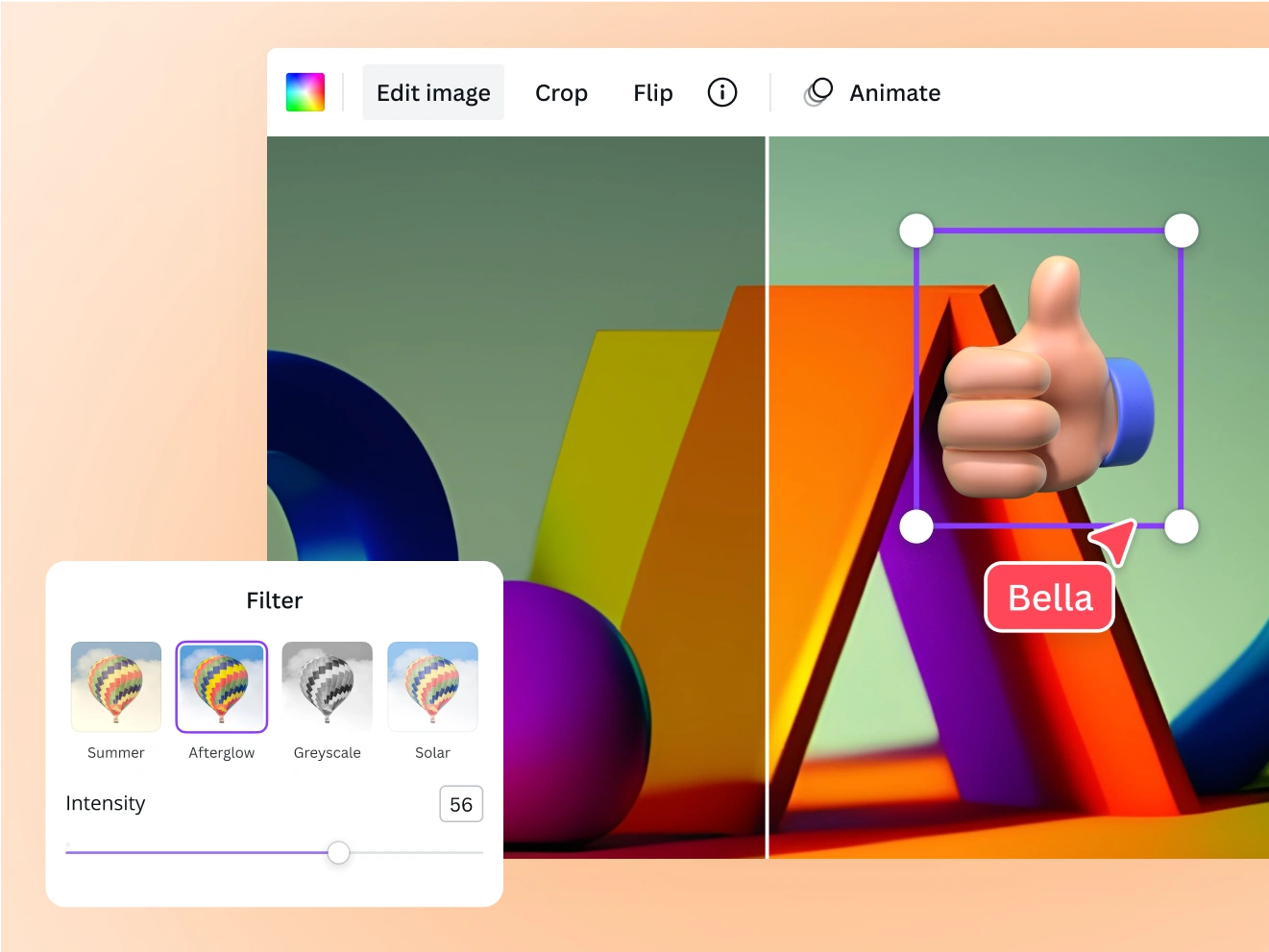
Refine your AI-generated art
Polish your artwork with ease
Make precise adjustments with our free photo editor . Without leaving the app, Magic Edit (Pro) lets you add or replace objects and watch as it appears in your artwork.

Stylize with filters and effects
Transform your AI art by layering it with Canva’s stunning filters and effects—no need to switch apps. Or take your design further with Canva's AI tools .
Complete your art with words and graphics
Let your art speak. Add stickers, text animations , and other design elements to turn your AI-generated art into a design story worth telling.
Discover more AI image generator apps
Magic Media : Canva’s AI image generator powered by Stable Diffusion lets you choose image variations based on a preferred look and composition. Generate limited AI art images with a free subscription, or subscribe to Canva Pro to fully unleash your creativity.
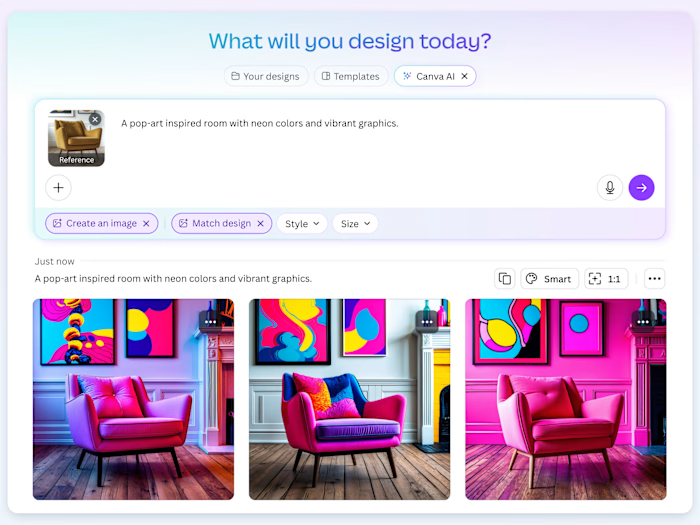
Create an image, powered by Dream Lab : Whether starting from a reference image or from scratch, Dream Lab lets you generate stunning ai art in your unique style.
Create freely and safely
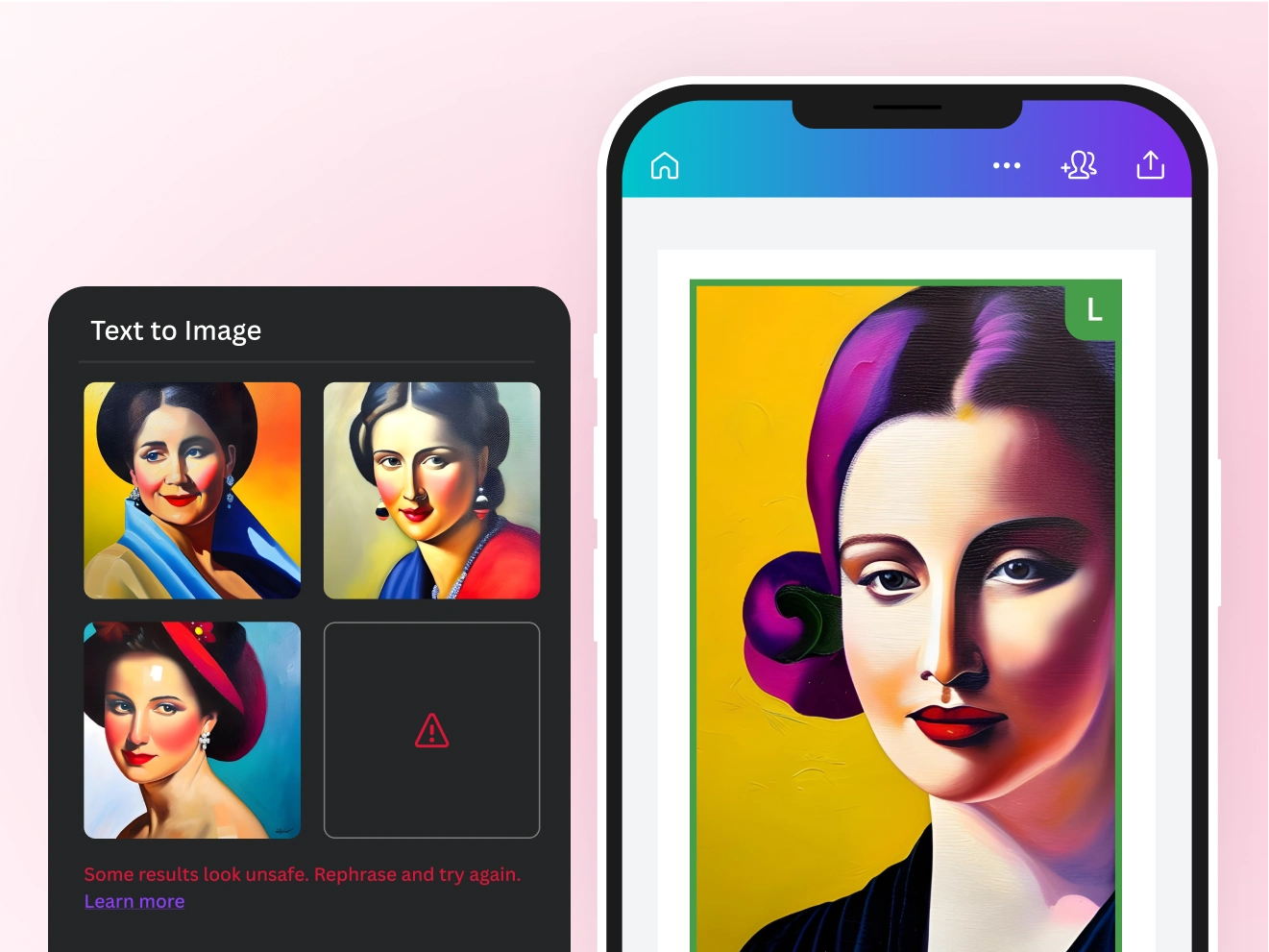
Enjoy creating art without worries. To protect your process, Canva has put in layers of safety measures to block prompts that may generate inappropriate images automatically. Encounter any unsafe content on our AI artwork generator tools? Report it here , and we’ll address it right away.
We won’t tolerate any use of our AI art generator that violates our Terms and Acceptable Use Policy .
The AI art generator for every creator
For aspiring artists
Bring out your creativity and get instant inspiration for your passion projects.
For content pros
Brainstorm and visualize concepts for your audience quickly.
For entrepreneurs
Find a cost-effective solution for creating exciting branding.
All the photo editing features you need
Canva’s free drag-and-drop design tools make it easy to create any design, fast!

Generate images from text
Generate images from text
Create AI images that visualize a product or idea, draft a creative concept, or push the limits of what's possible.
Various art styles available
Various art styles available
Render your AI-generated images in stunning art styles like Watercolor, Filmic, Neon, Color Pencil, Retrowave, and more.
Magic Edit
Magic Edit
Want to change the color or texture of an object? Or swap the background for something else? Magic Edit lets you add to, replace, or edit your image with a short written prompt.
Magic Eraser
Magic Eraser
Instantly clean up your image and remove any unwanted distractions with Magic Eraser —no manual editing needed.
Enhance your images
Enhance your images
Use Canva’s Photo Editor to fix your photo’s focus, lighting, and coloring with easy-to-use sliders.
Photo effects & filters
Photo effects & filters
Choose from our selection of adjustable color filters and fun photo effects to remix your photo.
Add Text to Photo
Add Text to Photo
Easily add text to your photo or image to tell a story. Font combinations, colors, and styles available.
One-click background remover
One-click background remover
Remove image backgrounds, perfect for product photos, headshots, or transparent PNGs.
Automatically translate your design
Automatically translate your design
With Translate (Pro) , quickly change the language of your existing design, with over 100 languages to choose from.
Millions of free images, icons, and graphics
Millions of free images, icons, and graphics
Get access to our entire library of millions of photos, icons, graphics, media elements, audio, sound effects, and more.
Access anywhere and autosave
Access anywhere and autosave
Jump from device to desktop—design how you work best! Canva autosaves your progress along the way.
Cloud storage
Cloud storage
Get free 5GB storage or upgrade to Canva Pro and get unlimited folders with up to 1TB storage for all your designs.
Easy sharing and exporting tools
Easy sharing and exporting tools
Share and export designs as a JPG, PNG, PDF, and PPTX. And when you embed a doc, you can customize which page will be displayed.
Real-time collaboration
Real-time collaboration
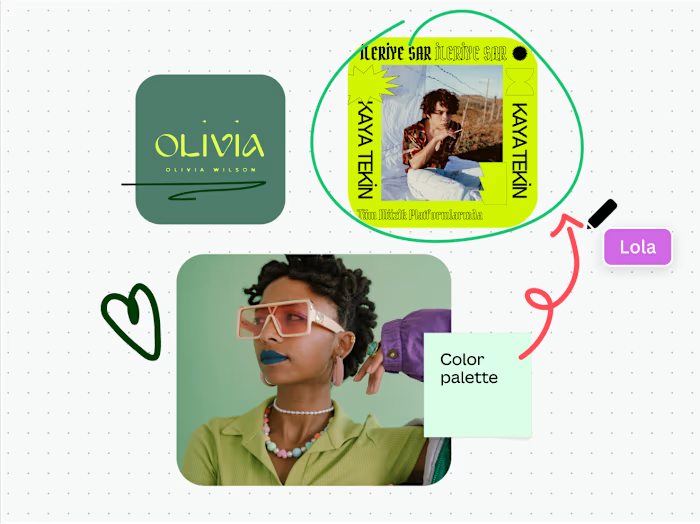
Create, collaborate, comment on designs, and get everyone on the same page, at the same time, from anywhere.
Content planner (Pro)
Content planner (Pro)
Create and schedule content to your favorite social media accounts directly from Canva.
How to create AI art
Start a design project from scratch or with a template. On the editor, go to the sidebar and click “Apps,” then select the “Magic Media” app.
Describe the artwork you’d like to generate. Specify your preferred art style or technique. The more detail you can provide, the better.
If using Magic Media’s Text to Image, you can also choose an art style from our available options like Watercolor, Filmic, Neon, Color Pencil, and Retrowave. Then, click “Create your image.”
Customize your AI art with photo effects, filters, text, and other graphics on Canva’s photo editor.
Download your AI-generated artwork, use them on your other Canva projects, or share them directly from Canva on your online platforms.
Your questions, answered
What is AI art? How does AI art work?
AI art is generated by an AI model. The model is trained on millions of images along with text associated with them, including many works of art. From the data it analyses, the model learns about which images and text belong together. After the training, the model is ready to generate new images, based on the text input of a user. The model uses the learned connections between text and images to create new, unique AI images and art each time.
Is Magic Media’s AI art generator free to use?
Yes, Canva’s AI art generator is free to use. Our AI-powered text-to-art tool allows Canva Free users limited uses. With a Canva Pro, Teams, EDU, or NFP subscription, you get even more uses to generate the AI art of your dreams.
What are the different AI art generator apps available on Canva? And what’s the difference between them?
Canva offers a range of AI image generator apps that let you start with a text prompt and get matching AI-generated images. These AI image generators are:
Text-to-Image by Magic Media: An AI image generator that lets you input text and choose from different image output style options.
Create an image, powered by Dream Lab: Create stunning AI art from scratch or transform reference visuals by blending your favorite styles, textures, and inspirations.
Why use an AI art generator?
Why not use an AI art generator? Using AI generators has many benefits, whether you’re a budding artist, a professional content creator, or a start-up entrepreneur. You can use it to gain inspiration and get over your creative block. You can include it in your creative work process as a handy tool to make instant rough drafts and blueprints for concepts. You can even use it for brainstorming new ideas. With the help of AI art apps, you can create countless designs for social media, marketing, and promo materials, and even for your own passion project.
Who owns the copyright in AI-generated art?
The issue of copyright in AI-generated art is still an open discussion, so the answer to this question depends on where you’re located and creating art.
At present, Canva makes no copyright claim over any images created using our free AI art generator. Between you, the user, and Canva, you own the AI art you generate with the Text to Image app (subject to you following our terms ). In turn, you give Canva the right to host your AI output on our platform and to use them for marketing our products.
More resources
10 simple ways to enhance your images
Easily enhance photos with these 10 simple tips.
The complete guide for how to marry text and images in your designs
Explore how to combine text and images in your designs.
Free online image converter
Convert images to any format for free.
Free online photo effects
Add free photo effects and filters to images with ease.
Canva's Visual Economy Report
Learn how businesses can thrive in an increasingly visual world.
Discover more products
Text to Image
Magic Write
Magic Design
Draw
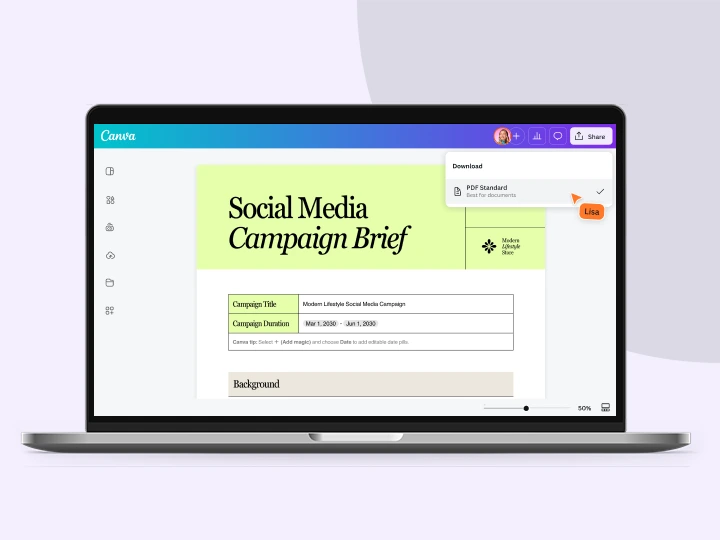
PDF Editor
Video Editor
Free Online AI Art Generator
Imagine, describe, and create in an instant. Turn pure text to art within seconds with the best AI art generator apps available at your fingertips. Watch as your words generate beautiful art and images you can’t find anywhere else.
Like this project
Posted Jul 9, 2026
Free AI Art Generator — Magic Media and Dream Lab tools for text-to-art generation, multiple art styles, and editing within Canva.
Likes
0
Views
12
Tags