Online AI Image Generator

Safia Elammari


Loading finished
Skip to main content
Online AI Image Generator
Dream it up, then add it to your design. Watch your words and phrases transform into beautiful images with the best AI image generators available at your fingertips. Stand out with an image perfect for your project.
Generate AI Images
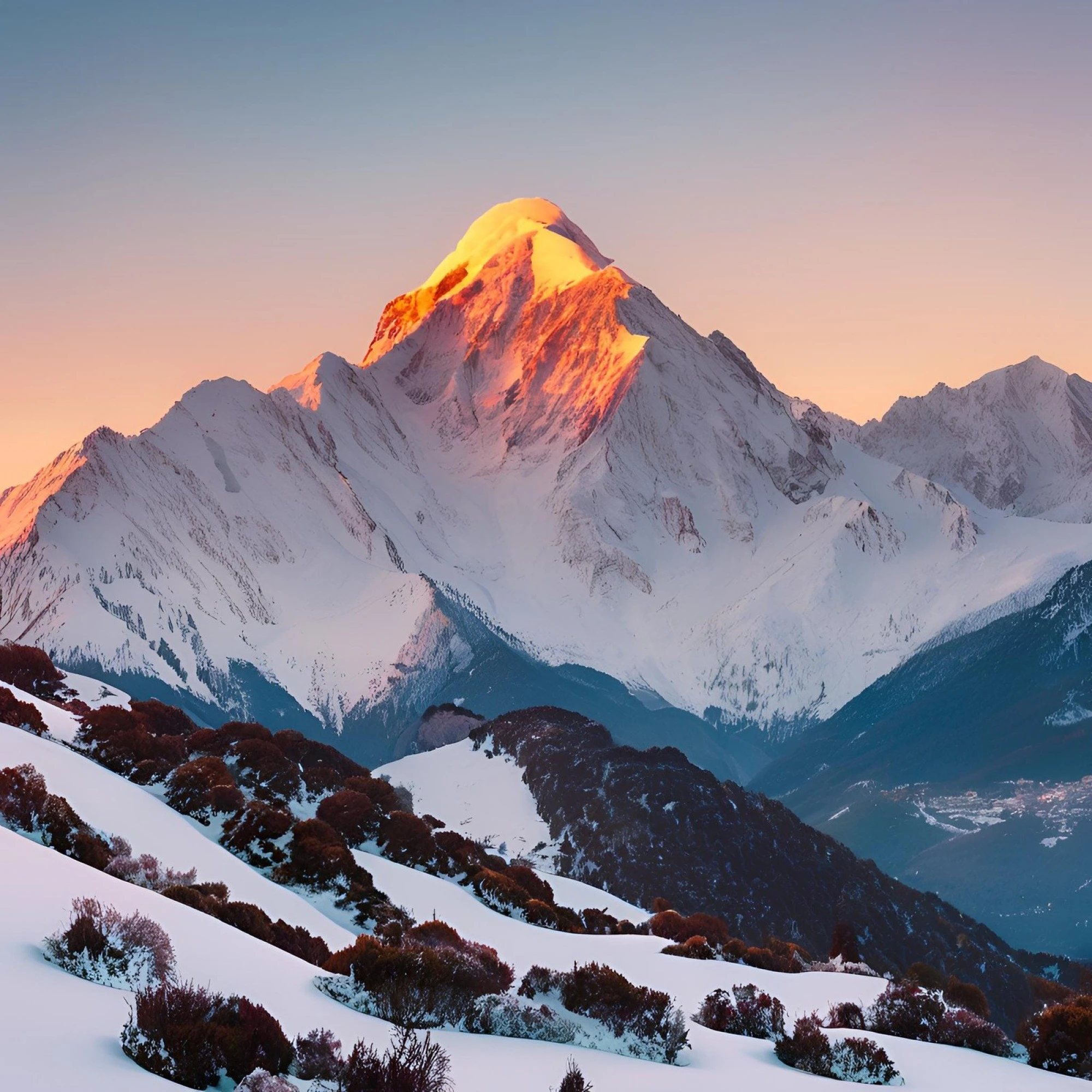
Photo
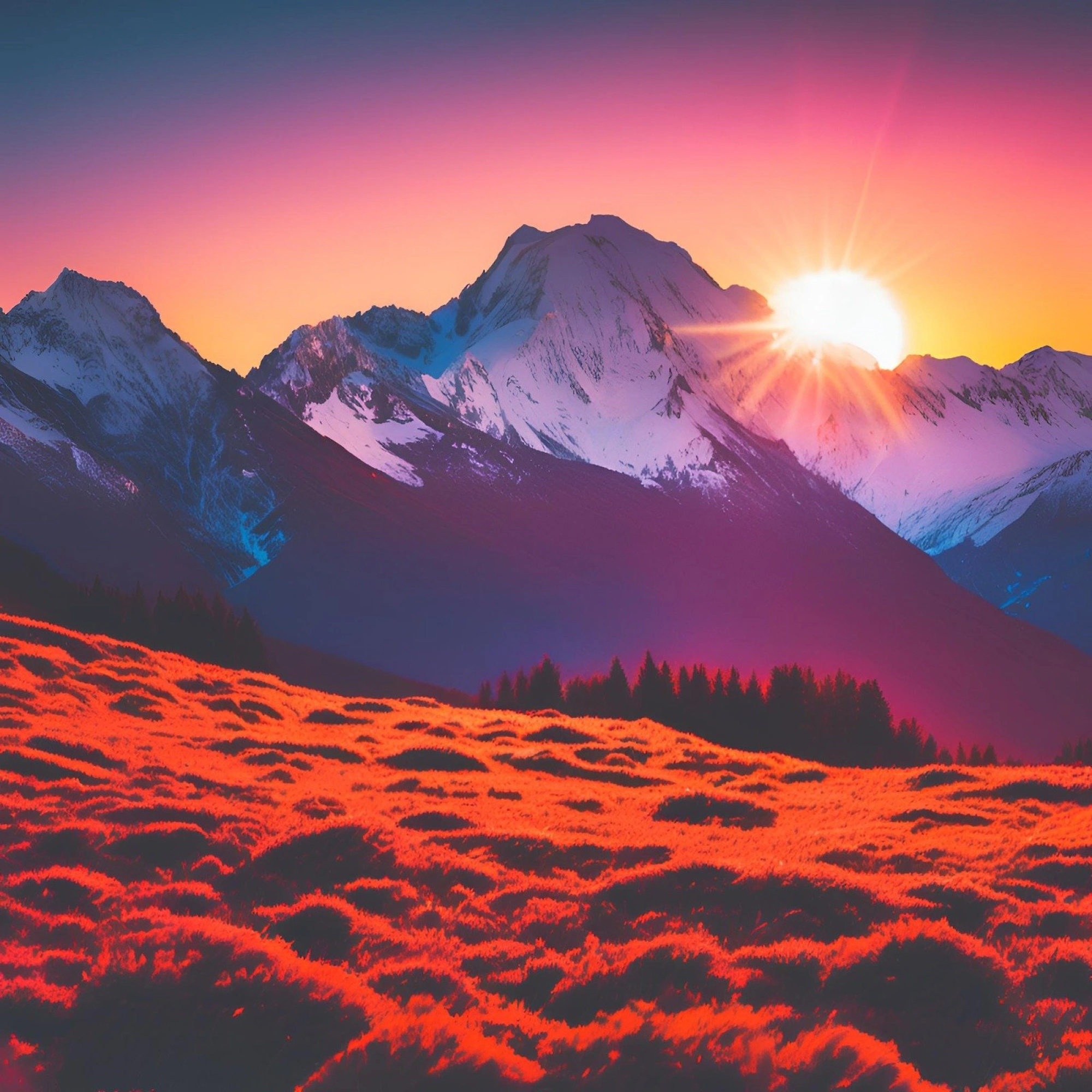
Vibrant
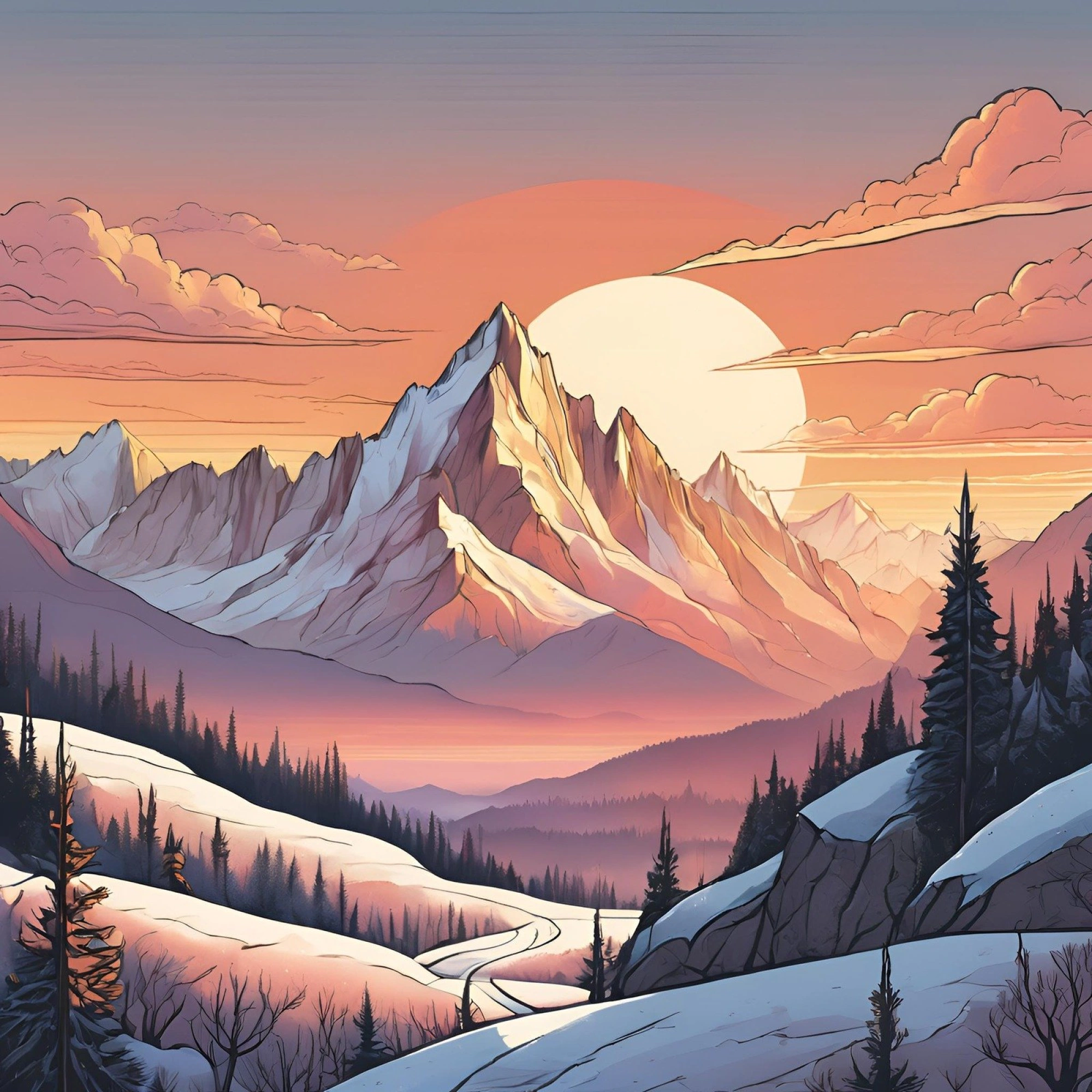
Concept
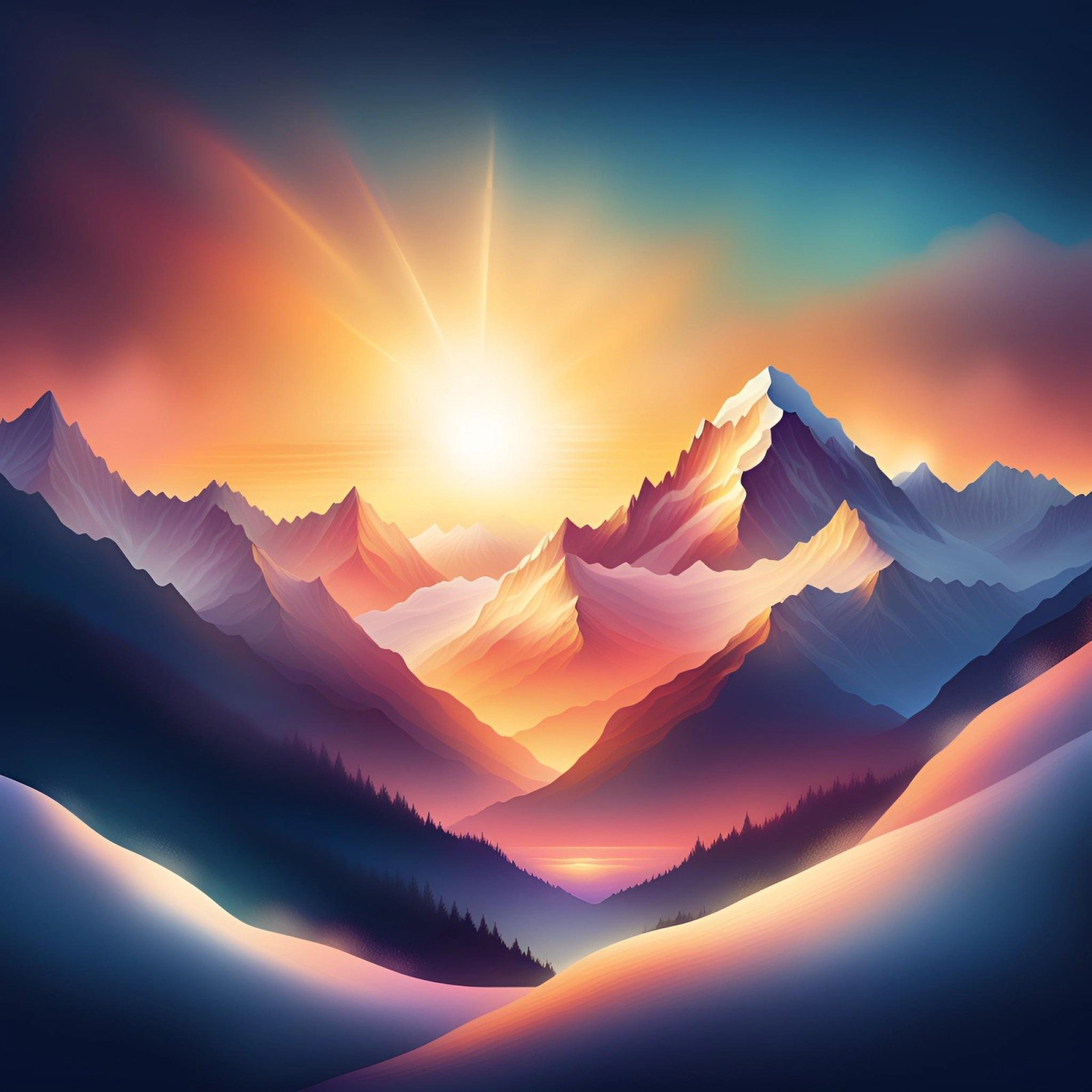
Dreamy
20+
More
Introducing Canva’s AI Image Generators
With Canva's AI image generators, the perfect image is always at your fingertips—even if it doesn't exist yet. With Magic Media™ and Create an image, powered by Dream Lab, you can quickly visualize ideas, sketch out creative concepts, or push the limits of what's possible. Watch your words transform into beautiful images you can use on your presentations , social media posts, and other creative projects.
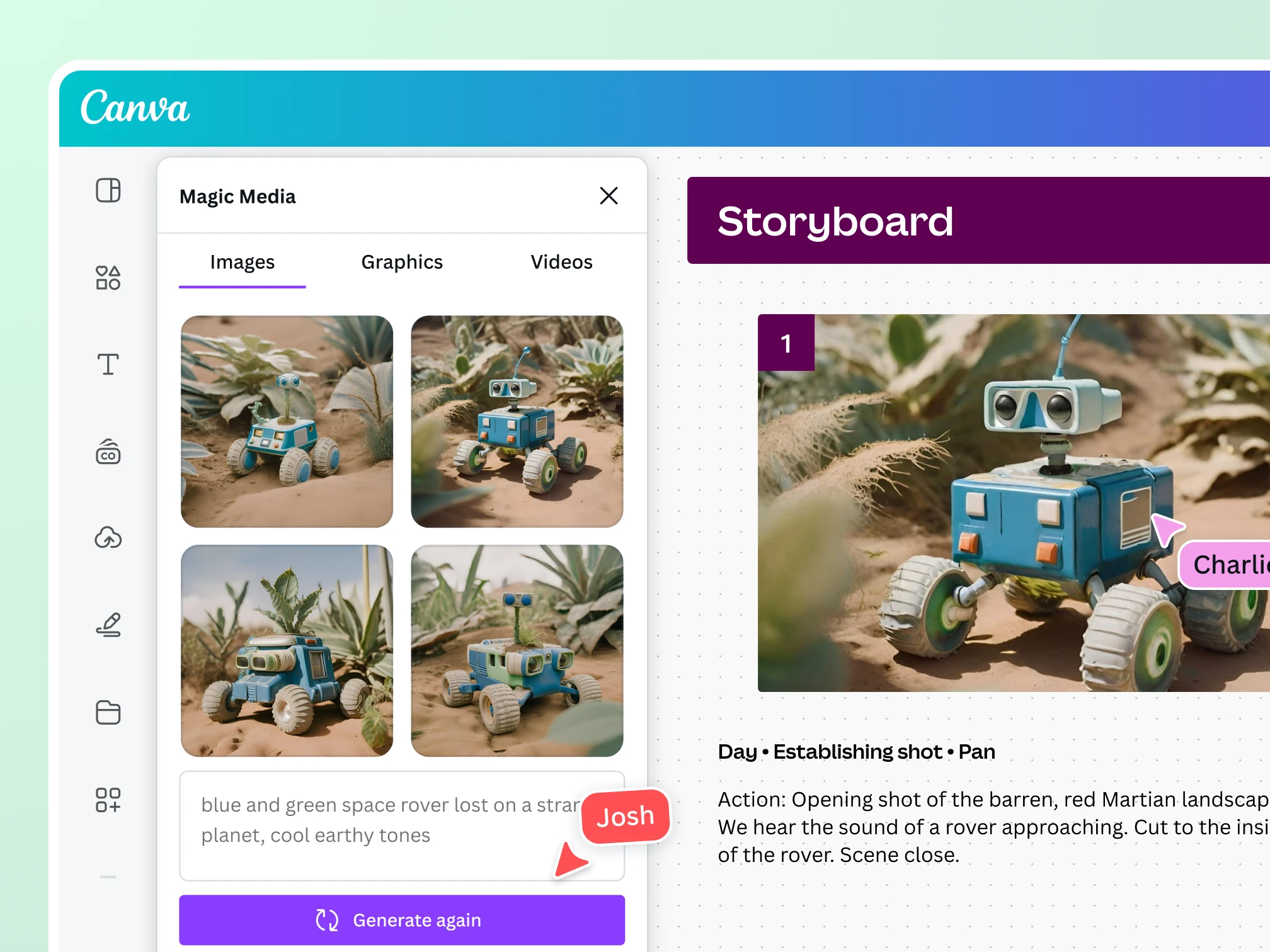
Explore our AI image generator apps
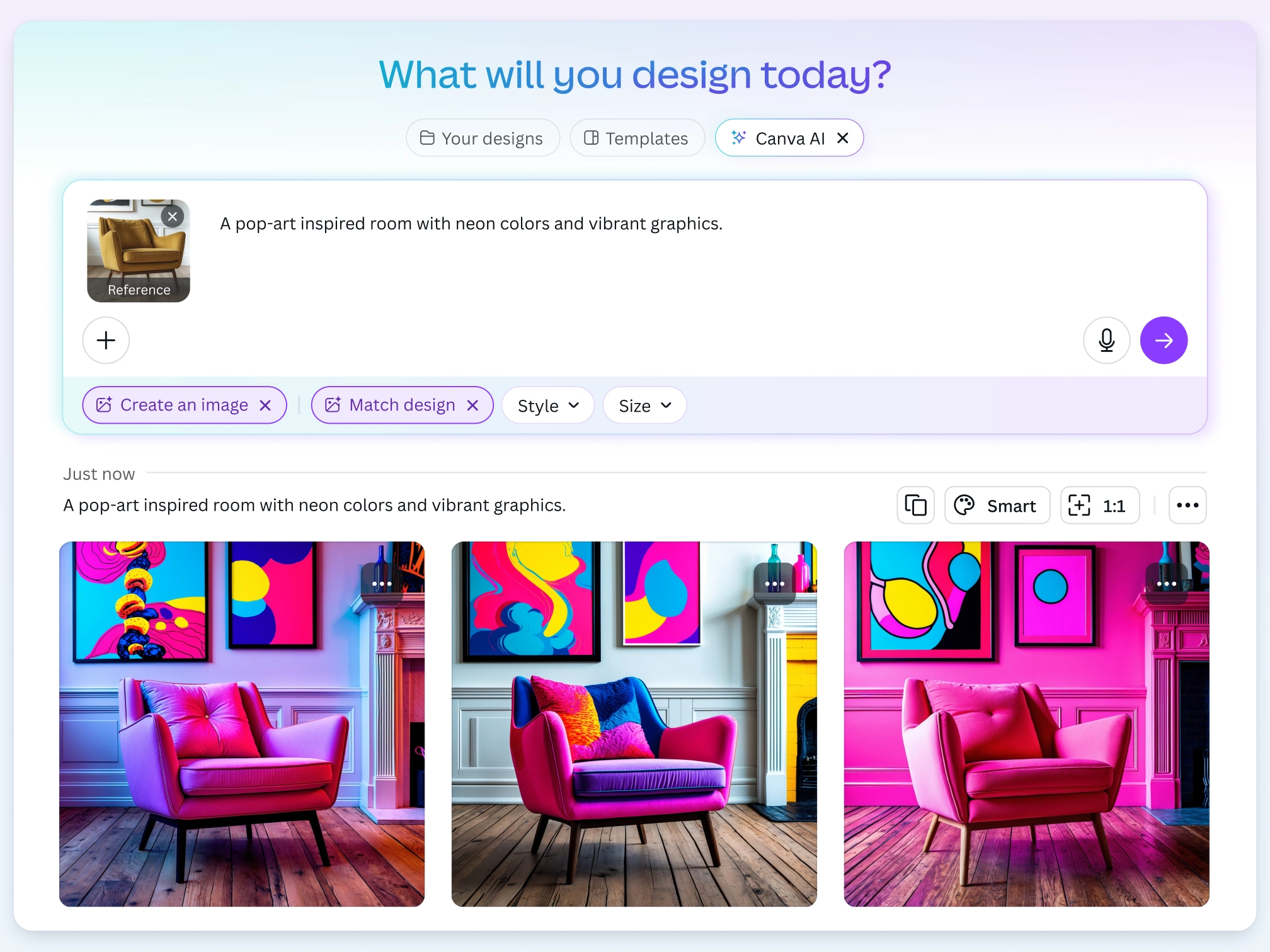
Create an image, powered by Dream Lab : Generate stunning AI images inspired by a reference image. Simply upload a style, and see it reimagined using aesthetics, objects, or textures from your favorite visuals.
Magic Media™ : Explore a wide range of art styles, from photos and drawing to 3D, neon, and concept art, to generate lifelike images of anything you imagine.
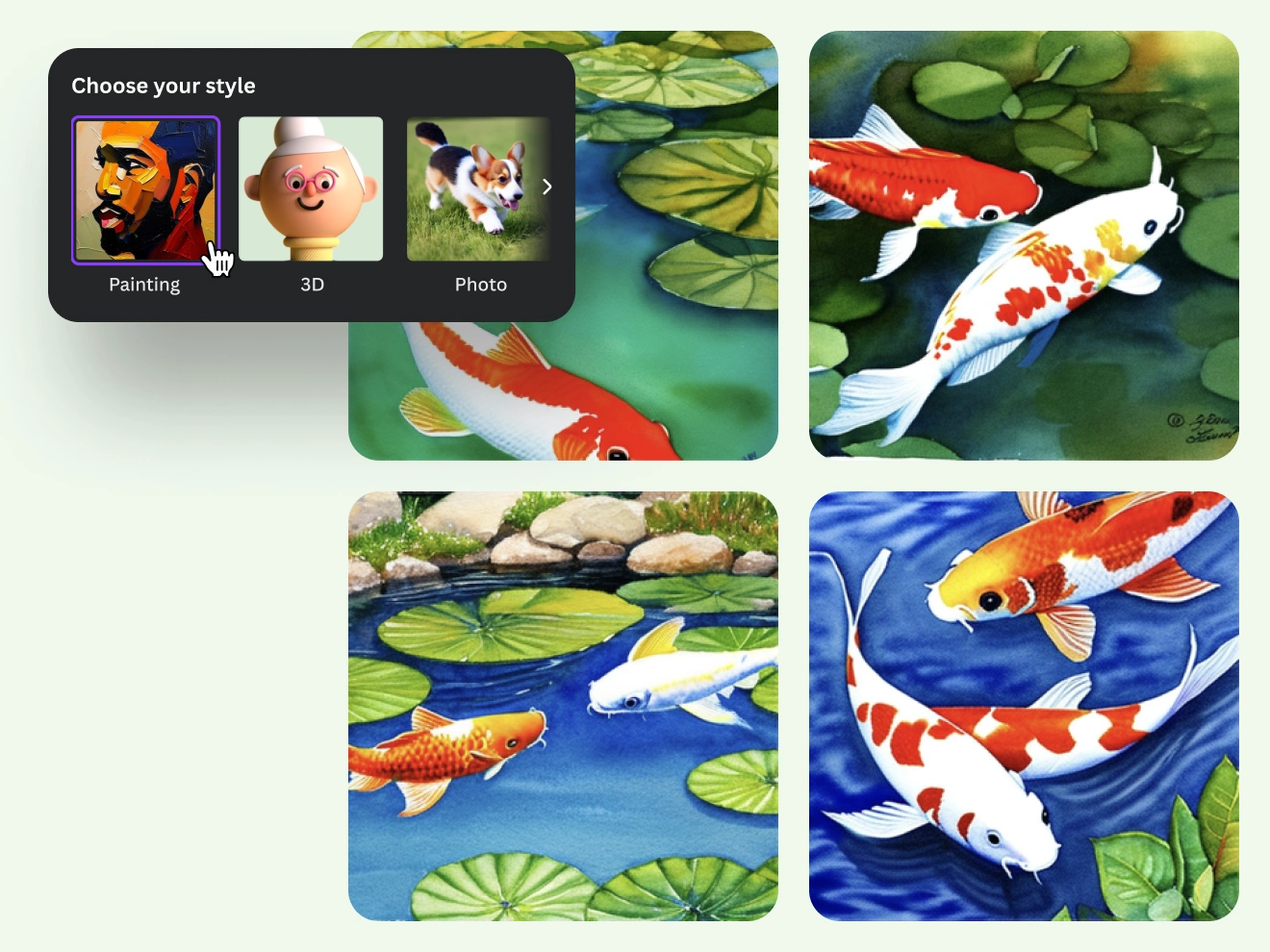
Choose your image style with Text to Image
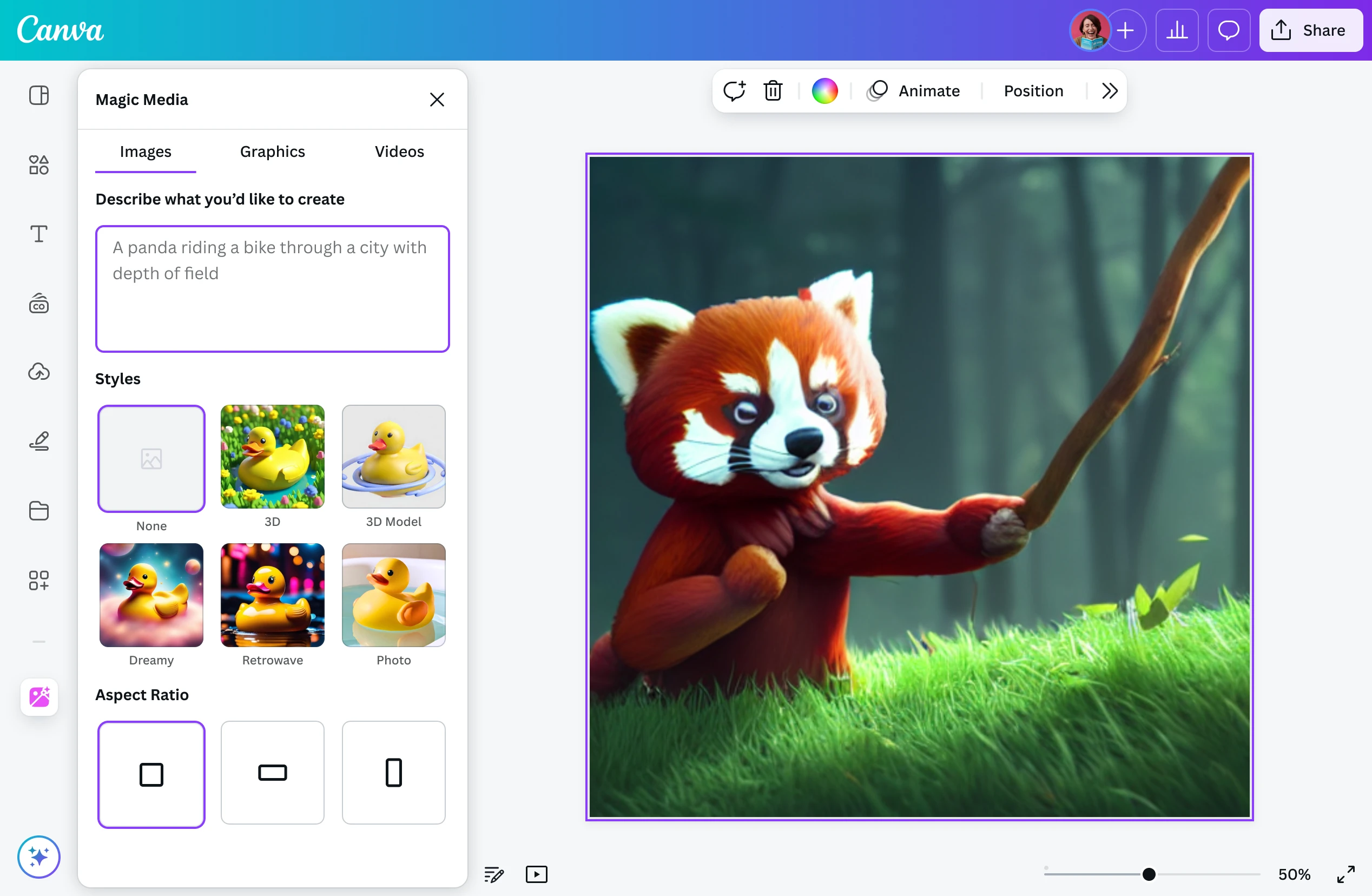
Experimentation is a big part of creation. Test out different modes for your AI-generated images with Magic Media’s Text to Image, using our style options like Watercolor, Filmic, Neon, Color Pencil, and Retrowave. Choose a specific style and aspect ratio to match the concept you’re going for. With our AI photo generator, easily turn text prompts into art that captures your thoughts and presents options you can place on your poster or storyboard.
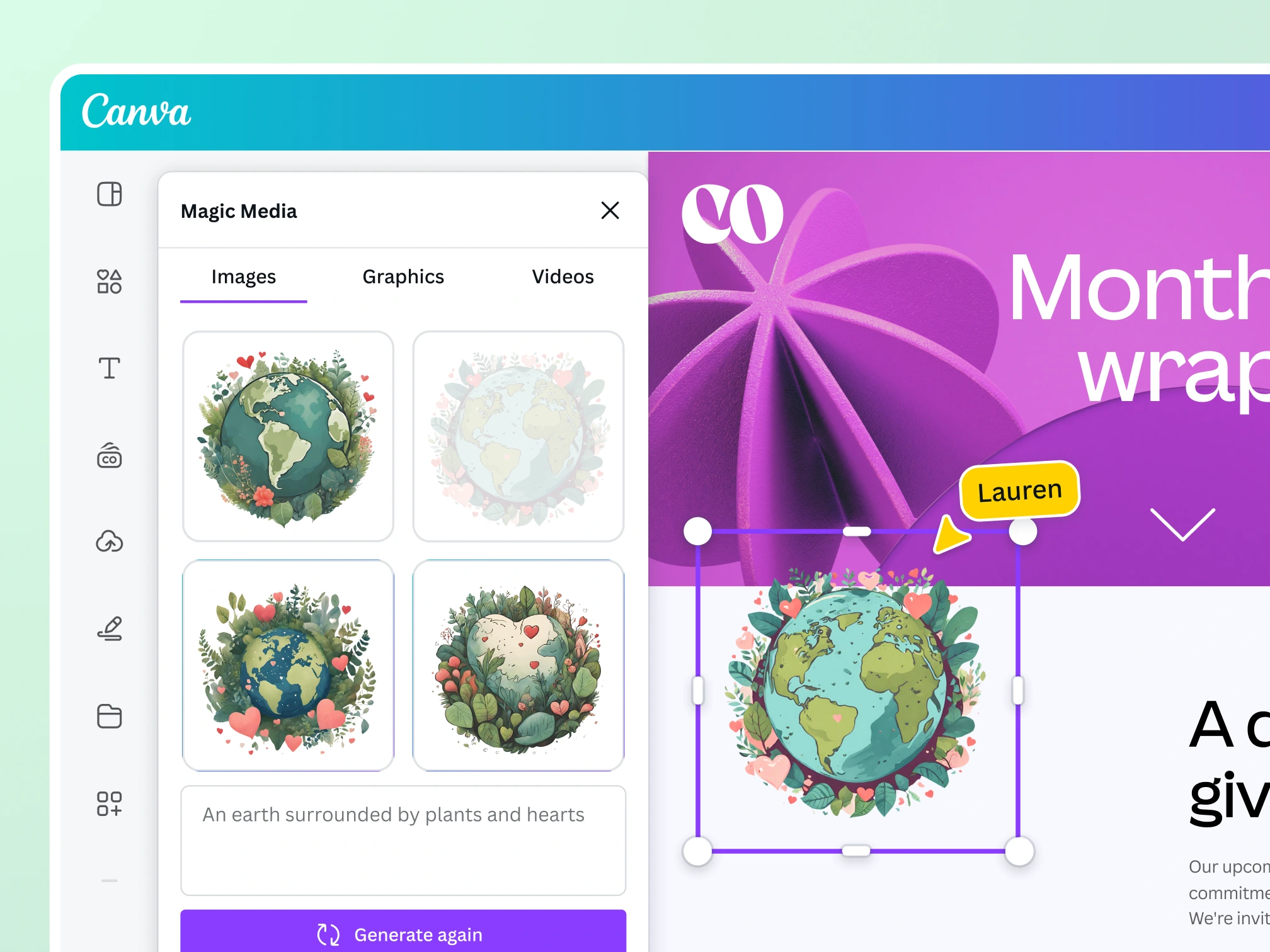
Create captivating designs with Magic Media™
Transform ideas into images
With Magic Media’s Text to Image, you can start with a text prompt and generate an image that fits your design. Customize your image with various styles, ratios, and all the photo editing tools available in Canva.

Find the perfect graphic for any project
Magic Media’s Text to Graphic gives you the confidence you’ll always find the perfect graphic for your project. Describe your vision, and it'll generate unique graphics, icons, stickers, and illustrations matching your style or brand.

Storytelling made easy with AI-generated videos
Describe your video with a simple text prompt, and watch as Magic Media’s Text to Video generates it for you. Customize it further with video filters, transitions, and more.
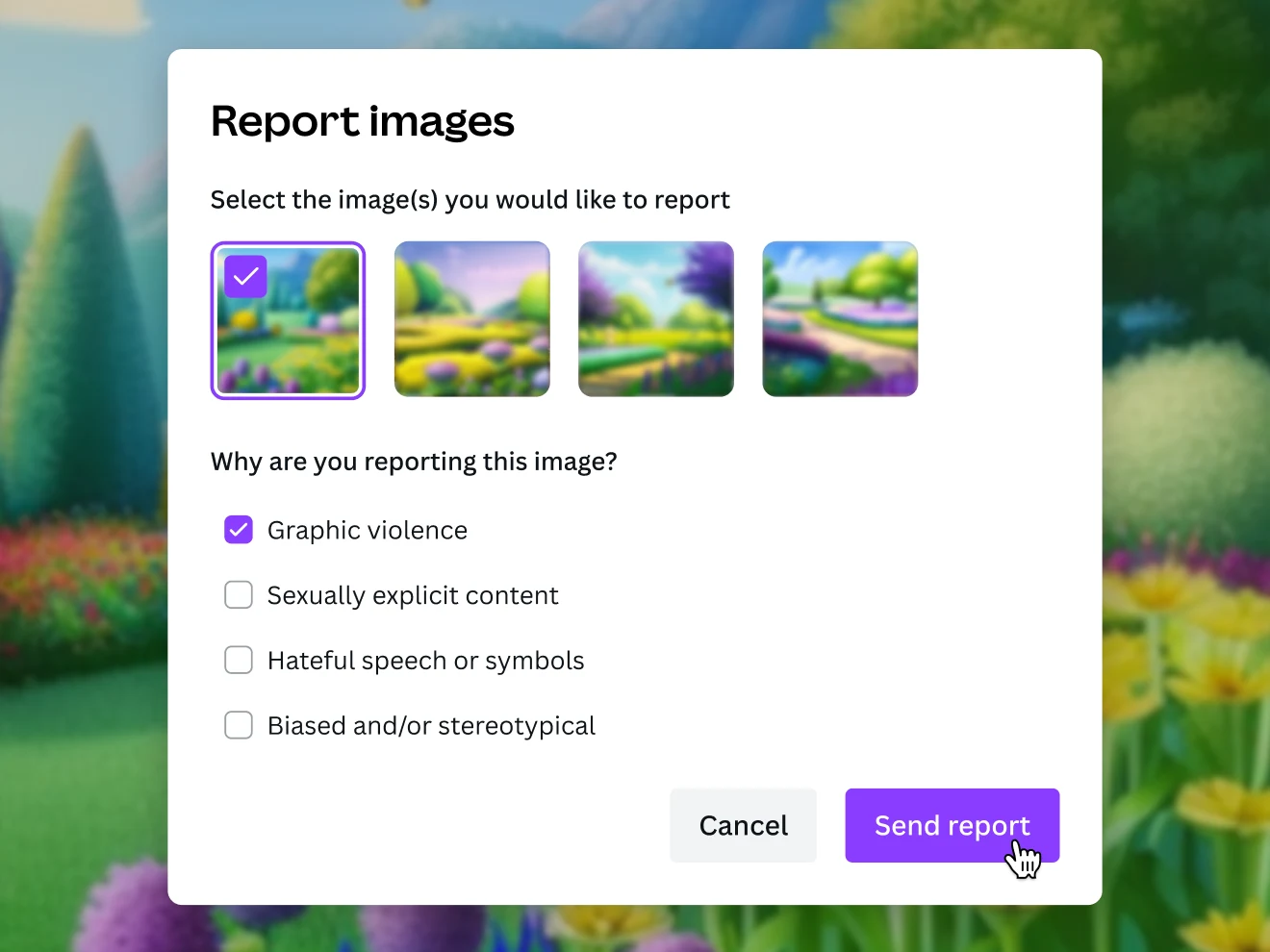
Creating is fun and safe
Fun is at the core of building new visual ideas. Add your creativity, and our AI art generator will kickstart your concepts and let artful inspiration flow. To help you use Text to Image safely and responsibly, we’ve put layers of safety measures in place, including automated reviews of input prompts for terms that might generate inappropriate content. If you do come across unsafe content, let us know: you can report it right in Canva.
AI-generated images for all creatives
For content creators
Stand out and grow your audience with perfectly tailored content.

For entrepreneurs
Generate captivating branding materials in a cost-efficient way.
For budding artists
Experiment and get inspiration while embarking on a creative project.
All the photo editing features you need
Canva’s drag-and-drop design tools make it easy to create any design, fast!

Generate images from text
Create AI images that visualize a product or idea, draft a creative concept, or push the limits of what's possible.

Various art styles available
Render your AI-generated images in stunning art styles like Watercolor, Filmic, Neon, Color Pencil, Retrowave, and more.

Magic Edit
Magic Edit
Want to change the color or texture of an object? Or swap the background for something else? Magic Edit lets you add to, replace, or edit your image with a short written prompt.
Magic Eraser
Magic Eraser
Instantly clean up your image and remove any unwanted distractions with Magic Eraser —no manual editing needed.

Enhance your images
Use Canva’s Photo Editor to fix your photo’s focus, lighting, and coloring with easy-to-use sliders.
Photo effects & filters
Photo effects & filters
Choose from our selection of adjustable color filters and fun photo effects to remix your photo.
Add Text to Photo
Add Text to Photo
Easily add text to your photo or image to tell a story. Font combinations, colors, and styles available.
One-click background remover
One-click background remover
Remove image backgrounds, perfect for product photos, headshots, or transparent PNGs.
Automatically translate your design
Automatically translate your design
With Translate (Pro) , quickly change the language of your existing design, with over 100 languages to choose from.
Millions of free images, icons, and graphics
Millions of free images, icons, and graphics
Get access to our entire library of millions of photos, icons, graphics, media elements, audio, sound effects, and more.
Access anywhere and autosave
Access anywhere and autosave
Jump from device to desktop—design how you work best! Canva autosaves your progress along the way.
Easy sharing and exporting tools
Easy sharing and exporting tools
Share and export designs as a JPG, PNG, PDF, and PPTX. And when you embed a doc, you can customize which page will be displayed.
Cloud storage
Cloud storage
Get free 5GB storage or upgrade to Canva Pro and get unlimited folders with up to 1TB storage for all your designs.
Real-time collaboration
Real-time collaboration
Create, collaborate, comment on designs, and get everyone on the same page, at the same time, from anywhere.
Content planner (Pro)
Content planner (Pro)
Create and schedule content to your favorite social media accounts directly from Canva.
How to make AI-generated images
Start a design project from scratch or with a template. On the editor, click “Elements,“ then scroll down to “AI image generator.” Alternatively, head to the homepage search bar, click “Canva AI,” and then choose “Create an image“ before typing your prompt.
Describe the image you’d like to generate. The more detail you can provide, the better.
If using Magic Media’s Text to Image, you can also choose an image style from our available options like Watercolor, Filmic, Neon, Color Pencil, and Retrowave. Then, click ‘Create your image.’
Finish up the AI-generated image by adding effects, filters, and other elements from our library.
Download your AI-generated images, use them on your other Canva projects, or share them directly from Canva on your online platforms.
Your questions, answered
How are AI-generated images made?
To create AI-generated images, the machine learning model scans millions of images across the internet along with the text associated with them. The algorithms spot trends in the images and text and eventually begin to guess which image and text fit together. Once the model can predict what an image should look like from a given text, it creates entirely new images for you to choose from.
What are the AI image generator tools available on Canva? And what's the difference between them?
Canva’s AI image generator tools make it easy to turn text into visuals. Use Magic Media to enter a prompt, pick from a variety of art styles, and instantly generate images that match your vision.
For more personalized results, try Create an image, powered by Dream Lab. Upload a reference image to apply new aesthetics or textures while preserving the original composition and elements. Refine the result with AI-powered prompt edits, then upscale for sharper, high-resolution visuals.
What’s the best AI image generator?
The best AI image generator lets you convert text to an image without complicated software. With Text to Image, you can take something from your imagination and instantly turn it into an amazing AI image or artwork. Simply enter a description, then create incredible images for your blog or social media profile. You can be as creative as you want! You can access our Text to Image generator on the web or mobile.
Why use an AI image generator?
There are plenty of benefits to using an AI Text to Image generator. Bring your ideas to life instantly without having to spend time designing from scratch. No more creative blocks as you start inspired and easily create stunning visuals. Use your AI-generated photos as eye-catching web content, quirky social media posts, or winning design proposals.
Can I use Canva’s AI Image Generators for personal and/or commercial projects?
Yes, you can use the images generated by our AI image generators for any purpose, including personal or commercial projects, as long as you follow our AI Product Terms and Terms of Use .
Keep in mind that if you’re going to use AI output for your commercial projects, you may not have exclusive rights to your AI-generated images. It’s your responsibility to ensure that your AI-generated image is suitable for commercial use. This includes determining whether permission is required to depict works of art, photographs, trademarks, or logos.
Please be mindful that Canva doesn’t guarantee that the AI-generated images, designs, and text you generate are cleared for use (particularly if the image or design you create looks like someone else’s work).
What are the rules that apply to my use of Canva’s AI Image Generation Apps?
One of Canva’s values is to “Be A Good Human” and we ask you to keep this in mind when using our AI Text to Image generator. Do not use these apps to create harmful content, infringe any third-party rights (like copyright or trademarks), or defame anyone. Remember to inform anyone who is viewing your content that it contains AI-generated images.
You can read the full terms here .
Can I use Canva’s AI Image Generators to create an image of my favorite celebrity or superhero?
We don’t recommend this. Certain public figures have legal rights that allow them to control how their image is used commercially and they may not be happy with you creating AI-generated images of them.
Similarly, if you use Text to Image to create recognizable characters or brands, these may be protected by copyright or trademarks. You should not use these images without getting permission from the rights owner. Canva can’t give you this permission.
Who owns the copyright in AI-generated images?
The law is currently unclear on who owns the copyright in AI-generated content.
At present, Canva makes no copyright claim over any content you generate using our AI image generators. Between you and Canva, you own the designs you generate with our AI image generators, which is subject to you following our Terms . In turn, you give Canva the right to host your AI output on our platform.
How are you moderating Magic Media and ensuring safe use?
Our values define how we build our products, treat our community and impact the world. We want to ensure our community feels safe when creating and interacting with content on our platform.
We’ve put layers of safety measures in place so you can use Magic Media's Text to Image tool, our AI image generator from text, safely and responsibly. These include automated reviews of input prompts for terms that might generate inappropriate content. If you do come across unsafe content, let us know: you can report it right in Canva.
We won't tolerate any use of our AI image generator that violates our Terms or Acceptable Use Policy .
Can I use a reference image when generating images?
Yes, you can use a reference image with Create an image, powered by Dream Lab on Canva. Just tap the + icon to upload a reference photo, describe your desired results, and generate stunning images in seconds—with the original layout, style, or subject intact.
More resources
Easily enhance photos with these 10 simple tips.
The complete guide for how to marry text and images in your designs
Explore how to combine text and images in your designs.
Free online image converter
Convert images to any format for free.
Free online photo effects
Add free photo effects and filters to images with ease.
Discover more products
AI Art Generator
Draw
Magic Design
Magic Write
Video Editor
Canva Docs
Presentations
Mockups
Online AI Image Generator
Dream it up, then add it to your design. Watch your words and phrases transform into beautiful images with the best AI image generator apps available at your fingertips. Stand out with an image perfect for your project.
Skip to end of footer
Skip to start of footer
Clear
Like this project
Posted Jul 9, 2026
Online AI Image Generator (Magic Media & Dream Lab) — generate images and videos from text prompts across many art styles, with safety measures and editing tools.
Likes
0
Views
17