YouTube Video Editor

Safia Elammari

Loading finished
Skip to main content
YouTube Video Editor
Canva’s free video editor makes it easy to stand out on YouTube. Boost your video views today with click-winning thumbnails, unique channel art, cool graphics, and engaging video templates.
Edit a video for YouTube

Danone
Amnesty International
PayPal
Gucci
Sony Music
+75M customers trust Canva Worldwide
Create a YouTube video
Find the right template for videos, icons, thumbnails, channel art, intros and outros, and even video ads—for any niche, one-off project, or brand goal—all ready to edit on Canva’s all-in-one YouTube video-making platform.
YouTube Shorts
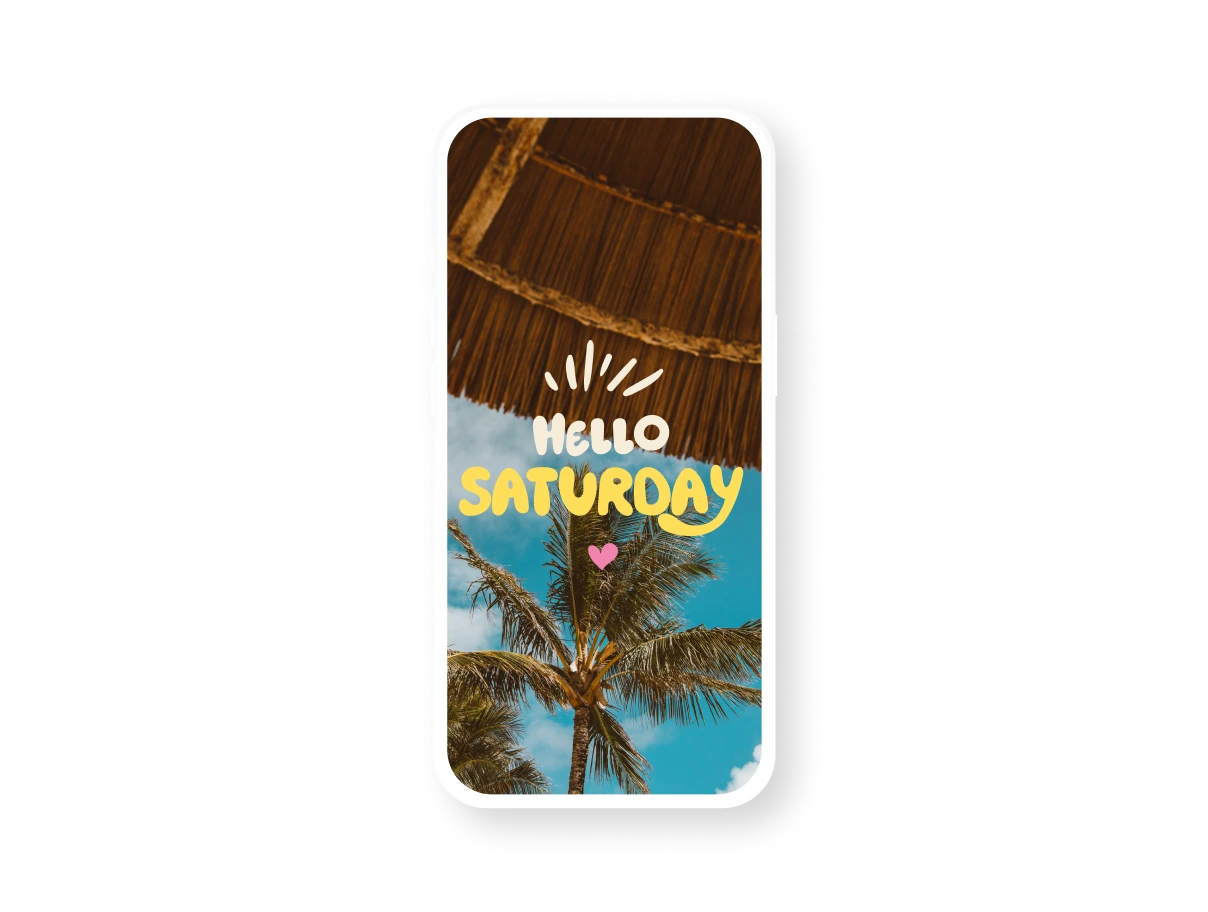
Elevate your short-form storytelling with cool templates.
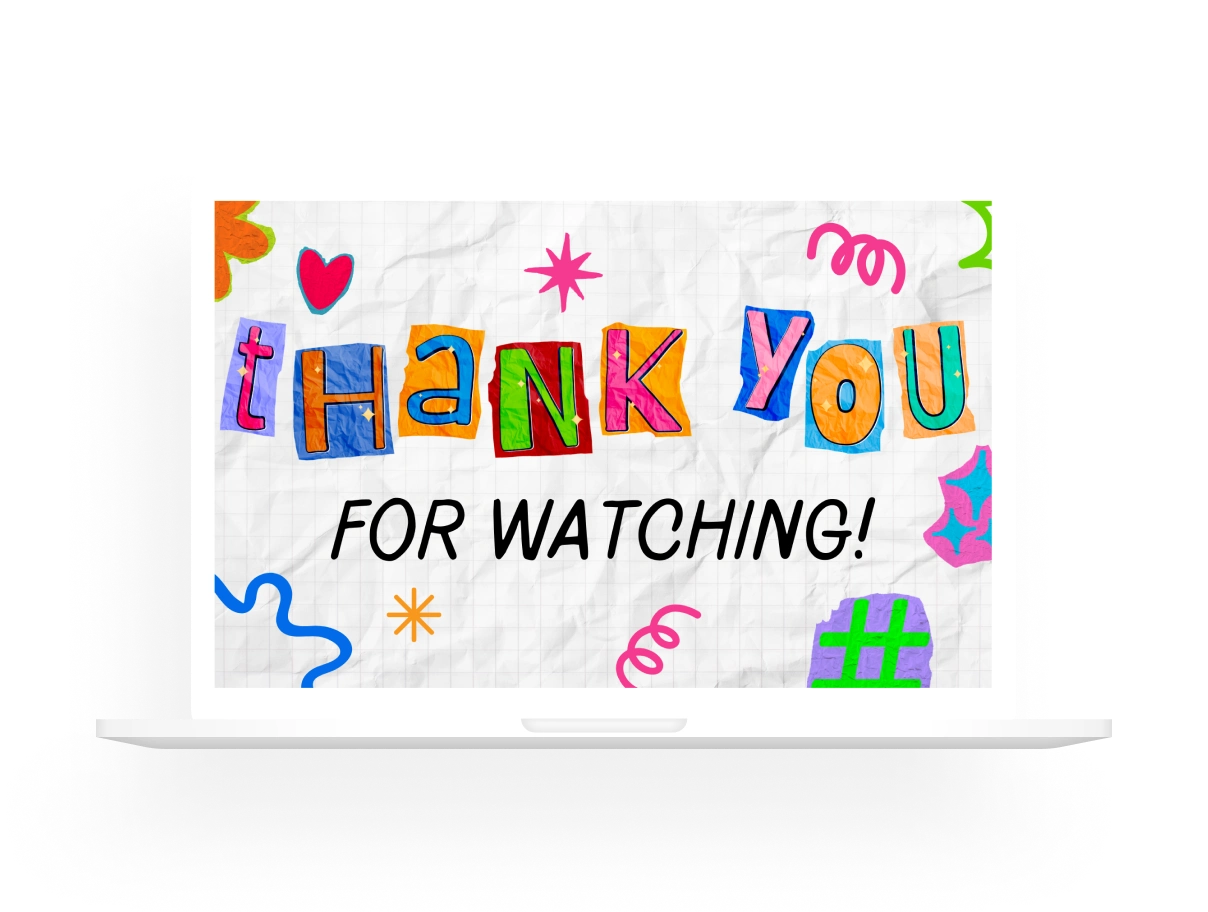
YouTube Outros
End your video on a high note with an impressive outro.
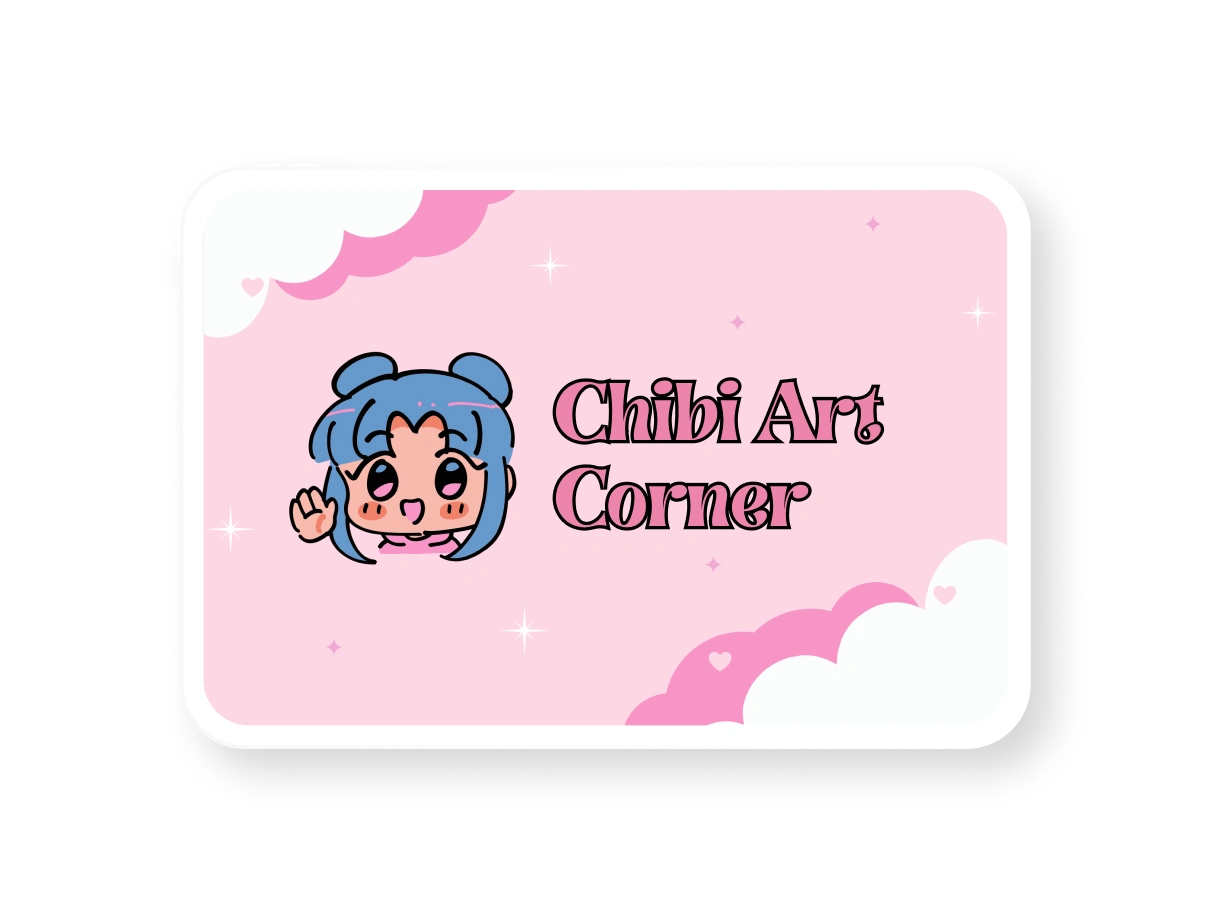
YouTube Banners
Easily add channel art matching your brand or persona.
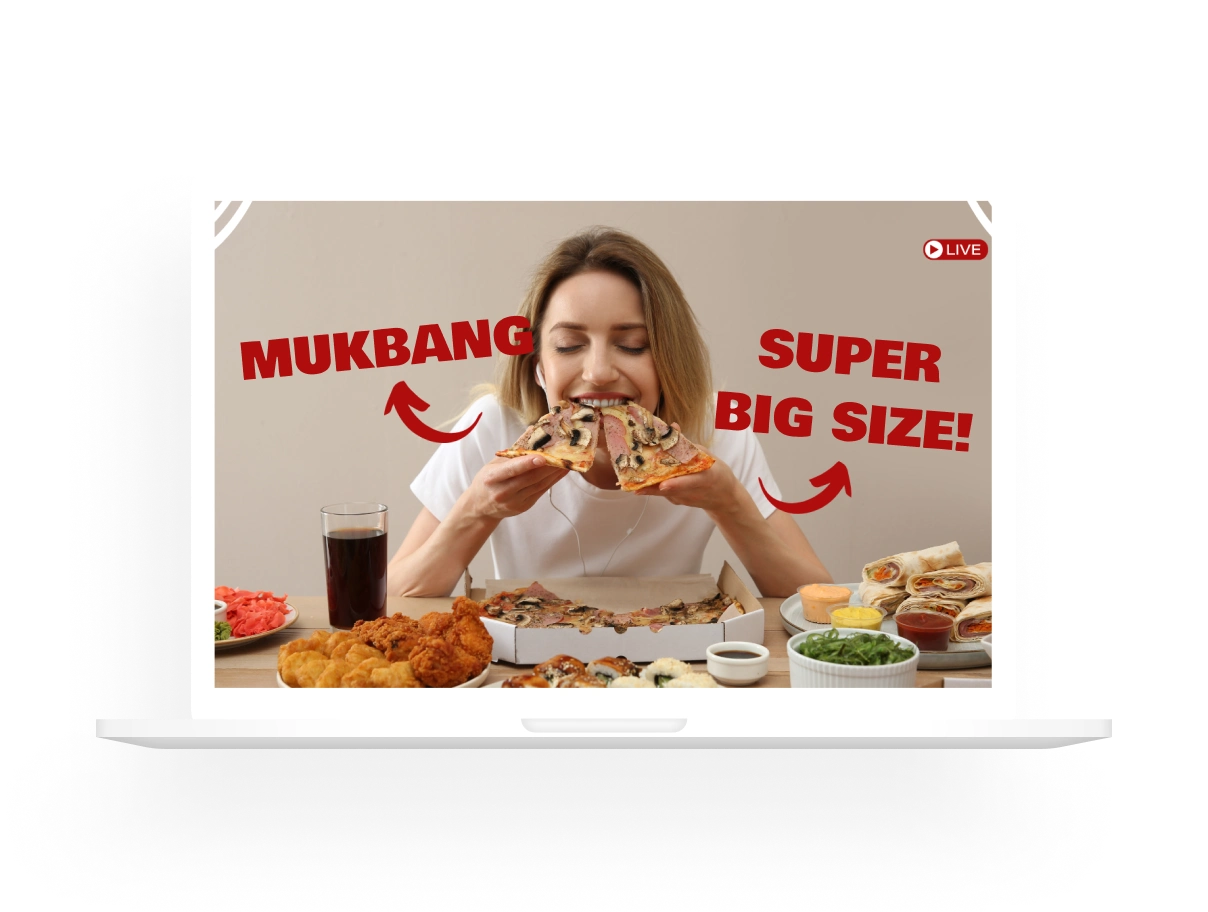
YouTube Thumbnails
Make your videos stand out with distinct thumbnails.
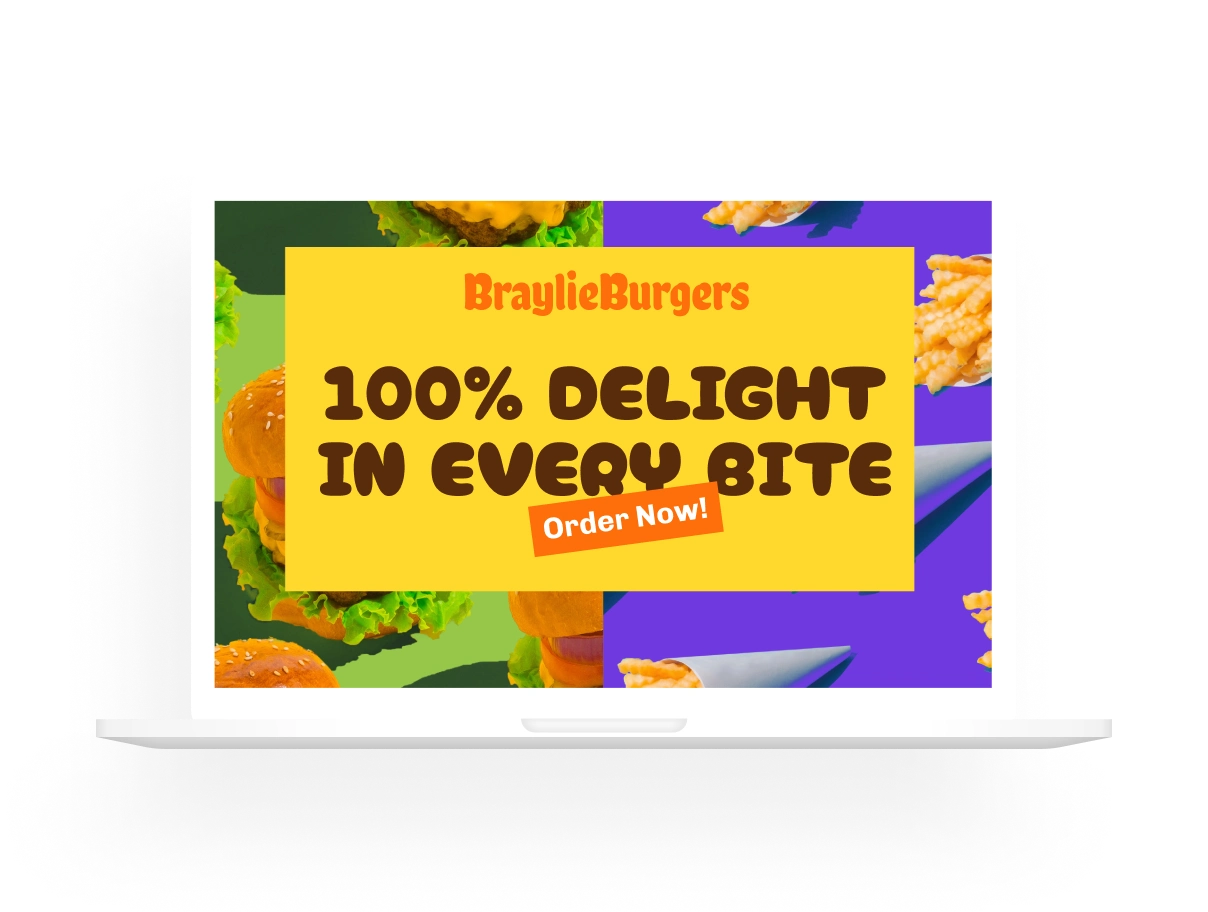
YouTube Ads
Quickly create on-brand and stunning YouTube ads.
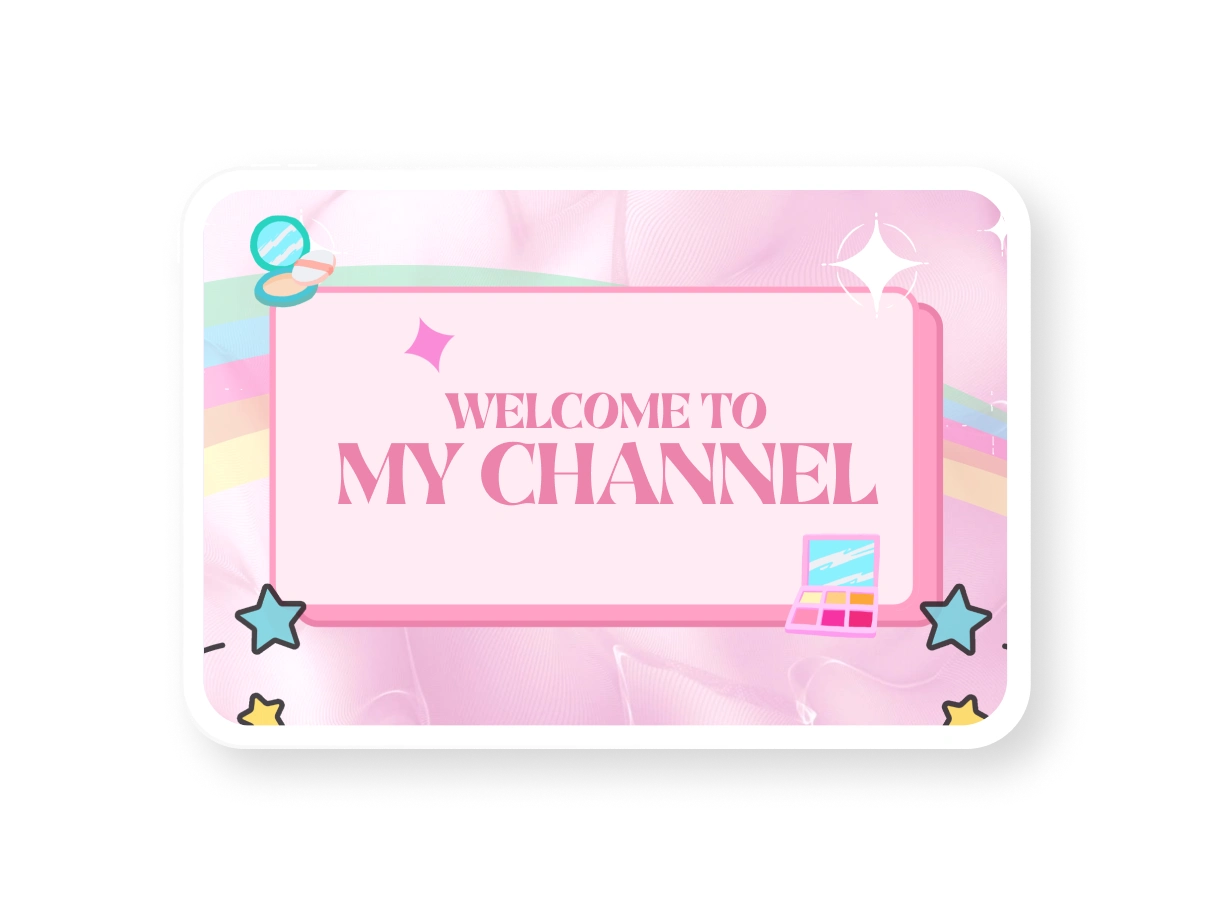
YouTube Intros
Delight viewers from the get-go with a distinct YouTube intro.
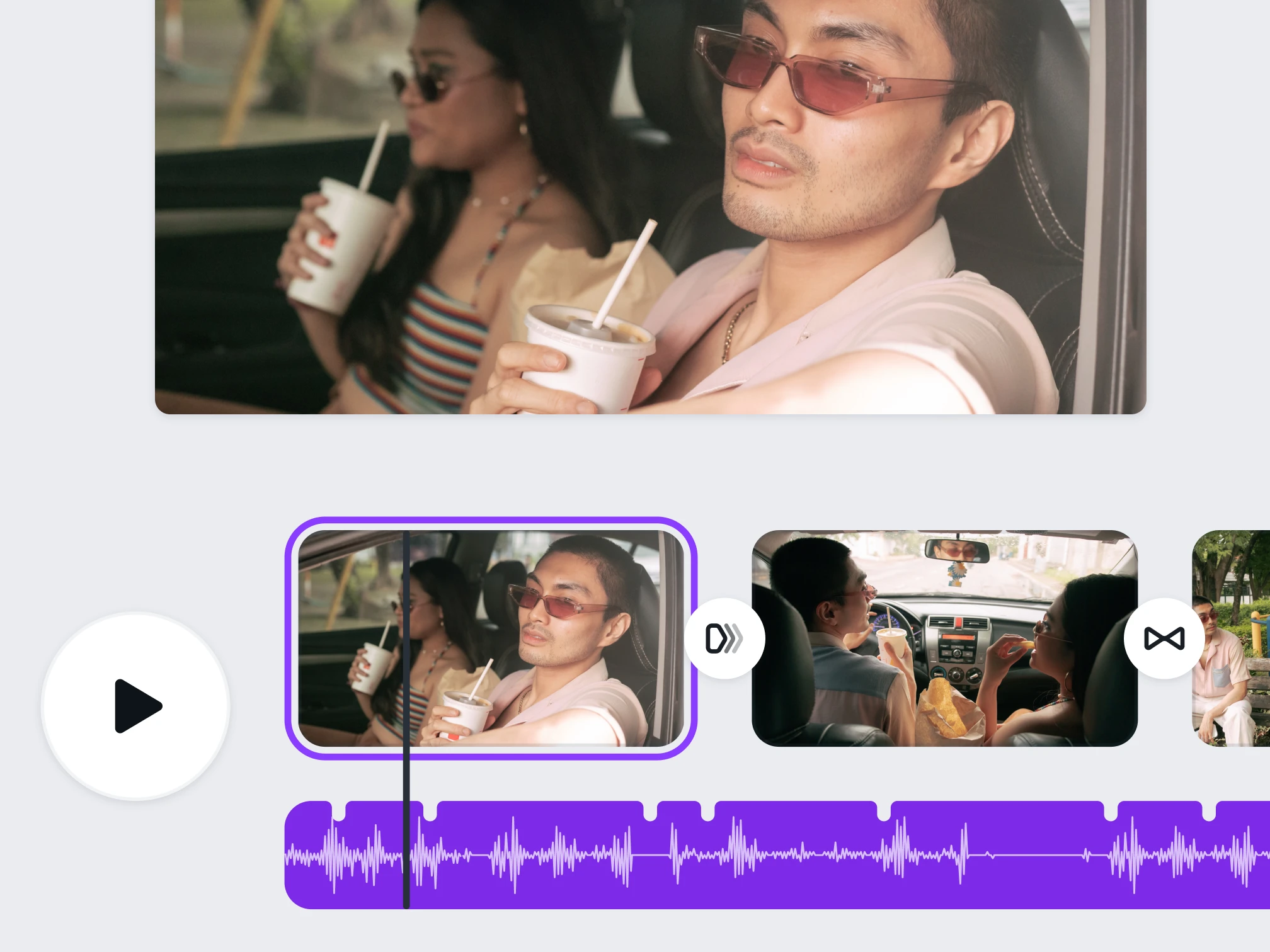
A free, powerful video editor for YouTube
Thousands of YouTube video templates
Everything you need to build your YouTube channel—from customizable video templates to banner art and icons to thumbnail designs (with no watermarks).
Drag-and-drop video editing tools and effects
Enhance your videos with typography effects and graphic animations using timeline editing tools like trim, crop, and rotate.
Millions of stock videos, music, animations
Transform your videos with our library of Like and Subscribe gifs, icons, photos, stock videos, audio clips, graphics, and other video-making assets.
Edit a video for YouTube
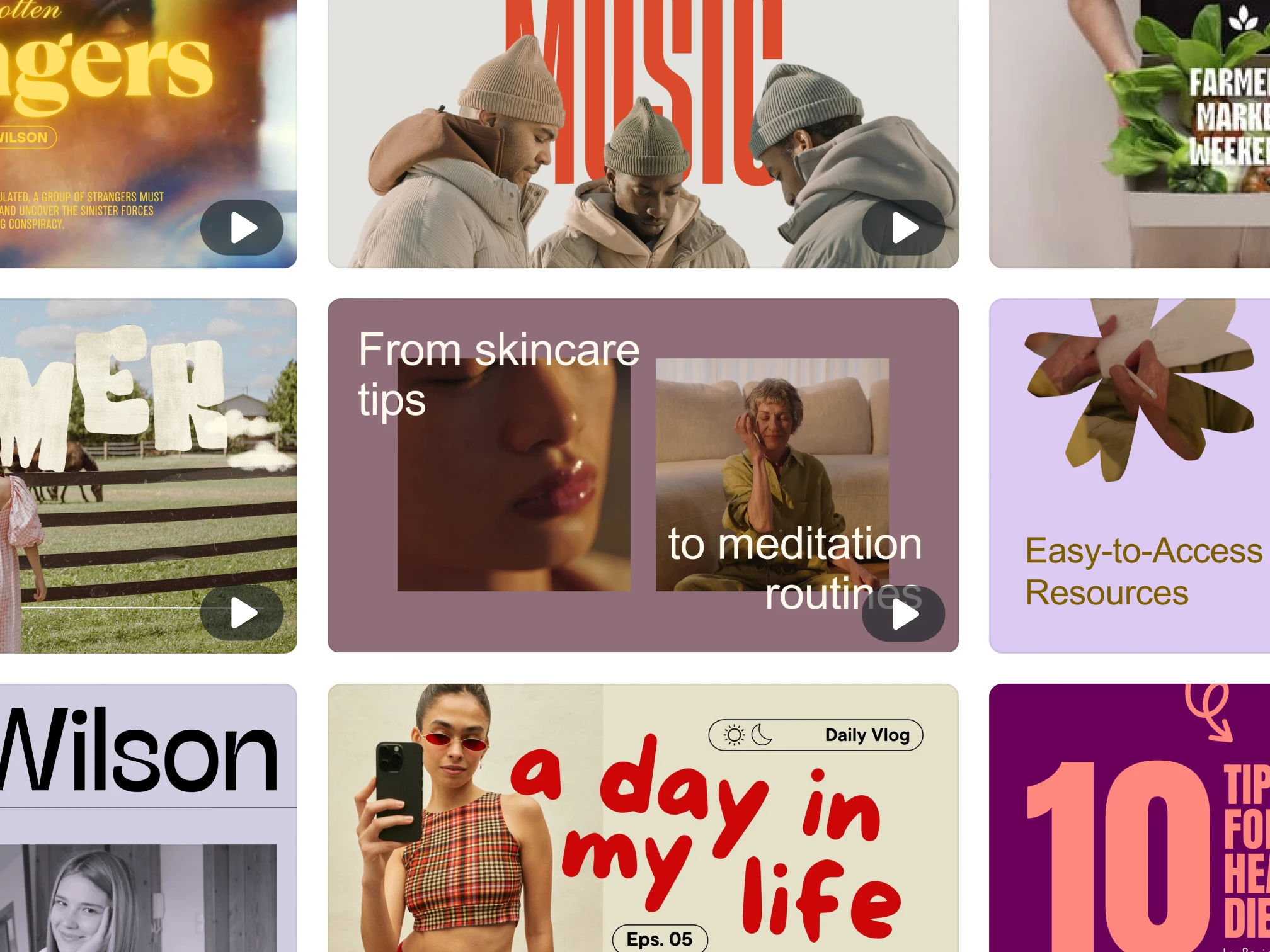
Thousands of custom YouTube video templates
With Canva’s free YouTube video editor, you can make videos with scroll-stopping effects, add stock B-roll footage , and use text animation combos. Choose from hundreds of professionally designed layouts and templates—perfect for all your YouTube channel needs, whether you're building a business or boosting your personal brand. Remove the background of any video in just one click using the video background remover (Pro) . Try your hand at our new Vlogger Sets. Fully editable and on-brand template sets that include video intros, outros, thumbnails, icons, and channel art—all tailor-fitted for the perfect vlog content.
Edit a video for YouTube
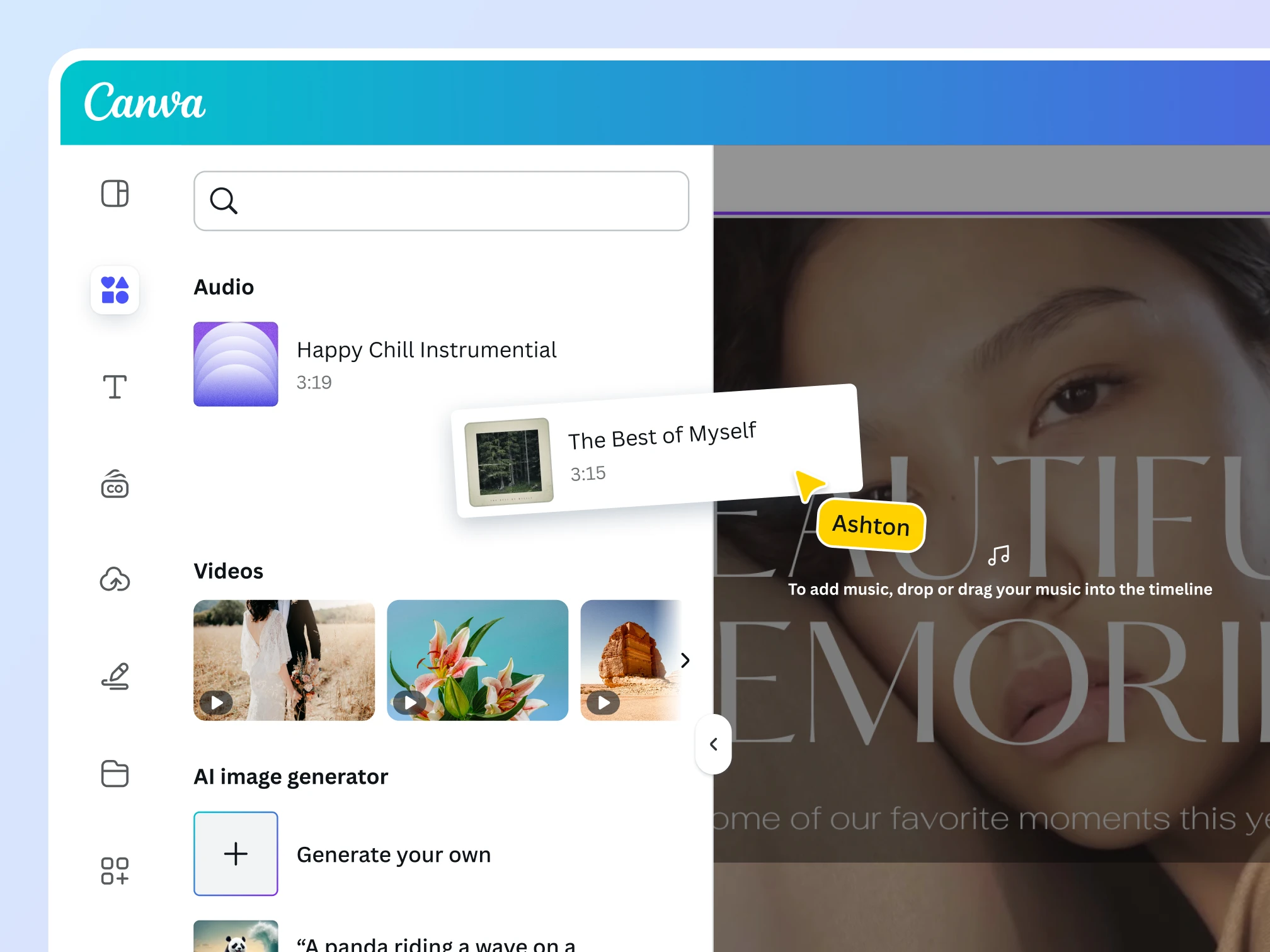
Rich graphics, video, and audio asset library
Make a strong first impression with striking YouTube channel banners. Use our YouTube video maker to find the right size for all your graphics—from thumbnails to icons to video backgrounds—and use Beat Sync to match the best stock footage with the right background music or audio clips. Access 1.5+ million tracks ranging from chart-toppers, golden oldies, and fresh finds from Canva's popular music library. Choose intriguing YouTube thumbnails that drive your click-through rate. Plus, access more professional stock photos from the Pexels and Pixabay libraries.
Edit a video for YouTube
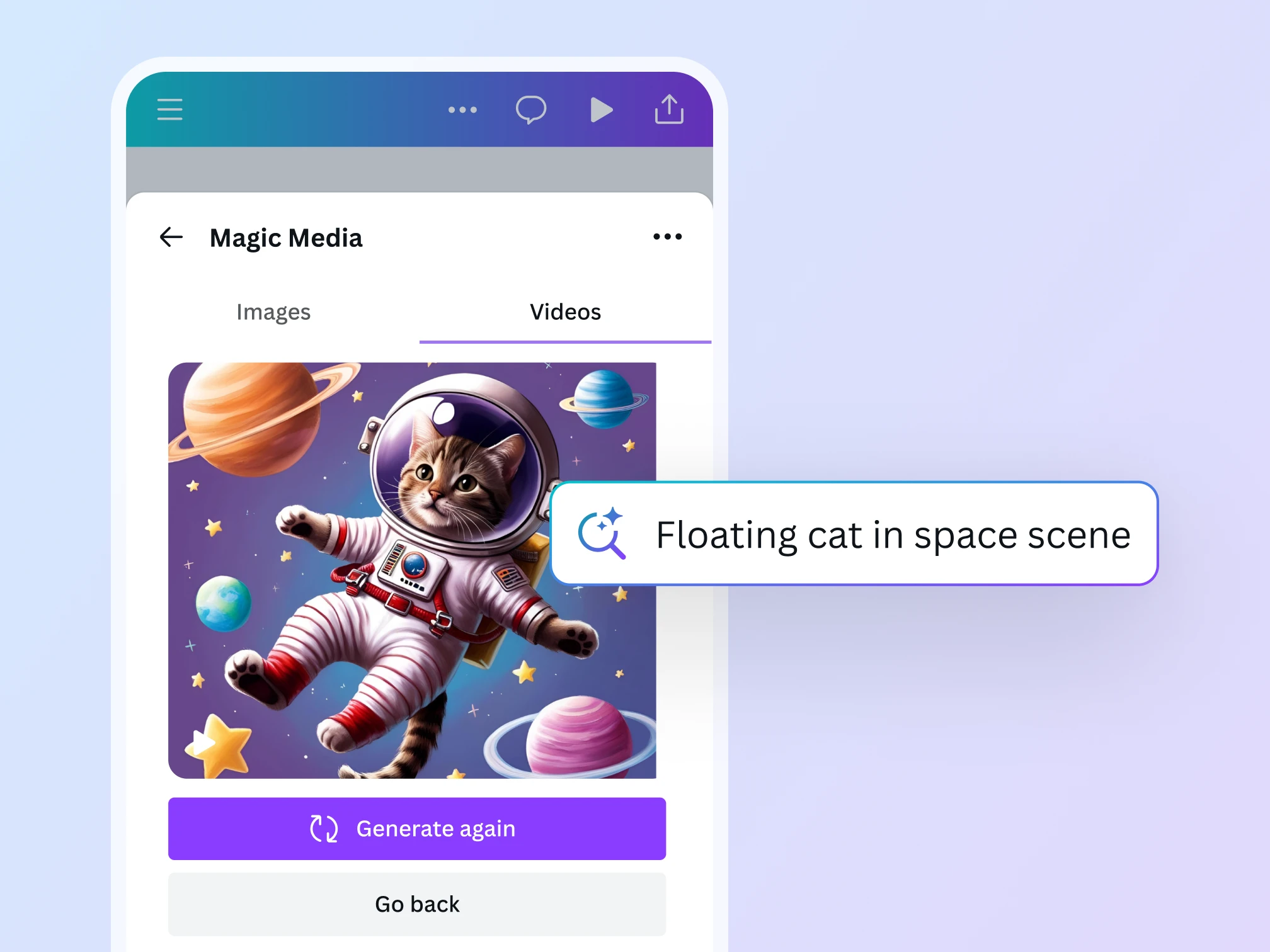
Easy to use video editing tools
Fast-track your YouTube content production with Canva’s intuitive online video editor. Trim , rotate , merge , crop , and split your videos to get them looking exactly as you need them to. Drag and drop clips where you need them to go and add animations for instant flair. You can even auto-create videos from your library with Magic Design™ for Video . As your creative assistant, Magic Design auto-edits your footage and even adds in music for you. Plus, access a suite of AI video-editing features that help you edit more YouTube videos in less time and keep your channel fresh with new uploads.
Edit a video for YouTube
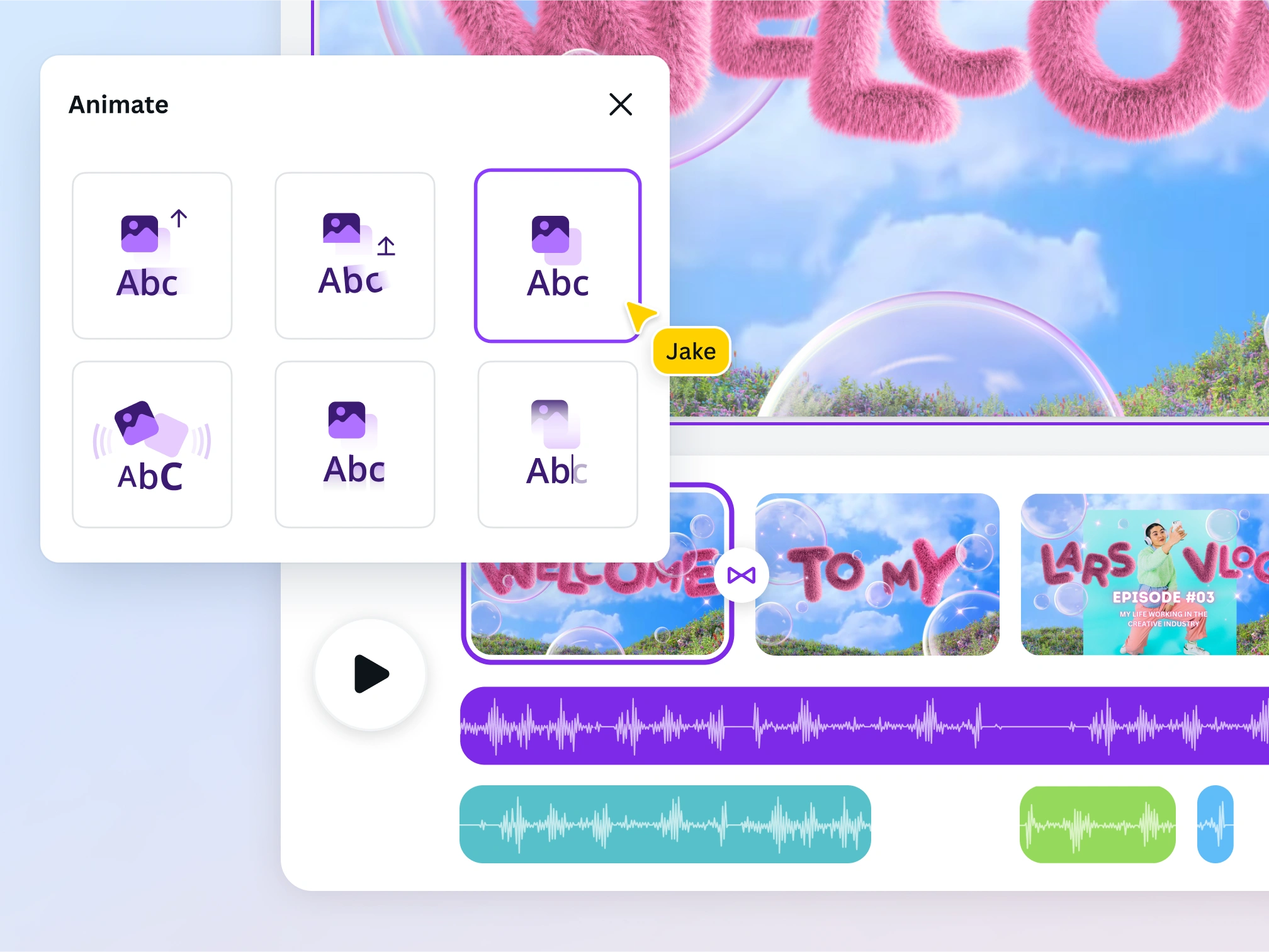
Thumb-stopping text animations and effects
Easily add text animations , effects, and transitions to your video’s splash screens to end screens. Tell more creative stories with nostalgia-inducing typewriter text effects to energetic bounce and slide animations. For instant, effortless animation, use Magic Animate (Pro) to add motion and flow to videos in one click. Use matching Like, Subscribe, and Comment icons or gifs to increase viewer engagement and watch time. With our watermark-free YouTube video editor, you have all the tools needed to improve audience retention and keep viewers interested until the end.
Edit a video for YouTube
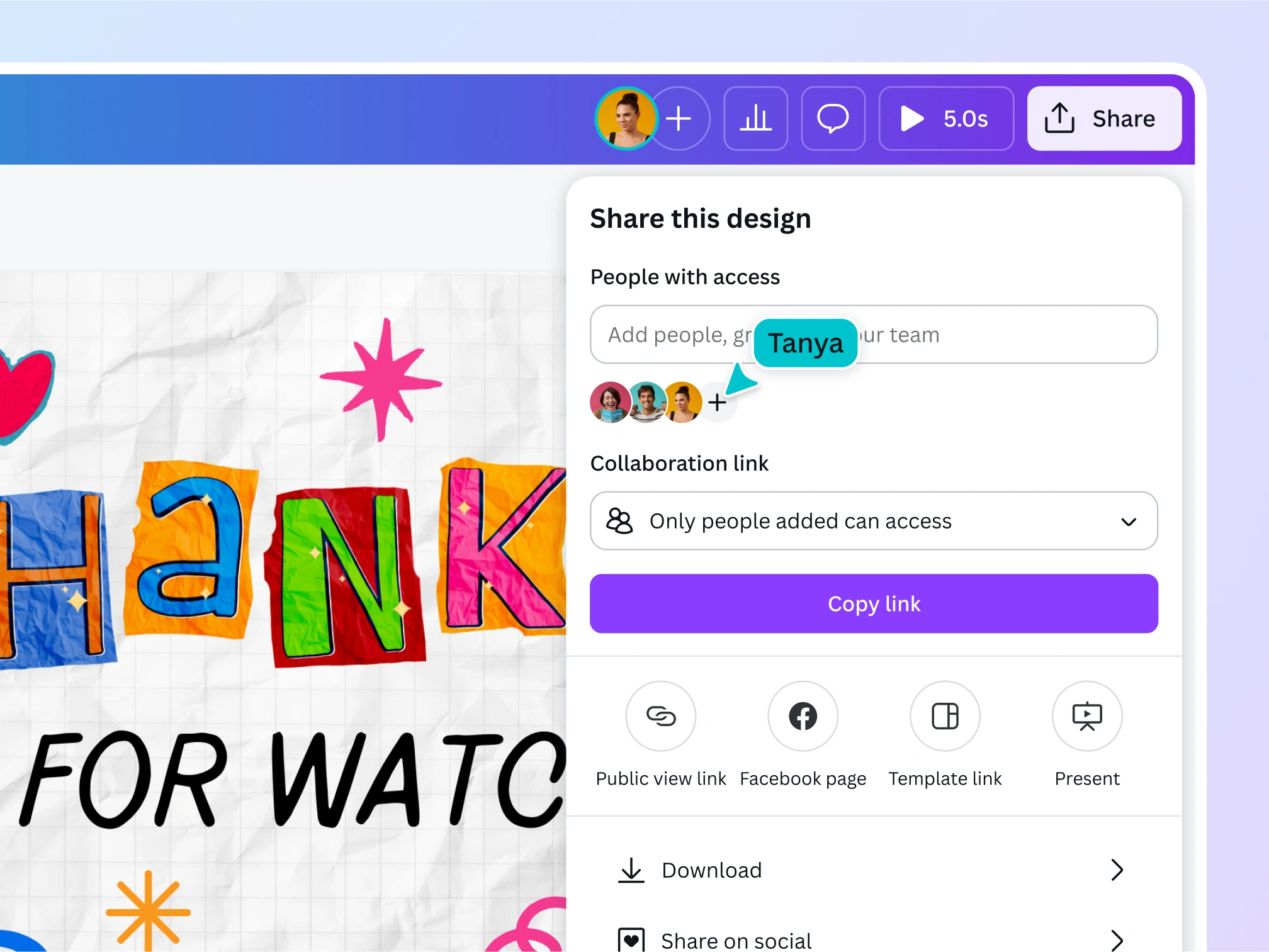
Seamless collaboration across different devices
Collaborate with others on mobile and web seamlessly. Add comments, assign tasks, and work on the same video project right from Canva’s video editor. Showcase team effort with the easy integration of on-brand logos, color schemes, video intro or outro clips, and other graphic elements.
Edit a video for YouTube
Explore the best of Canva video for Youtube
Hook
Landscape
Start of list: templates and elements
Skip to end of “templates and elements” list
Skip to start of “templates and elements” list
End of list: templates and elements
The video editor for every YouTube content creator
For entertainment
Create engaging videos for every niche and grow your community on YouTube.
For education
Share knowledge, make tutorials and how-tos, and help people boost productivity.

For business
Tell the story of your brand with compelling, on-brand video templates.
All the features you need
Canva’s free drag-and-drop design tools make it easy to create any design, fast!
Video timeline editing
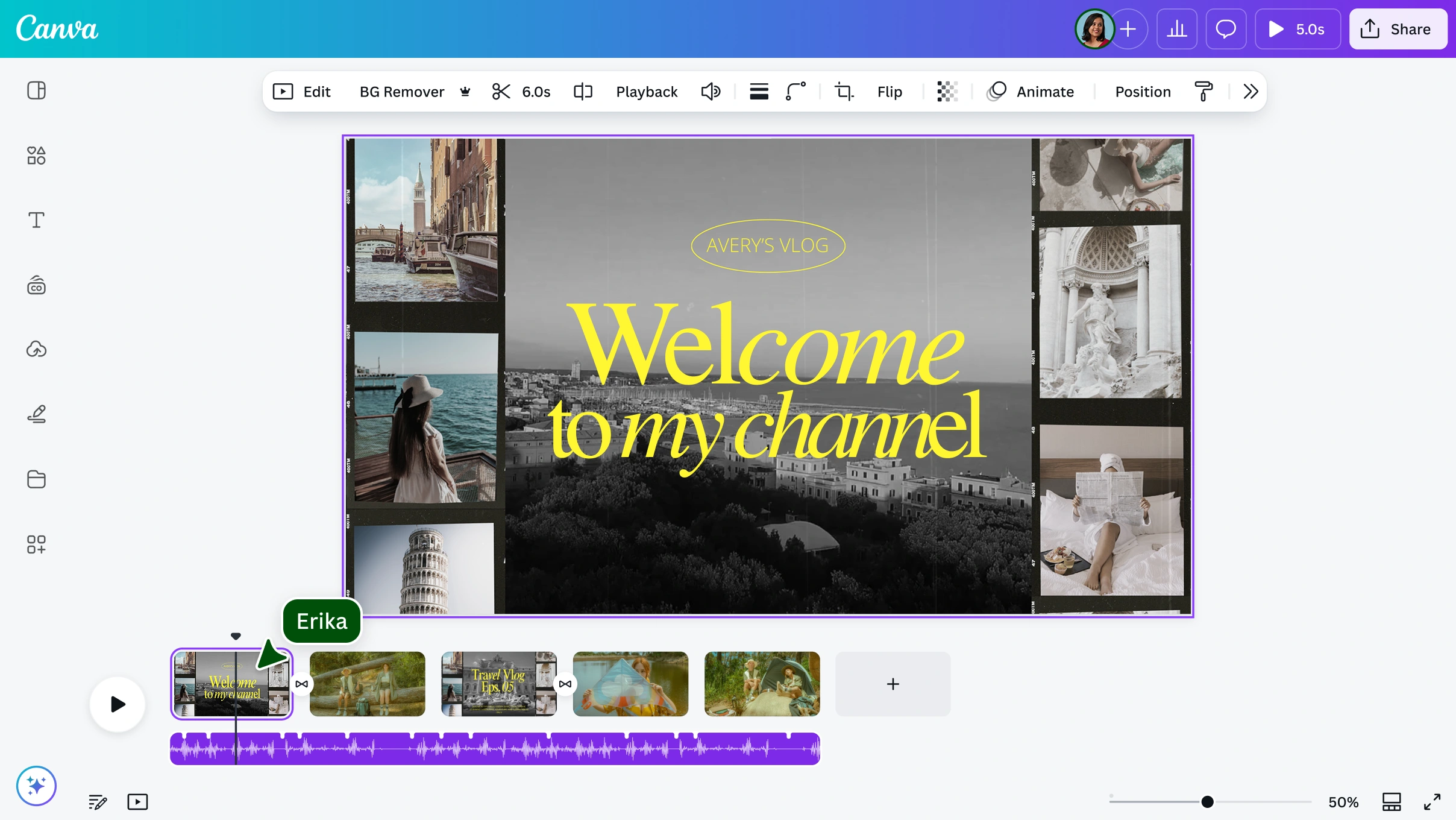
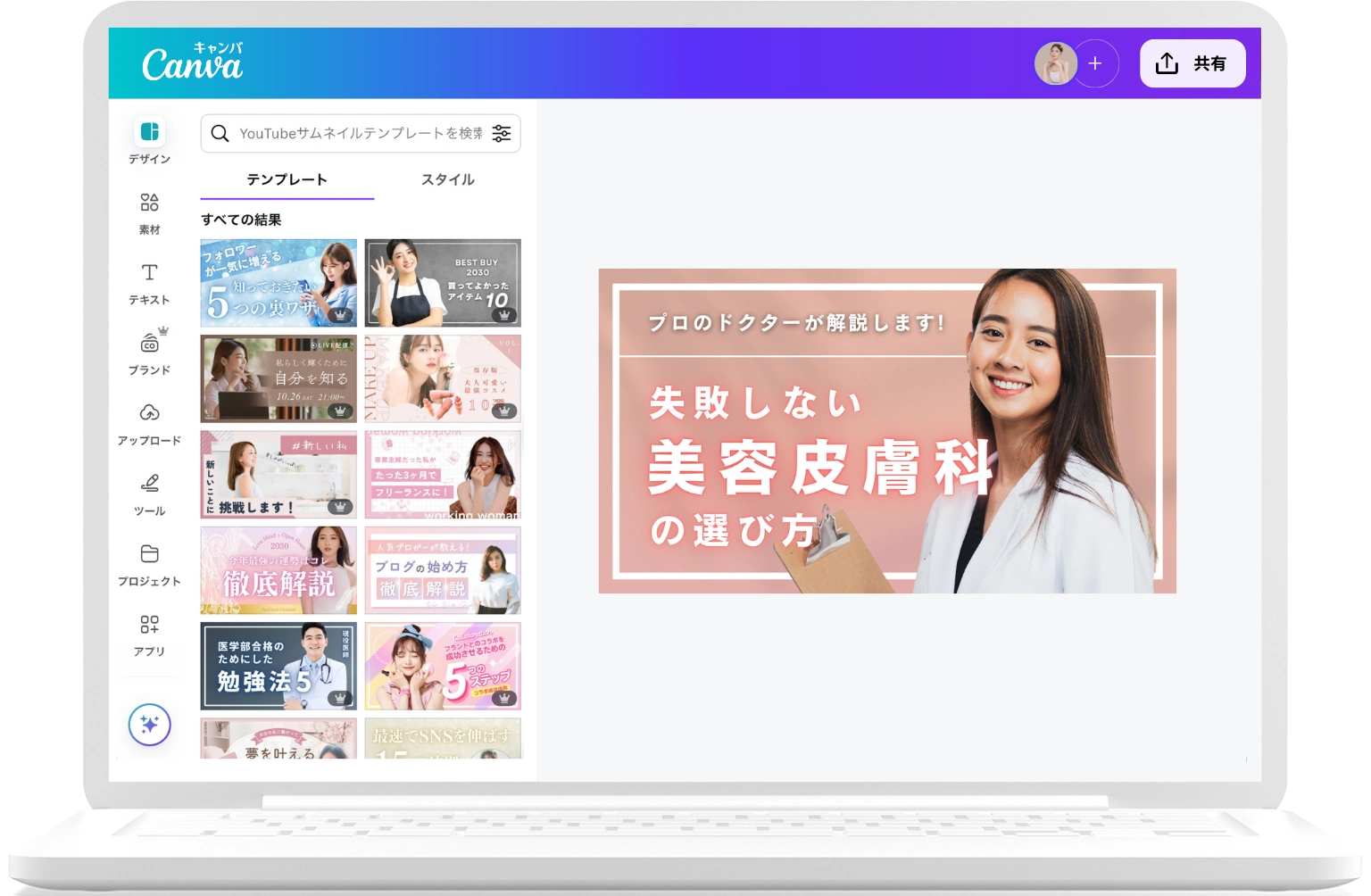
Upload your own videos or use stock content. Easily drag and drop into a timeline view with proportional scenes that you can preview right in the editor.
Get your content out to the world instantly
Publish straight from Canva to Facebook, Instagram, TikTok, Pinterest, Tumblr, LinkedIn, WhatsApp, and more.
Thousands of free templates and millions of video clips
Never run out of ideas with customizable templates and a library of free stock videos , images, and graphics. You can also get premium audio and video clips that elevate the production value of your video.

Real-time collaboration
Collaborate on videos in real-time. Leave comments or assign actions on specific scenes for your team.
Edit on any device
Wherever inspiration strikes, you’ll be able to capture it. Edit your videos with a full timeline on your mobile, browser, or desktop app.
In-app recording
Record yourself and your screen directly in Canva using our online video recorder and edit on the spot.

Pre-licensed audio tracks
Choose from over 25k licensed tracks or upload your own. Add multiple tracks to your video timeline to set the mood or narrate your story.
Text, overlays, and transitions
Easily add text , overlays, and titles, with cinematic video transitions to move from one scene to another for a seamless, professional flow.
Page, element, and text animations
Animate any element or even the whole frame with just a few clicks, with smart recommendations to pair the right animations together.
Split and splice
Split your video into multiple sections to quickly remove unnecessary footage or reorder your story.
Crop, resize, and flip
Seamlessly crop your video , resize clips (Canva Pro), or horizontally or vertically flip your footage to suit your desired screen size or display output.
Trim, cut, and split
Trim or cut your video to remove unwanted sections and split, splice, and merge clips seamlessly.
AI video editing apps
Make pro video editing easier with Enhance Voice, Auto-trim, and Highlights, all powered by AI.
Video speed controls
Speed up or slow down video elements in a Canva design. You can choose to make your videos faster for a time-lapse effect or slow down for slow motion.
Download or store
Download or store
Download your Videos as MP4s, SVG, or GIF files. If you need more time, Canva stores all your content safely in the Cloud.

Captions
Auto-generate Captions to make your videos more engaging and accessible. Edit, brand, animate, and export all within Canva. No additional software needed.
Beat Sync
Sync your videos to music seamlessly with Beat Sync , our online audio syncing tool—all without leaving the video editor.
Create an Animation
Create and control how your animations move. By recording an animation, you can create custom pathways for any of your animated elements.
How to make YouTube videos
Open Canva’s YouTube video editor. Select a YouTube video template or start one from scratch.
Upload your footage, music, audio narration, or other video content into the editing timeline. Explore our media library for more stock videos, photos, and music tracks.
Use video editing tools like trim, cut, and splice to polish your video clips. Try Magic Design™ to speed up your video editing.
Add text and photo effects, transitions, and animations. Fine-tune the intro and outro clips, as well as the audio track. Use our AI video editing features to polish your content.
Download the watermark-free MP4 file, publish your video clip on YouTube, or share online.
Start designing
Frequently asked questions
How do you create a YouTube clip from a YouTube video for free?
To create a YouTube clip from a YouTube video for free, follow these steps:
Download the YouTube video of your choice. Make sure you have the legal rights to download the video.
Open our free YouTube clip maker and video editor tool.
Upload your YouTube video.
Edit your video by cutting, trimming, and merging the scenes you want to retain for your final video clip.
Download your video clip in MP4 format, upload to YouTube, or share it straight to different social media platforms.
How to be a YouTube video editor?
To be a good YouTube video editor, start with learning how to tell a story. Then, choose your go-to video editor tool. Practice and gain more experience organizing your workflow, adding effects and transitions, and syncing music and sounds. Gradually add advanced editing skills like color correction, creating a shot list (if you are also shooting your videos), adding jump cuts and b-roll, and further mastering your chosen video editing software.
How do you add music to a YouTube video?
To add music, sound effects, or audio tracks to a YouTube video, open the timeline editing feature on your preferred video maker or online video editing software. Next, choose from different free and premium music tracks in the audio library. See what music’s available in your region . Or, upload your own recorded narration, voiceover, or background music. Then, add the audio tracks to the video timeline. Lastly, trim, splice, or merge depending on your desired effect.
How do you make a YouTube video with pictures?
Here are the steps on how to make a YouTube video with pictures:
Choose a YouTube video editor.
Follow a pre-made video template or start with a blank slate.
Upload all pictures or images, music files, short video clips, and other graphic elements that you want to use for your video project.
Add images into the video editor workspace, then layer sound effects or background music.
Apply text effects, add transitions, and trim, splice, or crop the images and audio as desired.
Review your video’s final cut, and download the video as an MP4 file.
Upload to YouTube, add thumbnails, and then post the published link on social media.
Alternatively, you can try Magic Design for Video to auto-generate and auto-edit a video. Just pick your clops and images, and Magic Design does the rest.
What size are YouTube videos?
The recommended YouTube video sizes are:
7680x4320 (4320p, 8k quality)
3840×2160 (2160p, 4k quality)
2560×1440 (1440p, 2k quality)
1920×1080 (1080p, HD quality)
1280×720 (720p, HD quality)
854×480 (480p, SD quality)
640×360 (360p, traditional web resolution)
426×240 (240p)
The default aspect ratio is 16:9. The maximum file size is 256GB, with a maximum video length of 12 hours.
Does your YouTube Video Editor work with different browsers?
Yes! Our free online YouTube video maker and editor work with most web browsers like Google Chrome, Safari, Firefox, Microsoft Edge, and other Chromium browsers. Just make sure that you are using the latest version of your browser.
Want to avoid browser tab overload? Download our desktop video editor app to keep all your YouTube video projects and other Canva designs in one accessible workspace.
Can I make and edit YouTube videos on my phone?
Yes! Download our mobile video editing app , so you can make phenomenal YouTube videos on the go.
Can I record videos using your video editor?
Yes! Our video editor has built-in recording features that enable you to record yourself or your screen without leaving Canva. You can record voiceovers, too. With Canva’s recording studio, you can record yourself explaining a topic, demonstrating a process, reviewing a product, narrating a story or video essay, and so much more.
Do Canva videos have watermarks?
No, Canva videos do not have watermarks if you are using free elements, images, footage, and music as a Canva Free user. And if you are a Canva Pro user, your videos will not have any watermarks whether you are using free or paid elements.
To sum up, Pro or paid elements will only have watermarks on your videos if you're a Canva Free user.
What audio and video files work in the YouTube video editor?
Our YouTube video editor supports the following video file formats: .MP4, .MOV, .AVI, .WMV, .FLV, .M4V, .MPG, and .WEBM. Meanwhile, the following audio file formats are supported: MP3, WAV, OGG, AAC, and FLAC.
More resources
Find the right size for your banner, thumbnail, logo, splash screen, and other YouTube graphics.
Fast-track your channel’s success with this comprehensive guide.
Learn how to improve your channel with these tested marketing strategies.

Explore new text animation effects for stunning videos.
YouTube Video Editor
Canva’s free video editor makes it easy to stand out on YouTube. Boost your video views today with click-winning thumbnails, unique channel art, cool graphics, and engaging video templates.
Edit a video for YouTube
Skip to end of footer
Like this project
Posted Jul 9, 2026
YouTube Video Editor — templates, timeline editing, stock media, captions, AI tools, and export options tailored for YouTube creators.
Likes
0
Views
14