Docs that bring your ideas to life

Safia Elammari


Docs that bring your ideas to life
Collaborate instantly with Canva Docs, the visual-first document creator.
Get your team on the same page with Canva Docs. Easily create, collaborate, and share beautiful, AI-powered visual docs that bring your ideas to life.
Your first draft, fast with AI
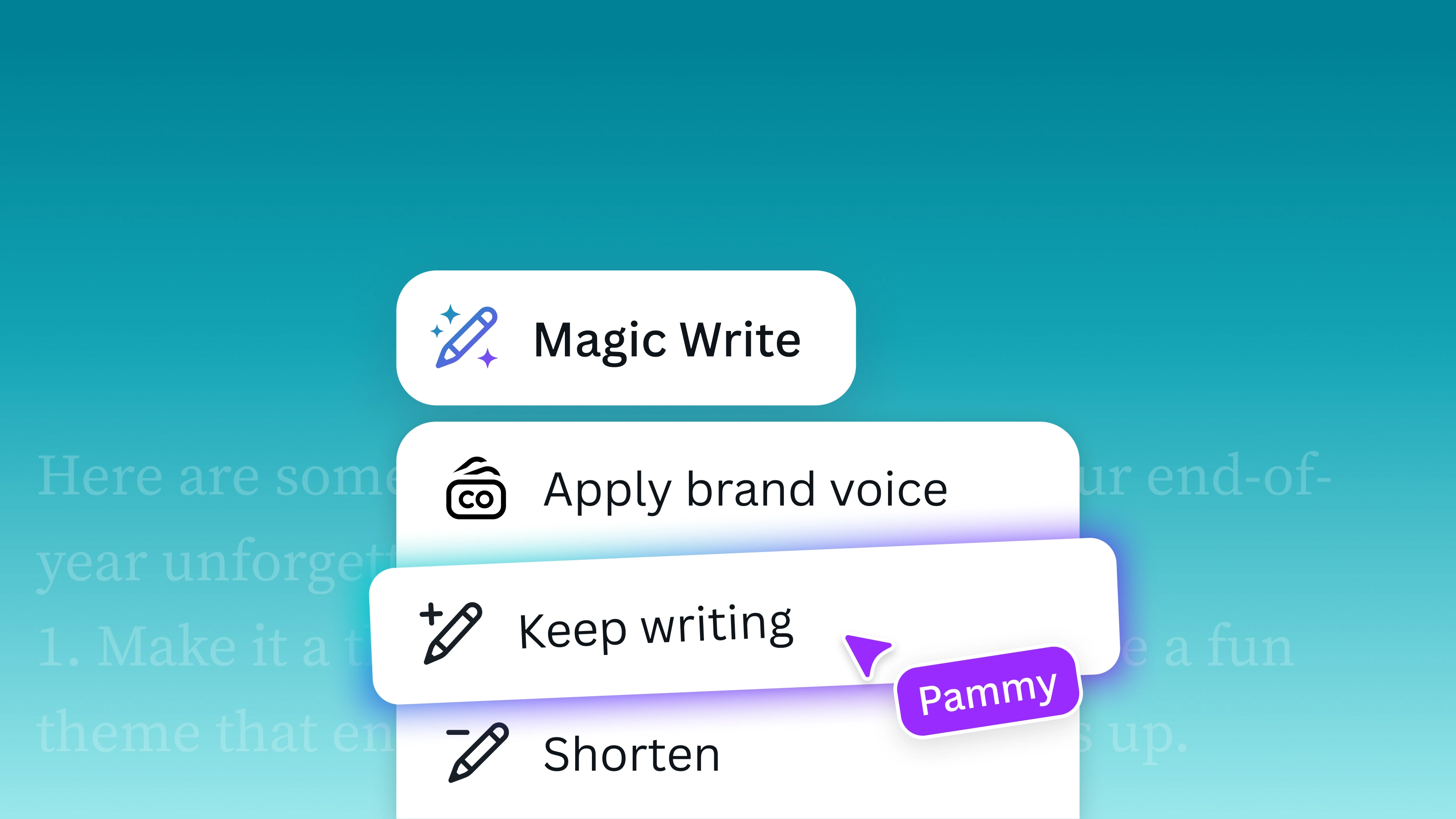
Kickstart a first draft with Magic Write™

Say goodbye to boring walls of text

Get things done, together
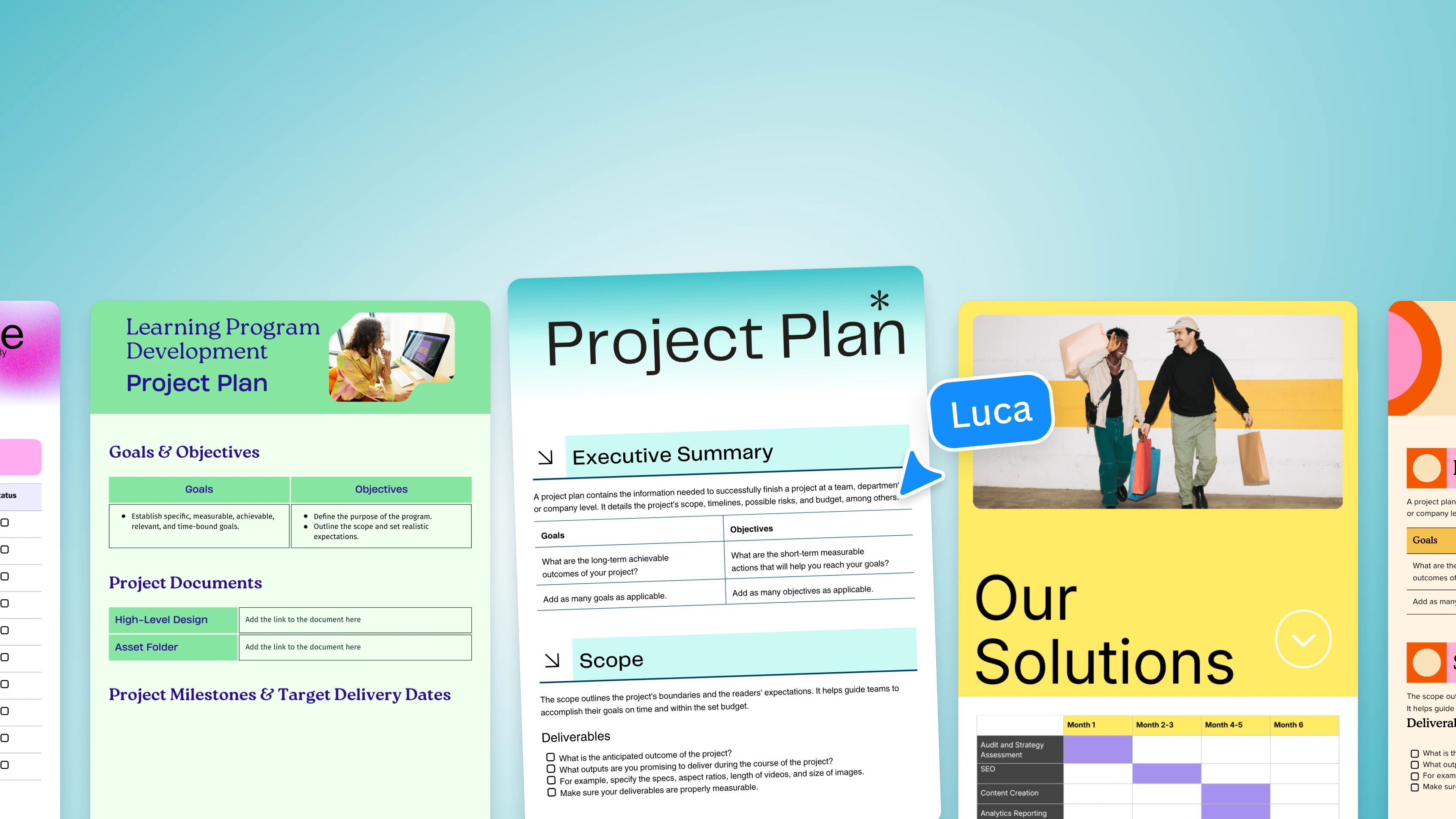
Templates for every document
Start with a trending template
Trending
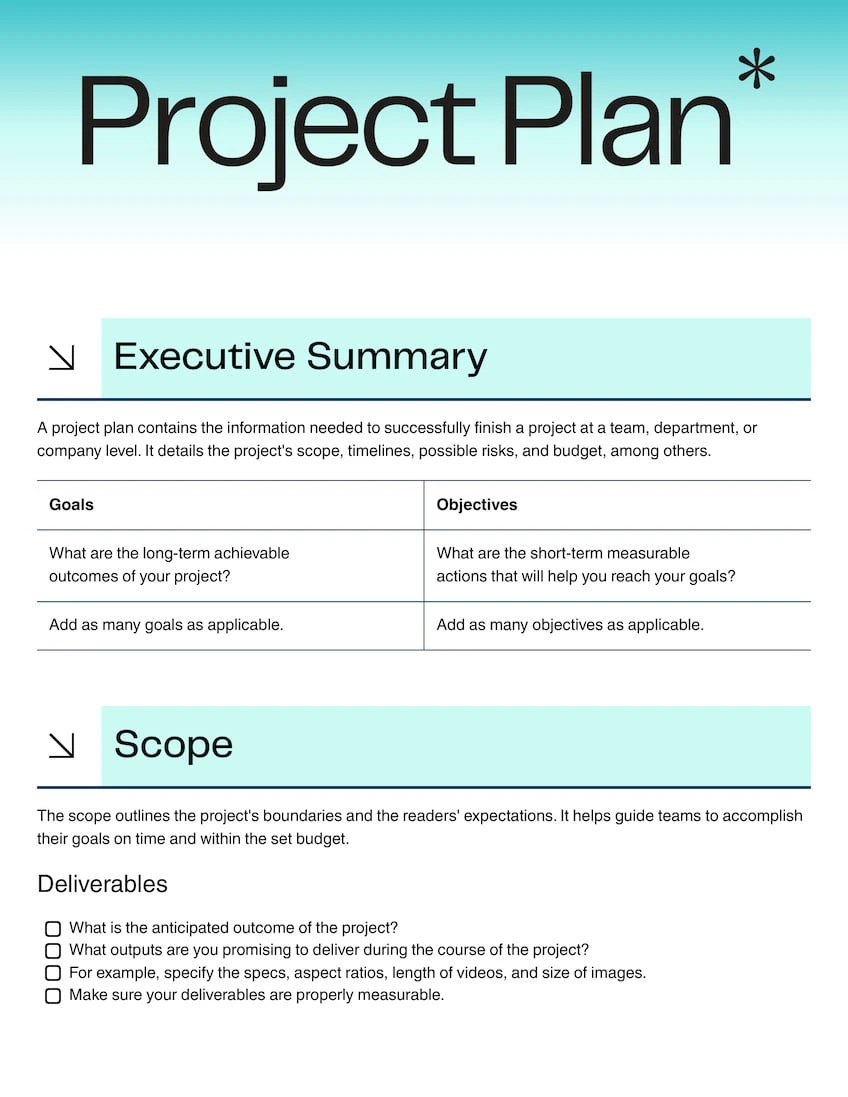
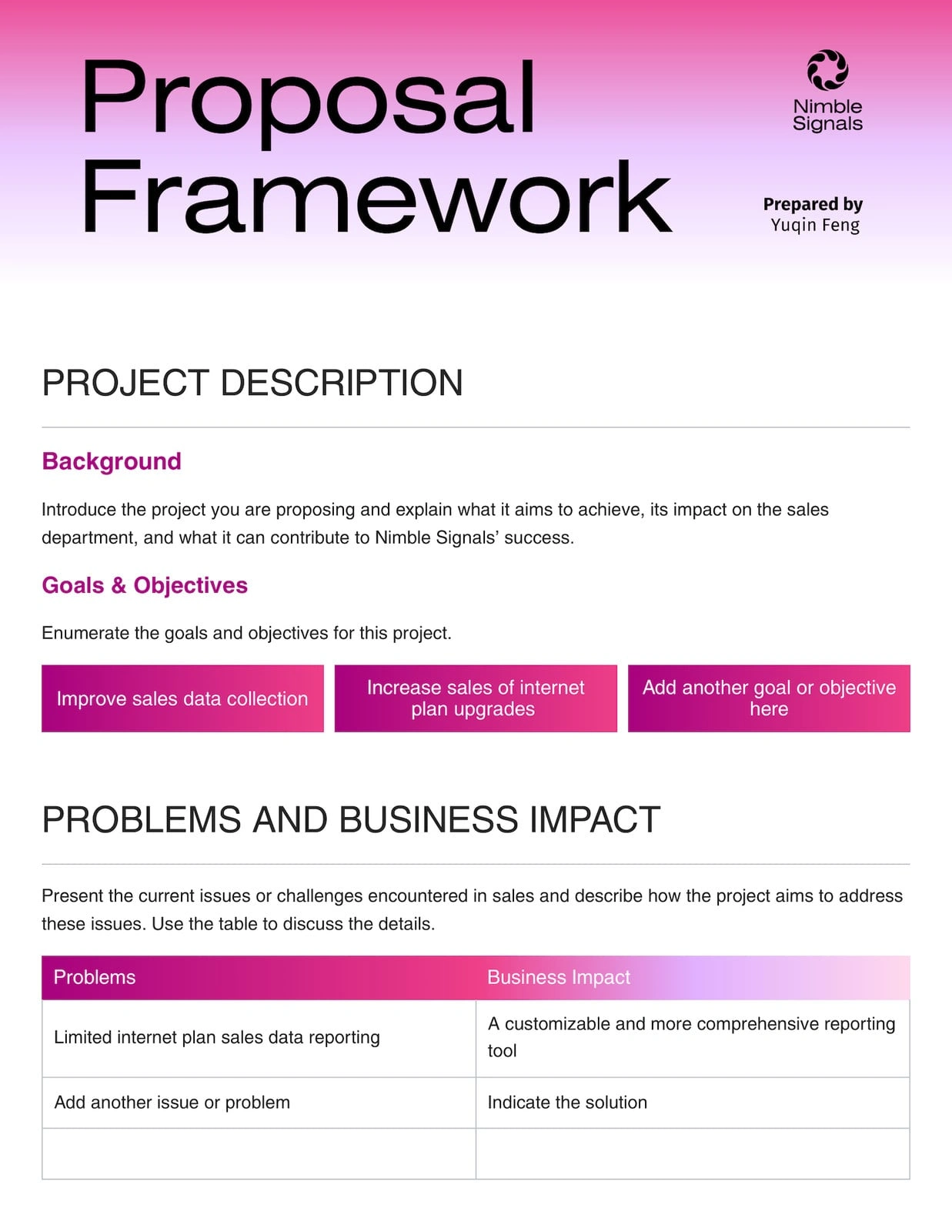
Project Scope Doc
1:1
Creative Brief
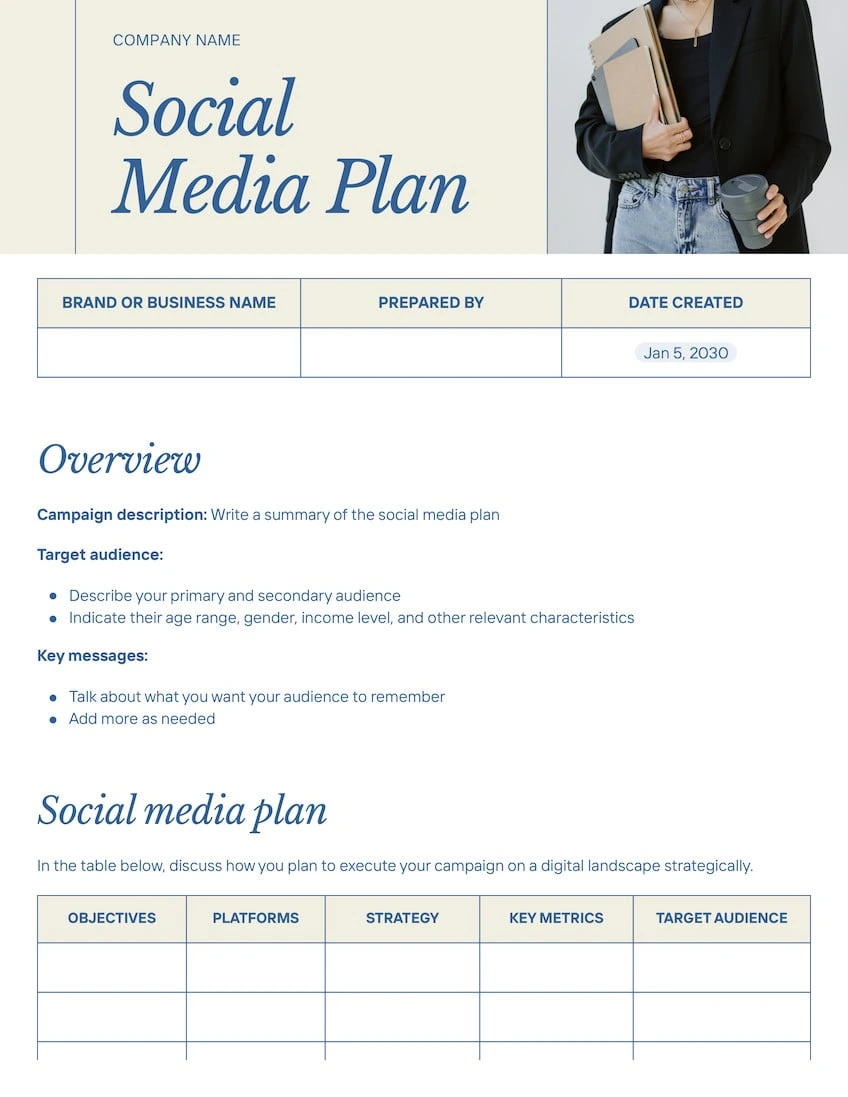
Social Media Plan
Action Plan
Questionnaire Doc
Start of list: templates and elements
Pro
Pro
Pro

Pro
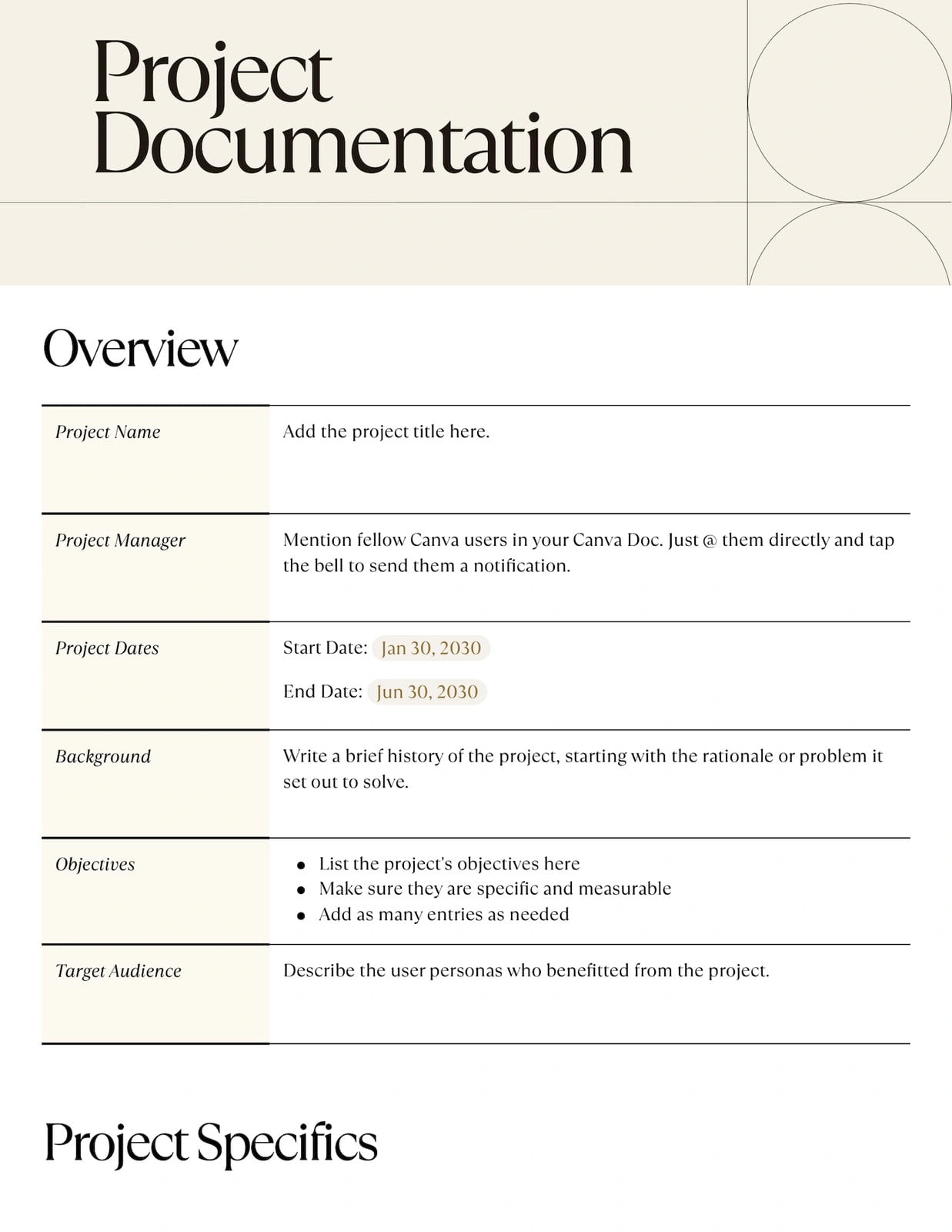
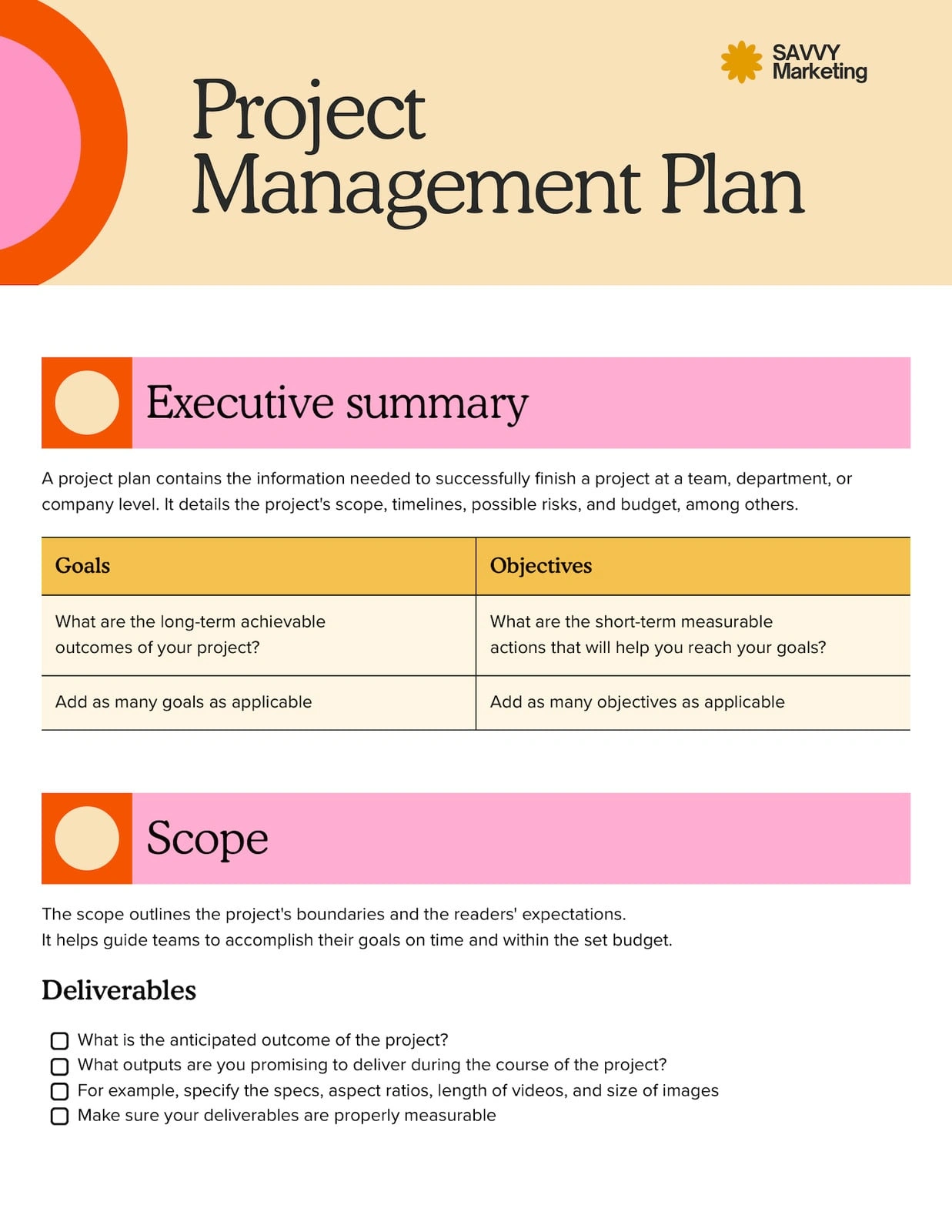
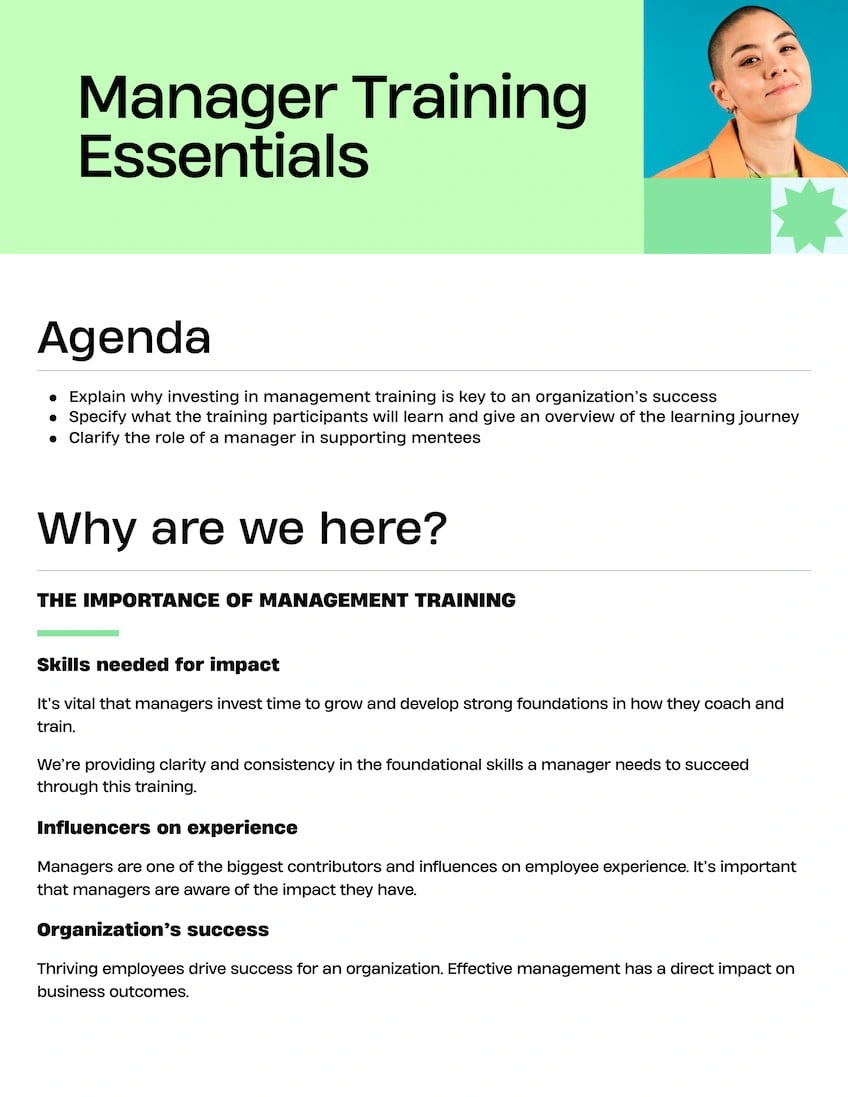
Pro
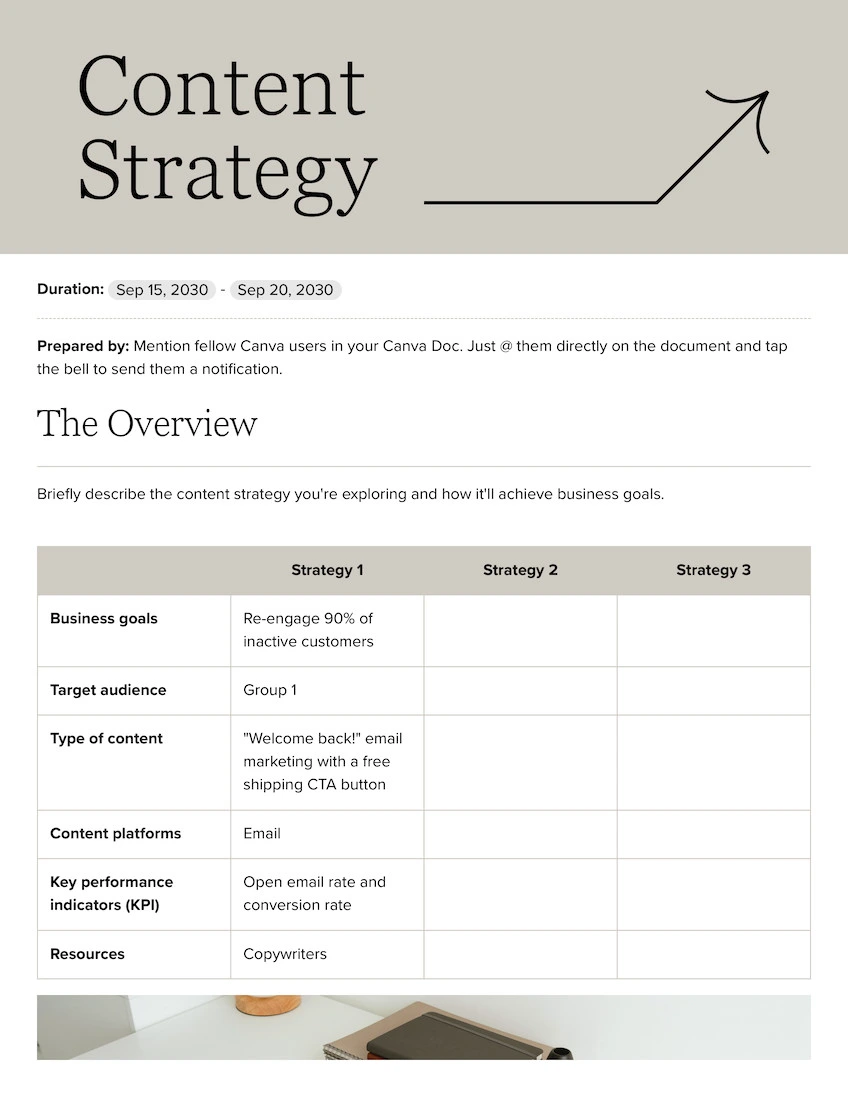

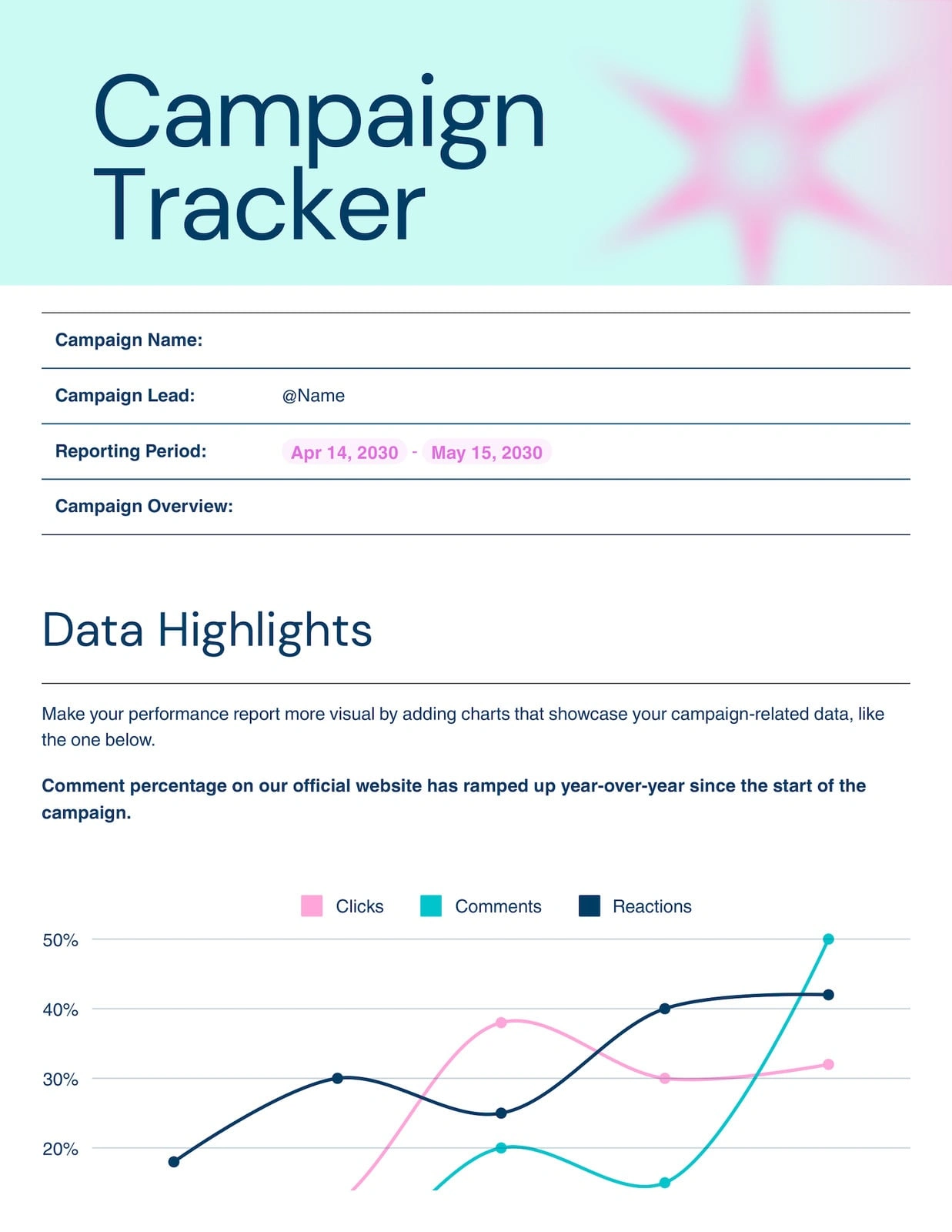
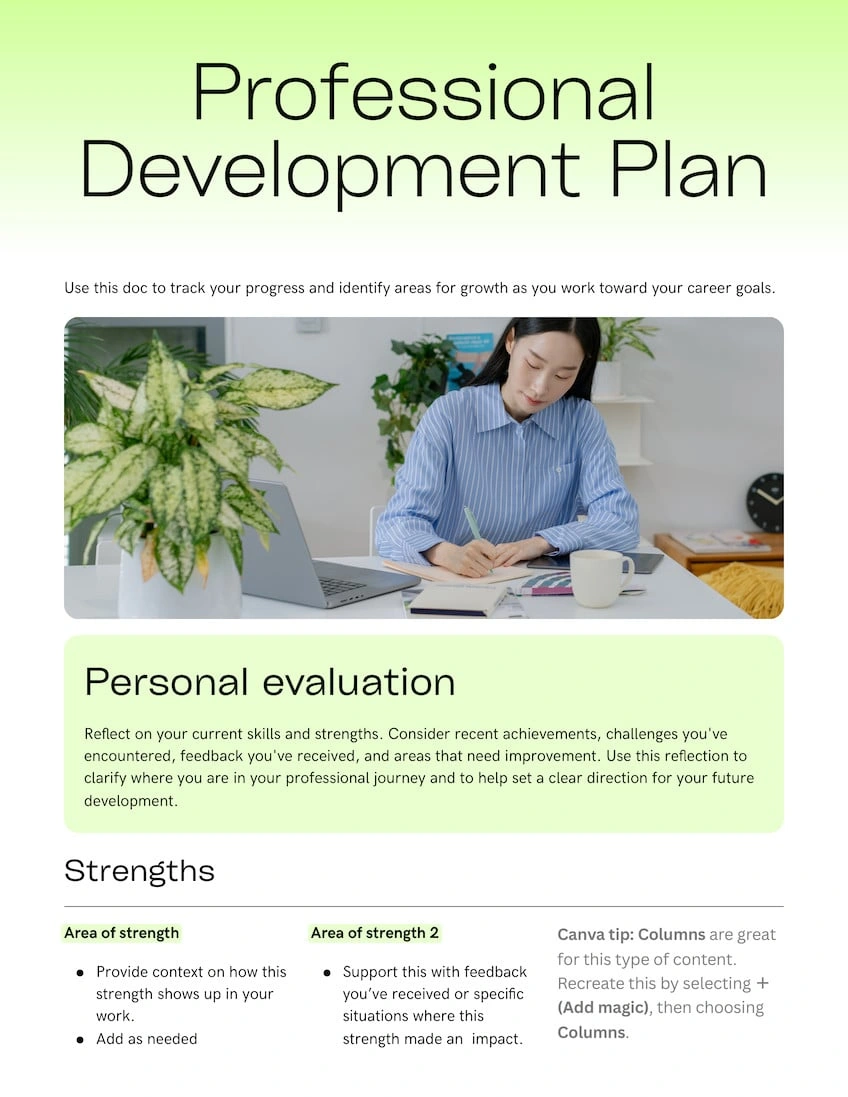
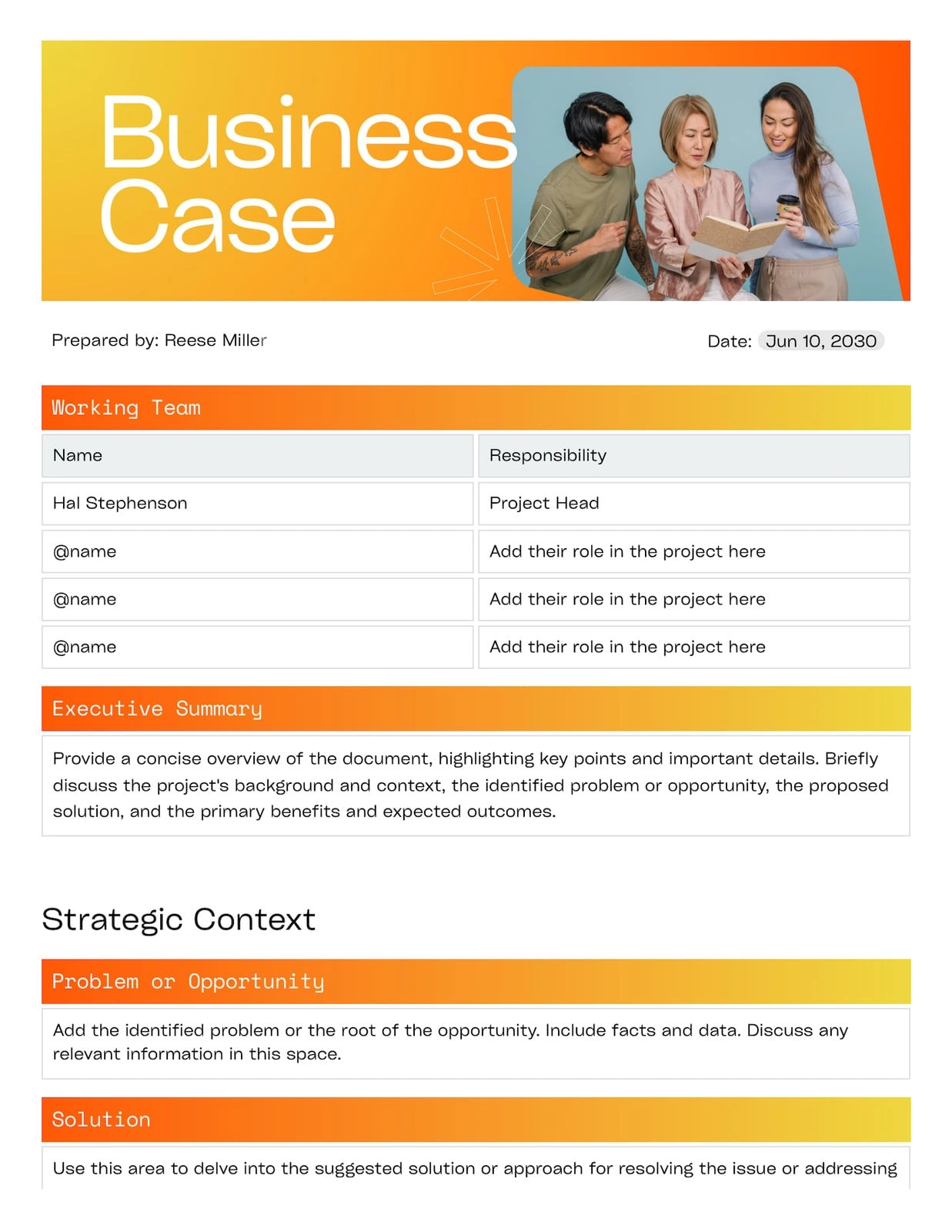
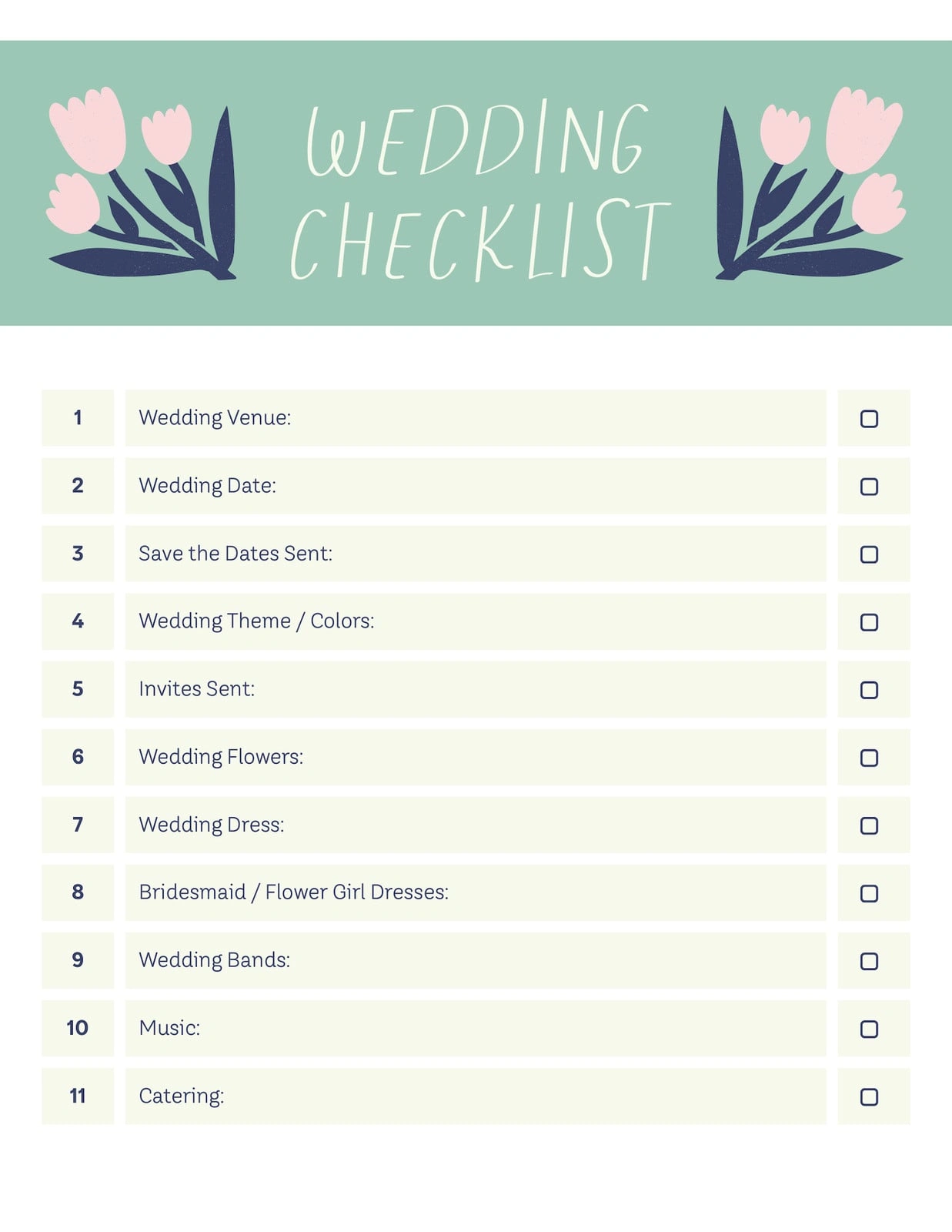
Pro
Pro
Pro
Pro
Pro
Pro
Pro
Pro
Pro
Pro
End of list: templates and elements
Design docs, reimagined
Start of list: feature
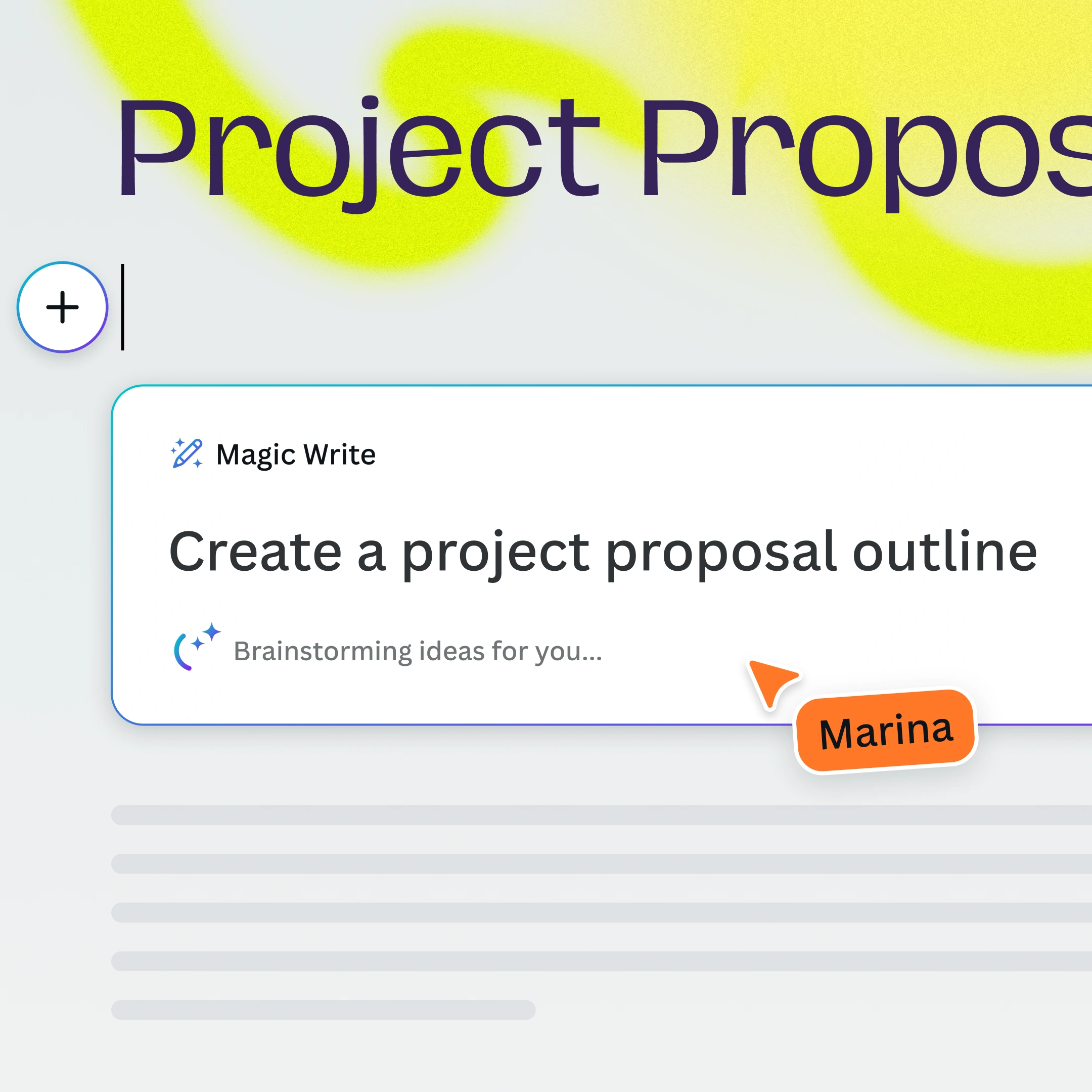
Go from idea to doc in seconds
Enhance your workflow with Magic Write and create fully formatted docs with banners and visuals. Start with a prompt, and build from there.

Tell stories with data
Transform data into scrollable, interactive designs that inspire and engage. Add animations for dynamic storytelling—no design skills needed.
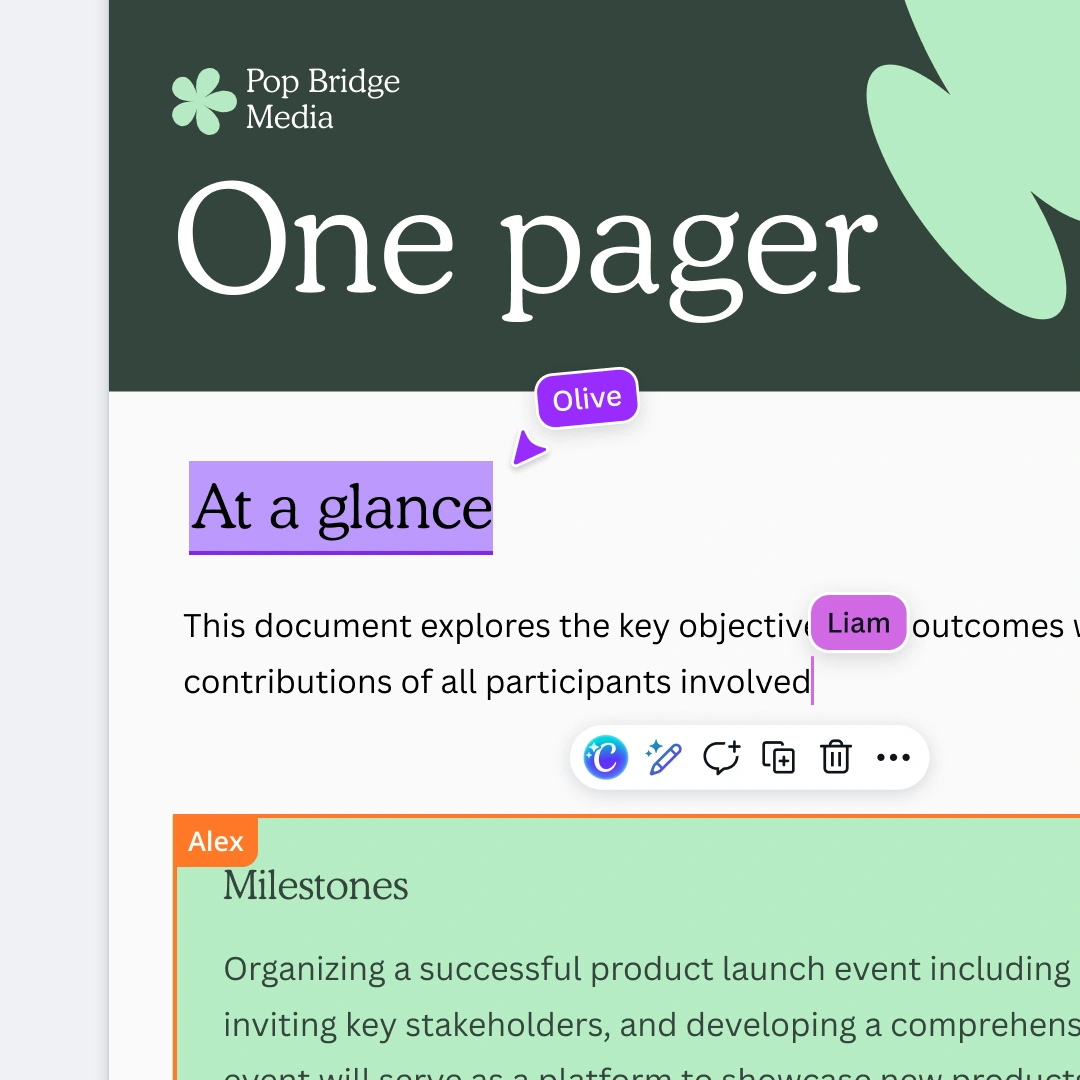
Collaborate in real time
Work together seamlessly in real time, even if your teammates don’t have a Canva account. Stay synced with cursor colors and selections.
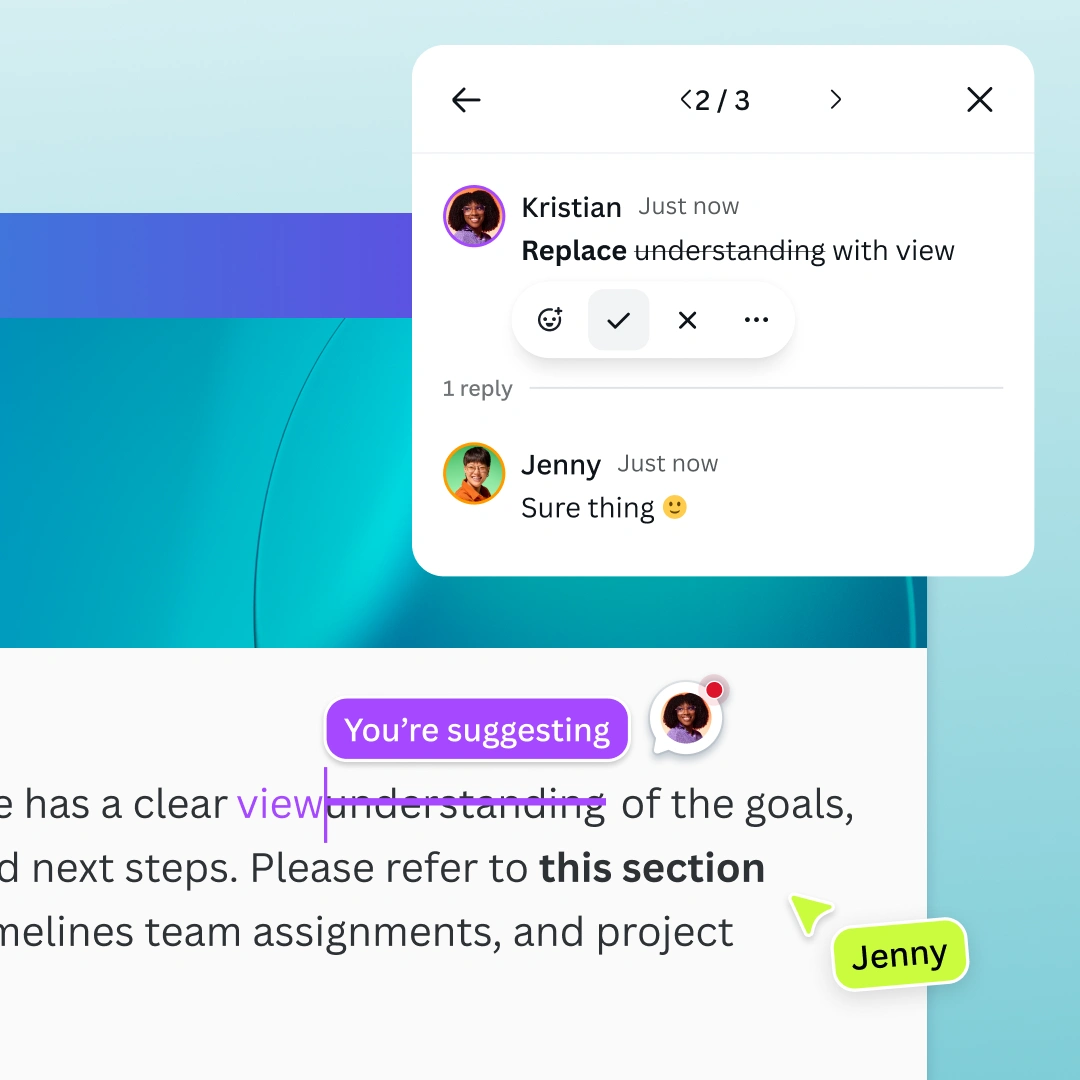
Comment, react, suggest
Leave feedback, assign tasks, or drop emoji reactions. Or, switch to Suggesting mode to track edits and tag teammates for review.
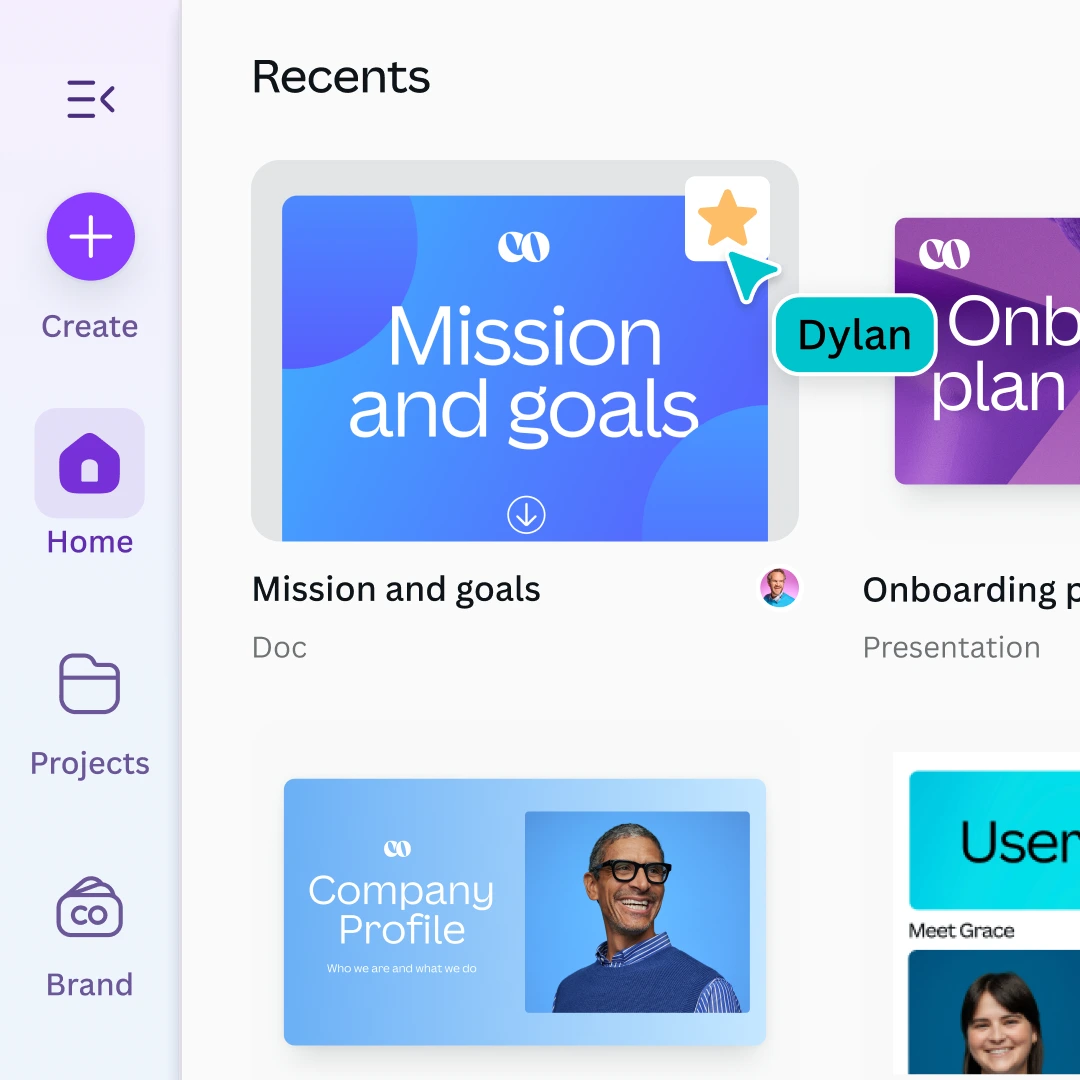
Work from one shared space
Manage all your content in one place. Organize and star important Docs so your team can quickly find what they need, anytime.
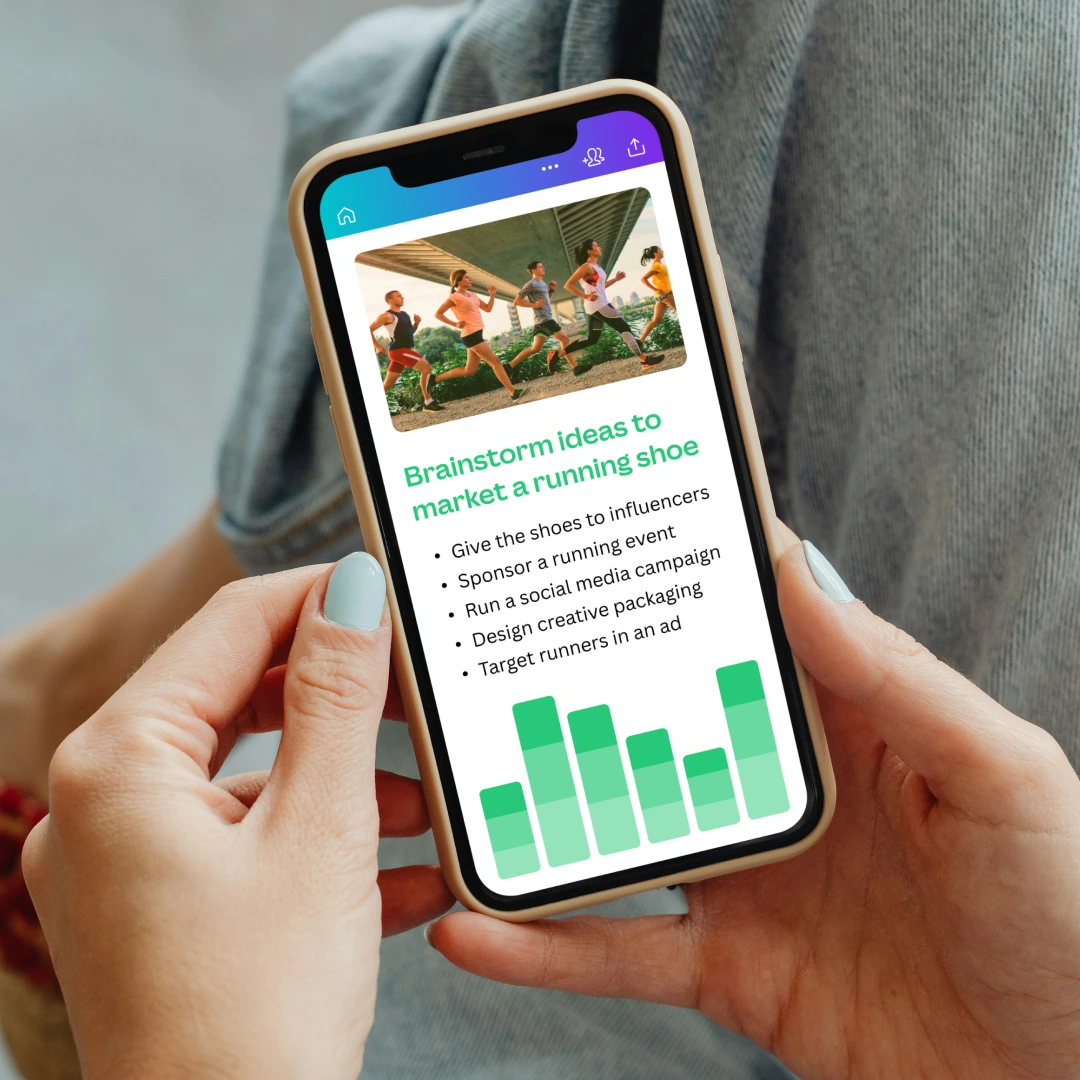
Keep creating on the go
Work on your ideas anywhere. Canva Docs runs seamlessly across desktop, tablet, and mobile so you can create wherever inspiration strikes.
Go from idea to doc in seconds
Enhance your workflow with Magic Write and create fully formatted docs with banners and visuals. Start with a prompt, and build from there.
Tell stories with data
Transform data into scrollable, interactive designs that inspire and engage. Add animations for dynamic storytelling—no design skills needed.
Collaborate in real time
Work together seamlessly in real time, even if your teammates don’t have a Canva account. Stay synced with cursor colors and selections.
Comment, react, suggest
Leave feedback, assign tasks, or drop emoji reactions. Or, switch to Suggesting mode to track edits and tag teammates for review.
Work from one shared space
Manage all your content in one place. Organize and star important Docs so your team can quickly find what they need, anytime.
Keep creating on the go
Work on your ideas anywhere. Canva Docs runs seamlessly across desktop, tablet, and mobile so you can create wherever inspiration strikes.
Go from idea to doc in seconds
Enhance your workflow with Magic Write and create fully formatted docs with banners and visuals. Start with a prompt, and build from there.
Tell stories with data
Transform data into scrollable, interactive designs that inspire and engage. Add animations for dynamic storytelling—no design skills needed.
Collaborate in real time
Work together seamlessly in real time, even if your teammates don’t have a Canva account. Stay synced with cursor colors and selections.
Comment, react, suggest
Leave feedback, assign tasks, or drop emoji reactions. Or, switch to Suggesting mode to track edits and tag teammates for review.
Work from one shared space
Manage all your content in one place. Organize and star important Docs so your team can quickly find what they need, anytime.
Keep creating on the go
Work on your ideas anywhere. Canva Docs runs seamlessly across desktop, tablet, and mobile so you can create wherever inspiration strikes.
Go from idea to doc in seconds
Enhance your workflow with Magic Write and create fully formatted docs with banners and visuals. Start with a prompt, and build from there.
Tell stories with data
Transform data into scrollable, interactive designs that inspire and engage. Add animations for dynamic storytelling—no design skills needed.
Collaborate in real time
Work together seamlessly in real time, even if your teammates don’t have a Canva account. Stay synced with cursor colors and selections.
Comment, react, suggest
Leave feedback, assign tasks, or drop emoji reactions. Or, switch to Suggesting mode to track edits and tag teammates for review.
Work from one shared space
Manage all your content in one place. Organize and star important Docs so your team can quickly find what they need, anytime.
Keep creating on the go
Work on your ideas anywhere. Canva Docs runs seamlessly across desktop, tablet, and mobile so you can create wherever inspiration strikes.
Go from idea to doc in seconds
Enhance your workflow with Magic Write and create fully formatted docs with banners and visuals. Start with a prompt, and build from there.
Tell stories with data
Transform data into scrollable, interactive designs that inspire and engage. Add animations for dynamic storytelling—no design skills needed.
Collaborate in real time
Work together seamlessly in real time, even if your teammates don’t have a Canva account. Stay synced with cursor colors and selections.
Comment, react, suggest
Leave feedback, assign tasks, or drop emoji reactions. Or, switch to Suggesting mode to track edits and tag teammates for review.
Work from one shared space
Manage all your content in one place. Organize and star important Docs so your team can quickly find what they need, anytime.
Keep creating on the go
Work on your ideas anywhere. Canva Docs runs seamlessly across desktop, tablet, and mobile so you can create wherever inspiration strikes.
Skip to start of “feature” list
End of list: feature
Discover Docs
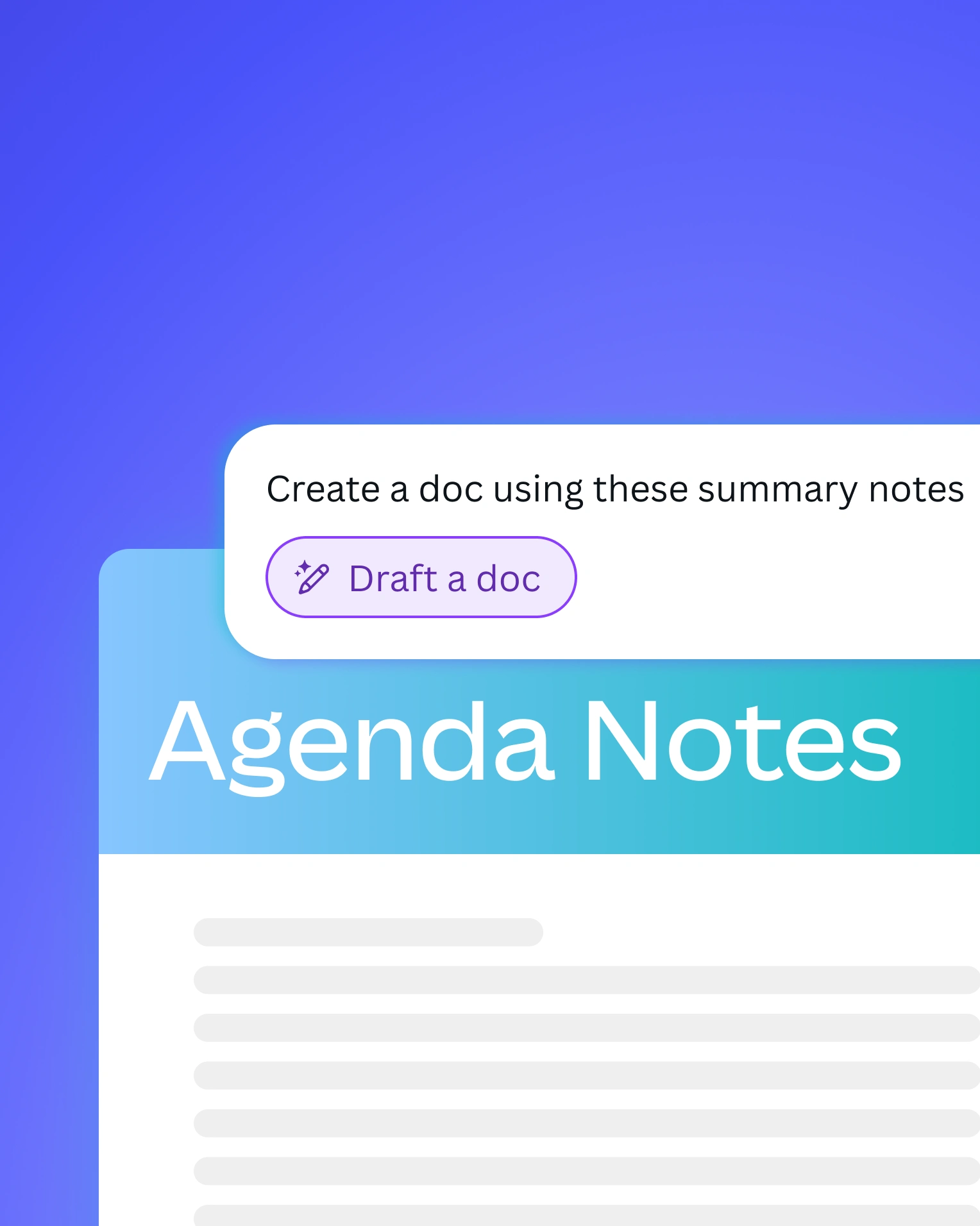
Make the most of AI-powered features
Deliver dynamic stories with Scrollables
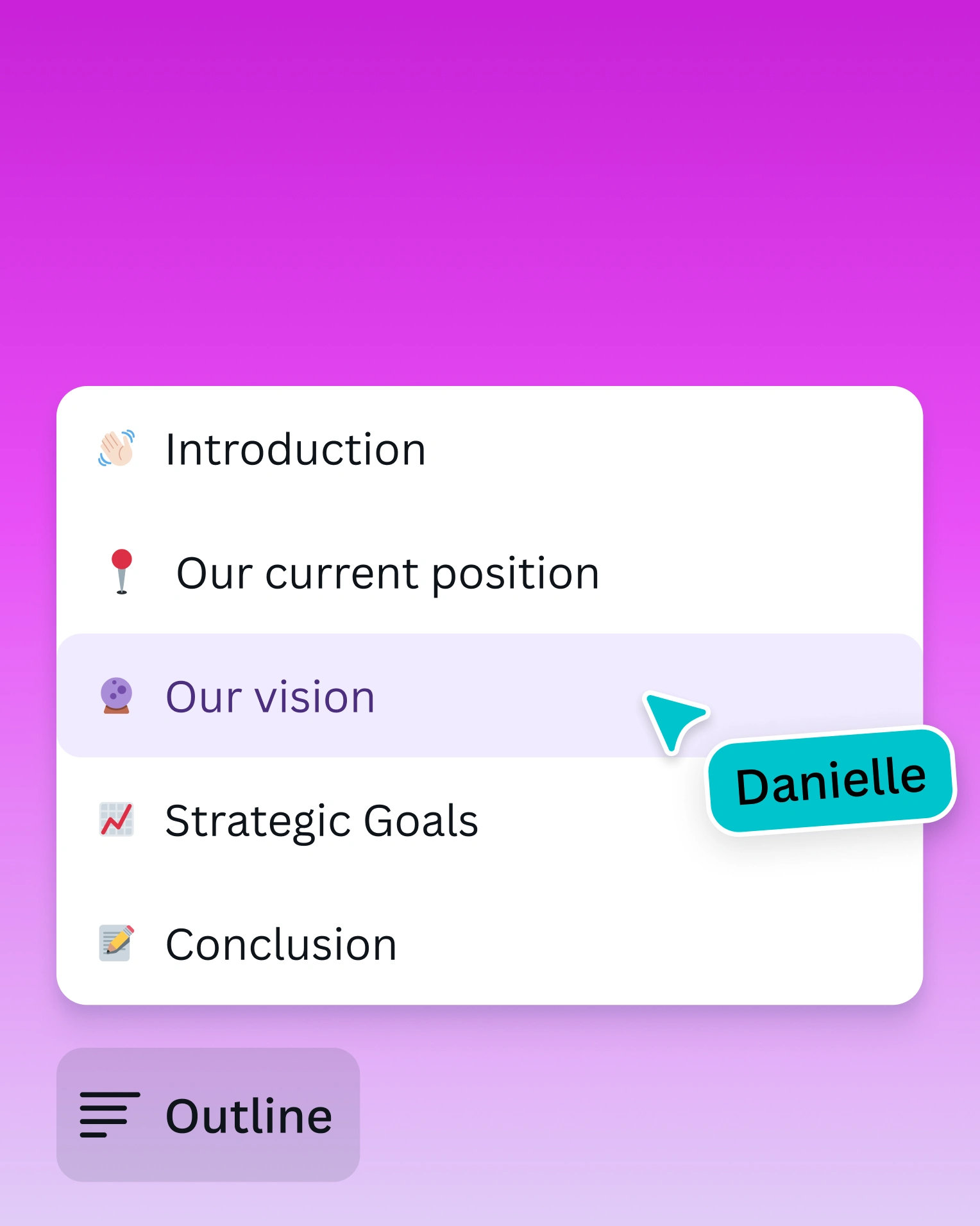
Navigate your Doc easily with Outlines

Track engagement with built-in Insights
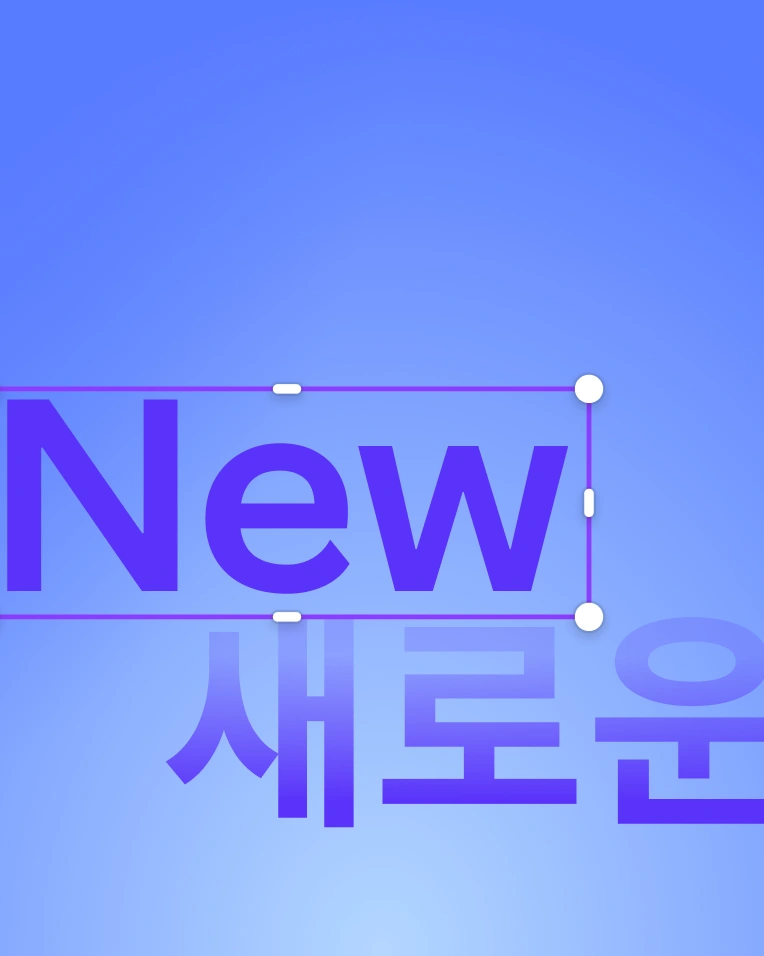
Take your Docs global with Translate
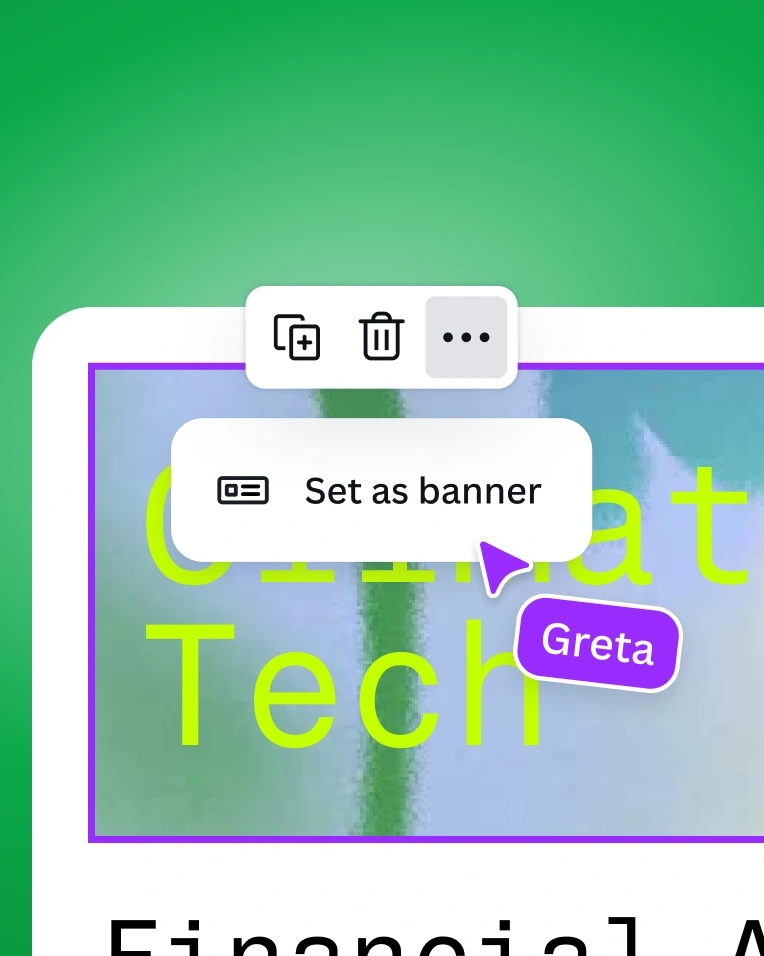
Add banners that make your Docs pop
Everything in one place
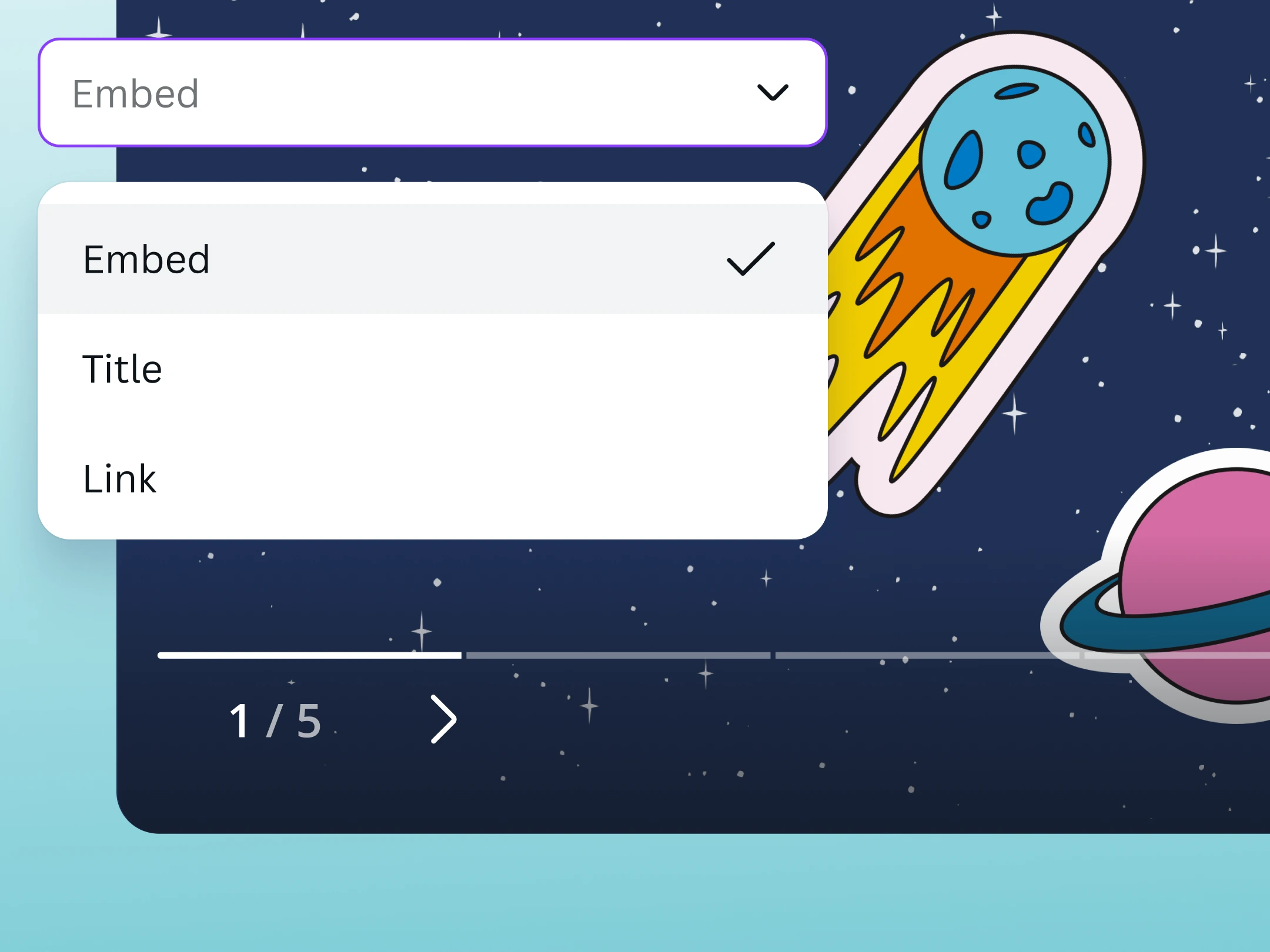
Embed your Canva designs, presentations, posts, and graphics directly into Docs.
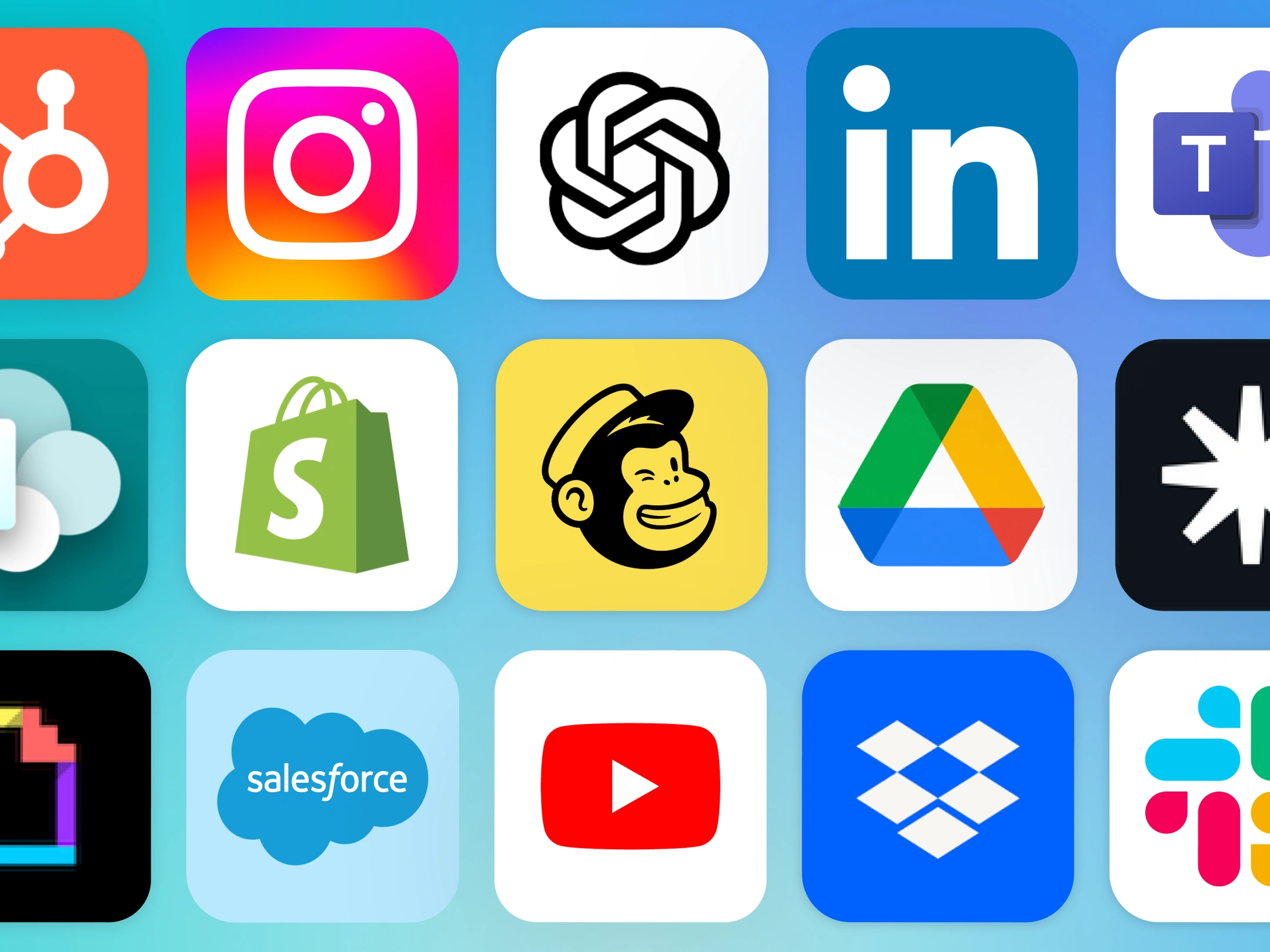
Supercharge your Docs with Canva-integrated apps that make creating more fun.

Create, store, and manage all your Docs alongside your other Canva content.
Features that inspire creativity
Free
Pro
Canva AI
Limited Access
Higher Access
Scrollables
Included
Magic Resize™
Not Included
Included
Banners
Included
Customizable charts and tables
Included
Show all features
Get started with Canva Docs
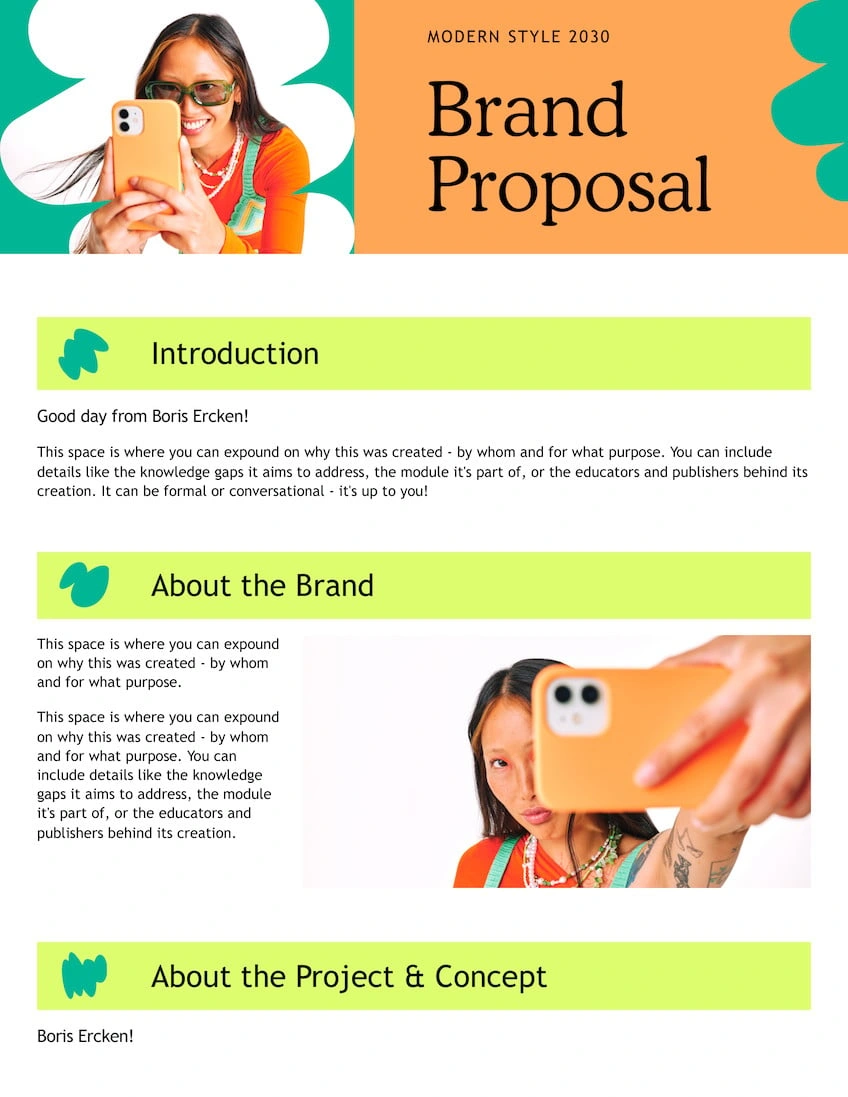
Business Proposal
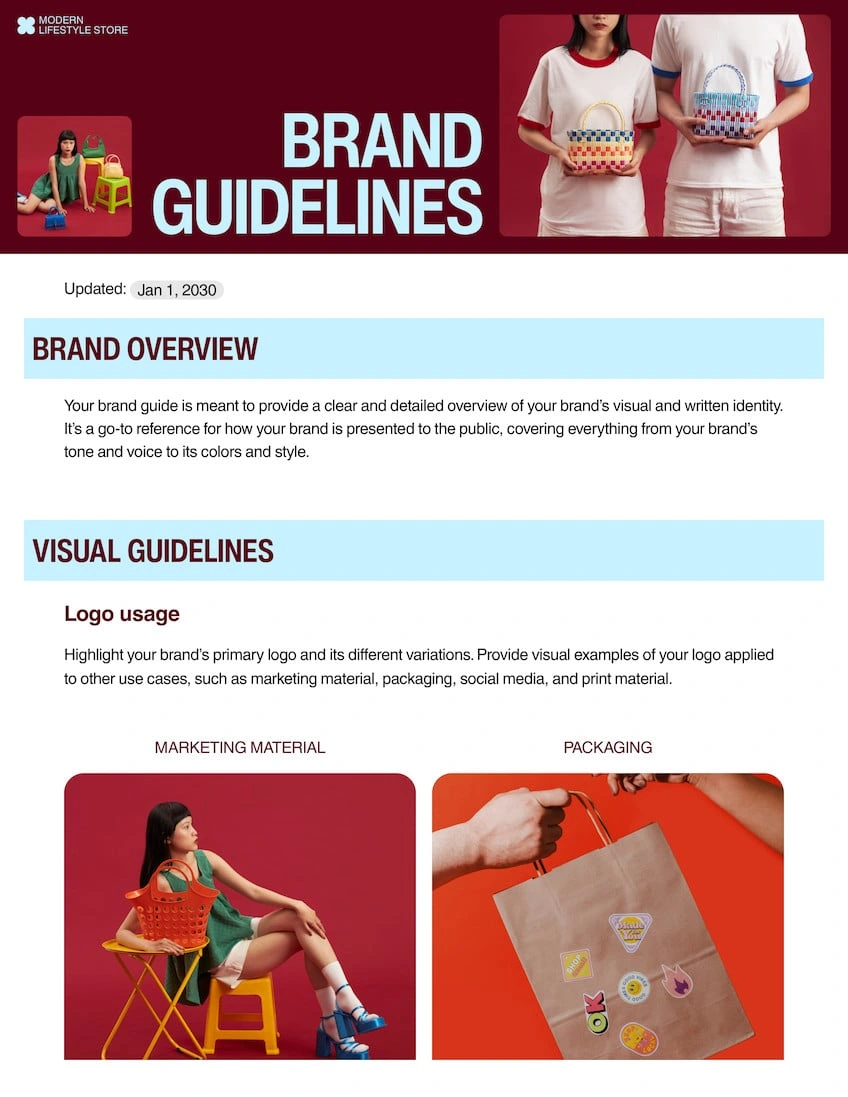
Brand Guidelines
Memo
Meeting Agenda
Project Proposal
Press Release
Questionnaire
Meeting Minutes
Project Scope
Frequently asked questions
Is using Canva Docs totally free?
Yes! Canva Docs is free to use. Canva Docs is and will forever be free to access and use whether you are on a Free, Teams, Education, or Enterprise account. However, there may be some additional features or content you get access to with paid subscriptions.
What can I create with Canva Docs?
You can create all types of documents with Canva Docs, but it’s ideal for documents you want to share online. For your business or company, you can create anything from strategy and training docs to proposals and contracts. For school, you can create lesson plans, project plans, assignments, and reports. And for personal needs, you can create and edit ebooks, recipes, blogs, and a lot more.
How do I convert my Canva Doc to PDF?
Open the “Share” menu at the top right-hand section of the editor and open “Download.” Choose the PDF format option you prefer and begin your download.
How do I add a new comment to my Canva Doc?
Simply highlight the element you want to comment on, and click the thought bubble button along the right margin of your document. Fill in your comment—add stickers and emojis too, if you like—then hit “Comment.” You can view all comments under the “File” menu on the top left-hand side of the dashboard.
How do I insert an image/table/chart into my Canva Doc?
To add images, tables, charts, or any other element, click the + button on your doc. Canva’s /Magic menu should appear. Then type in what you’re looking for or scroll through the different elements you can add to your doc.
How do I find and replace text?
On your keyboard, just press and hold “Ctrl” (“Command” if you’re on Mac) + “F” to open the find-and-replace tool.
Start designing with




Like this project
Posted Jul 9, 2026
Canva Docs — visual, collaborative documents with AI-assisted drafting, scrollable designs, templates, and integration across Canva tools.
Likes
0
Views
9