UI Refresh for Fintech Product

Glwadys Fayolle


More times than not, product is behaving fine and doing its job; however, it's not the most straightforward product to use or visually engaging.
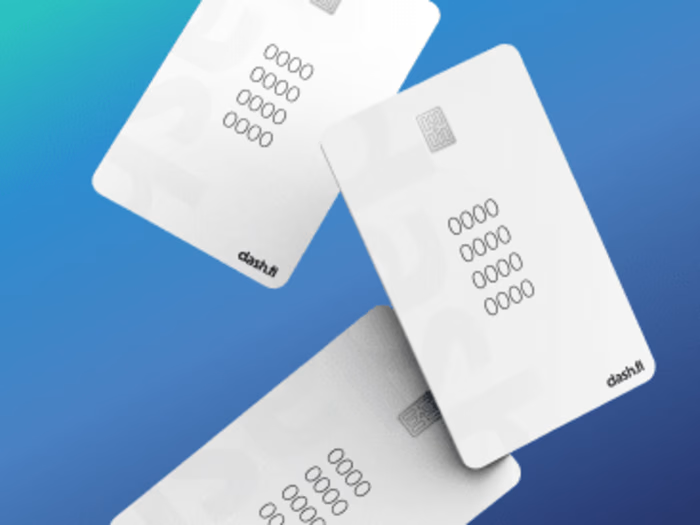
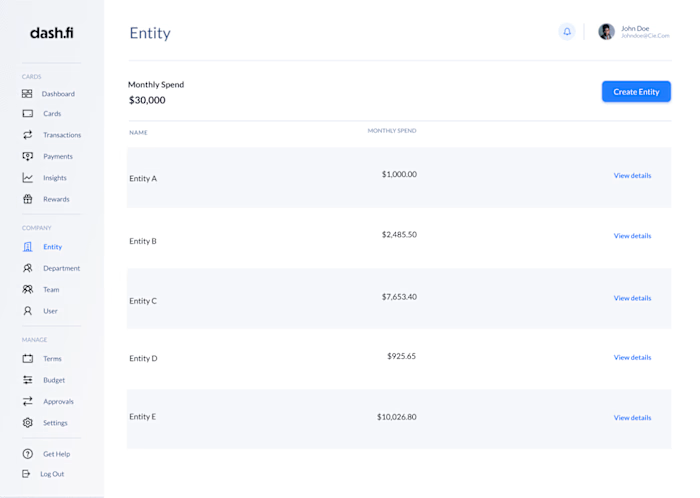
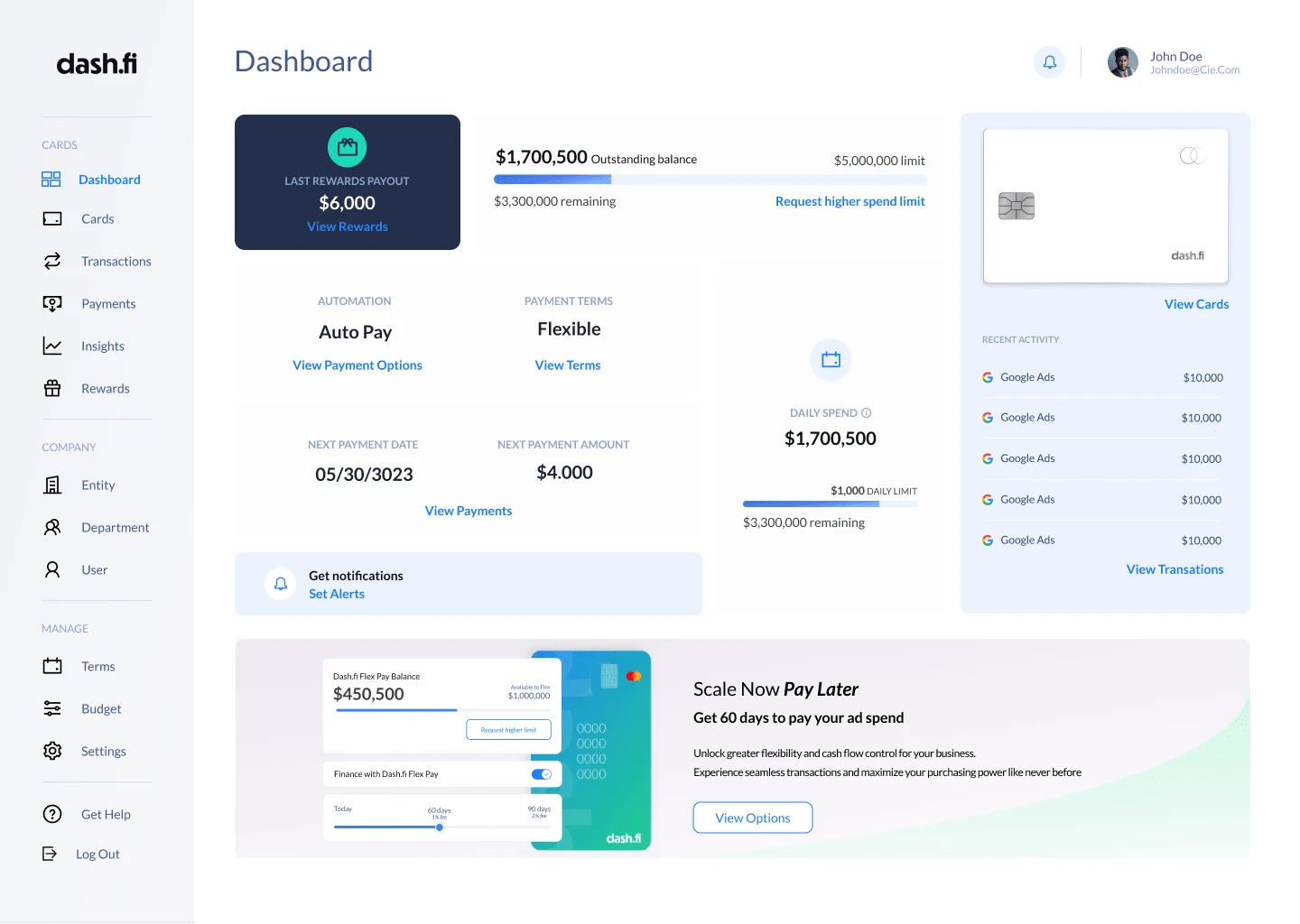
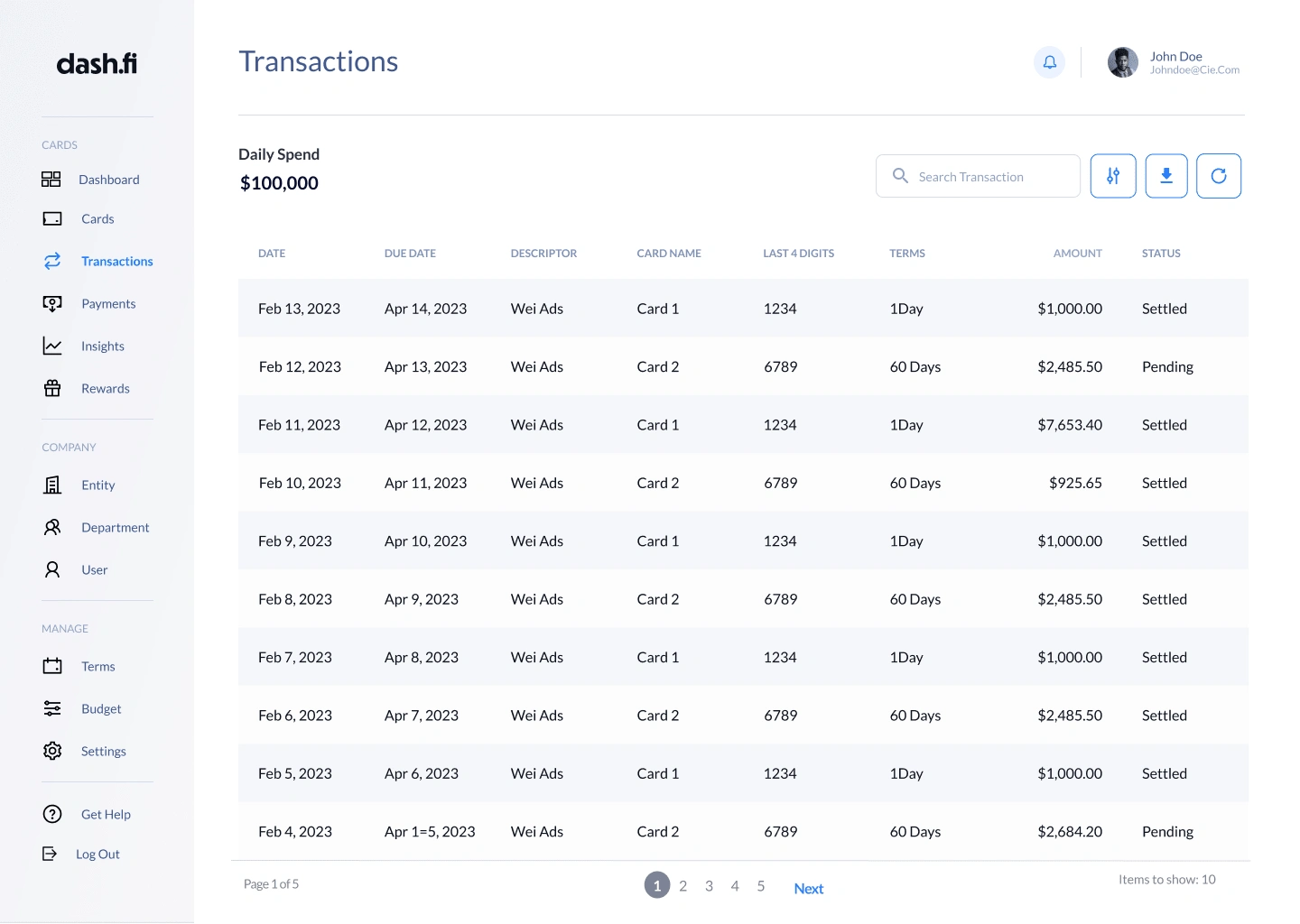
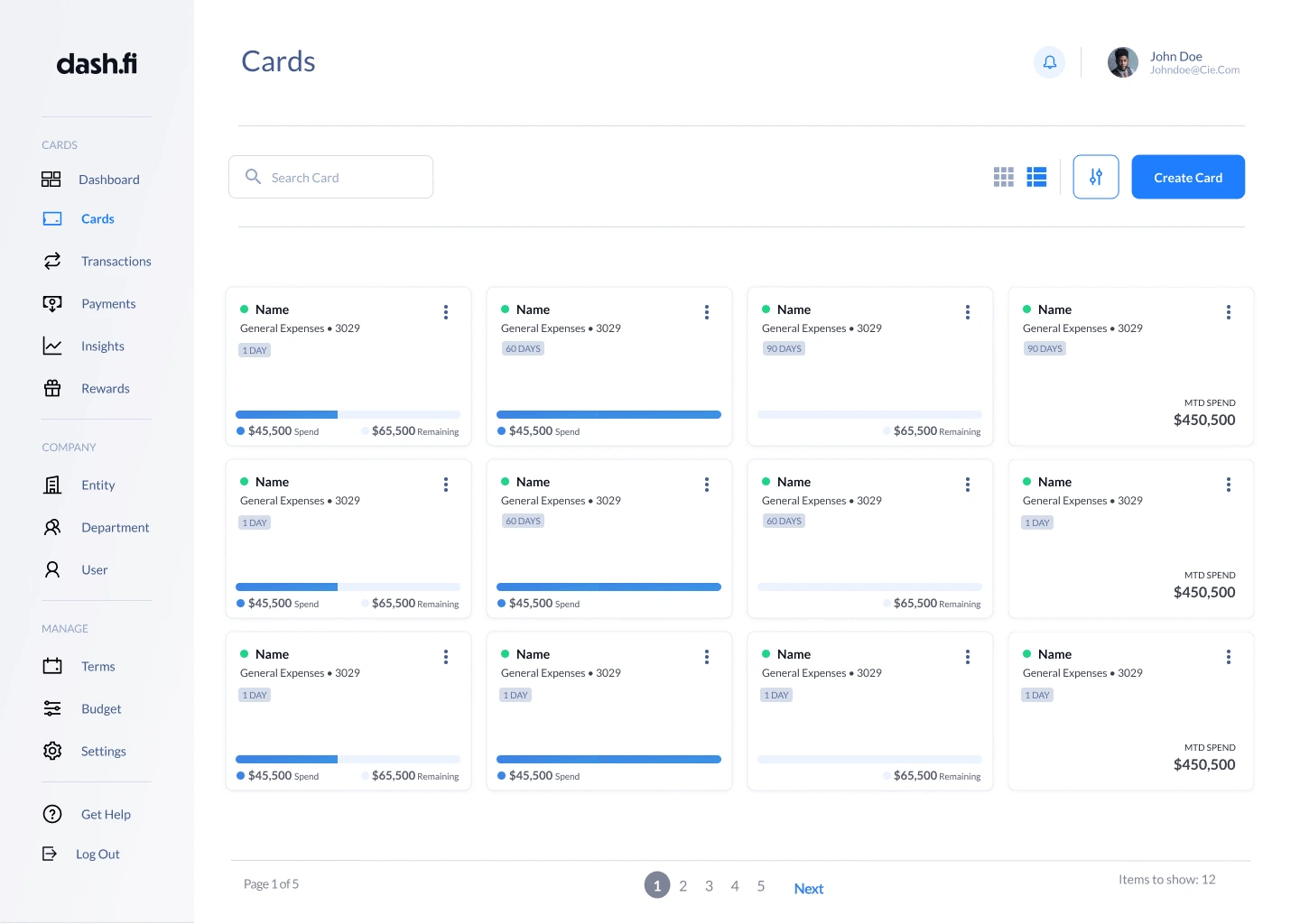
With the addition of connecting the interface with the brand, a UI Update is a decisive move to boost the product to the level it deserves. I helped by understanding the brand and discovering all the current usability issues and interface updates needed to upgrade the UI.
Discover
Firstly, I get to know the product and go through all the main topics of intentions, goals and
features. I then briefly discuss with users to understand them a bit better (what they like, what other apps they use). Making us then take a look at the current brand and what it projects onto users and how I can capture that through the UI. Finishing it off with an audit of all components within the product, finding duplicates and inconsistences.
Define
I take stakeholders through the product audit and highlight the components that need
updating or removal. There are also inclusions of components that will strengthen the features immensely. From here, I start to conduct research and look at directions of the visual brand that matches the overall brand.
Design
From choosing a visual direction, I then started to apply it to the design system. I created
visual language first (fonts, colours etc). Then I move onto the components and
start designing them (buttons, form fields etc). Once I design the necessary
requirements, I apply them to most of the screens, so I can start seeing the
product come to life.
Handover
The final step is cleaning up the design system to prepare it for future use for other designers. I turn the Figma file into a working documentation file. Now it's all ready to
be handed to a developer to start the implementation. Assisting the developers
along the way until it's pixel perfect and ready to be loved by users.
Like this project
Posted Sep 14, 2023
Enhanced product usability and brand alignment through UI updates, from discovery to design, resulting in a user-centric, polished interface for developers to i