Interactive landing page

View completed workhalloween-party-landing.pages.dev
Halloween — A Birthday Party Invitation
A landing page designed to get guests into the party spirit.
Live:
Tip: turn the music on for a deeper immersion.
Music
Role: UI design · Art direction · Motion · AI-assisted front-end development
Tools: Figma, Figma Make (Code Layer), Midjourney (imagery), Recraft (hero video), Photoshop, Claude Code, a custom WebGL fog shader, GitHub, Cloudflare Pages, ElevenLabs (soundtrack)
The brief
Quickly design and build a landing page for Julia’s Halloween birthday party at Lesok Café in Odesa. Beyond sharing the event details, the page needed to set the mood and get guests excited to dress up, embrace the Halloween spirit, and come celebrate.
The challenges
1. Setting the mood
Bring together the atmosphere of Halloween and the energy of a birthday party. I generated the imagery in Midjourney to establish the visual direction, then built the layout, typography and lighting around it: a black canvas, one ember-orange accent, and two colour glows (warm amber and cold teal) that make the page feel lit from inside the fog.
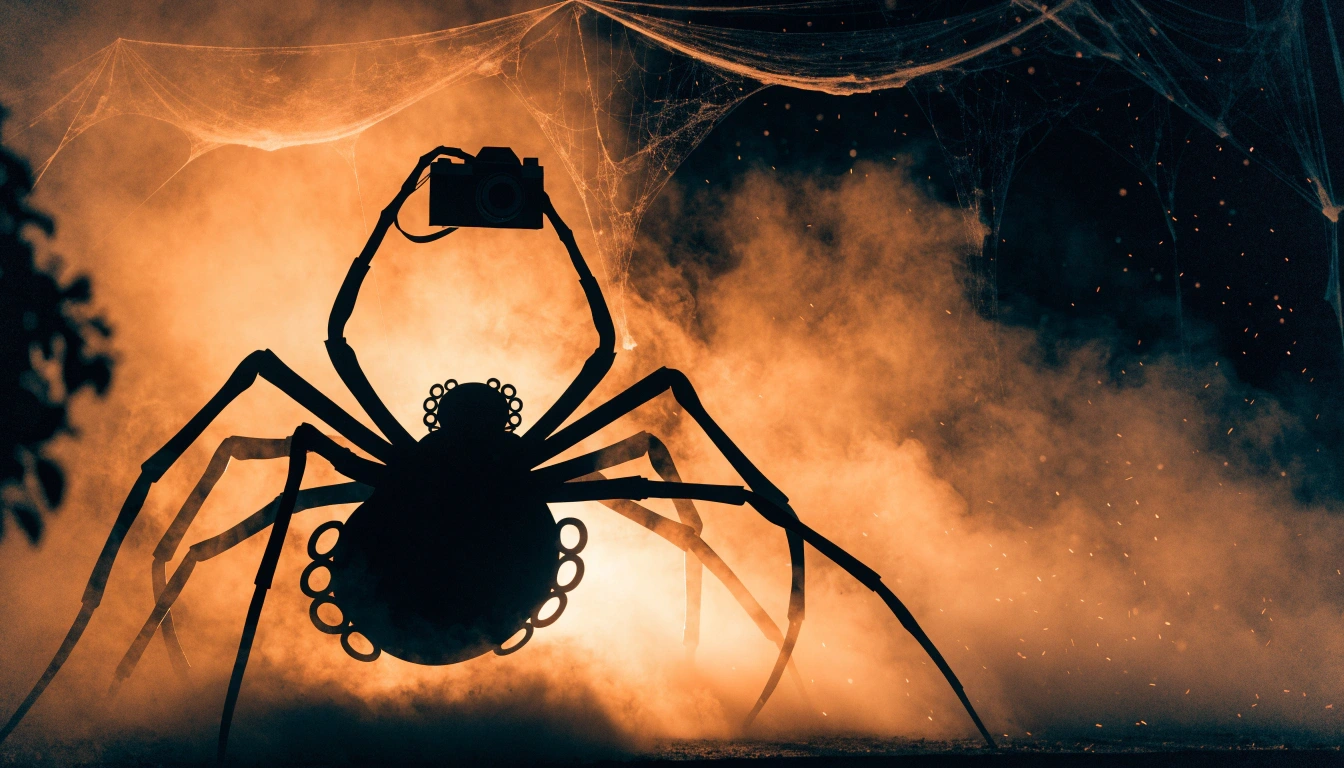
Halloween mood
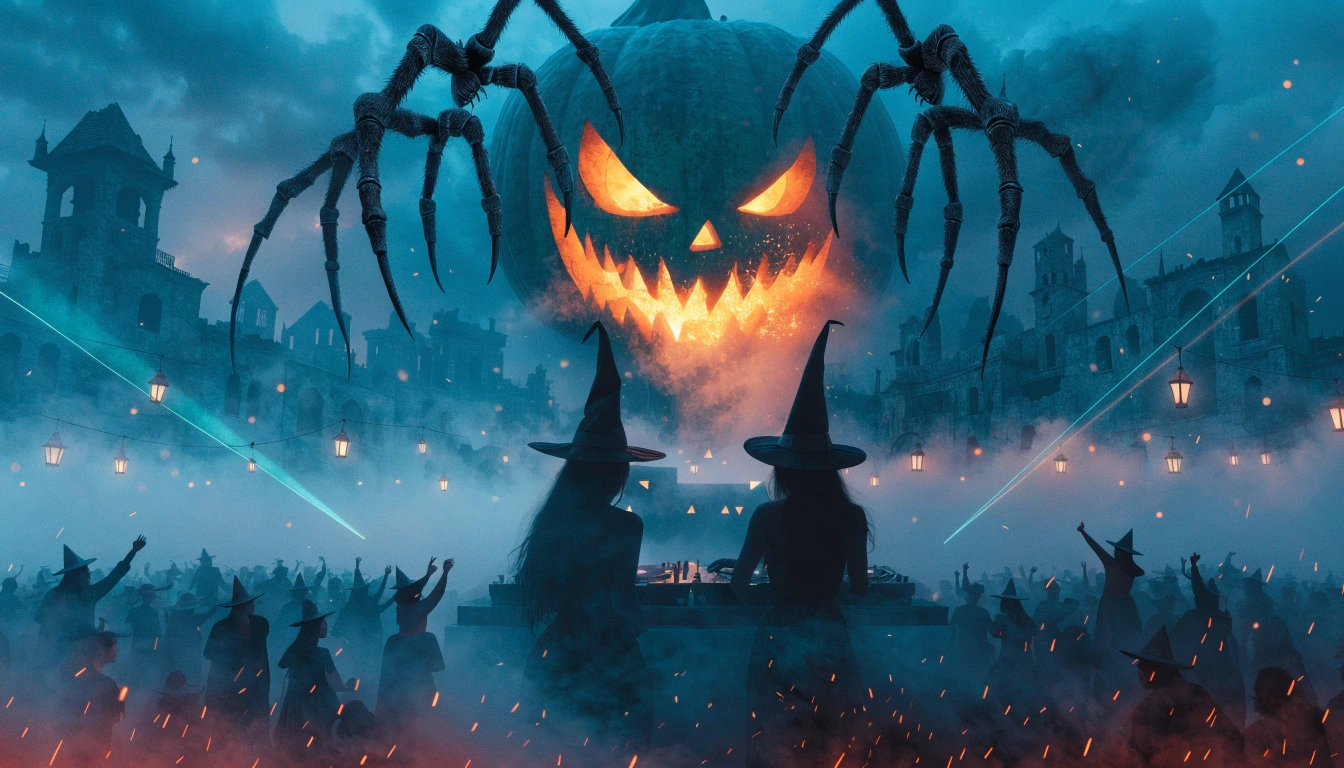
Halloween birthday party mood
2. Creating an interactive hero
The hero pumpkin started as a video generated in Recraft. I wanted to position it precisely over the background and typography, not adjust the entire layout to fit a video rectangle.
Blending modes left a visible haze that stood out against the dark background, and simple color keying didn't work because the pumpkin's shell was almost the same color as its background. So I isolated the pumpkin in Photoshop and created an alpha channel. Now it sits independently over the title, keeps the composition I designed, and follows your cursor.
3. Giving motion a purpose
I used animation to build the atmosphere and tell small stories throughout the page: “GONE DARK” assembles letter by letter, the spider’s camera flashes before a Polaroid develops, and smoke drifts from the giant pumpkin’s mouth.
Each moment was designed to feel like part of the party’s world, rather than an effect added for its own sake.
site
From Figma to a live website
I designed the page in Figma and generated the initial code through Code Layer in Figma Make. After syncing the project with GitHub, I used Claude Code for targeted refinements, then deployed the site to Cloudflare Pages.
Figma → Figma Make (Code Layer) → GitHub → Claude Code → Cloudflare Pages
Figma → Figma Make (Code Layer)
Result
A responsive invitation landing page for a Halloween birthday party.
Takeaways
Motion should carry a story: one clear idea per scroll beat is stronger than many effects.
Sound is part of the atmosphere, but browsers don't let it autoplay, so the page needs a clear, unobtrusive control for it.
You don't need After Effects to give a video a transparent background: Photoshop can create the alpha channel for the pumpkin too.
3 likes · 3 views · Nov 9, 2026
Created a responsive Halloween birthday invitation with custom AI visuals, cursor-reactive animation, and scroll-driven storytelling.
Timeline
Oct 26, 2026 - Oct 28, 2026