Sales Workflow Automation with Airtable and Zapier

Rita Uchebueze


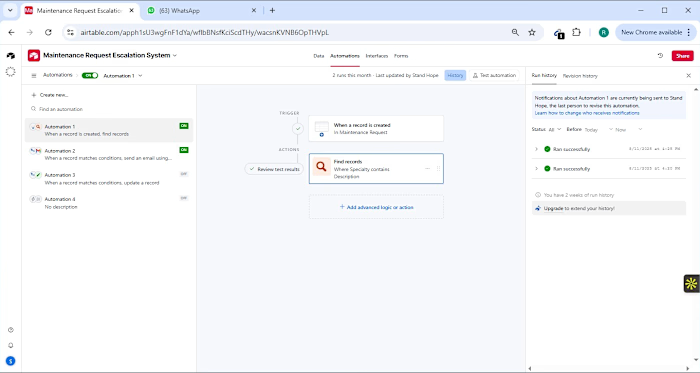
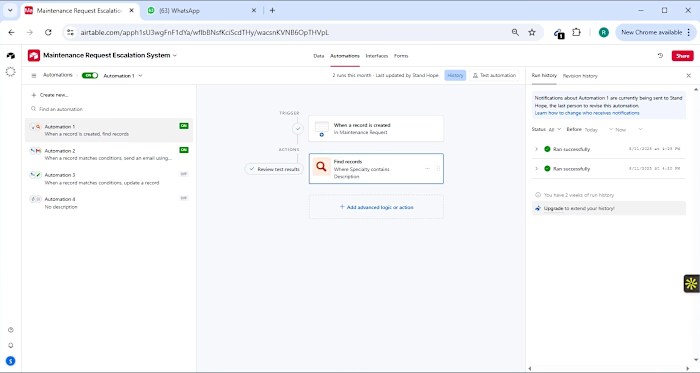
🚀 How I Automated a Client’s Sales Workflow Using Airtable, Zapier & More Recently, I explored an Upwork client request that needed a simple but powerful solution: connect Airtable with Calendly, Google Sheets, and Stripe for seamless workflow automation. The client had: ✅ A small sales team ✅ A management team ✅ Existing setup in Airtable But here’s the challenge: They wanted their workflow streamlined and fully automated with Calendly, Google Sheets, and Stripe. Here’s how I approached it: 🔹 Built 3 Airtable Tables Clients Table – stored all client details. Sales Team Table – captured every sales rep’s data. Management Table – held management details and linked to the sales team for full visibility. 🔹 Linked Everything Assigned a sales rep to each client. Connected management to sales for clear oversight. 🔹 Enhanced the Experience Used Airtable Interfaces (Lists, Gallery, Records) for a clean, easy-to-use dashboard. 🔹 Automated with Zapier ✔ Sync Airtable → Google Sheets instantly. ✔ Send alerts to the team via Slack when a client ticket is raised. Though I couldn’t integrate Stripe due to account limits, but swapped with Slack for smooth alerts!) The beauty of this system? 👉 Zero manual duplication. 👉 Instant communication across teams. 👉 Scalability for future growth.. 💡 Imagine what this can do for your business. If you’re tired of juggling tools and want smart automation that saves time and reduces stress, let’s talk! 📩 DM me today, and let’s turn your workflow into a fully automated system that runs while you sleep. #ZapierAutomation #NoCode #30DaysLinkedinChallenge #Airtable #GoogleSpreedSheet #BusinessOwners #AutomationExpertise #LinkedIn
Like this project
Posted Sep 29, 2025
Automated client's sales workflow using Airtable, Zapier, and more.