
Cutframe: one frame, different worlds
I started Cutframe with a simple idea: a video player should feel like part of the page it lives on.
A website already has its own visual language. Its typography, surfaces, links, and accents establish an atmosphere. I wanted those decisions to carry naturally into the player, reducing the work of designing and maintaining a separate player palette.
The page sets the tone. With page adaptation enabled, Cutframe reads the rendered styles of surrounding text, links, controls, and surfaces. It groups related colors, selects roles with contrast checks, and carries the page’s typography into its controls. Developers can start with the design they already have, with styling overrides available when they want more control.
The cut is the visual language. The frame, controls, menu highlights, and time lens share the same cut-corner geometry. Those shapes remain consistent as the colors and typography change. This gives Cutframe a recognizable identity across different environments.
The time lens turns seeking into exploration. When looking for a moment in a video, someone might remember a picture or a topic more clearly than a timestamp. The lens brings those cues together. Press and drag the timeline, and it unfolds upward from a narrow cut at the seek point, revealing a real video frame, chapter context when available, and precise source time.
Everything is organized around one central axis. The fine ruler moves beneath a fixed cursor. Near either end of the timeline, the panel stays inside the player while a short diagonal connection leads back to the actual seek point. On release, scrubbing ends immediately and the lens folds back into the timeline. A new drag can interrupt that return. Reduced-motion preferences remove the animation.
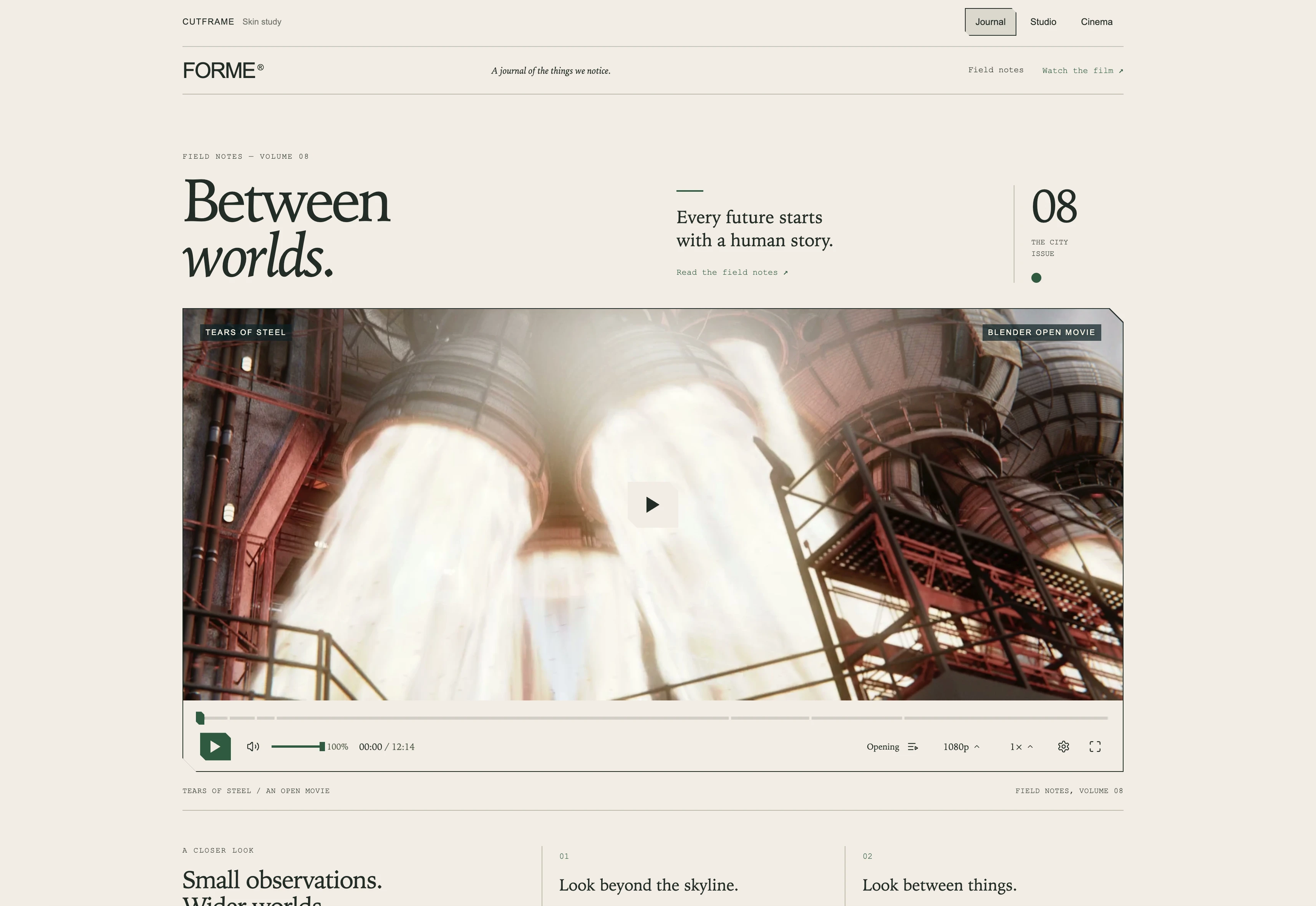
The demo makes adaptation visible. Journal, Studio, and Cinema have different layouts, typography, and content density. Switch between them during playback: the same video element stays in place, playback continues, and the controls take on the surrounding page’s appearance.
It is built to be reused. Cutframe uses Video.js v10 HTML components with authored CSS and JavaScript. Developers provide their own HLS or MP4 source and can add subtitles and chapters. The time lens can decode the playback source directly; a separate lightweight preview video is an optional optimization.
The page provides the visual language. Cutframe gives seeking its own character.
0 likes · 0 views · Nov 11, 2026
Cutframe: one frame, different worlds I started Cutframe with a simple idea: a video player should feel like part of the page it lives on. A website already ...


