SiftUI | Face Shape Editor & Body Tune

Viktor Zahurskyi


Overview
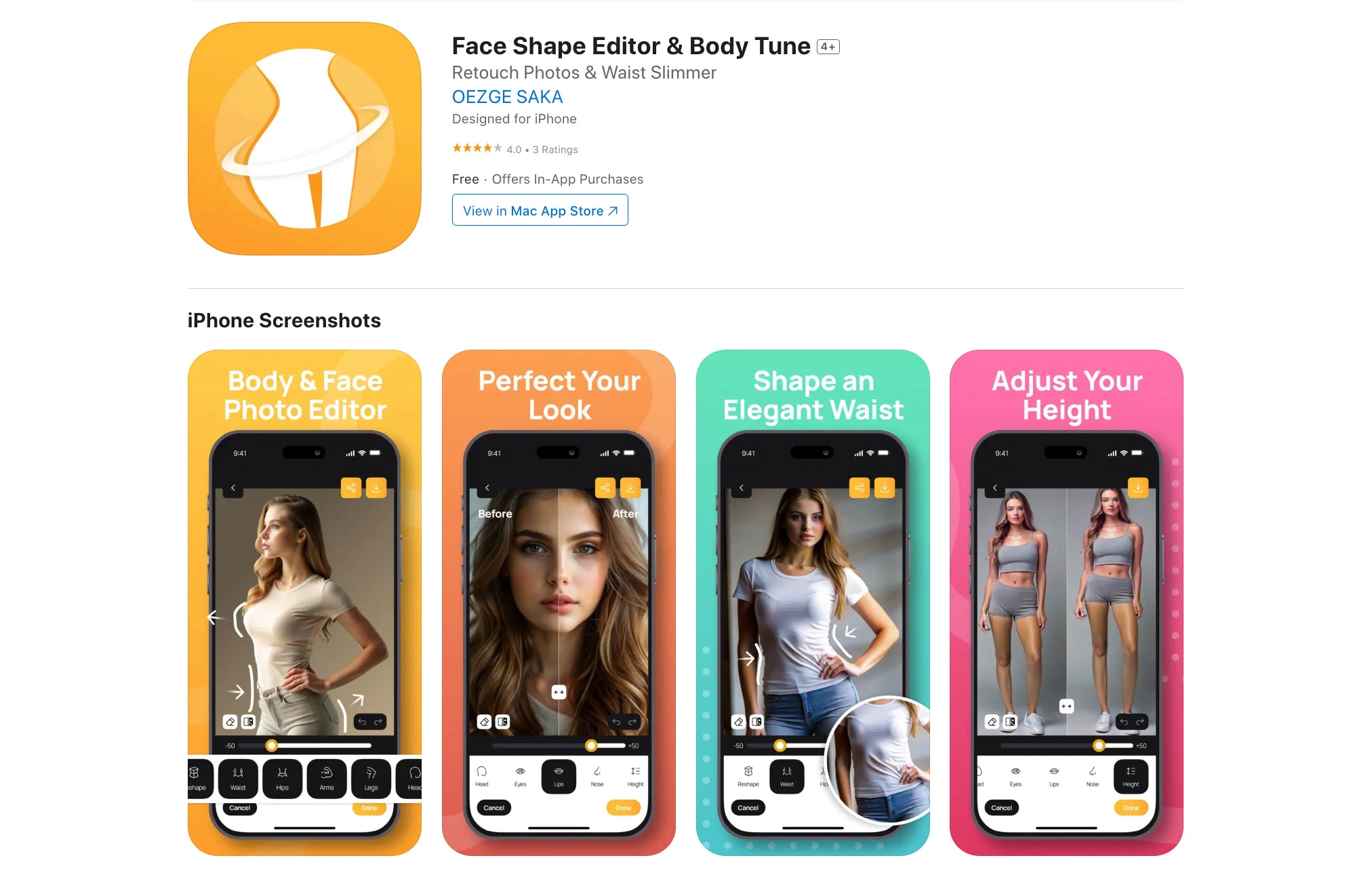
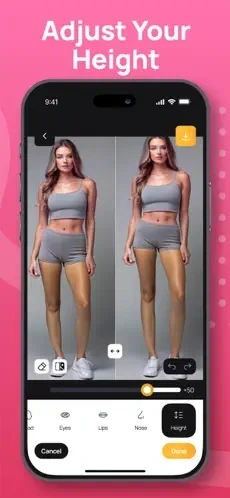
An iOS photo editor focused on natural‑looking face and body reshaping. Users can import from Photos or capture with the camera, then refine facial features and adjust body proportions with smooth, real‑time warps and intuitive controls. Built with SwiftUI + UIKit for a fluid, responsive experience and optimized image processing.
Key Features
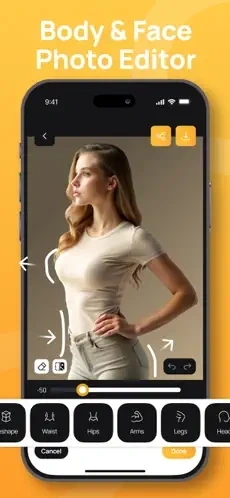
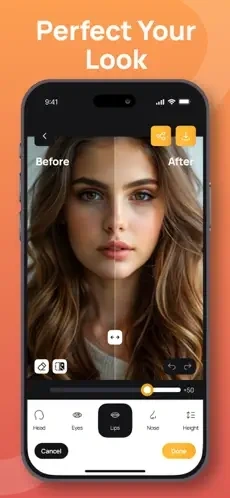
Smart Reshaping: Fine‑tune jawline, cheekbones, nose, eyes, lips; body contouring (waist, hips, legs, shoulders).
Natural Results: Edge‑aware warps, strength/feather sliders, before/after toggle, and undo/redo.
Image I/O: Import from Photos, in‑app camera capture, HEIC/JPEG support, non‑destructive edits.
Precision Tools: Multi‑point anchors, brush‑based local warps, and symmetry options for faces.
Export & Share: High‑resolution export with metadata preservation and share sheet integration.
Performance: Real‑time previews, GPU‑accelerated filters, and battery‑aware processing.
Tech Stack (Concise & Clear)
App/UI: SwiftUI for screens; UIKit where needed (camera, gestures, custom views).
Image Processing: Core Image (CIWarpKernel, CIFilter), Metal‑accelerated.
Camera & Photos: AVFoundation (camera), Photos framework (library access).
Data: Realm for local persistence (projects, edits, settings).
State & Architecture: MVVM, Combine publishers, modular feature layers.
Performance: Off‑main processing queues, CIContext caching, texture reuse.
Privacy & Security: On‑device processing, no cloud upload; limited Photos permissions.
Testing/CI: Unit/UI tests (XCTest, XCUITest); Xcode Cloud or GitHub Actions.
Workflow
Select or Capture: Choose a photo from the library or take a new one.
Anchor & Adjust: Place control points or use guided regions; adjust intensity and feathering.
Preview & Compare: Live preview with A/B toggle and zoom; undo/redo history.
Save & Share: Persist a non‑destructive edit session; export full‑res to Photos or share externally.
UX & Performance Highlights
Fluid Gestures: Pinch, pan, rotate; haptics on key actions; elastic sliders.
Real‑Time Rendering: Metal‑backed CI pipeline for smooth 60 fps previews on modern devices.
Accessibility: Large touch targets, VoiceOver labels, and color‑contrast safe controls.
Reliability: Auto‑save sessions to Realm; crash‑safe recovery.
Challenges & Solutions
Warping Artifacts → Edge‑aware masks, multi‑pass warps, and feather controls to preserve textures.
Performance on Older Devices → Adaptive quality scaling and debounced re‑rasterization.
Camera/Photo Permissions → Clear prompts, limited‑scope access, and offline processing for privacy.
Results
Natural, high‑quality reshaping with responsive controls and non‑destructive editing.
Fast GPU processing and smooth UI across a wide range of iOS devices.
Private, on‑device workflow that protects user photos and personal data.

Like this project
Posted Jan 19, 2026
iOS app for natural face/body adjustments with Core Image warps, smooth SwiftUI/UIKit UI, camera/Photos import, non‑destructive edits, and high‑res export.