
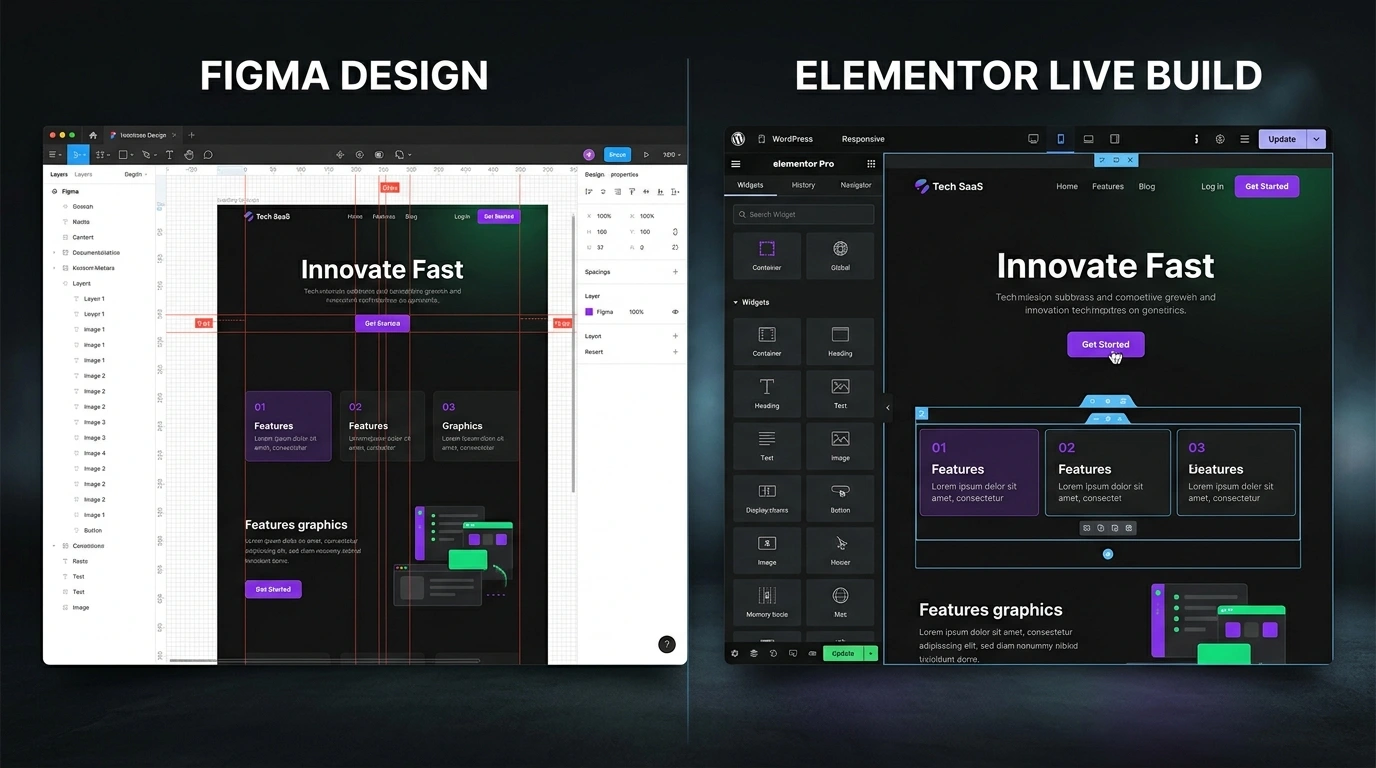
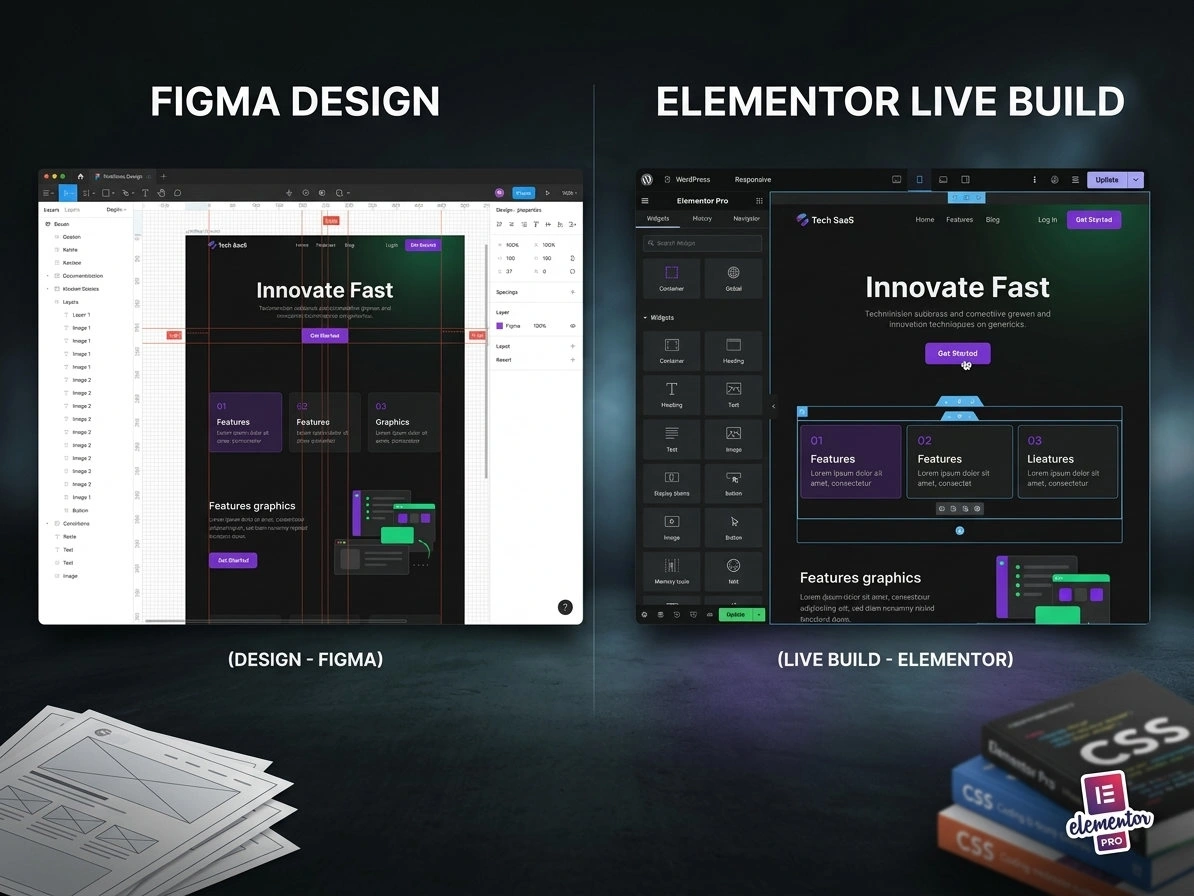
Figma to Elementor Pro conversions shouldn't sacrifice site speed for pixel-perfection.
One of the biggest mistakes I see when building custom Elementor sites is neglecting the underlying container architecture. Heavy, nested sections and unoptimized asset loading will destroy your Google PageSpeed scores before the site even launches.
Here is my standard 4-step workflow for keeping Elementor Pro builds lightweight, responsive, and ultra-fast:
Flexbox Containers over Legacy Sections: Keeps DOM depth minimal and renders layouts drastically faster.
SVG & WebP Asset Pipeline: Converting vector graphics and compressing images before they ever touch the WordPress media library.
Custom CSS for Micro-Interactions: Using lean CSS for hover states and animations instead of stacking heavy third-party plugins.
Selective Dynamic Content Loading: Setting up Elementor Theme Builder templates to pull dynamic data efficiently without bloat.
What's your go-to method for keeping page load times under 1 second on client builds? Drop your performance tips below! 👇
0 likes · 0 views · Sep 9, 2026
Figma to Elementor Pro conversions shouldn't sacrifice site speed for pixel-perfection. One of the biggest mistakes I see when building custom Elementor si...


