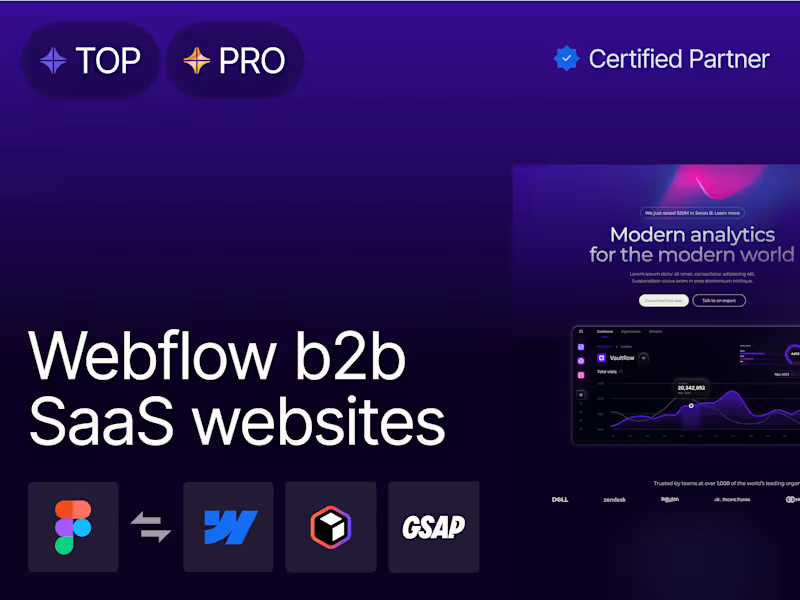
What is the developer's experience with Webflow?
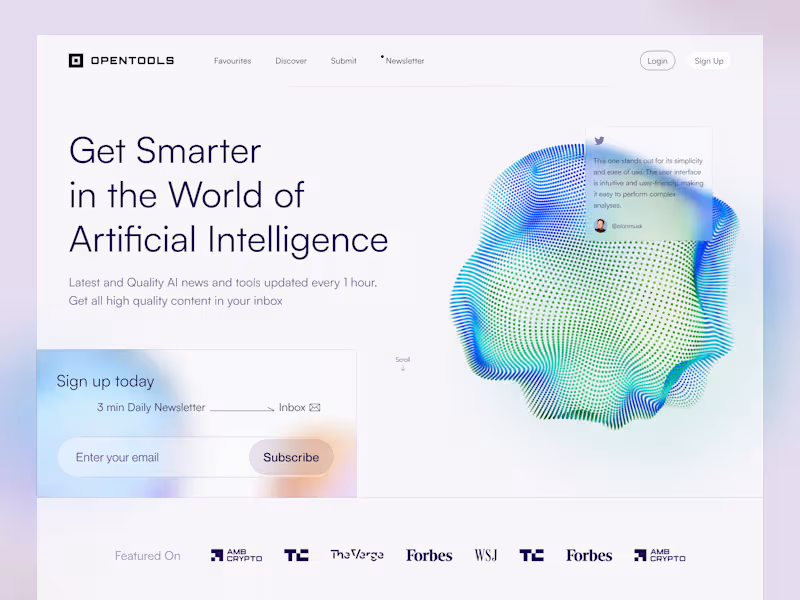
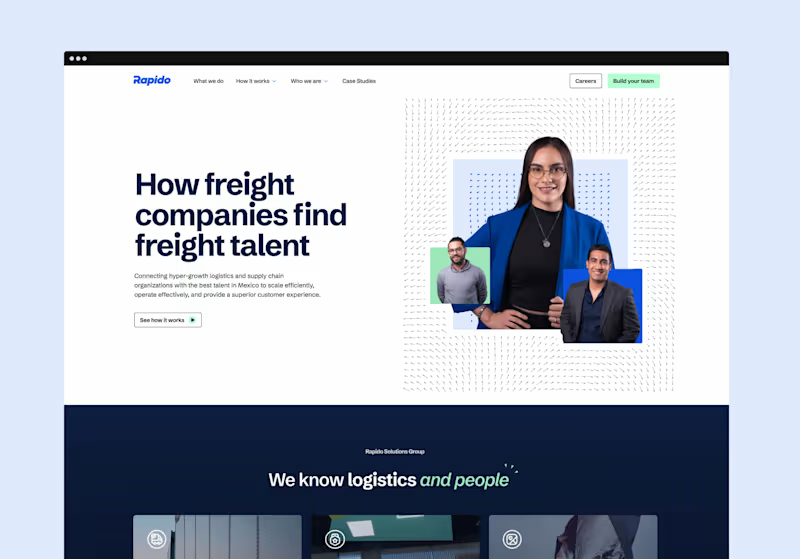
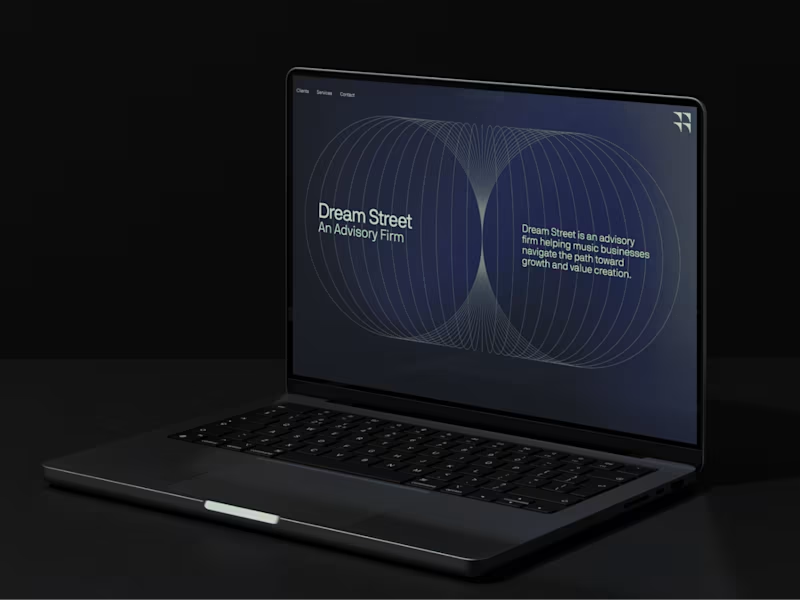
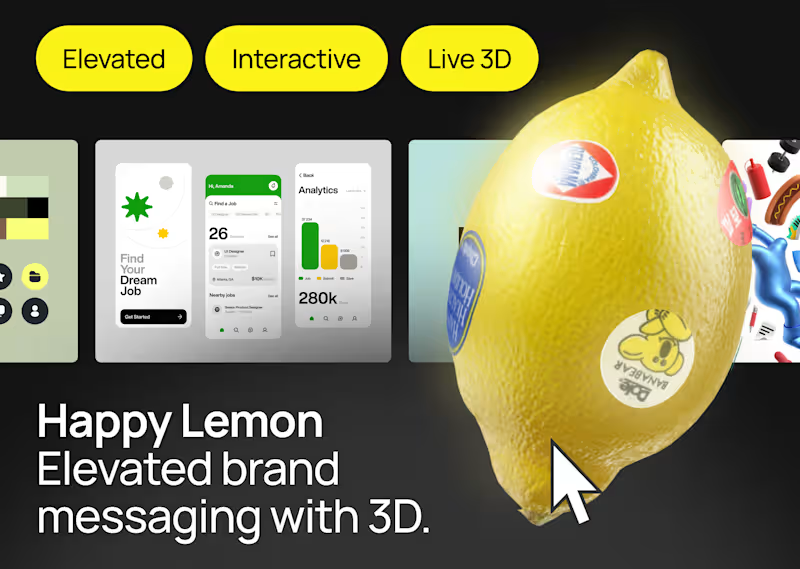
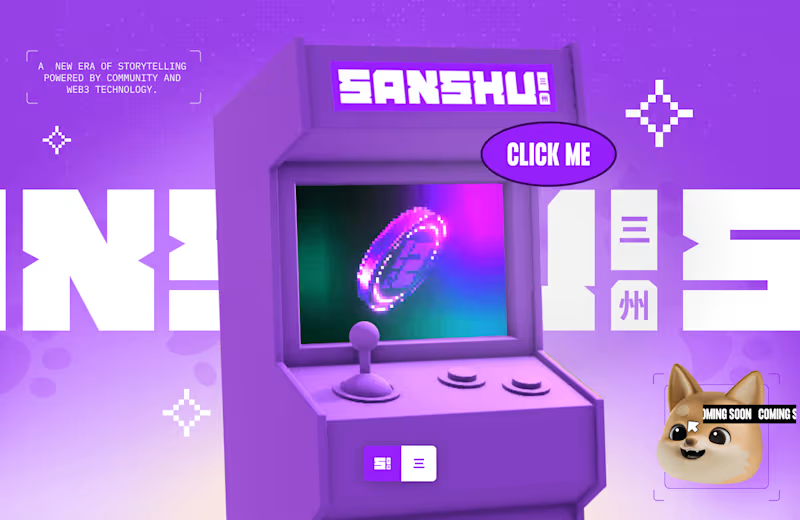
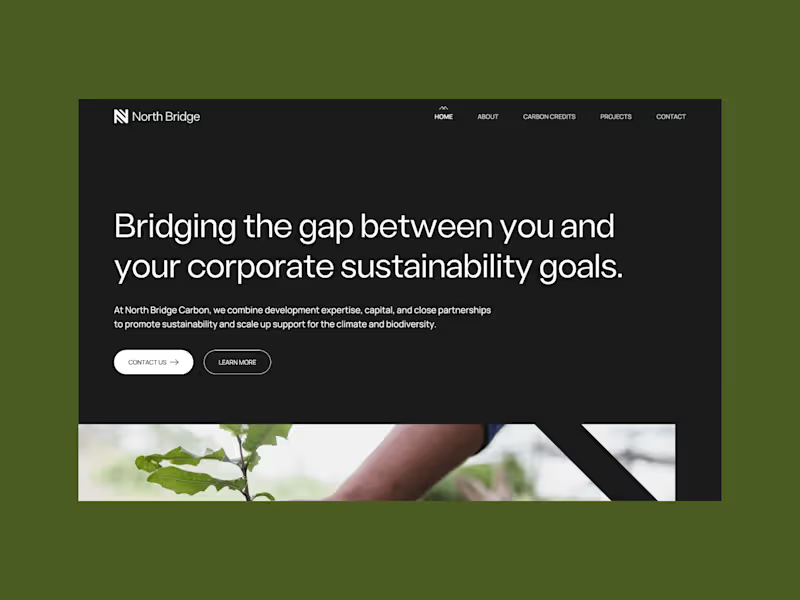
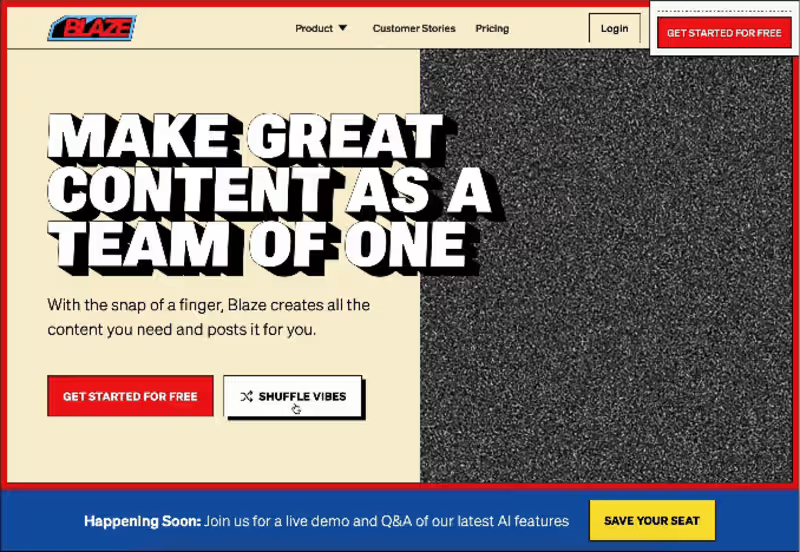
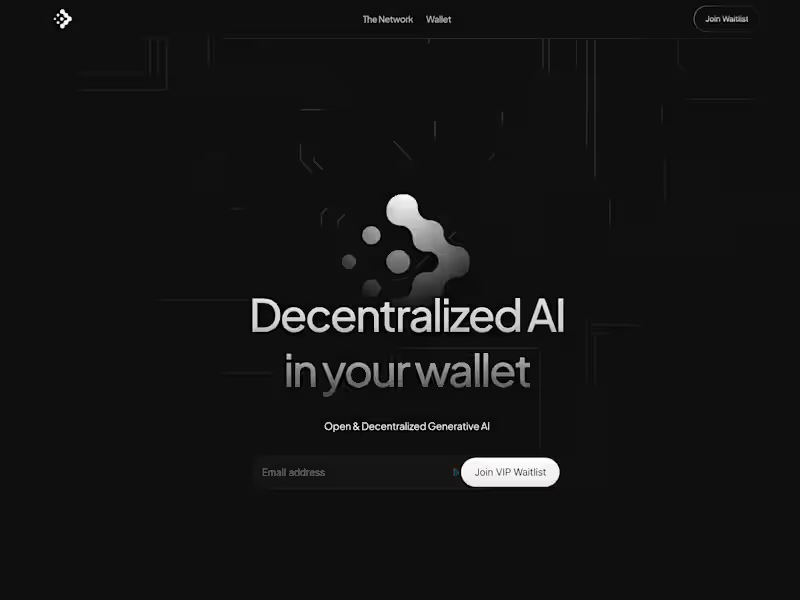
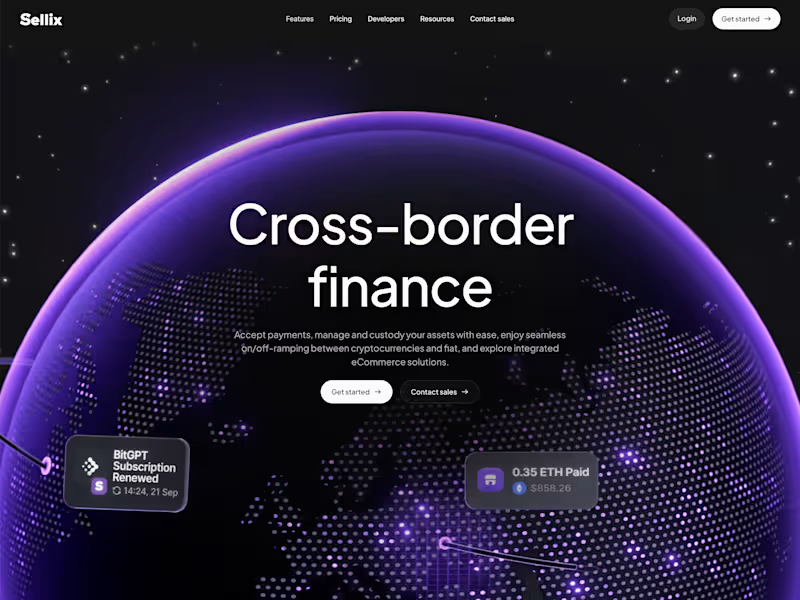
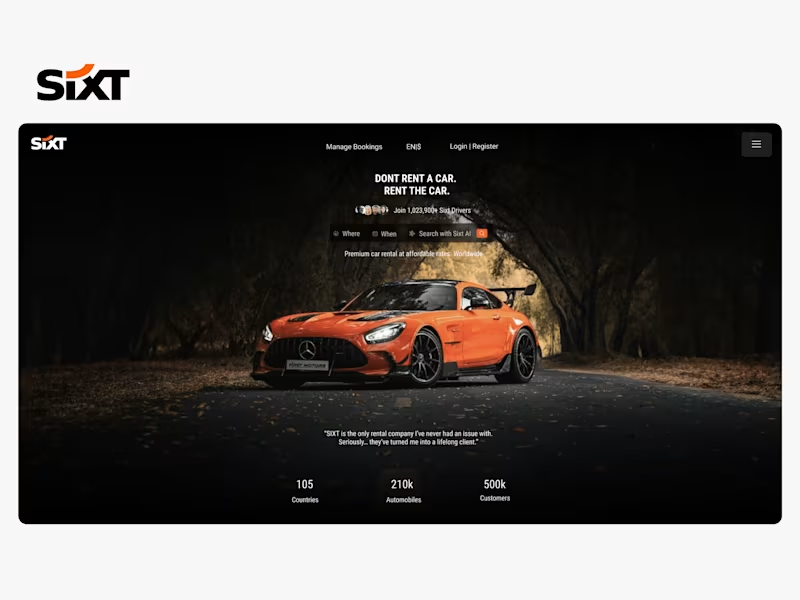
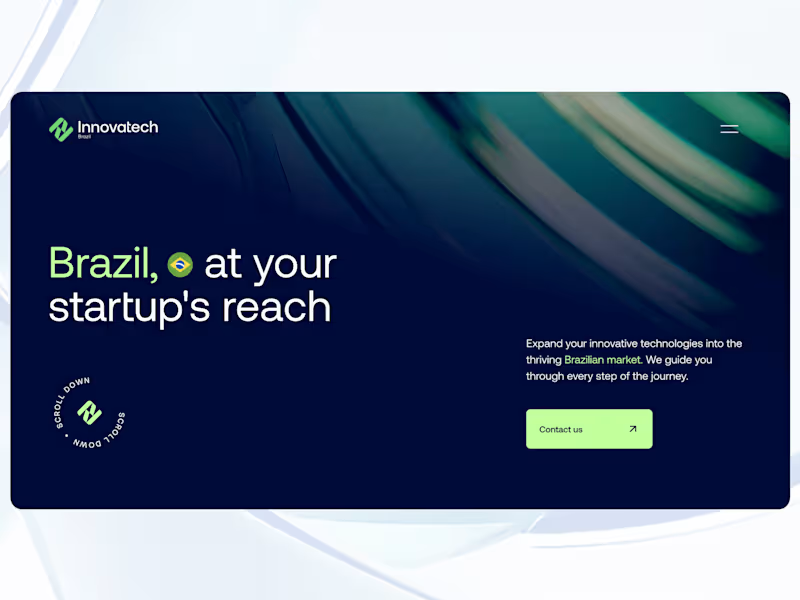
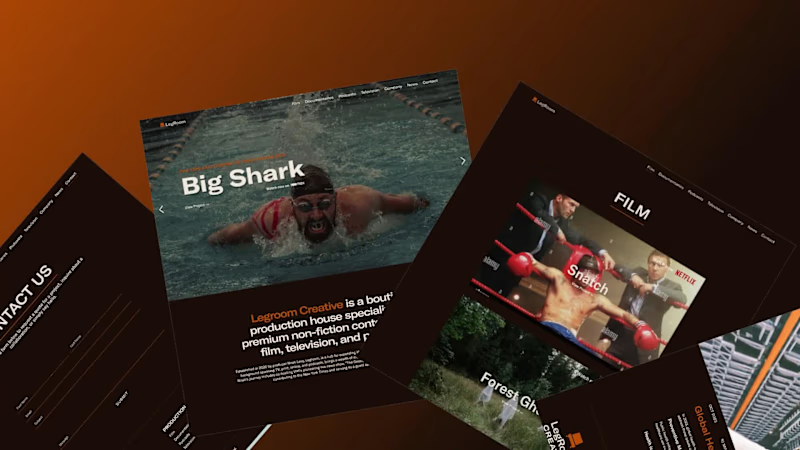
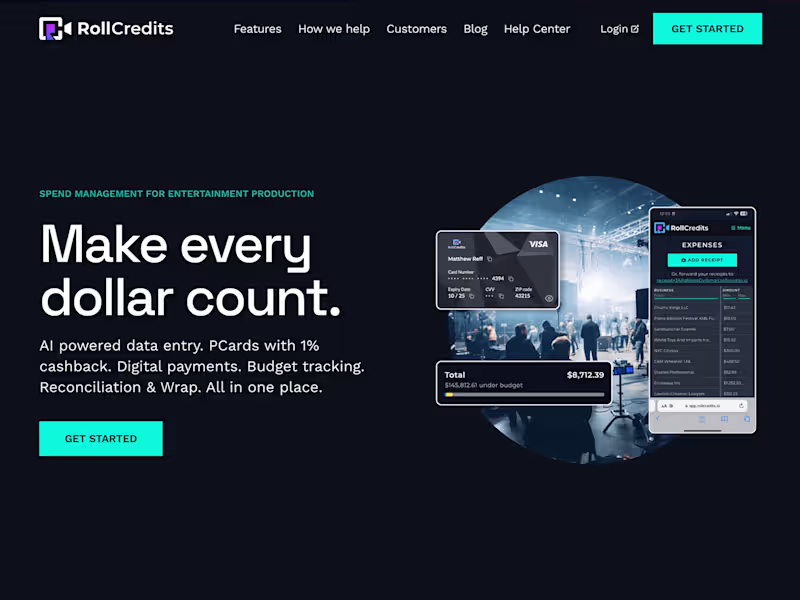
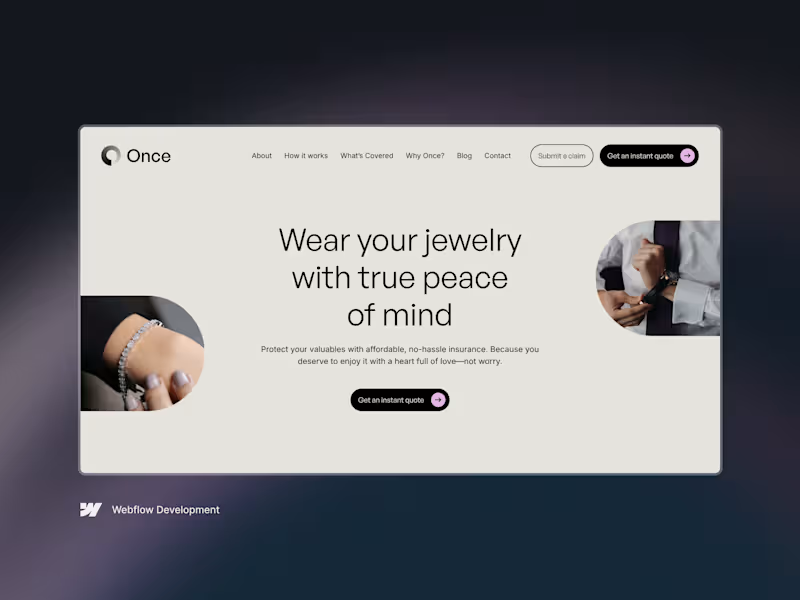
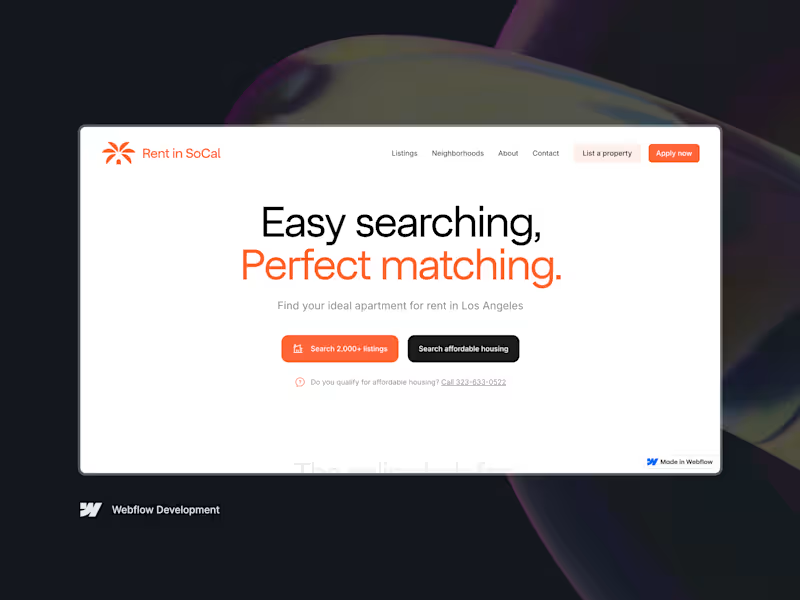
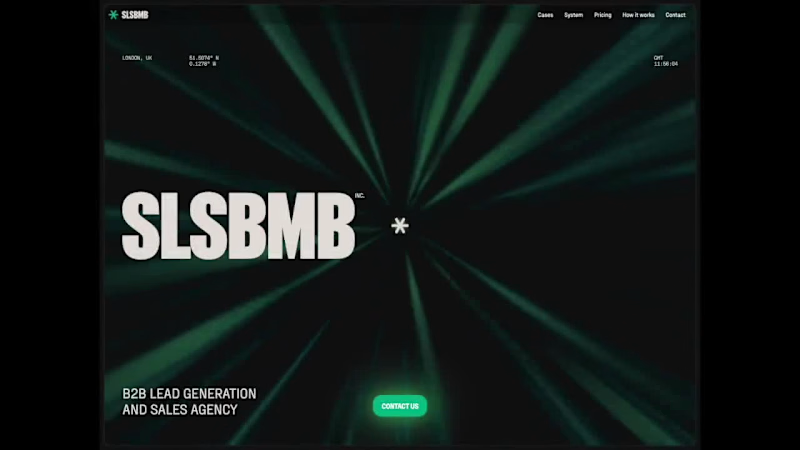
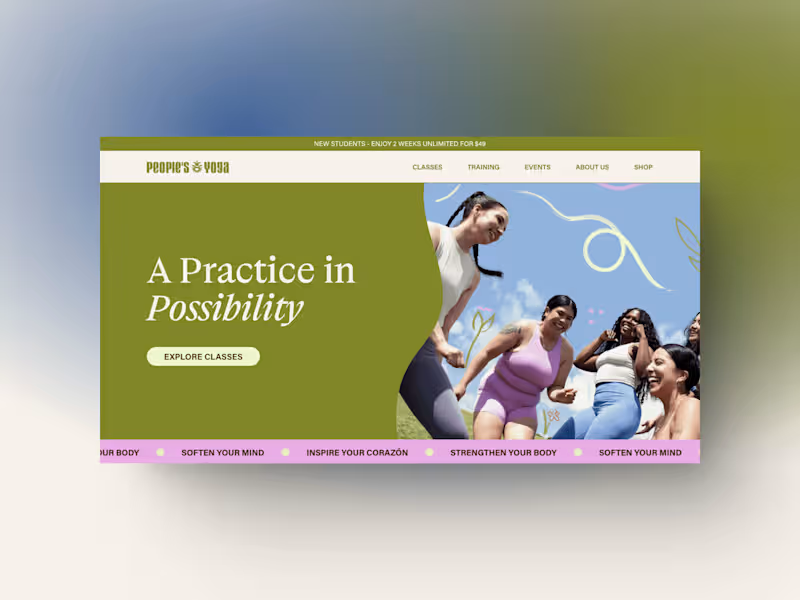
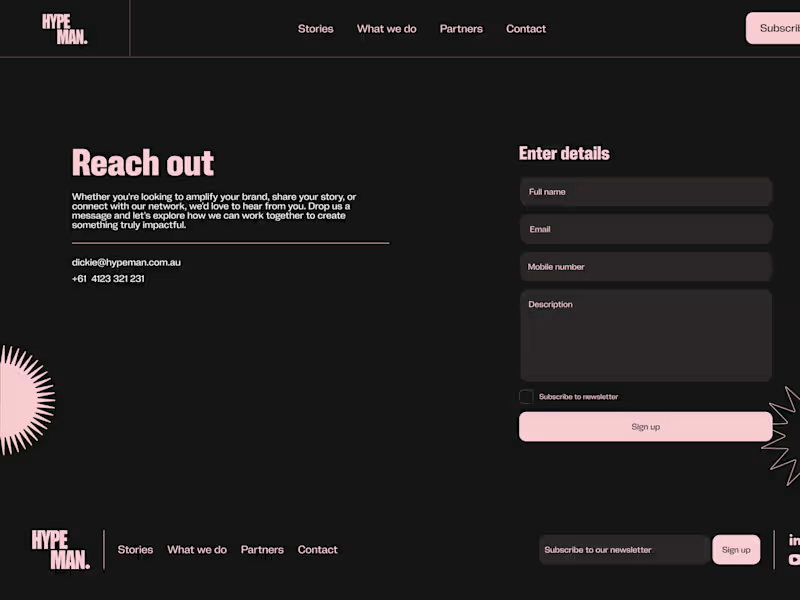
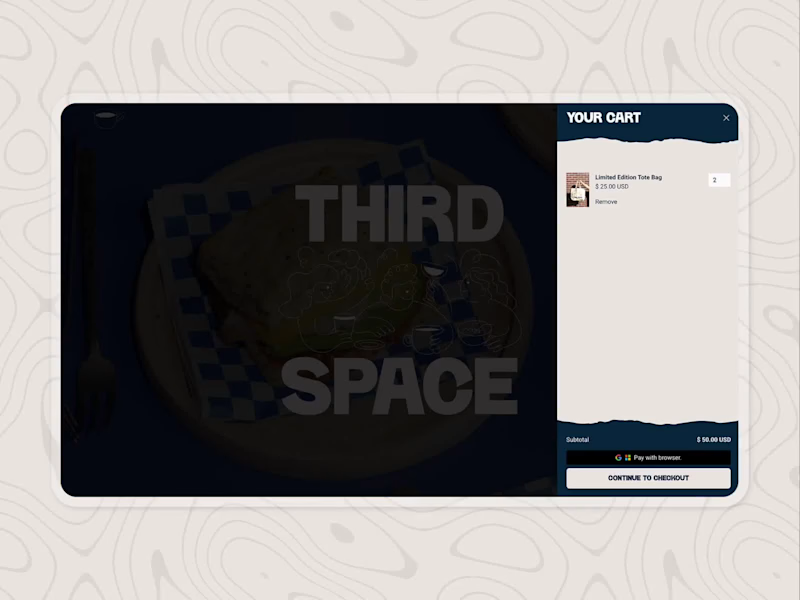
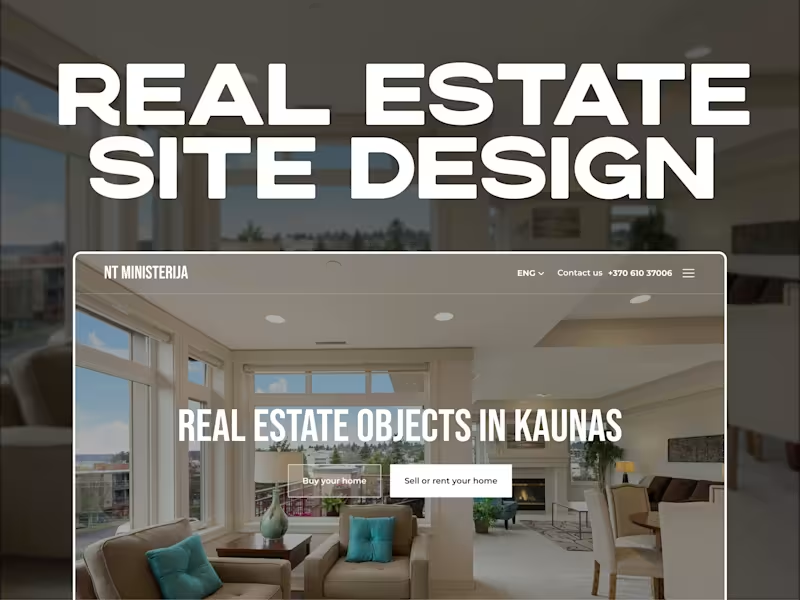
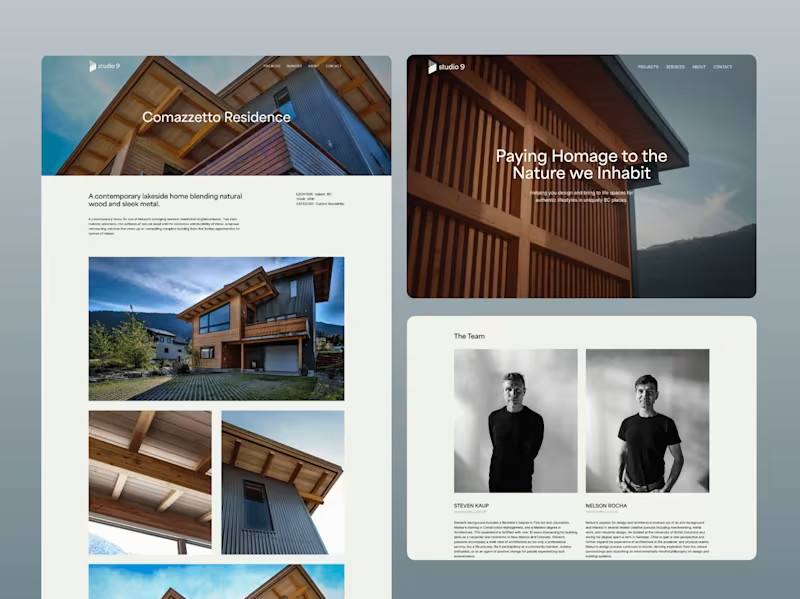
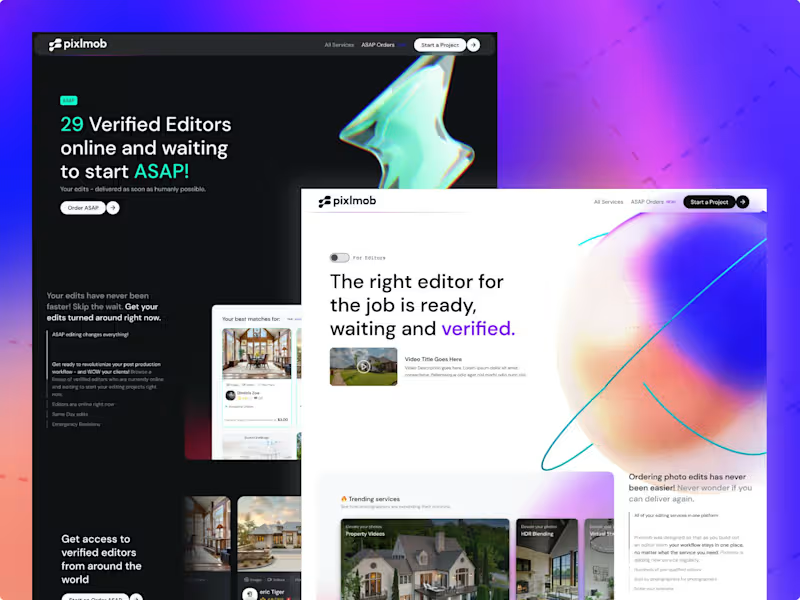
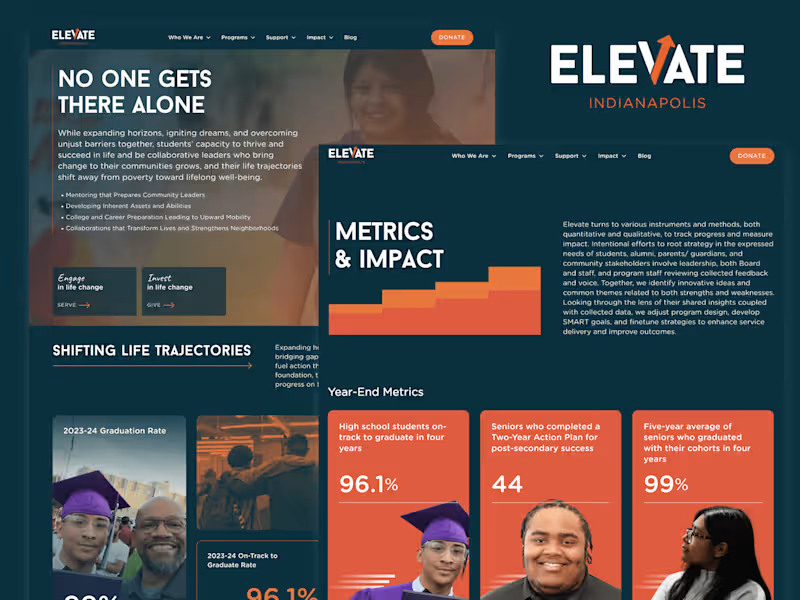
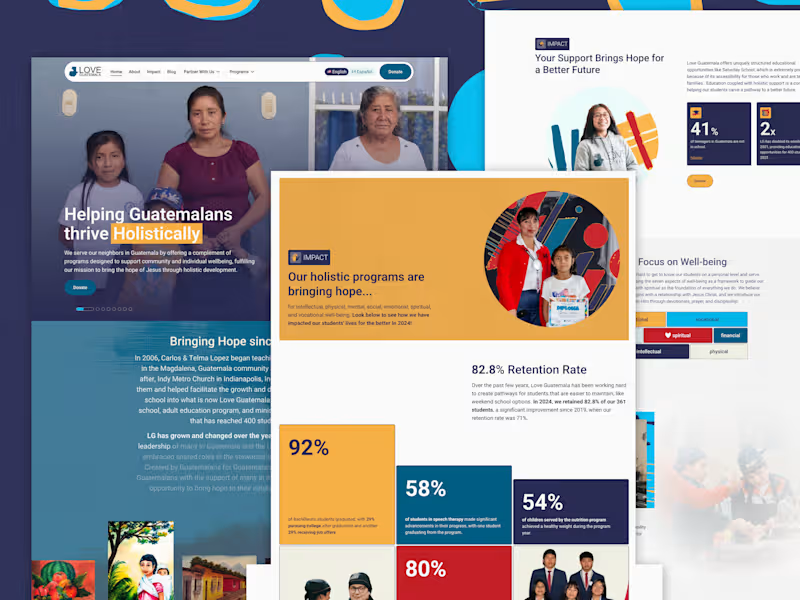
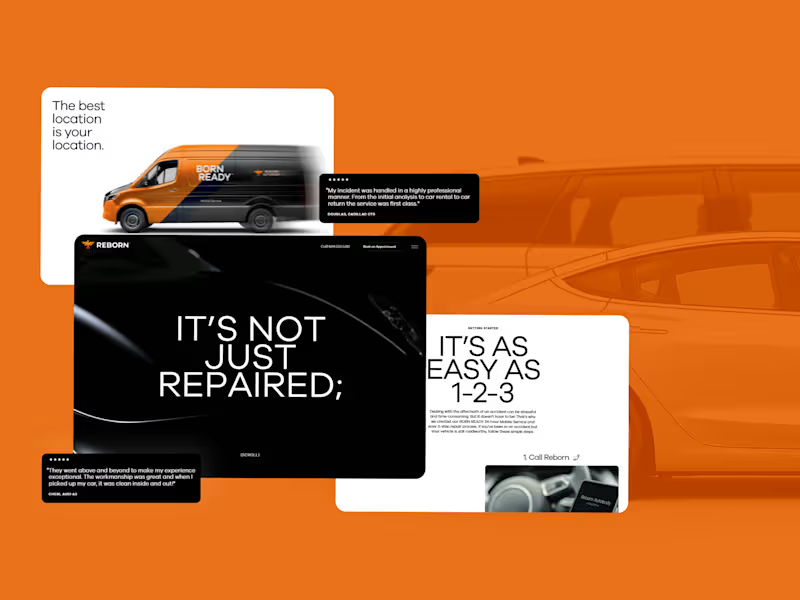
Ask the developer about their projects with Webflow. Look for someone who has built websites similar to what you want. More experience usually means they can work faster and better.
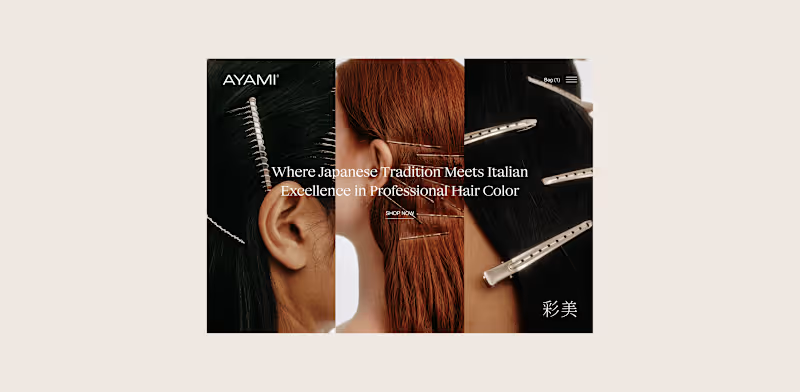
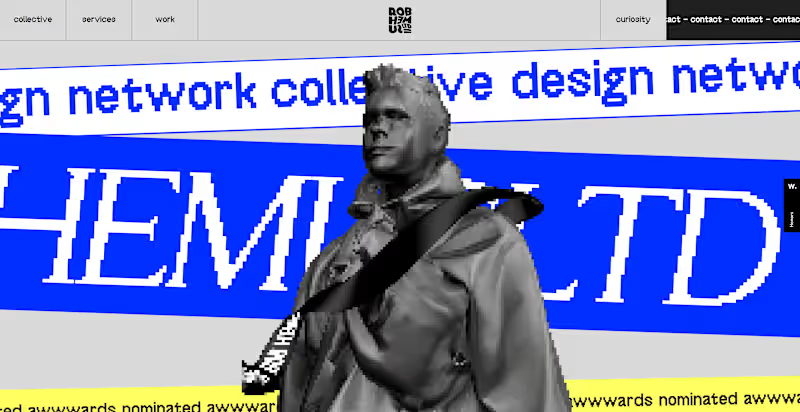
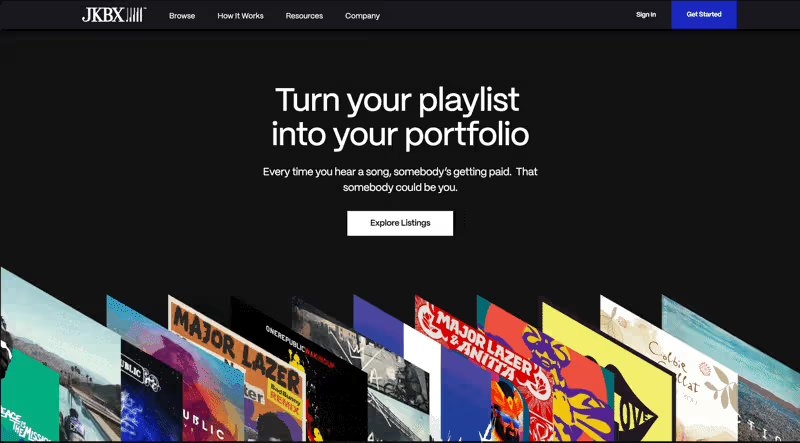
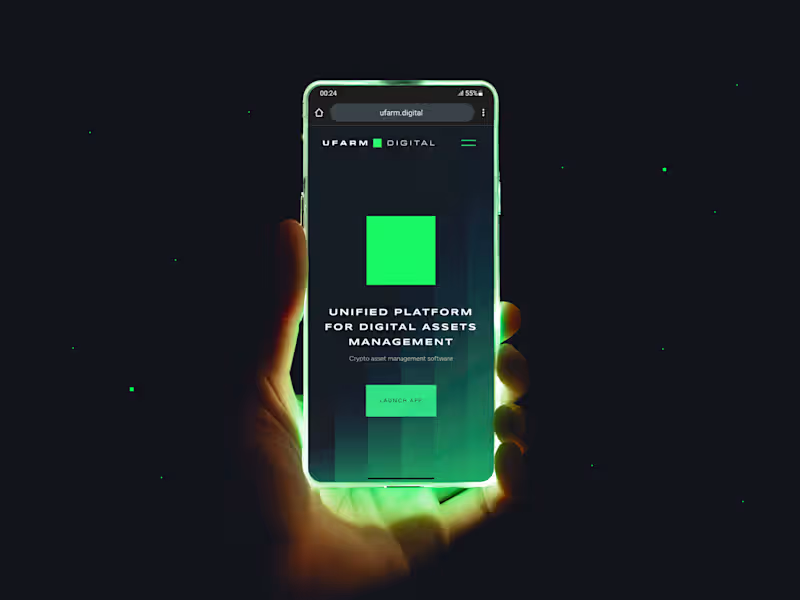
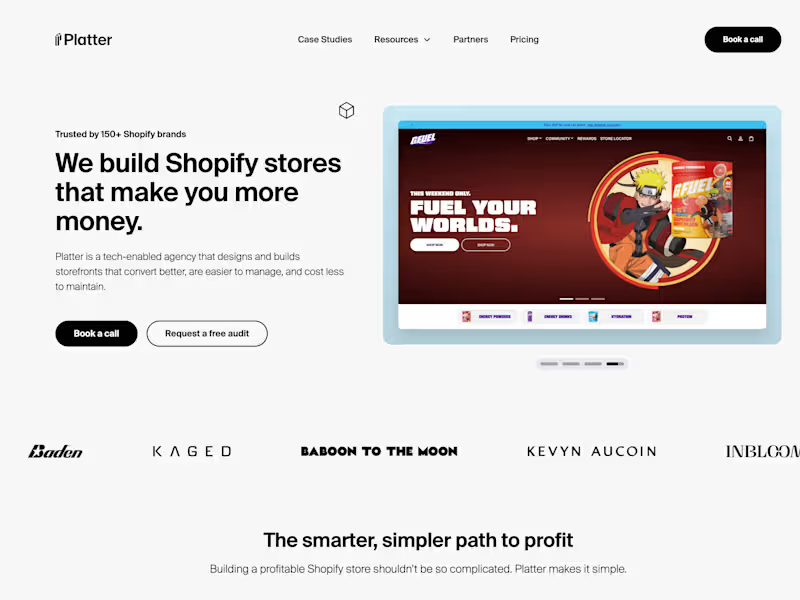
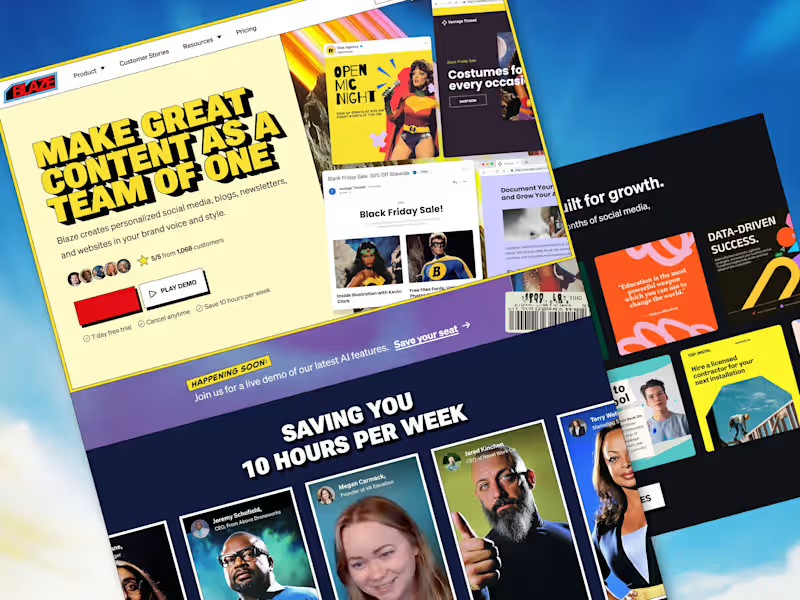
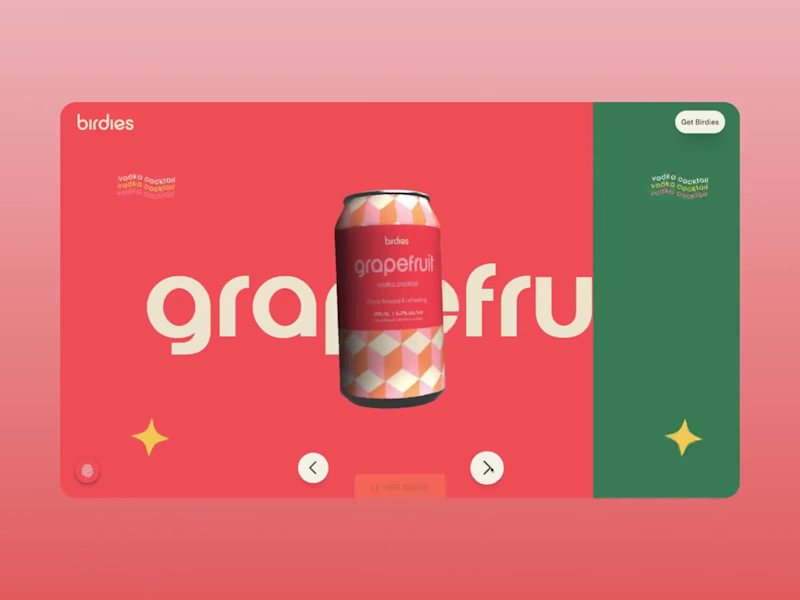
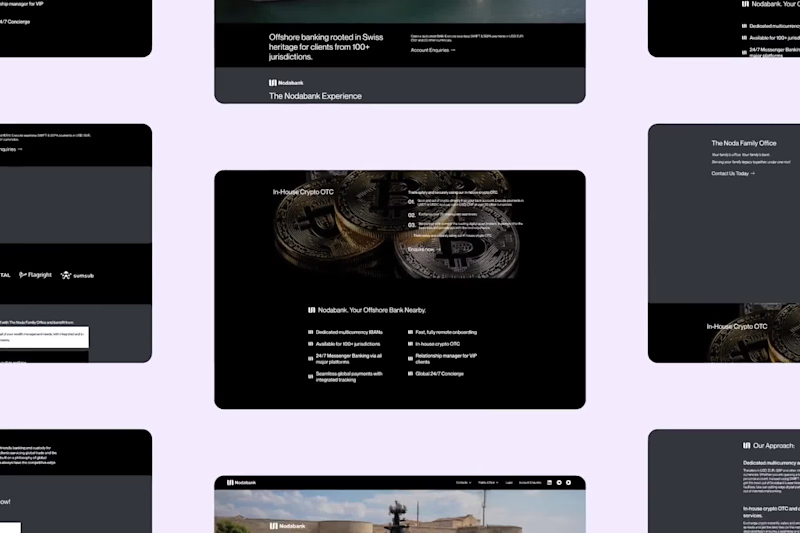
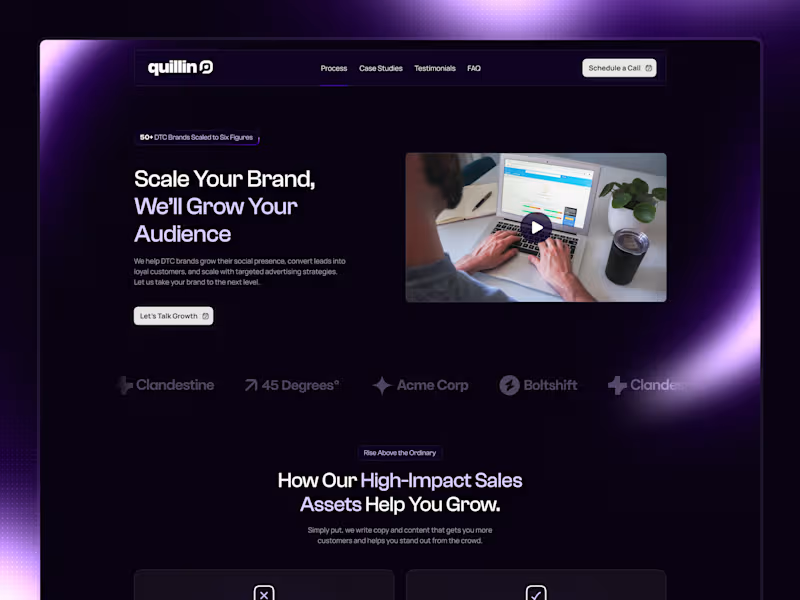
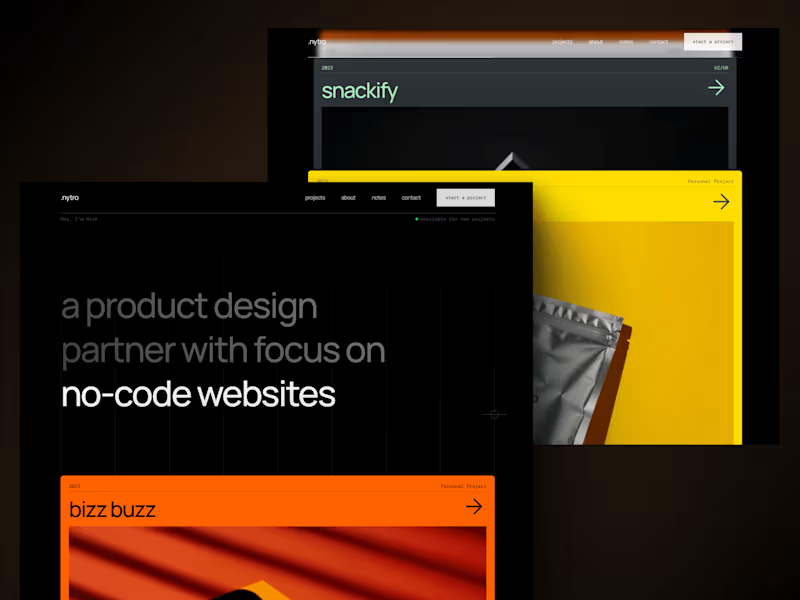
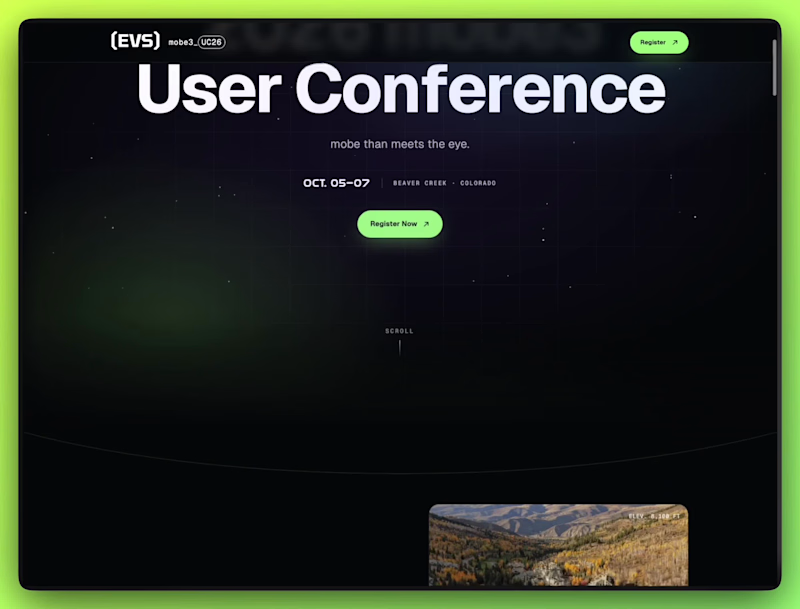
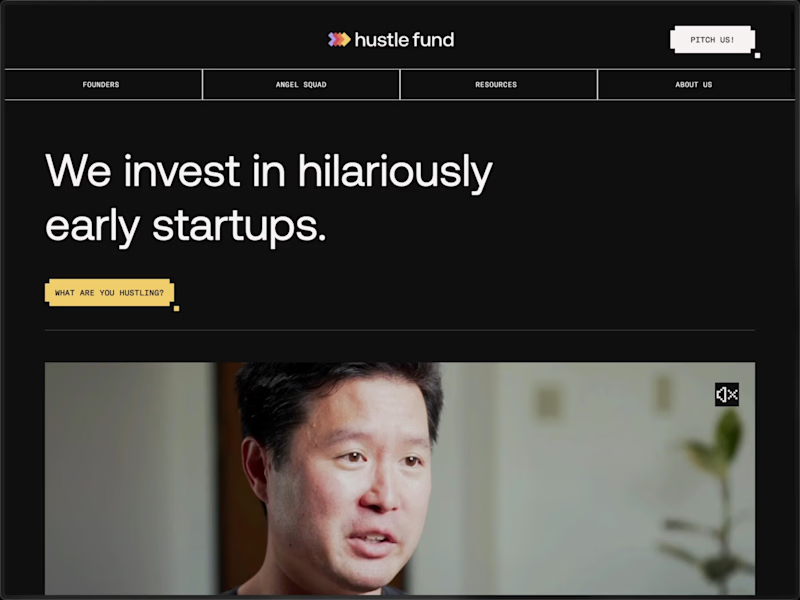
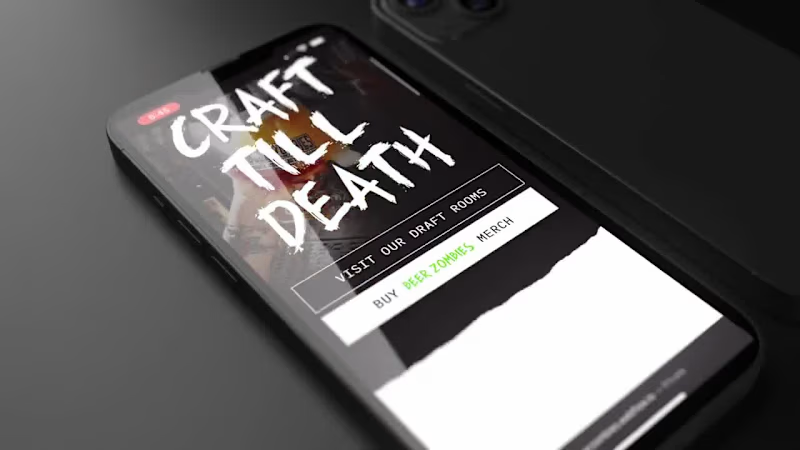
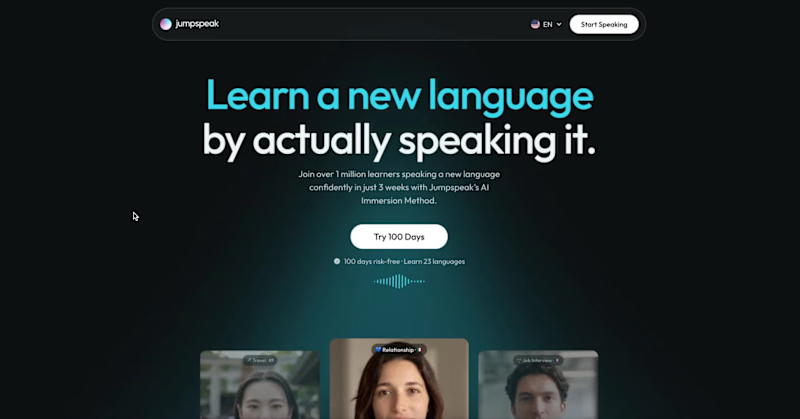
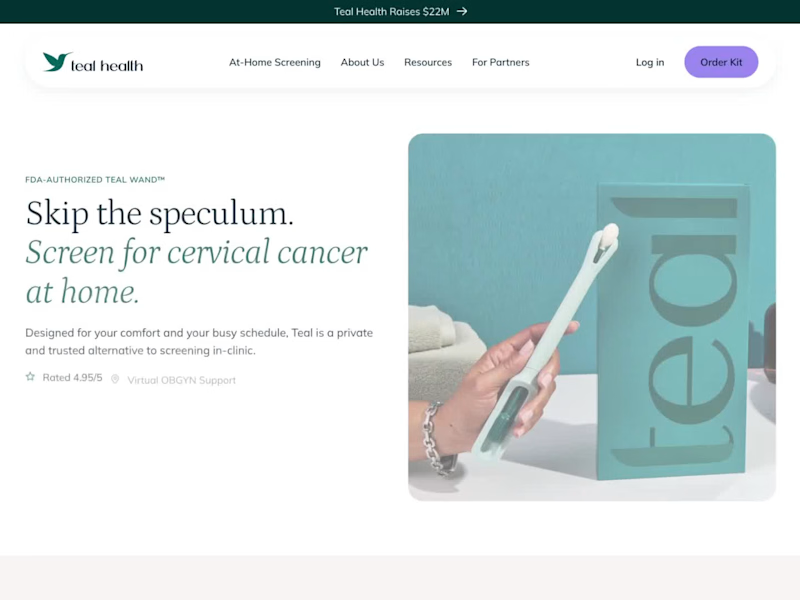
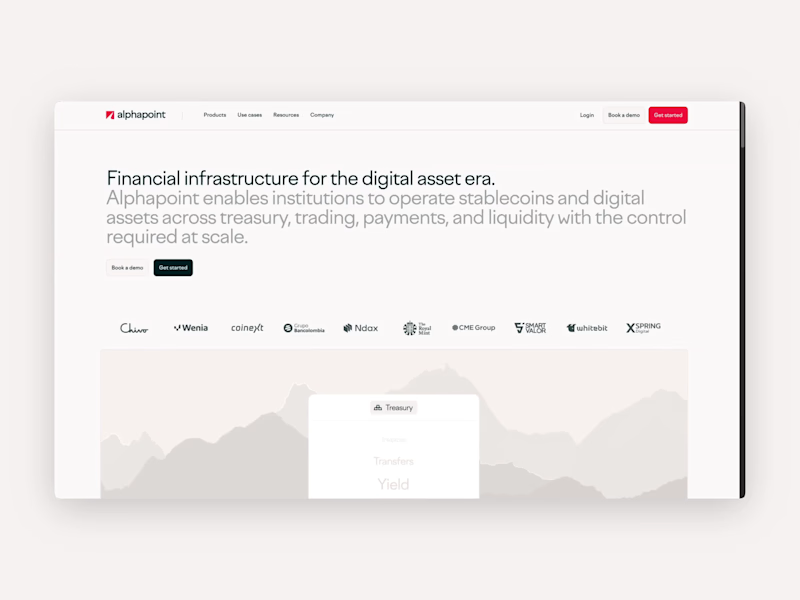
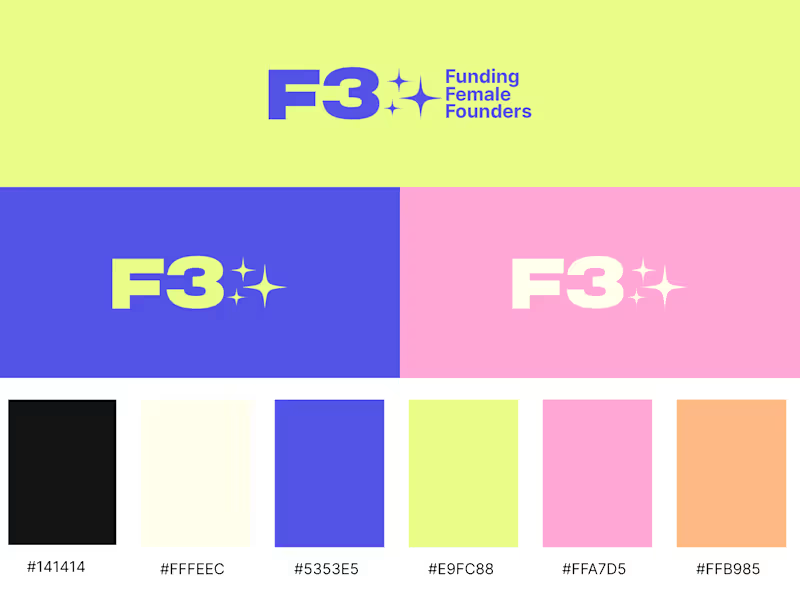
Can the developer share their Webflow project portfolio?
Ask if they have examples of their work. A portfolio shows their skills and style. This helps you see if they are the right fit for your project.
Does the developer understand your project's goals?
Make sure they know what you want to achieve with your website. This includes design style, features, and functionality. A good understanding will help them create exactly what you need.
Can the developer meet your deadlines?
Talk about how long the project will take before starting. Make sure the developer can finish on time. If they can meet deadlines, it will help your project run smoothly.
Does the developer offer ongoing support?
Ask if they can help after the website is live. Sometimes, you need changes or fixes later. Having support means your website stays in good shape.
Can the developer communicate clearly about progress?
Find out how the developer will update you on progress. Good communication is key to a successful project. This ensures you know what’s happening and when it will be done.
What is the developer’s process for handling revisions?
Know how they deal with changes you want to make. Developers might have a limit on revisions. Clear rules help avoid misunderstandings later.
How will the developer ensure the website is responsive?
Responsive websites work well on phones, tablets, and computers. Ask how they plan to make sure your site looks good everywhere. This is important for reaching more users.
Does the developer have knowledge of SEO best practices?
A developer with SEO skills helps your site rank well on search engines. Ask if they know how to optimize your site. This means more people can find your website.
What tools does the developer use for collaboration?
Find out what tools they use to work together. This could be project management or design tools. Choosing the right tools makes it easier to stay organized and on track.
Who is Contra for?
Contra is designed for both freelancers (referred to as "independents") and clients. Freelancers can showcase their work, connect with clients, and manage projects commission-free. Clients can discover and hire top freelance talent for their projects.
What is the vision of Contra?
Contra aims to revolutionize the world of work by providing an all-in-one platform that empowers freelancers and clients to connect and collaborate seamlessly, eliminating traditional barriers and commission fees.