
Pro
Hannes Atian
Framer sites that use motion to engage and drive sales
- $1k+
- Earned
- 8x
- Hired
- 5.00
- Rating
- 62
- Followers
Process section for Dash, a retention marketing agency based in India. Built in Framer.
0
12
Interactive Buttons and Links
0
0
My client needed just a bit more design flexibility in their @Framer CMS.
Instead of suggesting an alternative platform, I asked them what kind of flexibility they needed. They gave me a reference website.
Essentially, they wanted a CMS where we could extend the in-line images full-width and stack them in a row, both of which aren't possible natively in Framer.
I looked for resources online: code overrides, custom components, etc. I found one that allowed full-width images, but I couldn't find anything about making multi-column image rows.
So I went to work modifying the code override to include functionality to stack images horizontally. And, after some trial and error and a little help from ChatGPT, I was able to do it.
Curious how it works? Let me know.
1
1
200
Framer Development for Fortify Education
0
2
Framer Landing Page Development for Push AI
1
4
Fun and Engaging Landing Page for Fillr
0
7
Here's how I created this simple rotating carousel in 3D space.
First, I created the component in Framer to contain everything.
I then added several Stacks inside it with Absolute positioning. In this example, we have 6 items total, but we need to double it for a total of 12 so we could have a nice loop.
Each stack has a single frame here rotated 90° in the y-axis. These frames serve as the image containers.
I then rotated the stacks on the y-axis in equal intervals, forming a propeller shape with the images at the ends. For 12 items like we have here, the interval is 360° ÷ 12 items = 30 degrees.
It's simple but a little bit crazy to think about! Had a lot of fun making this.
Preview: https://3d-carousel-ha.framer.website/
Steal it from this remix link: https://framer.link/09wJssC
0
182
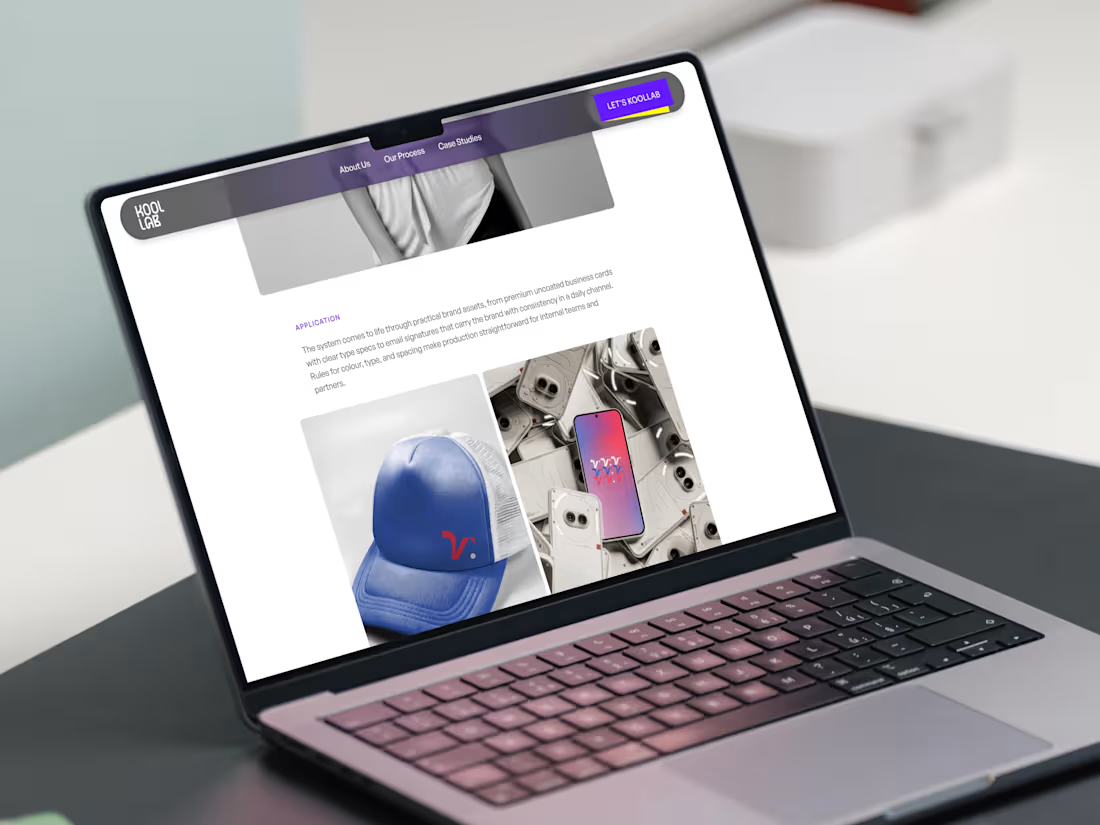
Design & Framer Development for Koollab Agency
0
7
Redesigning Dash Agency's Website
0
5
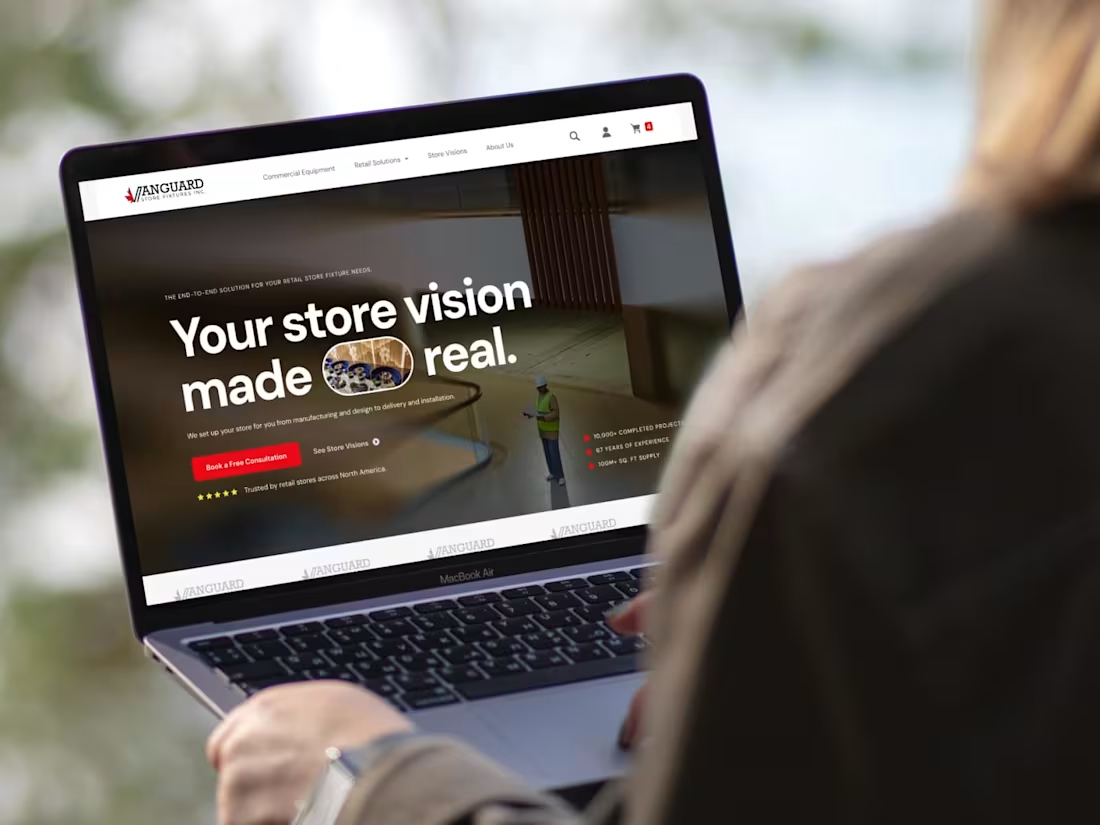
Website Design for Vanguard Store Fixtures
0
17
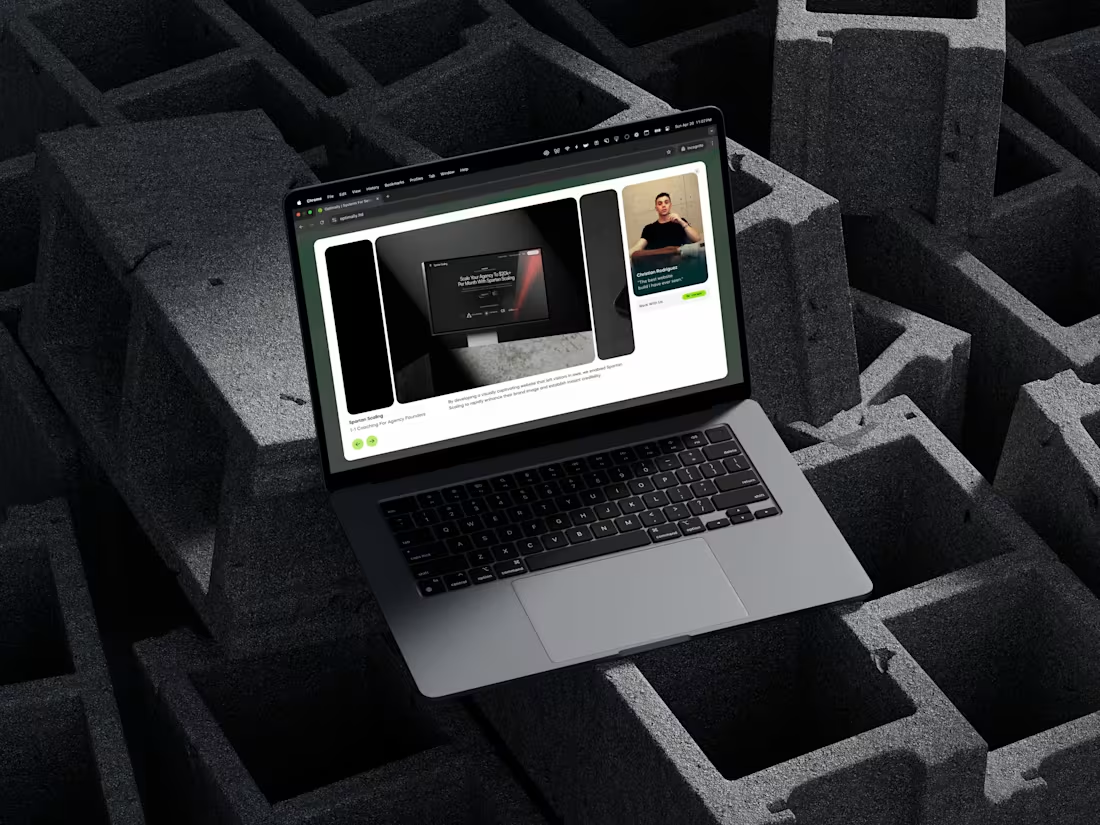
CMS Portfolio Carousel and Responsiveness Tweaks
0
4

CCF Mastermind Landing Page Design
0
4

Figma to Framer Website Development for a Creative Director
0
7