
Ibiangake Nyong
Streamlining Business Process With AI & Workflow Automations
- 4
- Followers


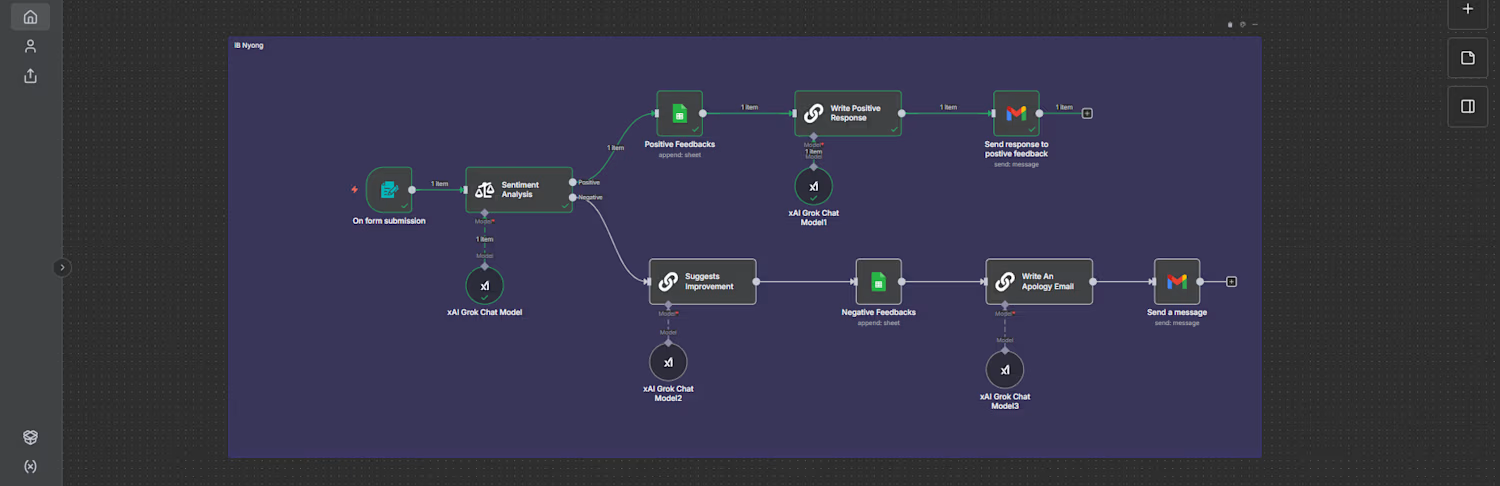
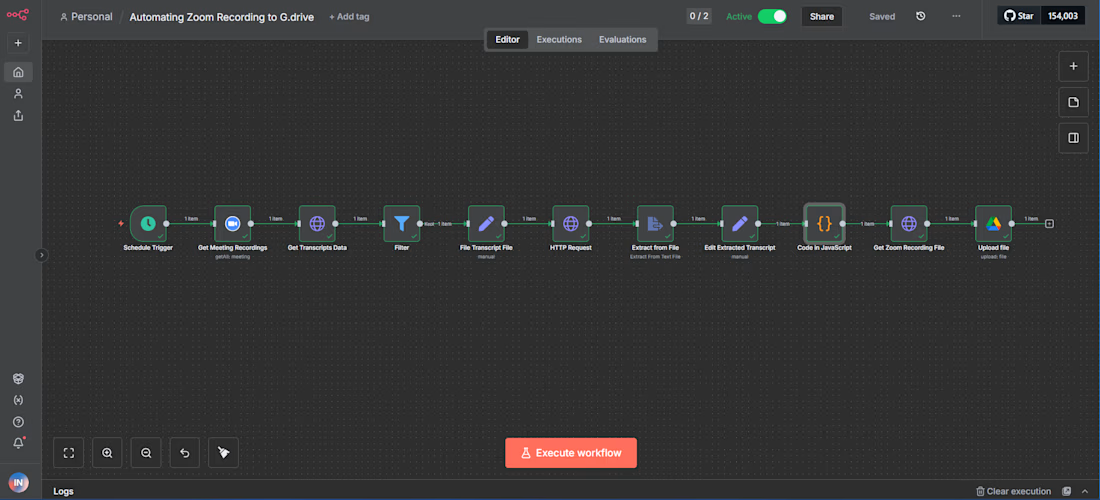
I built a workflow on n8n that:
- Retrieves latest Zoom meeting recordings and transcripts
- Filters out meetings without transcript files
- Analyzes transcript text to extract key topics and generate descriptive file names
- Downloads and uploads recording video files to Google Drive with dynamic folder and file names
This automation saves hours of manual work every week, ensures consistent file naming, & is scalable to any number of meetings.
100% reduction in manual upload & renaming time.
If you need a similar solution, feel free to send me a DM, and I'd be happy to help automate your workflows, save time, & focus on what really matters.
#workflowautomation (https://www.youtube.com/hashtag/automation) #n8n (https://www.youtube.com/hashtag/n8n)
Watch full demo here: https://youtu.be/9XT3flkP-Kc?si=QZwEbpPJV483O0g1
2
58
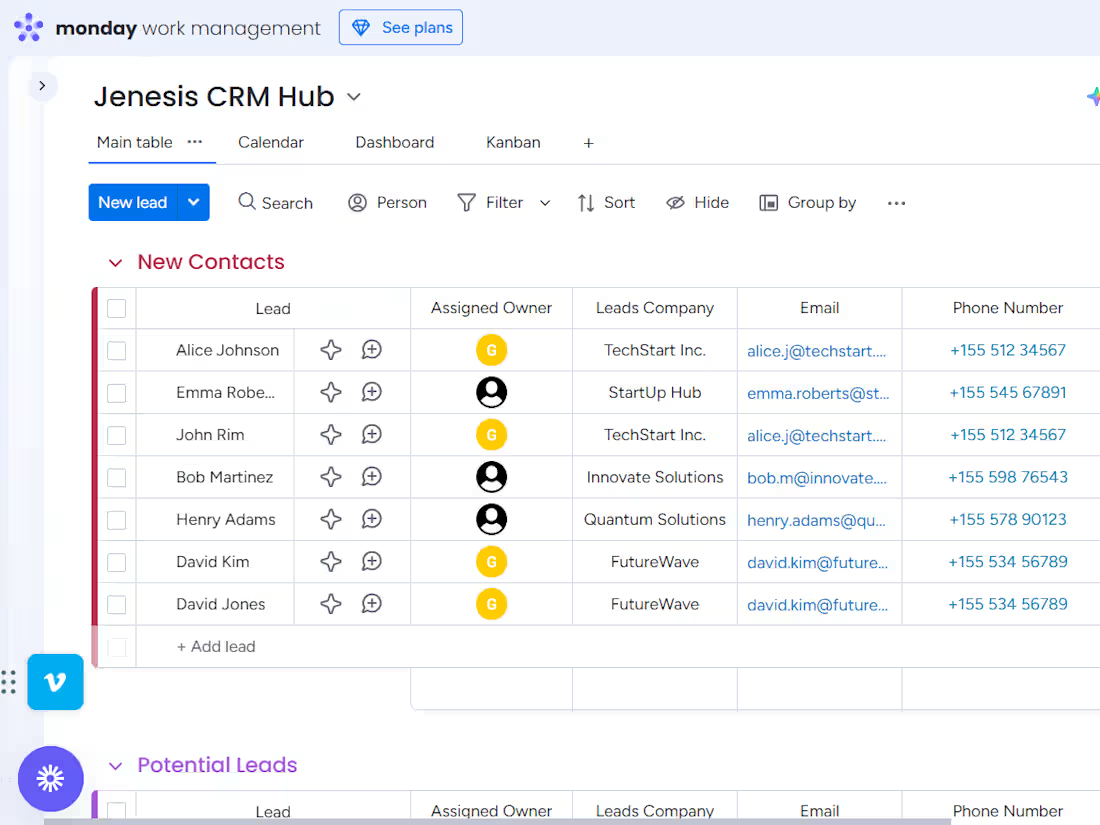
End-to-End CRM Sales Pipeline Demo Project - YouTube
0
4
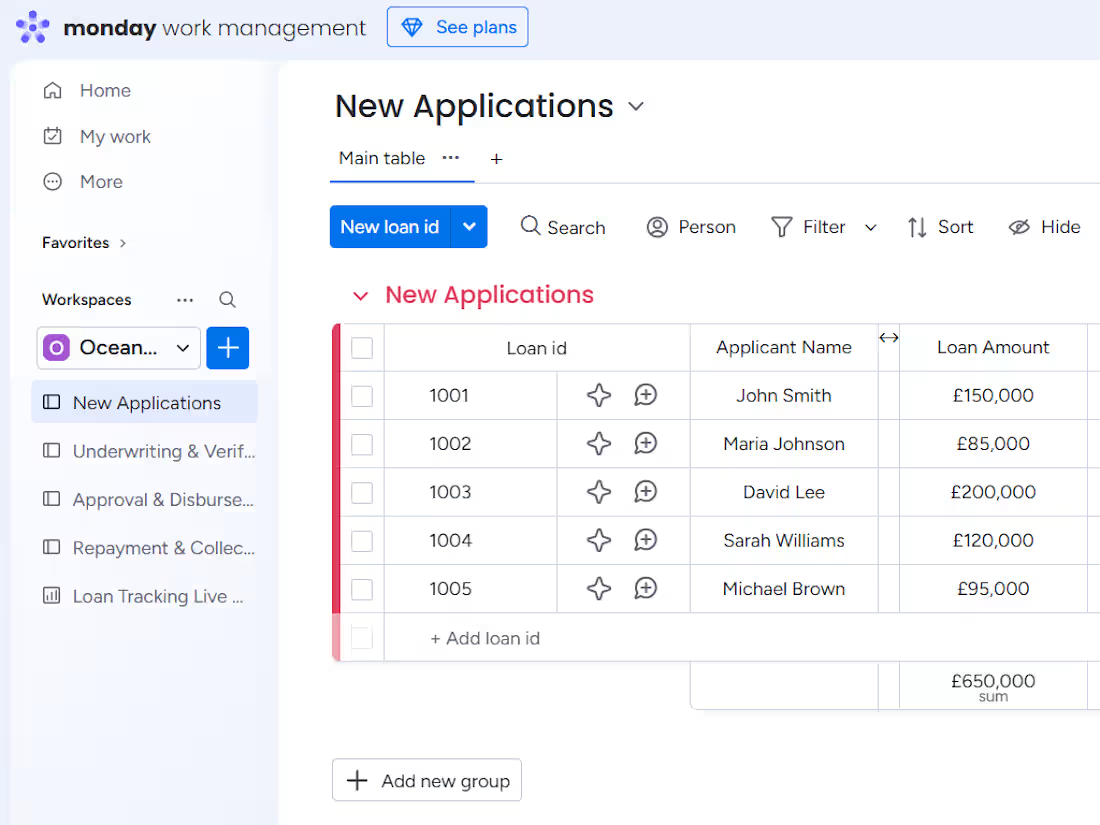
End-to-End Mortgage Loan Pipeline Design With Monday.com - YouT…
0
10
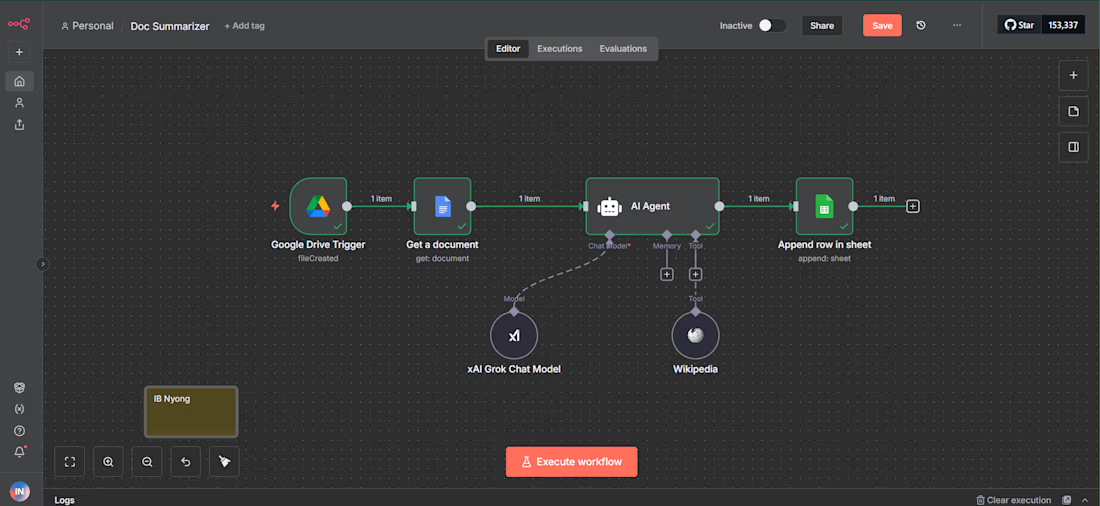
This workflow automates the process of summarizing documents by detecting new files added to Google Drive and extracting their content. It uses the Grok 4 Fast Reasoning model from xAI to quickly generate clear and concise summaries.
The workflow also enriches these summaries by accessing relevant information from Wikipedia, making the output more accurate and informative.
Finally, the summarized and enriched content is organized into a Google Sheet for easy tracking and sharing. This automation saves time, reduces errors, and helps users efficiently understand and manage large volumes of information.
2
102