Projects using YouTube AdsProjects using YouTube AdsI'll change the way you think about Google Ads...
Don't be GOLD FISH, read it through!!!
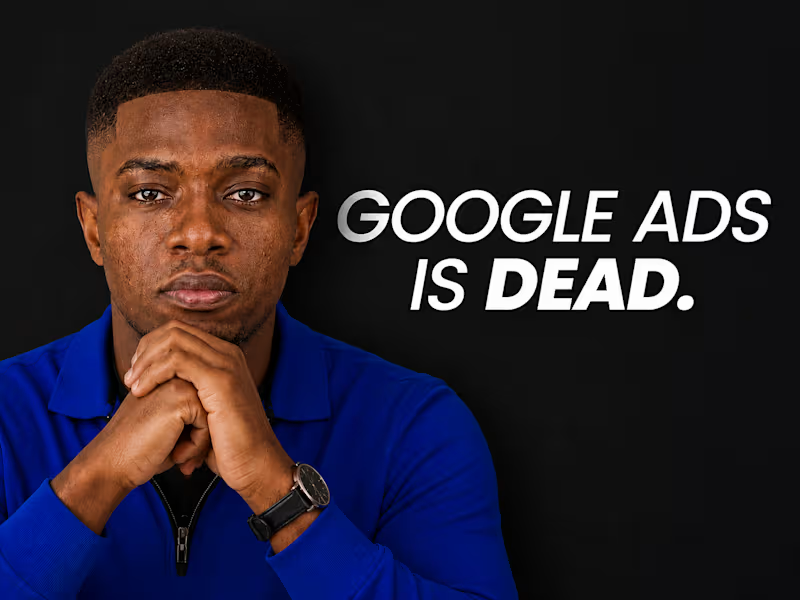
A friend called me recently in a total panic. He'd just spent $3,000 on Google Ads and got absolutely nothing back. Zero leads. Zero sales. Just gone. And of course, his conclusion was "Google Ads is dead."
I hear this a lot. And honestly, I get why people believe it. But let's actually talk about what's true here, because there's a real difference between "Google Ads doesn't work" and "MY Google Ads didn't work", and almost everyone mixes those two up.
Here's the honest part first: Google Ads has genuinely gotten harder. More competition, higher costs per click, way more automation, less manual control than it used to have. If you're running it the same way you did 5 years ago, you will lose money. That part is real, not made up.
But here's what actually happened when I looked into his account, and it's the same pattern I see over and over:
→ No conversion tracking set up at all. Google was spending completely blind, no idea what was actually working.
→ Broad match keywords on a tiny budget, so ads were showing to people with barely any relevant intent.
→ Generic ad copy, the kind that could describe literally any business in any industry.
→ Zero negative keywords, zero ad extensions.
→ The campaign ran for 6 weeks and nobody had looked at the search terms report once.
None of that is Google's fault. That's a setup problem, and setup problems are fixable.
Here's the thing that really gets me: most people who say "Google Ads doesn't work" tested one bad setup, once, for a few weeks, and quit. That's like going to the gym twice, not seeing abs, and telling everyone fitness is a scam. Nobody thinks that way about fitness, everyone accepts it takes skill and consistency. Google Ads is exactly the same. It's a skill. It can be learned. It just LOOKS deceptively simple from the outside, and that's exactly what traps people.
And honestly, some of what Google's automated over the years is genuinely good, smart bidding can process signals no human could ever track manually. The automation isn't the problem. The problem is people hand control over to the algorithm before giving it anything useful to actually learn from. Like hiring a great chef and handing them an empty fridge.
Here's what we actually did to fix my friend's account, none of it cost extra:
✓ Set up proper conversion tracking for the first time
✓ Went through the search terms report and built a real negative keyword list
✓ Rewrote the ad copy to speak to an actual specific problem, not generic fluff
✓ Tightened match types
✓ Added sitelinks, callouts, a location extension
Same budget. Same platform. Within 6 weeks, more leads than the previous 6 months combined.
The platform didn't change. The approach did.
Here's the real takeaway: if you tried Google Ads once and it flopped, don't write off the platform, write off the version of yourself that ran it that first time. You know more now. Most competitors are still stuck obsessing over match types and bid tweaks while ignoring whether their offer or landing page is even any good. If you're willing to actually understand this at a strategic level instead of just clicking buttons, you're already ahead of most people running ads right now.
Follow along, more real breakdowns like this coming. 👀