
M365 Admin, Outlook expert, Security, Migration & Cloud Infr
M365 Admin, Outlook expert, Security, Migration & Cloud Infr
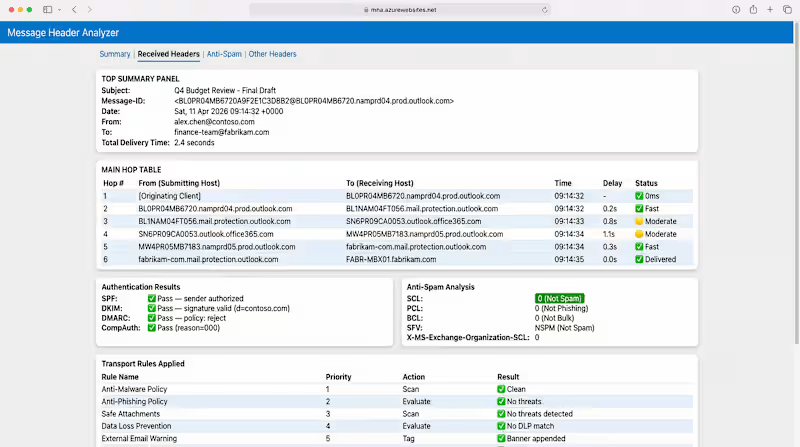
Exchange Online Solution Architecture: Advanced Mail-Flow & Domain Integration. Engineered a complex email-based solution for a development project integrating Office 365 and Exchange. I managed the full lifecycle from architectural planning to implementation, focusing on shared mailbox optimization and sophisticated mail-flow logic.
Key challenges solved:
Conversation Threading: Managed Message IDs and In-Reply-To headers to ensure seamless threading across shared environments.
Multi-Domain Architecture: Configured, migrated and validated multiple domains on a single tenant while maintaining distinct identities.
Outlook/EXO Behavior: Handled 'Full Access', 'Send As' permissions and synchronized folder-level access behavior across diverse device types.
Mail-Flow Rules: Built accurate transport rules using unique 'Amadeus' indicators and header analysis to automate complex routing.
>> Cannot attach original work images since confidential.
0
147

Legacy Outlook Data Recovery & eDiscovery Restoration
Managed a high-stakes data recovery operation for a client who had lost years of critical Outlook communication. I bypassed standard restoration limits by utilizing Microsoft Purview eDiscovery to execute deep-level search queries across the tenant.
Key Technical Achievements:
Advanced Search: Engineered complex eDiscovery queries to locate and aggregate 'lost' data fragments from the backend.
PowerShell: Authored and executed PowerShell scripts to recover data and export into organized PST files.
Data Integrity: Successfully re-imported years of historical archives into the active Outlook environment, ensuring 100% data integrity and correct folder mapping.
Outcome: Restored years of vital business communication that was previously considered unrecoverable."
0
71
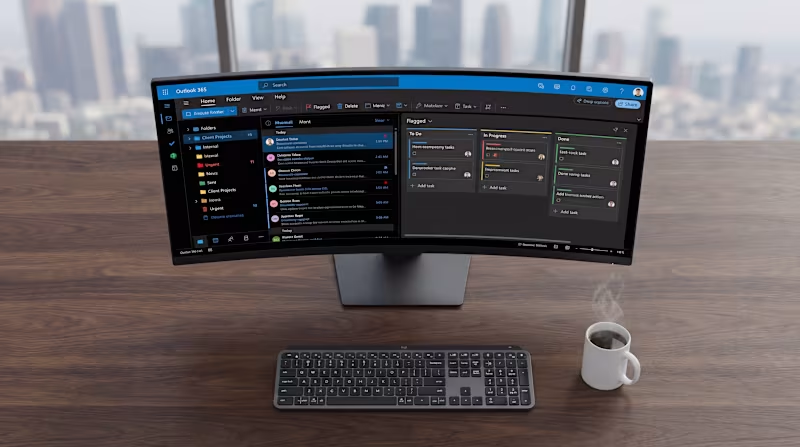
Engineered a custom project management ecosystem within Outlook 365 for a high-output team. I transformed standard email infrastructure into a streamlined workflow engine, focusing on organizational efficiency and collaborative data management.
Core Deliverables:
Workflow Architecture: Custom-built folder structures and automated categorization to track project lifecycles.
Shared Resource Management: Optimized shared mailboxes and calendars for cross-departmental project tracking.
Inbox Productivity: Implemented advanced Outlook rules and Quick Steps to reduce manual task management by 40%.
Security & Permissions: Managed delegated access and sensitive project data protection via Exchange Online.
>> Cannot attach original pictures since confidential
0
69
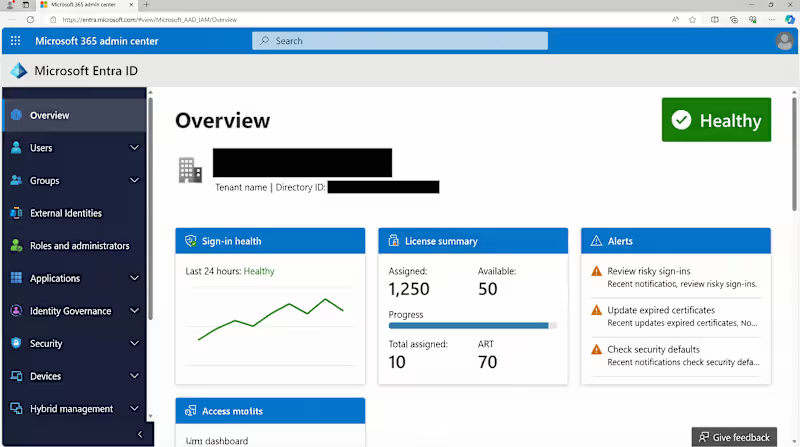
M365 Tenant Infrastructure & Security Hardening. Architected and deployed secure Microsoft 365 environments. This involved configuring Entra ID (formerly Azure AD), setting up Self-Service Password Reset (SSPR), and implementing custom branding. I defined strict account security guidelines and managed granular role-based access (RBAC) to ensure ongoing tenant safety.
0
73


M365 & Google Workspace security engineer, Orlando FL

Zoho One, CRM & Kajabi/Web Design & Architect from 12+ years
New to Contra
Zoho One, CRM & Kajabi/Web Design & Architect from 12+ years



Innovative .NET Solutions for Modern Businesses
Innovative .NET Solutions for Modern Businesses


Microsoft 365 & Azure Solutions Architect
- $5k+
- Earned
- 2x
- Hired
- 5.0
- Rating
- 16
- Followers
Microsoft 365 & Azure Solutions Architect

Have you wondered how hacekrs bypass MFA? Nowadays it is getting easier. There is a phishing kit called Mirage2FA that has been working against Microsoft 365 since late 2024.
Here is how it goes. The user lands on a fake login page. They type their password. They approve the MFA prompt on their phone. Everything they enter is passed straight through to Microsoft in real time, so the sign-in genuinely succeeds and looks completely normal to them. Microsoft issues the session tokens, and the kit keeps a copy.
With those cookies someone can read the mailbox, open SharePoint and OneDrive, and reach anything sitting behind SSO. They never see a second prompt, because the authentication already happened.
ANY.RUN (http://ANY.RUN) put numbers on it. 9,426 accounts targeted across 3,518 domains, roughly 4,532 showing signs of compromise, most of them in the US. A third of the successful logins happened on phones, where you can barely see the URL you are looking at.
The advice going around is to switch on Continuous Access Evaluation. I would switch it on too. Just read the documentation first, because it does something slightly different to what people assume.
CAE sessions run tokens for up to 28 hours. The default is one hour. What you get in exchange is revocation when something happens, and Microsoft is specific about what counts: the account is disabled or deleted, the password is changed or reset, MFA gets turned on, an admin revokes refresh tokens, or ID Protection flags the user as high risk. Allow up to 15 minutes for that to propagate. IP location is the only one that applies straight away.
Three things worth knowing before you lean on it. It covers Exchange Online, SharePoint Online and Teams. Guest accounts are not supported, which is where a lot of contractor access lives. And it only reads IP-based named locations, so a country-based policy buys you nothing here.
If I were fixing this in a tenant tomorrow, in this order:
Phishing-resistant sign-in first. A FIDO2 key checks the domain it is talking to, so it will not hand anything over to a proxy wearing Microsoft's face.
CAE on, so revocation actually reaches the services.
Then a runbook where you revoke sessions before you reset the password. Reset first and you have changed the lock while someone is still inside holding a key that works.
If session cookies walked out of your tenant this morning, what would notice, and how long would it take?
Source: ANY.RUN (http://ANY.RUN) threat research, 19 August 2026. CAE behaviour from Microsoft Learn.
1
268
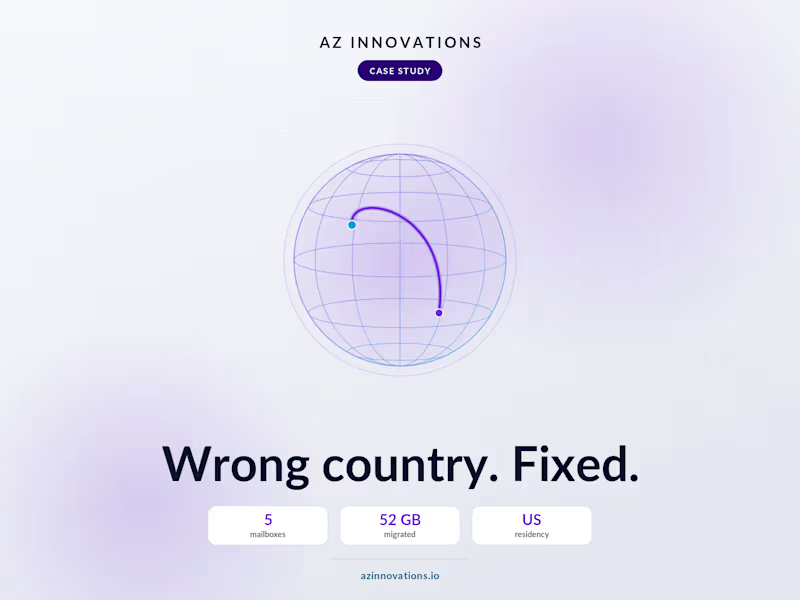
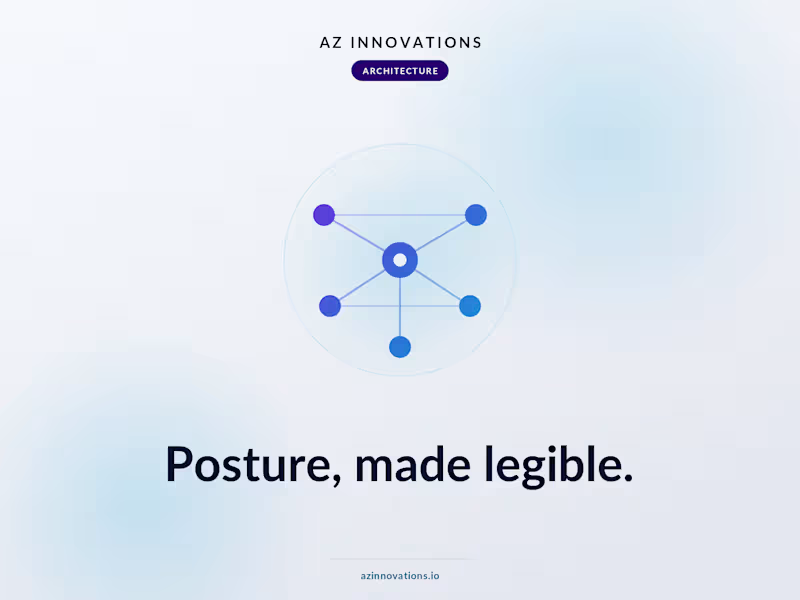

Microsoft 365 & Azure Expert |Monthly IT Support | Exchange
Microsoft 365 & Azure Expert |Monthly IT Support | Exchange


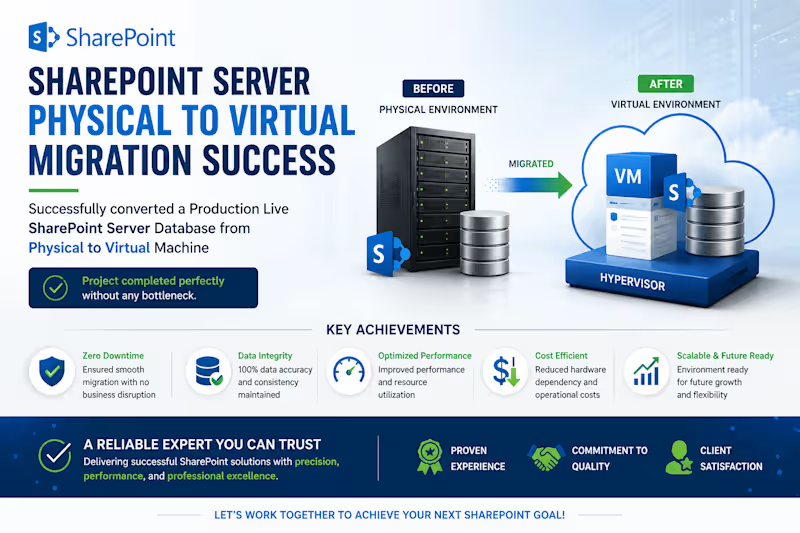
📌 Project Description:
Successfully architected and executed the migration of a live, mission-critical production SharePoint Server database from a physical infrastructure to a virtualized environment (P2V). This project required meticulous planning and execution to ensure zero data loss, minimal business disruption, and optimal post-migration performance.
🏆 Results & Business Value:
Zero Bottlenecks
100% Data Integrity
Future-Proofed Infrastructure
1
270

Reliable WordPress Developer & IT Specialist
Reliable WordPress Developer & IT Specialist

View more →