Zappy: Building a Real-Time Workflow Layer for WhatsApp-Based Businesses
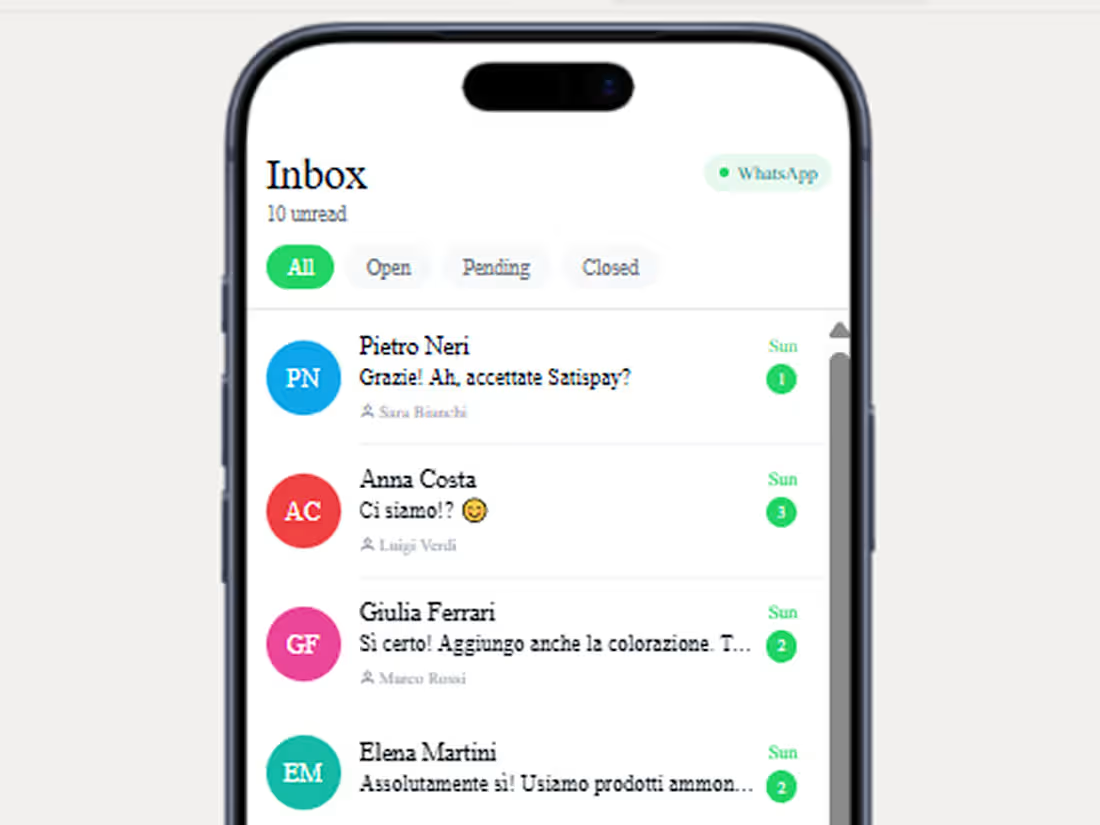
Zappy is a mobile first shared WhatsApp inbox for small businesses, designed to turn chaotic customer messaging into structured team workflows.
The core problem is not messaging, but coordination. As small teams grow, conversations become fragmented, messages are missed, and there is no clear ownership or system of work.
I designed Zappy as a real time, multi tenant communication system where every business operates in an isolated workspace, and every conversation is structured, trackable, and assignable across team members.
The system is built with a contract first architecture using OpenAPI and shared types, ensuring the backend and mobile app stay fully in sync as the product scales.
Real time updates are handled through Socket.IO (http://Socket.IO), with fallback polling for reliability across environments.
On top of this communication layer, AI is embedded directly into workflow moments, not as a separate tool. It assists with reply suggestions, conversation summaries, tone rewriting, sentiment detection, and off hours responses, all aimed at reducing cognitive load and response time for small teams.
Zappy is ultimately a workflow layer for WhatsApp based businesses, focused on structure, speed, and clarity in customer communication.
6
900
QuickBite: Food Delivery App in Flutter
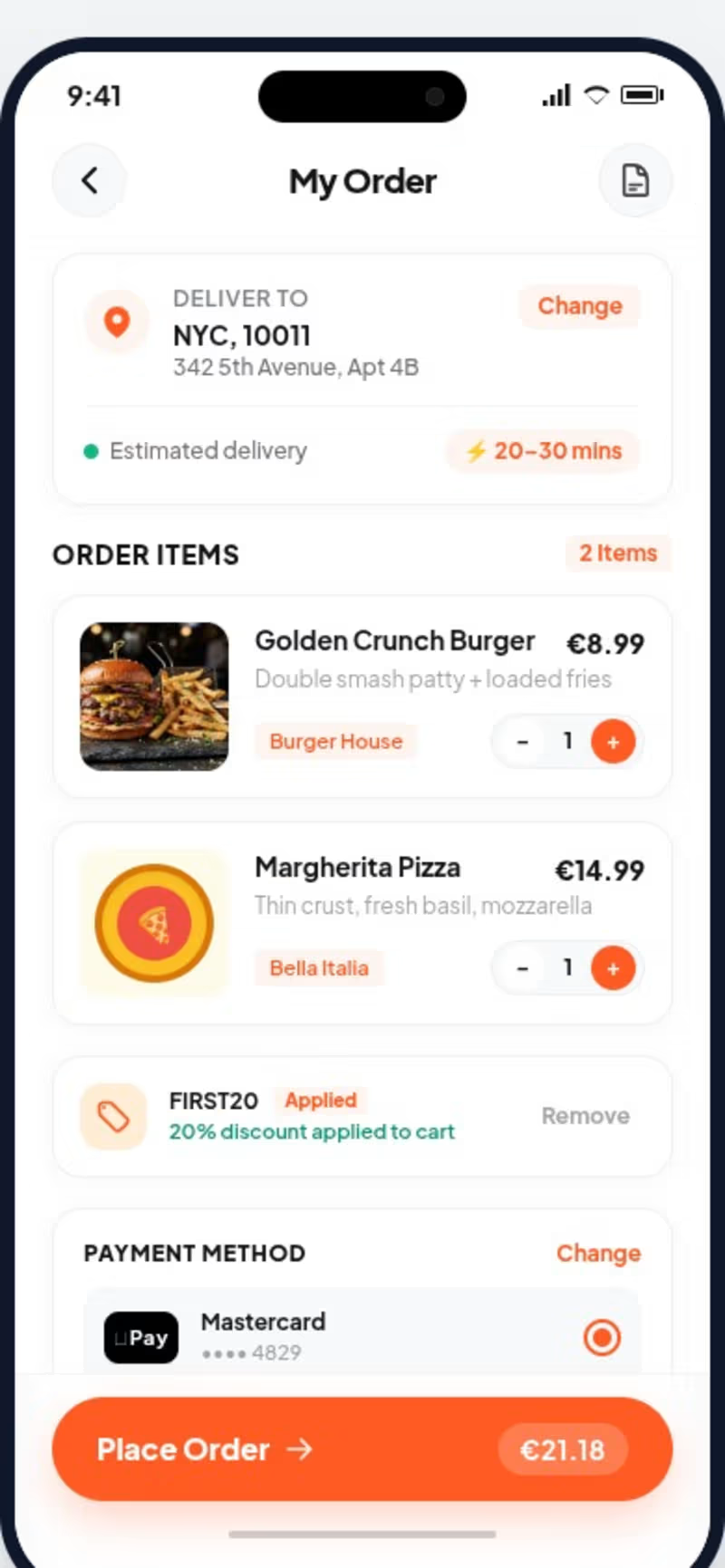
A food delivery app built end to end in Flutter, from browse to checkout. Category filters, restaurant listings, promo deals, and a full order summary with discounts and payment selection, all in dark and light theme.
Tools: Flutter, Dart, Riverpod, Supabase
Which theme speaks to you more, dark or light?
1
280
Ember: Calm guidance for when everything goes wrong.
Try Ember: https://emberapp.figma.site
Check it out on Figma Community: https://www.figma.com/community/file/1648394289612792299/ember
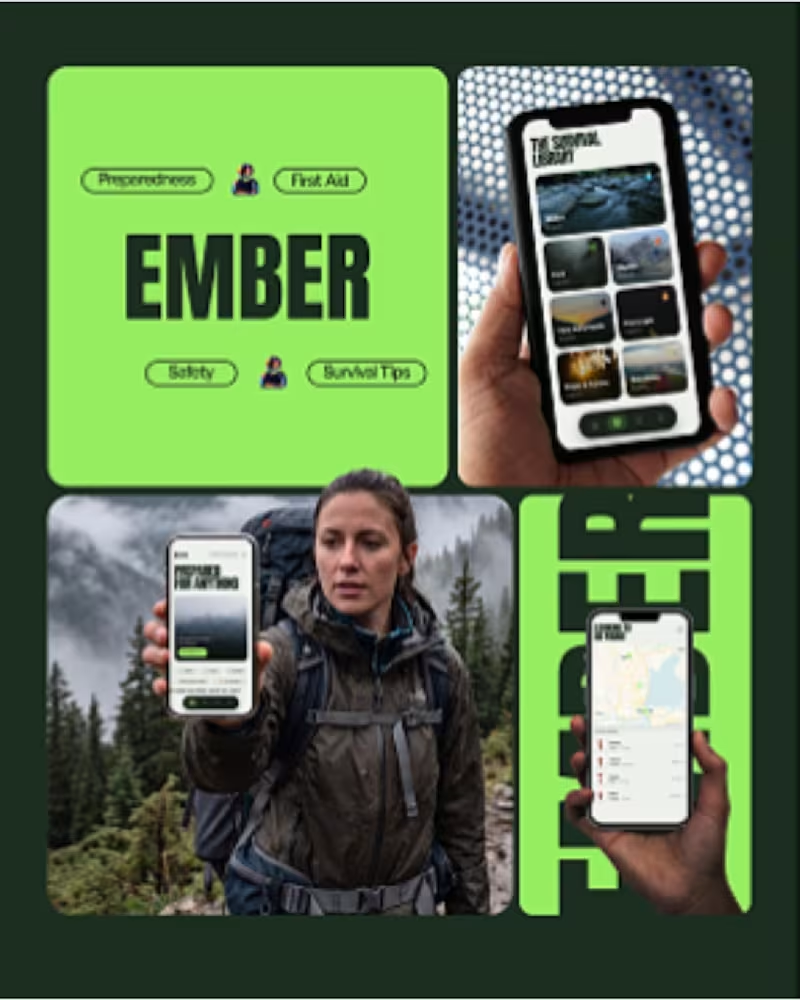
(https://www.figma.com/community/file/1648394289612792299/ember)Survival knowledge is everywhere, but in the moment you actually need it, it's scattered and overwhelming. Ember is a survival companion app that turns preparedness into something personal, calm, and actionable.
Instead of dumping information on you, Ember asks a few simple questions: your situation, your environment, what you need most, and whether you're alone. From your answers it builds a personalized survival plan, the right guides in the right order. Every guide is built for use under pressure: what you'll need, then clear steps you check off one by one. Completing guides levels you up from Noob to Survivor, so preparedness becomes a practice, not a panic.
And because survival isn't only about knowledge, Ember includes a community safety layer. Find Me broadcasts your location with one tap, and the Lost map shows everyone nearby who needs help, in real time. The app that teaches you to survive also helps you get found.
Built entirely with Figma Make, featuring AI generated imagery and a custom AI character system, a live Supabase backend powering the real time beacon map, and live local weather. One app, real data, real purpose.
Ember. Prepared for anything.
6
4
523

MyWorldCup App⚽🌍
Ever since the World Cup began, I found myself doing the same thing, jumping between score apps for updates, switching to X for fan debates and banter, checking blogs for news, and moving across different platforms just to follow one tournament.
It felt exciting, but also fragmented. I wanted a simpler way for fans to experience everything in one place.
That idea became MyWorldCup; a fan-first, Mobile-first World Cup companion designed to bring every part of the tournament experience together.
Football fans can follow fixtures, standings, predictions, discussions, and tournament progress through a simple, intuitive experience with dedicated tabs for group tables, fixtures, match predictions, tournament brackets, country fan communities, live match discussions, and World Cup history.
Built using Figma Make, this project explores how AI-assisted design and rapid prototyping can turn an idea into an engaging digital experience faster.
The attached walkthrough shows the design process, key features, and how I used Figma Make to bring MyWorldCup from concept to interactive product.
Figma Make Preview:
https://www.figma.com/make/D0jcSSibf3m6rqOxo0eOtA/MyWorldCup-App-Design?t=eBxJ2o6WBxYlCs3q-1
X Link:
https://x.com/i/status/2067835678906323179
Figma Community:
https://www.figma.com/community/file/1649664233009803364/myworldcup-app
#ConfigMakeathon @figma
2
3
208
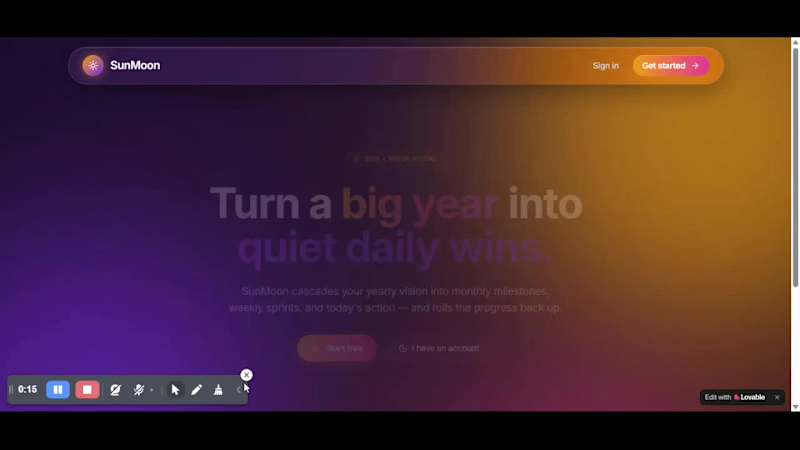
I just wrapped up my submission for the Wonder Challenge! 🚀
The goal? Solve a real workflow gap moving beautifully generated UI from design to a fully functional application without losing the craft.
I built SunMoonGoals (https://sunmoongoals.lovable.app/), a goal-tracking app designed to help users log, track, and strike through their daily wins.
How it was built:
✨ Generated the core UI components and layouts directly on the wonder canvas.
🔌 Connected Wonder’s MCP server directly into @lovable to bridge the code context seamlessly.
💾 Integrated Supabase to handle user authentication and persistent database storage.
No static handoffs. No building from scratch twice. Just straight from canvas to production code.
Check out the short video walkthrough below to see the exact workflow in action! 🎬
#WonderChallenge #BuildInPublic #AIOptimization #UIUX #Lovable #Supabase
File link (https://app.wonder.so/ajetomobi-jamiu/files/019f1a5b-86d7-7aa6-bd57-4d3de44c1cda) Live @lovable link (https://sunmoongoals.lovable.app/)
1
4
210
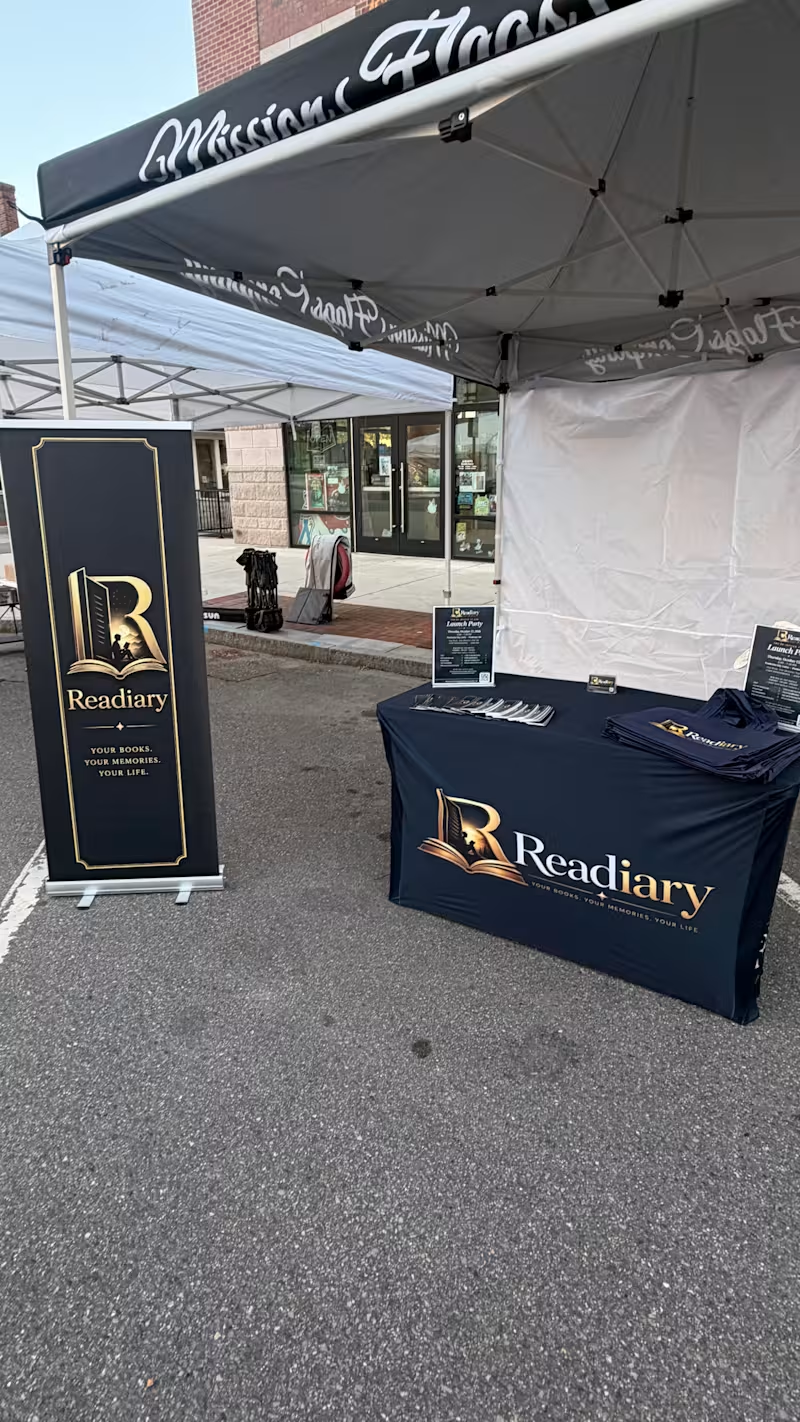
A founder I worked with insisted that my name be added to her app as recognition for the work I did. That meant more to me than she probably knows.
Meet Readiary, a reading journal mobile and web app I built for a founder.
It started with an idea and a vision. No detailed PRD, no fully mapped-out product requirements. Just a founder who knew what she wanted to bring to life.
I took that vision and turned it into a working product. I designed the UI, planned the backend architecture, made the technical decisions, built the app, and shipped it to both the App Store and Google Play Store.
Today, it’s a product people can actually use.
What makes this even more special is that the founder didn’t just appreciate the work. She made me her CTO. Every major technical decision now goes through me.
And honestly, it got me thinking.
These days, a lot of the best work developers do stays behind closed doors. NDAs, agency agreements, and client confidentiality mean you sometimes can’t even talk about a product you spent months building.
And that’s understandable. Business is business.
But sometimes, I wonder if we’ve made it too difficult for developers to show the work they’re genuinely proud of.
Anyway, I’m grateful this is one of those projects I can actually share.
If you’re a founder, whether you’re building in YC, SF, or anywhere else, and you need a developer who will care about your product almost as much as you do, I’d love to talk.
I like getting deep into products, challenging ideas, making technical decisions, and taking things from just an idea to something people can use.
I also use AI heavily in my workflow to move faster without compromising the quality of what I build.
My DMs are open. I’m ready for the next interesting project.
0
28
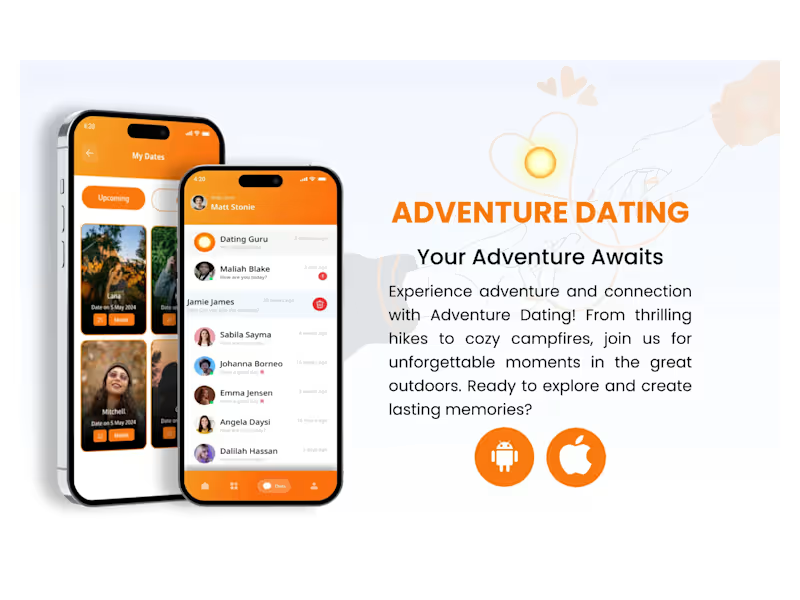
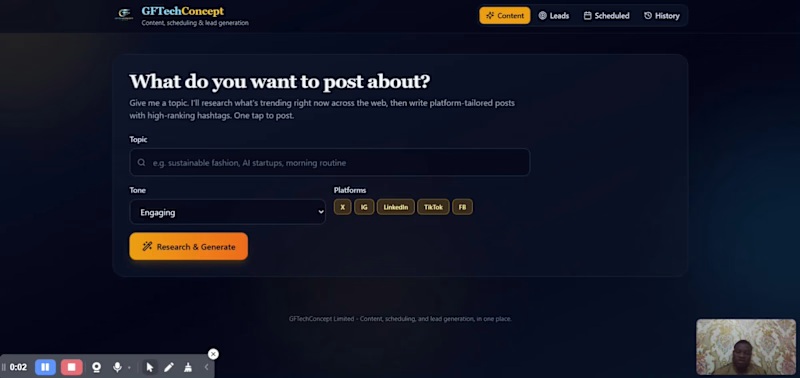
AI Social Content & Post Scheduler, The Tool That Also Generates Leads
Searching for an AI social media scheduler that does more than queue up posts? You're in the right place. Most tools stop at automation. The best ones go further they study what your audience is actually searching for and needing, then shape your content to meet that demand, turning everyday posts into a steady stream of qualified leads.
If you're still using a scheduler that only tells you when to post, you're missing the bigger opportunity: knowing what to post so it ranks, resonates, and converts.
From Publishing Tool to Growth Engine
Traditional schedulers answered one question: when should this post go live? AI-driven platforms now answer a bigger one: how does this post turn a stranger into a customer?
Here's what changed. Modern tools combine three things that used to live in separate systems content creation, publishing automation, and audience intelligence. When AI sits across all three, it stops being a passive queue and starts actively working the funnel.
Ranking Your Content by What People Actually Need
Here's the piece most schedulers skip entirely: matching content to real search intent and audience demand, not just posting on a schedule. An AI social content and post scheduler that generates leads has to solve this first, because content that ranks is content that gets found and content that gets found is content that can convert.
This works in a few concrete ways:
Demand detection. The AI scans what people are already asking, searching, and commenting about in your niche trending questions, recurring pain points, common objections and surfaces those as content ideas before you even open a blank draft.
Intent-matched drafting. Instead of one generic post, the AI tailors the angle to the intent behind the need: informational ("how does this work"), comparison ("X vs Y"), or ready-to-buy ("where can I get this"). Each intent type gets written and formatted differently because each one ranks and converts differently.
Keyword and topic alignment. Captions, hashtags, and even video hooks get checked against what's actually being searched, so a post isn't just creative it's discoverable.
Feedback loop from performance. Every post's ranking and engagement data feeds back into the model, so the next batch of content gets sharper at anticipating what people need instead of guessing.
The result: your content shows up when someone is already looking for an answer which is exactly the moment a lead is easiest to capture.
How AI Schedulers Actually Generate Leads
Smart content generation tuned for conversion Instead of generic captions, AI models analyze what has driven engagement, clicks, and replies in your niche, then draft posts designed to prompt action a comment, a DM, a link click not just a like. Small wording shifts (a question instead of a statement, a clear CTA instead of a vague sign-off) measurably change how many people respond
Optimal timing based on real audience behavior Rather than posting on a fixed schedule, AI tracks when your specific followers are actually active and adjusts posting windows automatically. More eyeballs at the right moment means more chances for someone to raise their hand.
Automated comment and DM triage This is where the real lead-gen magic happens. AI can scan incoming comments and messages, flag high-intent language ("how much," "do you ship to," "is this available"), and either respond instantly or route the conversation to a human. A comment on a Tuesday post can become a qualified lead in your CRM by Wednesday morning without anyone manually monitoring the feed.
Built-in lead capture flows Many platforms now let you attach lightweight forms, quiz-style DMs, or link-in-bio funnels directly to scheduled posts. The post itself becomes the top of a mini funnel rather than a dead end.
Performance data that sharpens targeting over time Every post produces data: who engaged, what they clicked, whether they converted. AI feeds this back into future content decisions, so your lead quality improves with every cycle instead of staying flat.
Why This Matters for Small Teams and Solo Marketers
Lead generation used to require a stack of separate tools a scheduler, a chatbot, a CRM, an analytics dashboard all stitched together manually. AI-powered schedulers are collapsing that stack. A single tool can now:
Draft and schedule content
Post at the ideal time for each platform
Detect buying signals in real time
Capture and hand off leads automatically
Report on what's actually working
That's a meaningful shift, especially for small businesses and solo marketers who don't have a full growth team to manage every touchpoint.
What to Look for If You're Choosing a Tool
Not every scheduler with "AI" in the name does this well. When evaluating options, look for:
Intent detection, not just sentiment analysis the tool should be able to tell "interested buyer" apart from "casual fan"
Native integrations with your CRM or email tool, so leads don't sit stranded in a social inbox
Transparent analytics showing the path from post to lead, not just vanity metrics like reach
Human handoff options so hot leads reach a real person quickly
The Bottom Line
Scheduling was always the entry point, not the destination. The tools built for it have simply grown up, using AI to turn everyday content into a steady, low-effort source of qualified leads. If your current scheduler is only saving you time on publishing, it's worth asking what else it could be doing for your pipeline.
0
167
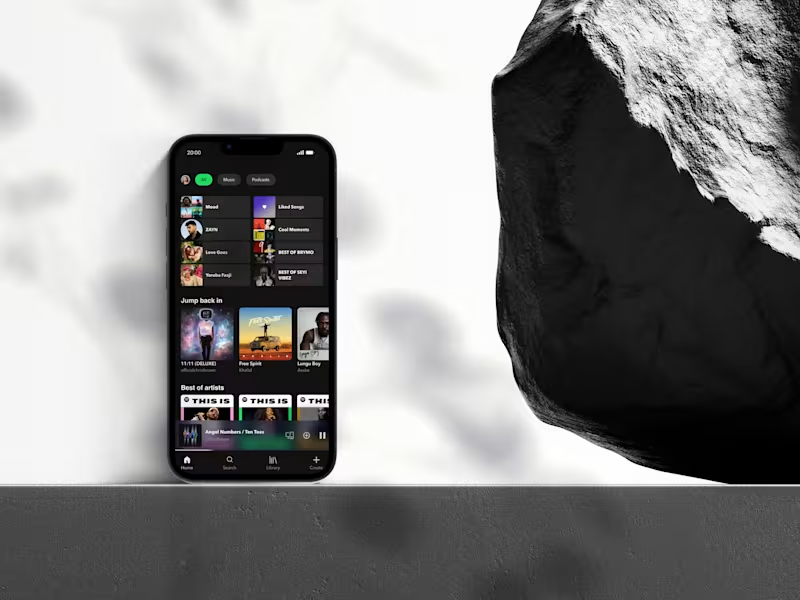
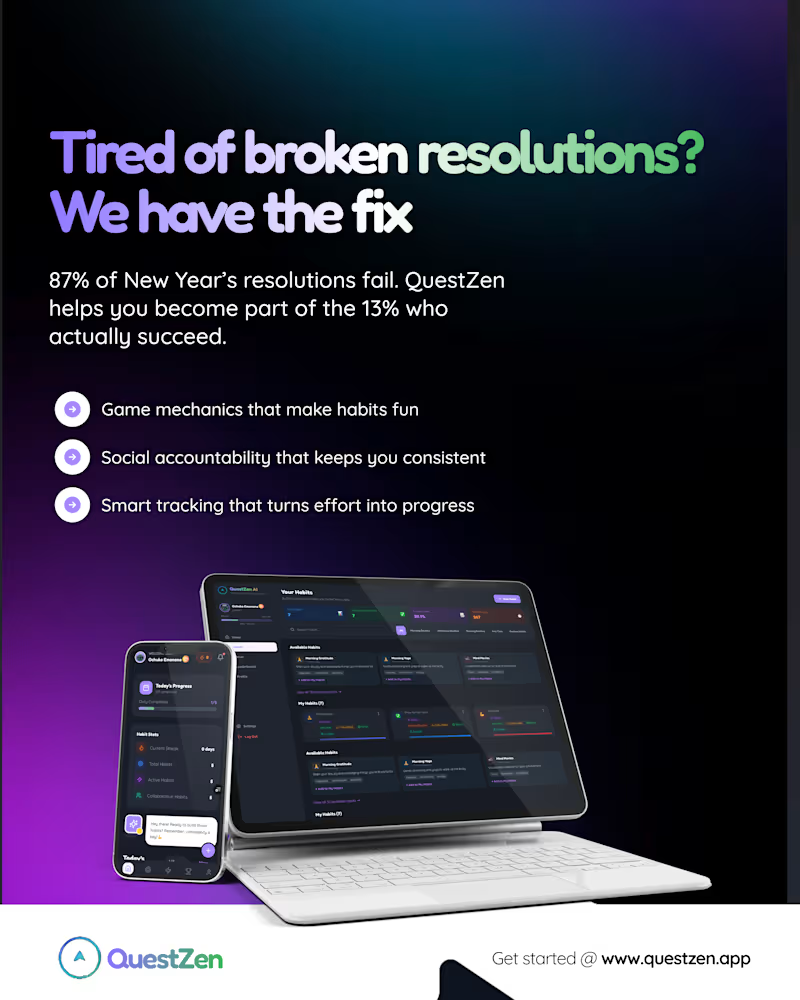
🎉 Happy New Year, everyone 🎉
Early in life, I noticed certain habits that were holding me back. I tried changing them on my own, but old patterns kept coming back. Did I want to change? Yes. Did it happen automatically? No.
The truth is this: real change takes more than intention. Lasting growth requires retraining your mind 🧠, building new habits 🔁, and having accountability 🤝 to stay consistent.
That’s why QuestZen exists.
✨ Why QuestZen: • Game mechanics that make habit building fun • 👥 Social accountability to keep you consistent • 📈 Smart tracking that turns effort into real progress
Stop relying on willpower. ✅ Start completing quests.
Friends, I’m excited to introduce QuestZen, your personal accountability partner for building better habits and a stronger 2026.
🚀 The app is live: https://www.questzen.app
1
64
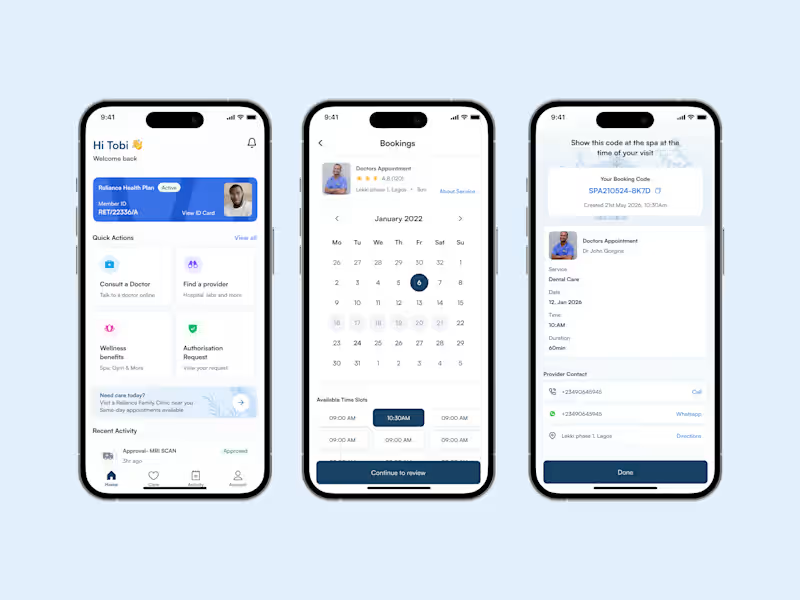
CareBridge is a healthcare mobile app UI/UX design project created to make it easier for users to discover care services, book medical appointments, and manage their healthcare journey from one simple mobile interface.
I designed a clean and intuitive appointment booking experience that allows users to view their health plan, access quick healthcare actions, find providers, select appointment dates, choose available time slots, and receive a booking confirmation code. The goal was to simplify the patient experience by reducing manual steps and creating a more transparent, user-friendly healthcare booking flow.
The CareBridge mobile app interface includes a personalized healthcare dashboard, doctor appointment booking screen, calendar-based scheduling, wellness service access, provider contact details, booking code confirmation, and location/direction support. Every screen was designed with clear visual hierarchy, accessible buttons, soft card layouts, and a modern healthcare design system to make the experience feel trustworthy, simple, and easy to use.
This project highlights my work in mobile app design, UI/UX design, healthcare app design, appointment booking app design, patient experience design, medical app UI, mobile interface design, user flow design, product design, Figma UI design, healthtech product design, and healthcare digital product design.
The final result is a modern healthcare mobile app concept that helps users move from discovering care options to confirming an appointment with confidence and ease.
0
83
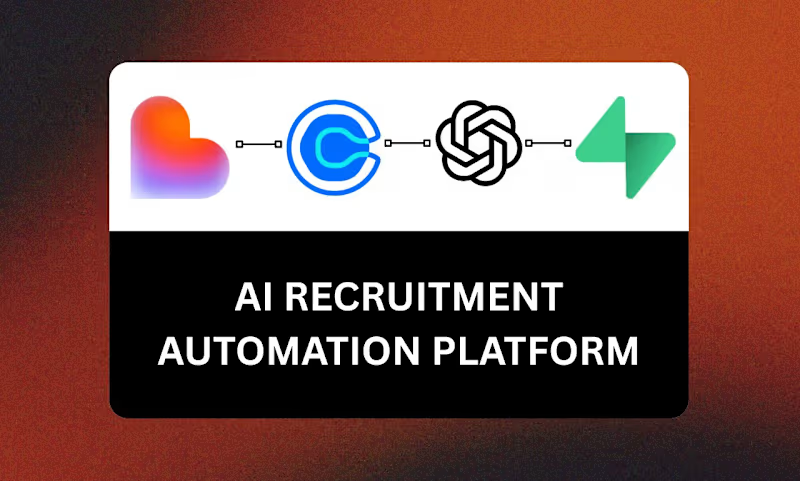
AI Recruitment Automation Platform | AI Resume Screening System, OpenAI, Supabase & Calendly Integration
A fast-growing company needed an intelligent recruitment automation system to streamline their hiring process, reduce manual resume screening, and improve candidate response time. The goal was to build an AI-powered workflow that could automatically analyze CVs, summarize candidate profiles, schedule interviews, and update the hiring pipeline without recruiter intervention.
To achieve this, I developed a full AI recruitment automation platform using Lovable, Supabase, OpenAI, and Calendly integration. The system was designed as a scalable AI SaaS-style workflow that connects candidate data ingestion, intelligent evaluation, and automated scheduling into a single seamless pipeline.
Using OpenAI API, the platform performs AI resume screening by extracting key skills, experience levels, and job relevance from uploaded CVs. It then generates structured candidate summaries that help hiring teams make faster, data-driven decisions. This significantly reduced manual screening workload and improved hiring efficiency.
Supabase was used as the backend database to securely store candidate profiles, hiring stages, and interview data in real time. This enabled a structured recruitment pipeline with live updates and seamless data synchronization across the system.
I also integrated Calendly to automate interview scheduling, allowing shortlisted candidates to instantly book interview slots without recruiter involvement. This eliminated back-and-forth communication and accelerated the hiring process.
Lovable was used to rapidly build and deploy the AI web application interface, creating a clean and intuitive dashboard for recruiters to manage applicants, track progress, and view AI-generated insights.
Key features included:
AI resume screening and analysis
Automated candidate summarization
AI recruitment workflow automation
Intelligent hiring pipeline management
OpenAI-powered candidate evaluation
Supabase backend integration
Calendly interview scheduling automation
AI SaaS recruitment platform
Full-stack AI web application
Workflow automation for HR teams
AI-powered decision support system
Recruitment pipeline automation
Scalable AI hiring assistant
No-code/low-code AI deployment with Lovable
End-to-end hiring process automation
This project modernized the client’s recruitment process by introducing AI-driven automation, reducing hiring time, improving candidate quality assessment, and creating a scalable recruitment workflow powered by generative AI and intelligent systems.
1
69