The network for creativity
Join 1.25M professional creatives like you
Connect with clients, get discovered, and run your business 100% commission-free
Creatives on Contra have earned over $150M and we are just getting started
Back to feedPost

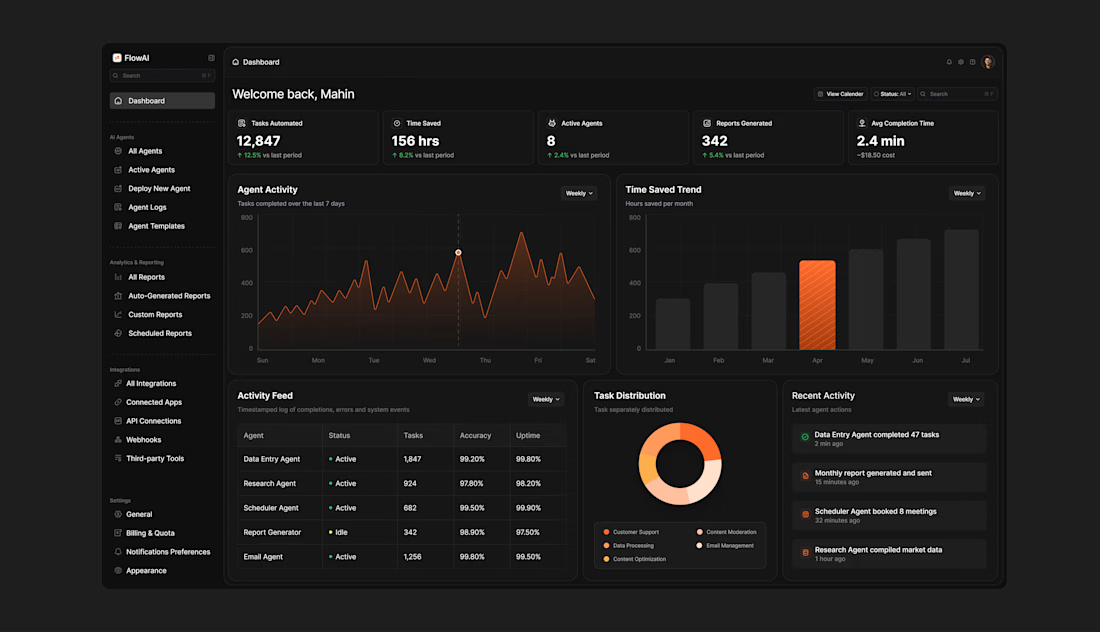
Most AI dashboards look powerful on paper but feel overwhelming the moment you open them.
For FlowAI I designed a dark mode AI agent dashboard that gives users complete visibility.
The biggest challenge was information density. This dashboard carries a lot of data — stat cards, two charts, an activity feed table, a donut chart, and a live activity log. The goal was to make all of it feel calm and easy to scan.
The dark background does the heavy lifting by naturally separating cards without heavy borders. Orange #F97316 is used sparingly — only on the most important data points — so the user's eye always knows where to go first. The sidebar is clean and hierarchical so users always know where they are and where to go next.
The result is a dashboard that feels like a control center — not a data dump.
Built entirely in Figma 🧡


Good work
The network for creativity
Join 1.25M professional creatives like you
Connect with clients, get discovered, and run your business 100% commission-free
Creatives on Contra have earned over $150M and we are just getting started
Related posts

FX products live and die by trust.
For Vortex FX, we designed a landing page hero concept built for clarity and conversion: clean structure, strong hierarchy, refined typography, and a focused 3D animation that adds premium depth without visual overload.
This is the kind of first screen that makes a platform feel reliable before the user reads the details.
This was created with a design subscription from FANCY — and yes, we’re currently open to new projects.



This is exceptionally done

Good trading UIs reduce tab-switching to zero.

Great UI! I’m very interested in it. May I join the project and help implement this UI in a real application?



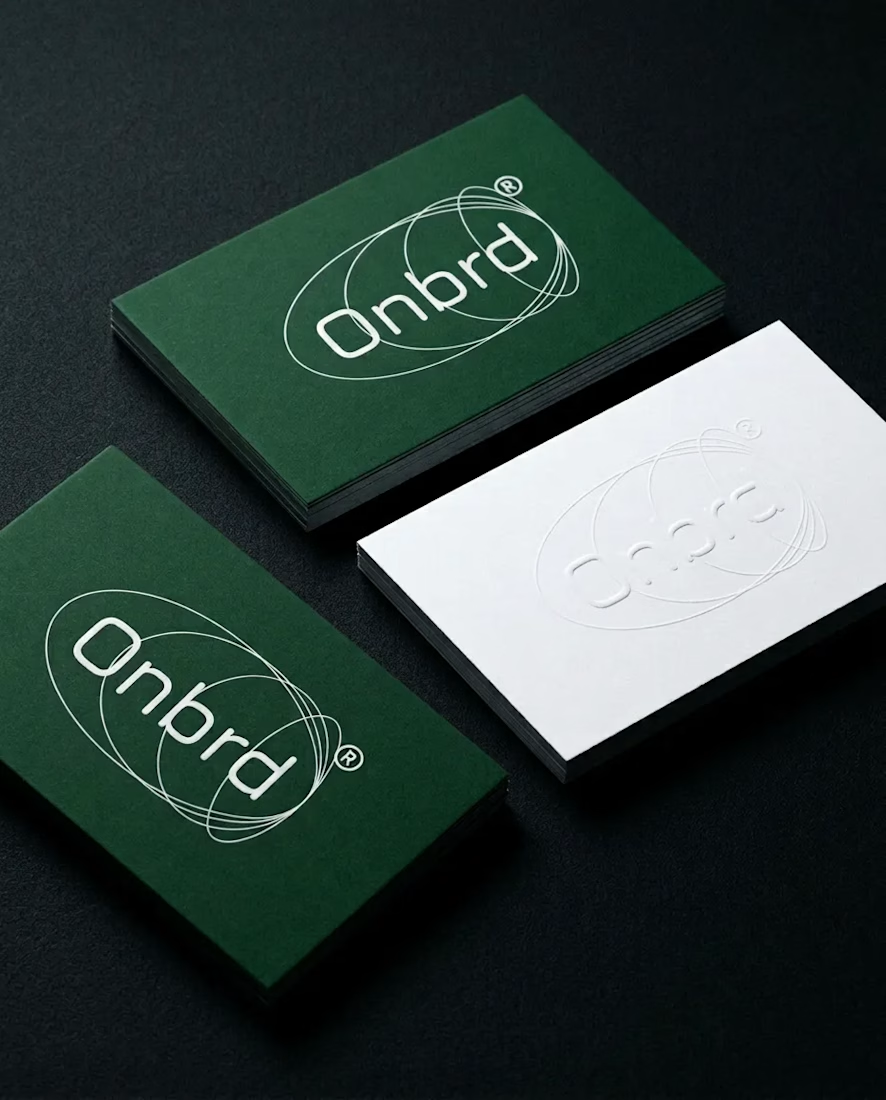
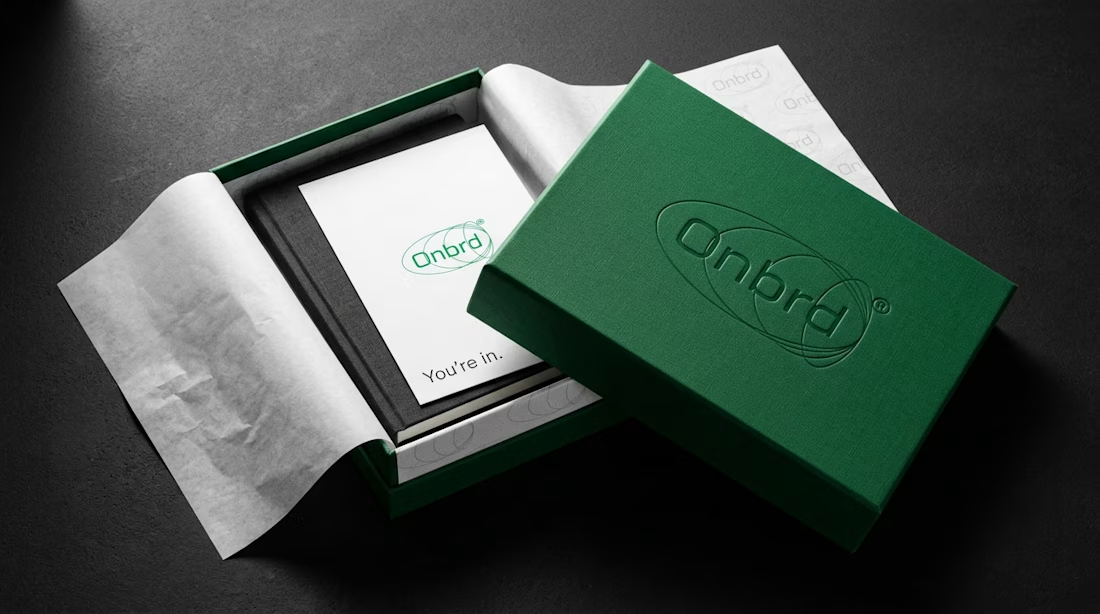
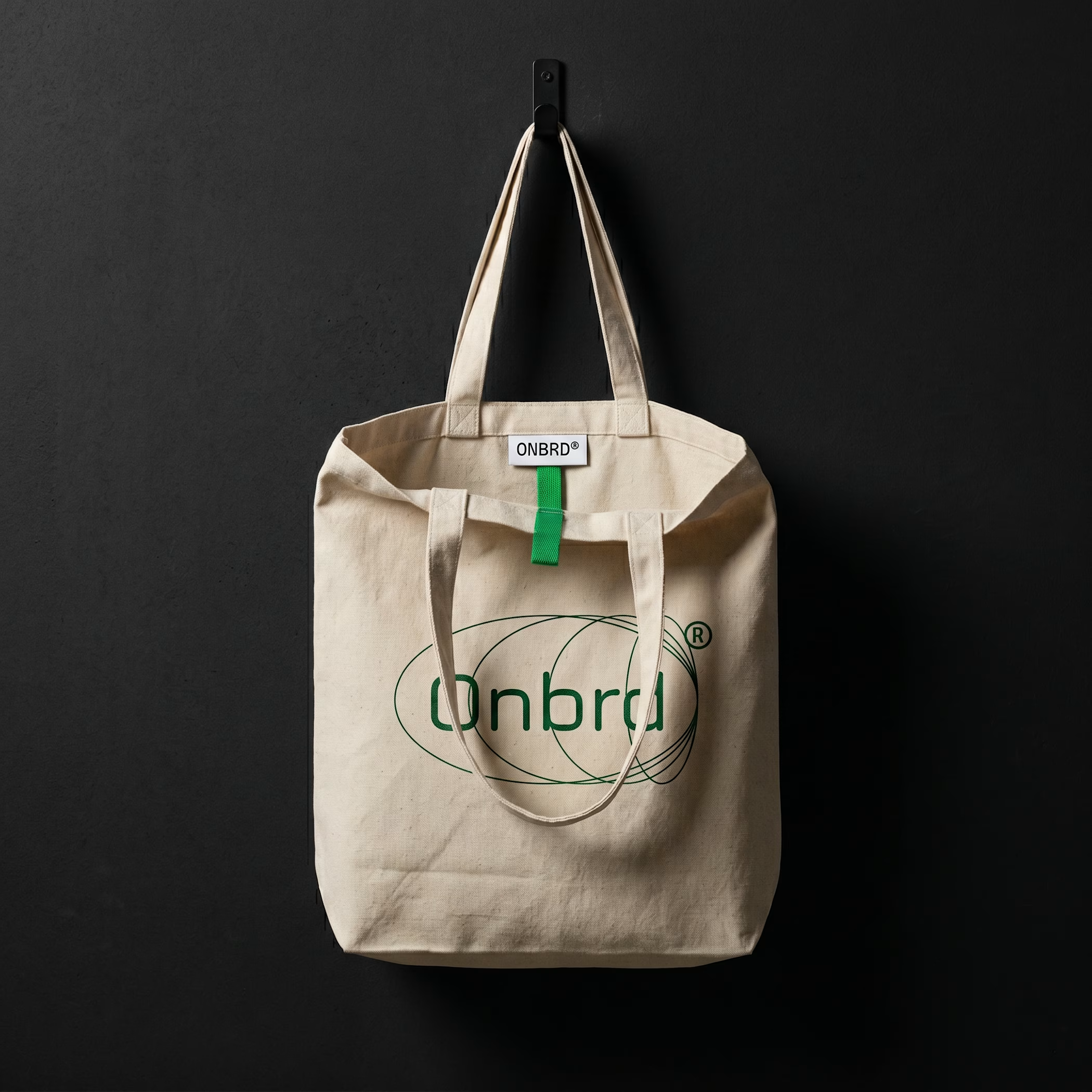

Awesome branding as always!












Trending

Claude
Claude has entered the design space. How are you using Claude Design?

Contra University
Learn from expert creatives how to earn more using next-gen AI tools.
creativeaiflow
Creative AI workflows are evolving. What tools do you use, and what are their strengths and weaknesses?
portfolioreview
The best portfolios tell a story, not just show a grid. Share yours for feedback.
freelancerlife
Freelancer life is wins, pivots, and everything in between. What’s yours right now?