The network for creativity
Join 1.25M professional creatives like you
Connect with clients, get discovered, and run your business 100% commission-free
Creatives on Contra have earned over $150M and we are just getting started
Back to feedPost

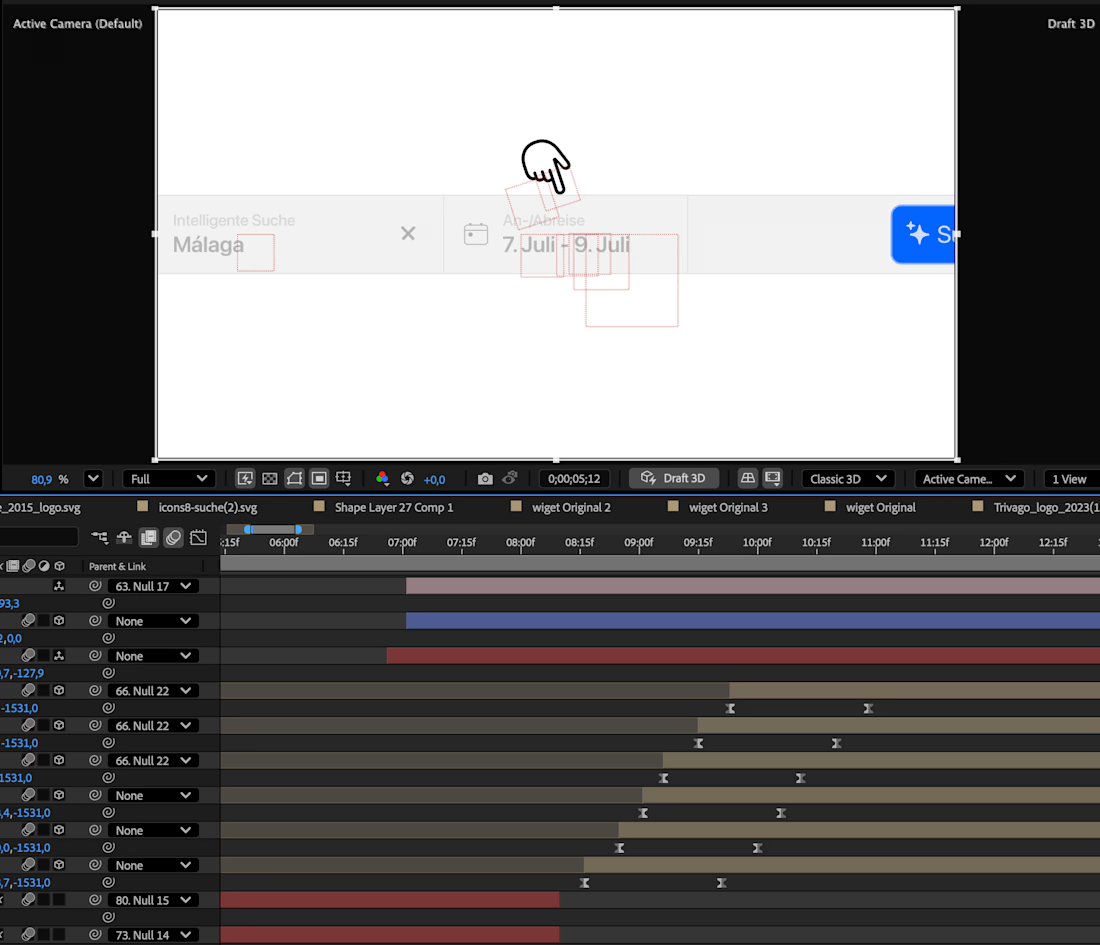
🧠 Hot take: most motion designers spend hours building "designs" in After Effects, and the animation itself takes less time than the setup.
Then it still feels flat. Not enough.
The problem isn't your animation skills. It's that you dumped tons of time into one chunky asset, like a complex UI screen, felt productive because it took forever, but the actual visual impact is tiny.
The fix: keep most things simple. Pick one or two spots for complexity (one detailed UI, one hero element) and let that complexity spread out visually from there. Everything else stays clean and minimal.
Less time-as-effort, more impact-per-element.🚀
The network for creativity
Join 1.25M professional creatives like you
Connect with clients, get discovered, and run your business 100% commission-free
Creatives on Contra have earned over $150M and we are just getting started








Related posts


A logo reveal created in Blender, where simple geometric shapes come together to form the Geisleris Studio identity.


Nice

Static web design is dead.
Designed this bento section for a Sales CRM Platform and turned it into an animated section with Claude.
I got to start including motion in my designs.

I’m curious, what prompt did you use to create this? The result looks really smooth, by the way!

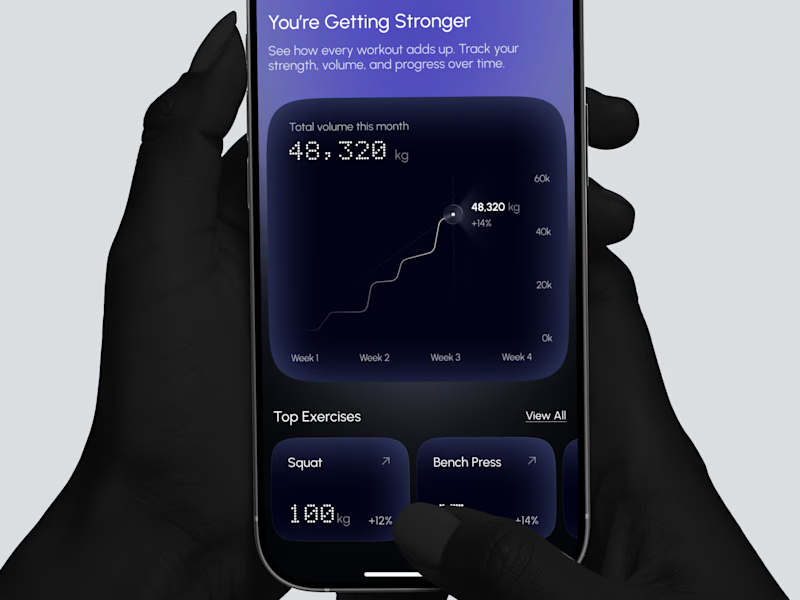
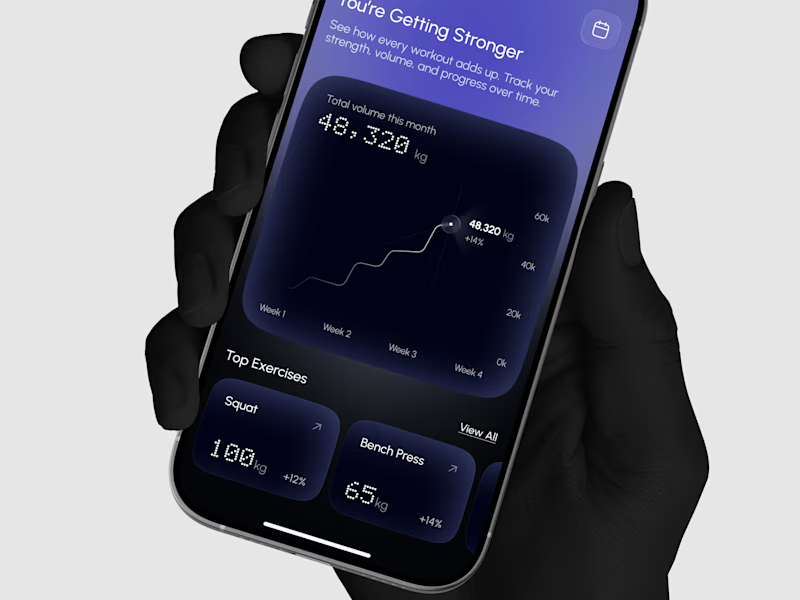
Designed a strength progress screen where you can watch your total volume grow and track your top lifts over time.
Same screen, two shots. Which one would stop your scroll? 👀


2 voted
29%
5 voted
71%
7 votes
Closed
