The network for creativity
Join 1.25M professional creatives like you
Connect with clients, get discovered, and run your business 100% commission-free
Creatives on Contra have earned over $150M and we are just getting started
Back to feedPost

AI Automation is basically helping businesses use technology to do repetitive work automatically instead of doing everything manually.
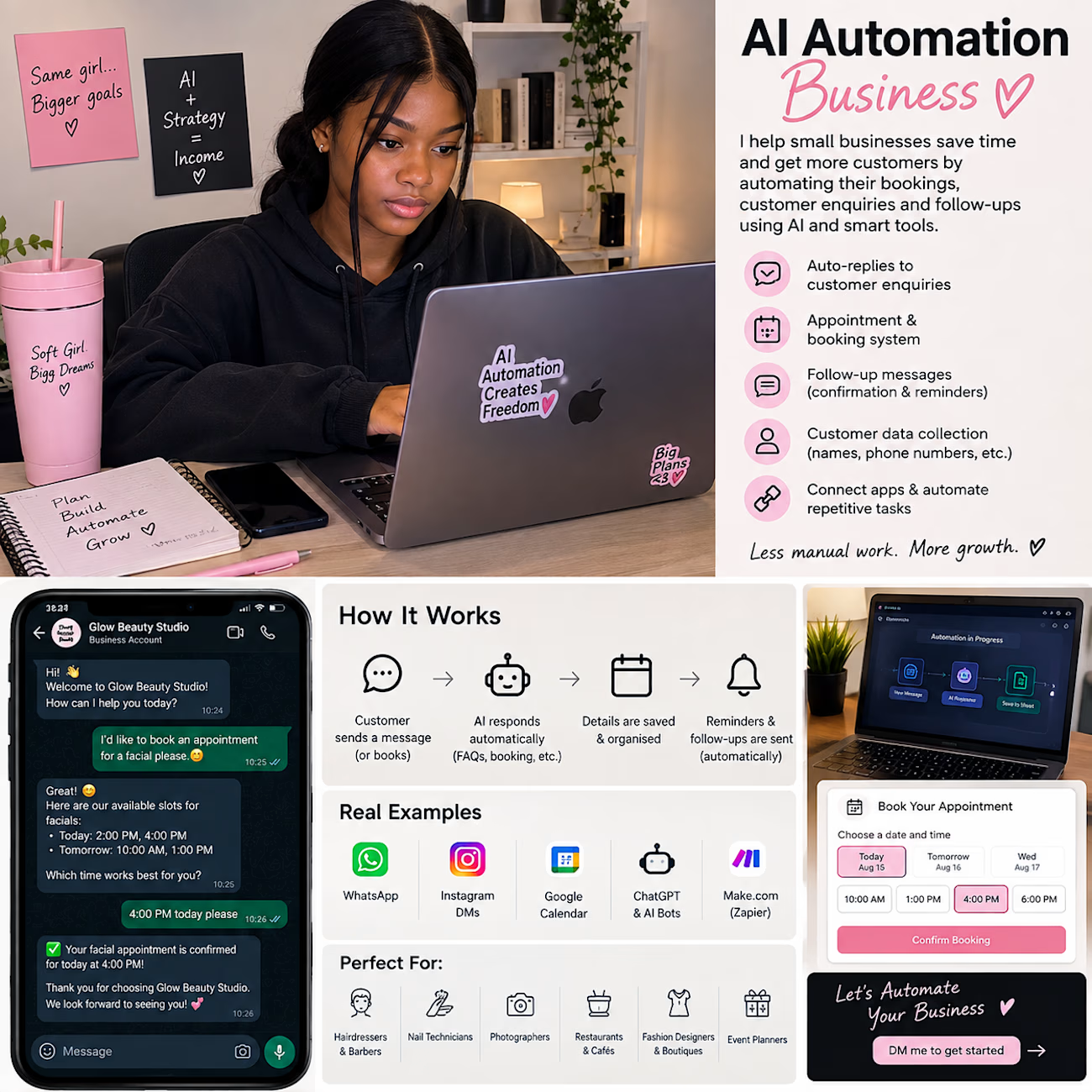
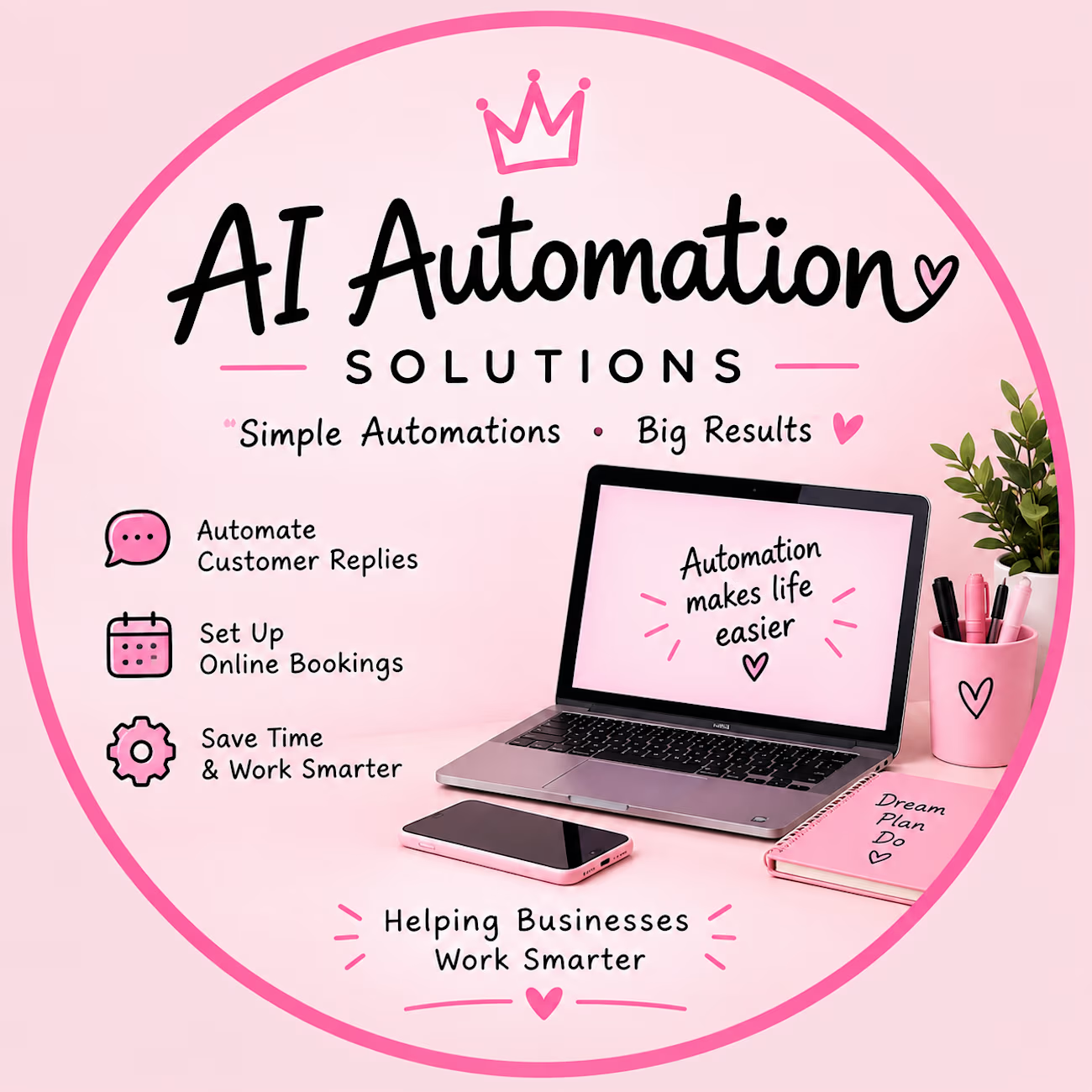
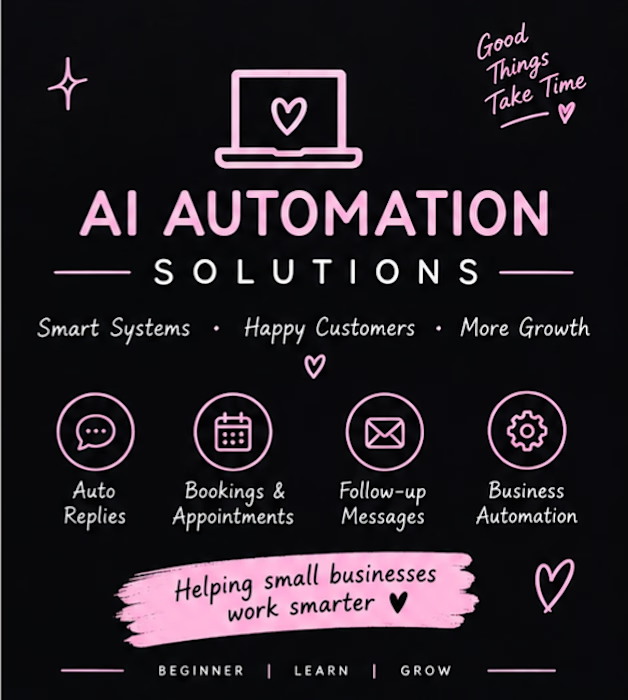
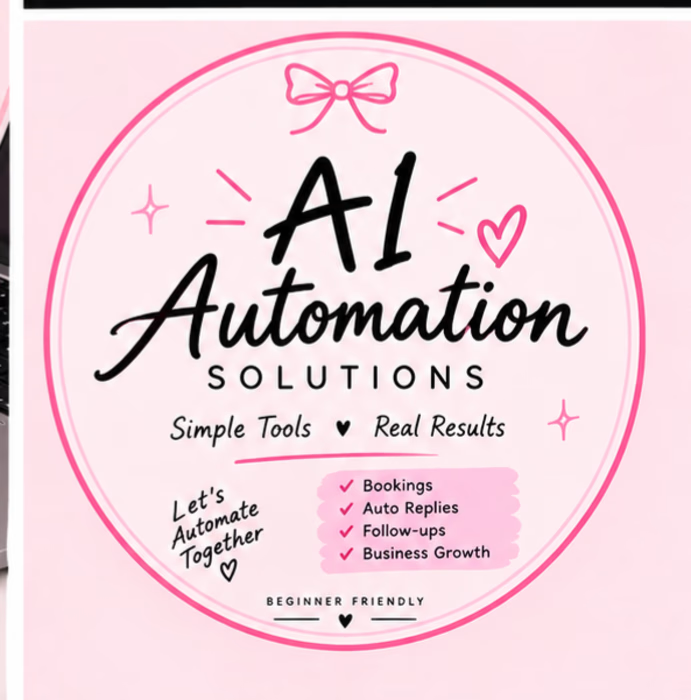

Welcome on Contra @Mercy Friday , I love your designs 👌🩷
The network for creativity
Join 1.25M professional creatives like you
Connect with clients, get discovered, and run your business 100% commission-free
Creatives on Contra have earned over $150M and we are just getting started

Challenges
View all


Related posts

“You’re too expensive. I’ll just use AI.”
I think every designer has heard some version of this by now. 😅
Yes, AI can make something in 30 seconds or even less. But getting an image is very different from knowing what the brand ACTUALLY needs.
The tools are getting faster and more accessible. What still takes experience is knowing what works, what doesn't, what to change, and when to stop.
What do you think clients will value most from designers as AI keeps evolving?

The question is basically: what's the context behind the decision?
AI can generate 100 packaging options. It can't tell you which one makes sense for a brand expanding into a market where soft pink reads very differently than it does back home. Or why the typography from three...

Some quick mockups for Relay, an AI infrastructure platform concept built around model routing, observability, and performance.
Exploring what a mobile command center could look like for teams managing multiple AI models, with a focus on clear data, fast decisions, and a developer-first UX.
Product design, mobile UI, AI tools, and a little systems thinking all in one.


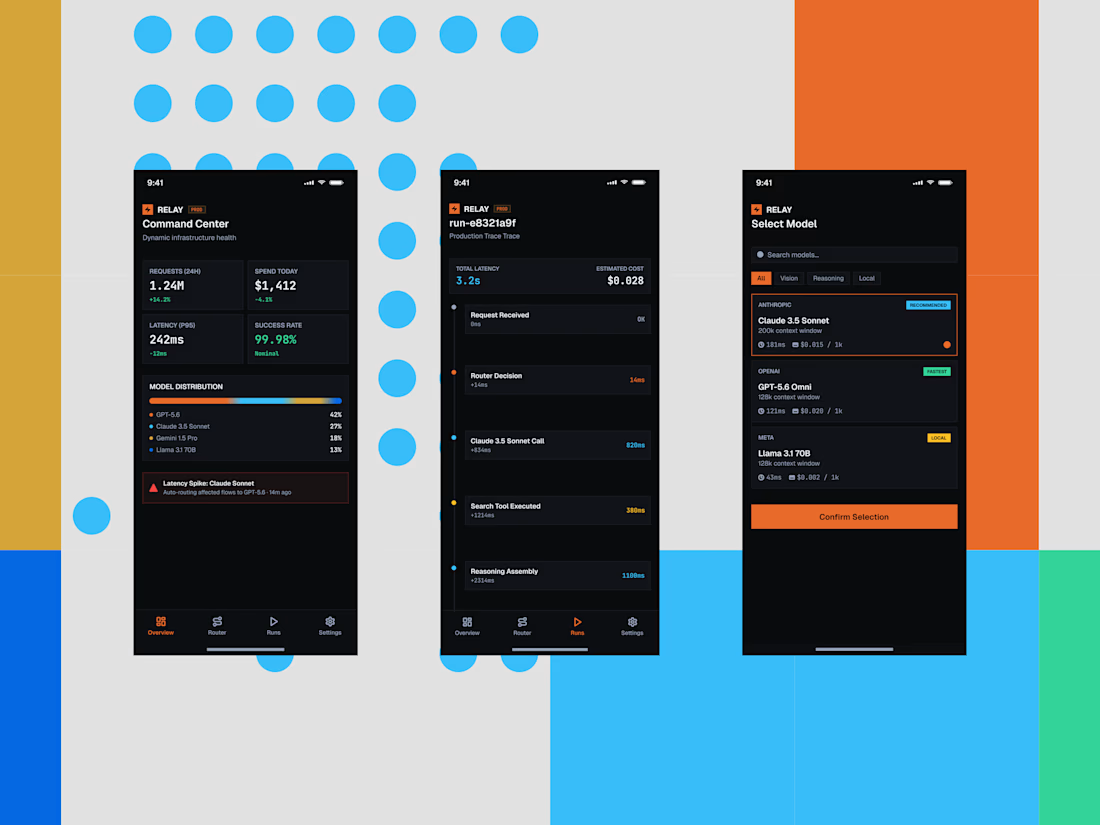


the blue dots and orange blocks pop. did you build this in Framer?

AI-Powered Client Enquiry Automation
Project Overview:
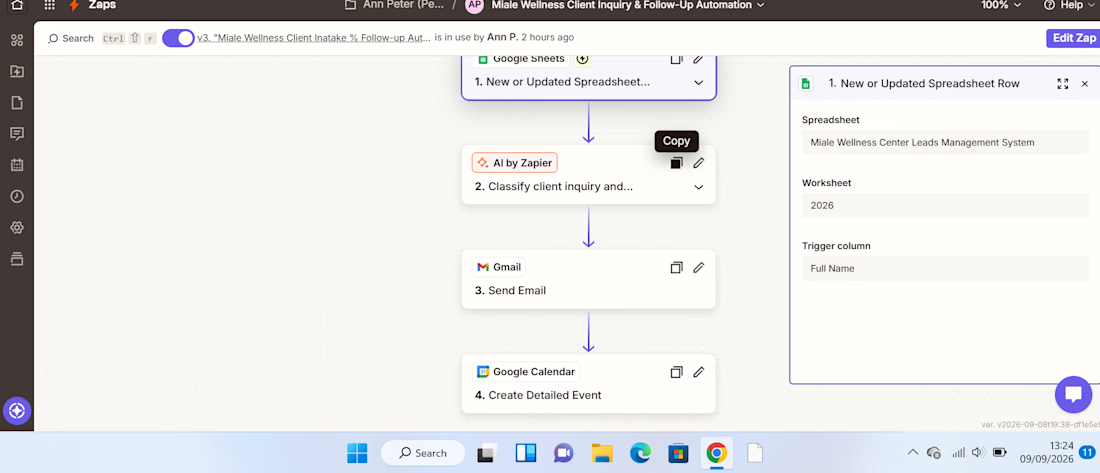
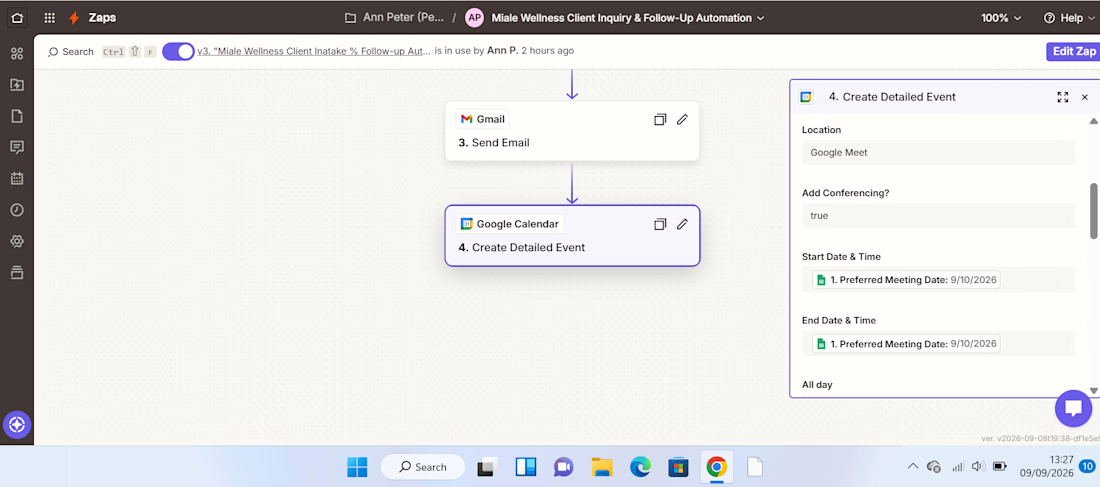
I built an AI-powered client enquiry automation workflow using Zapier, Google Forms, Google Sheets, AI by Zapier, Gmail, and Google Calendar.
The goal was to automate the initial handling of client enquiries from receiving the enquiry to understanding the client's needs, sending an acknowledgement, and creating a follow-up task.
The Problem:
Managing client enquiries manually can be repetitive and time-consuming. Each new enquiry needs to be reviewed, categorized, summarized, responded to, and followed up.
Without a structured process, it's easy for enquiries to be delayed or follow-ups to be missed.
The Solution:
I designed a workflow that automates these repetitive administrative tasks while using AI to analyze the information provided by the client.
The automation follows this process:
Client submits enquiry
↓
Google Sheets captures the enquiry
↓
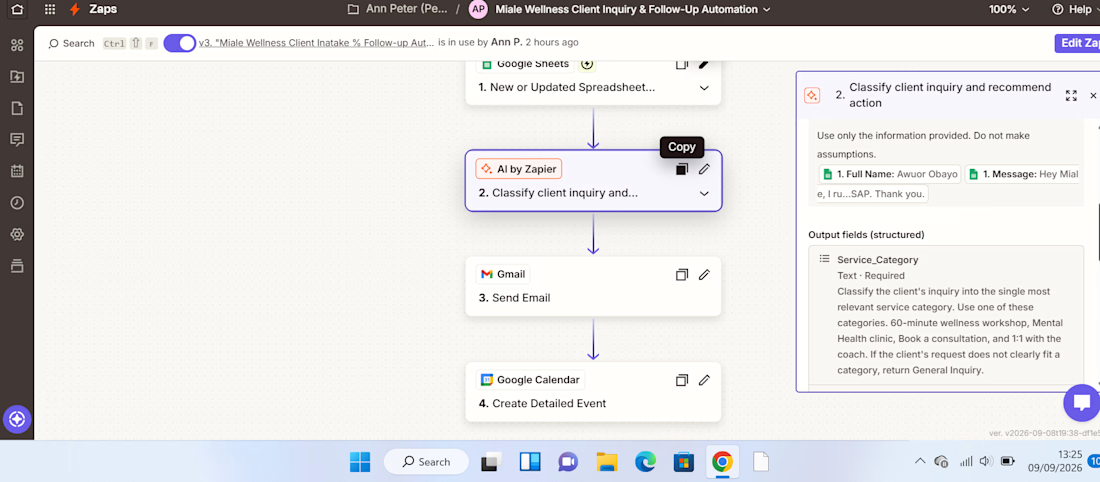
AI analyzes the enquiry
↓
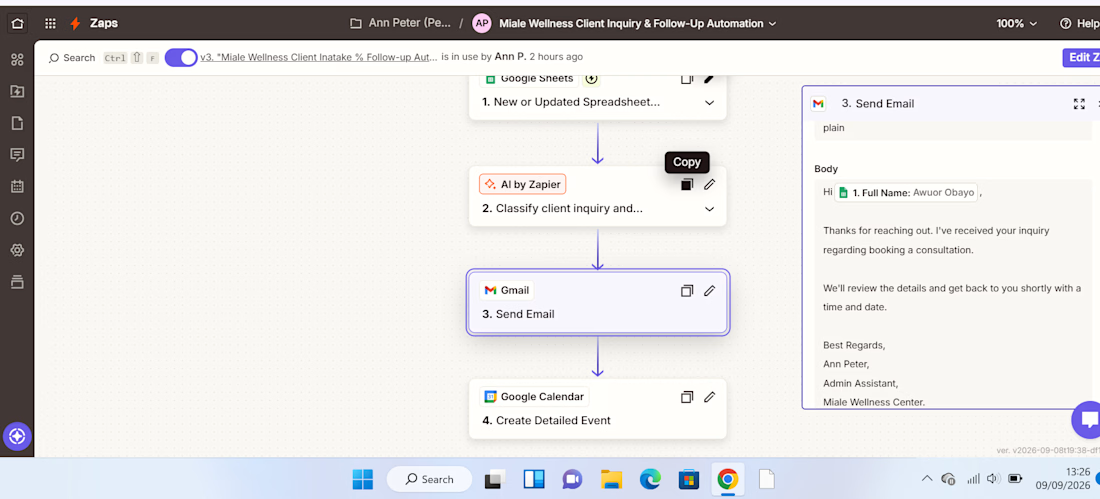
Gmail sends an acknowledgement
↓
Google Calendar creates a follow-up
How It Works:
1. Enquiry Collection.
The client submits their details and enquiry through a Google Form. The information is automatically recorded in Google Sheets.
2. AI Analysis.
AI by Zapier reviews the enquiry and extracts key information such as the service category, priority, concise summary of the client's needs, and recommended next action.
This eliminates the need to manually review every enquiry just to determine what it is about and how it should be handled.
3. Automated Client Response.
After the enquiry is processed, Gmail automatically sends the client an acknowledgement, ensuring they receive a timely response.
4. Follow-Up Management.
The workflow creates a Google Calendar follow-up, helping ensure that the enquiry doesn't get lost after the initial response.
Result:
The completed workflow turns a manual enquiry process into a structured automated system:
Capture → Analyze → Respond → Follow Up
The key improvement is the use of AI as a decision-making layer, rather than simply moving information from one application to another.
This demonstrates how AI automation can reduce repetitive administrative work, improve response consistency, and help businesses stay organized with client enquiries.
Tools Used:
Zapier | AI by Zapier | Google Forms | Google Sheets | Gmail | Google Calendar
Skills Demonstrated:
AI Automation • Workflow Design • Administrative Automation • AI Prompting • Client Enquiry Management • Email Automation • Calendar Automation • Process Optimization



Really clean workflow, Ann. The Capture → Analyze → Respond → Follow Up structure makes the business value immediately clear. One useful next layer could be an exception route for urgent or low-confidence enquiries, so AI handles the routine cases while anything uncertain...