The network for creativity
Join 1.25M professional creatives like you
Connect with clients, get discovered, and run your business 100% commission-free
Creatives on Contra have earned over $150M and we are just getting started
Back to feedPost

I don’t think you need to worry too much about which website tool will dominate in 5 years.
Webflow, Framer, AI tools, or whatever comes next tools will change.
What matters is building skills, positioning, a strong portfolio, client relationships, and a reliable client acquisition system.
Learn the tools. Don’t become dependent on one tool.
The network for creativity
Join 1.25M professional creatives like you
Connect with clients, get discovered, and run your business 100% commission-free
Creatives on Contra have earned over $150M and we are just getting started





Related posts


Simple navigation is the best navigation
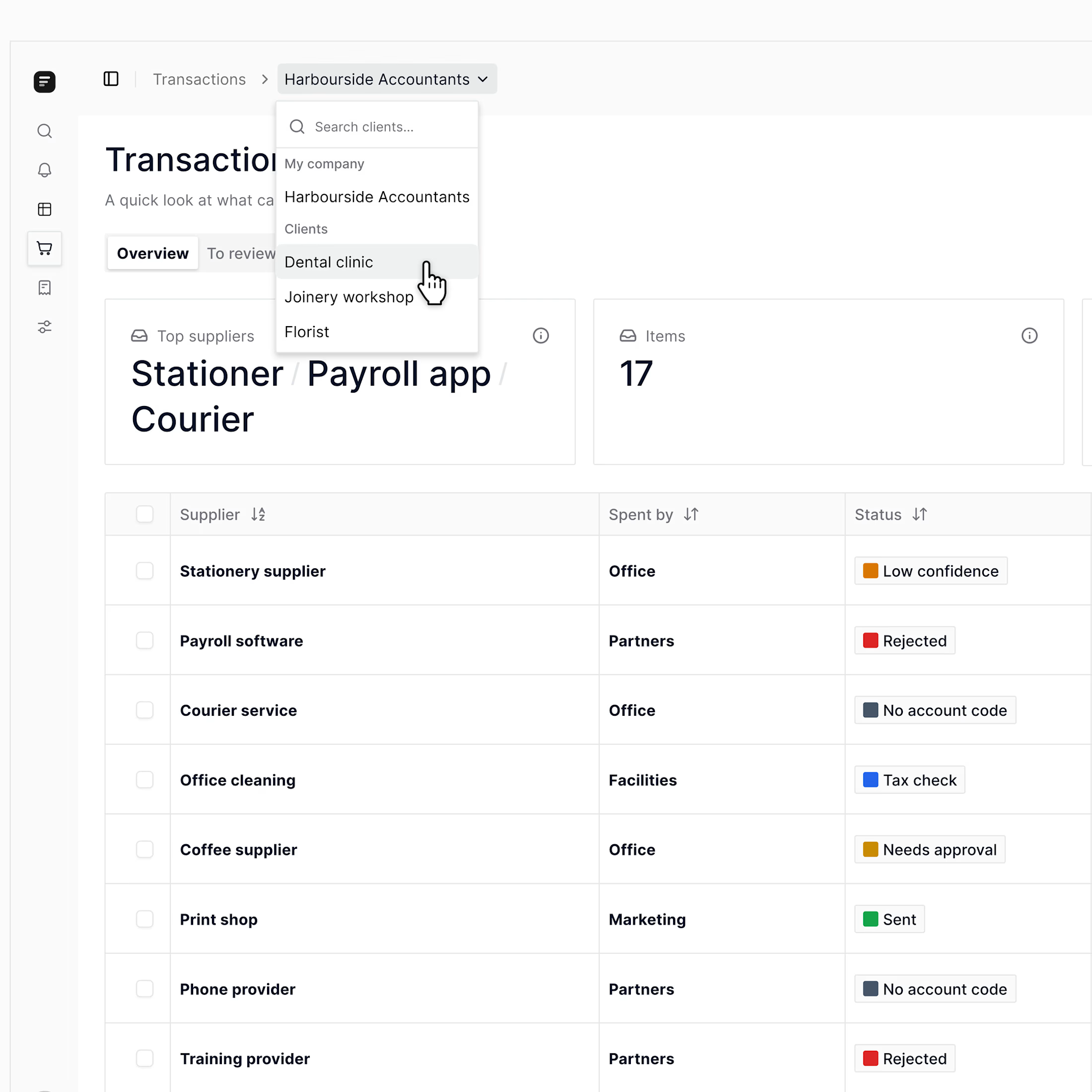
The advisors on one project switch between dozens of clients a day. Each switch pulled them out of what they were doing.
We looked at AI-forward ideas. None of them felt right. So we went with a plain menu switcher at the top of the page.
When the founder tried it: "Oh, yeah... that feels so much better."
The smallest decision is usually the one people feel most.

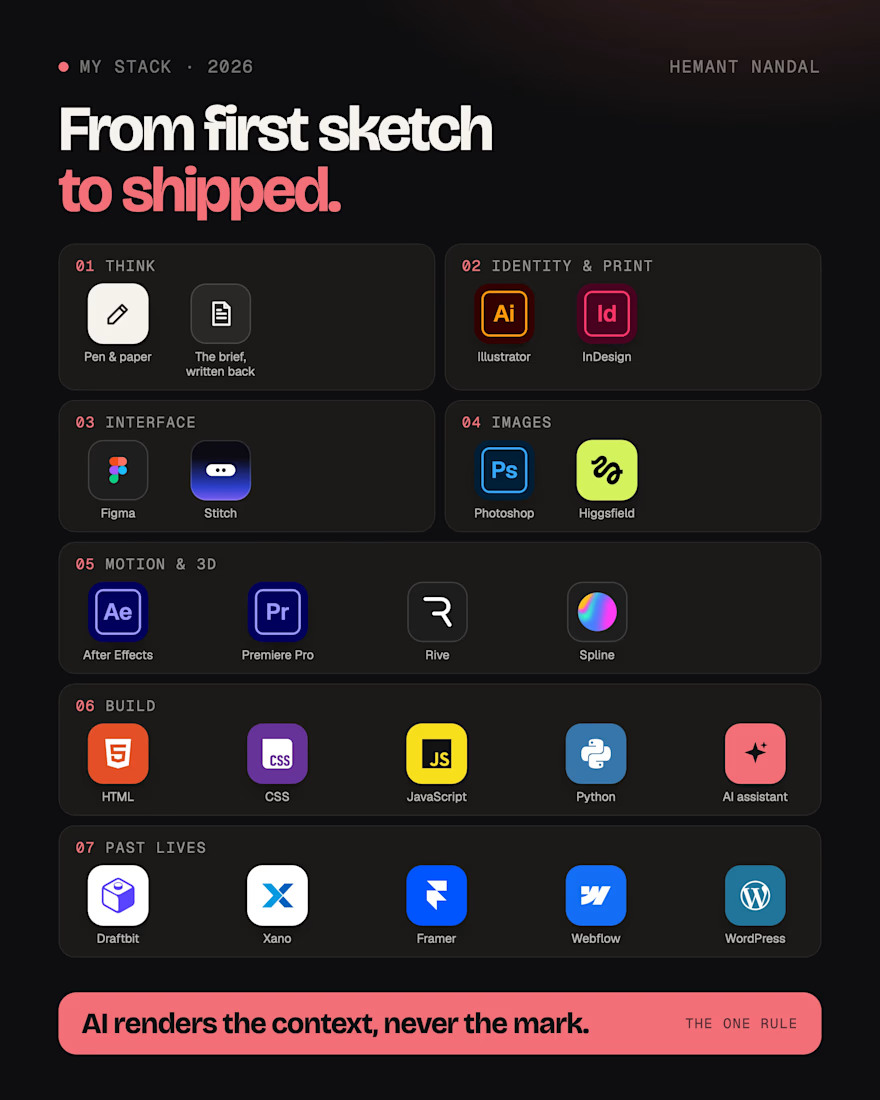
The tools I use to take a brand from first sketch to shipped, in 2026. 🔥
Pen and paper first, and the brief written back to you before I open anything.
Illustrator and InDesign for identity and print. Figma and Stitch for interfaces. Photoshop and Higgsfield for images. After Effects, Premiere Pro, Rive and Spline for motion and 3D. HTML, CSS, JS and Python, with an AI coding assistant, for builds.
✅ One rule across all of it: AI renders the context, never the mark. Your logo, type and layouts are drawn by hand.
What that means for you: one designer from the brief to the shipped files, so nothing gets lost between handoffs.
Need a brand, a product or a launch? My DMs are open. 💬

Most businesses do not have an AI problem.
They have a workflow problem.
They buy ChatGPT.
They add Zapier.
They try an AI agent.
They connect three tools.
Then they wonder why nothing really changes.
Because automation does not fix a messy process.
It makes a messy process happen faster.
Before adding AI to a workflow, ask:
What triggers the work?
Who owns each step?
Where does information get copied manually?
Which task repeats every week?
Where do delays, errors, or dropped handoffs happen?
What needs human judgment—and what does not?
What should AI recommend, draft, organise, or route… rather than decide on its own?
The best first AI workflow is rarely the flashiest one.
It is usually the boring one:
• Lead details copied between tools
• Meeting notes turned into follow-ups
• Repetitive client onboarding
• Proposals built from the same inputs
• Weekly reports assembled manually
• Content repurposed across channels
• Customer enquiries sorted before a human responds
The real opportunity is not “replace people with AI.”
It is to remove the low-value friction that stops good people from doing their best work.
That is why I created the AI Workflow Audit & Automation Blueprint.
It is a focused, personalized audit of one business workflow—designed to identify the highest-value automation opportunity, map the process, recommend the right tool stack, and give you a practical implementation plan.
You do not need more AI tools.
You need one workflow that works better.
Explore the blueprint:
https://contra.com/products/KvaP2zWi-ai-workflow-audit-and-automation-blueprint #AI #AIWorkflows #AIAutomation #WorkflowAutomation #BusinessAutomation #NoCode #Productivity #Operations #DigitalTransformation #Founders