The network for creativity
Join 1.25M professional creatives like you
Connect with clients, get discovered, and run your business 100% commission-free
Creatives on Contra have earned over $150M and we are just getting started
Back to feedPost

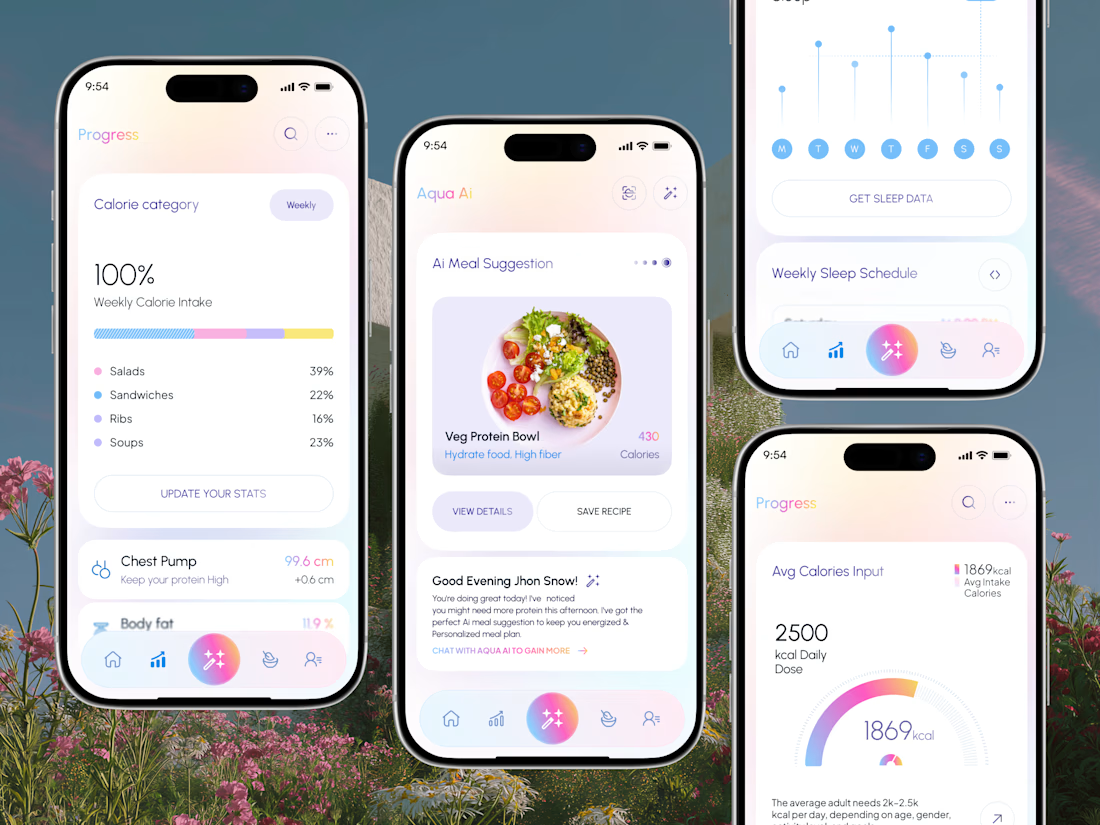
I designed this screens for Aqua AI, an AI calorie tracking and meal planning mobile app — progress tracking, AI meal suggestions, and sleep data.
It's for people tracking food and fitness who want the app to tell them what to do next, not just store numbers they have to interpret themselves.
Four decisions shape these screens. Weekly calorie intake is broken down by food category with percentages, so the takeaway is what to change rather than a single score to feel good or bad about. The AI meal suggestion arrives as a card with its calorie count and two clear actions — View Details or Save Recipe — so a recommendation ends in a decision instead of a dead end. The assistant's message states why it's suggesting something and links into a chat, keeping the reasoning attached to the advice. And the daily calorie gauge carries a plain-language note underneath explaining typical adult ranges, giving a number context before it gets judged.
Across all screens the AI action sits center stage in the tab bar as the only gradient element, keeping the app's core feature reachable from anywhere.
Designed in Figma. Available for mobile app and health & fitness UI/UX design work.

The network for creativity
Join 1.25M professional creatives like you
Connect with clients, get discovered, and run your business 100% commission-free
Creatives on Contra have earned over $150M and we are just getting started
Trending

Claude
Claude has entered the design space. How are you using it?

Contra University
Learn from expert creatives how to earn more using next-gen AI tools.
Brand Design
The best brand designers are on Contra. Scroll to see what's trending in brand design. What are you building?
creativeaiflow
Creative AI workflows are evolving. What tools do you use, and what are their strengths and weaknesses?
freelancerlife
Freelancer life is wins, pivots, and everything in between. What’s yours right now?



Related posts

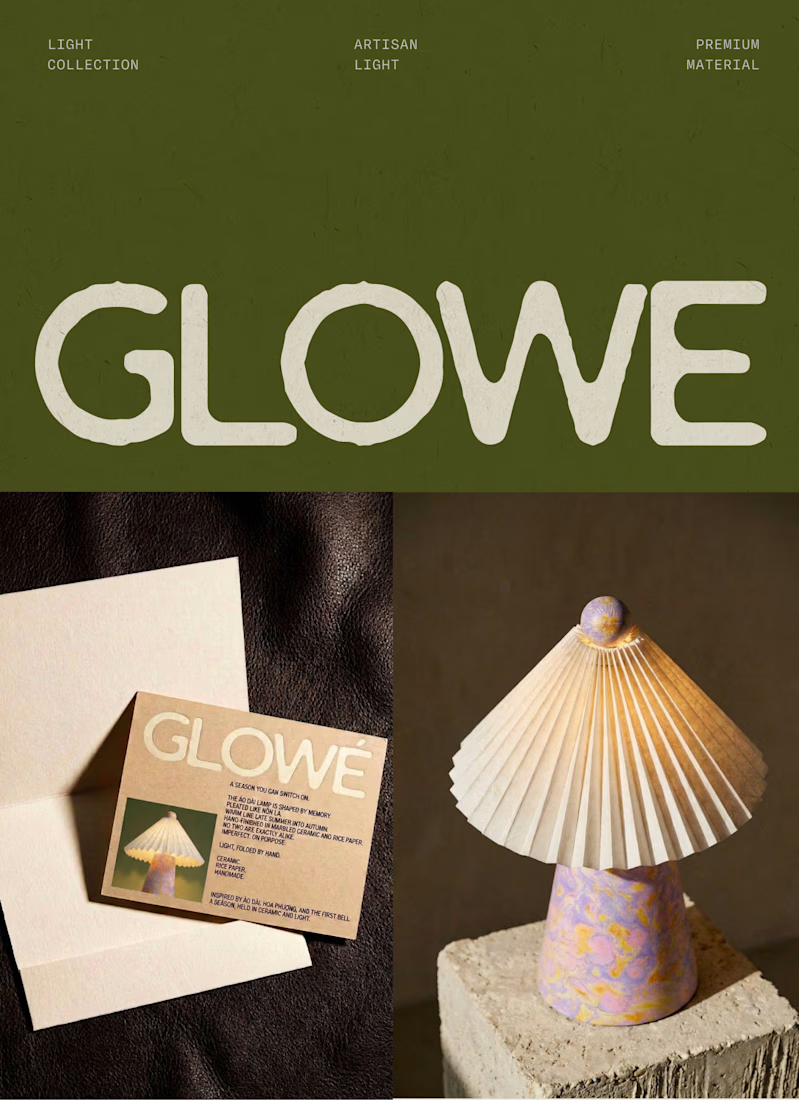
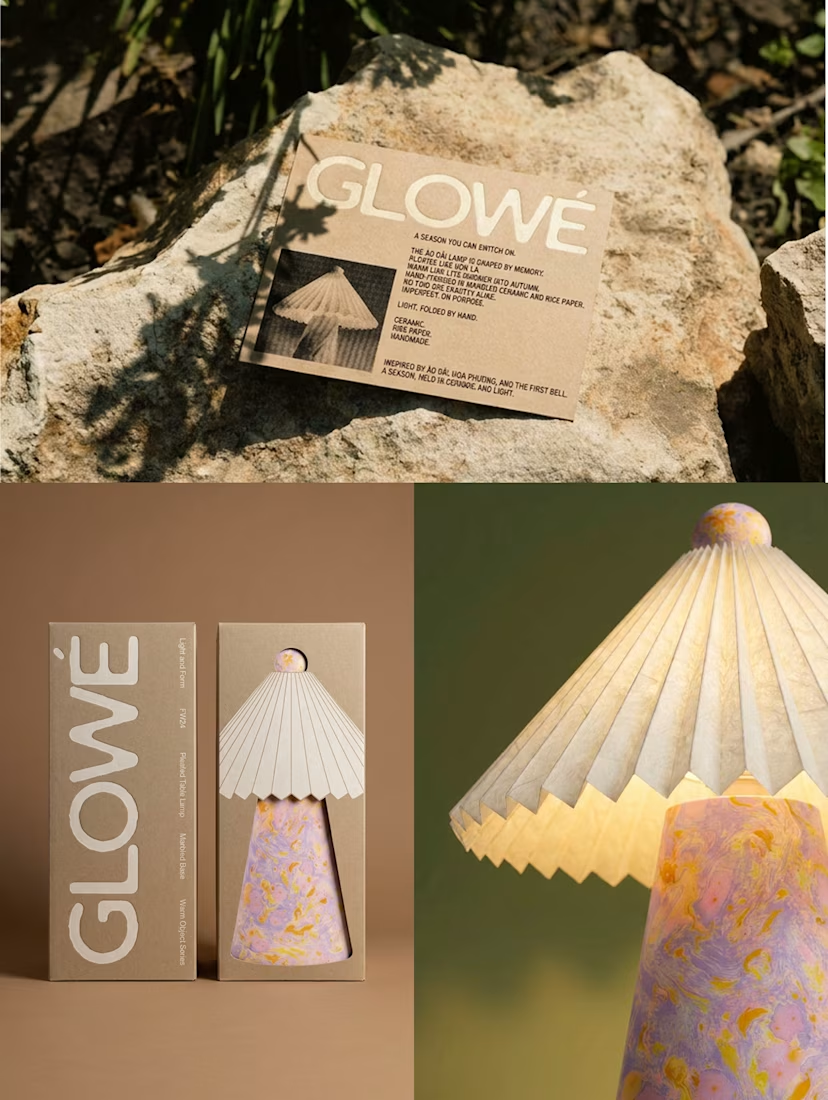
Designing a table lamp inspired by Vietnamese “áo dài” and “nón lá” with @Envato at the centre of my workflow.
Starting from a black-and-white sketch, I built the lamp's ceramic base and rice-paper shade using Envato's AI toolkit, tagging reference materials directly so AI wasn't guessing at textures it can't always read from an image alone.
AI was great at generating options. It was not great at knowing which option was right; I rejected a full batch that technically worked but lost the silhouette I actually wanted, and hand-retouched a detail (the finial) that AI kept leaving unfinished.
The bigger call AI couldn't make: timing this launch to back-to-school season in Vietnam, when áo dài comes back out. That's not a style choice; it's a commercial one.
See the full process and the part AI couldn't do in the VIDEO below. 👇
#envatochallenge @envato




Great Submission!


I asked myself a simple question:
"When is human, human enough?"
And believe it or not, this challenge completely changed the way I think about creative thinking and AI assisted workflows.
Over the past few days, I have been sharing my journey here on @Contra and on X, asking people to contribute their thoughts on ideation, visual direction, and refinement. From classic pen and paper brainstorming to a fully realized product, every step happened within the limited timeline of the @Envato Challenge.
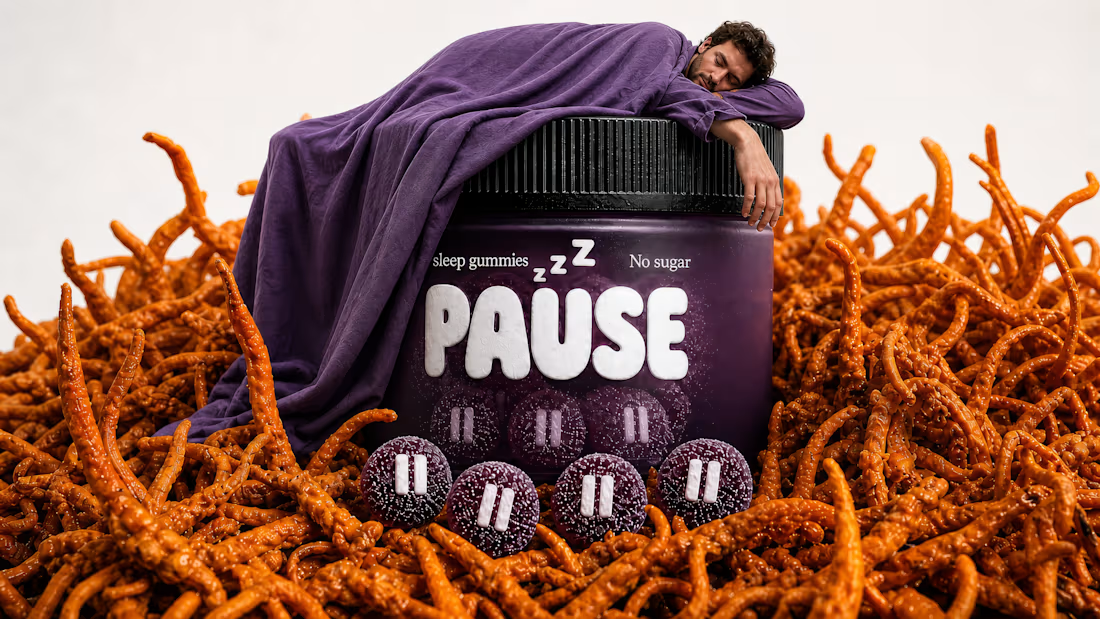
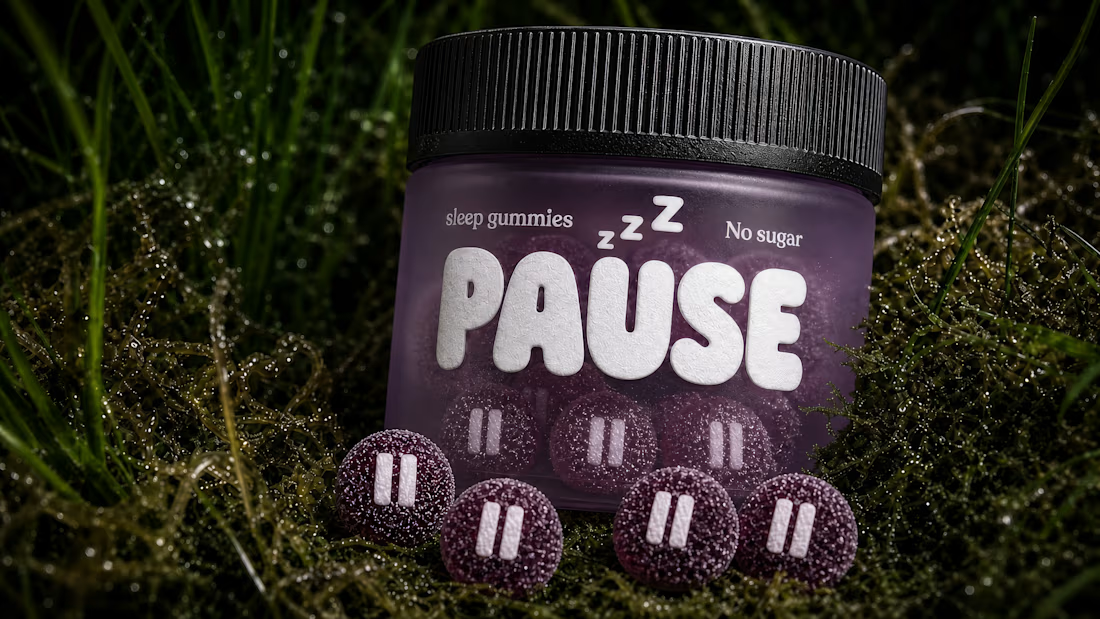
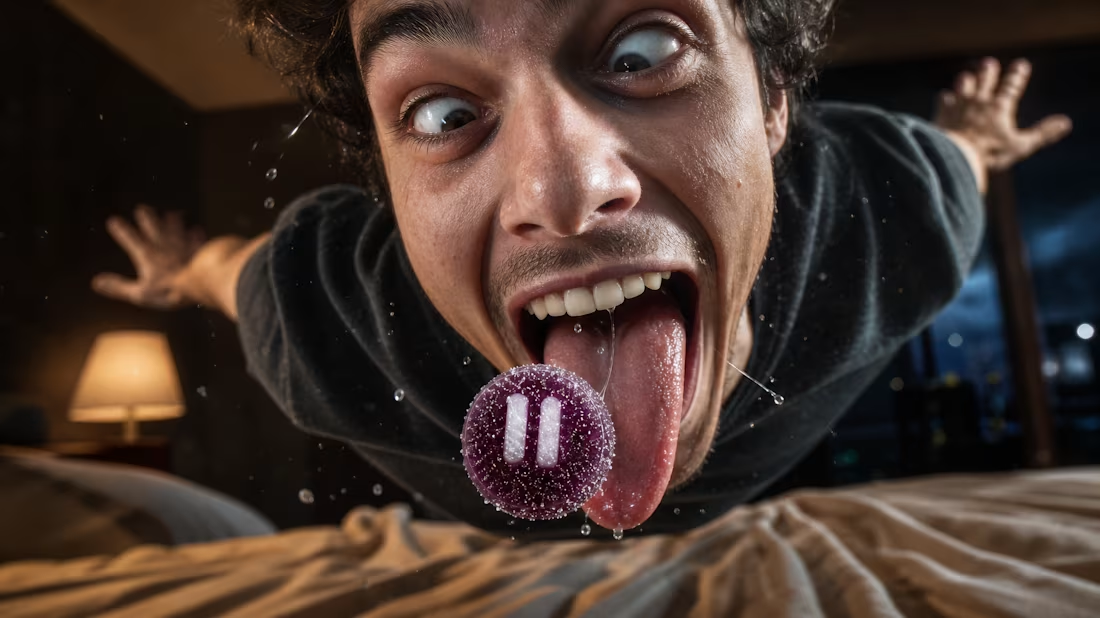
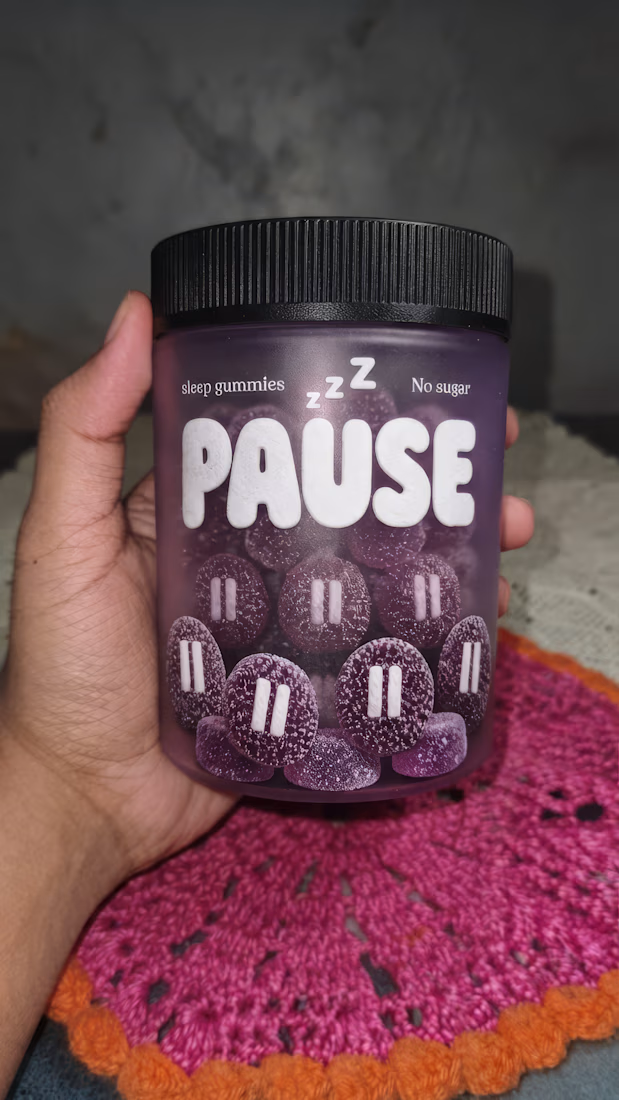
'Pause' is the brand I created for this challenge, it is the result of human creativity steering AI capabilities and the outcome goes far beyond simply generating visuals, it demonstrates what happens when intentional thinking guides powerful tools.
Using Envato's AI Suite, I built an entire brand from the logo and visual assets to the product campaign and even a motion design video. The experience exceeded every expectation I had.
The tagline, "PAUSE THE NOISE," was written by me. It does not just define the brand. It also reflects what I believe is the real message behind this challenge: pausing the noise around the idea that AI is here to replace creatives.
The human contribution was never just writing prompts. It was constantly questioning assumptions, pivoting from one idea to another, exploring different visual languages, selecting the strongest assets, directing the product campaign, shaping the motion design, and refining every output until it aligned with the vision. AI generated the assets. Human creativity gave them purpose.
I am so proud of the final result that I am now turning Pause into a detailed Contra case study.
My two cents:
AI is a tool. Like a sword, it is only as powerful as the person wielding it. In the hands of someone without vision, it loses its edge. In the hands of a creative thinker, it becomes a force multiplier. The future does not belong to AI alone. It belongs to people who know how to think, direct, and create with it.
Sound on 🔊
Scroll through the comments to explore all the visuals and the complete motion design videos.
Tools Used -
Envato
My own Vibe coded text behind video & Video editing apps
envatochallengebranddesigncreativeaiflowAI Video ProductionAI ArtAI VIsual DesignerProduct DesignEnvato

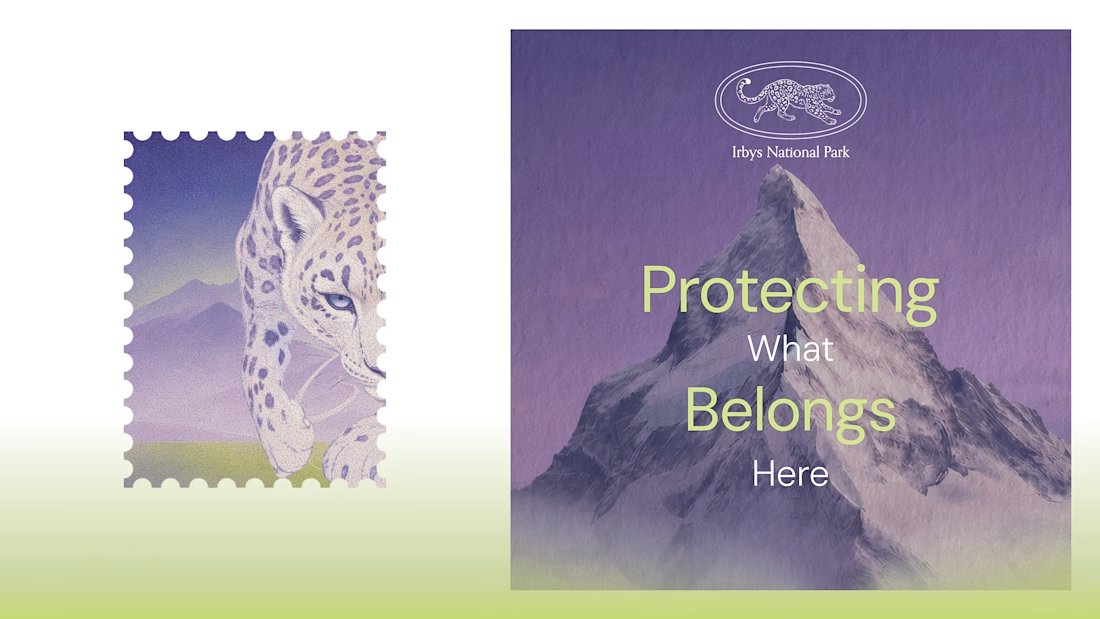
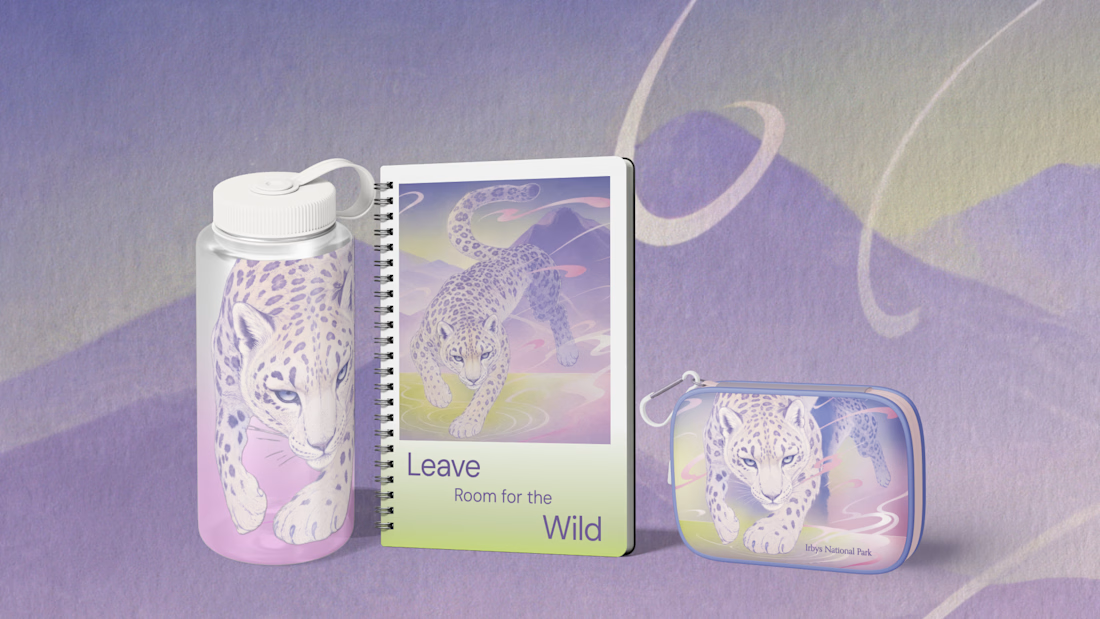
My entry for the Envato & Contra Challenge! ✨
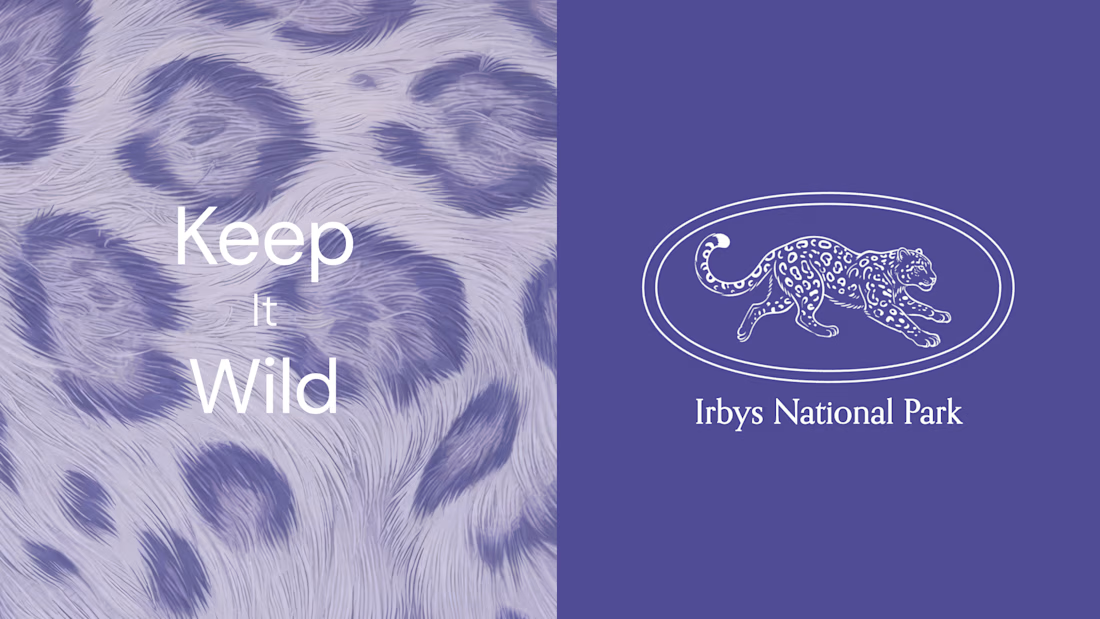
For this project, I imagined a visual identity for a national park dedicated to protecting the snow leopard or irbis, the traditional name for this rare mountain cat. It’s a species deeply connected to Central Asian culture and the place where I grew up.
I used Envato as an all-in-one creative toolkit to explore and bring the concept to life, including ImageGen, GraphicsGen, VideoGen, MusicGen, and Stock assets such as photos, videos, and graphics.
I've wanted to create something like this for a while, and this challenge gave me the perfect opportunity to finally explore the idea and tell an important story through design. 💜
#envatochallenge


Beautiful! 🤍