The network for creativity
Join 1.25M professional creatives like you
Connect with clients, get discovered, and run your business 100% commission-free
Creatives on Contra have earned over $150M and we are just getting started
Back to feedPost

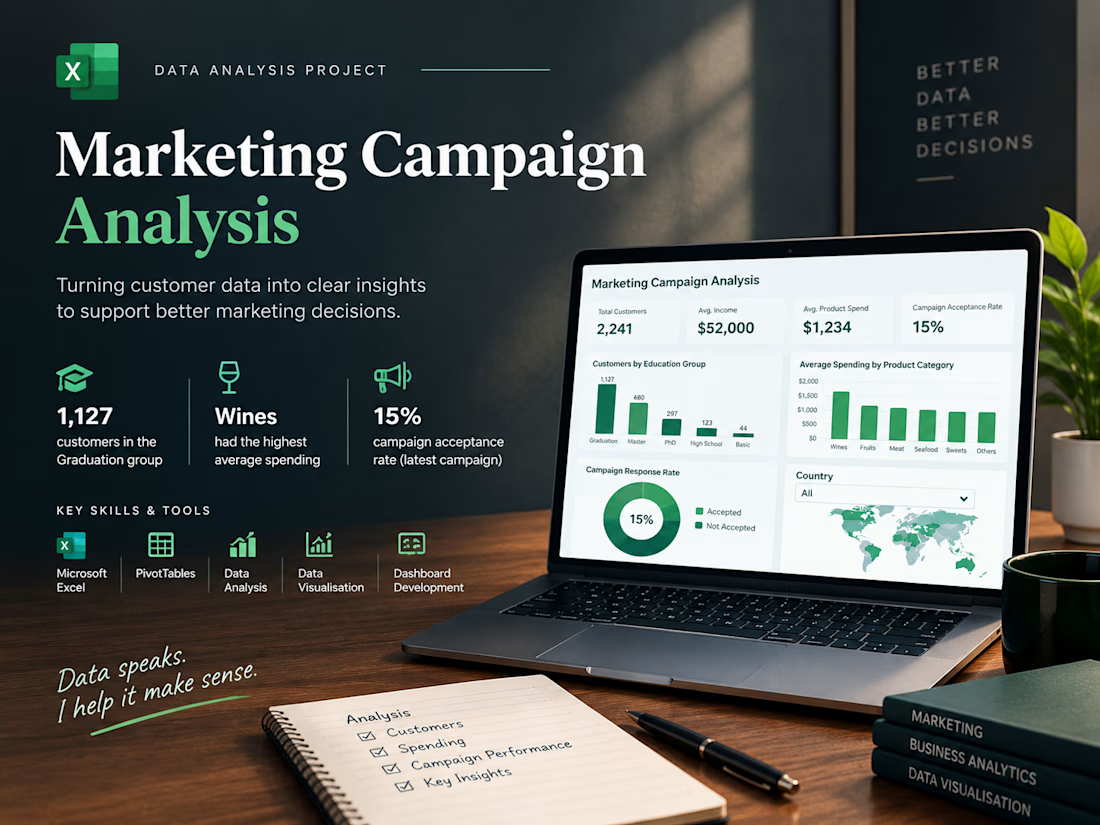
Marketing Campaign Data Analysis | Excel Dashboard & Business Insights
How well do you understand your customers, their spending habits, and the performance of your marketing campaigns?
Customer data can reveal valuable business insights, but making sense of that information requires proper analysis and clear visualization.
For this portfolio project, I worked with a marketing campaign dataset containing approximately 2,240 customer records to explore customer demographics, product spending patterns, and campaign acceptance.
What I analyzed:
📊 Customer distribution across education groups
📊 Average customer income
📊 Average spending across six product categories
📊 Marketing campaign acceptance and response rates
📊 Missing income values requiring further review
My approach:
✅ Organised and analysed customer data in Microsoft Excel
✅ Used PivotTables to summarise customer demographics and spending behaviour
✅ Created charts to compare product categories and customer groups
✅ Calculated key performance indicators (KPIs)
✅ Built an Excel dashboard with four charts and a country slicer
✅ Summarised the findings into concise, business-focused takeaways
Key findings:
🔹 Customer Demographics: Graduation was the largest education group, with 1,127 customers.
🔹 Product Spending: Wines recorded the highest average spending among the six product categories.
🔹 Campaign Performance: The latest marketing campaign achieved an acceptance rate of 15%.
Why does this analysis matter?
A well-structured dashboard helps businesses explore customer behaviour, compare spending patterns, and understand campaign results in one place.
These insights can help inform further investigation into customer segmentation and future marketing strategies.
Tools & Skills:
• Microsoft Excel
• Data Cleaning & Quality Checks
• PivotTables & Formulas
• Data Visualization
• KPI Reporting & Dashboard Development
I'm building my portfolio around practical data analysis and helping businesses turn spreadsheets into clear, useful insights.
Need help organizing your data, analyzing customer behaviour, or building an Excel dashboard? Feel free to get in touch!
#DataAnalytics #MicrosoftExcel #DataVisualization #ExcelDashboard #BusinessIntelligence #DataAnalysis

The network for creativity
Join 1.25M professional creatives like you
Connect with clients, get discovered, and run your business 100% commission-free
Creatives on Contra have earned over $150M and we are just getting started





Related posts


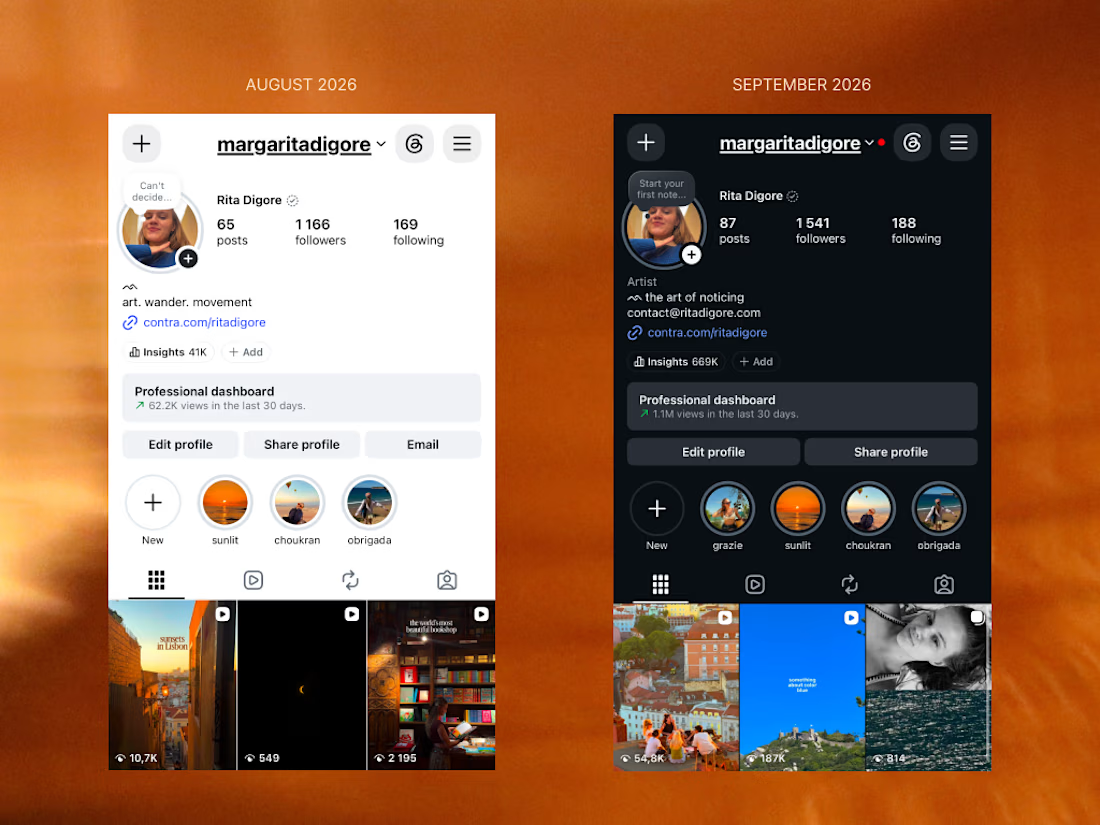
From less than 20K to 1M views in just one month 🥳


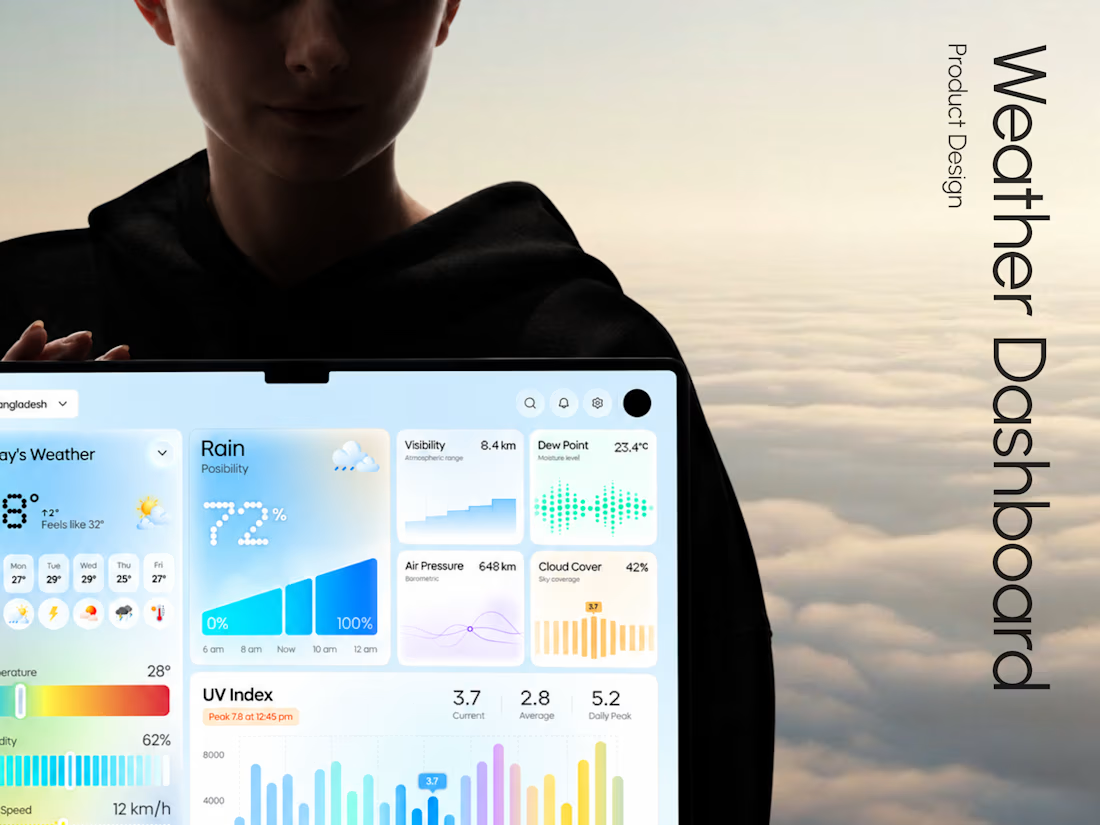
Weava - Making Weather Data Feel Effortless
Weather dashboards often display plenty of information.
The real challenge is making that information useful.
With Weava, we explored a modern weather dashboard concept that puts clarity, visual structure, and usability at the center of the experience.
The design direction focuses on:
• Clean and structured dashboard layouts
• Clear weather data visualization
• Intuitive information hierarchy
• Minimal, distraction-free interface design
The result is a design concept that explores how everyday weather information can become a more understandable digital experience.
Building a SaaS product, analytics dashboard, or custom web application?
At Taqwah, we specialize in designing modern, scalable UI/UX experiences for startups and growing businesses.
From product concepts to developer-ready interface designs, we help turn complex product ideas into intuitive digital experiences.
👉 Have a dashboard project in mind? Send us your requirements and let's discuss a custom UI/UX design solution.

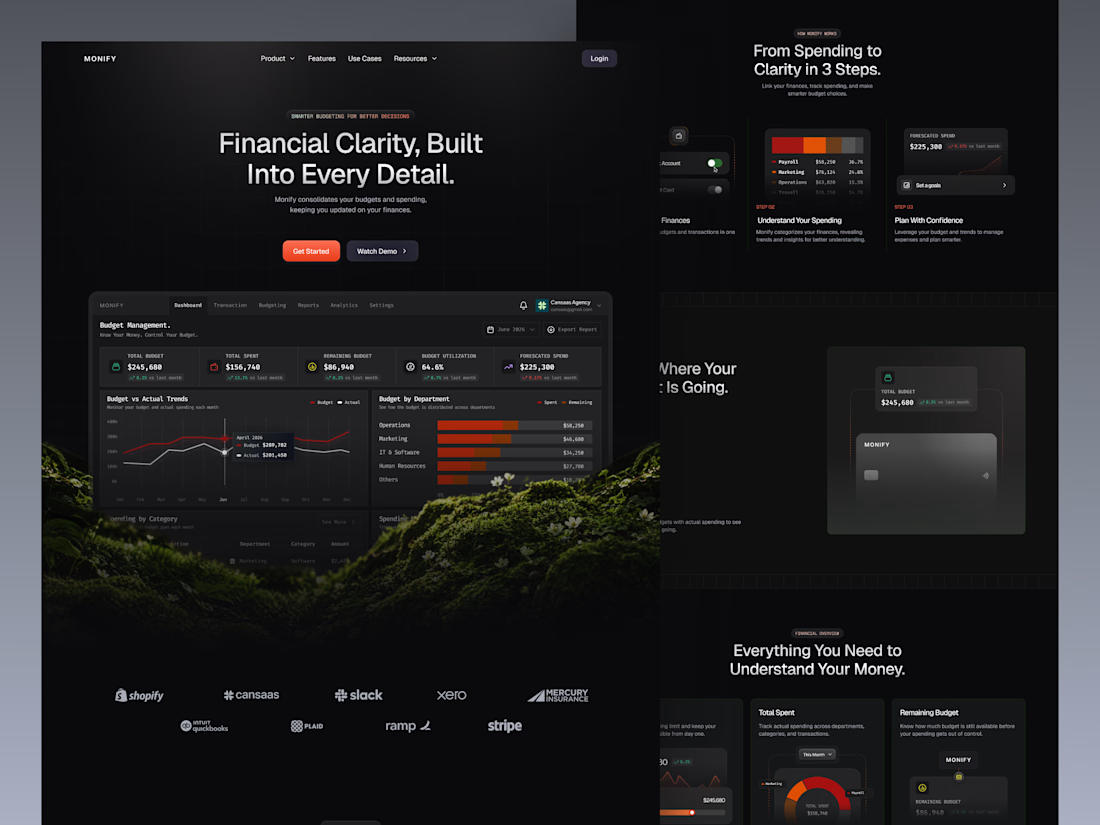
Monify is a modern budget management landing page designed to help businesses track expenses, monitor budgets, and understand financial performance with greater clarity. Featuring a sleek dark-mode interface, interactive financial dashboard previews, bold red-orange accents, intuitive data visualization, and clean typography, the design transforms complex financial information into a more accessible and engaging fintech experience.
📩 Collaborate with Us? Contra Cansaas Agency