The network for creativity
Join 1.25M professional creatives like you
Connect with clients, get discovered, and run your business 100% commission-free
Creatives on Contra have earned over $150M and we are just getting started
Back to feedPost

I Built a Figma Plugin with AI ✨
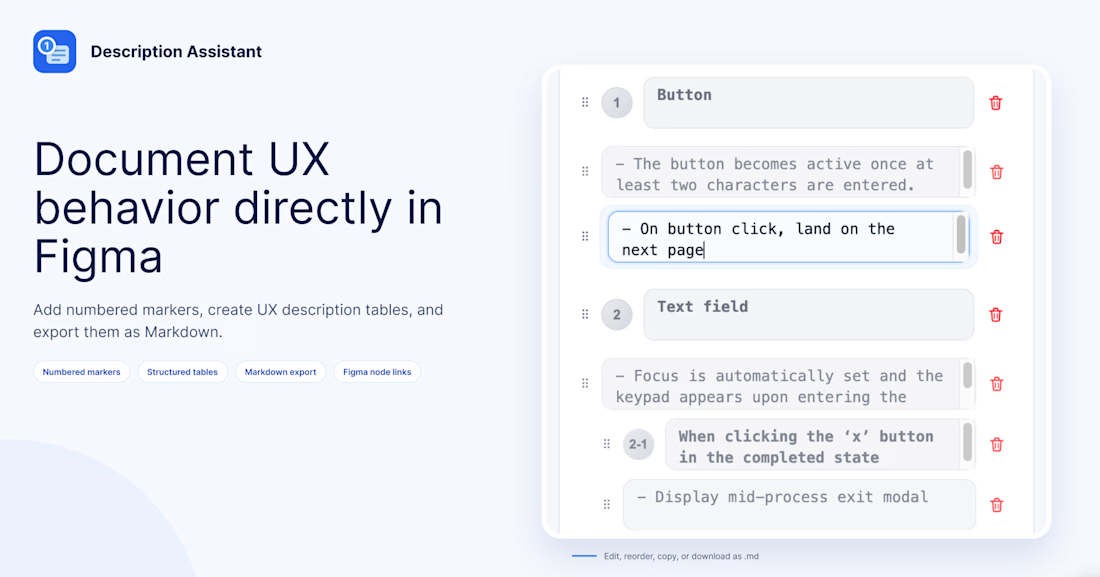
I built UX Description Assistant, a Figma plugin designed to make UX documentation and developer handoff easier.
🔷 The Problem
Designs can communicate how an interface looks, but they don't always explain how it behaves.
Interaction rules, conditions, edge cases, and system responses often require additional documentation. In environments where AI tools are restricted, writing and organizing these details can still take considerable time.
I wanted to create a more structured way to document UX behavior directly in Figma.
🔷 The Solution
UX Description Assistant helps designers write, organize, and share UX descriptions without relying on AI-generated content.
🔷 Key features
- Add numbered markers and sub-markers to selected Figma elements
- Document interaction rules, conditions, policies, and behaviors
- Create and edit structured description tables on the canvas
- Reorder descriptions with drag-and-drop
- Export Markdown documentation with Figma node links
🔷 Who Is It For?
This plugin is designed for product and UX designers who collaborate with developers, work in environments with restrictions on external AI tools, or prefer writing and managing UX documentation themselves.
🔷 The Goal
My goal was to make UX documentation more structured and convenient—from describing interface behavior to handing off designs to developers.
AI can be useful, but not every workflow needs to depend on it. Sometimes, a practical tool that helps you organize your own thinking is exactly what you need.
🔗 Try UX Description Assistant on Figma Community:
https://www.figma.com/community/plugin/1685428879323455650/description-assistant
🎥 Watch a guide video : https://youtu.be/flSYHJ0F718?si=BYzCpM4sao75Oa8Q
Built with AI-assisted development, inspired by a real UX documentation challenge.


The network for creativity
Join 1.25M professional creatives like you
Connect with clients, get discovered, and run your business 100% commission-free
Creatives on Contra have earned over $150M and we are just getting started










Related posts

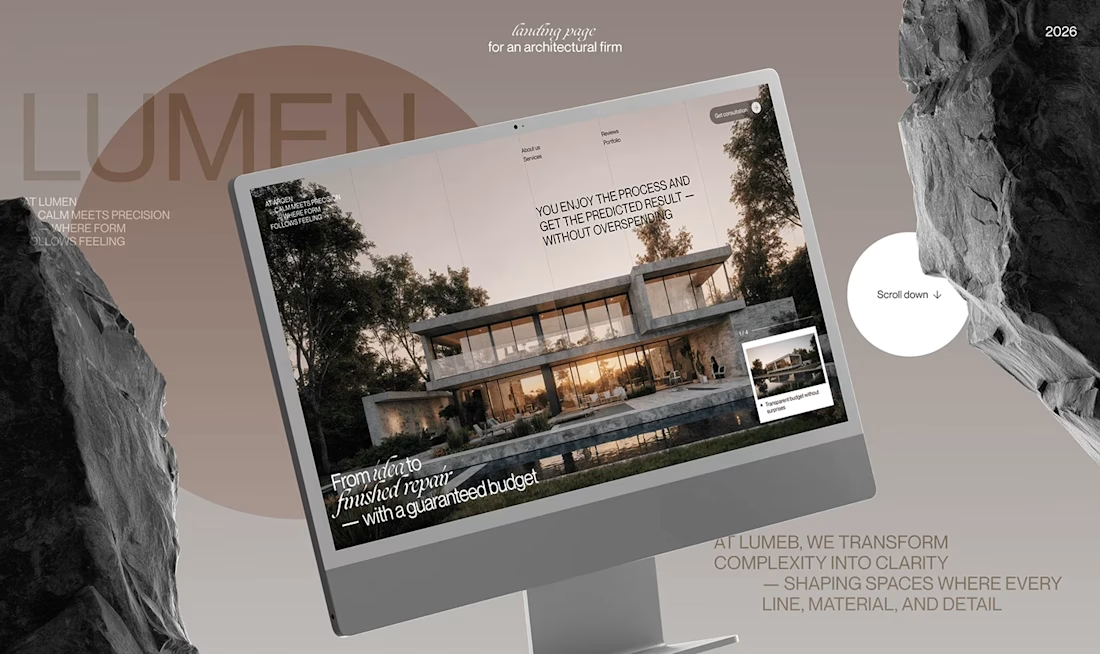
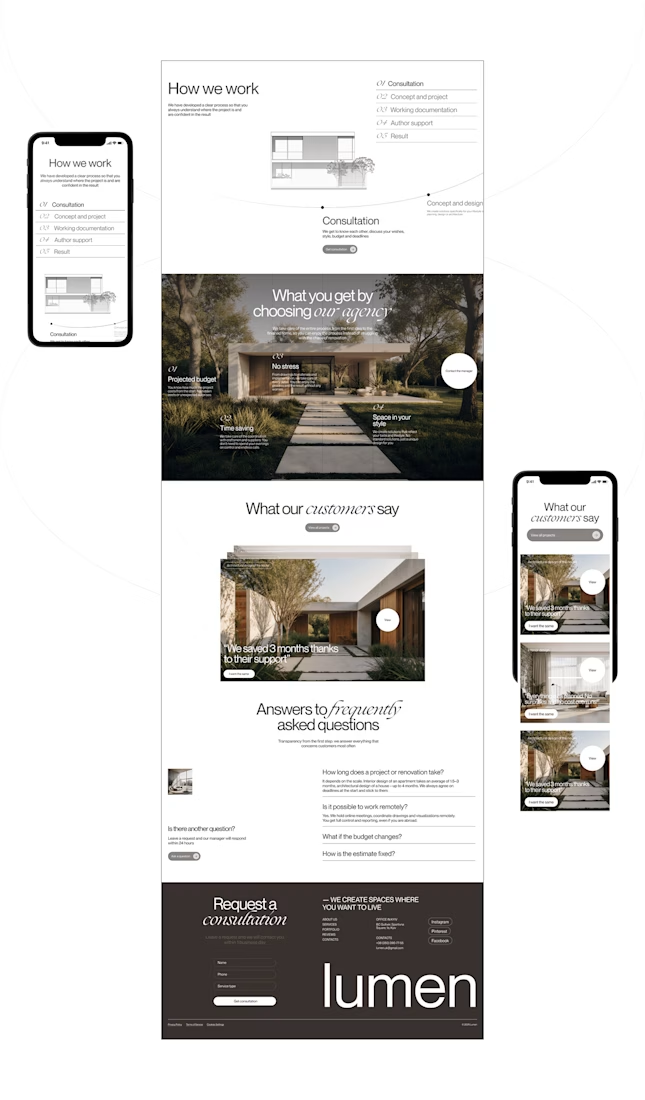
Lumen — UX/UI Design for a Premium Architecture Studio
Sometimes, the smallest details are what give a design its personality.
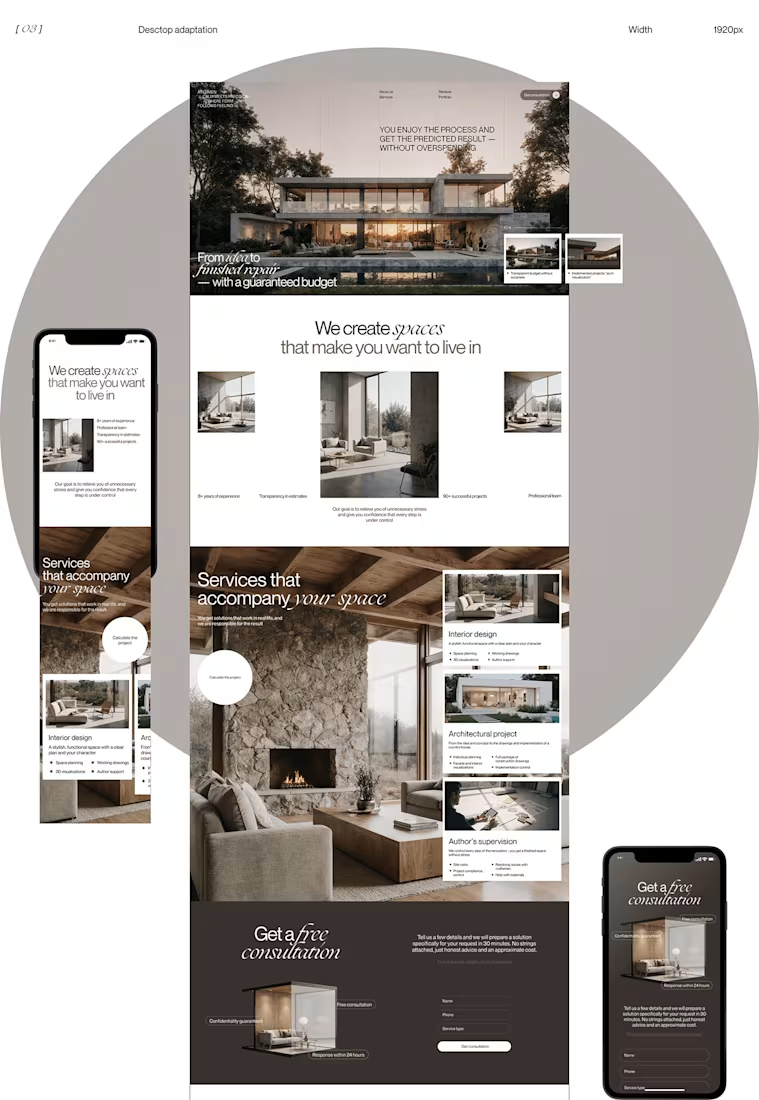
For Lumen, I found myself exploring how typography, architectural photography, colour, and layout could work together to tell a story before someone even starts reading.
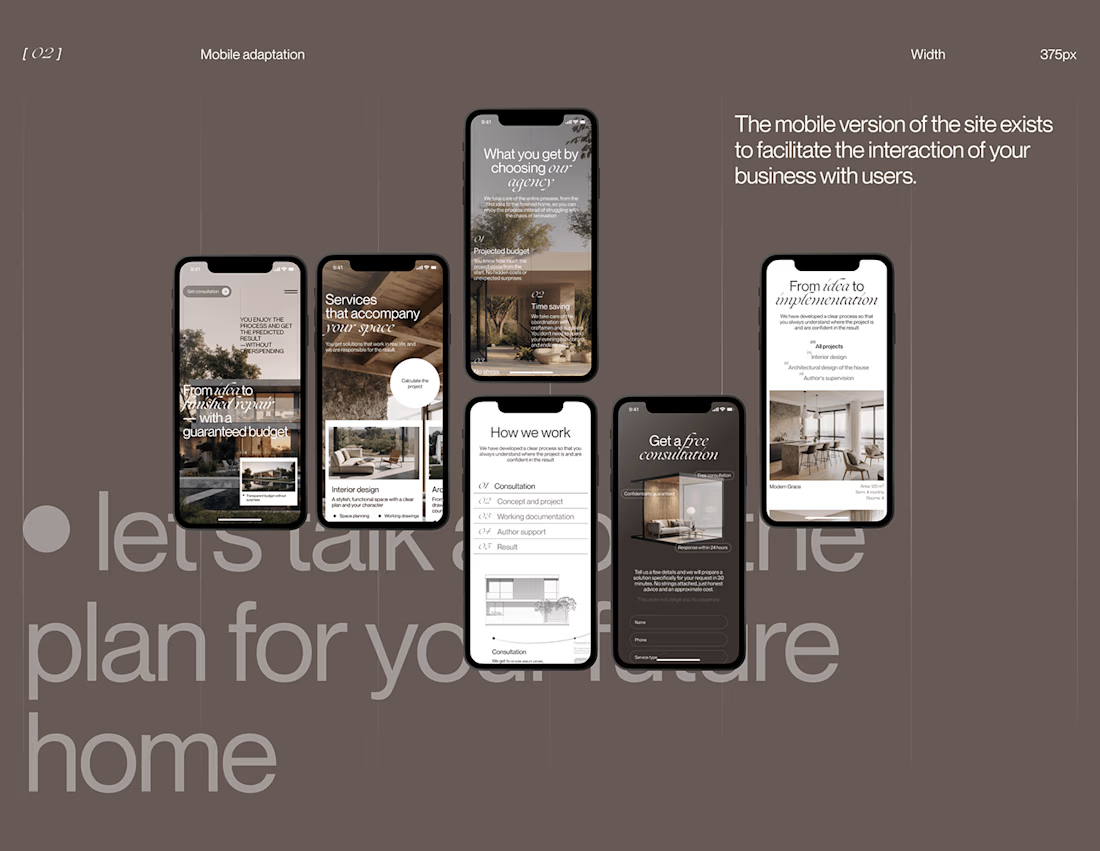
I played with oversized text, warm brown tones, editorial layouts, and a mobile experience that carries the same visual character as the desktop design.
I especially enjoyed putting the mobile screens together. Seeing the different sections come to life on a smaller screen made the whole concept feel more complete.
It's always interesting to see how different creative decisions can change the way people experience a brand.
What's one design detail that can make you appreciate a website even before you've explored everything?
#WebDesign #CreativeDesign #UIUXDesign #Architecture



i love this soooo wellllll, i just said welll with 4 l's thats how good this is

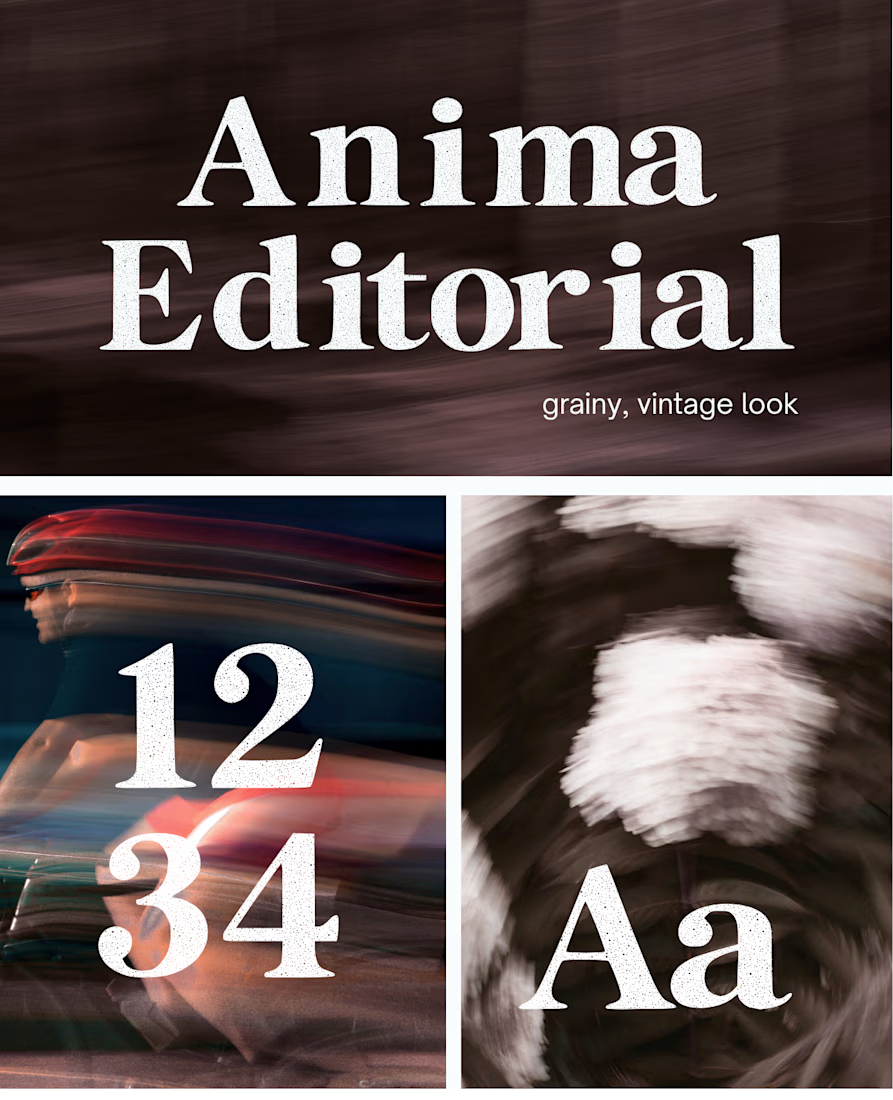
I created this font & it is free to download and use in your free or paid projects. Enjoy 🚀 find it at https://twaperdigital.com/anima-editorial



I like this font
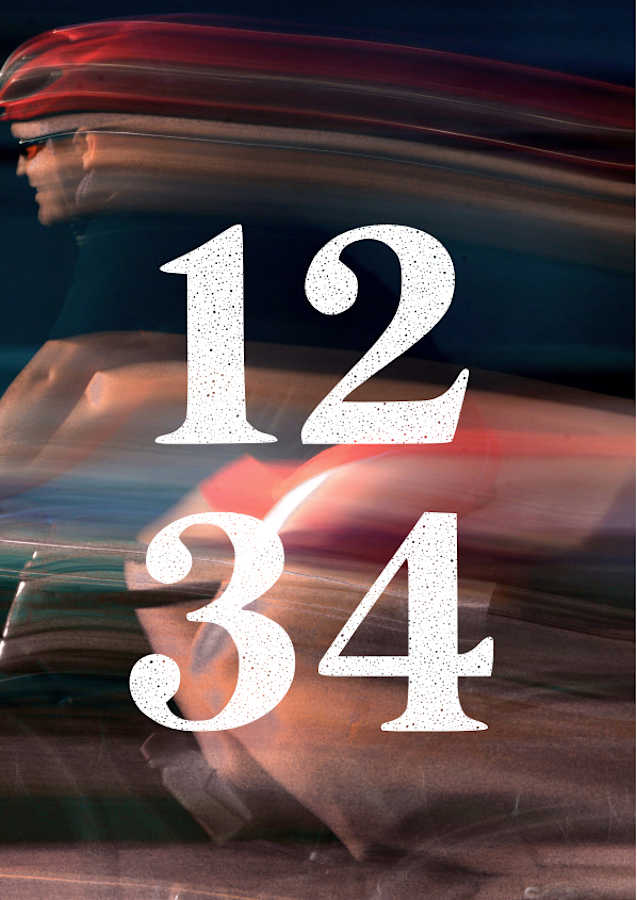
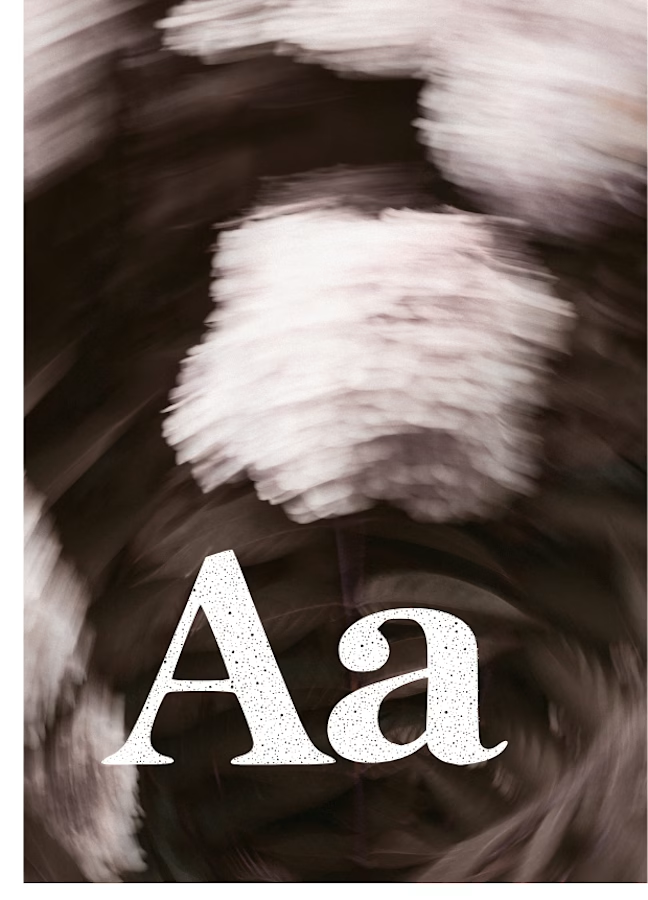
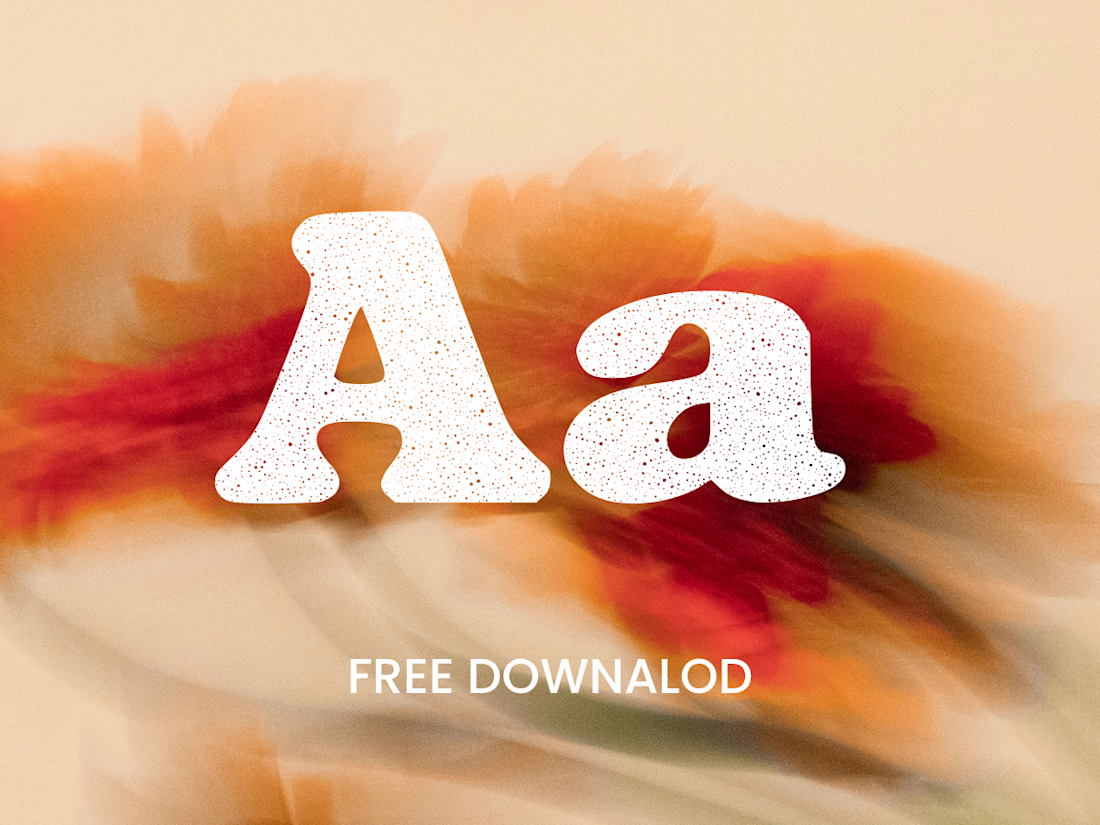
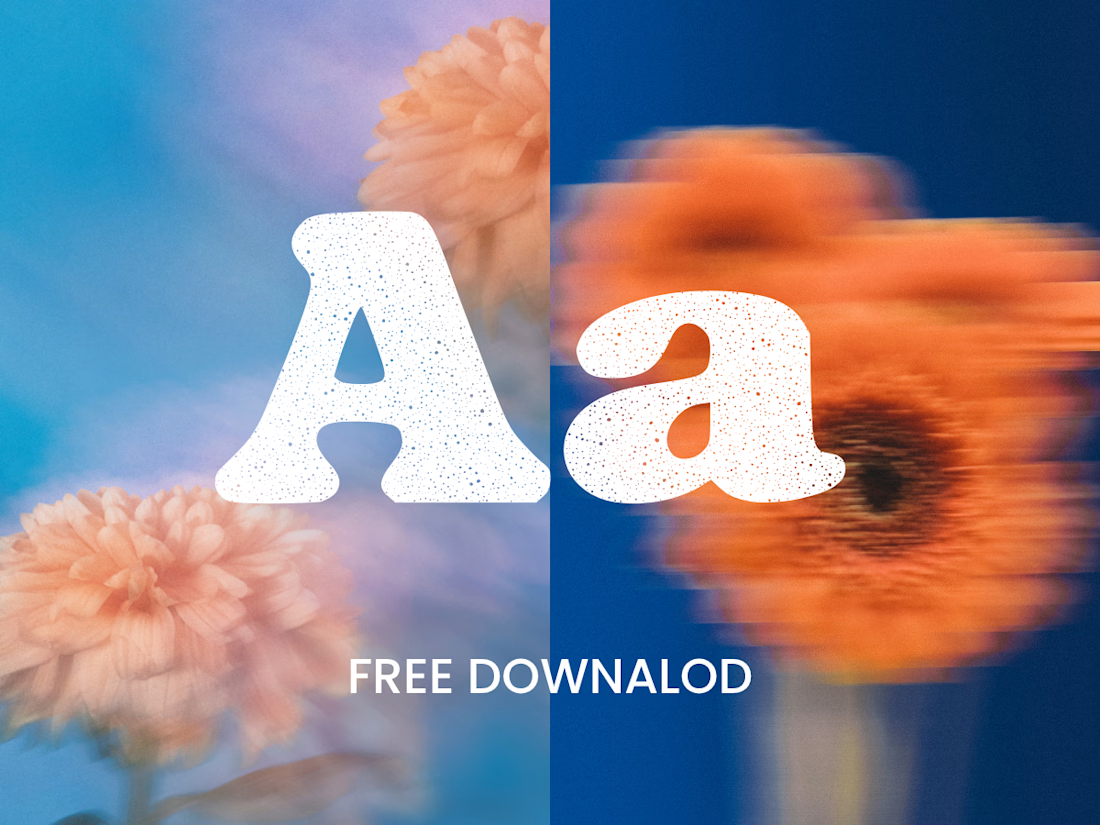
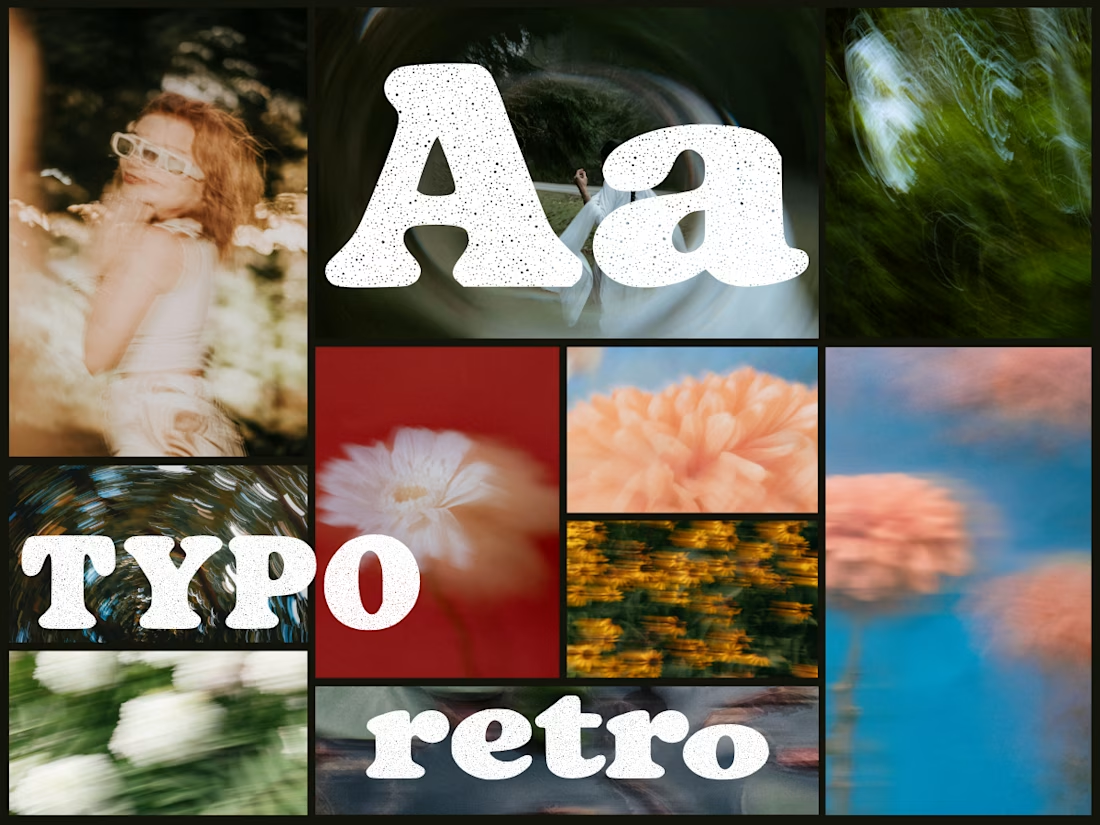
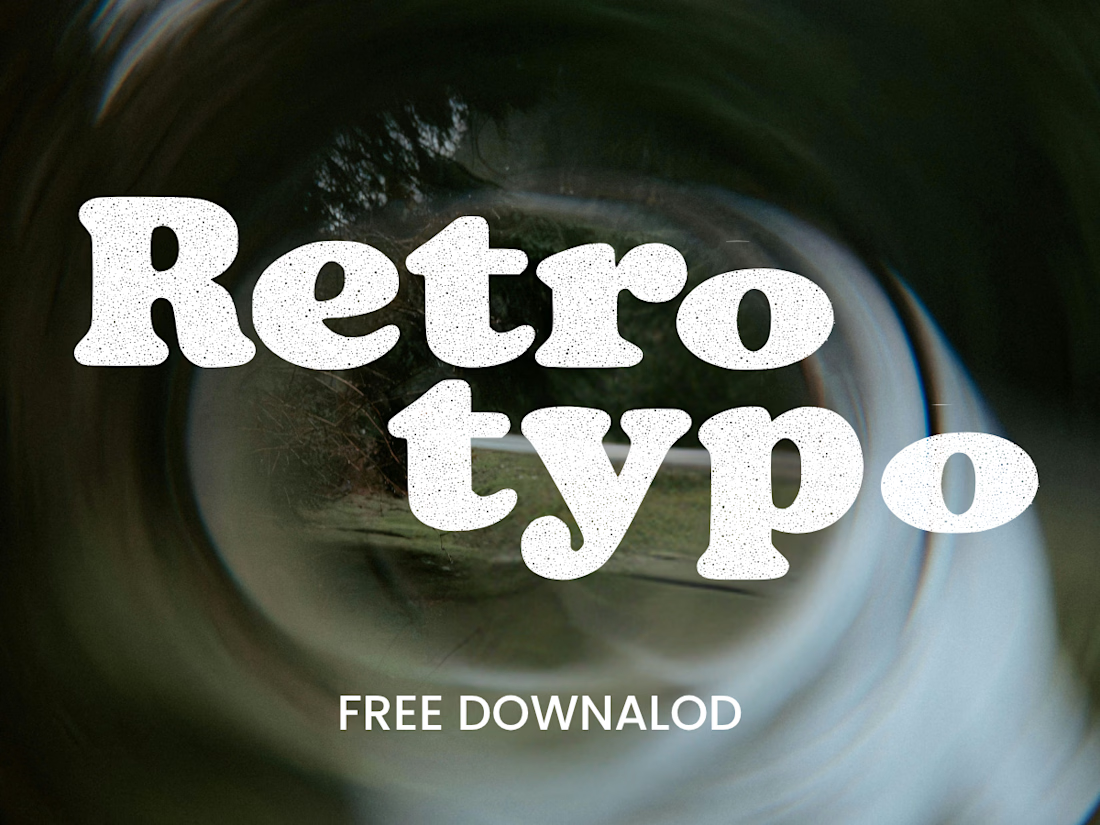
Anima is a self-initiated type design project inspired by vintage print, worn ink and analog photography.
The collection includes two experimental serif typefaces: Anima Editorial, with elegant proportions and contrasting strokes, and Anima Retro, with softer, bolder shapes. Both feature grain built into the letterforms.
I developed the creative direction, custom fonts and promotional artwork, combining AI-assisted exploration with font development. The campaign pairs textured typography with motion-blurred photography to capture a warm, nostalgic mood. FREE DOWNLOAD AT https://twaperdigital.com/anima-retro


Great job Denisa the font style background and it's effects are great 🎉🎉🎉🎉
keep going Denisa🔥🔥🔥🔥