The network for creativity
Join 1.25M professional creatives like you
Connect with clients, get discovered, and run your business 100% commission-free
Creatives on Contra have earned over $150M and we are just getting started
Back to feedPost
Taste Test

From AI-generated artwork to a more polished vector illustration.
I tested Ideogram Vector by generating an illustration for a lemon ginger tea packaging.
The raw output was a good starting point, but it still needed some work.
So I converted it into an editable SVG, refined the shapes, rearranged and resized the elements, and added a bit of texture to give the illustration more depth.
Here's a look at the before and after!
What do you think? 🍋

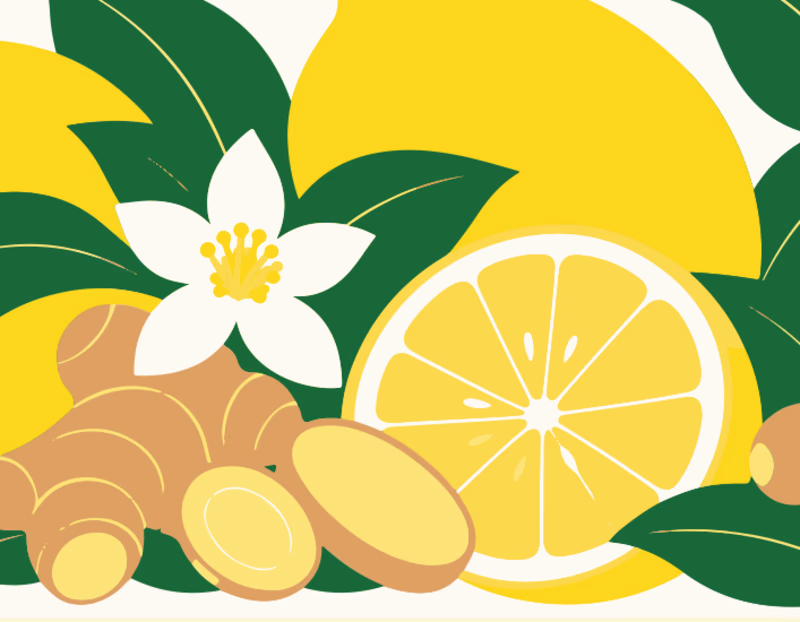
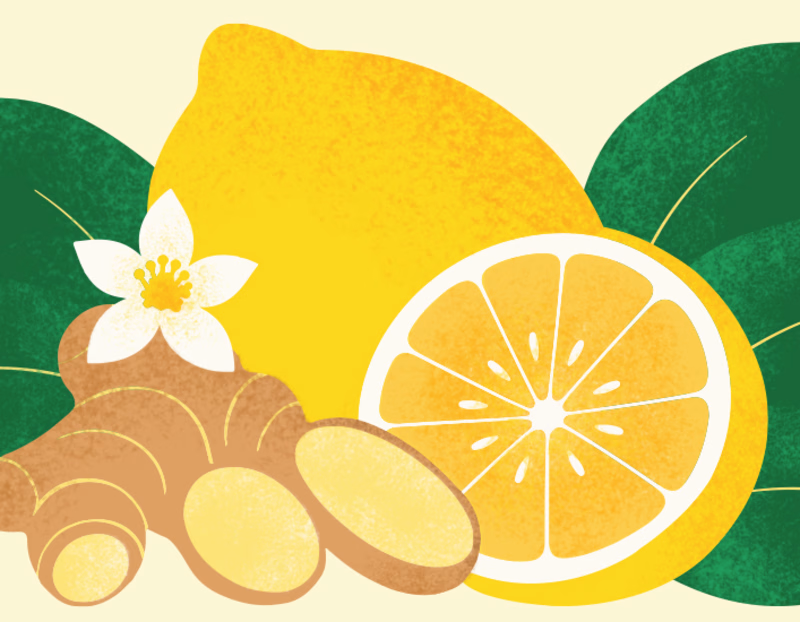
34 votes
Ends in 10h

After is absolutely better it focus on the main image🎉🎉

after work is more balance and clean. More balance

Good work

NICE PROJECT

The editable SVG step is the useful part here—being able to rebalance the shapes and spacing gives you much more control over the packaging. Did you also test how the illustration reads at the final print size?

The jump from Ideogram's raw output to a clean, production SVG is the honest part of any AI-assisted packaging workflow — on lemon ginger tea the biggest remaining call is usually the label hierarchy under a shelf light, so I'd test the after at print size with a dark background...


Grain texture without questions

GOing with after


after for me. shrinking the ginger and letting the half lemon own the right side gives it one clear hero, and the grain takes away that too clean ai look on the leaves

after looks better as it is balanced

Love it 😍


Great work! Your clean up really brought it all together.

that slight grain details is what makes the after version more refined

Great use of AI to get a reference.
The network for creativity
Join 1.25M professional creatives like you
Connect with clients, get discovered, and run your business 100% commission-free
Creatives on Contra have earned over $150M and we are just getting started
Related posts

Such a neat experiment in AI-assisted spatial design! Using 10 photos of a real setup to train a local model like FLUX 3 Klein is next-level prototyping.
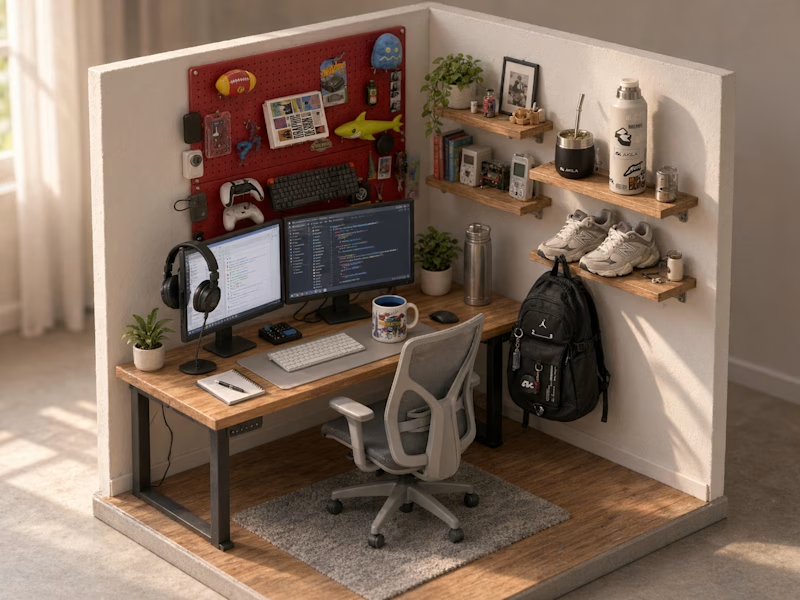
Both options look great, but Option A totally wins on the cozy lighting front for me. Check out the post and drop your vote


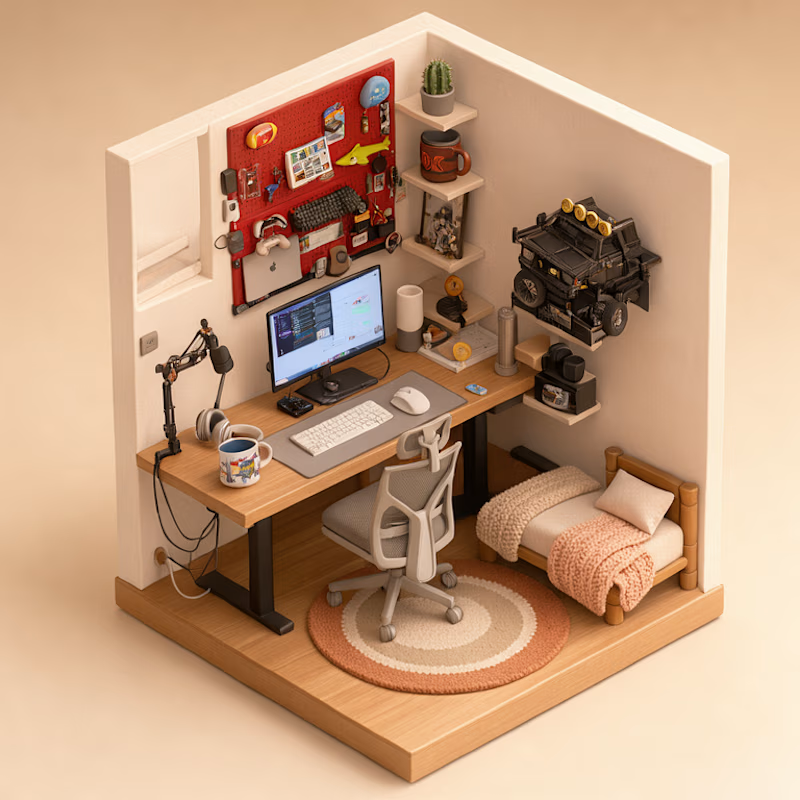
Turned my real desk into a tiny clay diorama ☕️
Made with FLUX 3 Klein running locally, using 10 photos of my actual setup as references: the pegboard wall, headphones, mug, shelves...
Which one do you like more, A or B?
21 voted
58%
15 voted
42%
36 votes
Closed

This is insane! Option A is my favorite - the details are so realistic!
Love how you turned your real setup into clay with FLUX 3 locally, super creative idea!

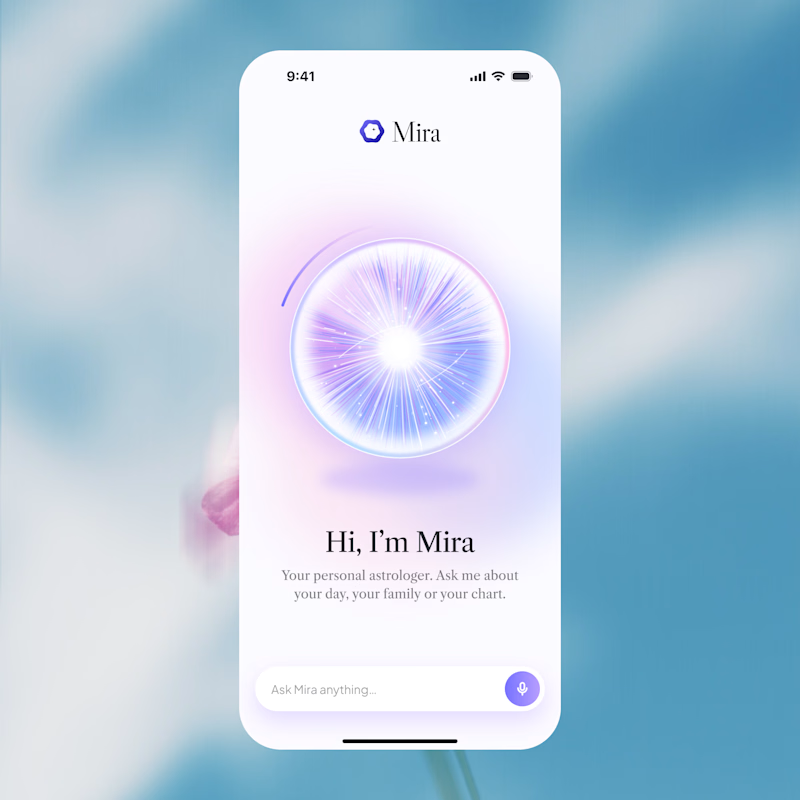
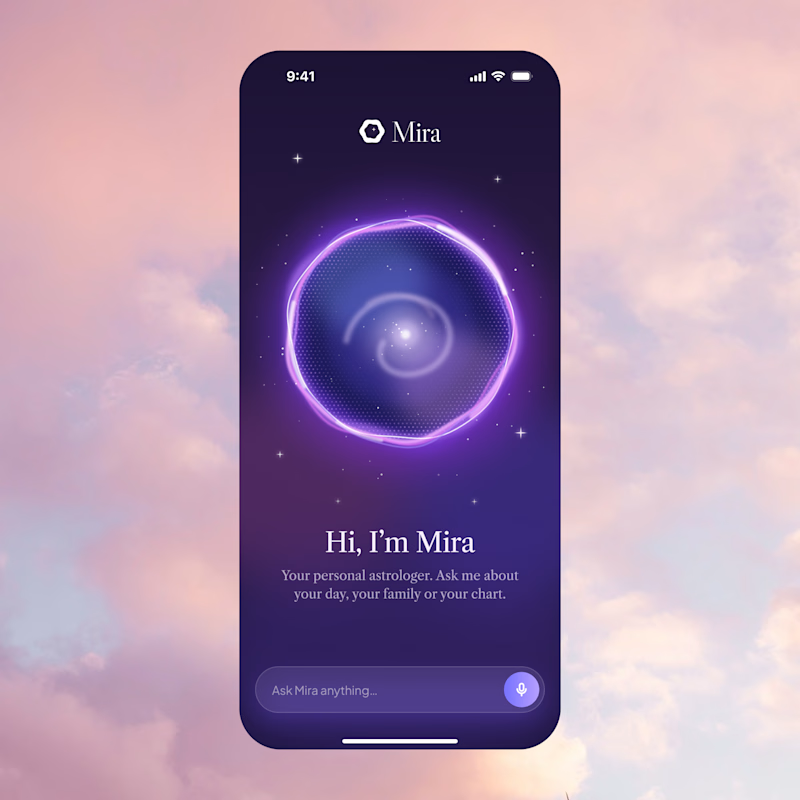
Two directions for Mira, an AI astrologer you talk to by voice.
Only one made it past the client. Which one would you ship, and why?
12 voted
75%
4 voted
25%
16 votes
Closed
A is better if you can make a dark version of it thats incredible


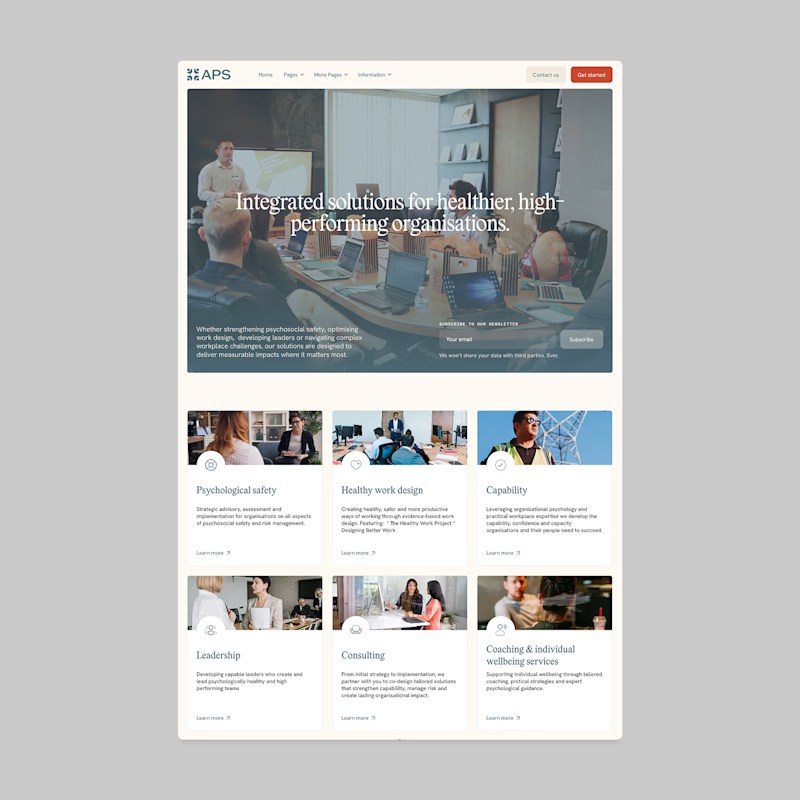
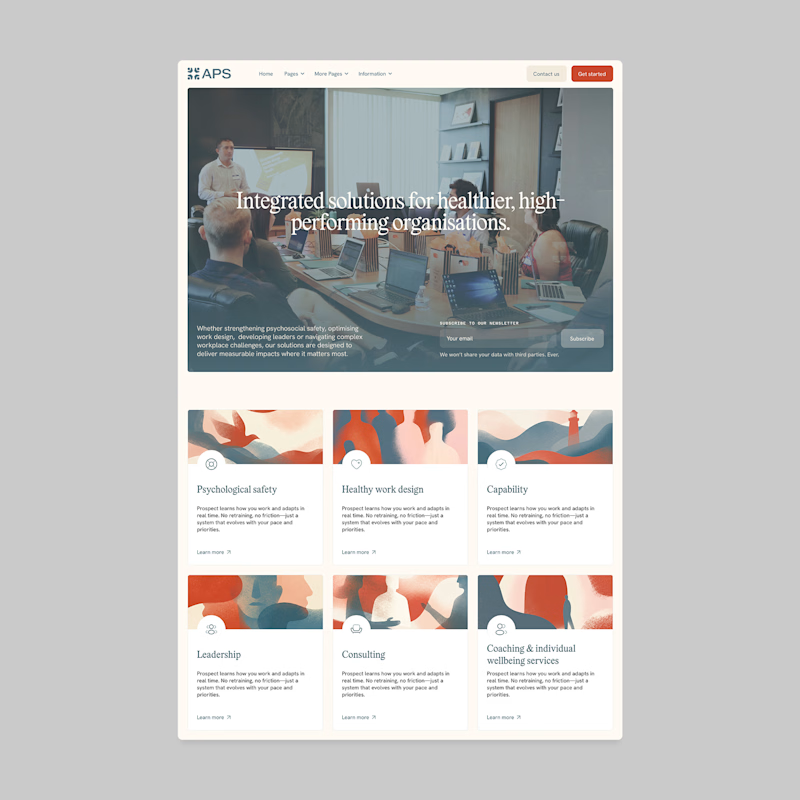
Designers, which direction would you go with: photography or illustration?
83 voted
69%
37 voted
31%
120 votes
Closed

I'll prefer photos, specially talking about organizations in your page, human faces and real scenarios can have a better effect in this case.