Asana Grigsby - Prototyper | ContraWork by Asana Grigsby
Asana Grigsby

Asana Grigsby

Web Designer & Operations Specialist

Ready for work

Asana is ready for their next project!

Cover image for Nonprofit Website Overhaul — Global OffSite Care
Nonprofit Website Overhaul — Global OffSite Care
0
0
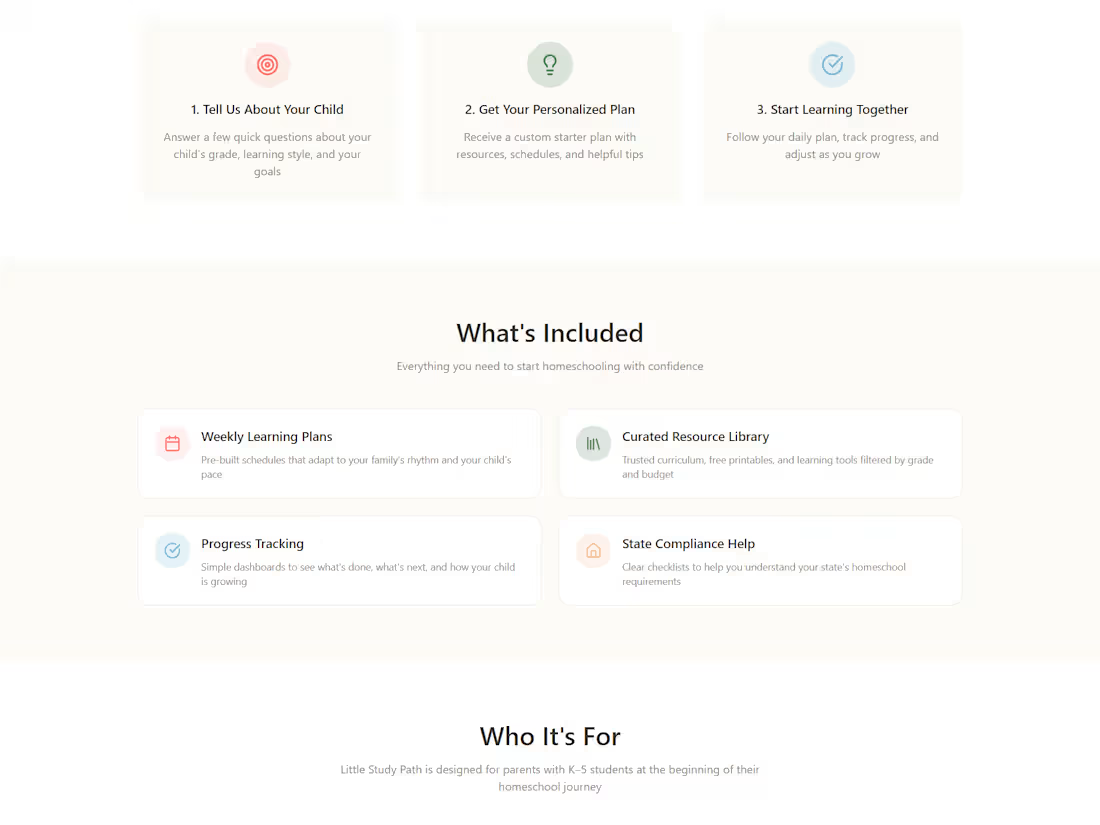
Little Study Path Homeschool with a Plan, Not Panic Little Study Path is a K–5 homeschool planning prototype built for the Config Makeathon. It helps overwhelmed parents move from “Where do I begin?” to a clear first-week plan. The prototype guides parents through a simple setup experience and brings key planning pieces into one place: a weekly schedule, parent dashboard, saved resources, compliance support, and a child-friendly student view. I designed Little Study Path around a parent-first workflow: reassure the parent, collect only the essential setup details, generate a manageable first-week plan, and separate parent planning tools from the student-facing experience. The primary prototype was built in Figma Make. I also created a supplemental GitHub/Vercel deployment to explore code-level polish and interaction refinements after the Figma Make prototype was working. Key features: Guided onboarding for K–5 homeschool families Personalized first-week plan Parent dashboard with tasks, progress, resources, and compliance summary Weekly schedule view Resource library State compliance checklist and helpful links Child-friendly student view with daily activities and progress Links: Primary Figma Make prototype: https://vary-jelly-18392287.figma.site/ Figma Community file: https://www.figma.com/community/file/1648502941920817398 Supplemental Vercel version: https://littlestudypathprototype.vercel.app/ Video walkthrough: https://drive.google.com/file/d/1GDu-d233LeZPlBN2B7C0xTjMMfpNklYY/view?usp=sharing
4
6
354
Cover image for AI-Powered Student Performance Dashboard: Insights & Design
I created an AI-assisted student performance dashboard to explore how study habits, attendance, sleep, social media use, and other lifestyle factors may relate to academic outcomes. The project presents student data in a visual dashboard format, making patterns easier to review and compare. This project helped me practice dashboard design, data storytelling, front-end layout, and using AI-assisted tools to turn information into a clearer visual experience.
0
67
Cover image for I created a website concept
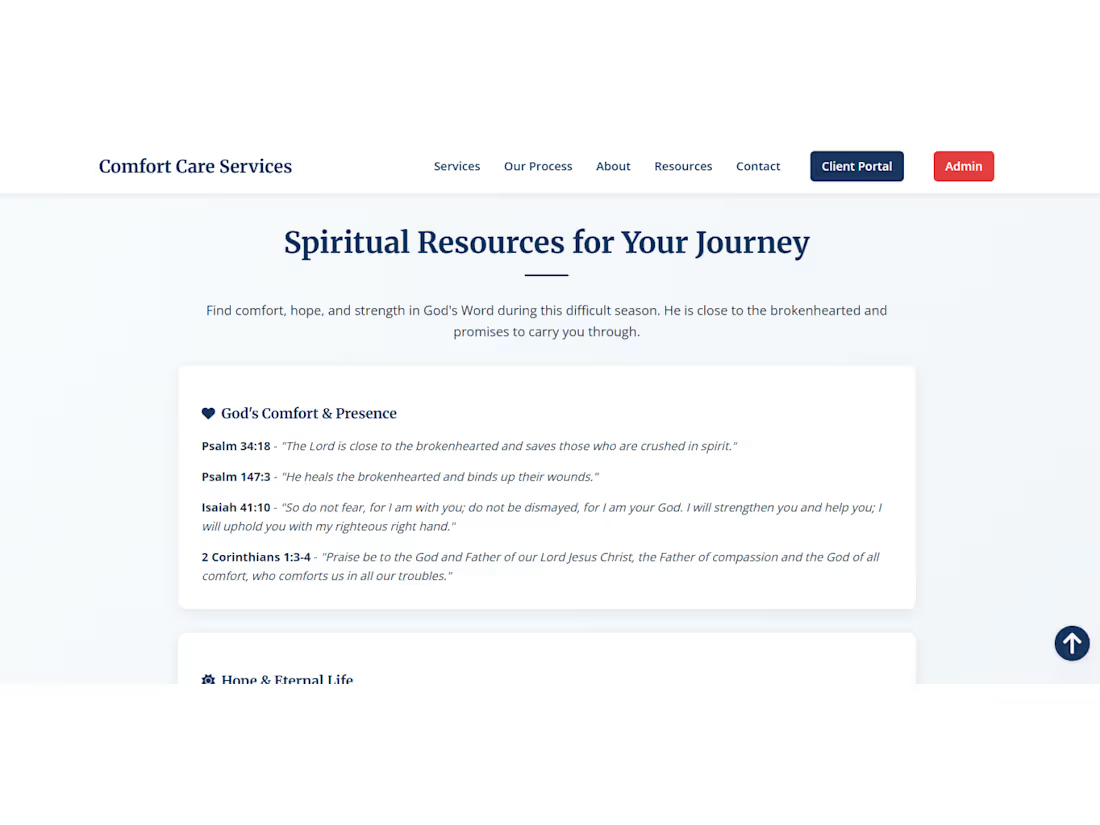
I created a website concept for Comfort Care Administrative Services, a service-based business idea focused on compassionate administrative and operational support. The project includes a professional homepage structure, service sections, process overview, resources, contact pathways, and client-focused messaging designed to communicate trust, clarity, and support. This project helped me practice organizing service-based website content, designing clear user pathways, and building a polished web presence for a future business concept.
0
70
Cover image for I supported Global Offsite Care
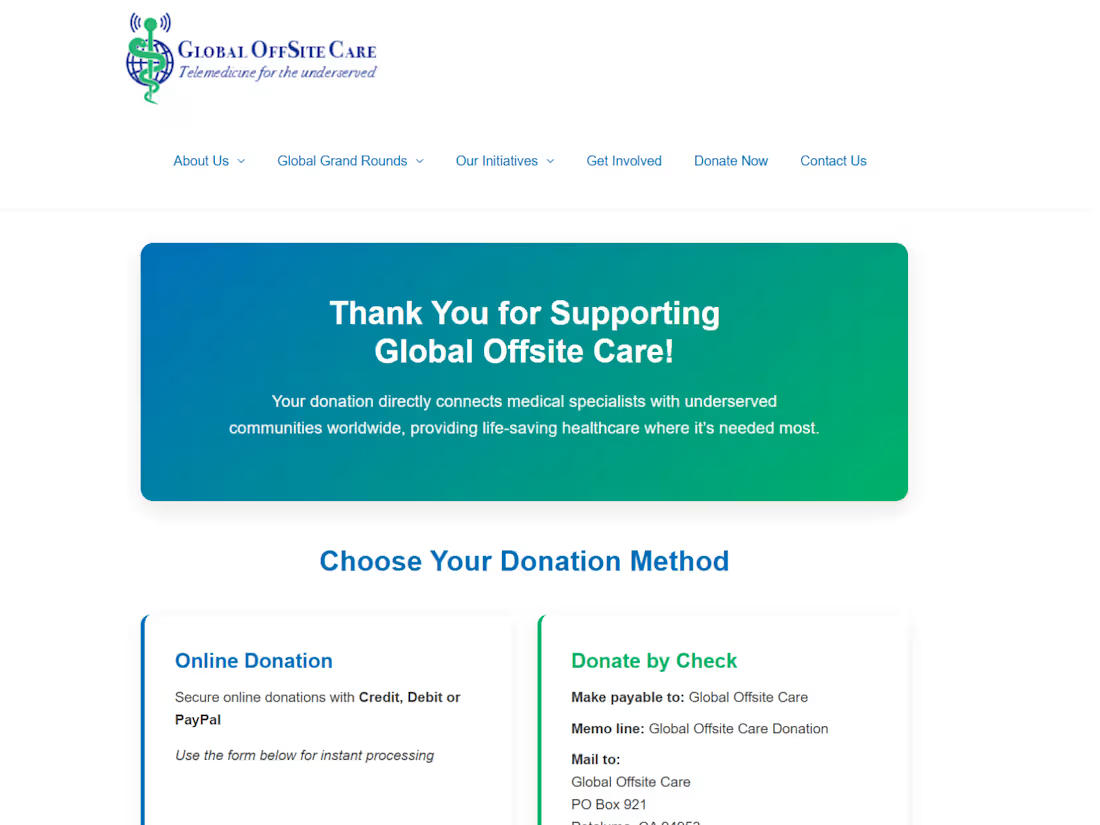
I supported Global Offsite Care with nonprofit website improvements focused on user experience, page updates, navigation, content organization, and visual consistency. My work included refining key pages, improving contact and donation pathways, checking links and buttons, and building an interactive leadership bio popup using HTML, CSS, and JavaScript with AI-assisted development support from Windsurf.
0
88
Cover image for Innovative Comfort Care Dashboard: Streamlined Care Coordina...
Comfort Care Dashboard is a responsive single-page care coordination prototype for a fictional compassionate care-support organization. The dashboard helps a family caregiver manage urgent care tasks, medication review, appointments, support messaging, care documents, and care-team navigation in one calm, accessible experience. I designed it around Sarah, a caregiver supporting Martha Miller, with the goal of reducing overwhelm during a stressful care situation. I focused on making the interface feel alive through animated progress, modal interactions, gated actions, validation states, confirmation feedback, document status updates, and anchored navigation. The main flow allows Sarah to review medication items, confirm completion, and see the dashboard update from 72% to 80% while the urgent task changes from Action Required to Completed. I used Google Stitch as the core design and prototyping tool for this project. I started with a larger Comfort Care portal idea, then used prompt-based iteration and in-place edits to simplify it into a focused single-page dashboard. Through Stitch, I refined the layout, responsiveness, modal behavior, navigation anchors, message validation, progress updates, confirmation states, motion, and accessibility. I also used Stitch’s Accessibility Audit to review the dashboard beyond visual polish and identify semantic accessibility improvements for keyboard and screen reader users. The final prototype was tested across desktop, tablet, and mobile views, then prepared with screenshots and a narrated walkthrough showing the working interactions. Stitch helped me move quickly from an idea to a working interactive prototype. As someone still learning tech and interface design, I found it helpful for exploring layout, responsive views, and interaction flows without starting from a blank screen. The most challenging part was learning how specific my prompts needed to be when fixing navigation anchors, modal behavior, validation states, responsiveness, and accessibility details. Overall, Stitch helped me understand how AI can support real product iteration, not just create a static screen. Project Link: https://a99b53f8-comfort-care-dashboard.netlify.app/ Walk-through Video: https://www.loom.com/share/953f53ad332044aba36b09bd0eb6808e
1
159