toka mohamed
Graphic designer for social media and branding design
Profile in progress
toka is building their profile!
How to Craft the Perfect Prompt for Hyper-Realistic AI Images
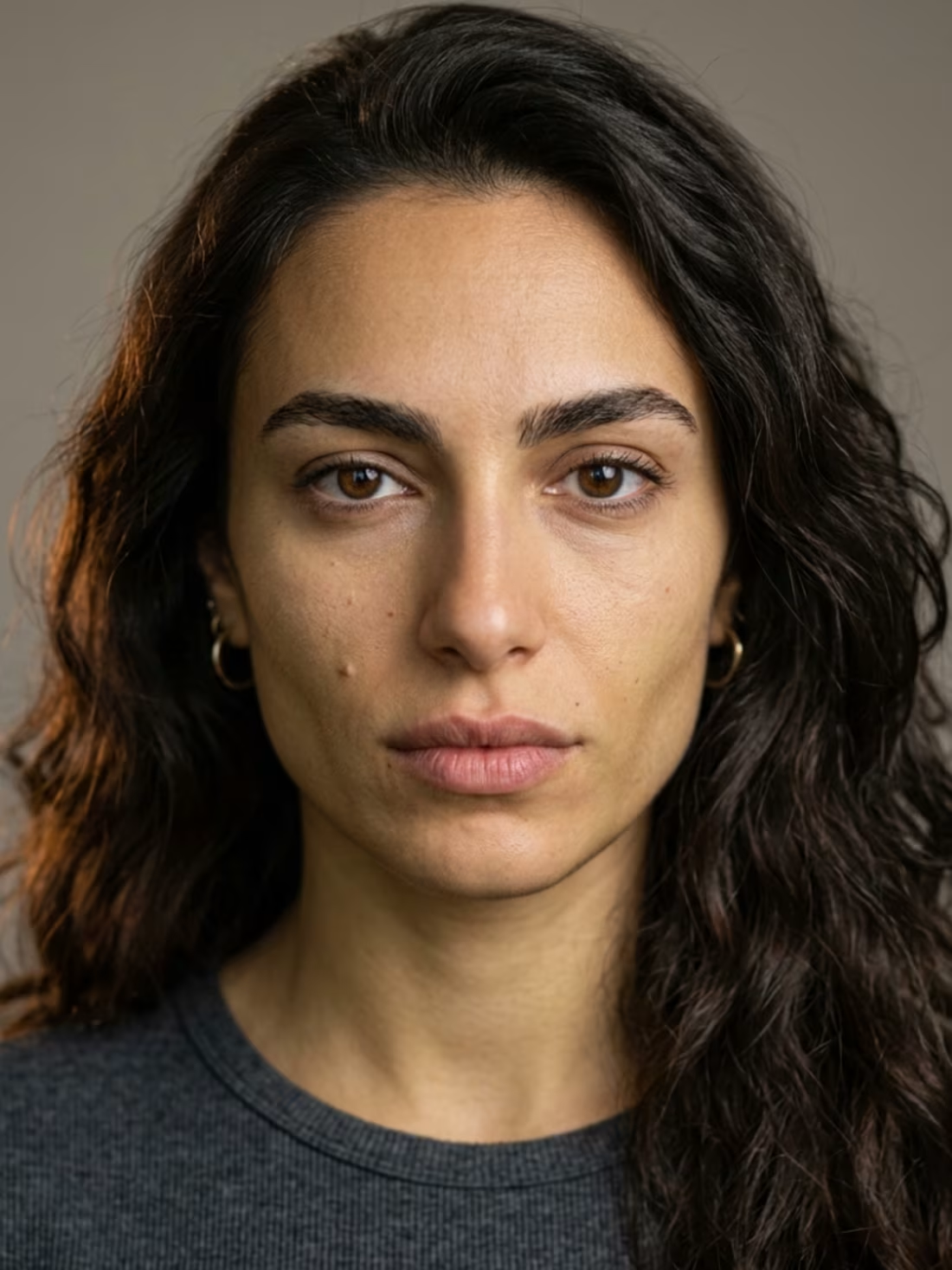
I am going to share the most essential keywords you need to include in your prompts to generate true-to-life details.
The "plastic skin" nightmare isn't always the fault of the AI tool; it is very often a result of a weak prompt. Here are the most critical details you need to add to your prompts to fix this:
Image Quality:
Keywords like hyperrealistic, photorealistic, ultra-detailed, 8K resolution, RAW photo, shot on Sony A7R V, 85mm lens, f/1.8 aperture make a massive difference in the final output quality.
Skin Details, Pores, and Imperfections:
To capture acne scars, eye lines, and wrinkles, use: pore-level skin detail, visible skin texture, subsurface scattering, micro skin imperfections, natural skin tone variation, realistic wrinkles, fine facial hair, visible eyelashes, catchlight in eyes, wet lips, natural lip texture.
Lighting, Lighting, and Lighting!
Lighting brings the image to life. Use: cinematic lighting, golden hour light, soft diffused light, rembrandt lighting, natural window light, volumetric light, realistic shadows, rim light.
Eyes, Pupils, and Capillaries:
For realistic eyes featuring natural redness or blood vessels, use: highly detailed eyes, realistic iris texture, natural eye moisture, depth in eyes, photorealistic cornea, micro blood vessels in sclera.
Expressions and Natural Human Asymmetry:
Human faces are naturally asymmetrical (the right side does not perfectly match the left). To capture this authenticity, use: natural expression, candid pose, subtle emotion, asymmetrical features (this specifically makes the face look incredibly natural), natural imperfections, authentic look.
The Negative Prompt (The "Do Nots"):
This is where you ban unwanted elements like plastic, cartoonish, or unnatural skin. Add: NOT: plastic skin, airbrushed, smooth skin, perfect symmetry, cartoon, illustration, CGI, anime, watermark, blurry, overexposed, unrealistic, doll-like.
Pro Tip for Regional Specificity:
If you want to generate a character from a specific region—for example, a Saudi man (from Najd, Hejaz, etc.) or an Egyptian man (from Sinai, Upper Egypt, etc.)—instruct the AI tool to research the traditional attire and culture of that specific region before generating the prompt. The results will absolutely stun you.
Note: The images referenced in this workflow were generated using several top-tier models: Nano Banana 2, GPT Image 2, and Seedream 5. It is normal for one model to yield slightly better results than another, but these are currently among the best.
By following this guide, you can generate incredibly realistic characters and seamlessly export the images to Photoshop or other software for professional post-editing.
2
1
26
Decided to experiment with creating a UGC Creator AI, focusing heavily on maintaining realistic body language and facial expressions. Meet Mohamed! I’m honestly proud of the level of realism and emotional depth achieved through this flow, even with a few minor touches left to refine
0
11
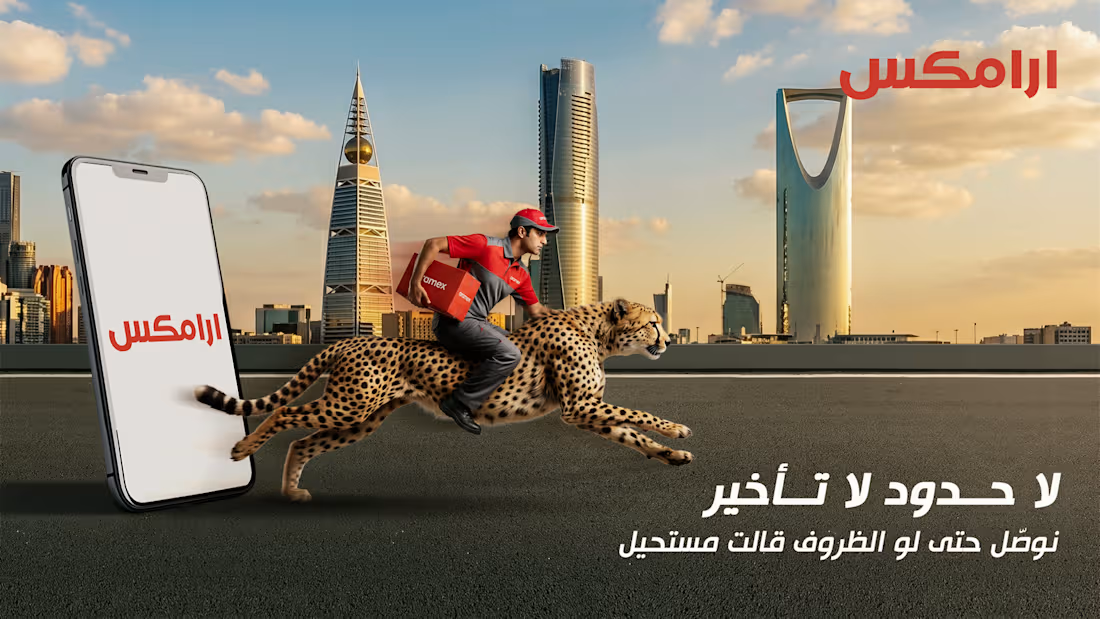
aramex visual campaign KSA
0
5
an AI creative ad for aramex
0
22
Craft cooklie social media posts
0
0