
Thai Devint
Digital Craftsman | Linguistic Architect | Zero-touch


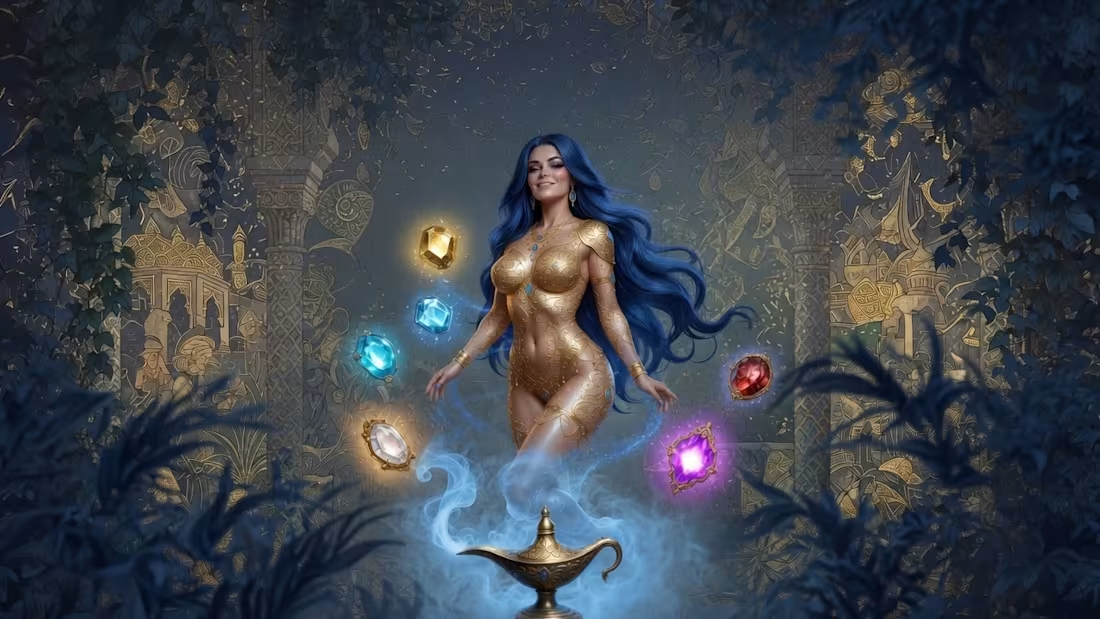
Gorgeous Genies is my 2026 Birthday Signature Release - a limited fantasy NFT drop built around five jewel-toned genie archetypes:
Ember Desire, Sapphire Dream, Ivory Light, Emerald Fortune, an Amethyst Veil.
A fantasy collection shaped around beauty, desire, mystery, radiance, fortune, and enchantment.
Mint is now live on OpenSea:https://t.co/3AhuEQlz6Q
0
86
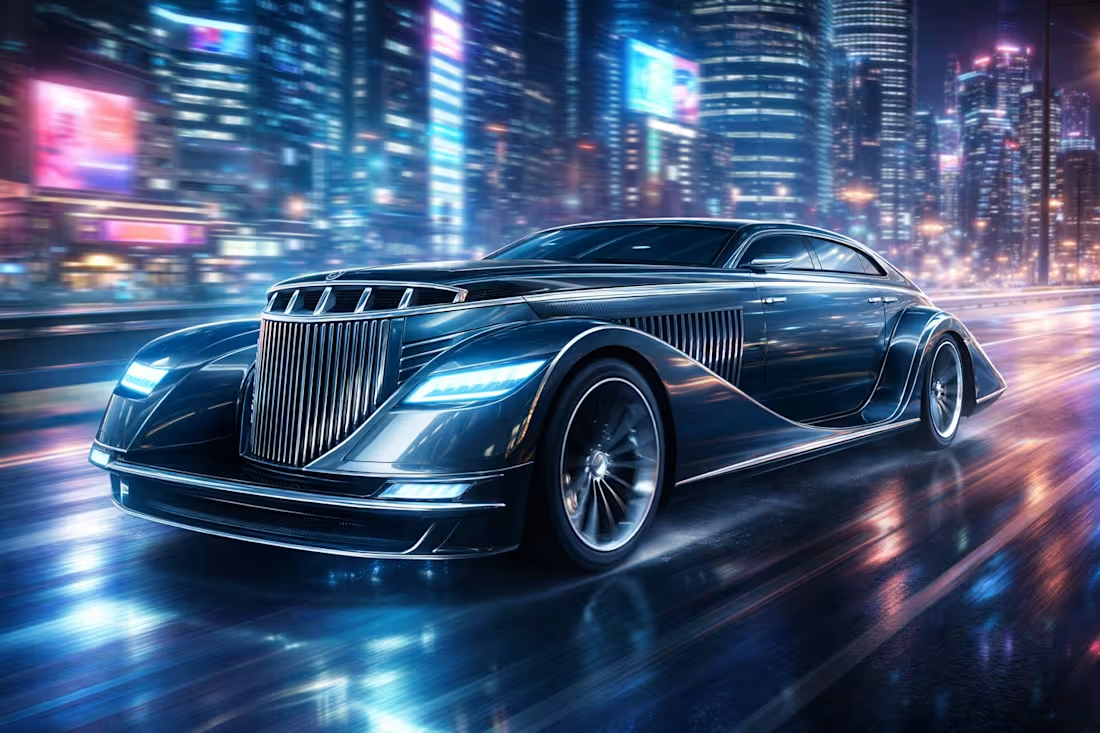
The Intersection of Eras — RAVEN NOIRA
1-of-1 Premium Conceptual Automotive Intellectual Property Package.This is not a standard NFT artwork. It is a complete, professionally developed and appraised conceptual vehicle design that merges late-1930s streamline luxury with contemporary electric engineering and modern aerodynamics.What the owner receives:
8 Ultra High-Resolution Master Artworks (up to 10K resolution)
2 Complete Automotive Design Blueprints (E-Type 4D & 2D variants)
Motion Presentation Clips + HD Showcase Video
Official Artwork Appraisal Certificate (Overall Score: 9.4/10 — Grade A+)
Certificate of Authenticity (COA)
Commercial Licensing DocumentationProfessionally evaluated by Thailand Development and Integration (TDI) — Digital Art & NFT Appraisal Division.Positioned as a production-ready conceptual asset suitable for automotive branding, media production, digital prototyping, entertainment visualization, and high-end private collections.Collection Details:
Series: Concept Vehicle
Code Name: RAVEN NOIR
Edition: 1 of 1 (Limited Edition)
Design by: Thaidevint / Natthapong WongsangSerious inquiries regarding licensing or acquisition are welcome.
0
68
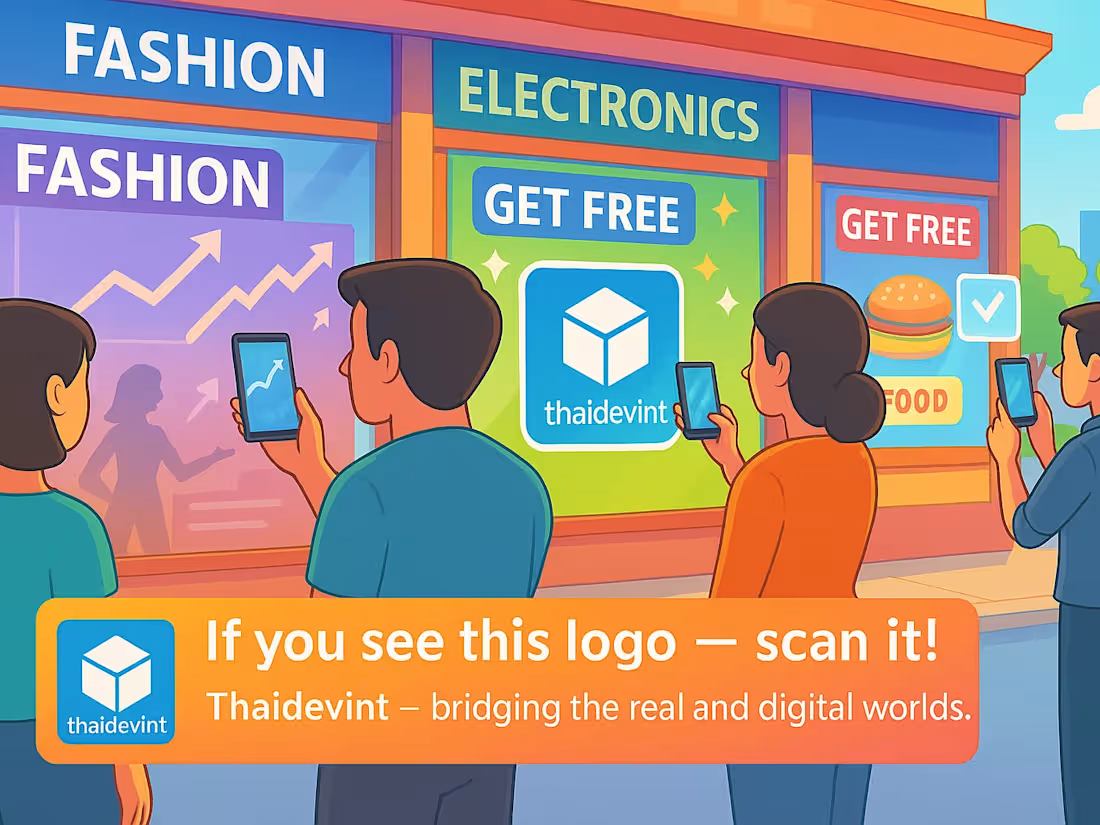
The AR Smart Ad Layer provides an accessible, browser-based AR marketing system that connects digital engagement with real-world physical media. It is cost-effective, scalable, and compatible with existing advertising channels.
Ar-Smart-Ad-Tech.pdf (https://drive.google.com/file/d/1te2C6ksk827JGvcnru2IDip6qNp1UImJ/view?usp=drive_link)
0
86
AI Neural networks Simulation loop
Presenting a visual simulation of artificial neural networks, designed to mimic the intricate workings of the human brain. Each point represents an independent node, operating autonomously yet seamlessly connected to the whole.
Created by ThaiDevint, this piece marks the early stages of my exploration into human-AI collaboration. The focus is on the continuous flow of energy and infinitely connecting lines reflecting the very power of AI that is driving and shaping our world today.
0
87