

I've created two bullish apps for Quintes, using Anything AI.
1. Generate X content about Quintes. / https://quintes-explain-to-earn.created.app/
Helping community members with a lack of English skills create super simple prompts, and getting quality X-content about Quintes. It's essential because the community is not native British, American, Canadian, etc. (I'm also from Non-English Europe). Tools like this reduce the grammar barrier, giving people the possibility to edit the post to give it a "human touch".
2. Quintes Ambassador Hub / https://quintes-ambassador-hub.created.app/
I do not remember everything about Quintes, and don't believe anyone does. That's why I took all the necessary links regarding the project and asked Anything to create a clear, bullish instruction page for ambassadors (including myself). Anything asked me some intelligent questions that I wouldn't even notice without its intelligence. I hope all the ambassador fellows use these tools for quality content.
Big ups to @Tarun Koushal for giving me the role of being part of this futuristic, smart income!
2
210
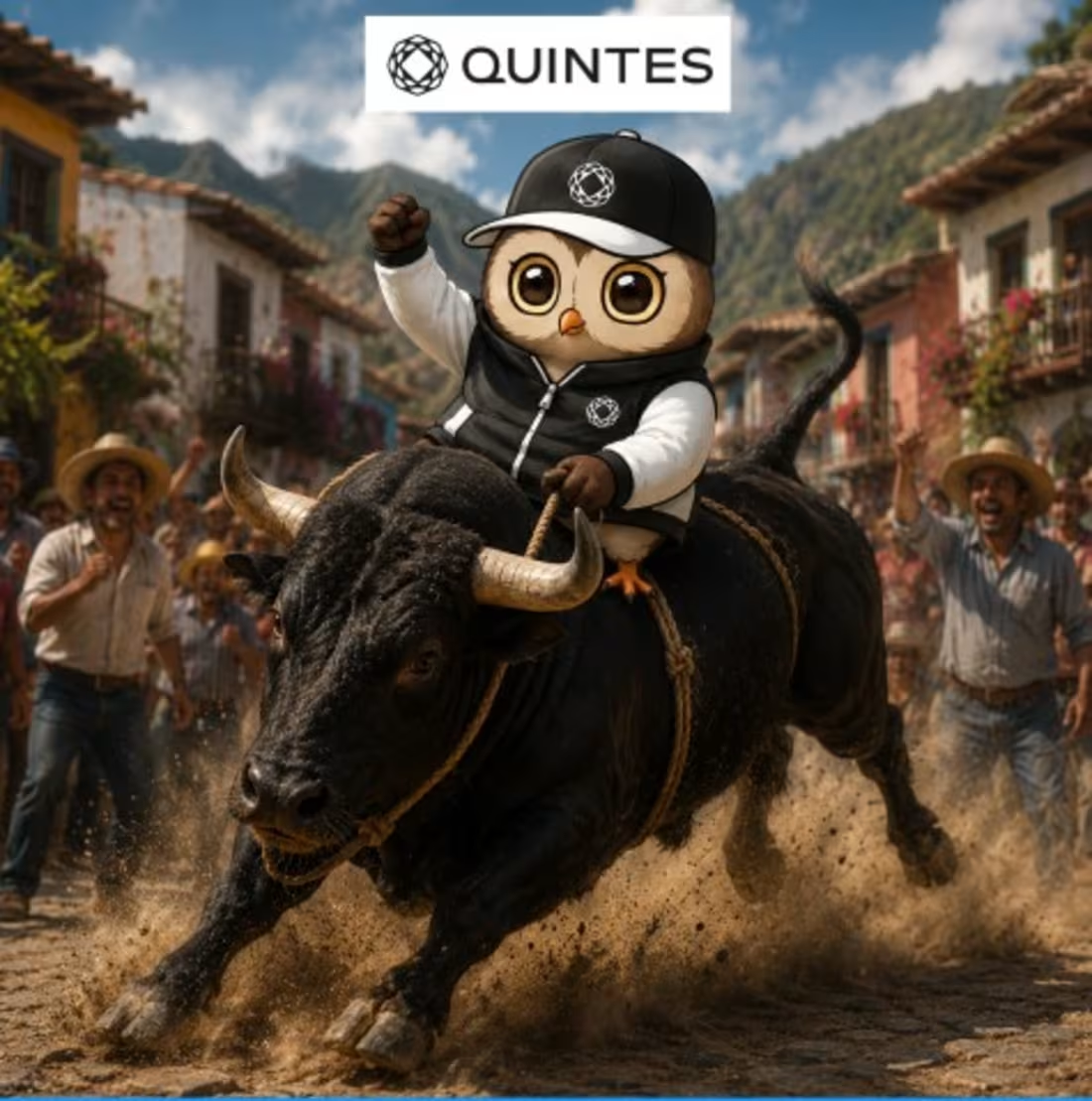
Meme for futuristic web3 project
1
111
New Month wishes as a form of Quintes meme.
1
88
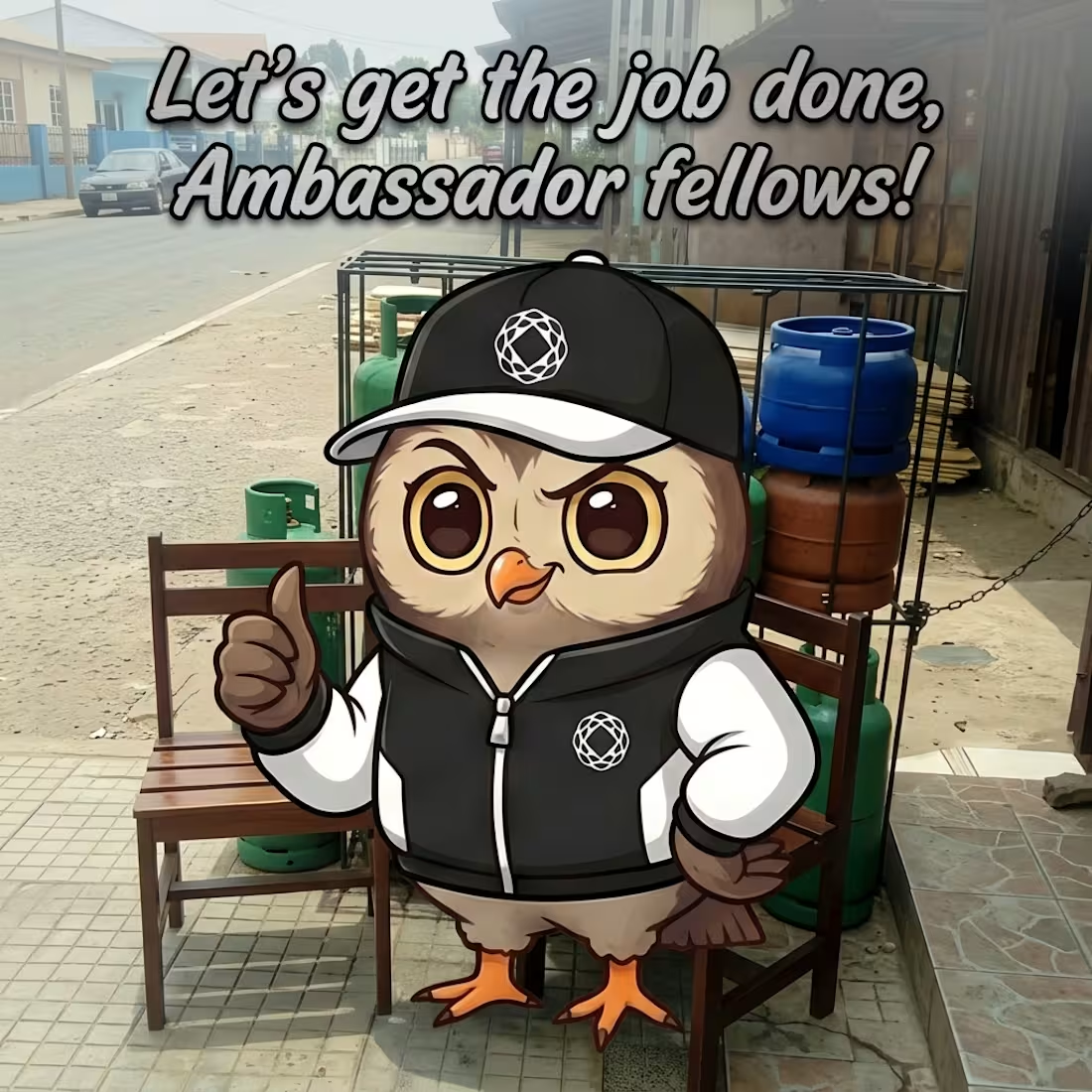
Created educational app for Quintes Ambassadors. https://quintes-ambassador-hub.created.app/
1
89


1
0
73
Good night,
I decided to join the competition after Quintes' mastermind, @Tarun Koushal, informed me about this opportunity.
The video content is created 100% with Lovable (using Quintes' official mascot). I decided to create video content as my role in the project is mostly based on "AI-artist" content creation.
Note: I'm not the CEO of Quintes (my role is ambassador/active member).
DYOR: https://www.quintes.org/
3
556

Post for Quintes. NFA
0
94
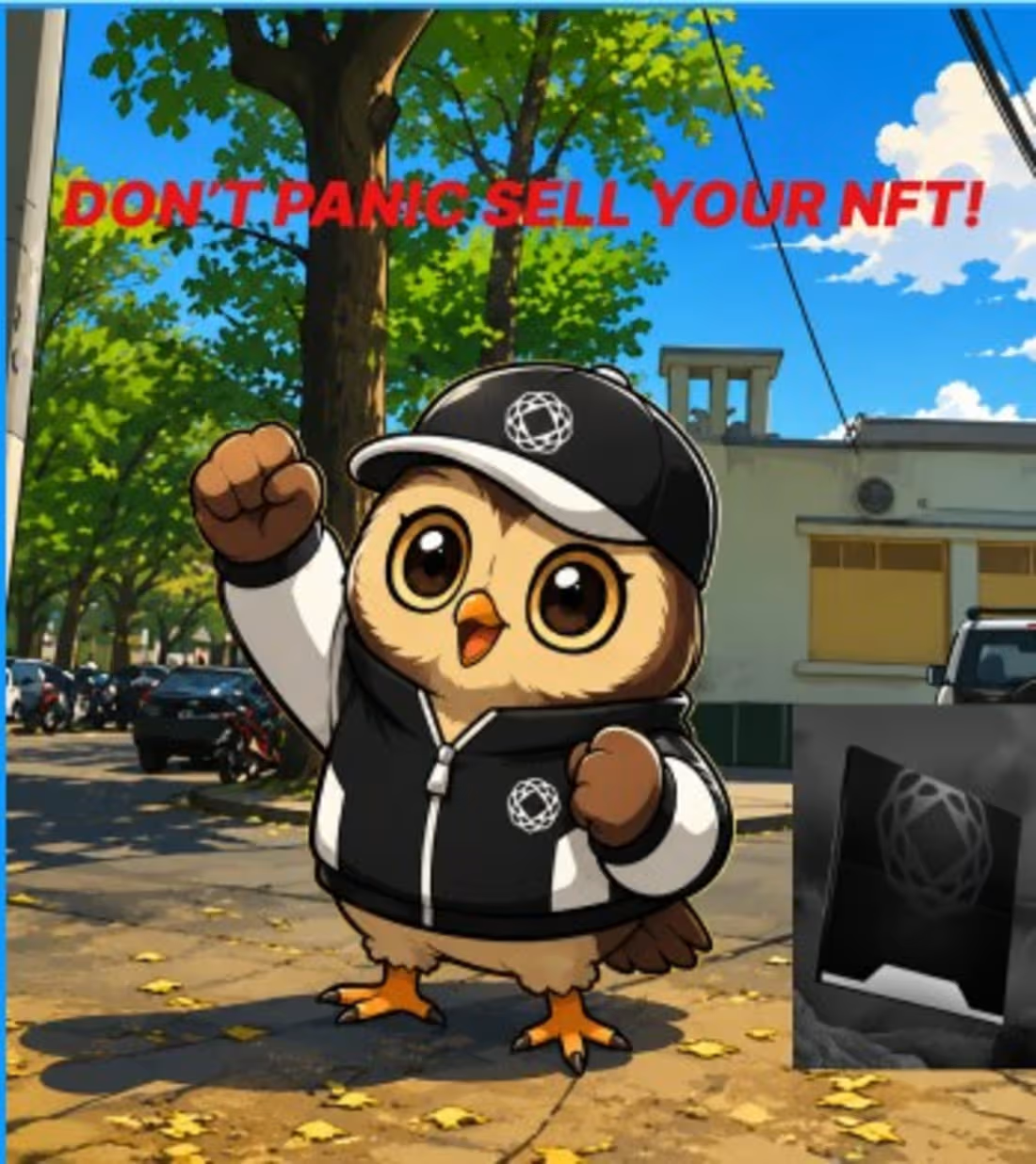
AI-meme using my client's (Quintes) official mascot, NFT logo, and my free-time background pic (I took it myself).
1
93
Great Weekend!
I decided to make my Flora shot about the Quintes, a Web3 project where I'm motivated as an ambassador.
The workflow was super easy, as the tool does all the work for you!
Bullish on it, and will use the tool in the future as well… for sure!
#FLORAMuseum #Quintes
3
724
Ambassador work for Quintes, making the mascot say what I think about the project!
1
89
Greetings from Europe,
I decided to create my 2nd take on this competition about Quintes... The project where I'm bullish as an ambassador. They've been quiet for some time, but "people lie; numbers don't!"
Creating this was much simpler than the 1st one;
I just opened @CapCut Video Studio, selected "full video", 16:9 ratio, and the shortest possible time. Attached pics for reference, and wrote a simple but comprehensive prompt. Then just fixed the settings on the next page a bit, and BOOM, the video was ready!
4
9
1.4K